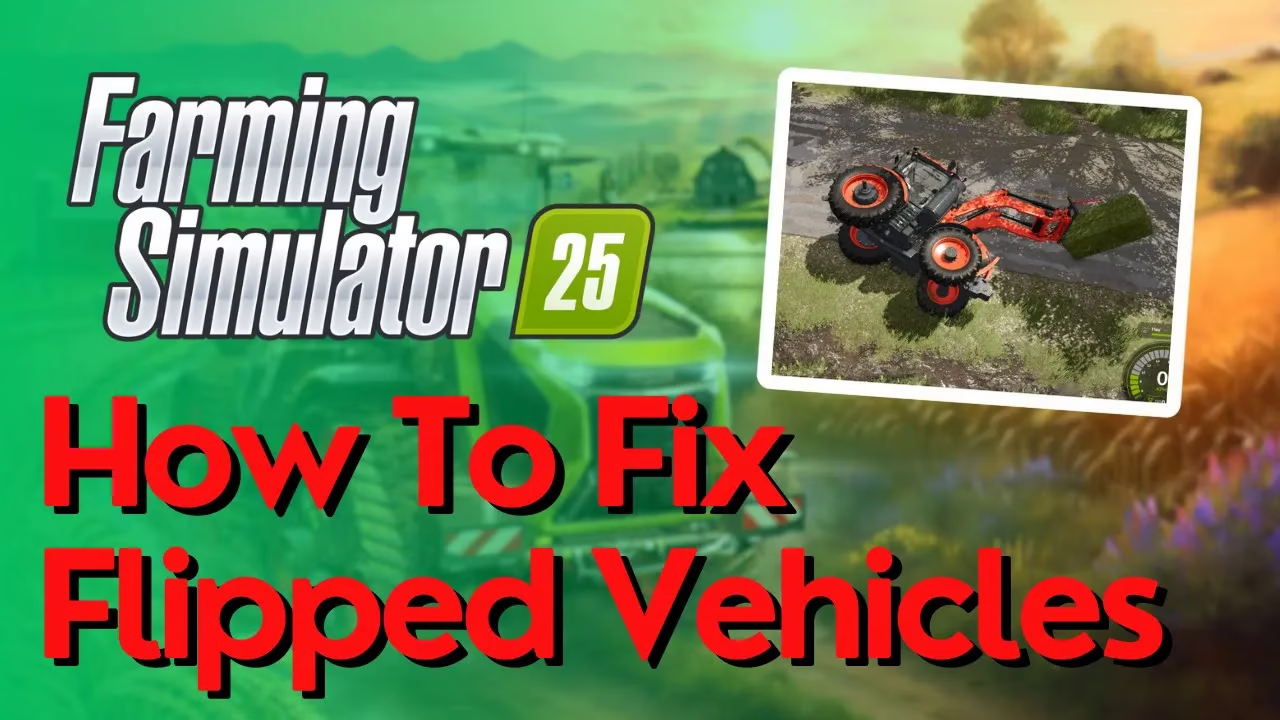
How To Fix Flipped Vehicles In Farming Simulator 25
How To Fix Flipped Vehicles In Farming Simulator 25
Getting your vehicle stuck or flipped over in Farming Simulator 25 can be frustrating, but there’s a straightforward solution. This guide will walk you through the exact steps to reset your flipped vehicle and get back to farming without being stranded.
Understanding the Problem
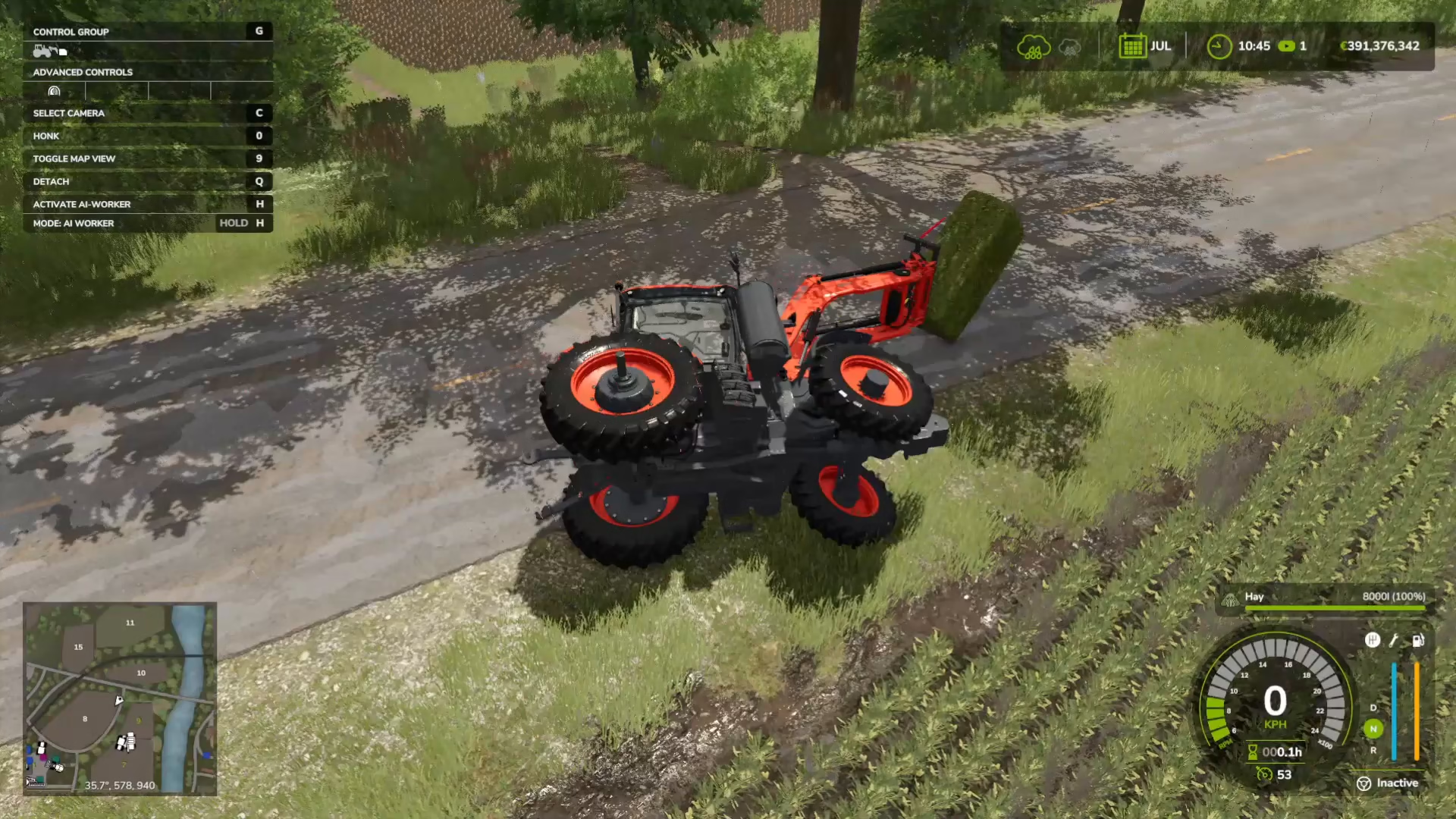
Flipped vehicles are a common occurrence in Farming Simulator 25, especially when navigating challenging terrain or steep slopes. While the game doesn’t currently have a built-in “vehicle stuck” button, there is an effective workaround using the map and reset function.
How to Reset Your Flipped Vehicle
Step 1: Exit Your Vehicle
First, you need to get out of the flipped vehicle as quickly as possible. Exit to the main play area where you can access your map controls.
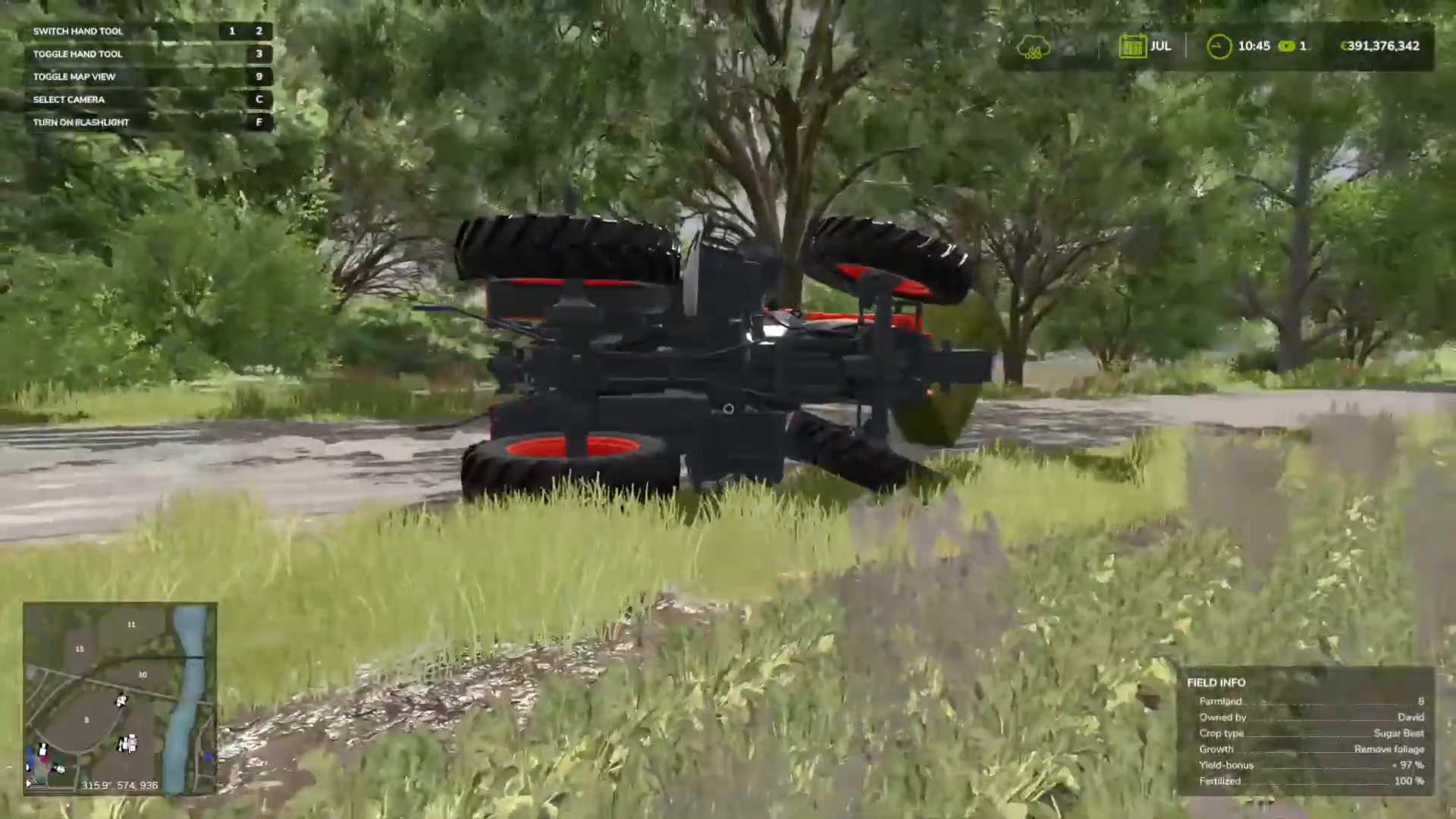
Step 2: Open Your Map
Once you’re out of the vehicle, navigate to your map screen. This will give you an overview of your farm and all your vehicles.
Step 3: Locate and Select Your Vehicle
On your map, find and click on the flipped vehicle. You’ll see it marked on your map at its current location.
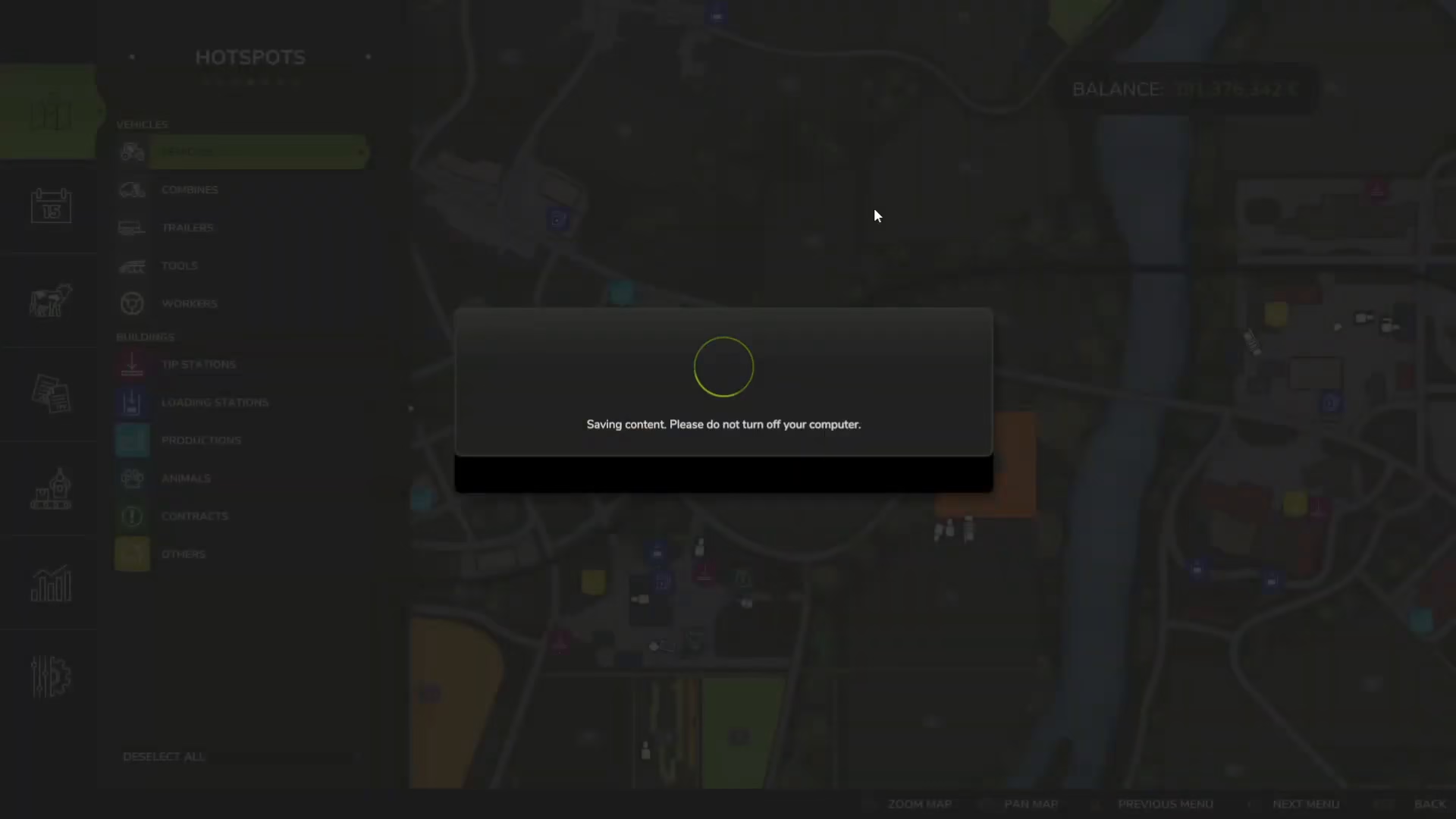
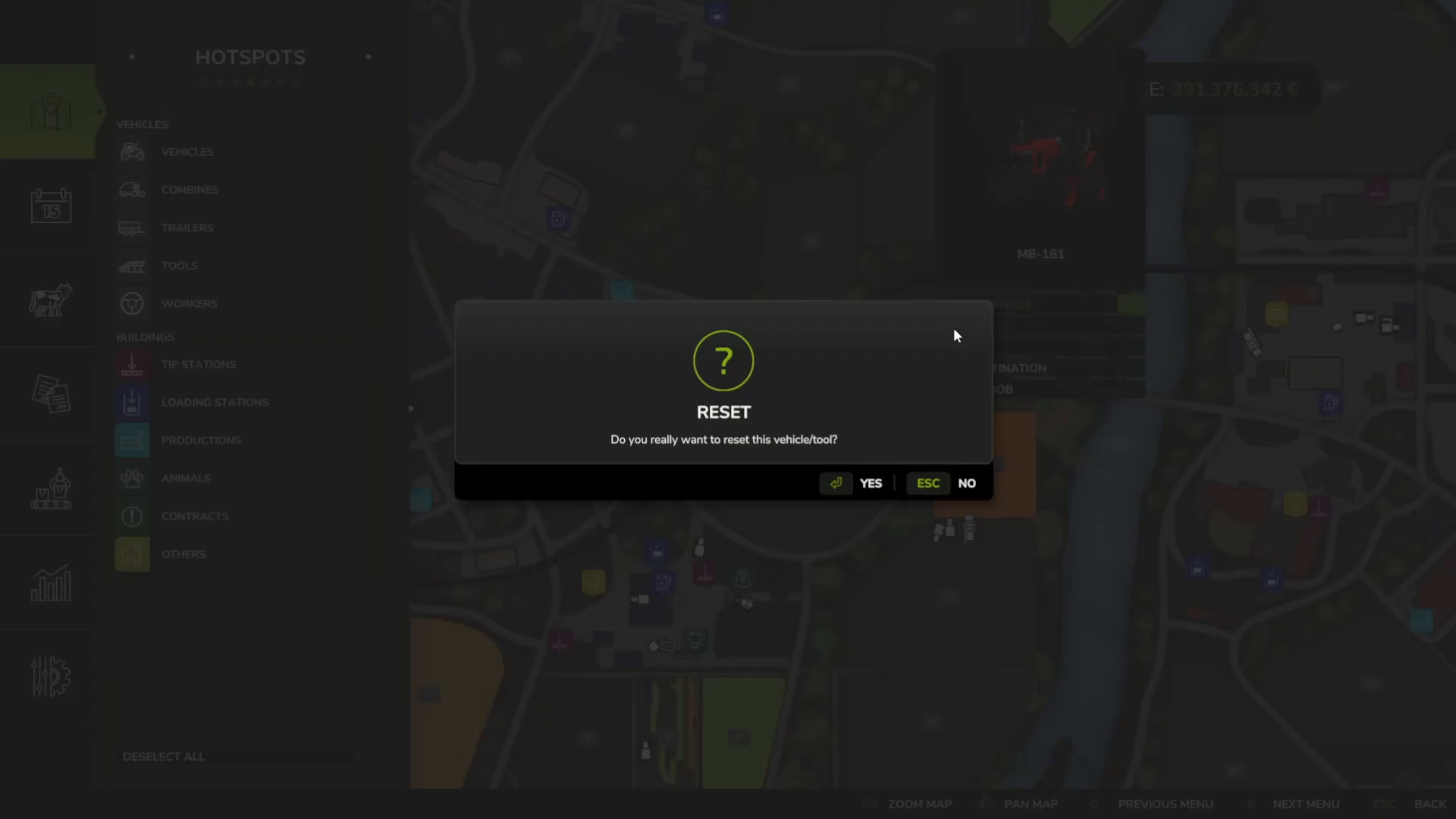
Step 4: Reset the Vehicle
After clicking on the vehicle, select the “Reset” option from the menu. You’ll be prompted to confirm the action—select “Yes” to proceed with the reset.
What Happens After Reset
When you reset your vehicle, it will be transported back to the shop where you originally purchased it. This means:
Your vehicle will be fully repaired and reset to its default condition
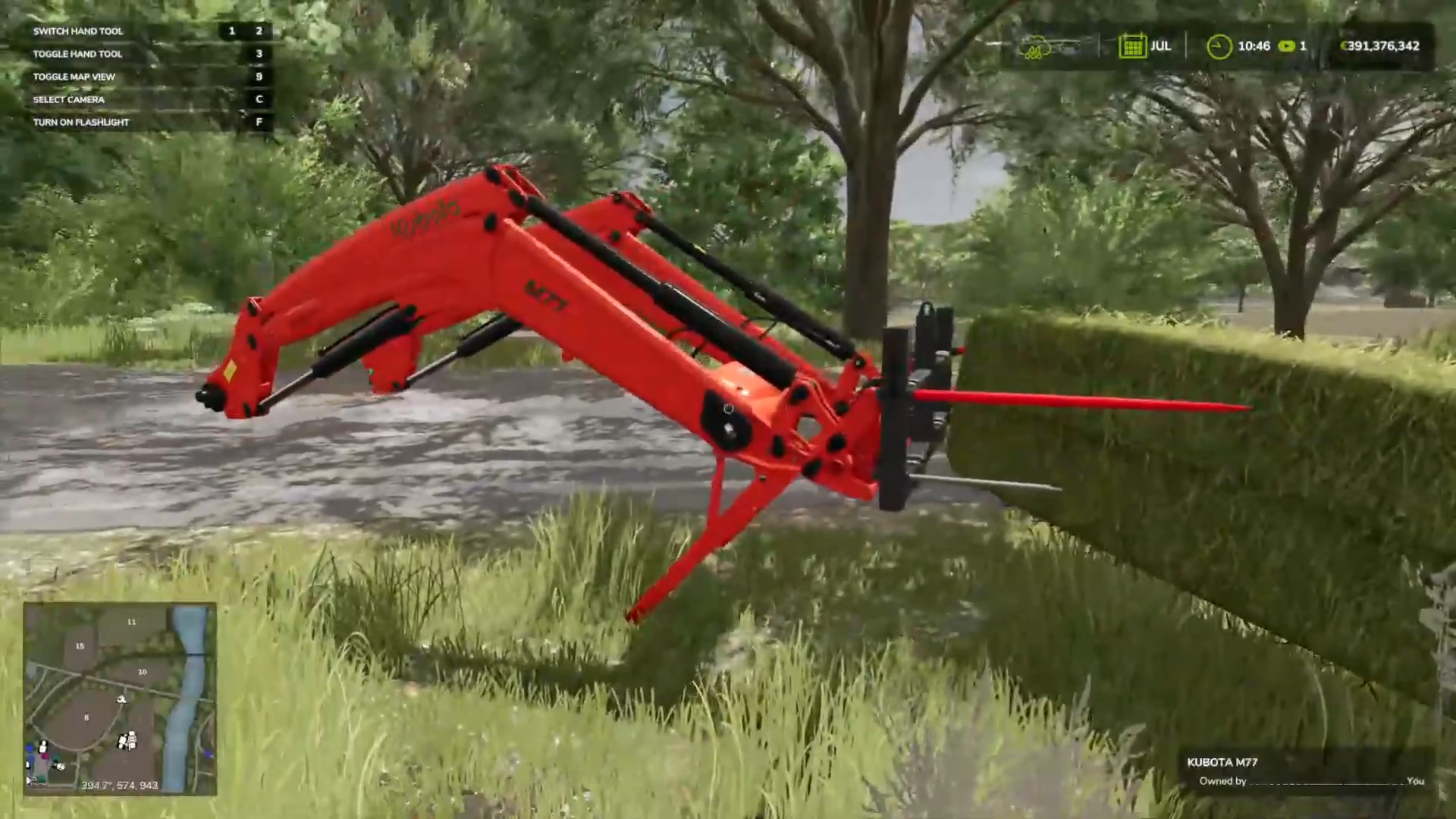
Any attachments currently connected to the vehicle will not be returned with it
You’ll need to visit the shop to retrieve your vehicle
You can reattach any equipment you were using at the shop
Summary
While Farming Simulator 25 doesn’t have a dedicated “unstuck” feature, the reset function through your map is an effective solution for flipped or stuck vehicles. Simply exit the vehicle, open your map, select the stuck vehicle, and hit reset. Your vehicle will be restored to the shop, and you can retrieve it to continue farming. Remember that any attachments will need to be reattached after the reset, but this is a small price for getting unstuck.
— Want to Support? —
If you would like to help us continue making these guides – please consider joining our patreon here – https://www.patreon.com/c/JaviHeals
Alternatively – you can join our discord here – https://discord.gg/zD7Gjt6MHF