





How to Fuel & Drive a Car In Project Zomboid
How to Fuel & Drive a Car In Project Zomboid
In Project Zomboid, knowing how to properly fuel and operate a vehicle is essential for survival and mobility. This guide will walk you through the process of gathering the necessary fuel containers and successfully refueling your car so you can hit the road and escape dangerous situations.
What You Need to Fuel Your Car
To fuel any vehicle in Project Zomboid, you’ll need a container that can hold liquid—such as a gas can. The container must have gasoline inside it. A small gas can works perfectly for this purpose, even if it only contains a small amount of fuel to start with.
How to Refuel Your Vehicle
Refueling your car is straightforward. Simply right-click on the vehicle you wish to refuel. A context menu will appear with various options.
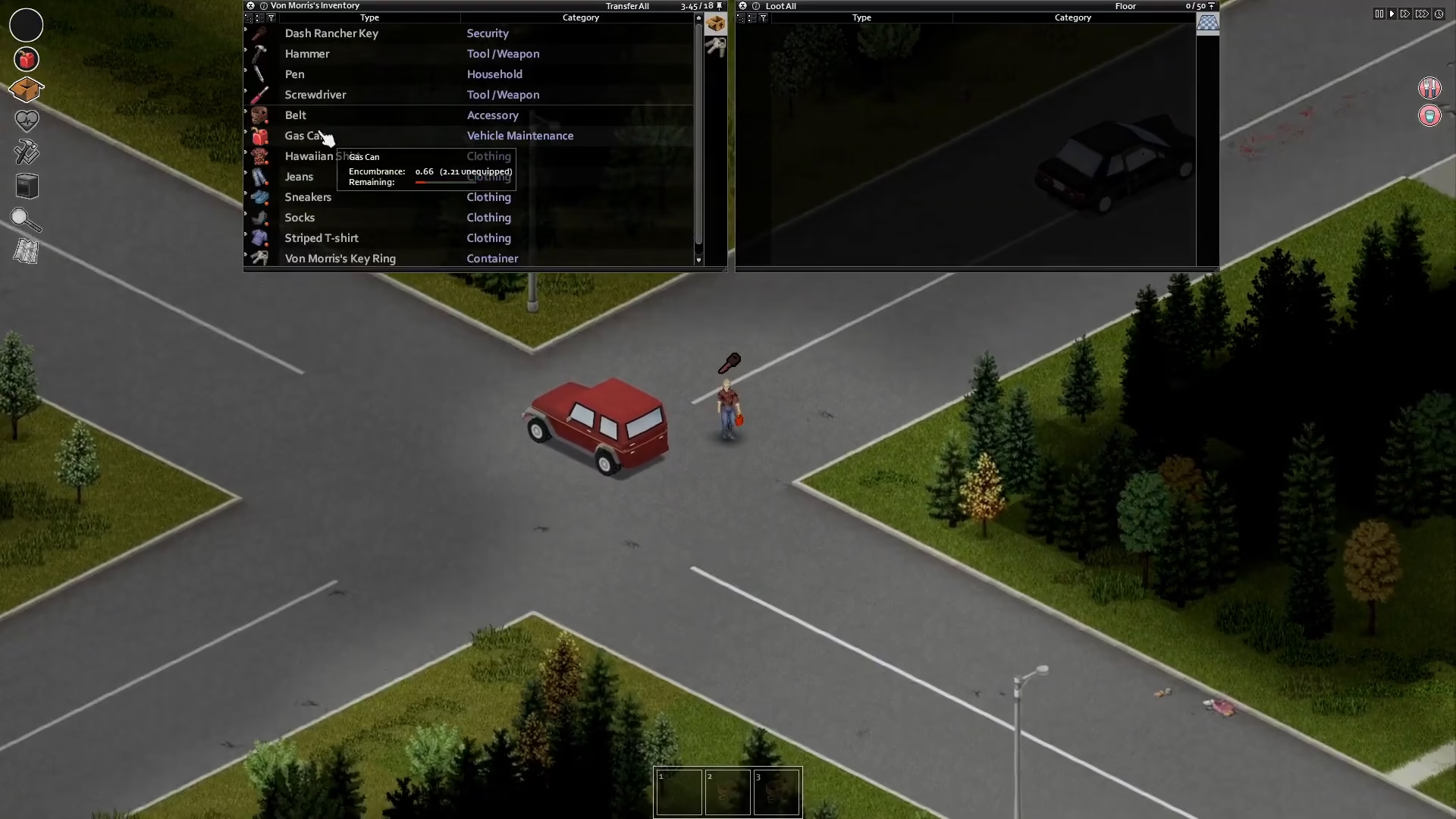
From the menu, select the “add gas” option. Use your gas can or other liquid container to transfer fuel into your vehicle’s tank.
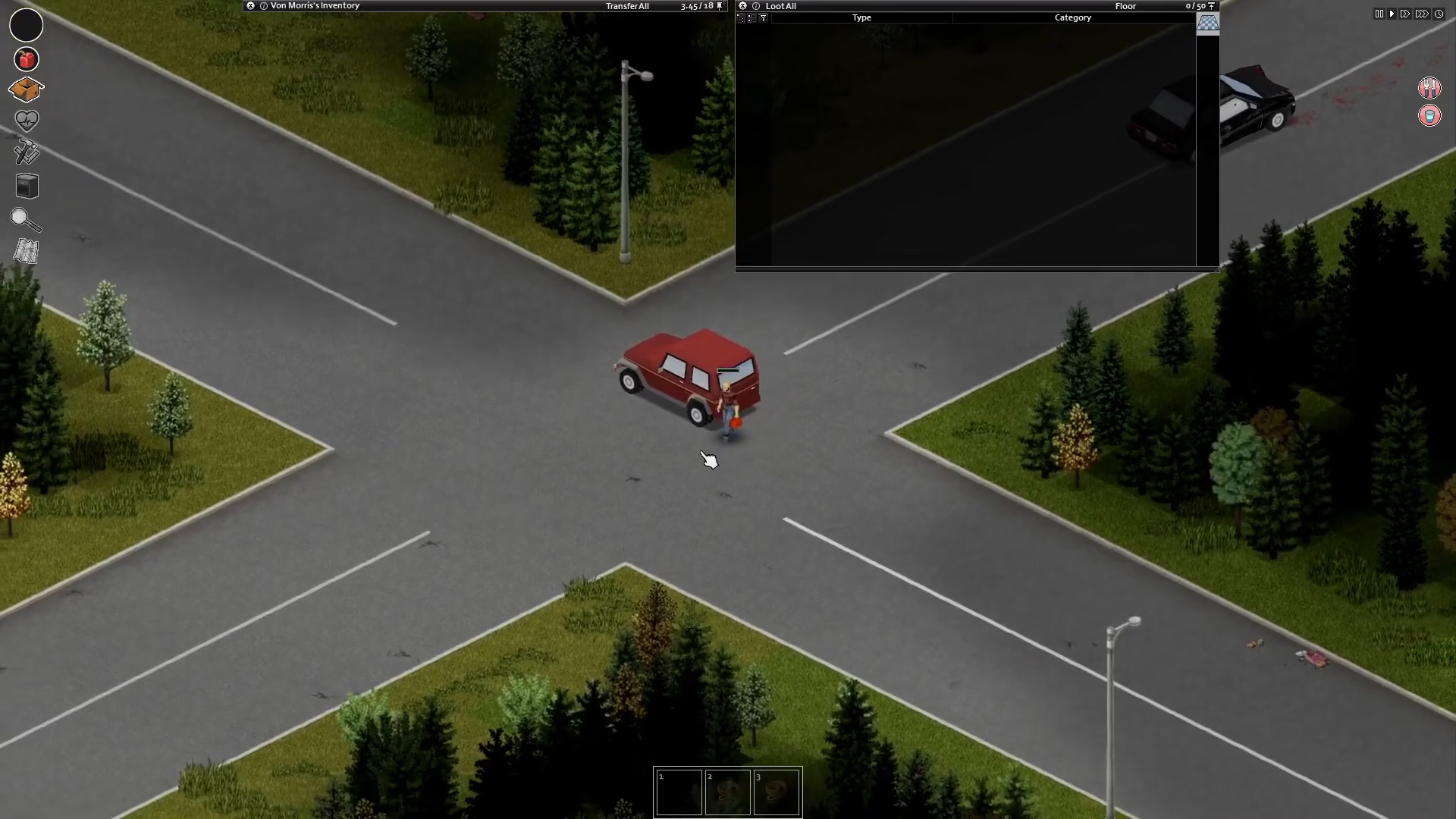
Once you’ve added gasoline to your car, the vehicle will now have the fuel it needs to turn on and operate.
Summary
Fueling a car in Project Zomboid is a simple three-step process: gather a liquid container with gasoline, right-click on your vehicle, and select the “add gas” option. With fuel in your tank, your car will be ready to start and drive. Keep containers of fuel handy during your survival journey to ensure you always have a way to travel when needed.
— Want to Support? —
If you would like to help us continue making these guides – please consider joining our patreon here – https://www.patreon.com/c/JaviHeals
Alternatively – you can join our discord here – https://discord.gg/zD7Gjt6MHF



