





How To Go Into Third Person In Fallout 4
How To Go Into Third Person In Fallout 4
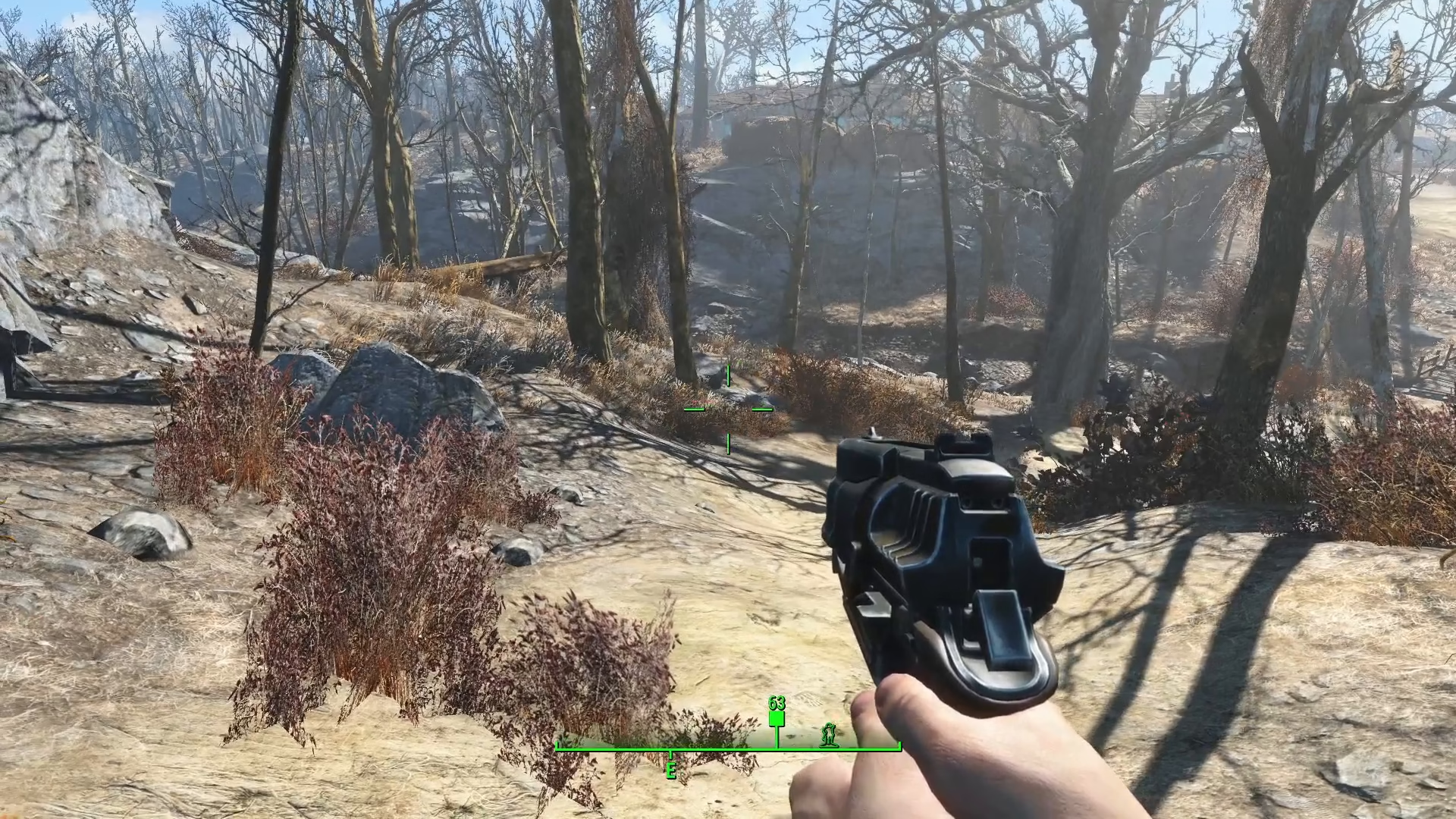
Switching between first and third person perspectives in Fallout 4 is a simple process that can greatly enhance your gameplay experience. Whether you want a better view of your character or prefer the cinematic feel of third person, this guide will walk you through the easy steps to toggle between perspectives on PC.
Basic Third Person Toggle
On PC, switching to third person is straightforward. Simply press the V key to transfer between first and third person perspectives. This is the quickest and most direct method to toggle between the two views.
Adjusting Your Camera Zoom
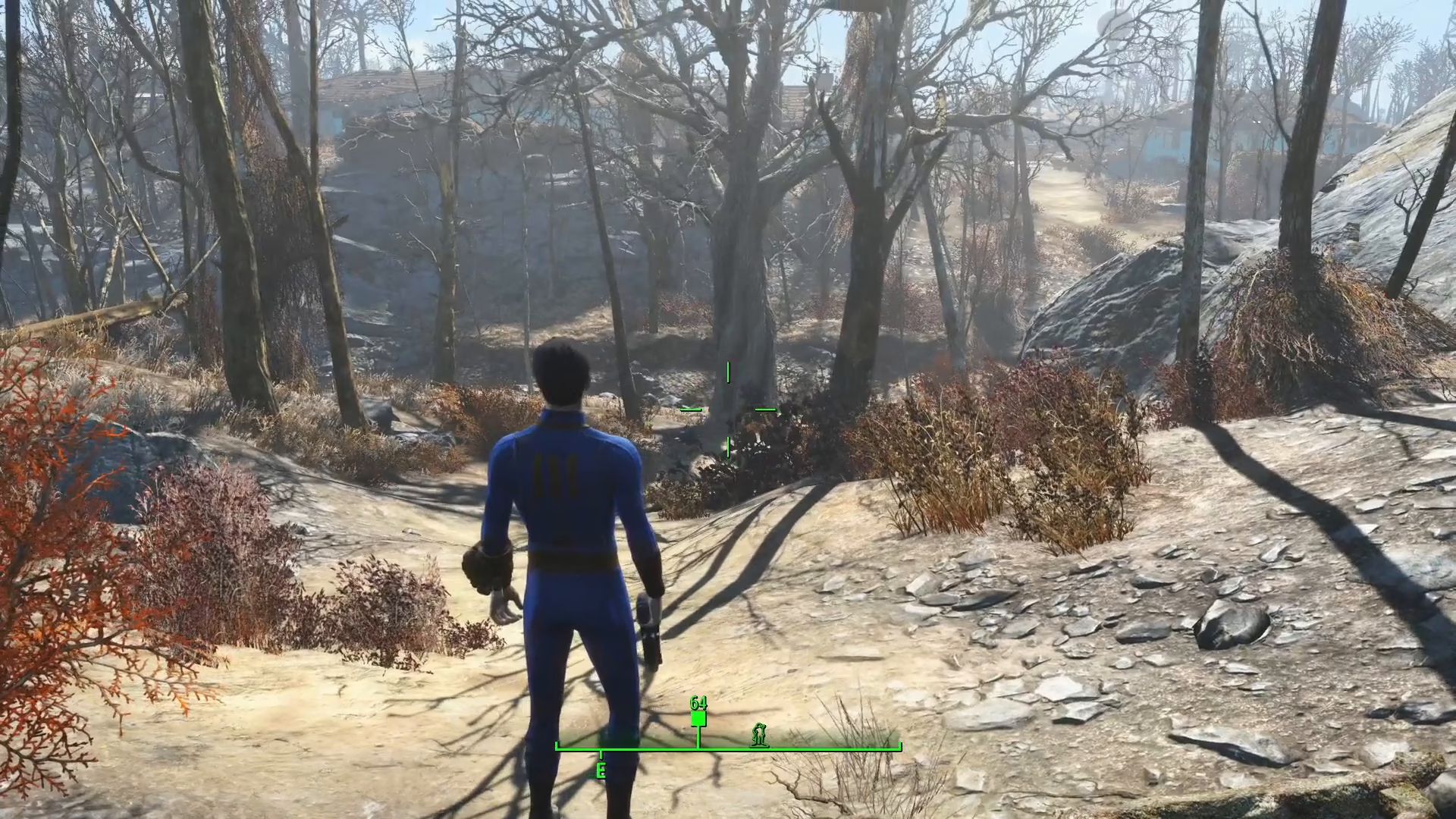
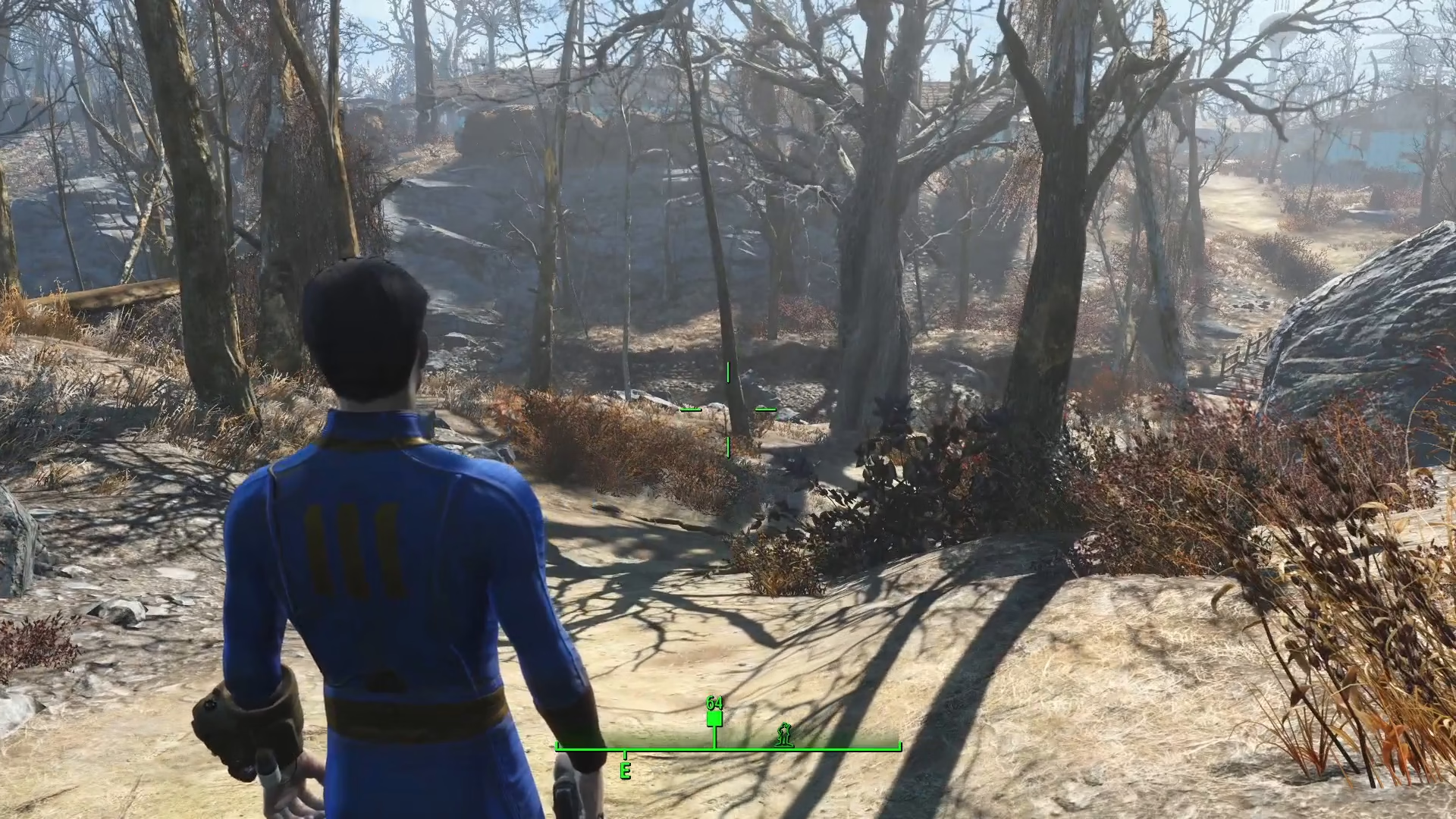
While in third person mode, you can fine-tune your camera distance using your mouse wheel scroll. This allows you to zoom in and out to find the perfect viewing angle for your gameplay style. You can zoom the camera out all the way for a wider perspective, or bring it back in closer for a more intimate view of your character.
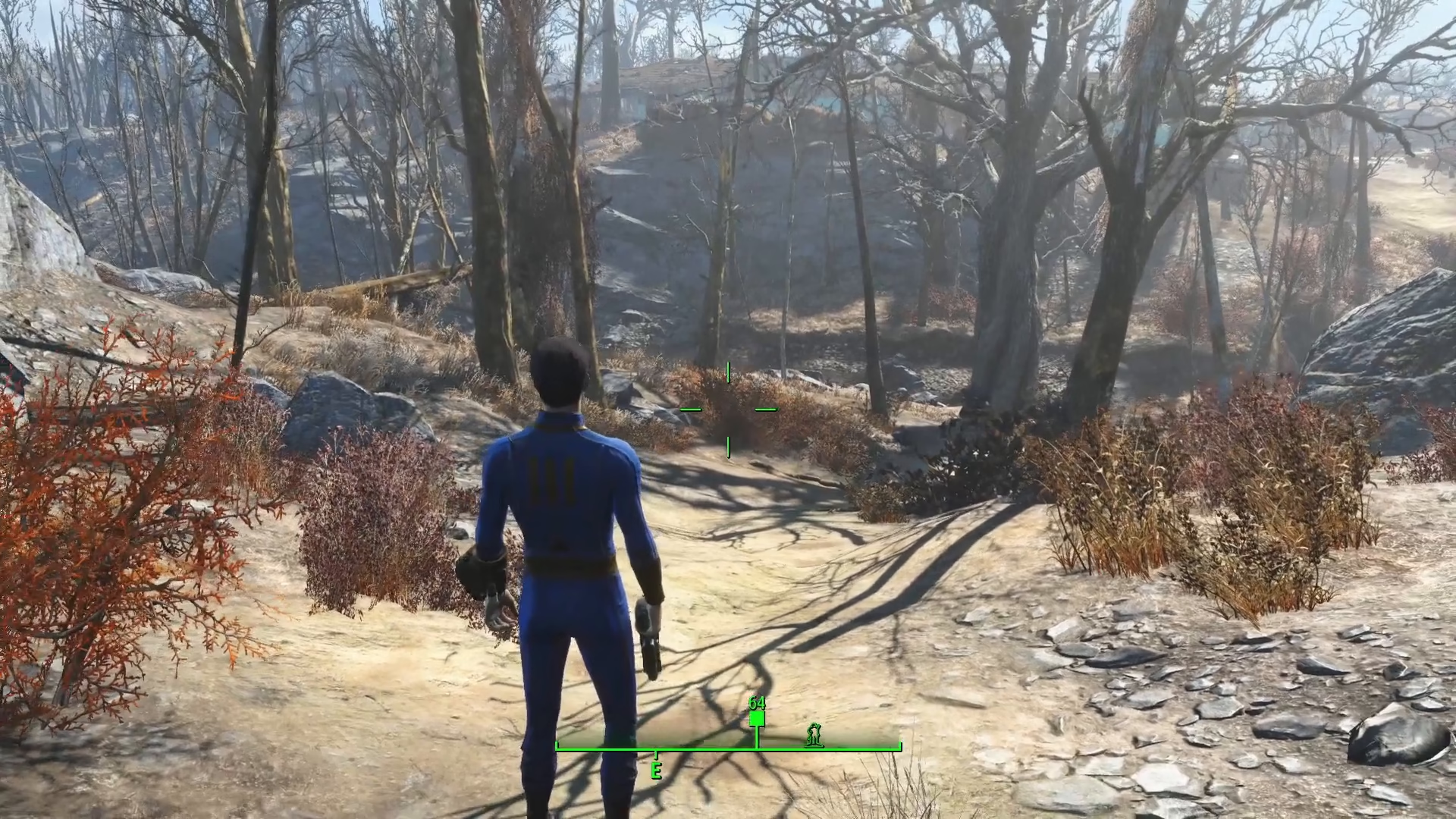
The advantage of using the mouse wheel is that when you press the V key again to return to first person, it will maintain your preferred zoom level for third person mode, making it handy for quick perspective switches.
Returning to First Person
To go back to first person view, simply scroll the mouse wheel all the way back in toward your character, or press the V key again. This will smoothly transition you back to the first person perspective while maintaining your camera preference settings.
Summary
Toggling between first and third person in Fallout 4 is easy once you know the controls. Use the V key for quick perspective switching, and your mouse wheel to adjust camera distance. With these simple controls, you’ll be able to switch between views effortlessly and customize your viewing experience to match your playstyle.
Want to Support?
If you would like to help us continue making these guides – please consider joining our patreon here – https://www.patreon.com/c/JaviHeals
Alternatively – you can join our discord here – https://discord.gg/zD7Gjt6MHF