






How To Give Yourself More Money In Prison Architect
How to Give Yourself More Money in Prison Architect
Want to boost your prison’s finances in Prison Architect? The easiest way is to edit your save file directly. This method allows you to add any amount of money you need to your account without cheating through in-game mechanics. Follow this step-by-step guide to edit your save file and give yourself more money.
Accessing Your Save File
To begin, load your Prison Architect game and then press Escape to bring up the main menu.
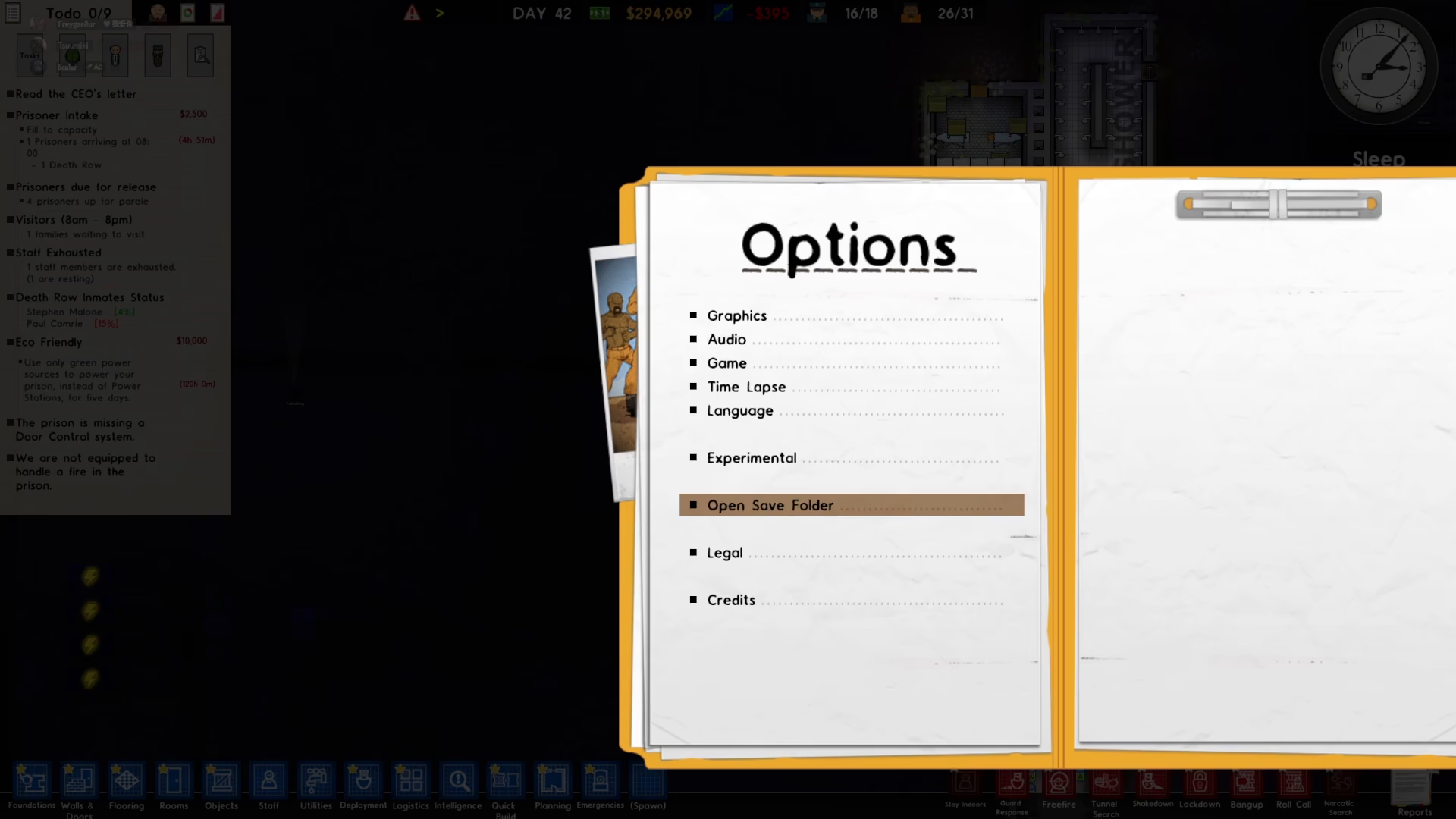
From the menu, navigate to Options.
In the Options menu, locate and click the “Open Save Folder” button. This will open your save file directory on your computer.
Finding Your Prison Save File
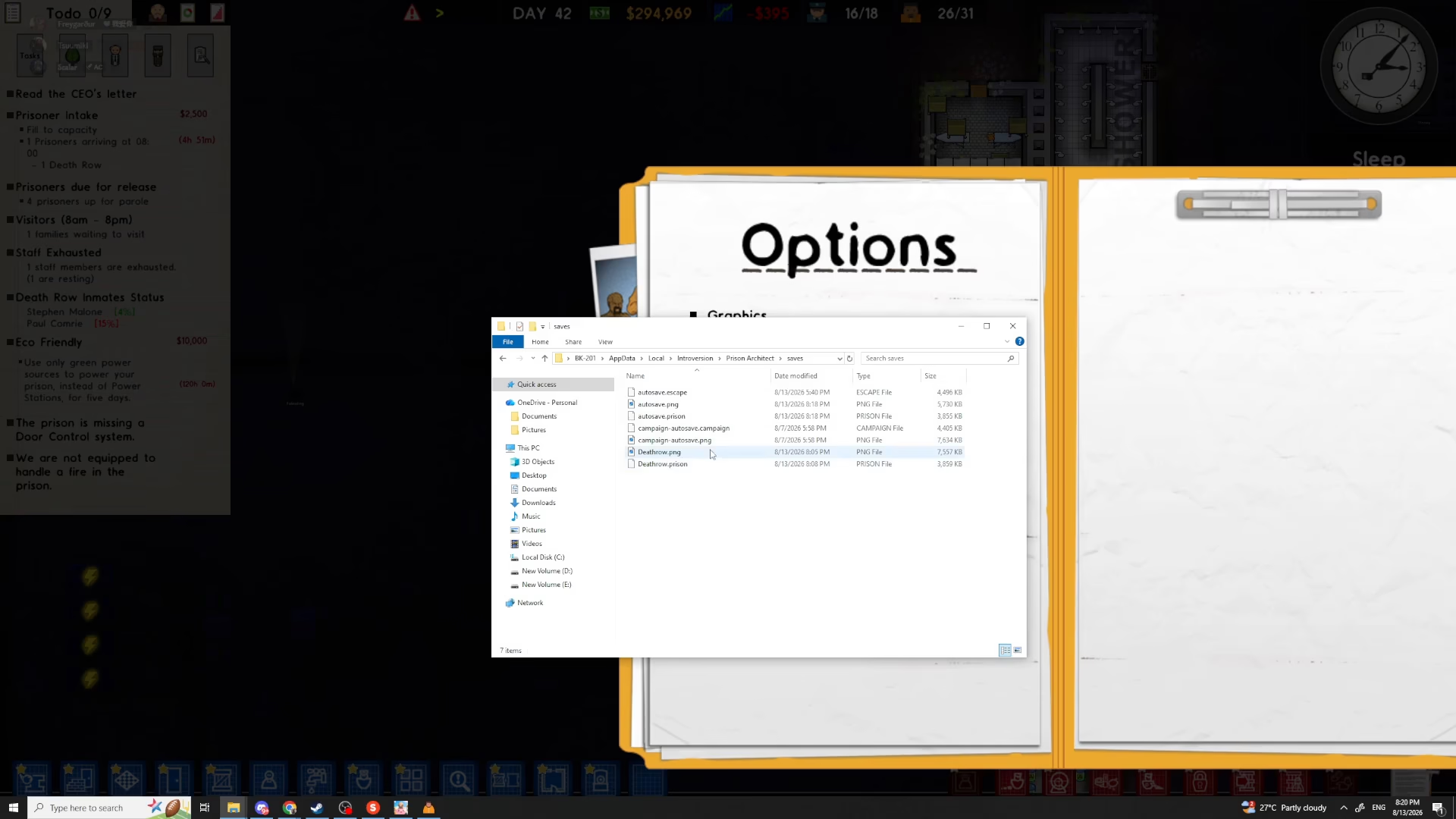
Inside the save folder, you’ll see a list of your saved prisons. Look for the name of your specific save file. For example, if your prison is named “Death Row,” the file will appear as death row.prison.
Editing the Save File
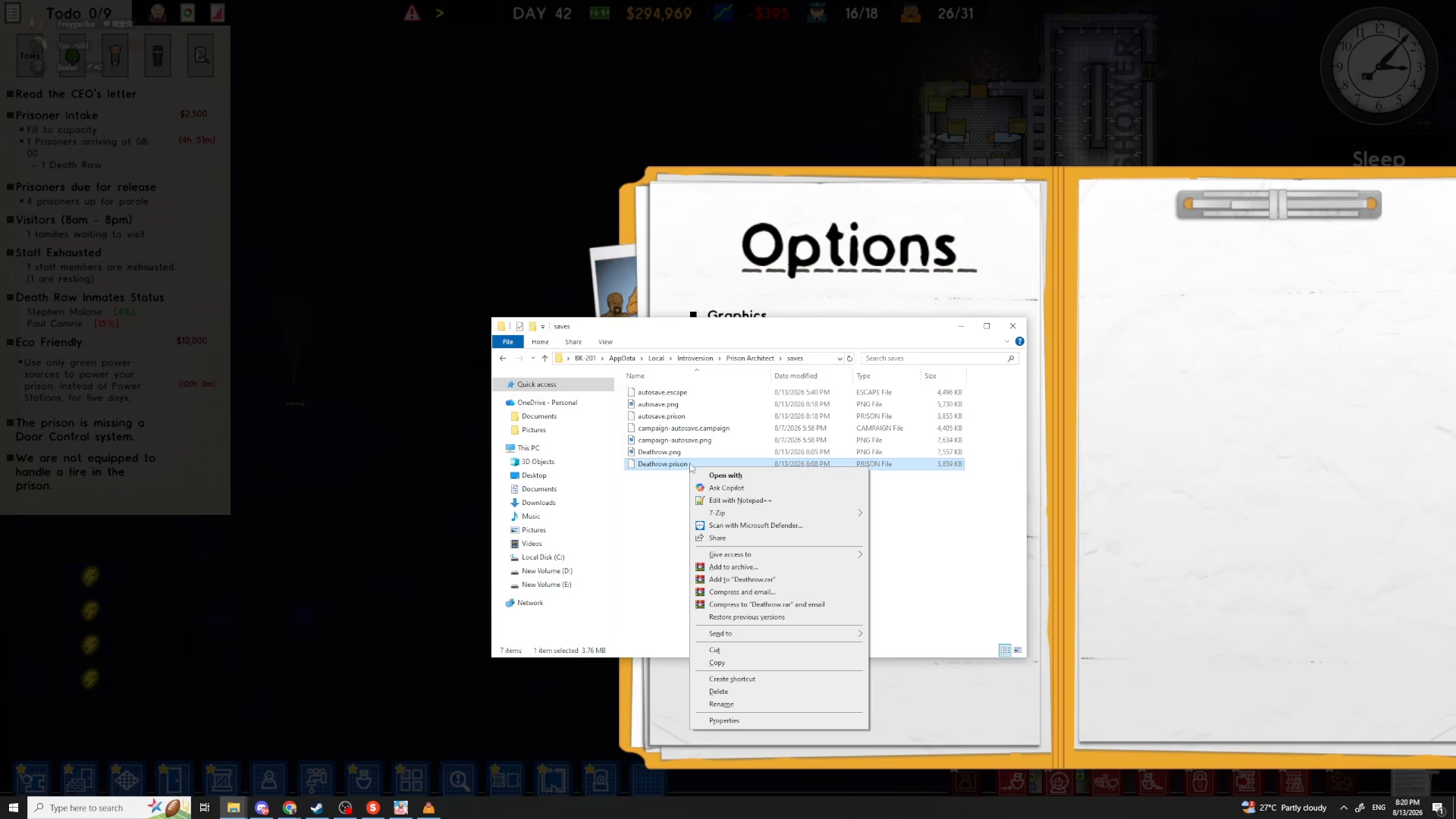
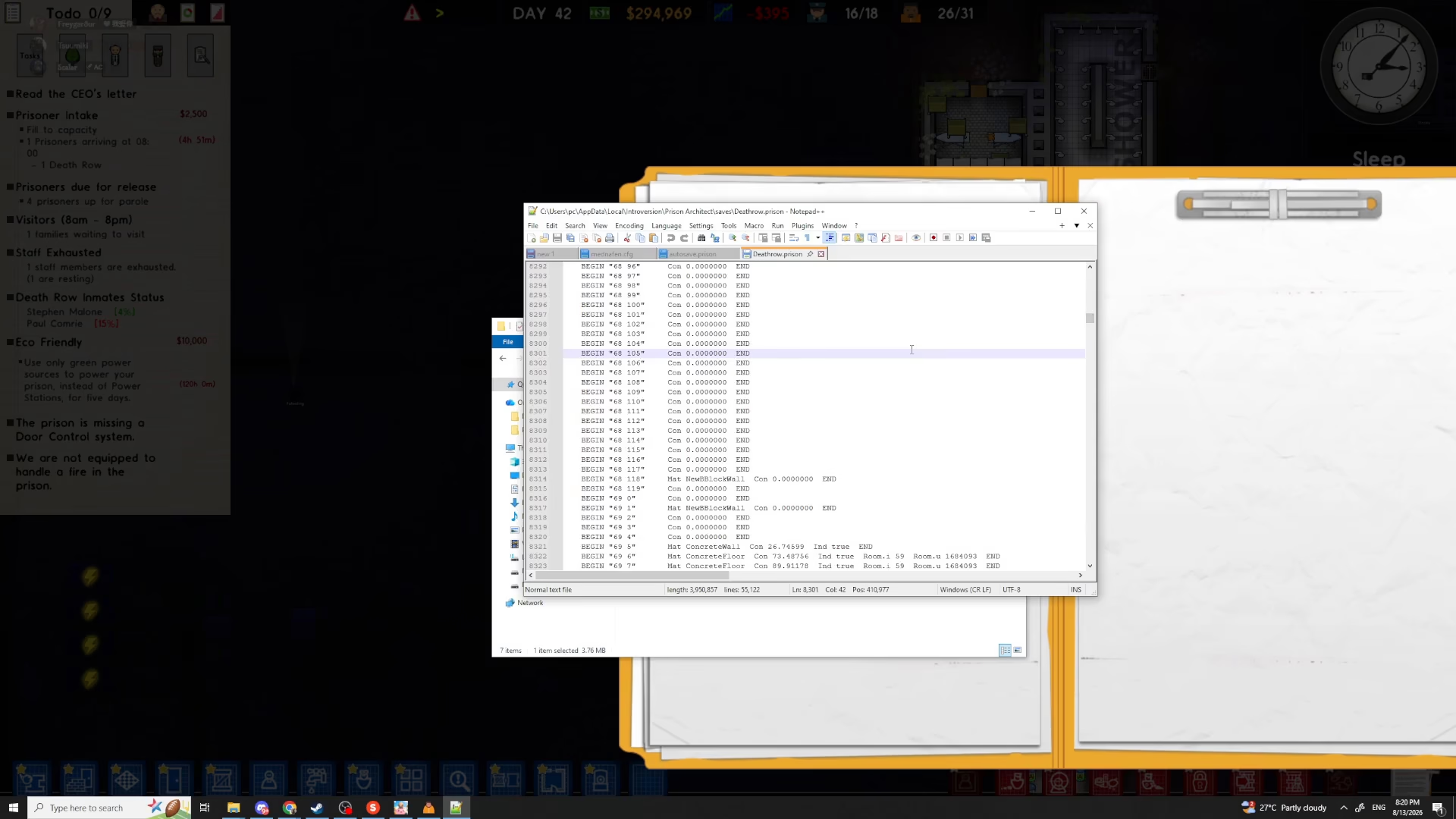
Right-click on your save file and select “Open with Notepad” or “Edit with Notepad++.” Notepad++ is recommended as it offers better formatting for editing code-style files, but standard Notepad will work fine.
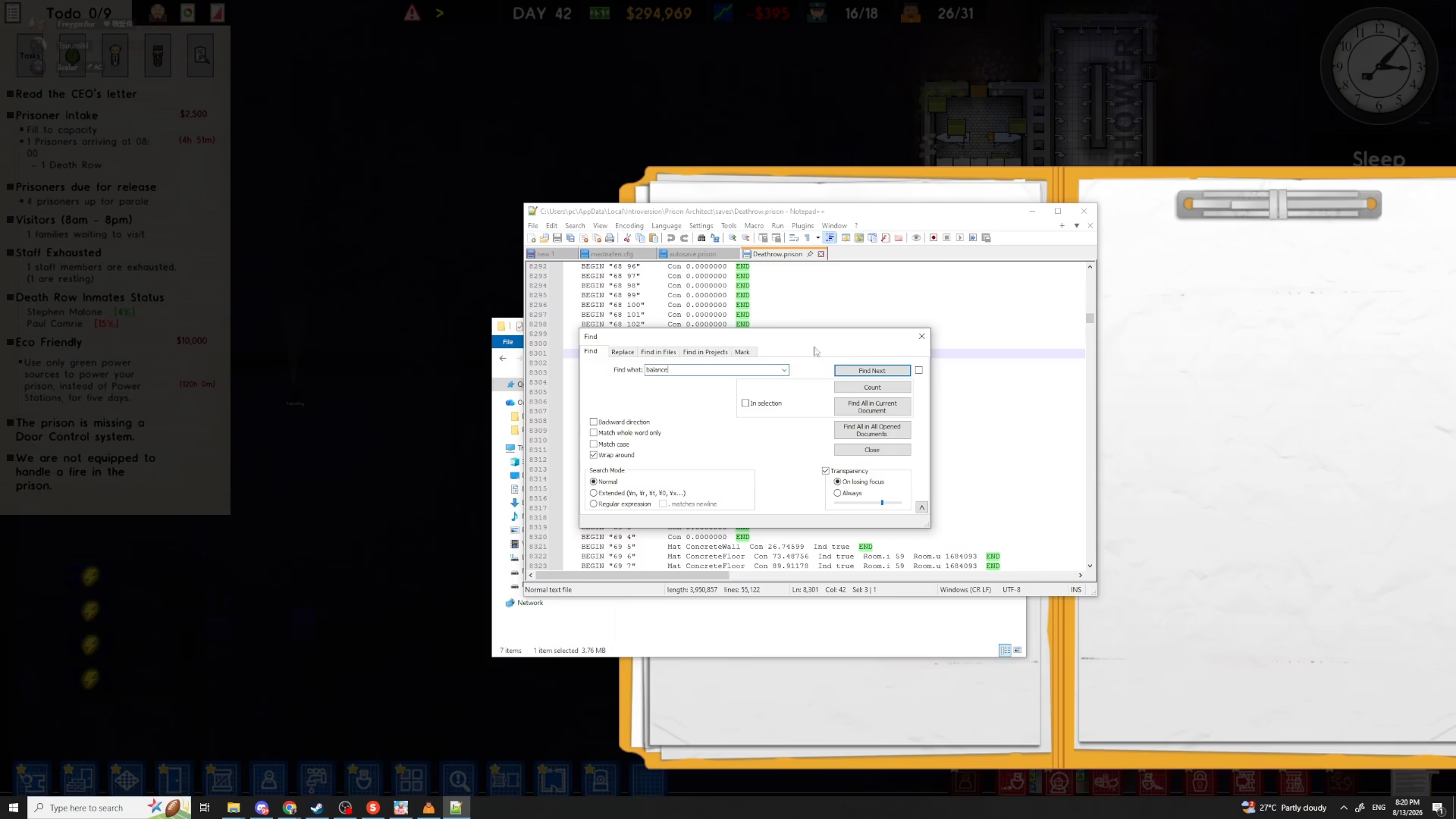
Once the file is open in your text editor, use the Find function to locate your balance. Press Ctrl+F to open the search dialog.
Type “balance” in the search box and click “Find Next” to locate the balance entry in your save file.
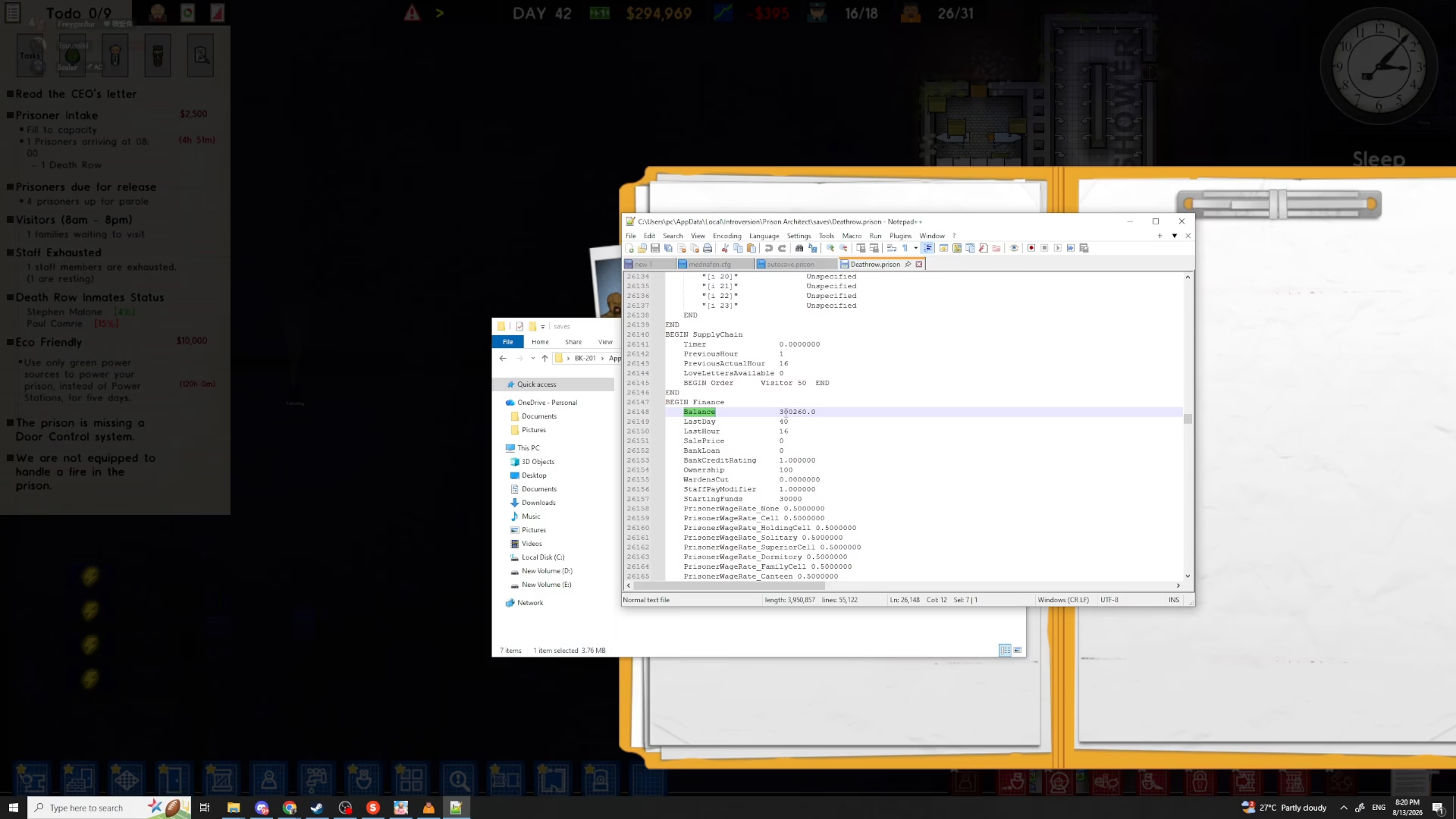
Modifying Your Money Amount
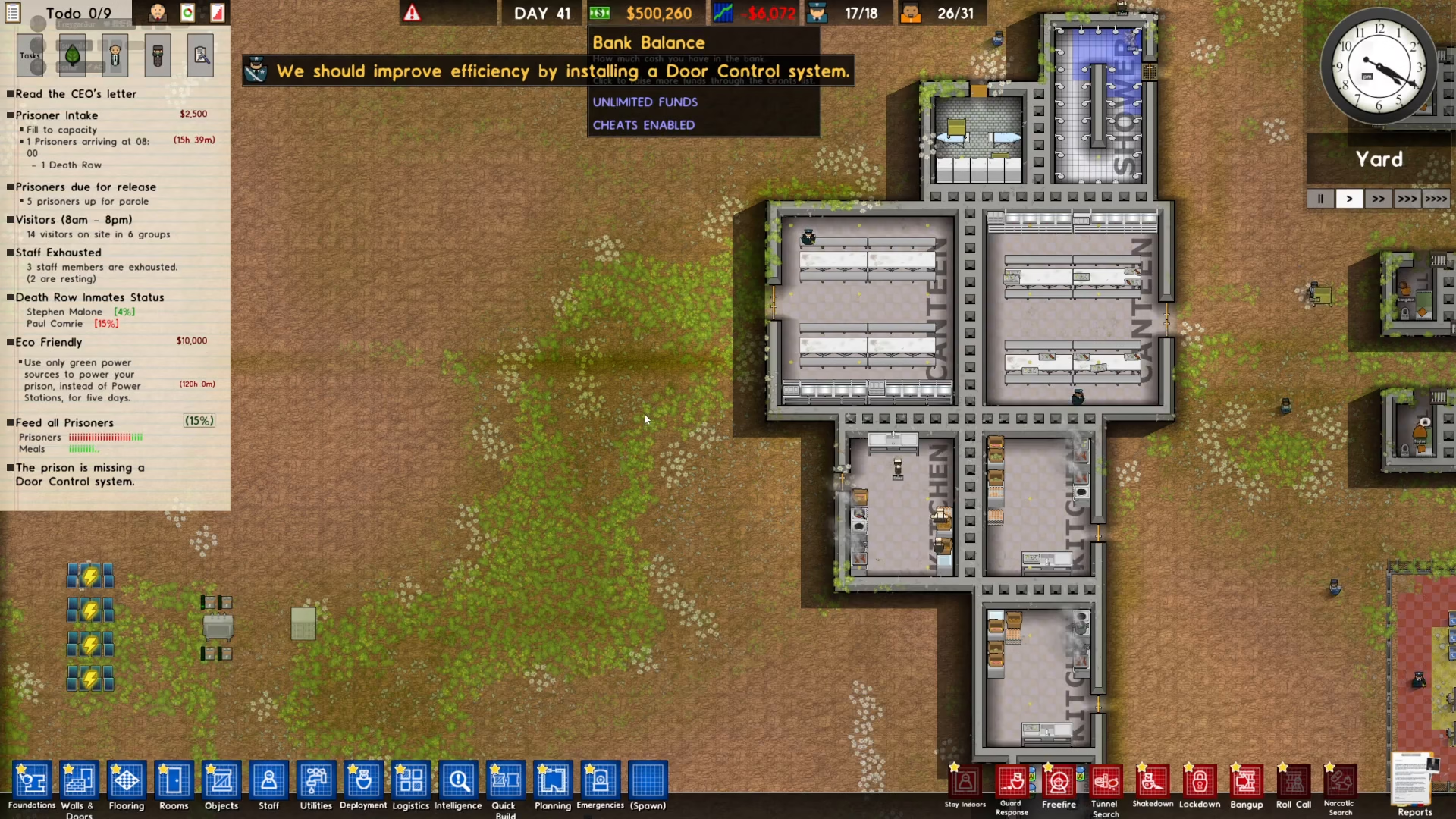
Once you’ve found the balance entry, you’ll see your current money value displayed. Simply change this number to whatever amount you want. For example, you can set it to $500,000 or any other value you prefer.
After entering your desired amount, save the file by pressing Ctrl+S and then close the text editor.
Loading Your Updated Prison
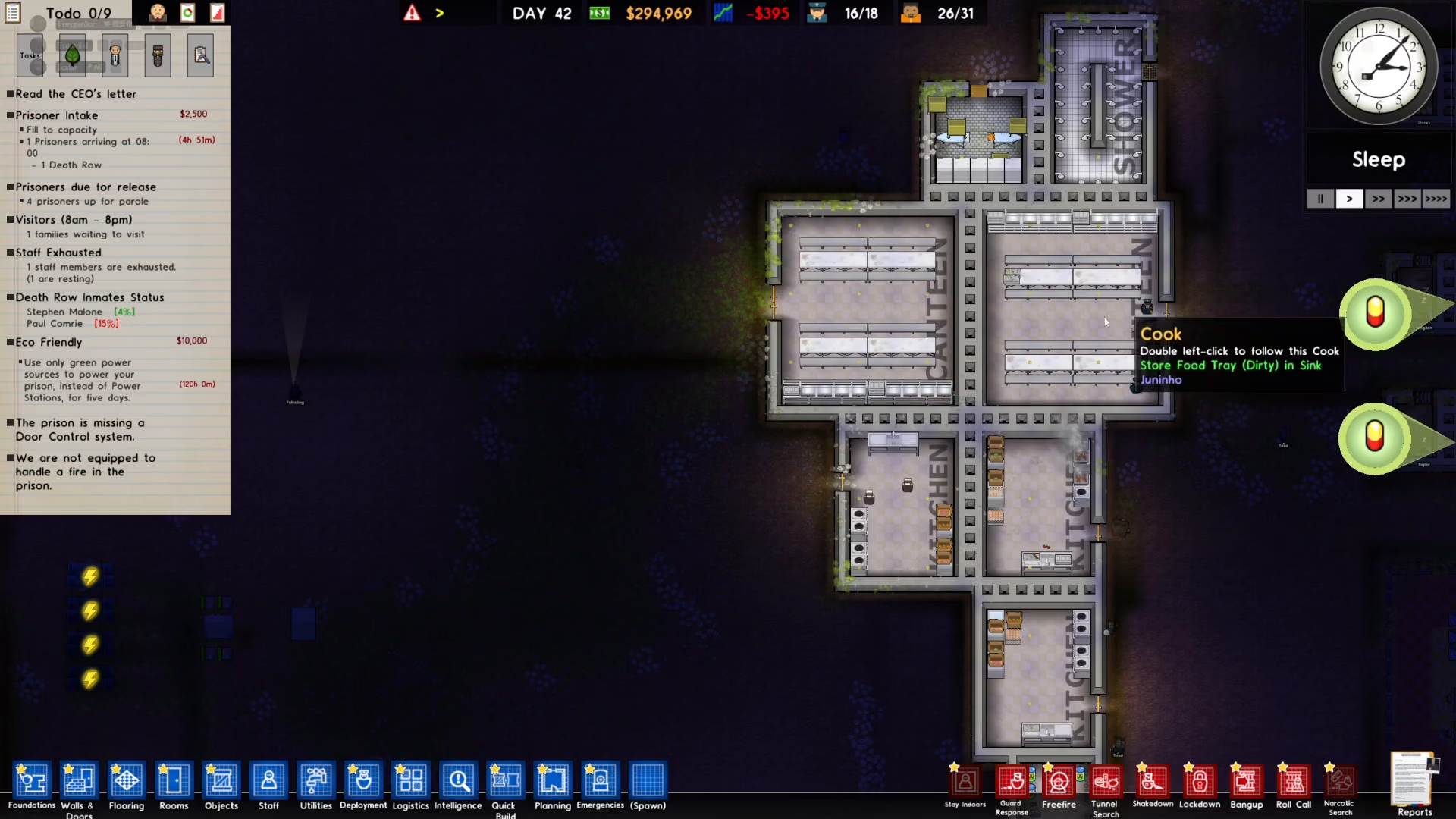
Return to Prison Architect and load your prison save file. The game will read your updated save file with the new money balance you entered.
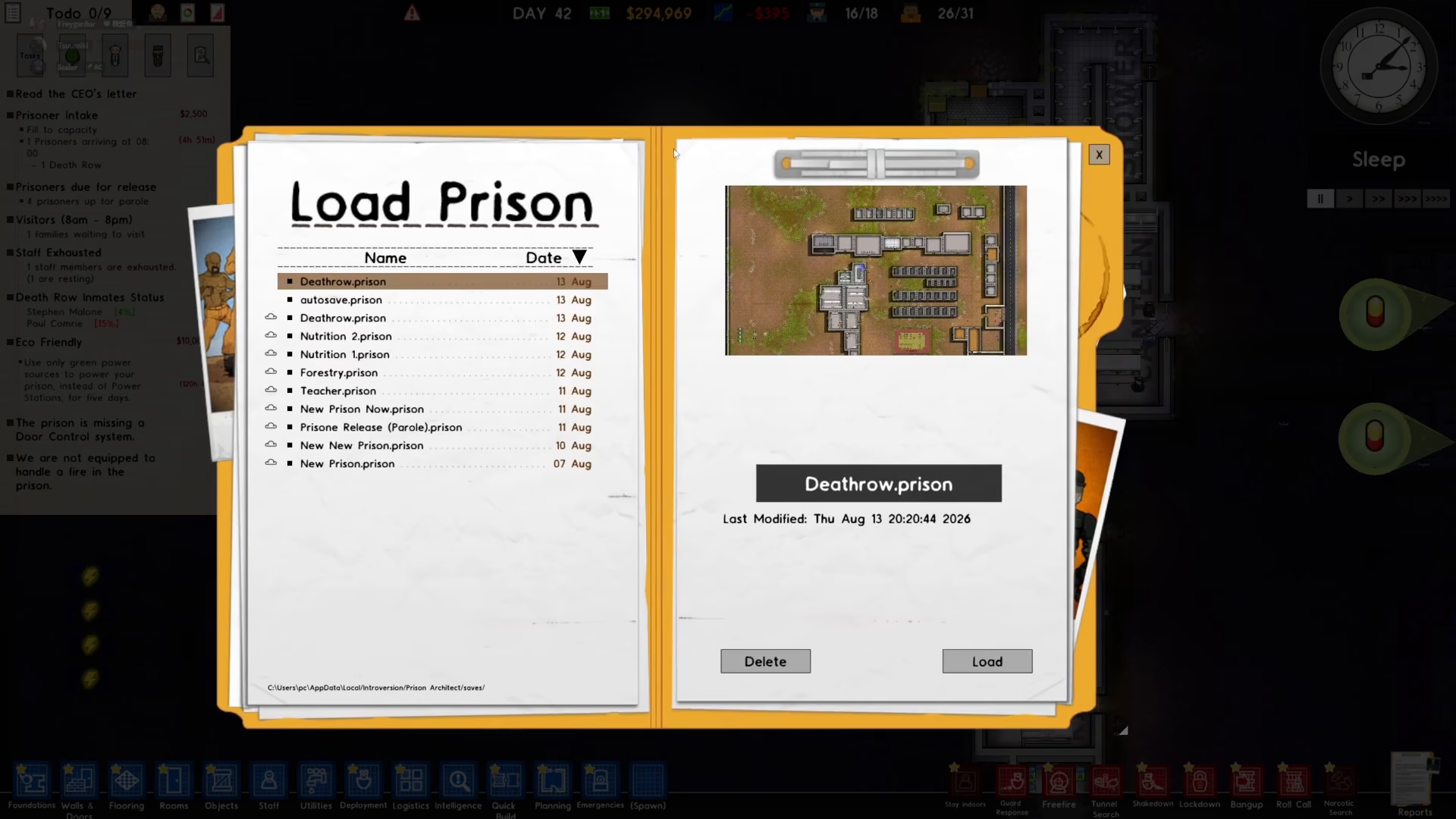
Once loaded, you’ll see that your prison now has the new amount of money you set. Your balance has been successfully updated!
Summary
That’s all there is to it! Editing your Prison Architect save file is a straightforward process that takes just a few minutes. Simply access your save folder through the Options menu, open the file in Notepad or Notepad++, search for “balance,” change the number to your desired amount, save the file, and reload your prison. You’ll now have the funds you need to build and expand your prison without the grind of earning money through gameplay.
— Want to Support? —
If you would like to help us continue making these guides – please consider joining our patreon here – https://www.patreon.com/c/JaviHeals
Alternatively – you can join our discord here – https://discord.gg/zD7Gjt6MHF