





How To Invite Your Friends in ARC Raiders
How To Invite Your Friends in ARC Raiders
Ready to team up with your friends in ARC Raiders? Inviting players to your squad is quick and easy. This guide walks you through the simple steps to send party invitations and manage your friends list so you can start playing together right away.
Accessing the Friends Menu
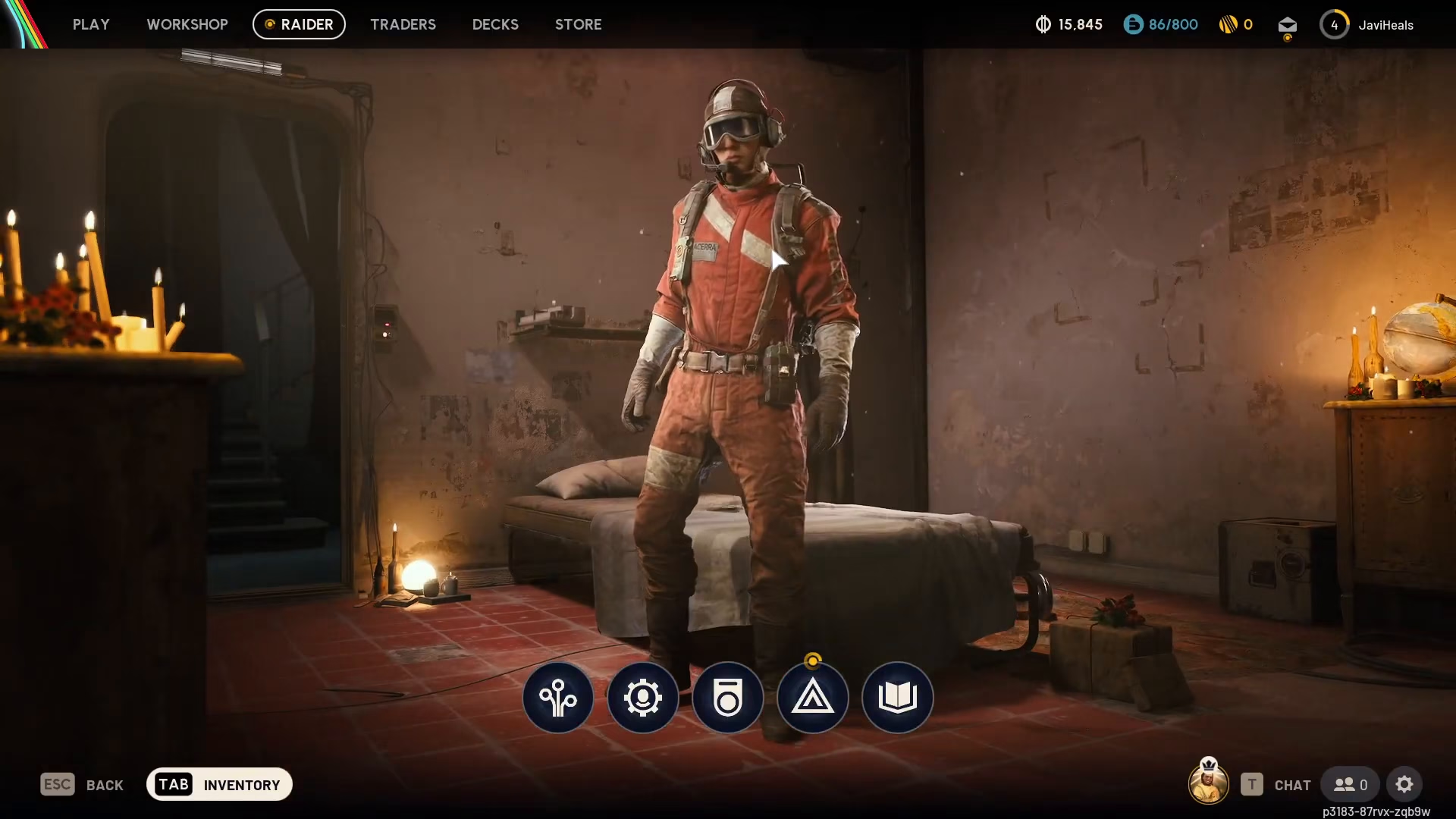
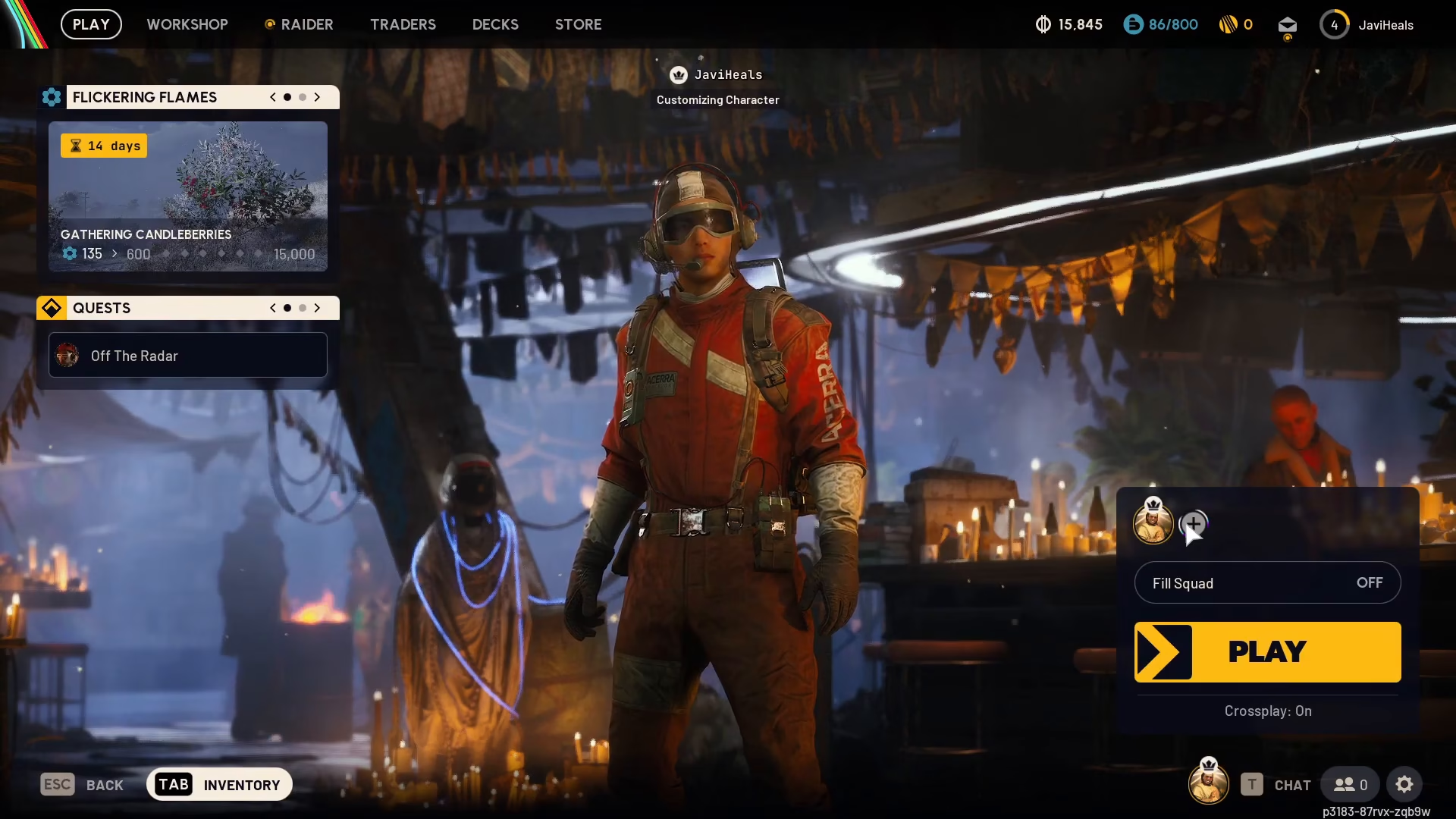
Start by navigating to the Play screen. Once you’re there, look for a small plus button located in the bottom right corner of the interface.
Inviting Friends to Your Party
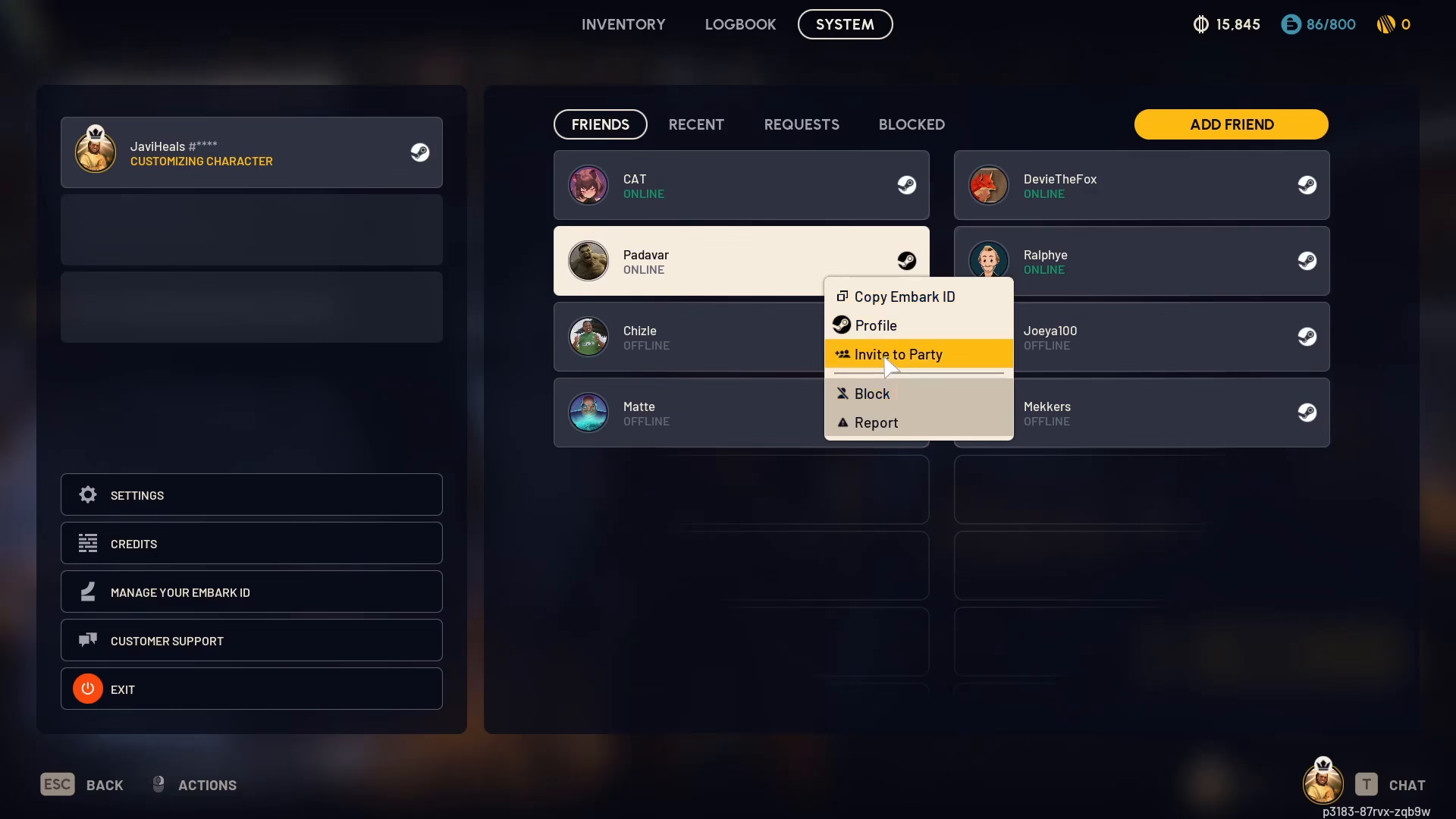
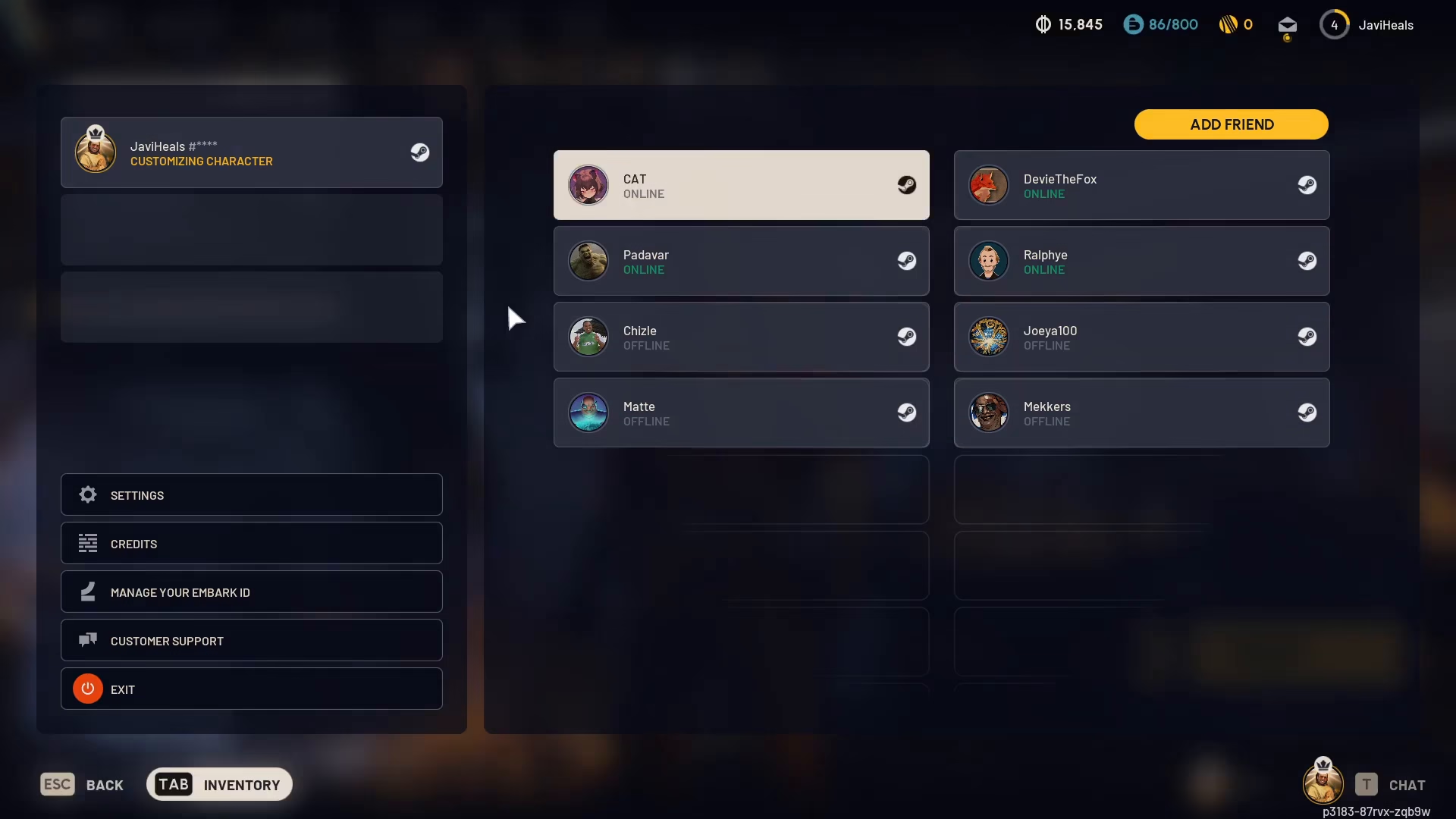
When you click the plus button, a menu will appear showing your friends list. You’ll see your available friends displayed here, such as Padava or Devi. Simply click on a friend’s name to view options related to that player.
To add a friend to your party, select their name and choose the “Invite to Party” option. That’s all you need to do to get them into your squad.
Adding New Friends
If you want to add someone who isn’t already on your friends list, use the “Add Friends” section. Enter their name here to send them a friend request.
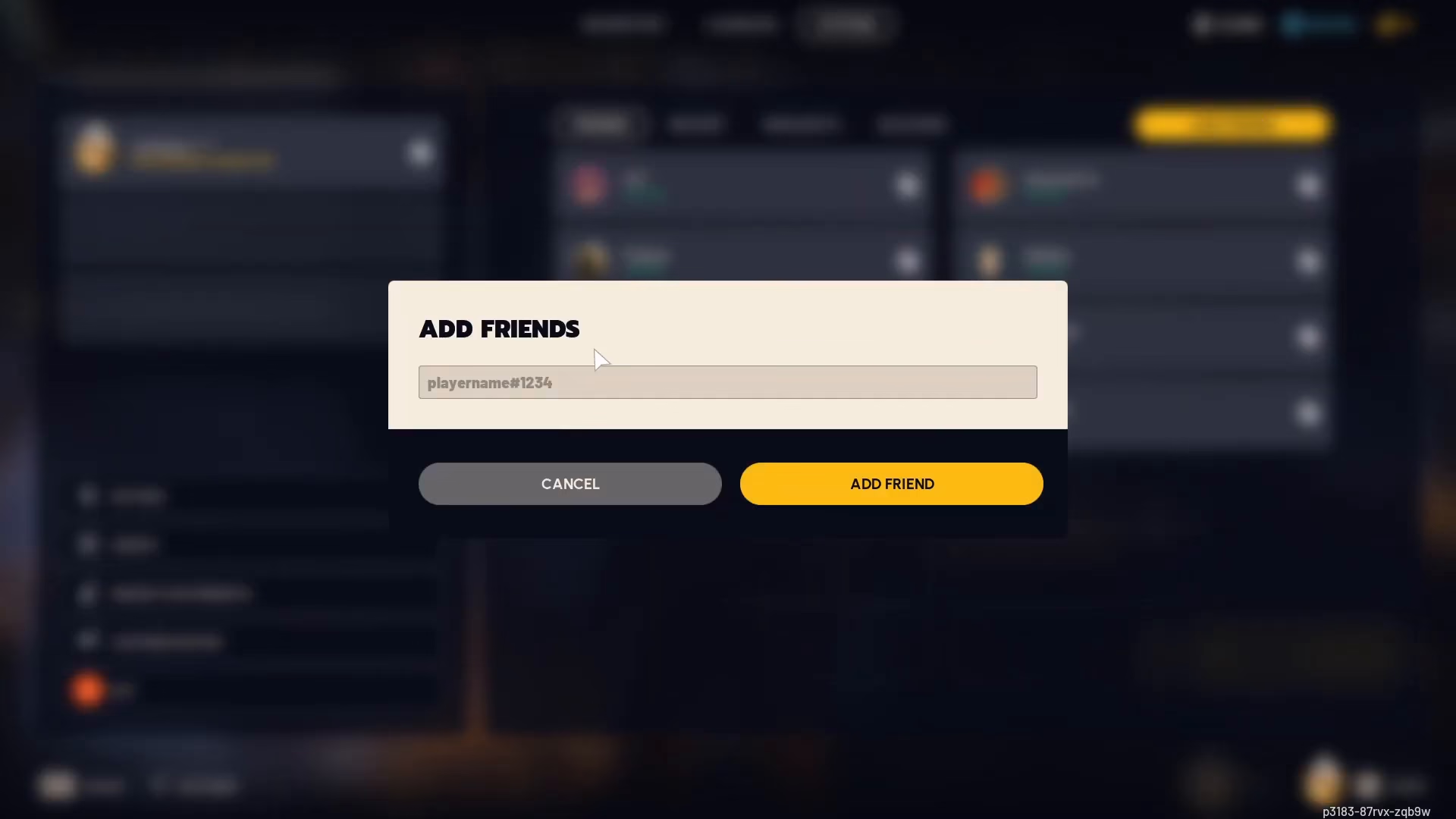
Exploring Additional Options
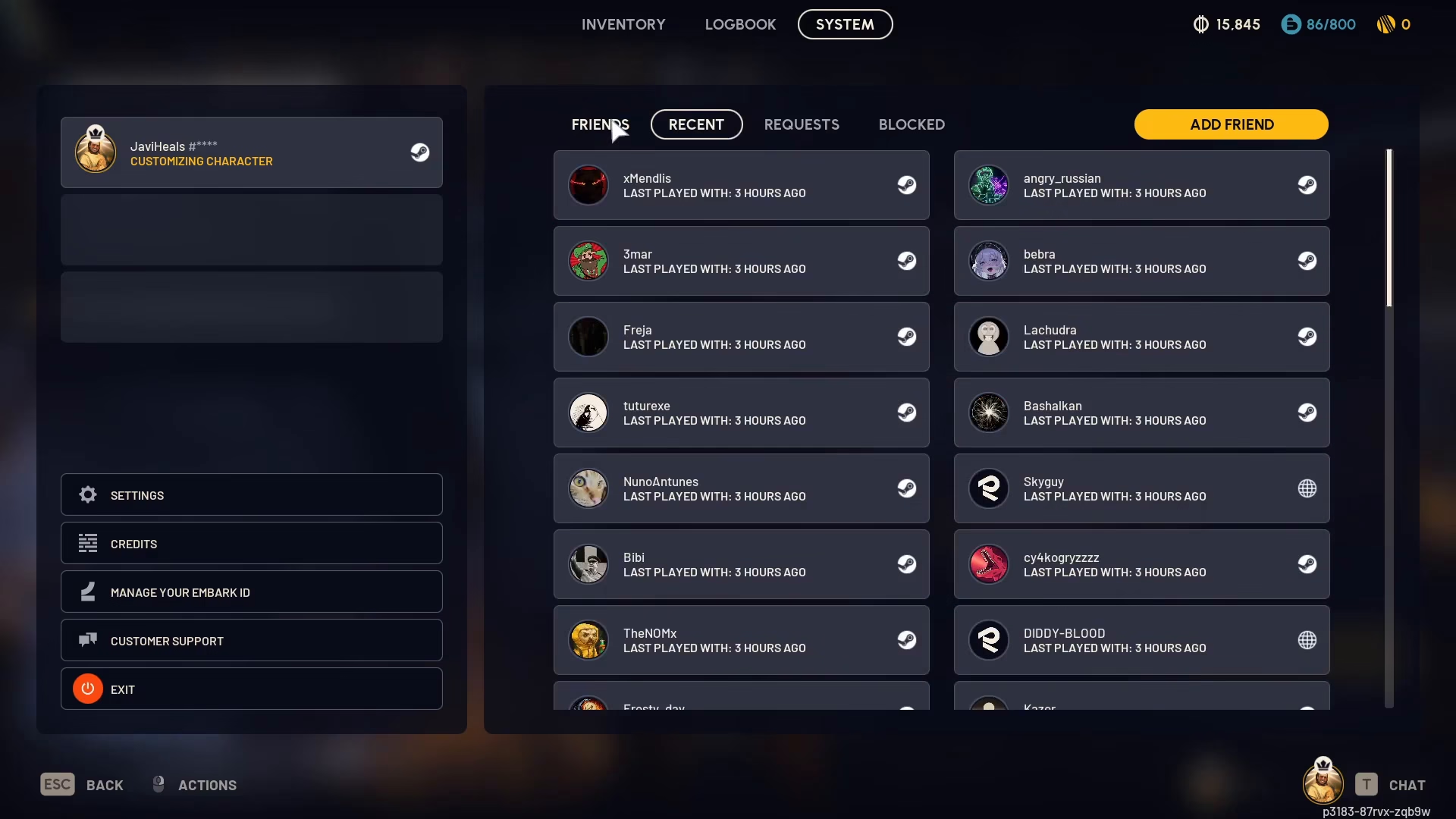
Recent Players
You can also navigate to the “Recent” tab to see players you’ve recently played with in matches. This is a convenient way to quickly invite people you’ve teamed up with before.
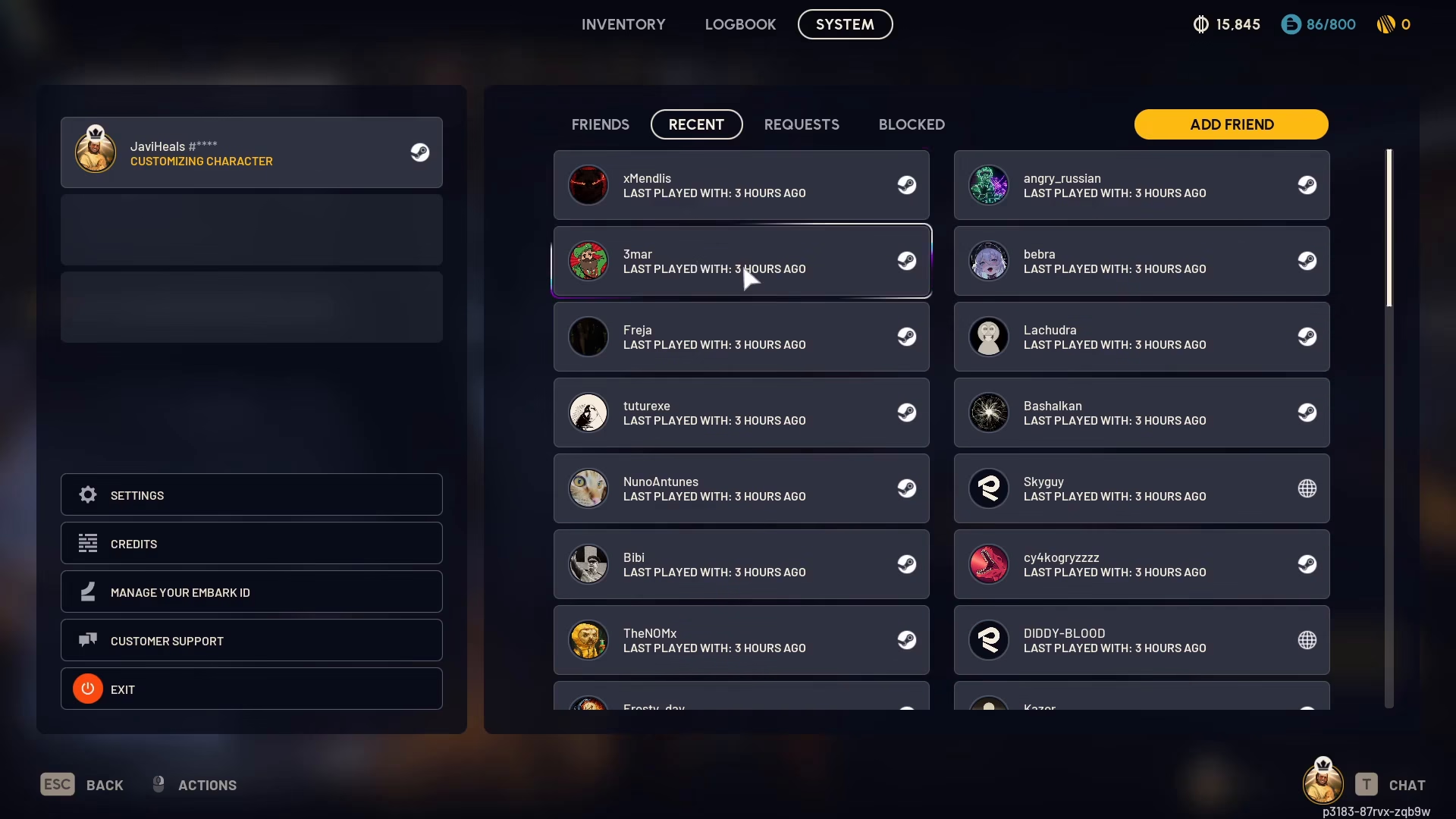
Friend Quests and Blocks
Additional tabs are available for managing Friend Quests and Blocks, giving you full control over your social interactions in ARC Raiders.
Using Fill Squad
For squad management, you have the option to use the “Fill Squad” feature. When enabled, this will automatically populate your team with other players. You can toggle it off if you prefer to play solo instead.
Summary
Inviting friends to play with you in ARC Raiders is straightforward. Simply access the Play screen, click the plus button, select your friends from the list, and choose “Invite to Party.” You can also add new friends by name, check your recent players, and manage your squad settings with the Fill Squad toggle. Now you’re ready to squad up and enjoy the game together!
Want to Support?
If you would like to help us continue making these guides – please consider joining our patreon here – https://www.patreon.com/c/JaviHeals
Alternatively – you can join our discord here – https://discord.gg/zD7Gjt6MHF

