





How To Light Pentagram In Phasmophobia
How To Light Pentagram In Phasmophobia
Learn how to successfully light a pentagram in Phasmophobia with this step-by-step guide. This tutorial covers everything you need to know about using a lighter or matchstick to activate the summoning circle and trigger ghost hunting on the Zanglewood map.
What You’ll Need
To light the pentagram, you’ll need one of the following items:
Lighter – Primary tool for igniting the pentagram
Matchstick – A tier one item that most players have access to
Since matchsticks are a tier one item, they’re readily available and a reliable option for this task.
Finding the Pentagram
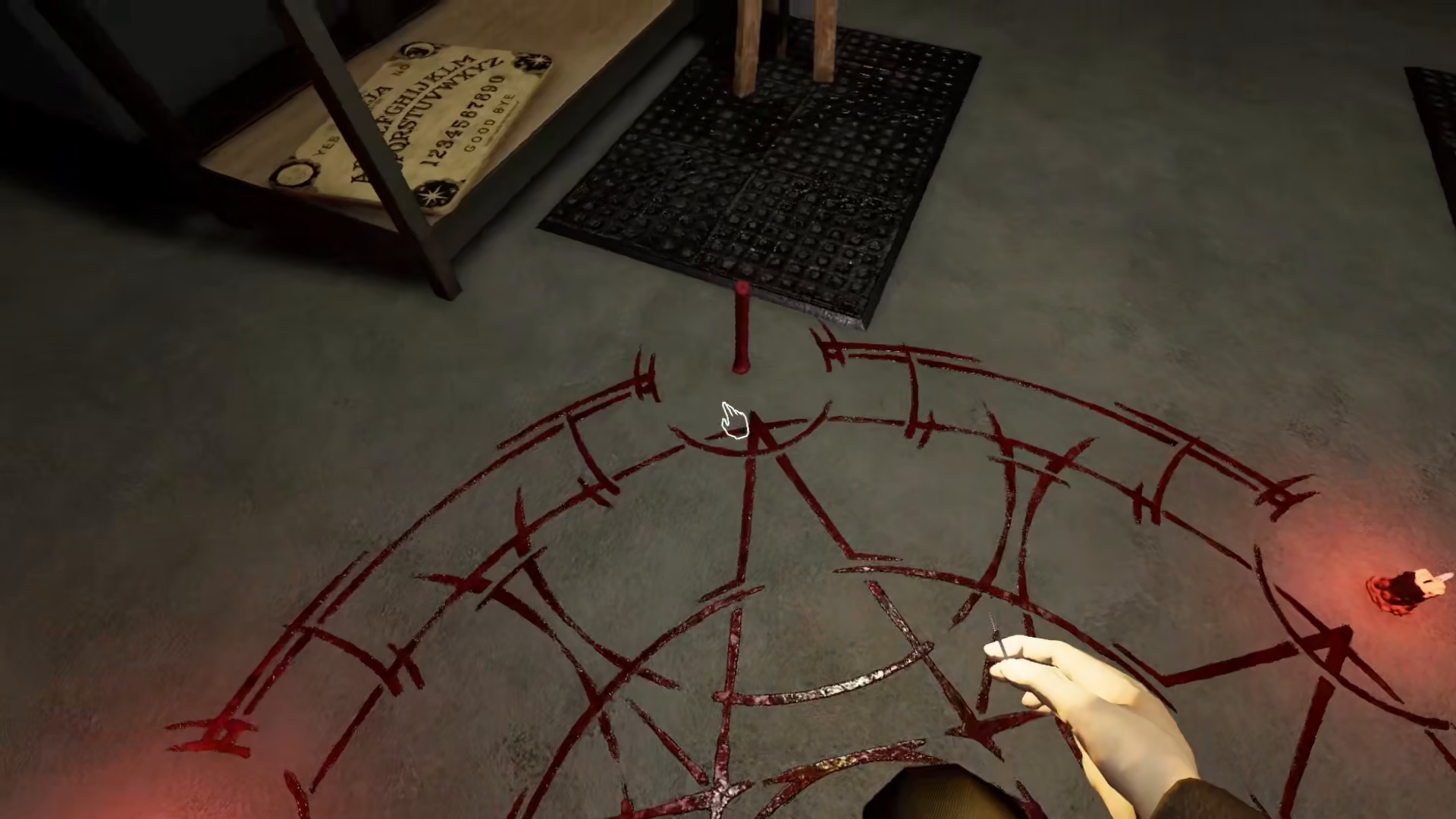
The summoning circle, also known as the pentagram, is located in the basement of the Zanglewood map. Head down into the basement area and look for the pentagram on the ground.
Step-by-Step Instructions
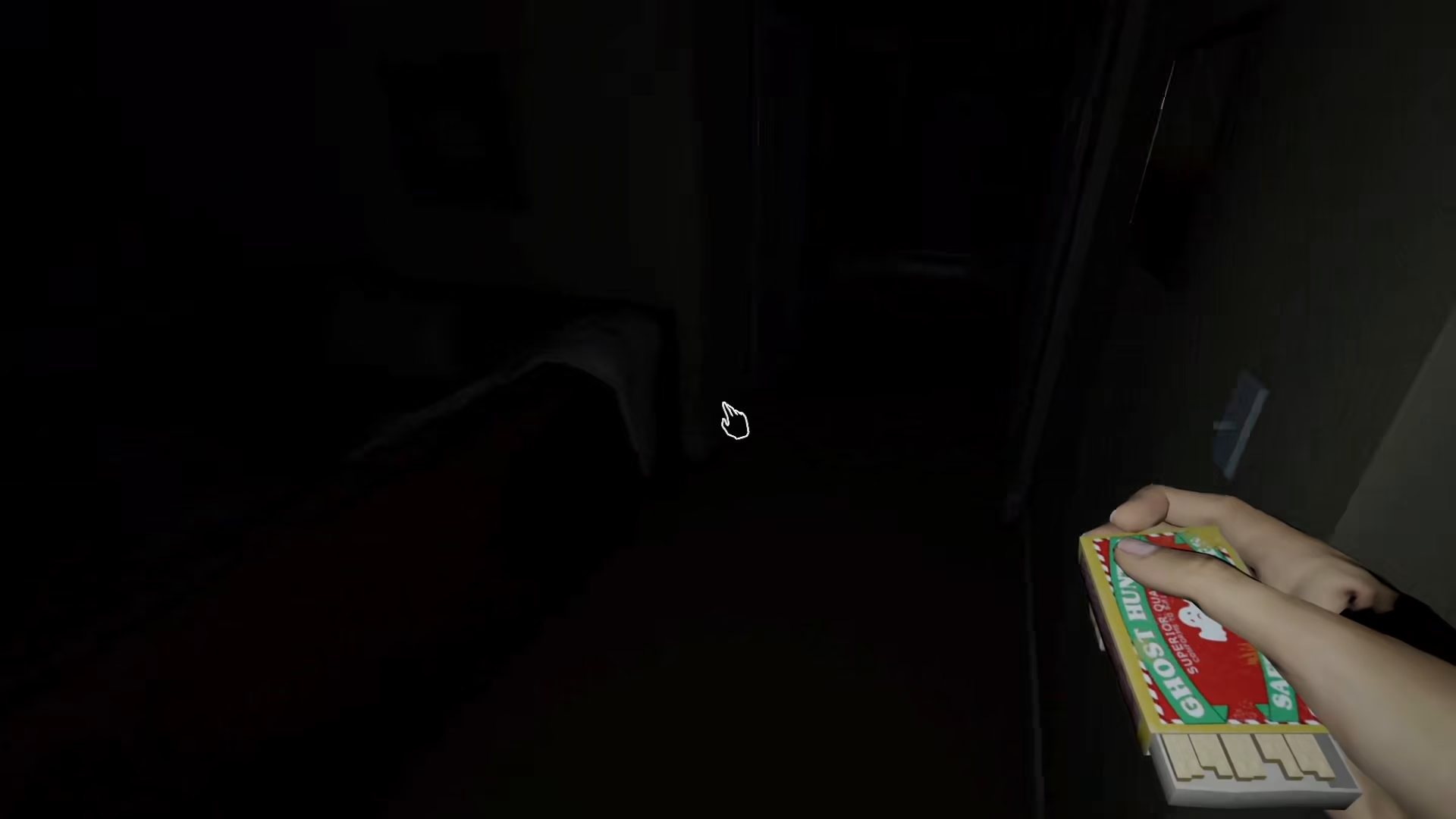
Step 1: Light a Match
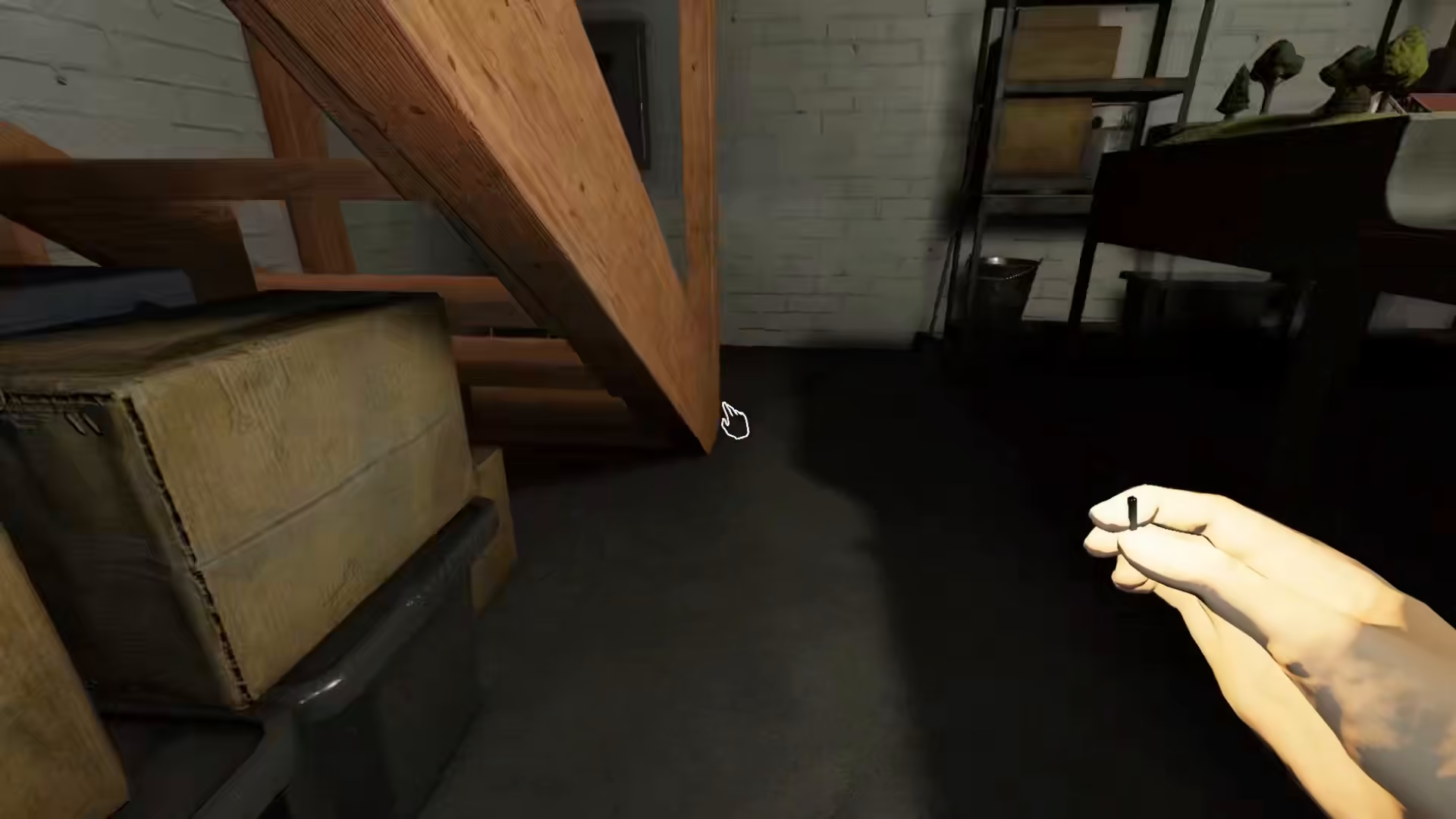
Once you’ve located the pentagram in the basement, light up a matchstick using your lighter or matchstick item.
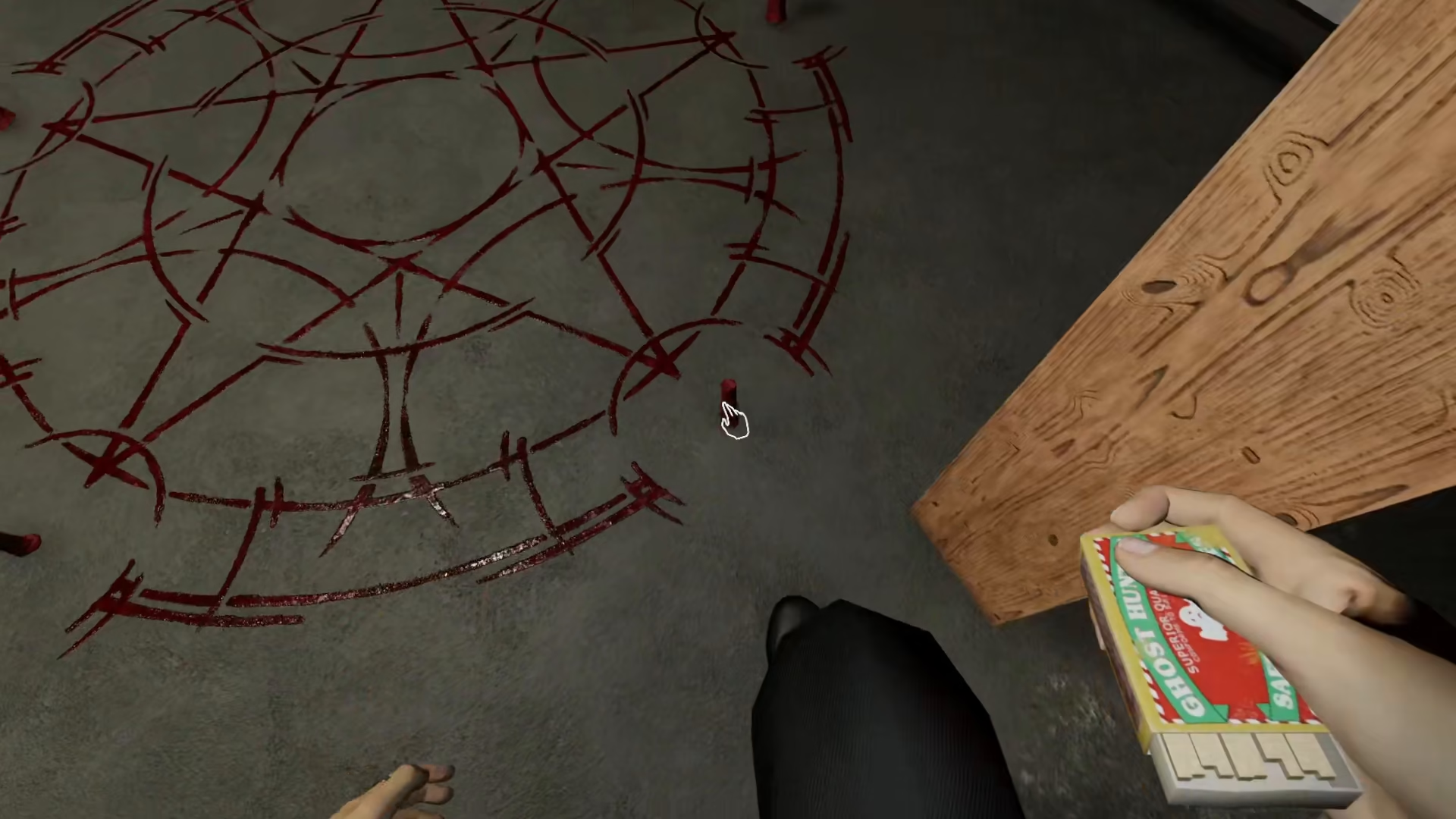
Step 2: Interact With the Candles
After lighting a match, approach the candles around the pentagram. On PC, press the F key to interact with each candle. This will light up the candles and complete the summoning circle.
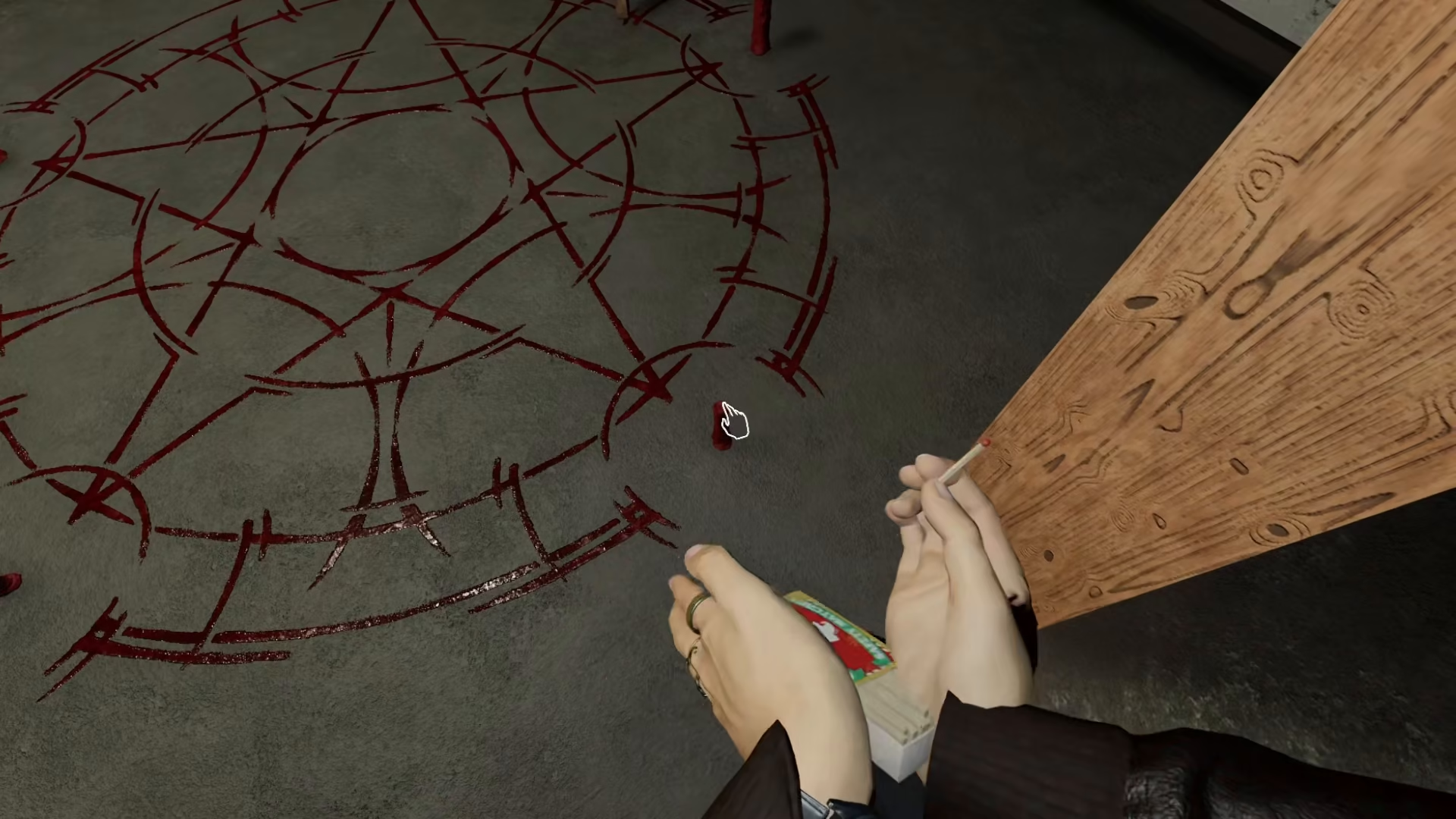
Step 3: Summon the Ghost
Once all the candles are lit by pressing F, the pentagram will activate and summon ghosts for you to hunt.
What Happens Next
After successfully lighting the pentagram and activating the summoning circle, the ghost will immediately begin its hunt. Make sure you’re prepared to hide or evade the ghost, as it will become aggressive right away. Use this time to gather evidence and complete your investigation objectives.
Summary
Lighting a pentagram in Phasmophobia is a straightforward process: equip your lighter or matchstick, navigate to the basement of the Zanglewood map, locate the pentagram, light the candles by pressing F, and prepare for the ghost hunt. This mechanic adds an exciting risk-reward element to your investigations on this map. Remember to have a hiding spot in mind before you activate the summoning circle!
Want to Support?
If you would like to help us continue making these guides – please consider joining our patreon here – https://www.patreon.com/c/JaviHeals
Alternatively – you can join our discord here – https://discord.gg/zD7Gjt6MHF



