





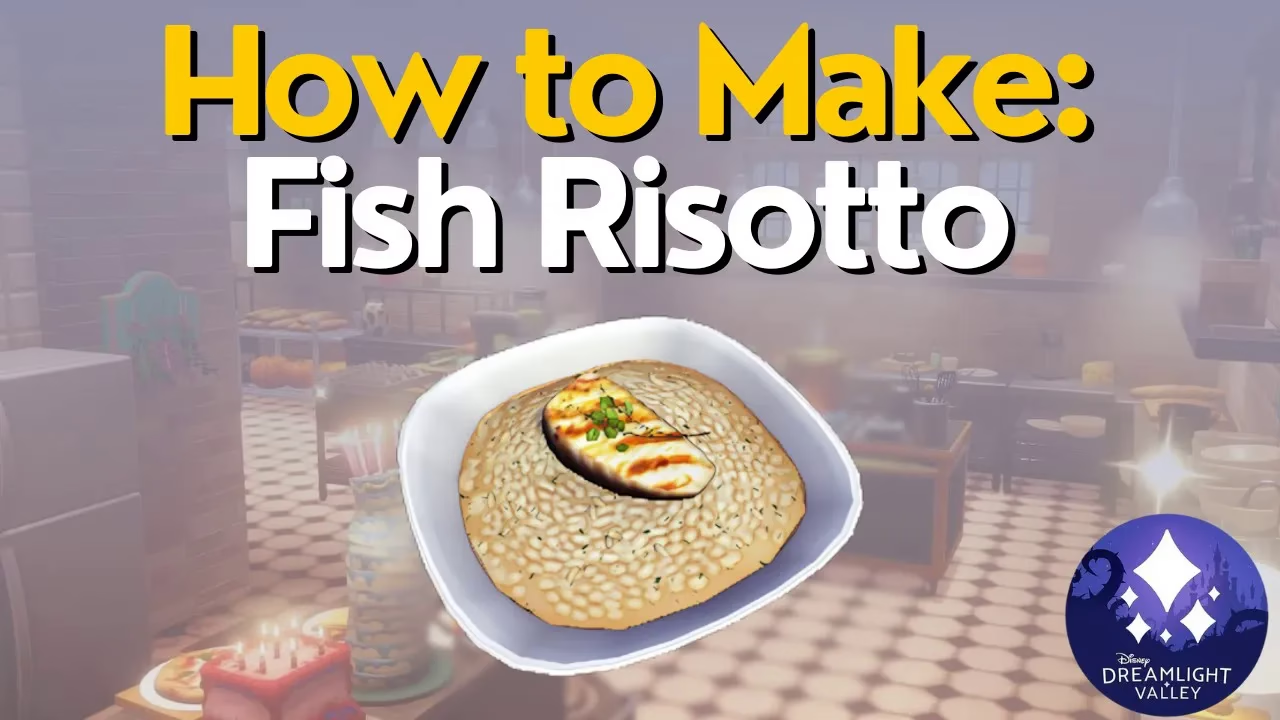
How to Make Fish Risotto in Disney Dreamlight Valley
How to Make Fish Risotto in Disney Dreamlight Valley
Fish Risotto is one of the simplest recipes you can prepare in Disney Dreamlight Valley. This guide will walk you through the exact ingredients and steps needed to cook this delicious dish. Whether you’re a new player or looking to expand your cooking repertoire, this straightforward recipe is perfect for everyone.
Fish Risotto Recipe Overview
Fish Risotto is a basic yet satisfying recipe that requires just three key ingredients. The beauty of this dish is its flexibility—you can use any type of fish you prefer, making it adaptable to whatever you have available in your inventory.
Ingredients Required
Fish (Any Type)
Start by selecting any fish of your choice. The recipe is flexible here, so feel free to use whatever fish you have on hand. Herring works perfectly as an example, but bass, salmon, or any other fish will work just as well.
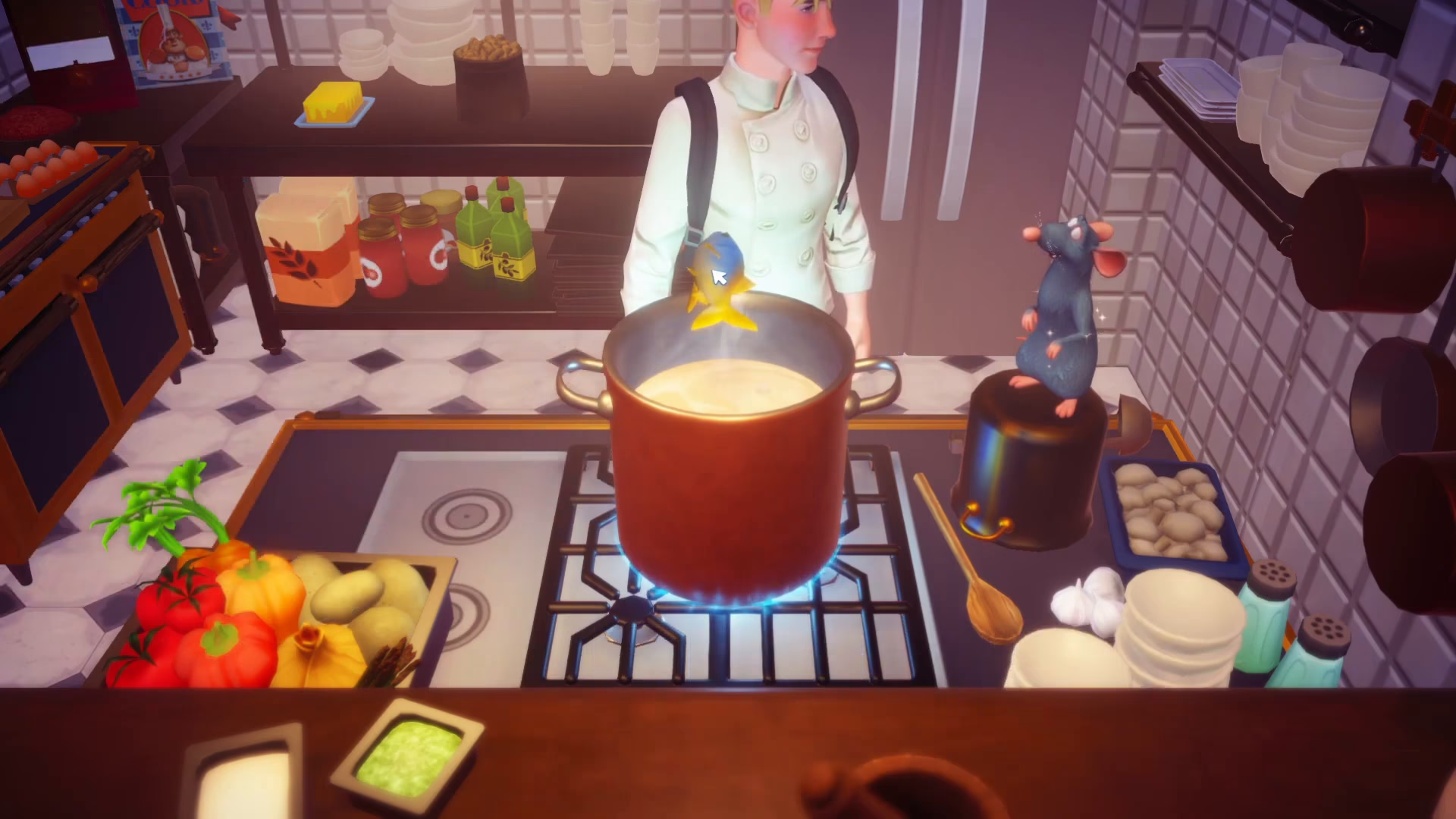
Butter
Next, you’ll need butter, which is a pantry item in your cooking inventory. Make sure you have this essential ingredient before you begin cooking.
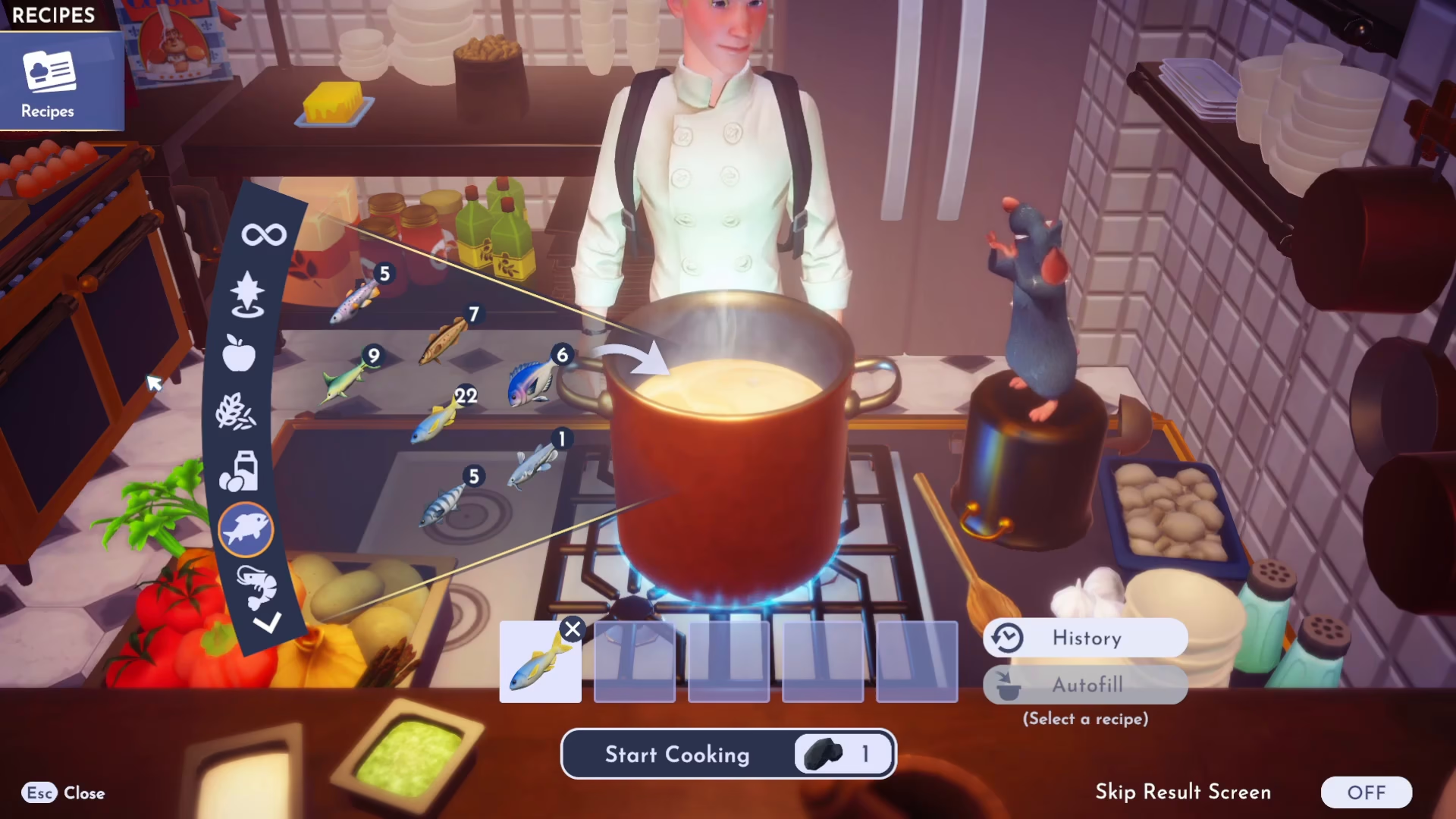
Rice
Finally, select rice from your grains section. This is the critical ingredient that makes this dish a risotto. Be careful not to select wheat or other grain items by mistake.
Cooking Instructions
Selecting Your Ingredients
Gather your three ingredients: fish, butter, and rice. If you accidentally select the wrong ingredient, you can simply click the X button to remove it and choose the correct item.
Cooking the Dish
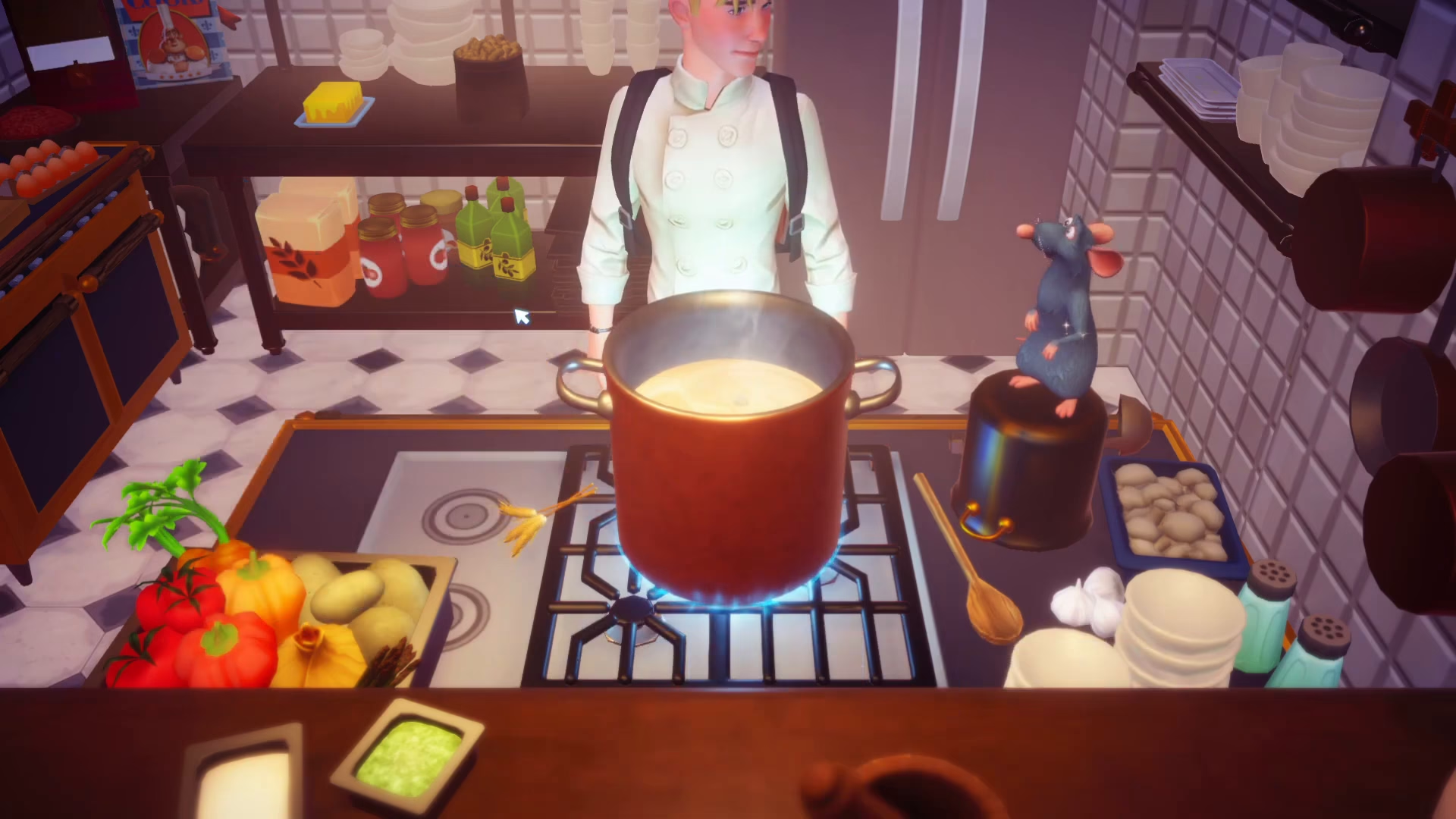
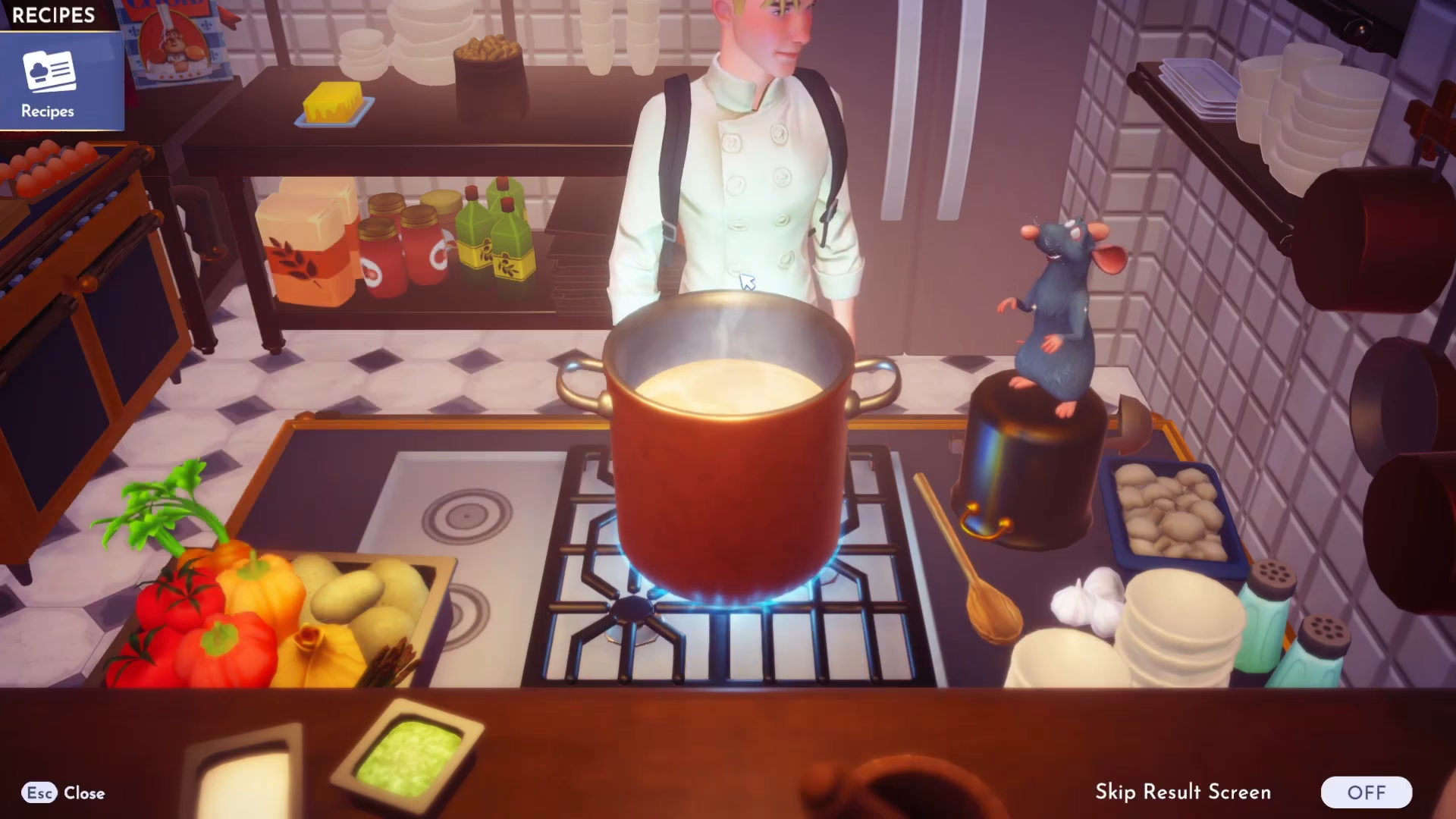
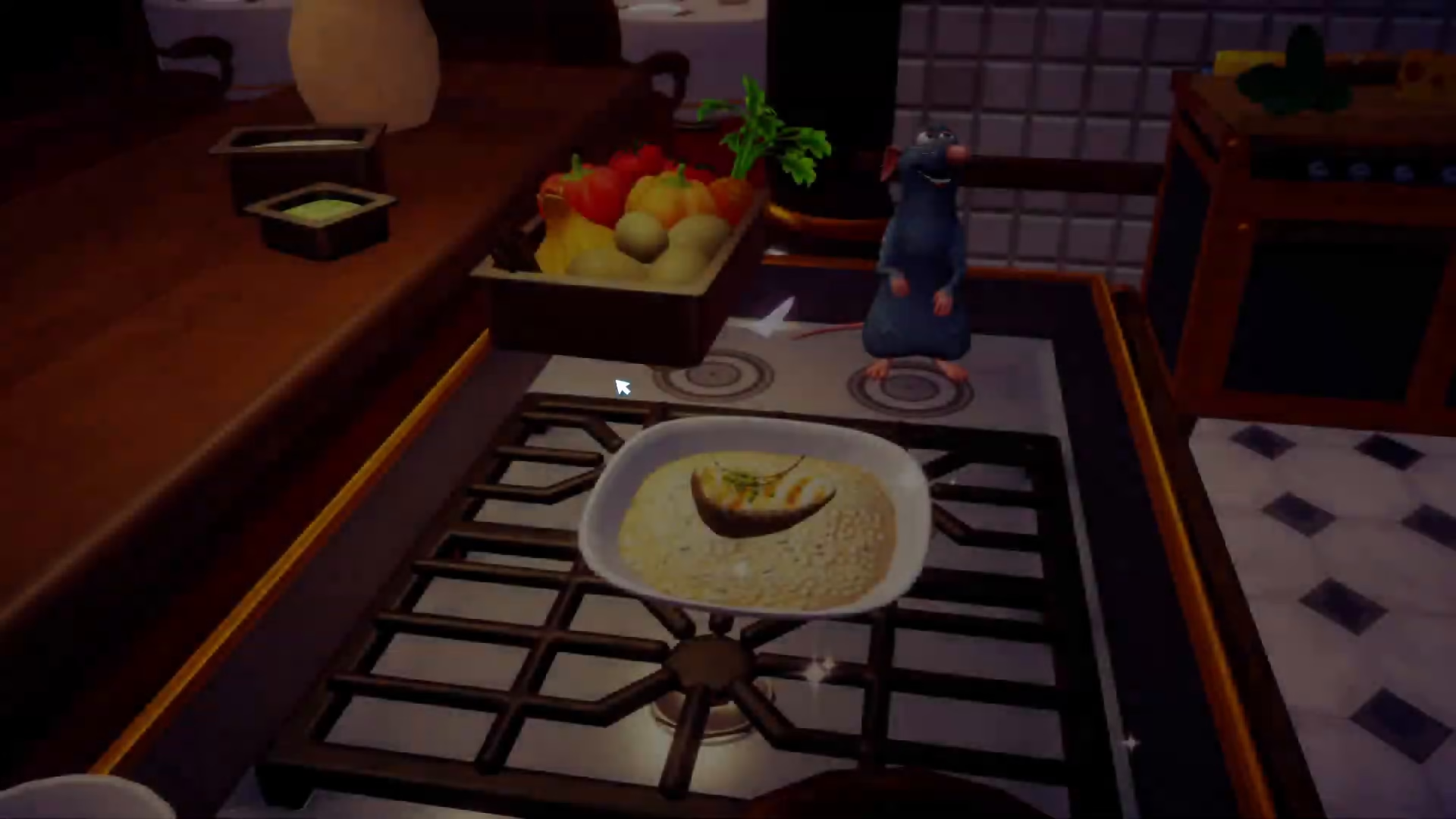
Once you have all three ingredients selected, cook them together using a piece of coal as your fuel source. The cooking process will combine all your ingredients into a lovely Fish Risotto.
Summary
Making Fish Risotto in Disney Dreamlight Valley is quick and easy. With just fish, butter, and rice, you’ll have a delicious meal ready in moments. The flexibility of the fish ingredient means you can adapt this recipe to whatever you have available, making it a go-to dish for both beginners and experienced players.
Want to Support?
If you would like to help us continue making these guides – please consider joining our patreon here – https://www.patreon.com/c/JaviHeals
Alternatively – you can join our discord here – https://discord.gg/zD7Gjt6MHF



