






How to Make & Use Campfires In Palworld
How to Make & Use Campfires in Palworld
One of the essential structures you’ll need early on in Palworld is a campfire. Whether you’re a new player just starting your adventure or looking to optimize your cooking setup, understanding how to craft and operate a campfire is crucial. This guide will walk you through the simple steps to build your first campfire and start preparing delicious meals.
Building Your First Campfire
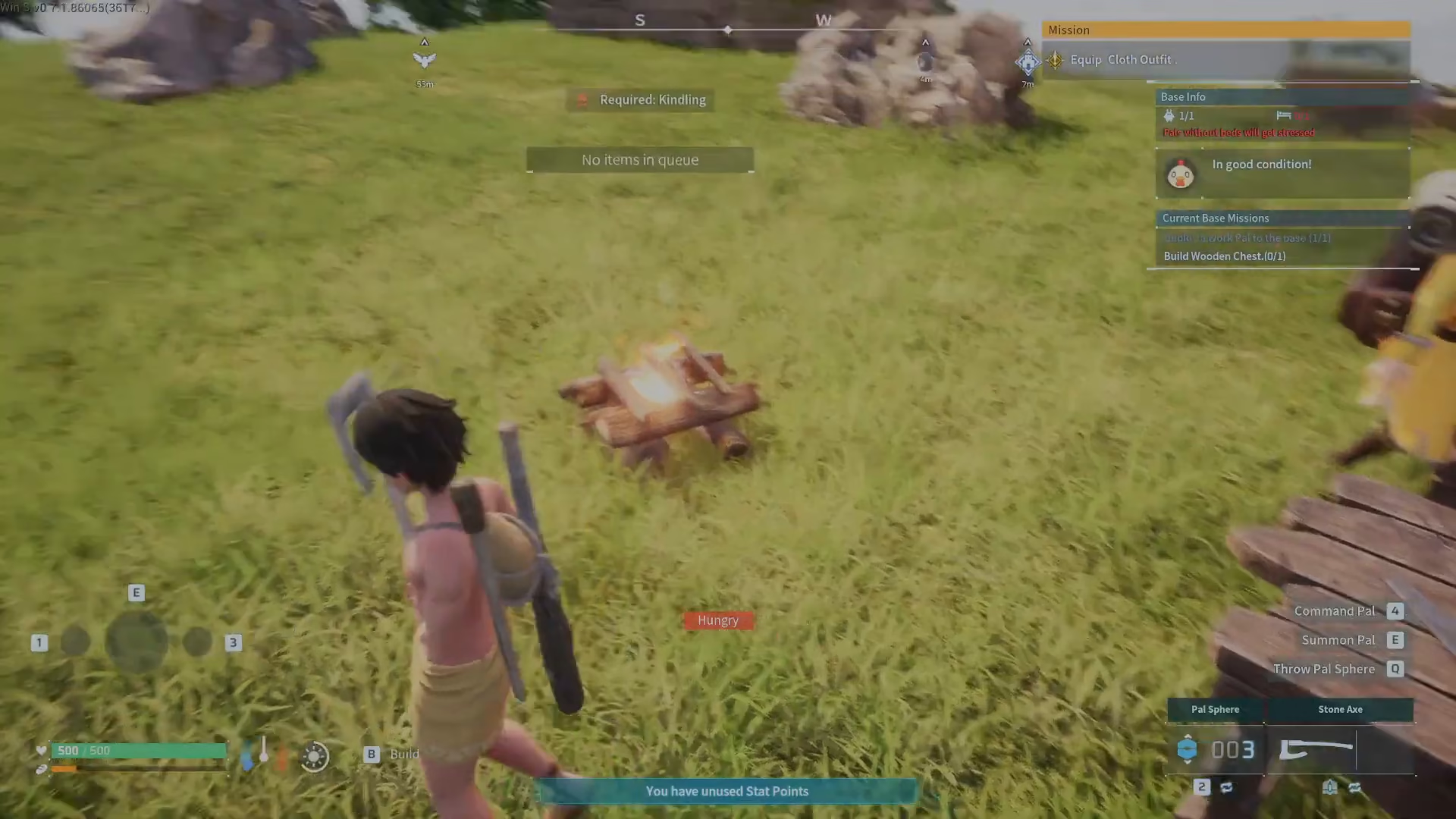
To access the building menu in Palworld, press the B key on your keyboard. This opens your construction interface where you’ll find various building options.
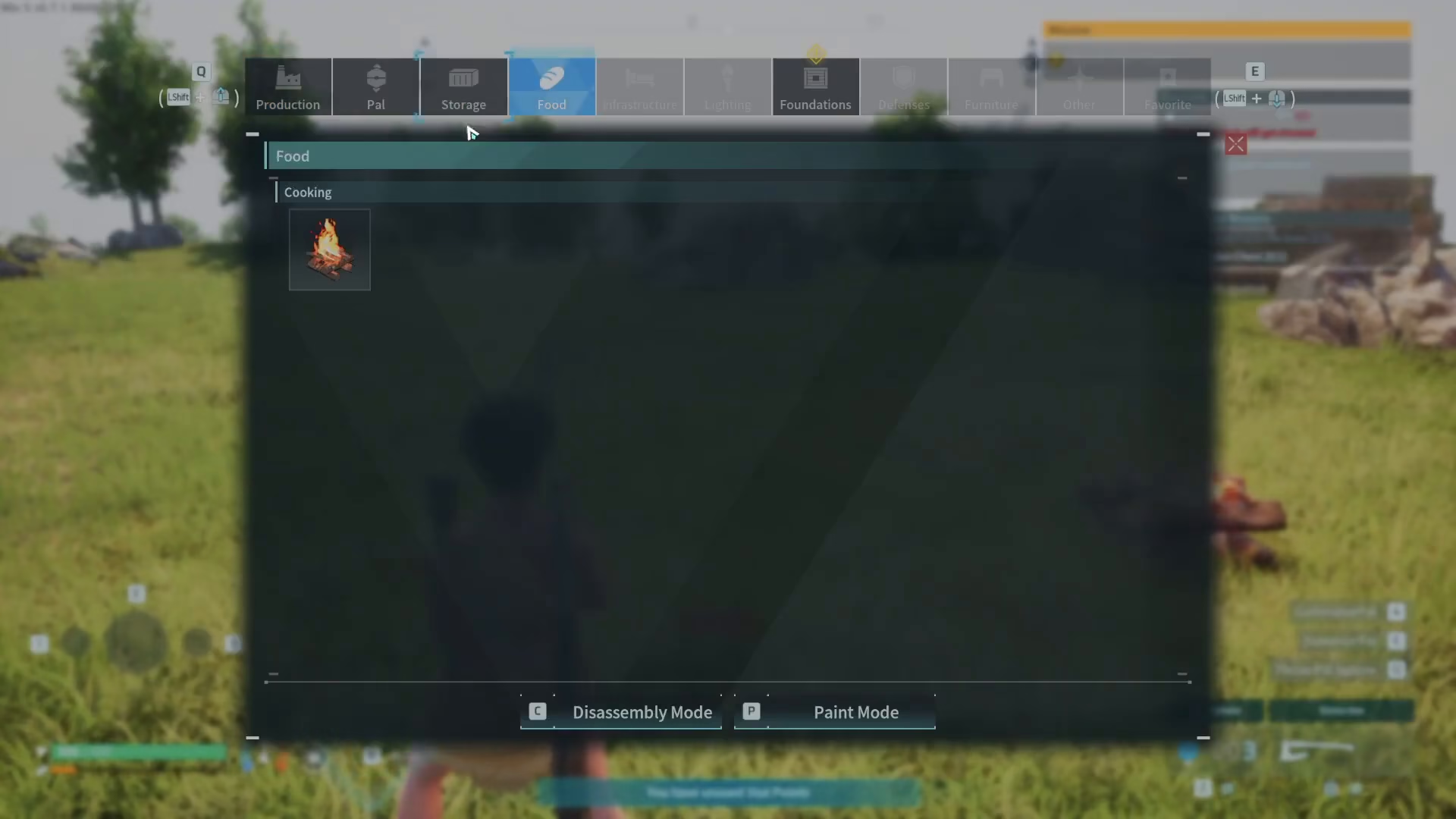
Navigate to the Food section of the build menu. The campfire is categorized here because it’s primarily used for cooking and food preparation.
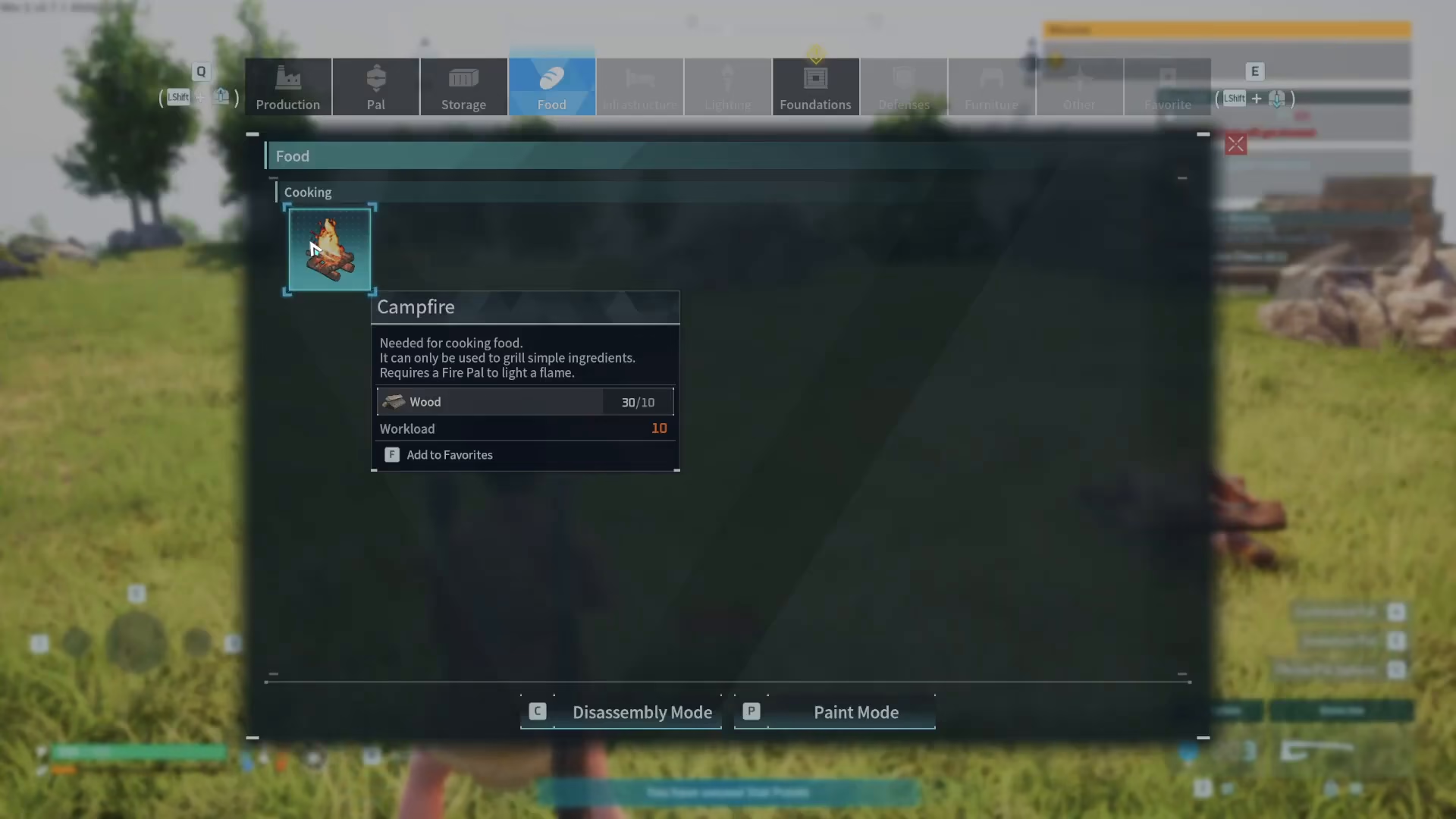
Select Campfire from the available options, place it in your desired location, and complete the construction. Your campfire is now ready to use.
Using Your Campfire to Cook
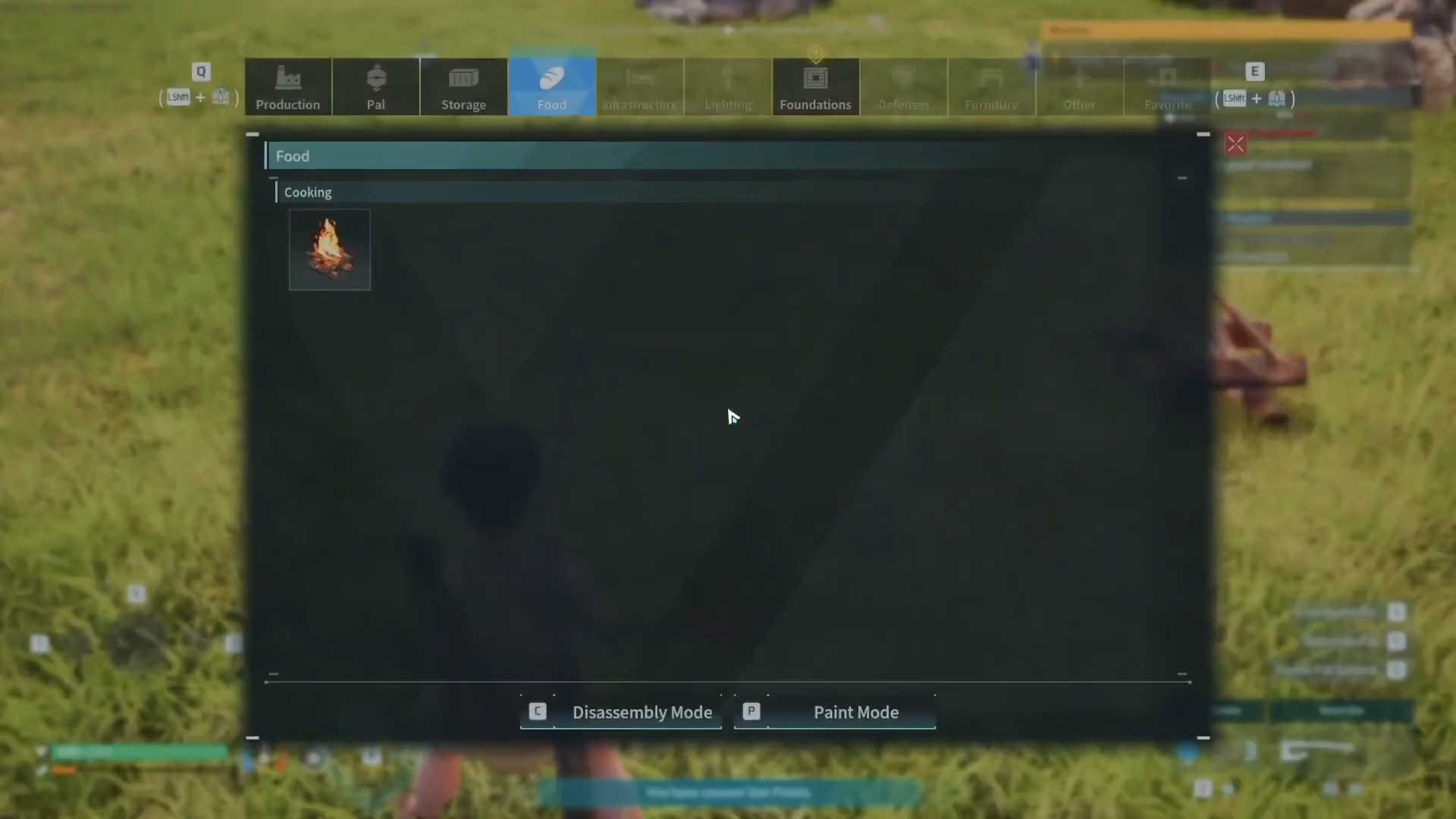
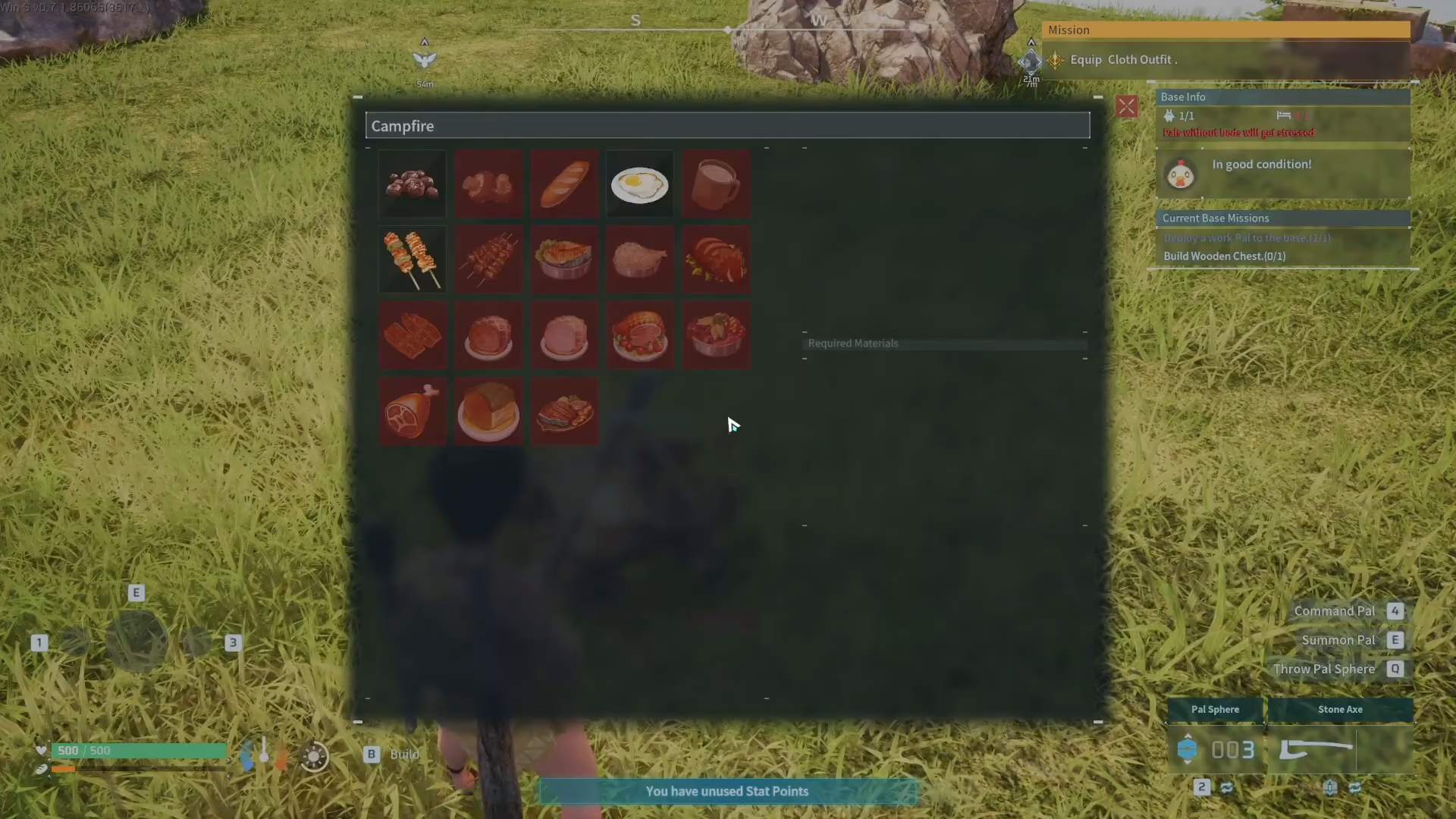
Once your campfire is built, approach it and press F to open the recipe selection menu. This will display all available cooking recipes you can make at the campfire.
Selecting and Preparing Recipes
The recipe menu shows all dishes you can cook. You’ll notice that some recipes are highlighted or marked as available—these are the ones where you already have the required ingredients. For example, if you have red berries in your inventory, you can prepare Baked Berries.
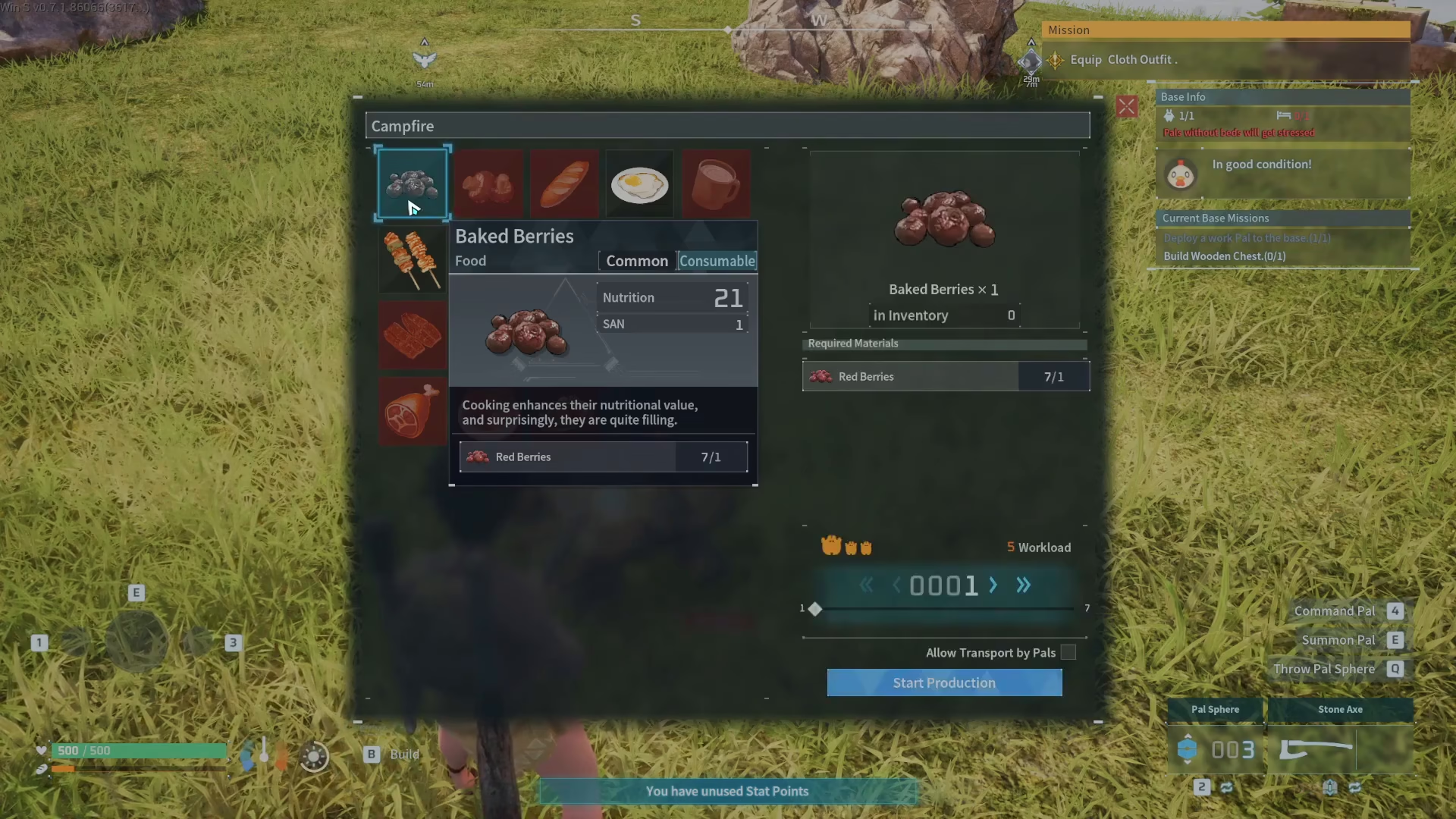
Click on your desired recipe to select it. On the right-hand side of the menu, you’ll see a quantity selector where you can specify how many servings you want to cook. For instance, you could set it to make seven baked berries.
Starting Production
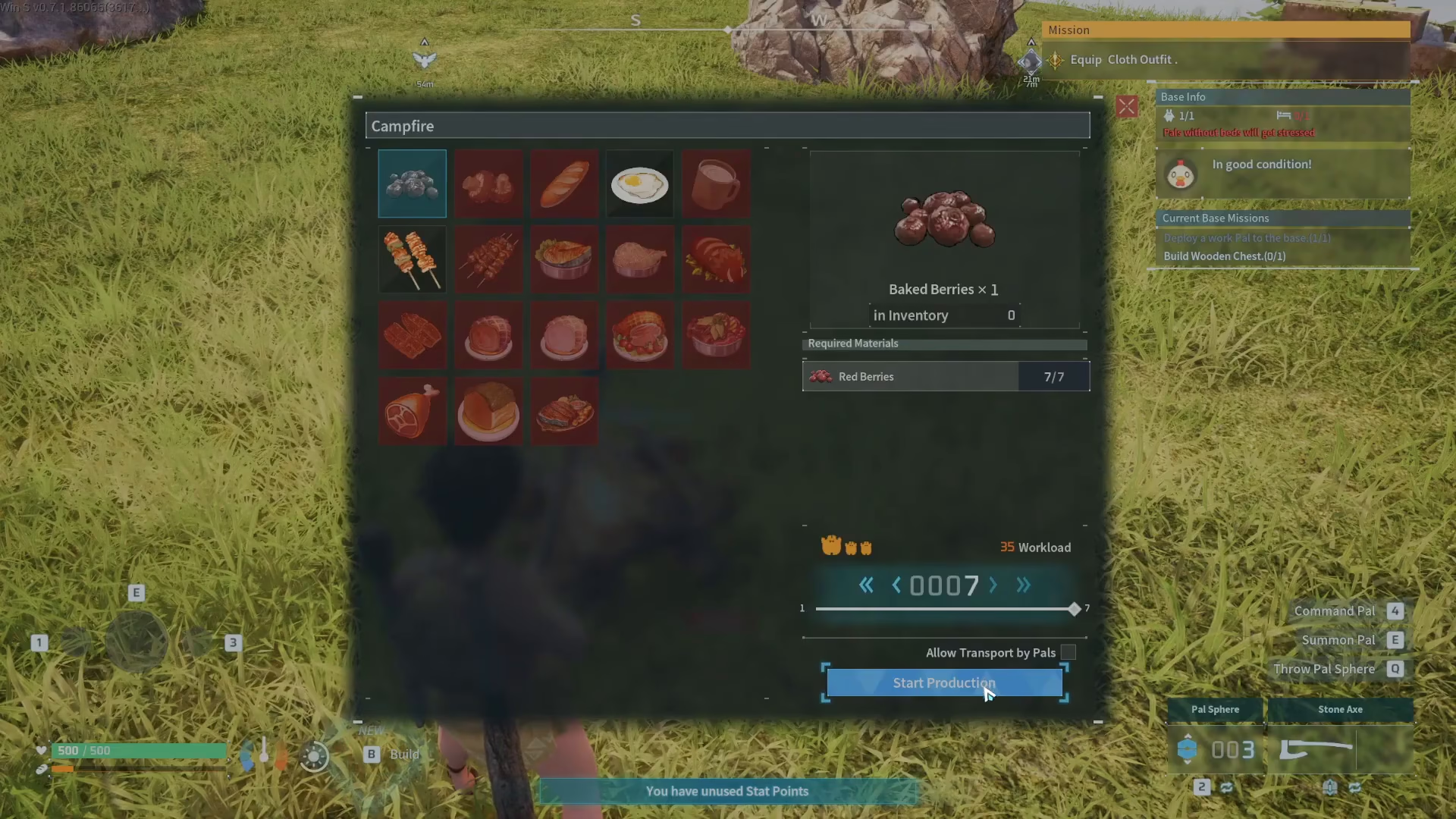
After confirming your recipe and quantity, select Start Production. Hold down the F key to begin cooking. You’ll see your food items being prepared at the campfire.
Harvesting Your Cooked Food
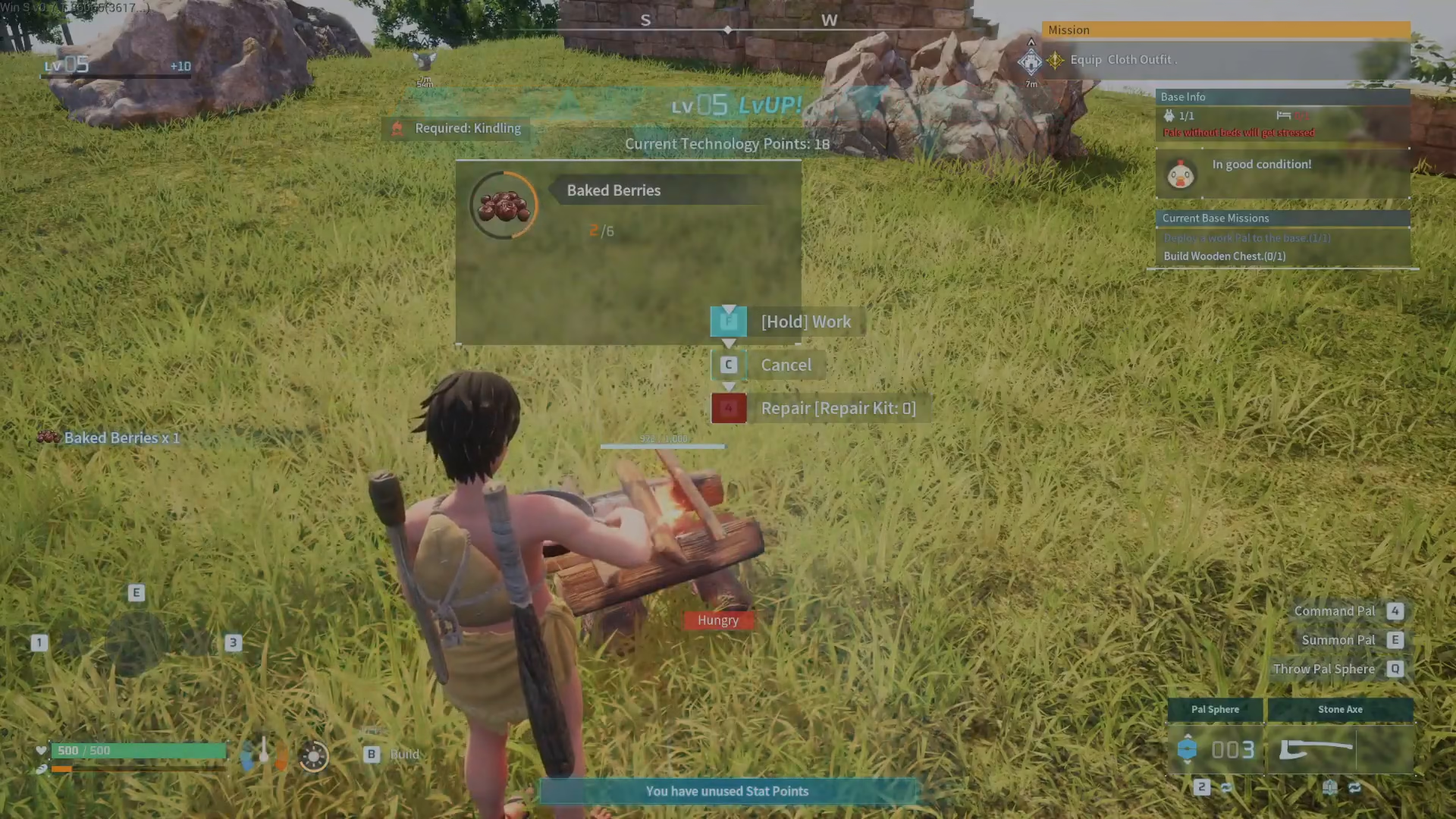
Continue holding F to cook multiple batches if desired. Once you’ve made enough food and want to collect your cooked items, release the key and press F again to acquire the finished dishes from the campfire and add them to your inventory.
Summary
Making and using a campfire in Palworld is straightforward: open your build menu with B, navigate to the Food section, place a campfire, and approach it to start cooking. Press F to select recipes, choose your dish and quantity, and hold F to cook. Once finished, press F again to collect your meals. With this simple process mastered, you’ll be able to keep your character well-fed throughout your Palworld adventure.
Want to Support?
If you would like to help us continue making these guides – please consider joining our patreon here – https://www.patreon.com/c/JaviHeals
Alternatively – you can join our discord here – https://discord.gg/zD7Gjt6MHF



