




How To Open Photo Mode in CyberPunk 2077
How To Open Photo Mode in Cyberpunk 2077
Photo Mode is one of the most enjoyable features in Cyberpunk 2077, allowing you to capture stunning screenshots of Night City and your character. Whether you want to snap action shots or explore creative camera angles, this guide will walk you through everything you need to know about opening and using Photo Mode.
Opening Photo Mode
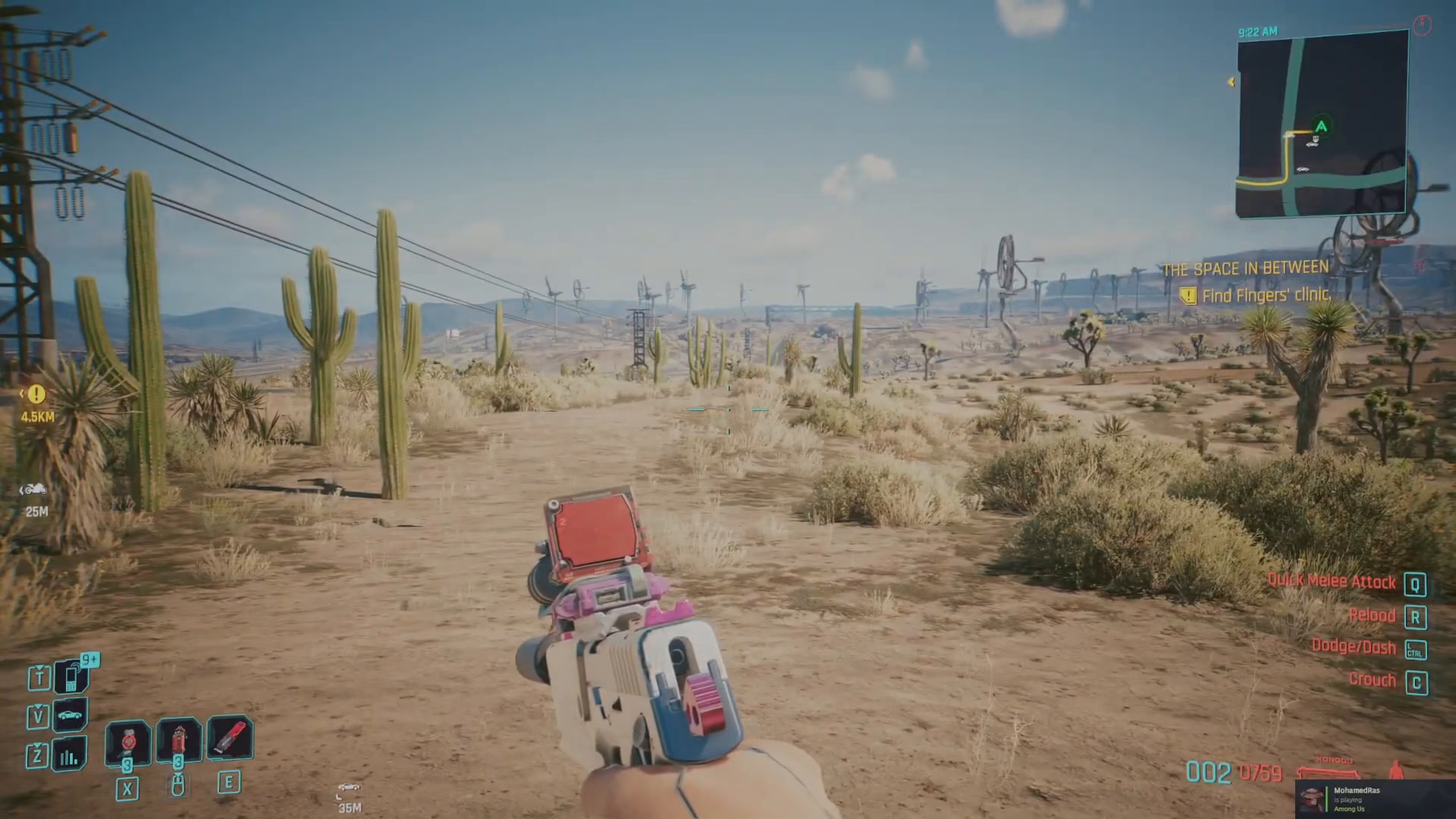
The default keybind to open Photo Mode in Cyberpunk 2077 is N (for November on the keyboard). Simply press this key during gameplay to open the Photo Mode interface.
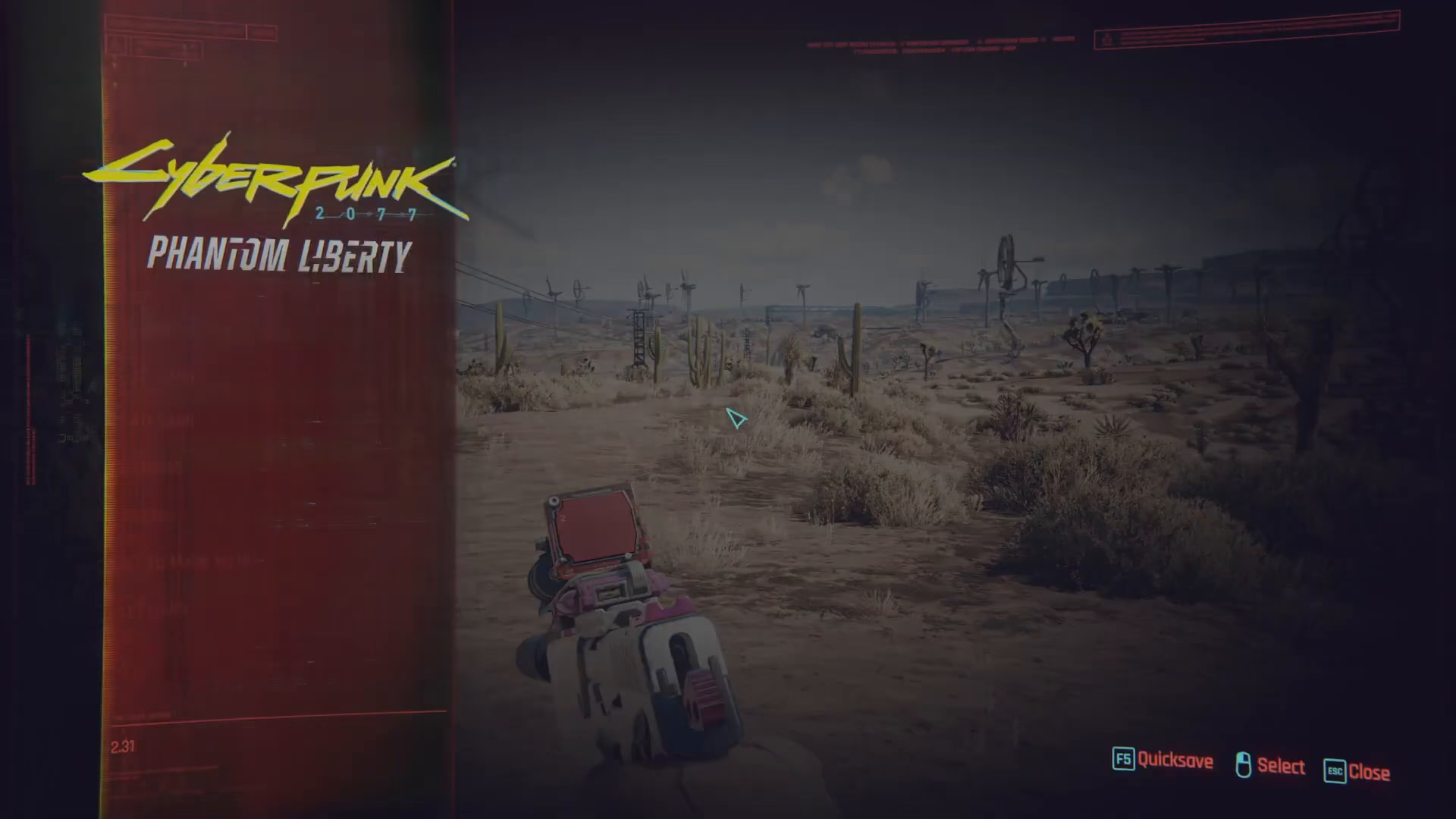
If you’re using a different control setup or can’t remember your keybind, you can manually locate it in your game settings. Navigate to Options > Settings > Key Bind, then scroll down to find the “Open Photo Mode” option in the Exploration and Combat section of the list.
Camera Types
Once Photo Mode is open, you’ll see several camera options available. You can choose between:
First Person — Capture shots from your character’s perspective
Drone — Use a drone camera for dynamic overhead and distance shots
Camera Settings and Customization
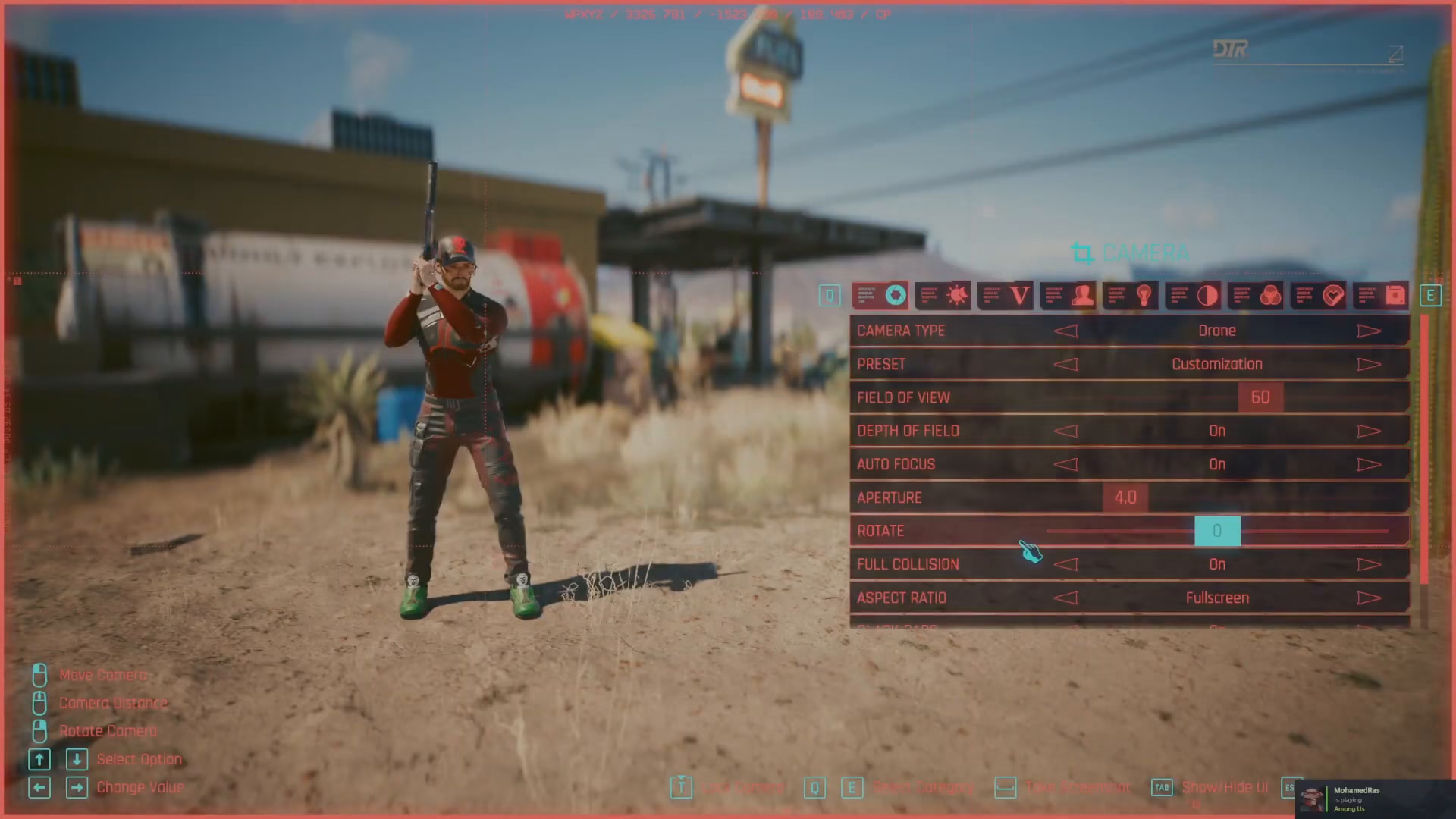
Photo Mode offers extensive customization options to help you achieve the perfect shot. Here are the key settings you can adjust:
Field of View
Adjust the field of view to control how wide or narrow your camera lens appears, allowing you to capture different perspectives of the scene.
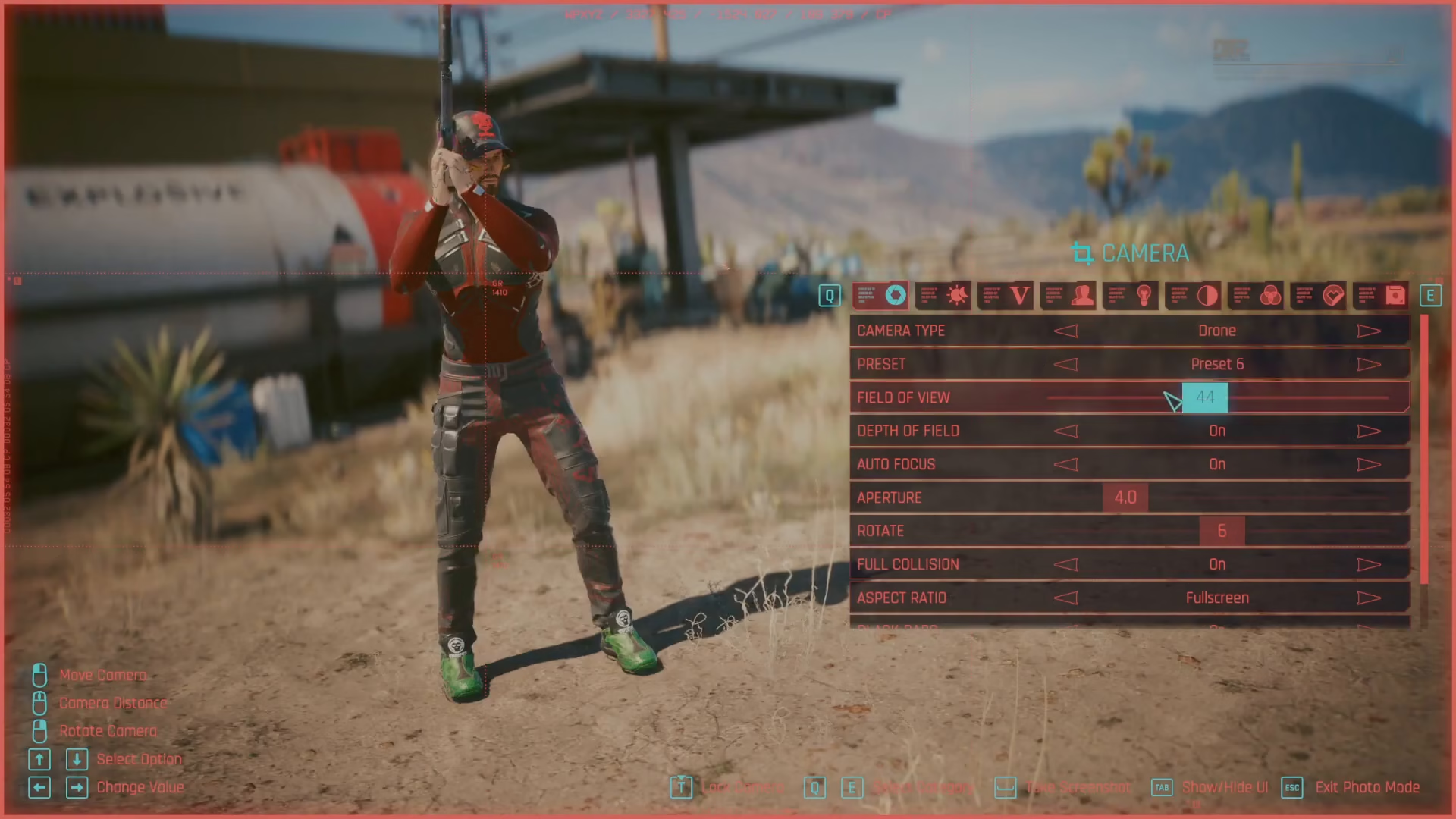
Depth of Field
Control the depth of field effect to blur the background or foreground, creating professional-looking portraits and focused shots.
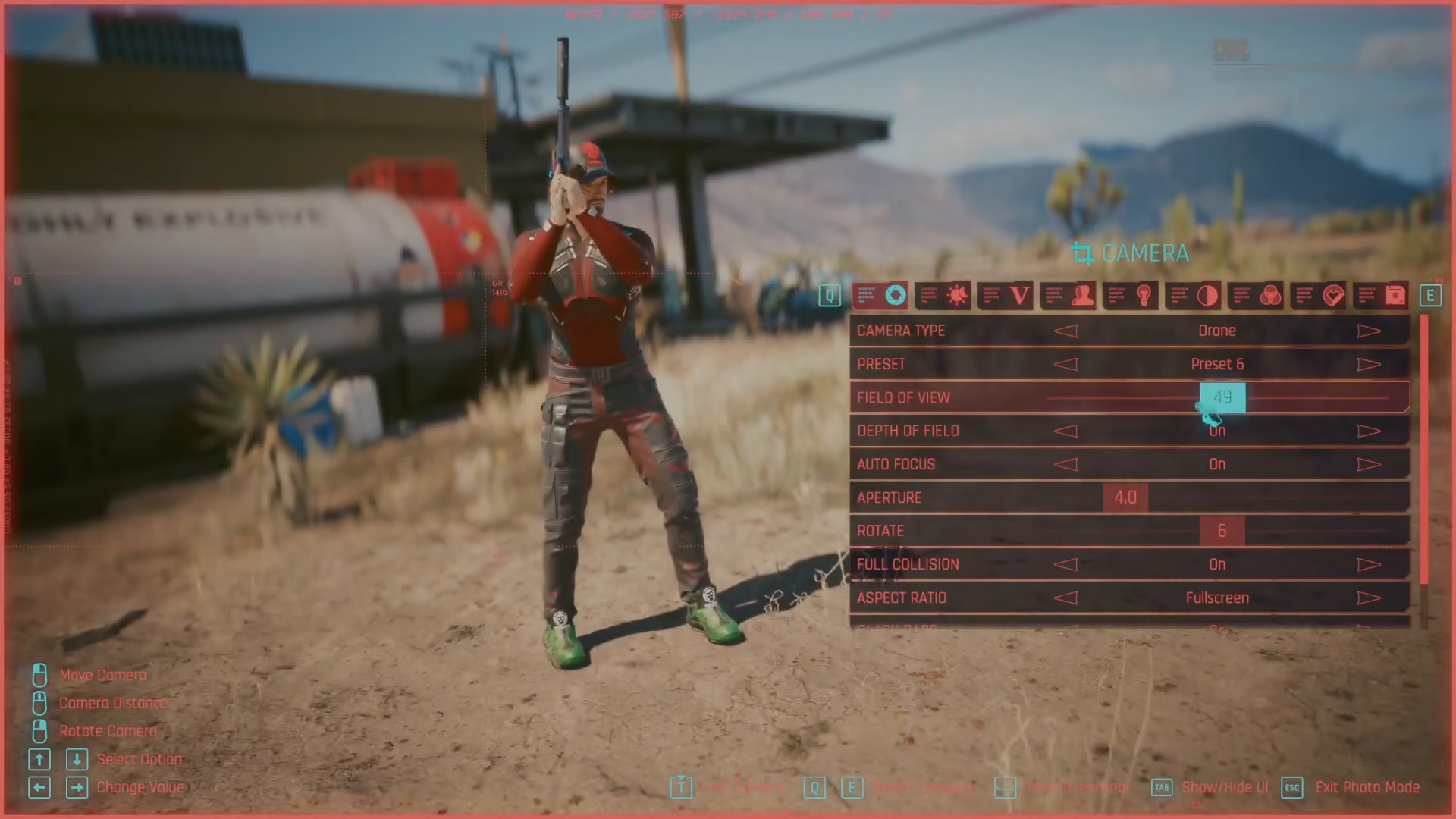
Auto Focus and Aperture
Fine-tune your focus settings and aperture values for precise control over what appears sharp in your photo.
Advanced Features
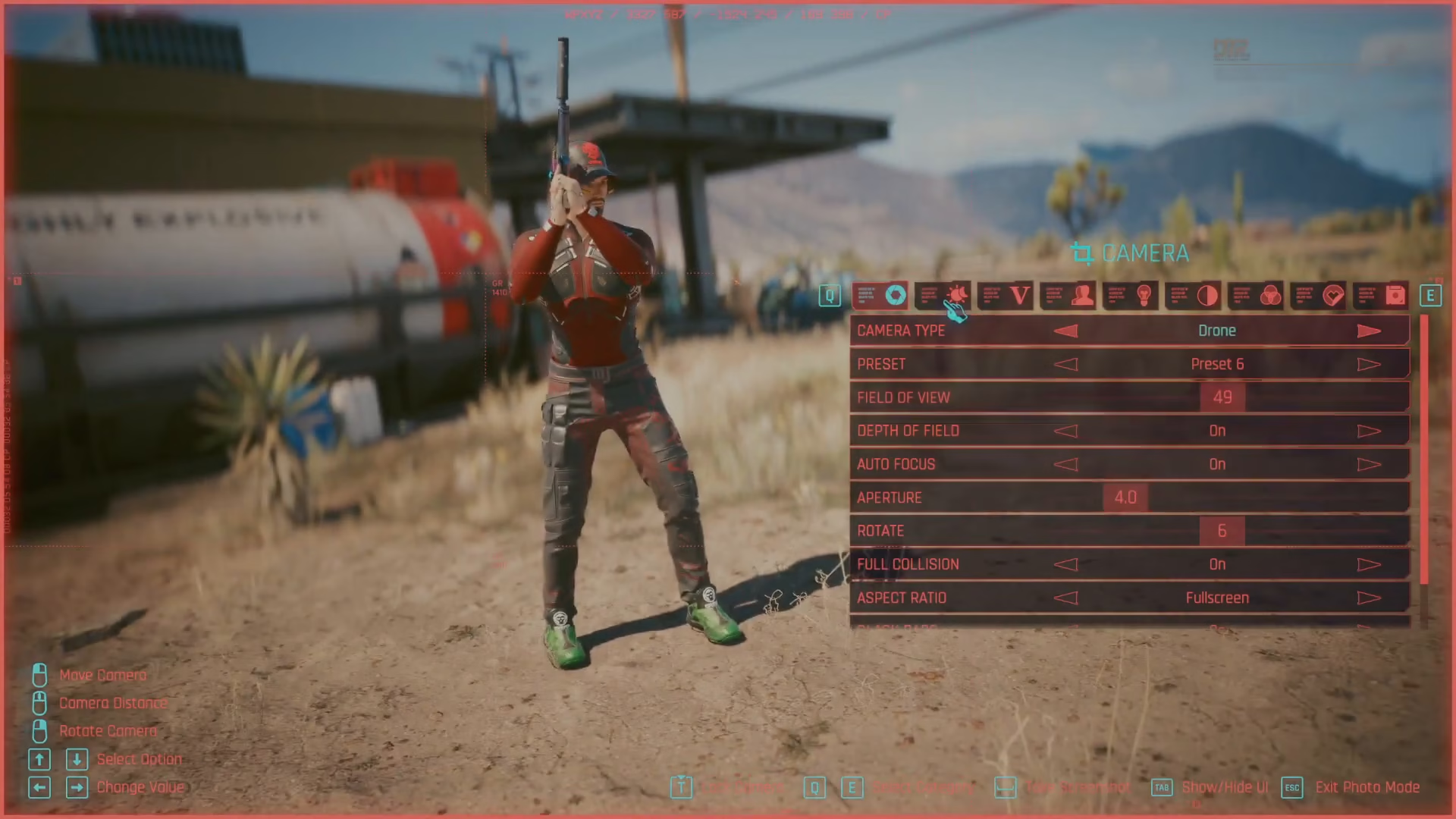
Beyond basic camera controls, Photo Mode includes several advanced customization options:
Presets — Save and load custom photo settings for consistent styling across your shots
Time Settings — Adjust the in-game time of day to capture different lighting conditions
Poses — Select from various character poses to add variety to your screenshots
Characters — Include different characters in your shots
Lighting — Customize lighting to enhance mood and visibility
Effects — Apply various visual effects to create unique and artistic photos
Summary
Photo Mode in Cyberpunk 2077 is a powerful tool for capturing incredible moments in Night City. With a simple key press (default: N), you unlock a comprehensive suite of camera and editing tools. Whether you’re adjusting field of view, experimenting with depth of field, or exploring advanced effects, Photo Mode gives you everything needed to create professional-quality screenshots. If you ever forget your keybind, simply check your Key Bind settings under Options to find the “Open Photo Mode” option.
Want to Support?
If you would like to help us continue making these guides – please consider joining our patreon here – https://www.patreon.com/c/JaviHeals
Alternatively – you can join our discord here – https://discord.gg/zD7Gjt6MHF