





How To Play Your Own Prison In Prison Architect
How To Play Your Own Prison In Prison Architect
Prison Architect offers players the freedom to build and manage their own custom prisons after completing the campaign. If you’re new to the game and want to skip straight to sandbox mode, this guide will walk you through the simple steps needed to create and launch your own prison.
Accessing the Main Menu
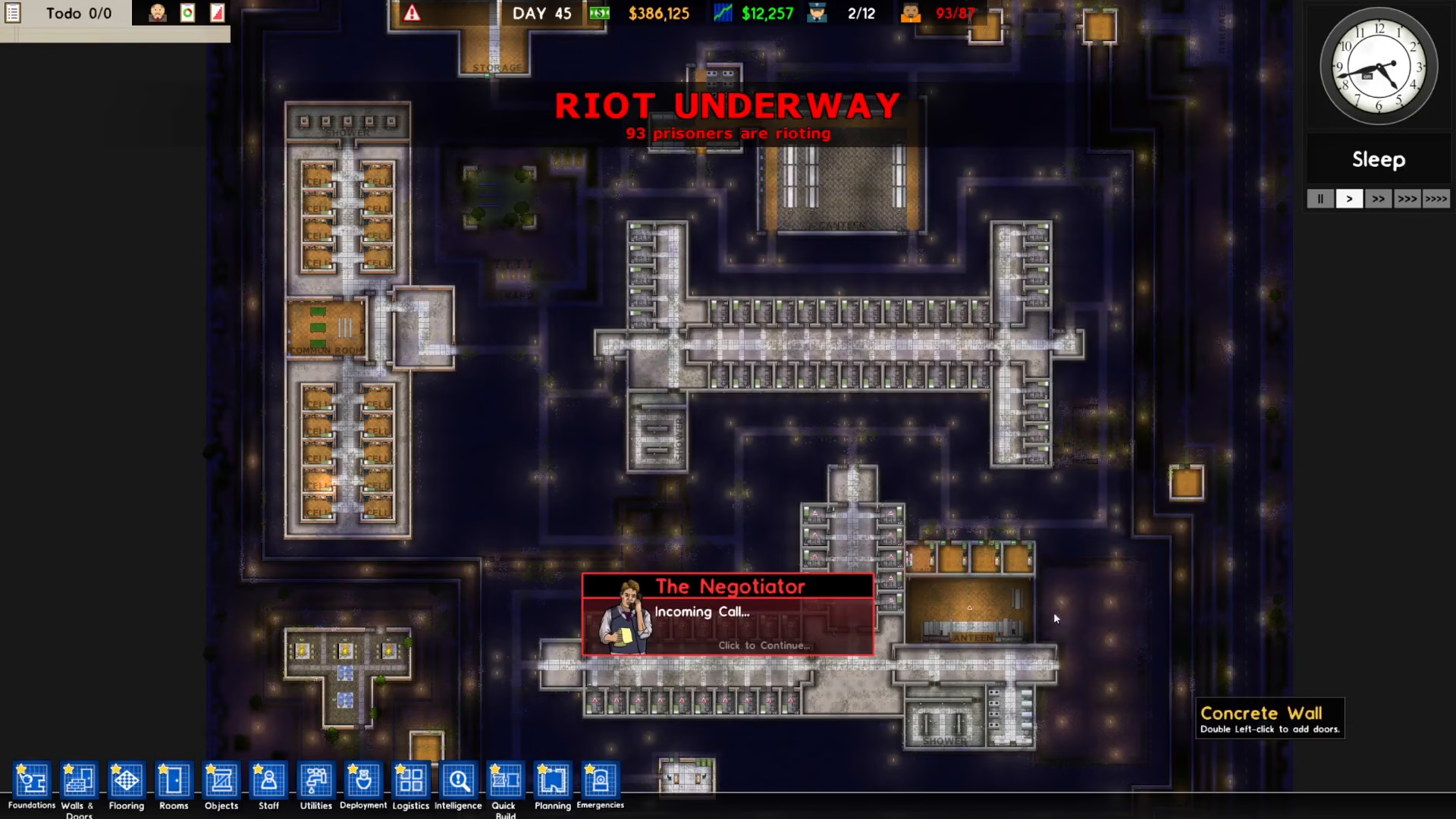
When you first launch Prison Architect, the game automatically directs you to the campaign mode. However, if you’re already inside the campaign and want to switch to your own prison, simply press the Escape key to bring up the main menu.
Creating a New Prison
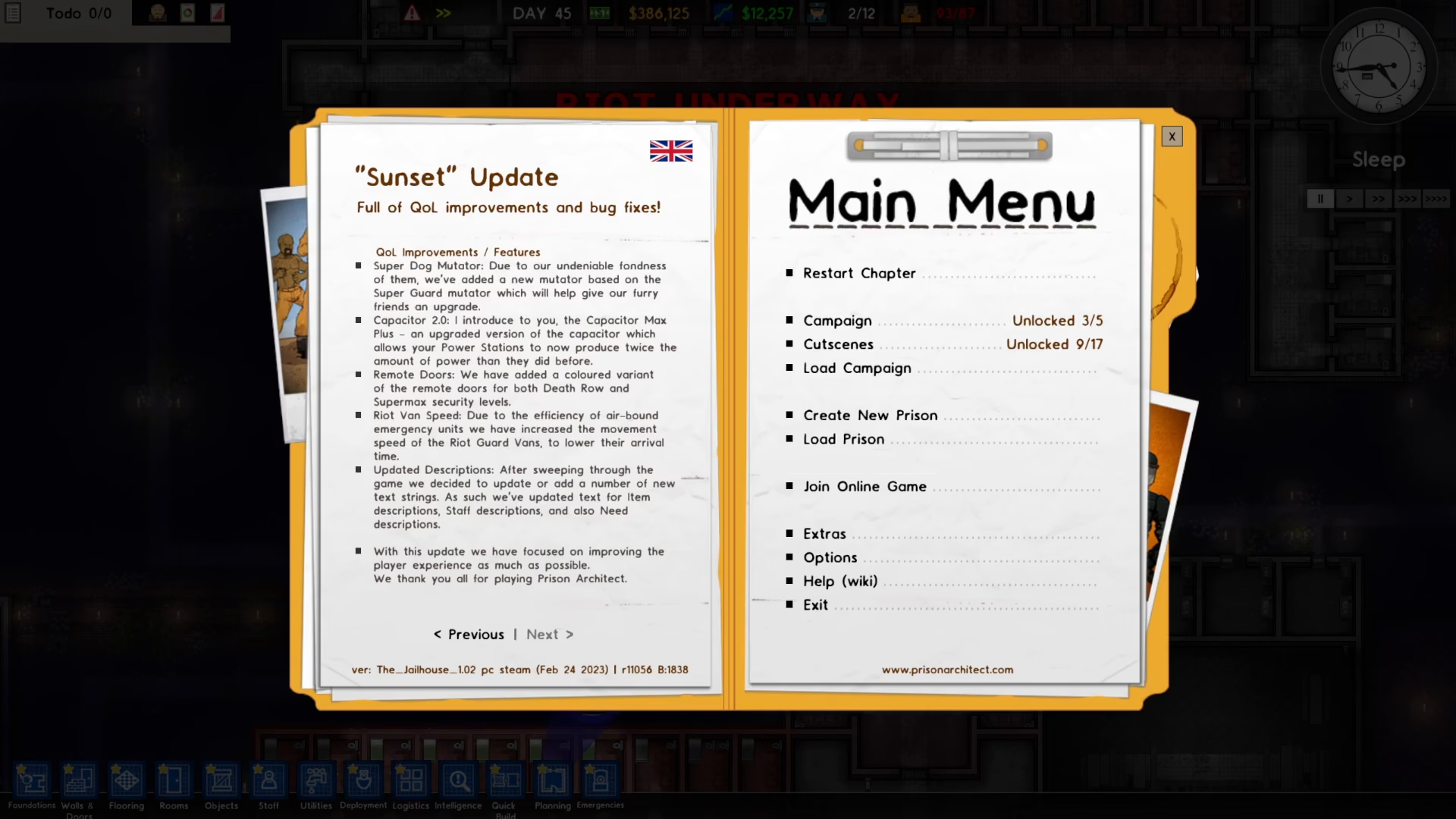
Once you’re in the main menu, you’ll see the “Create New Prison” option. Click on this button to proceed.
Adjusting Your Settings
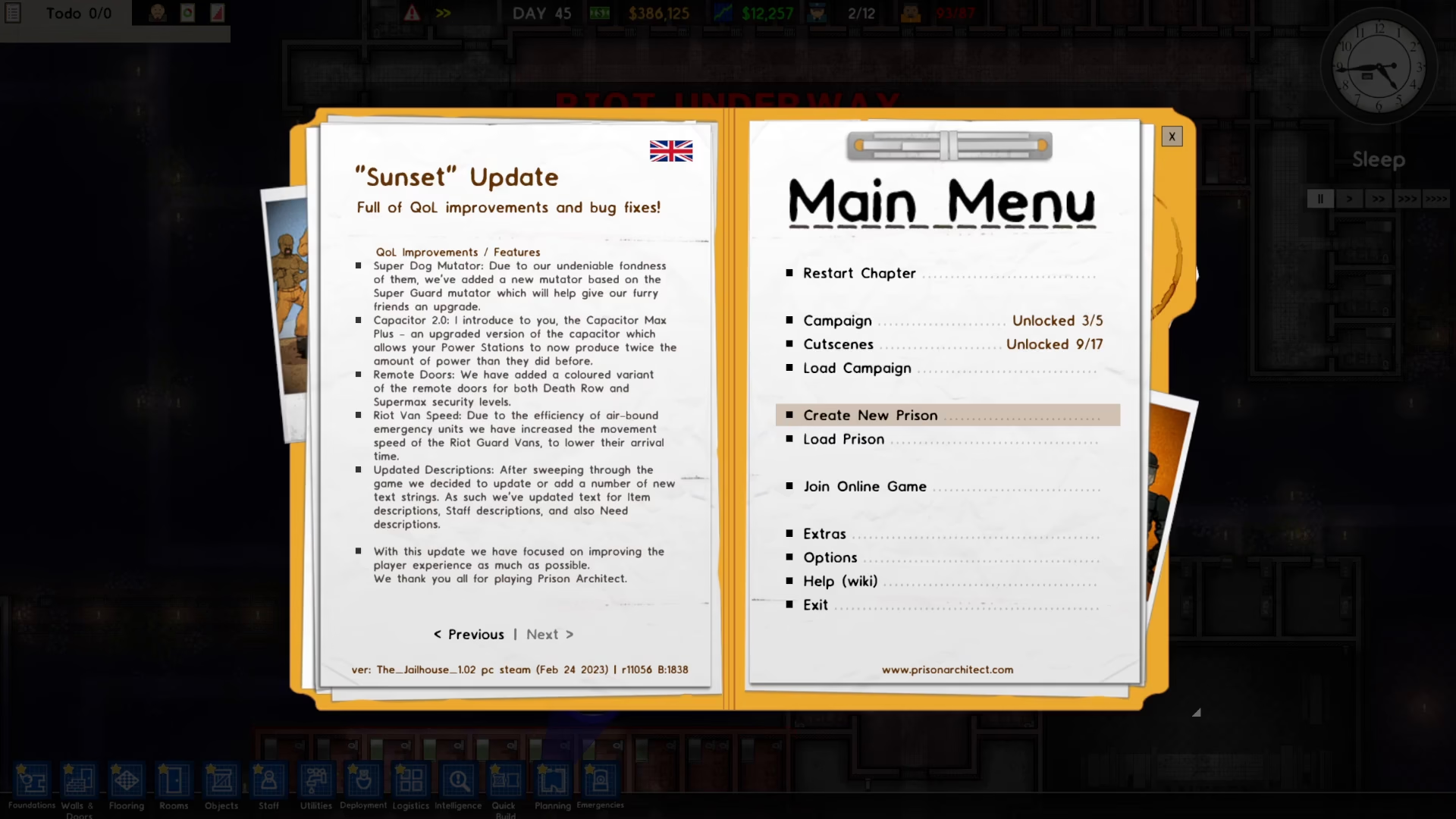
After clicking “Create New Prison,” you’ll be taken to the settings screen where you can customize your prison experience. Adjust all your preferences according to your playstyle, then press the Play button to launch your custom prison.
Start Playing
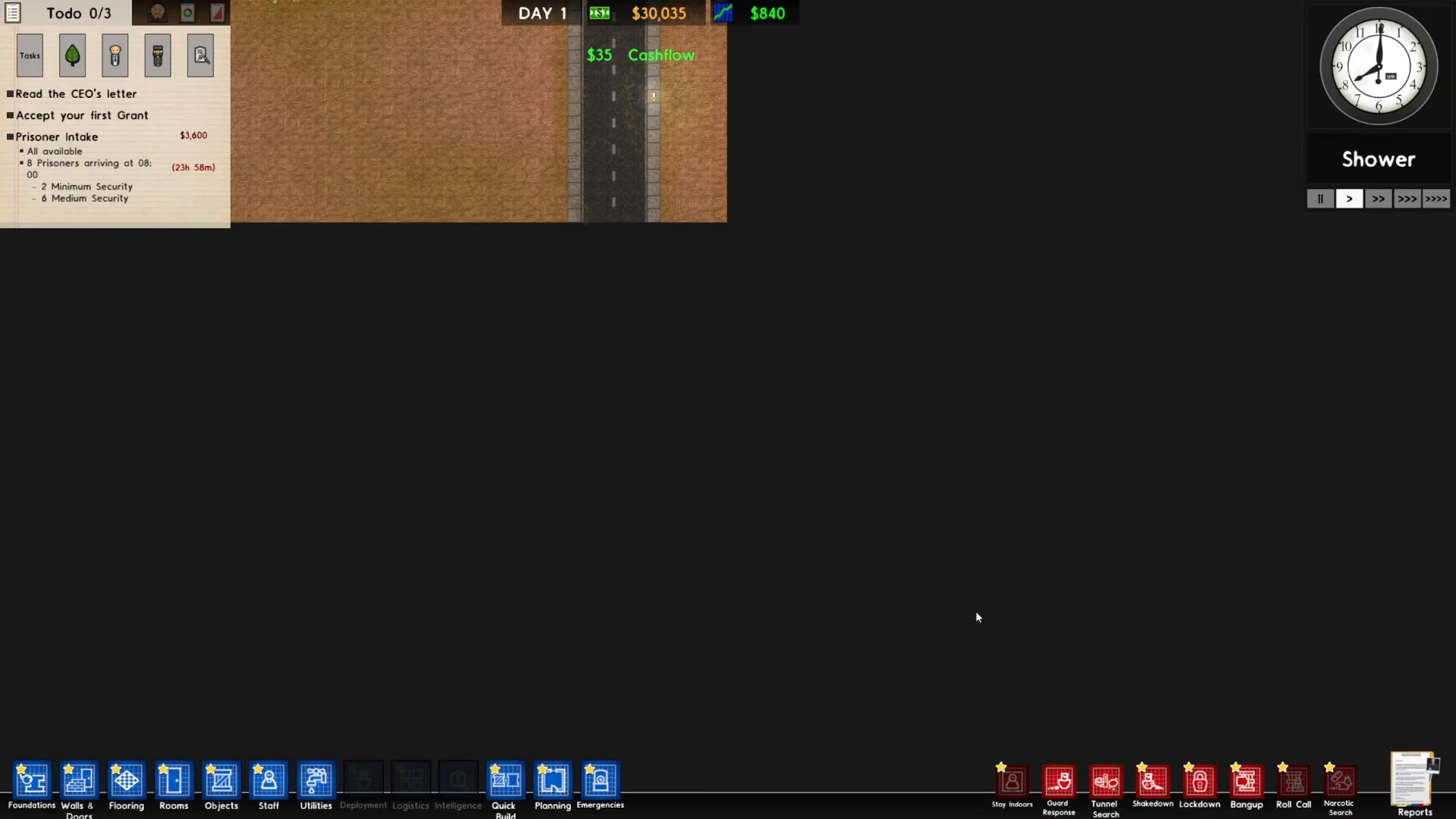
Once you’ve configured your settings and pressed Play, you’ll be loaded into your own prison and ready to begin building and managing your facility.
Summary
Playing your own prison in Prison Architect is straightforward. Simply press Escape from the campaign, select “Create New Prison,” adjust your desired settings, and press Play. You’ll now have full control to design and manage your own correctional facility exactly how you want it. Enjoy building!
— Want to Support? —
If you would like to help us continue making these guides – please consider joining our patreon here – https://www.patreon.com/c/JaviHeals
Alternatively – you can join our discord here – https://discord.gg/zD7Gjt6MHF