





How To Put Power Armor In Station In Fallout 4
How To Put Power Armor In Station In Fallout 4
Storing your Power Armor in a Power Armor Station is one of the most essential mechanics in Fallout 4. This guide will walk you through the simple steps needed to safely dock your armor and access it whenever you need it.
Locating Your Power Armor Station
First, you’ll need to find a Power Armor Station. These stations are typically found at various settlements and military locations throughout the Commonwealth.
Exiting Your Power Armor
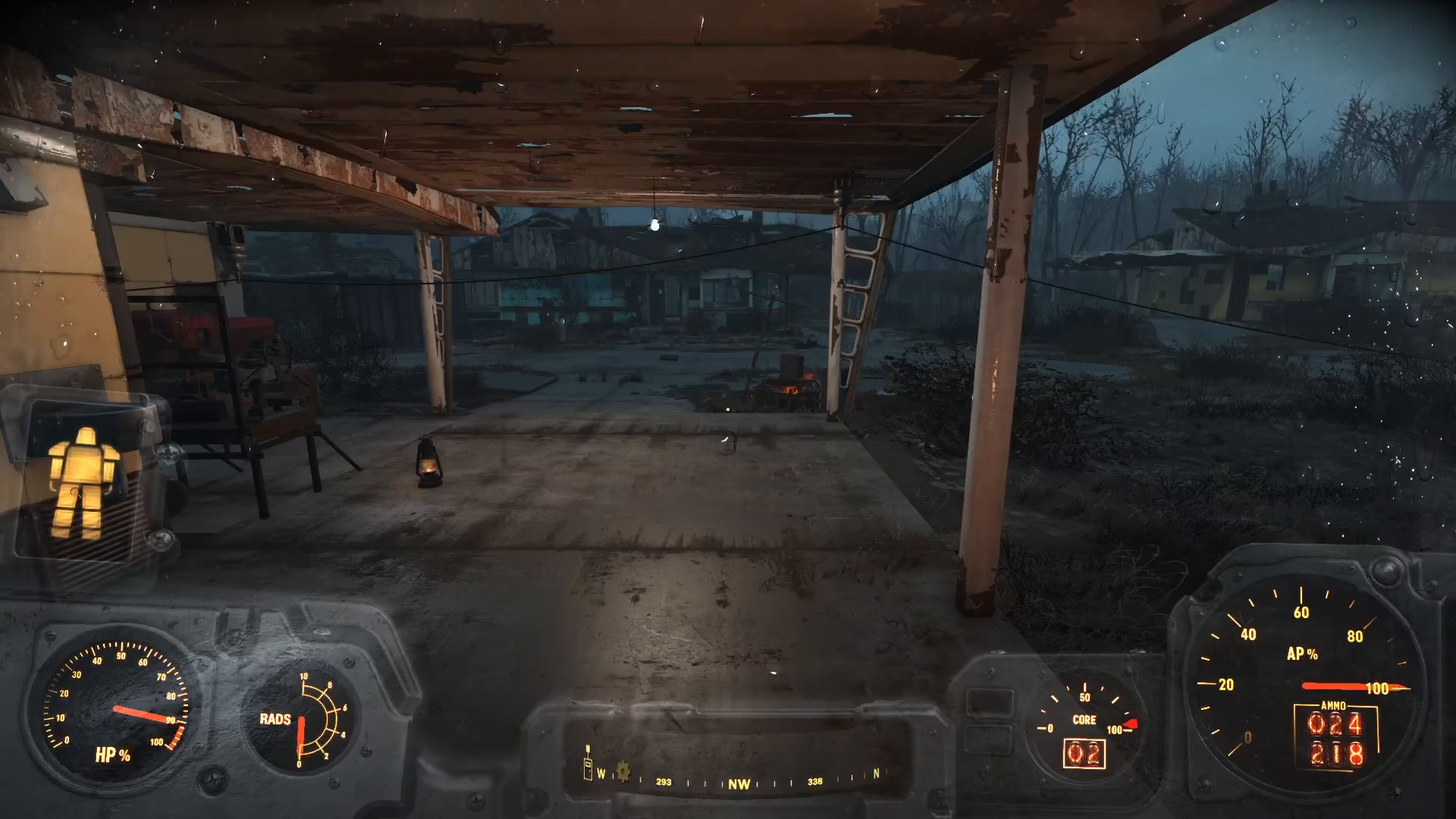
Once you’ve located a Power Armor Station, walk up to it. Position yourself at the station, then turn around to face it properly. Hold down the interact button to exit the power armor. Your character will automatically step out of the armor suit.
Storing Your Power Armor
After exiting, your power armor will now be stored in the Power Armor Station. The armor is now safely docked and ready for you to access later.
Retrieving Your Power Armor
When you need to use your power armor again, simply approach the station and press the interact button. You’ll be able to interact with it and retrieve your armor whenever you’re ready to suit up.
Summary
Storing power armor in a Power Armor Station is straightforward: locate the station, position yourself at it, hold the interact button to exit, and your armor will be safely stored. You can retrieve it at any time by interacting with the station again. This is an essential skill for managing your equipment throughout your Fallout 4 adventure.
— Want to Support? —
If you would like to help us continue making these guides – please consider joining our patreon here – https://www.patreon.com/c/JaviHeals
Alternatively – you can join our discord here – https://discord.gg/zD7Gjt6MHF