






How To Quickly Scrap Junk In Fallout 4
How To Quickly Scrap Junk In Fallout 4
Managing your inventory in Fallout 4 can be tedious, especially when you’re carrying around junk items. Fortunately, there’s a quick and efficient method to scrap all your junk at once using the workshop transfer system. This guide will show you how to streamline the scrapping process so you can focus on building and upgrading your settlement.
Understanding the Junk Problem
As you explore the Commonwealth in Fallout 4, you’ll inevitably accumulate junk items in your inventory. While these items might seem worthless at first glance, they contain valuable crafting materials needed for building and upgrading items and structures.
How to Quickly Scrap Your Junk
Step 1: Access the Workshop
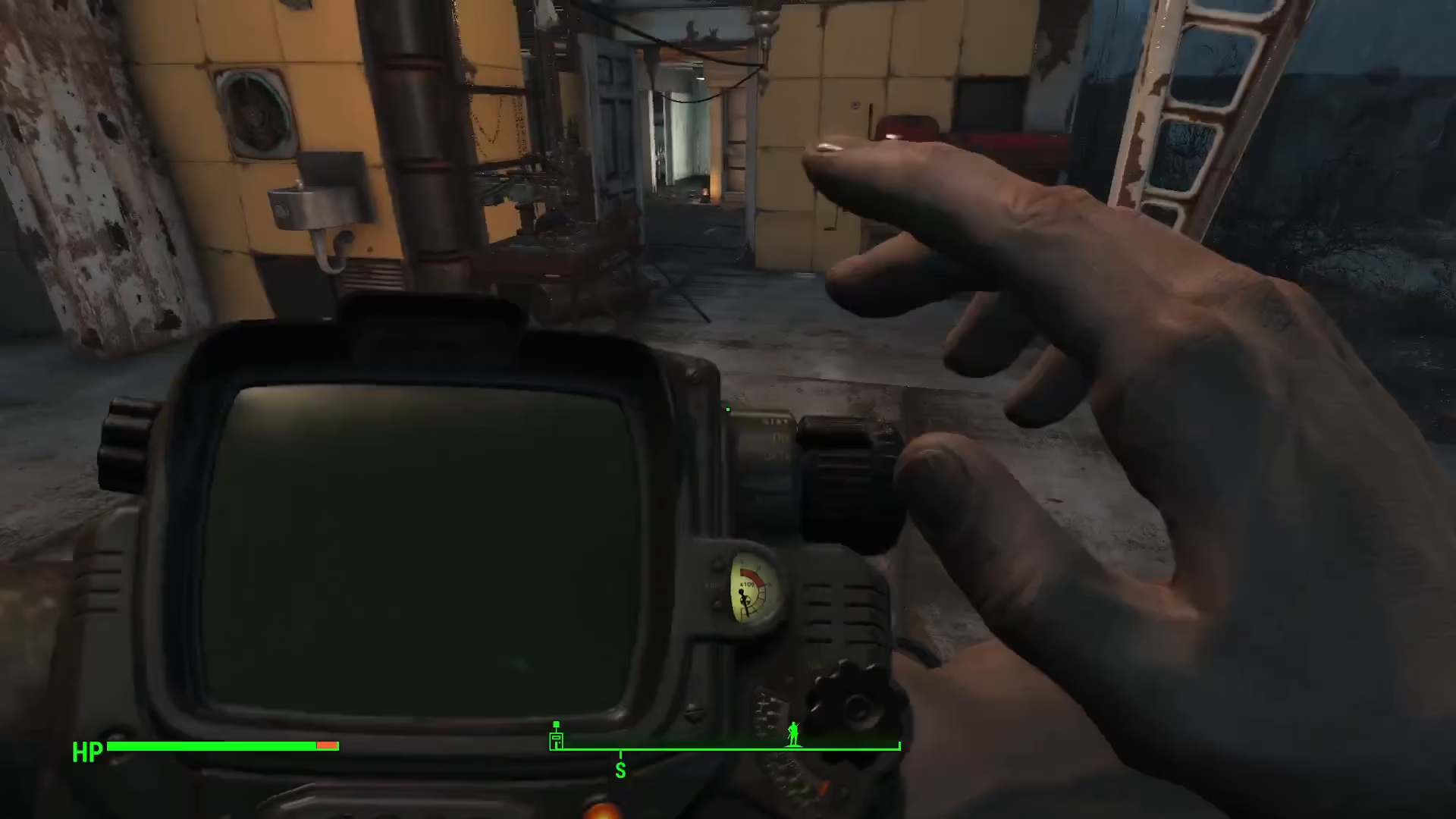
Head to your workshop and open the transfer menu. Press R to access the transfer interface.
Step 2: Store All Junk at Once
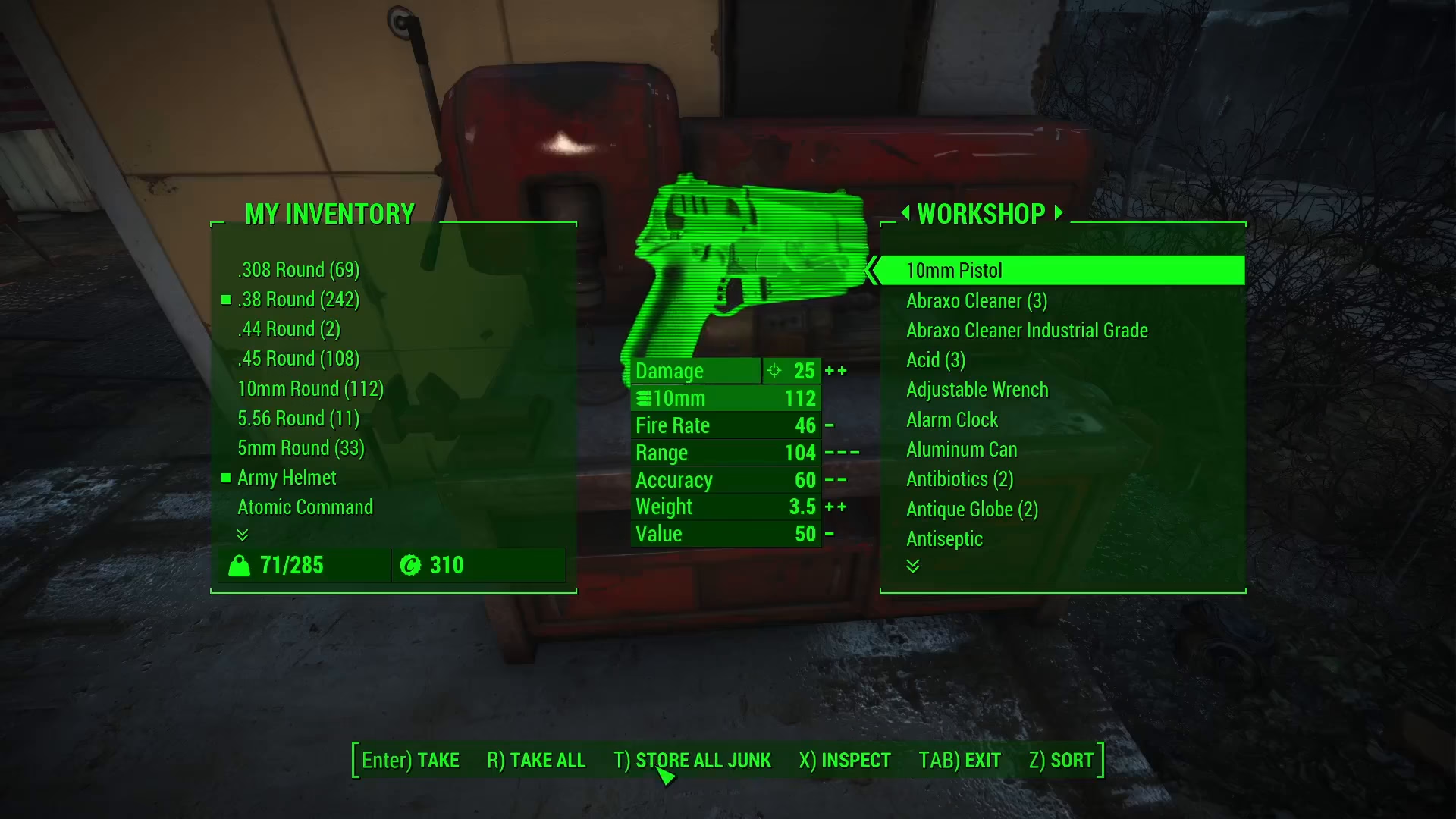
Once you’re in the workshop menu, you’ll see a button that allows you to store all of your junk simultaneously. On PC, this button is T. Press it to transfer all items from your junk section directly into the workshop inventory.
Step 3: Let the Workshop Auto-Scrap
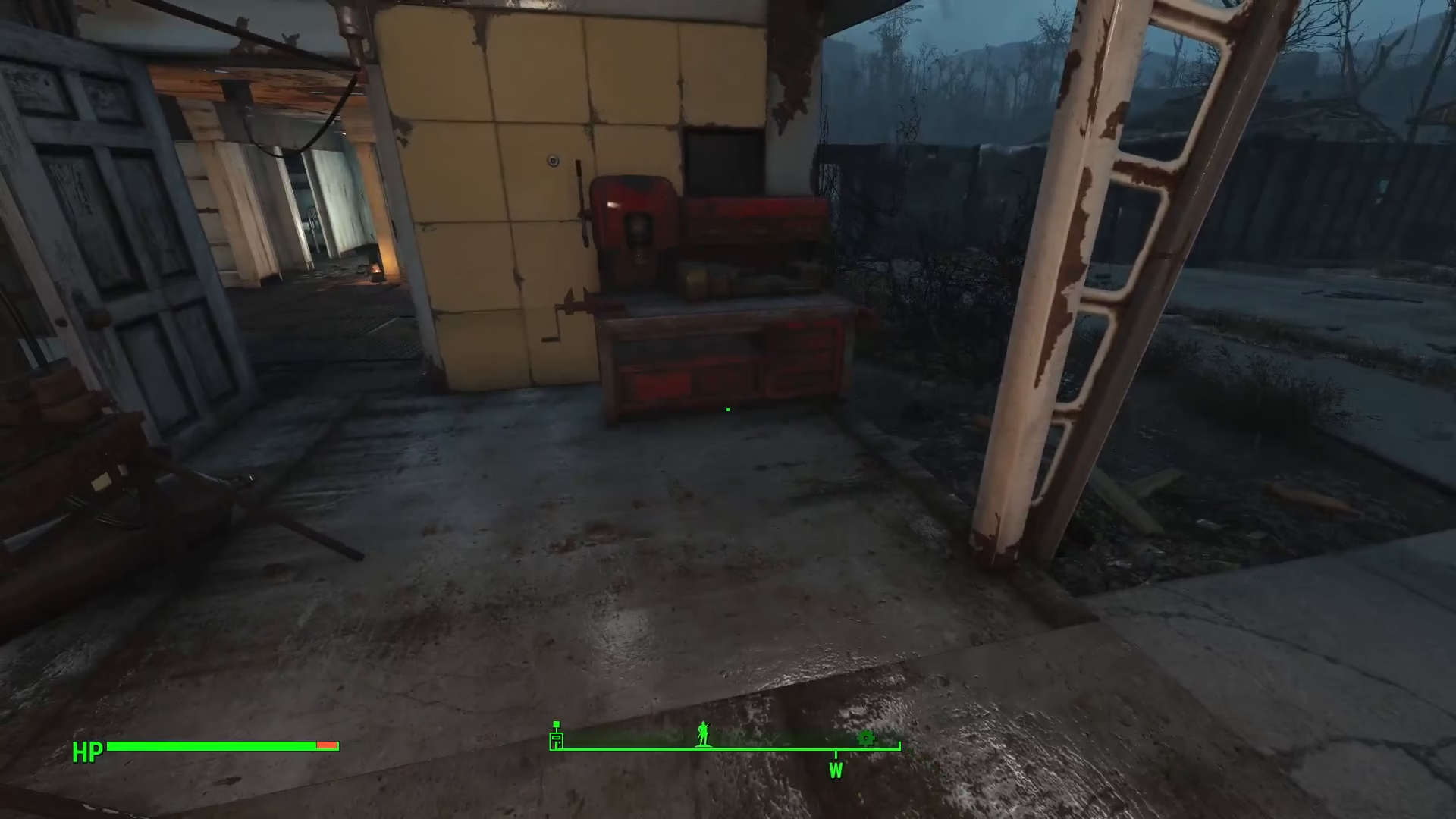
When you start building structures or crafting items, the workshop will automatically break down whatever junk contains the right materials for what you’re trying to construct. This applies to both new builds and upgrades you’re making to existing structures.
Why This Method Is Superior
This workshop transfer method is significantly more convenient than the traditional approach of dropping individual junk items and scrapping them manually. By storing all your junk at once, you save valuable time and can immediately start working on your projects without the hassle of managing individual items.
Summary
Scrapping junk in Fallout 4 doesn’t have to be a chore. By using the workshop transfer system—pressing R to open the menu and T to store all junk—you can instantly move your entire junk collection into the workshop. From there, the game automatically breaks down materials as you build and craft, making the process seamless and efficient. This simple technique will help you manage your inventory better and spend more time enjoying the game.
Want to Support?
If you would like to help us continue making these guides – please consider joining our patreon here – https://www.patreon.com/c/JaviHeals
Alternatively – you can join our discord here – https://discord.gg/zD7Gjt6MHF