





How To Quick Save In Fallout 4
How To Quick Save In Fallout 4
Quick saving is one of the most essential features in Fallout 4, allowing you to preserve your progress without interrupting gameplay. Whether you’re on PC or console, this guide will walk you through the quickest methods to save your game.
Quick Save on PC Keyboard
If you’re playing Fallout 4 on PC using a keyboard, the fastest way to quick save is by pressing the F5 key. This allows you to save your game without pausing, keeping the action flowing seamlessly.
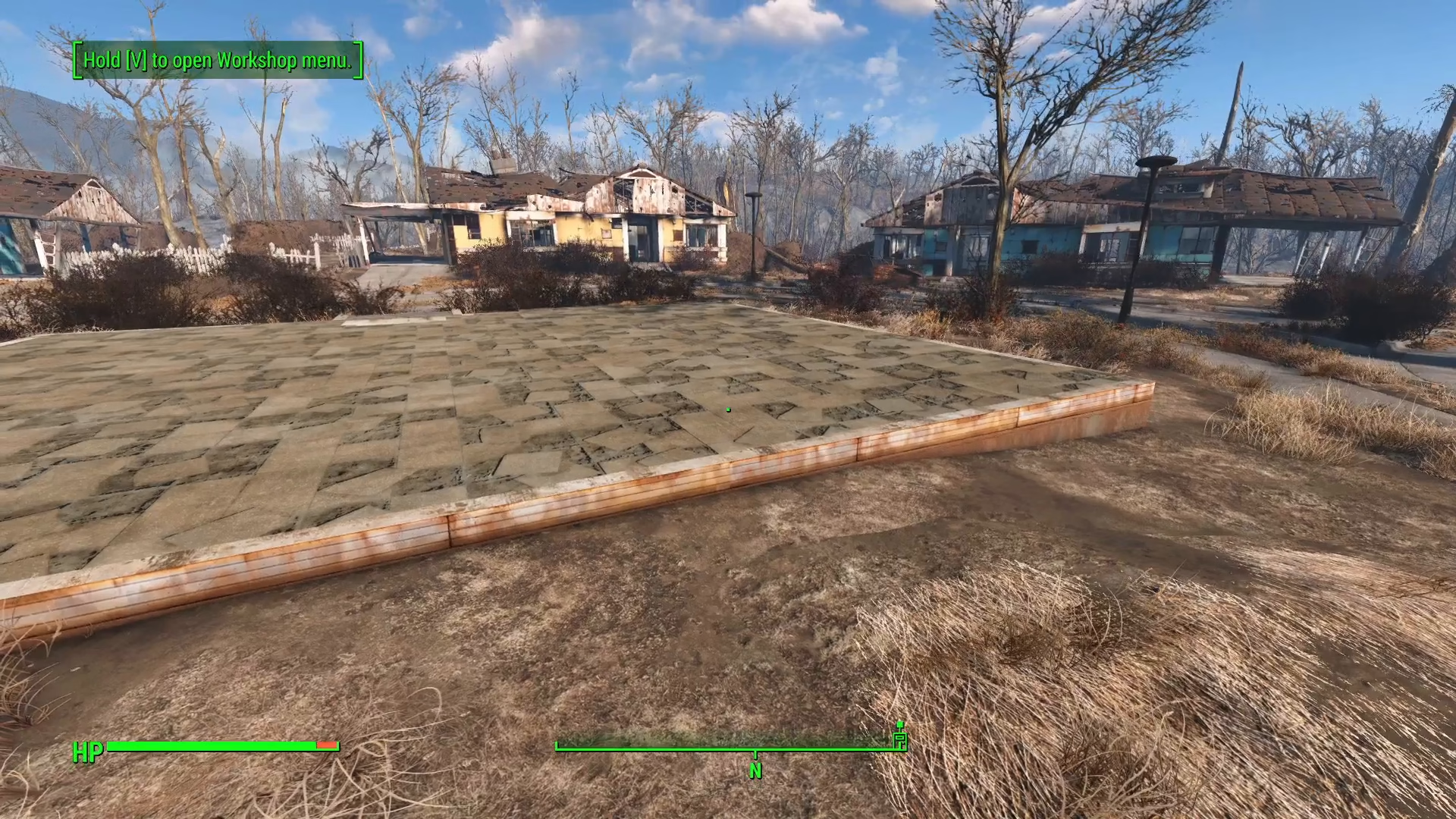
Quick Save Via Main Menu
For players on all platforms—including PC—you can also access the quick save feature through the main menu. Simply navigate to the very top option in the menu, which displays the quick save button. This method functions identically to the keyboard shortcut and works across all gaming platforms.

Summary
Quick saving in Fallout 4 is straightforward and convenient. PC keyboard users can press F5 for instant saves without pausing, while all players can access the quick save option from the top of the main menu. Use whichever method works best for your playstyle and keep your progress safe throughout your adventure in the Commonwealth.
— Want to Support? —
If you would like to help us continue making these guides – please consider joining our patreon here – https://www.patreon.com/c/JaviHeals
Alternatively – you can join our discord here – https://discord.gg/zD7Gjt6MHF