






How To Release Prisoners In Prison Architect
How To Release Prisoners In Prison Architect
Prison Architect offers multiple methods to release prisoners from your facility. Whether you’re managing your prison’s population or preparing inmates for life outside, this guide walks you through the two primary release methods: parole and prisoner transfer. Let’s explore both options in detail.
Method 1: Release Prisoners Through Parole
The first way to release prisoners is through the parole system. This method involves having prisoners participate in parole every day until they are released from your facility.
Simply allow your prisoners to attend parole sessions on a regular basis. Once they have participated enough, they will be eligible for release. For example, after Bird completes his parole requirements, he becomes eligible to leave the prison.
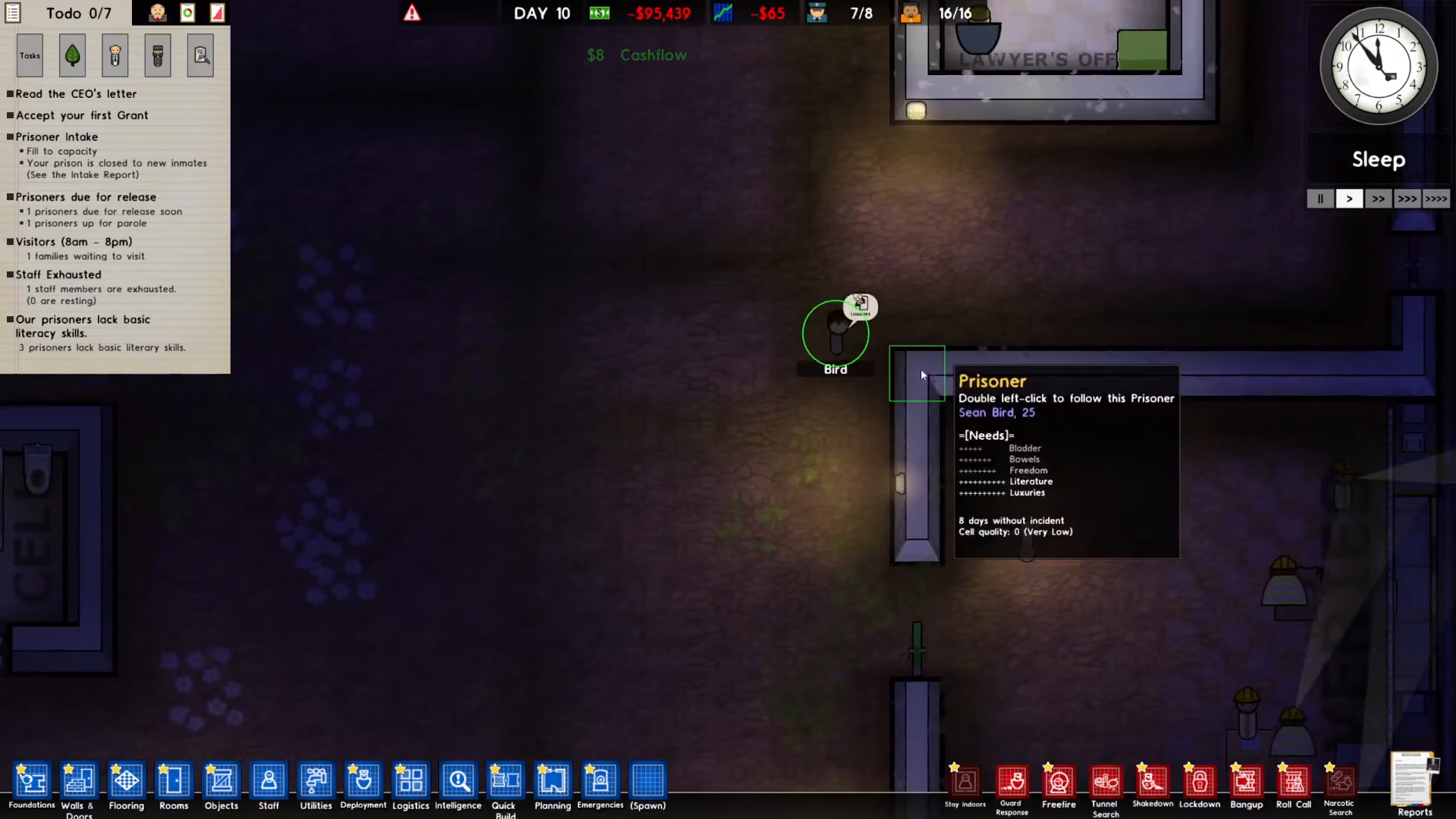
Once a prisoner is approved for release through parole, they can exit the facility immediately.
Method 2: Release Prisoners Through Transfer
The second way to release prisoners is by activating the prisoner transfer feature. This method gives you direct control over which prisoners to remove from your prison.
Step 1: Enable Prison Transfers
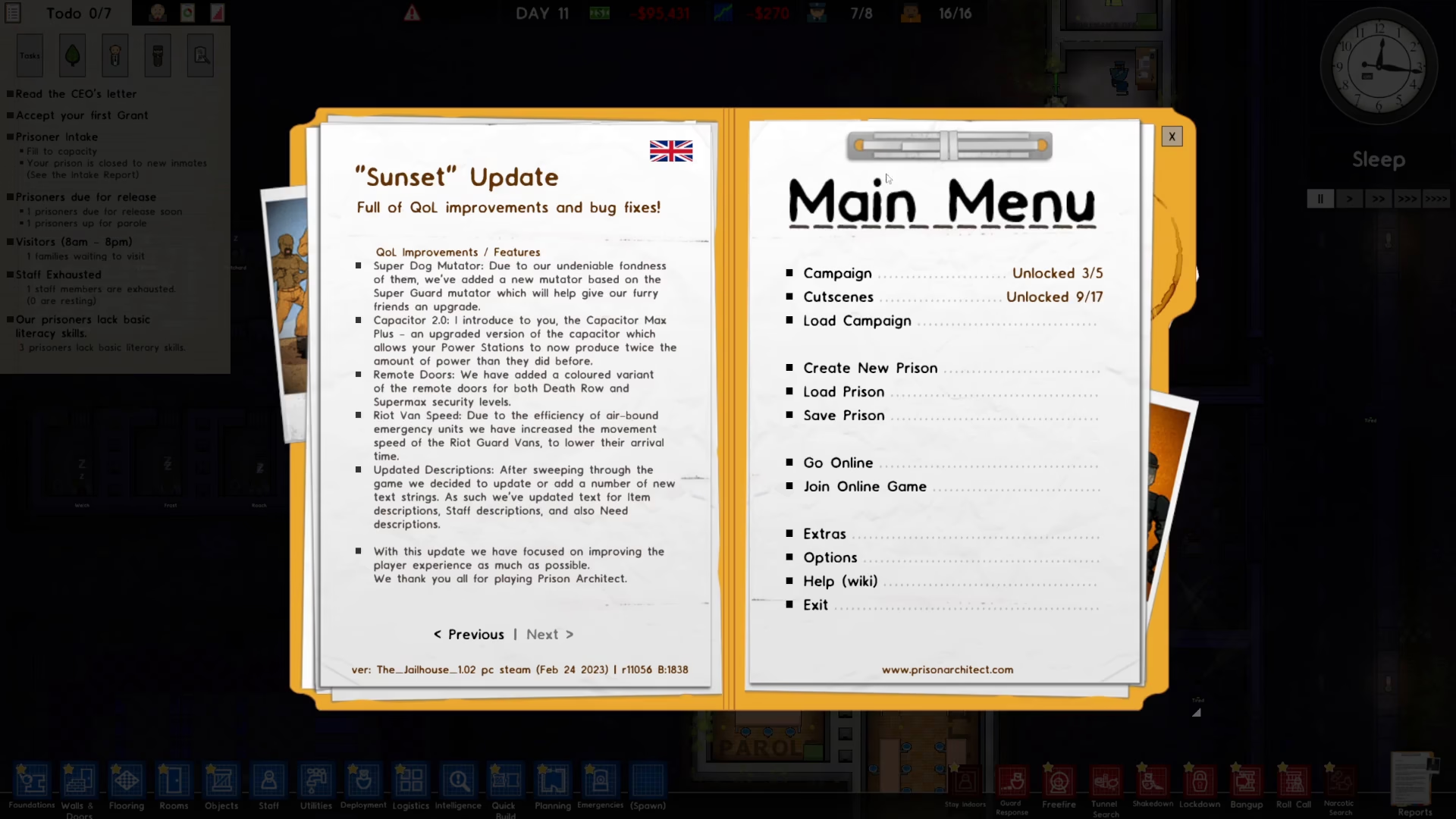
First, you need to enable prison transfers in your game settings. Navigate to the main menu, then go to Extras and select Map Settings.
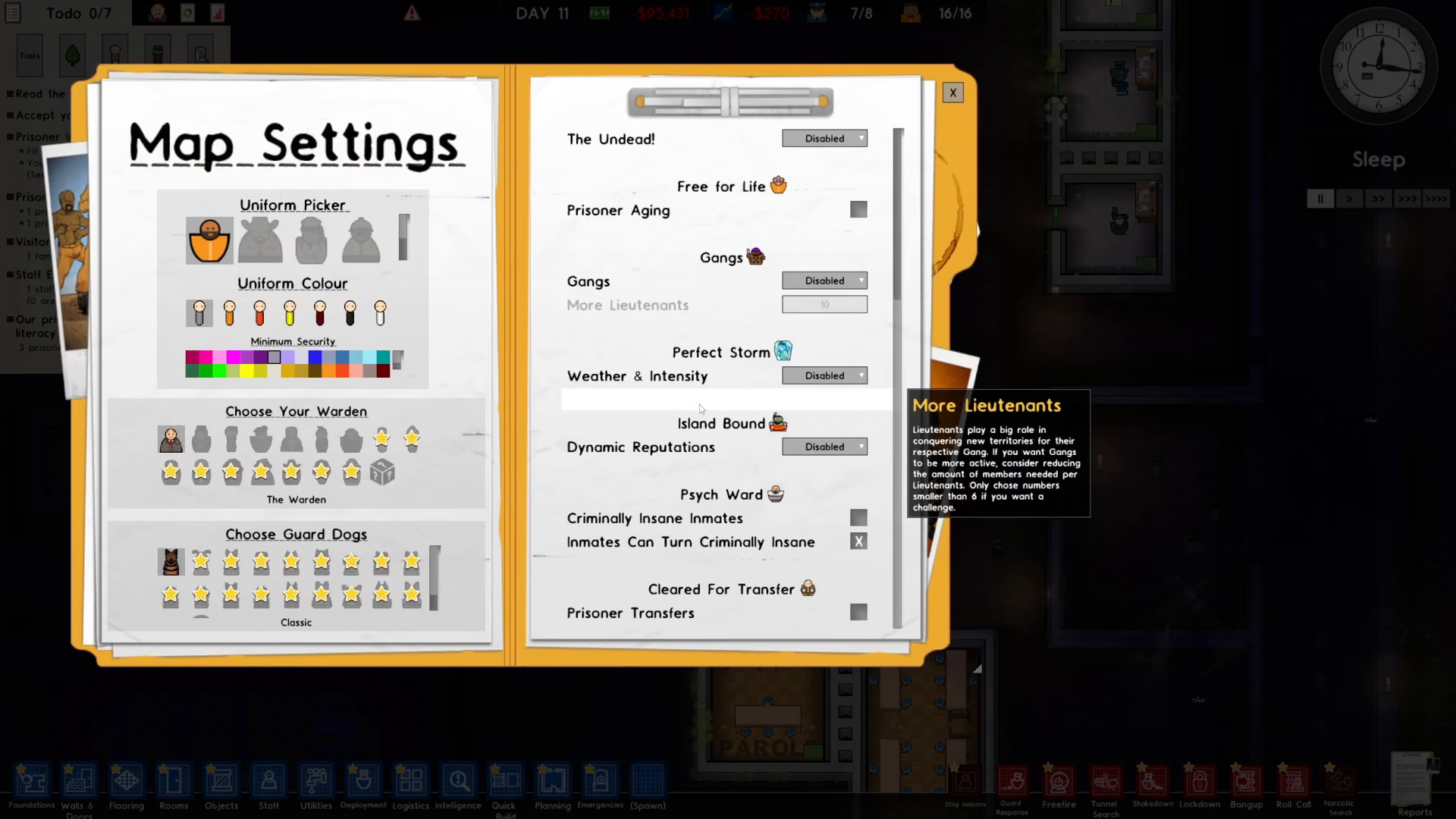
Scroll down through the settings menu until you find the prison transfers option.
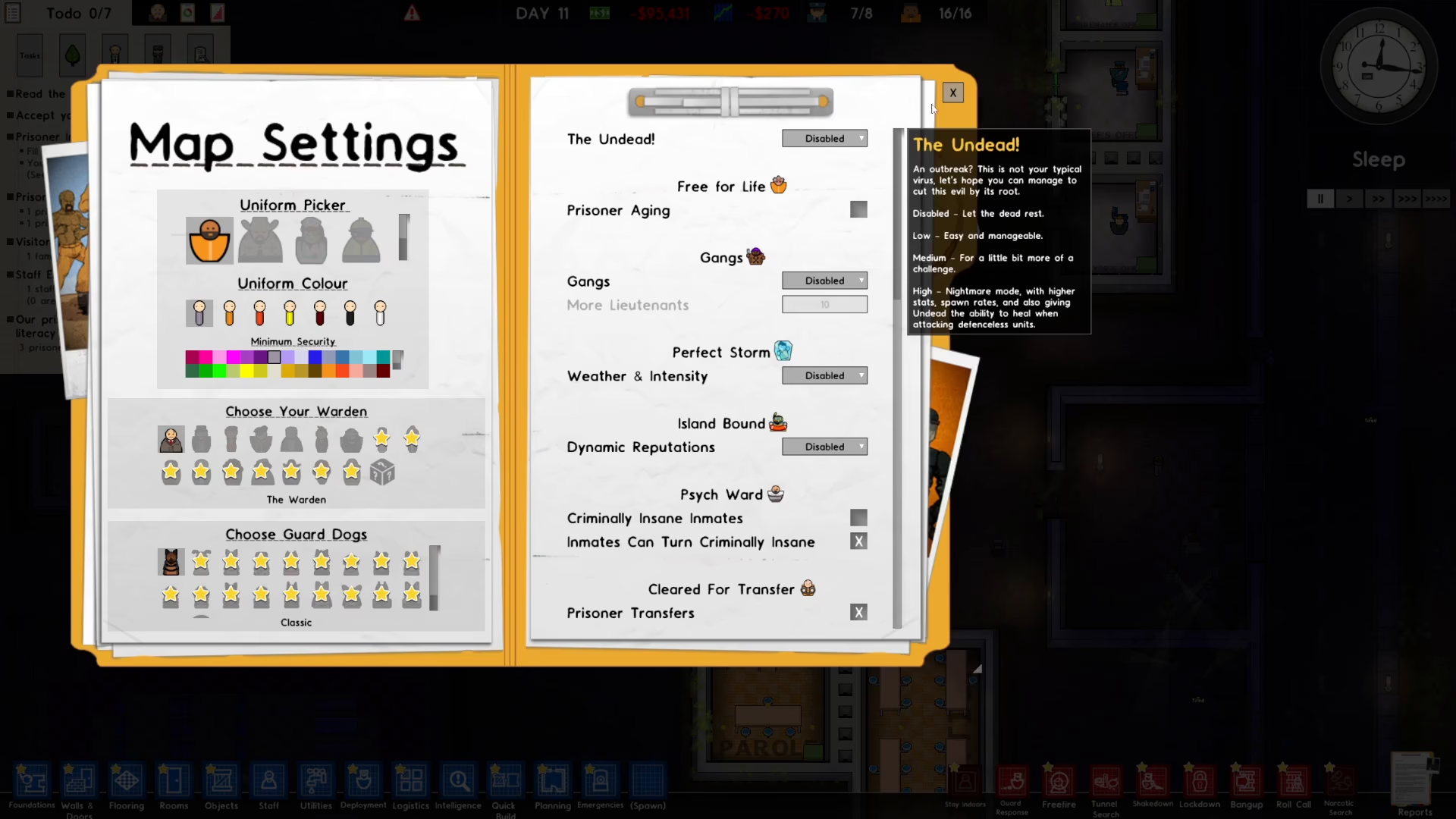
Toggle the prison transfers setting to activate this feature, then close the menu.
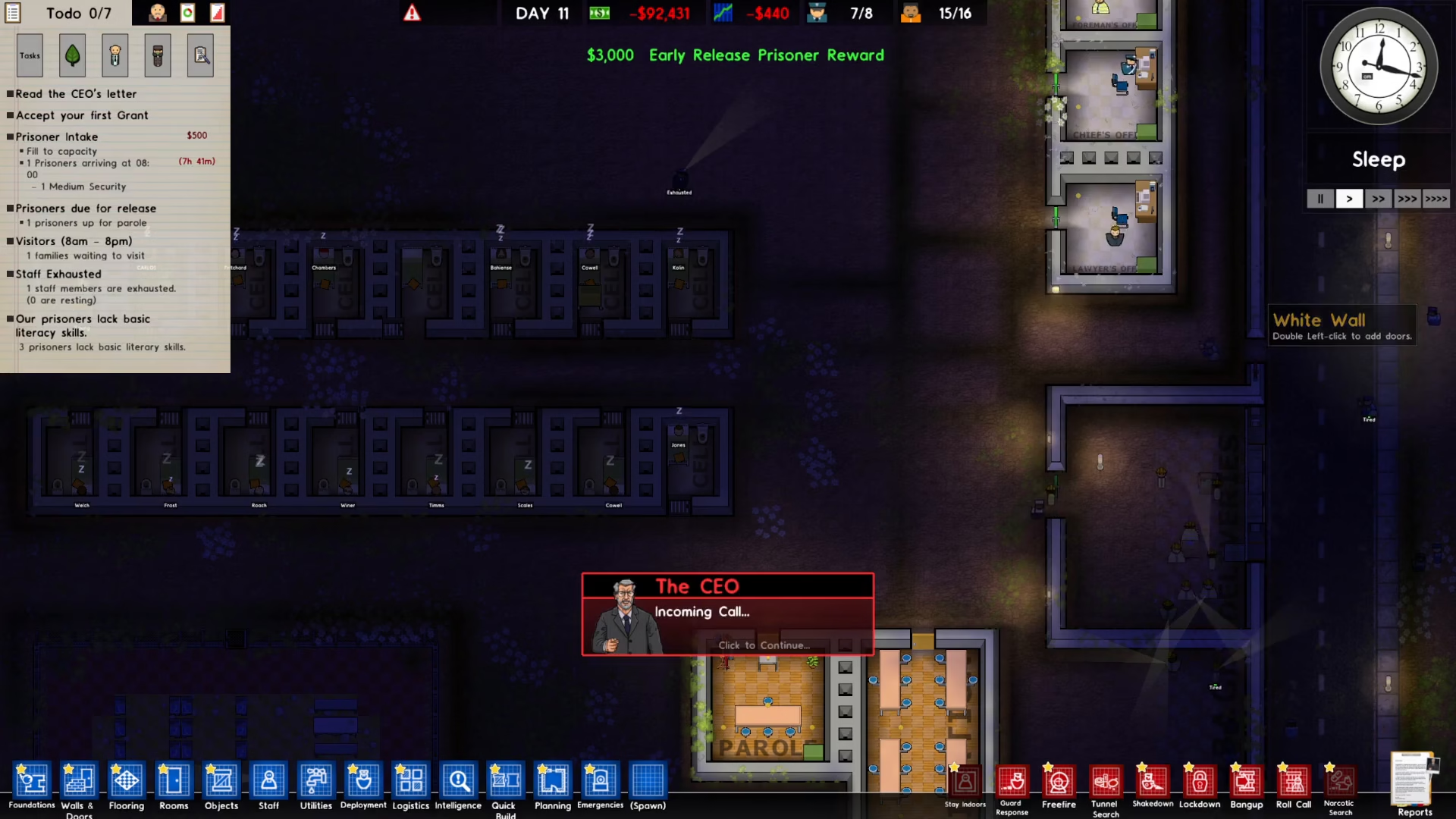
Step 2: Access the Intelligence Menu
Once prison transfers are enabled, click on the Intelligence option located in the bottom left corner of your screen.
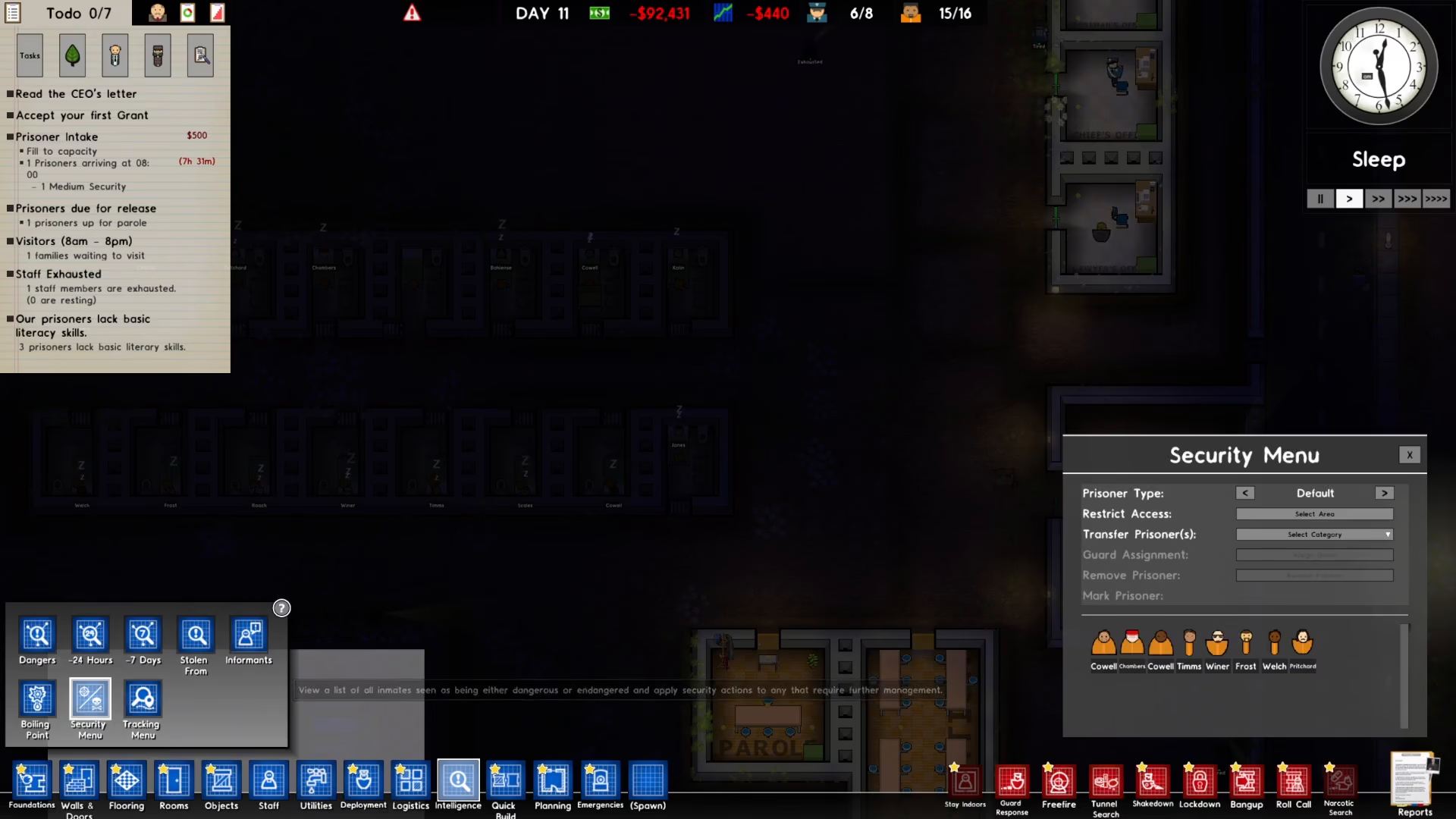
Step 3: Open the Security Menu
From the Intelligence menu, click on the Security menu option.
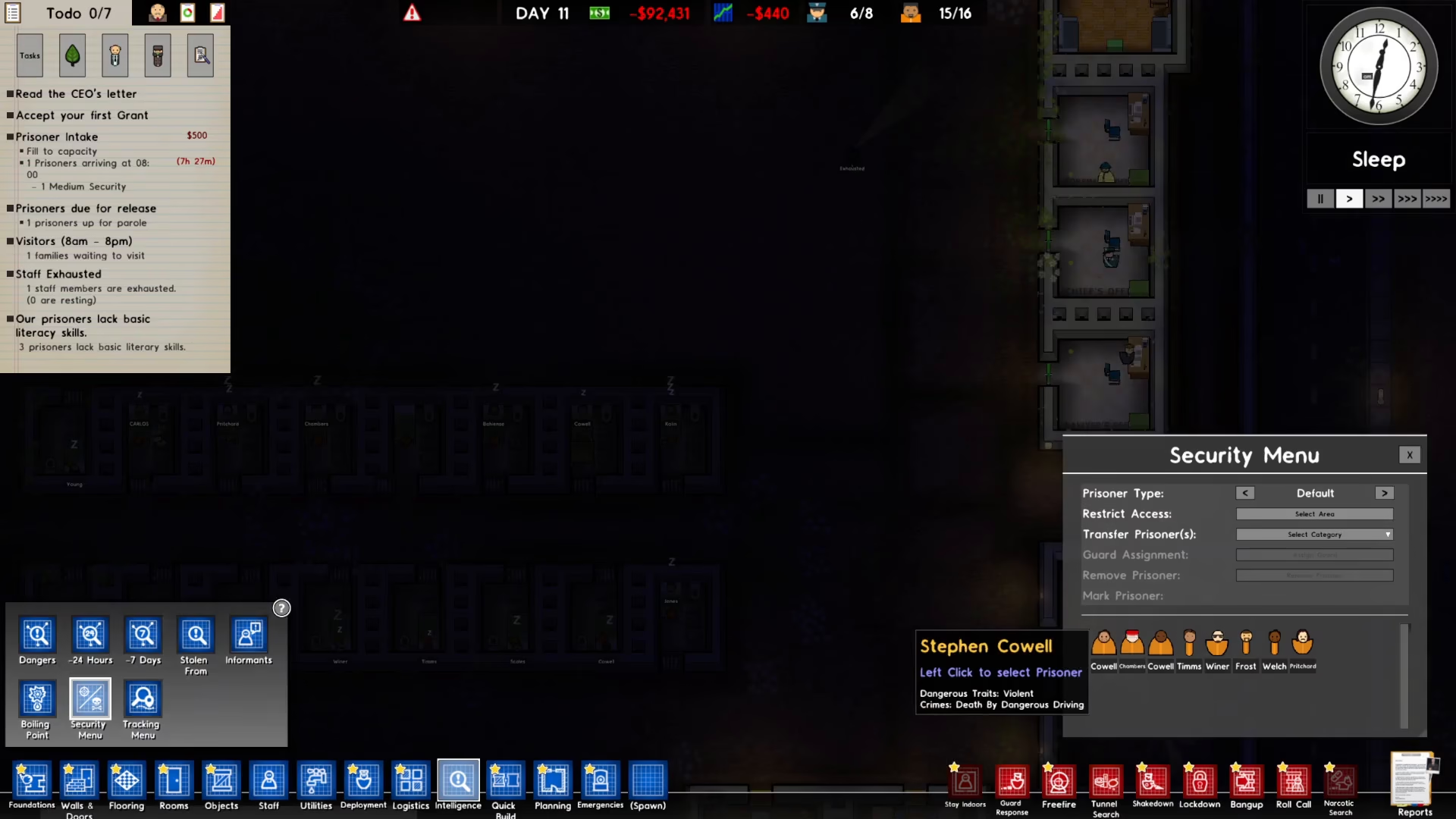
Step 4: Select and Remove a Prisoner
On the right side of the screen, you’ll see a list of prisoners. Select the prisoner you wish to release. For example, you can select a prisoner like Coel.
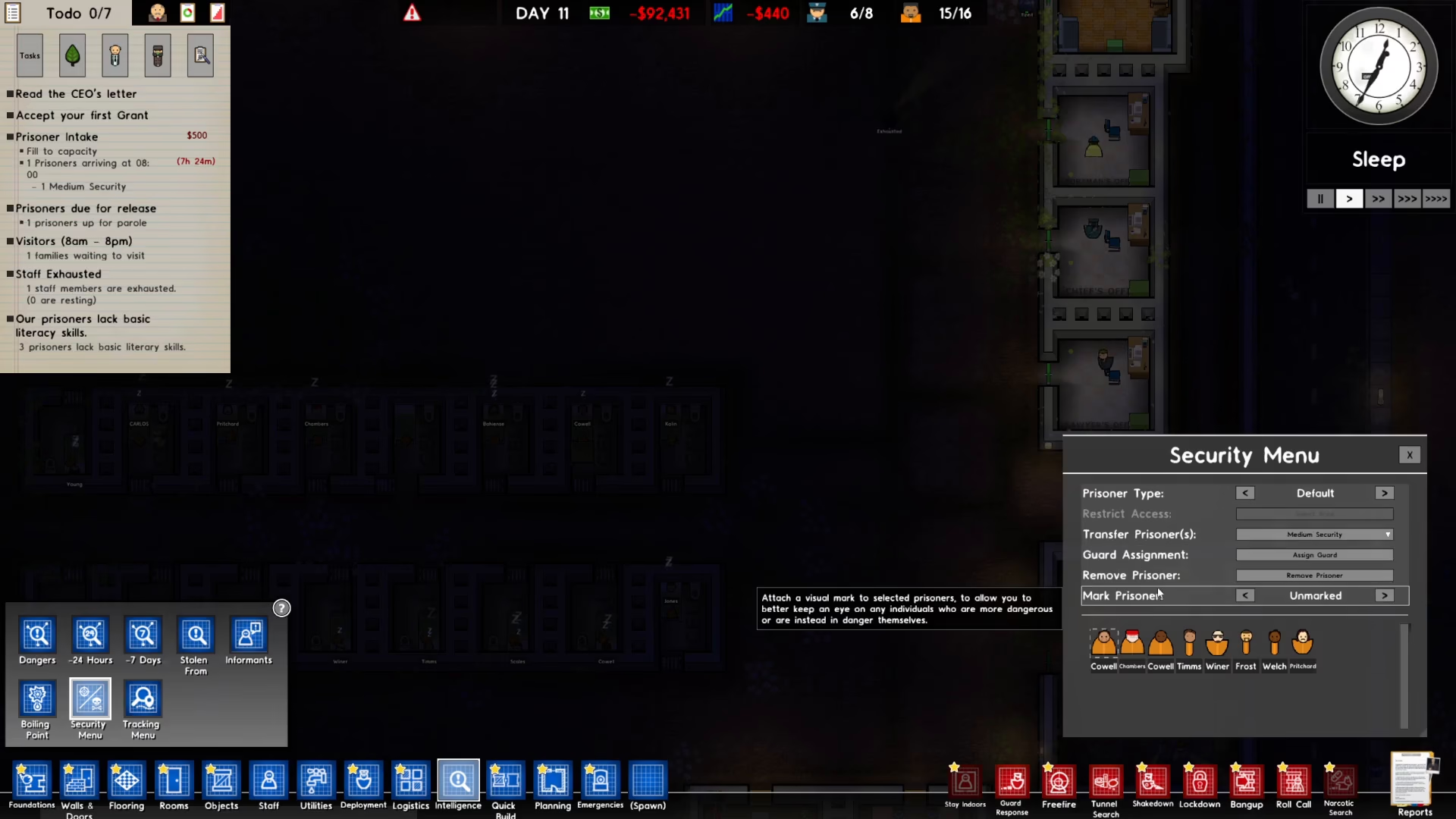
Once you’ve selected your target prisoner, click the “Remove Prisoner” button.
Step 5: Confirm and Wait for Release
A confirmation dialog will appear. Click “Okay” to confirm the prisoner removal.
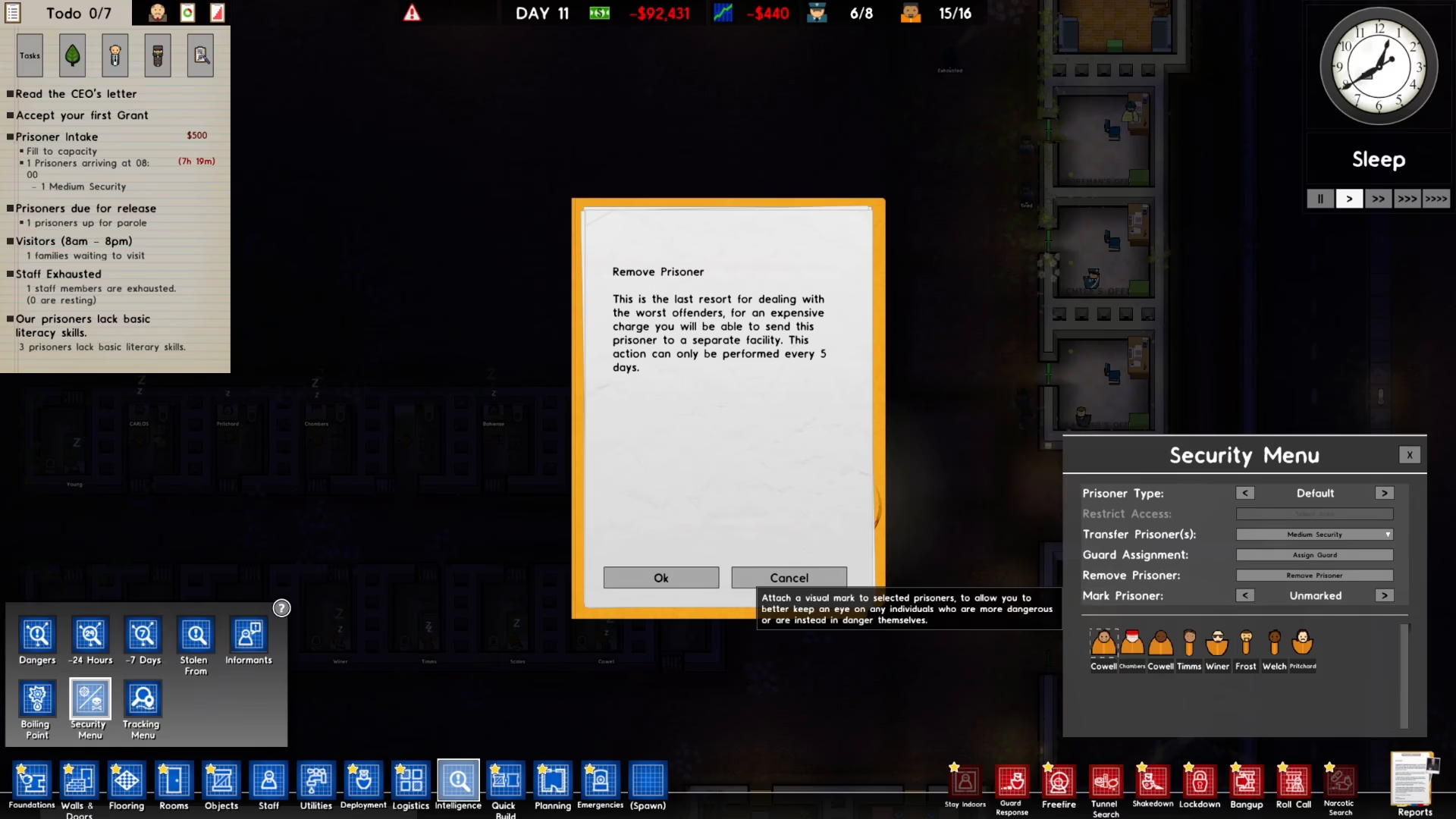
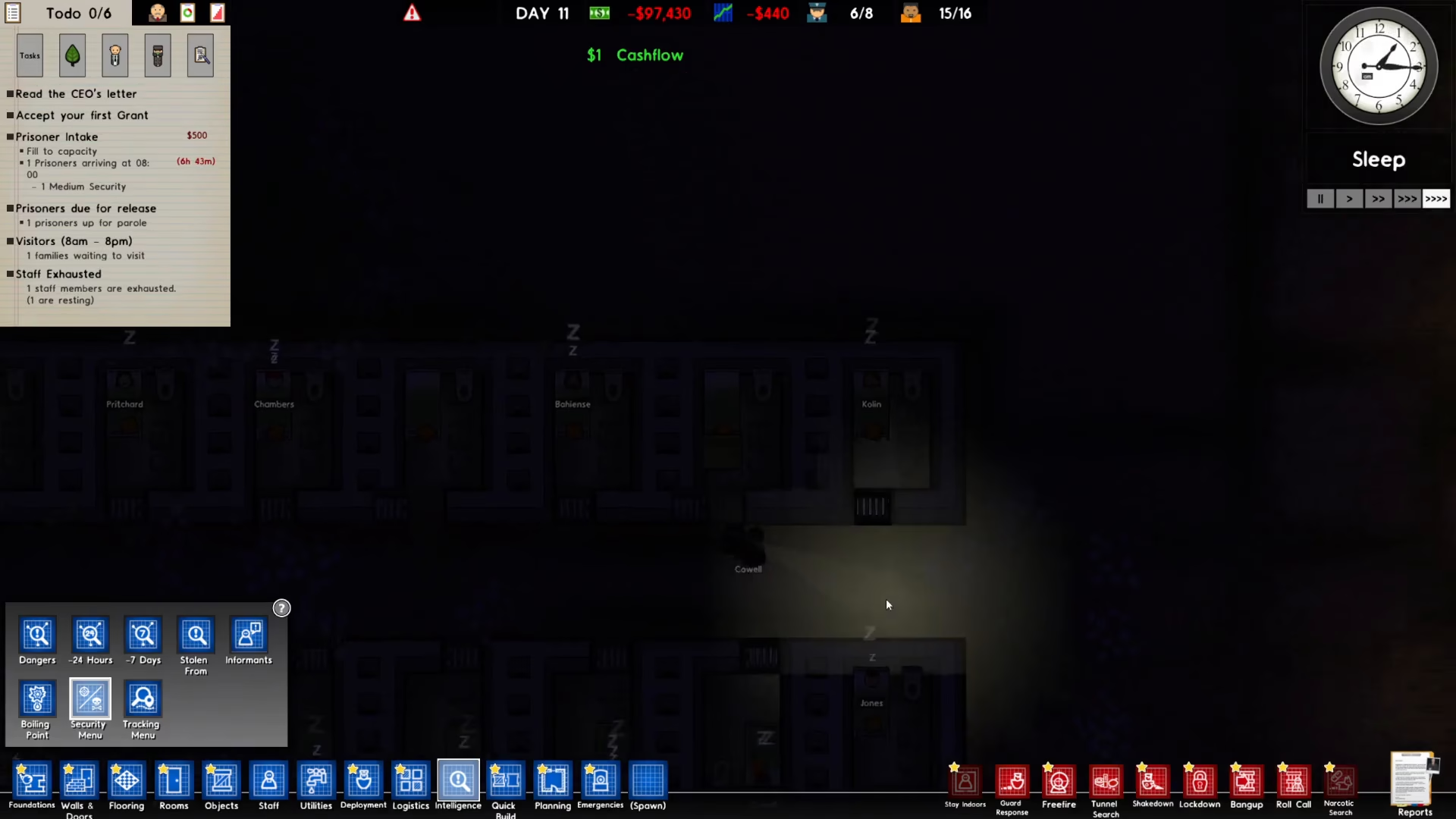
After confirming, the prisoner will be transferred out of your facility. Wait a moment as the transfer process completes and the prisoner is escorted from your prison.
Summary
You now know both methods for releasing prisoners in Prison Architect. The parole system provides a passive approach where prisoners are released naturally after meeting parole requirements, while the prisoner transfer system gives you active control to remove specific inmates whenever needed. Use whichever method best suits your prison management strategy.
Want to Support?
If you would like to help us continue making these guides – please consider joining our patreon here – https://www.patreon.com/c/JaviHeals
Alternatively – you can join our discord here – https://discord.gg/zD7Gjt6MHF



