





How To Remove Mods In Prison Architect
How To Remove Mods In Prison Architect
Removing mods from Prison Architect is a straightforward process that takes just a few minutes. Whether you want to disable a mod temporarily or uninstall it completely, this guide will walk you through the exact steps needed to manage your mods through the in-game menu and Steam Workshop.
Accessing the Mods Menu
Start by launching Prison Architect and loading into your game. Once you’re in-game, press the Escape key to open the main menu.
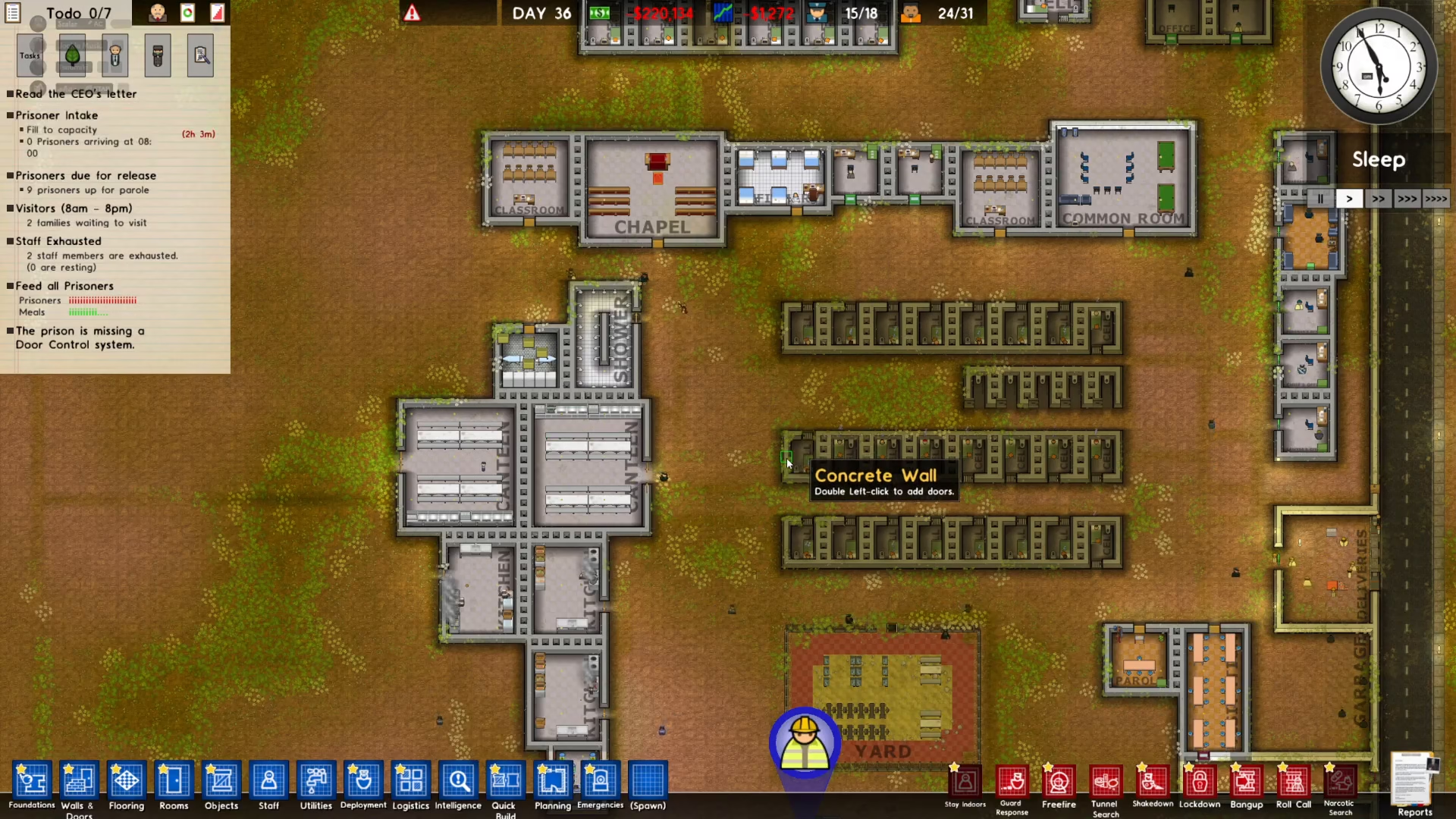
From the Escape menu, navigate to Extras. This section contains various game customization options.
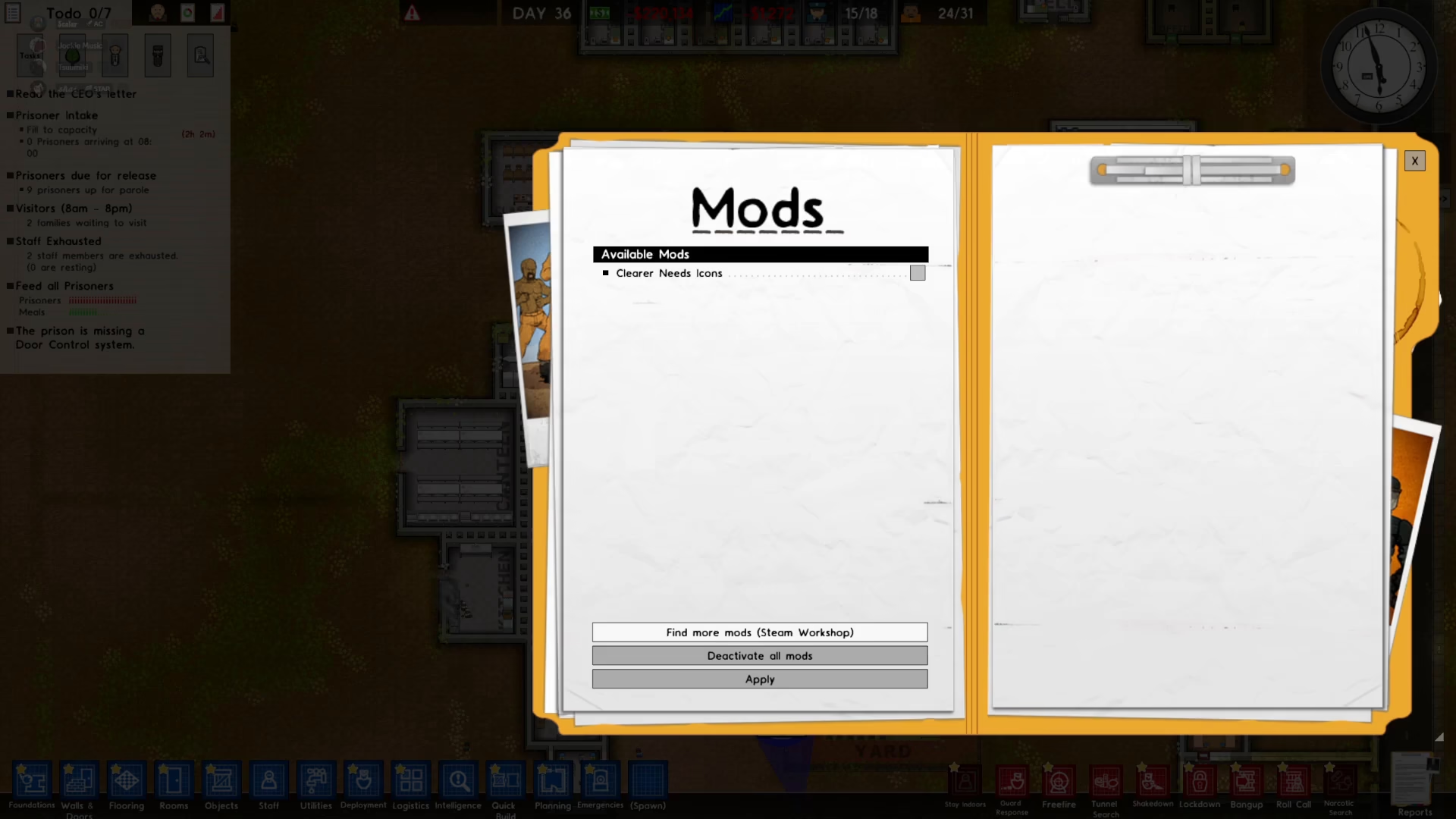
Once you’re in the Extras menu, select Mods to view your mod management options.
Finding Your Subscribed Mods
In the Mods menu, click on Find More Mods. This will direct you to the Steam Workshop integration.
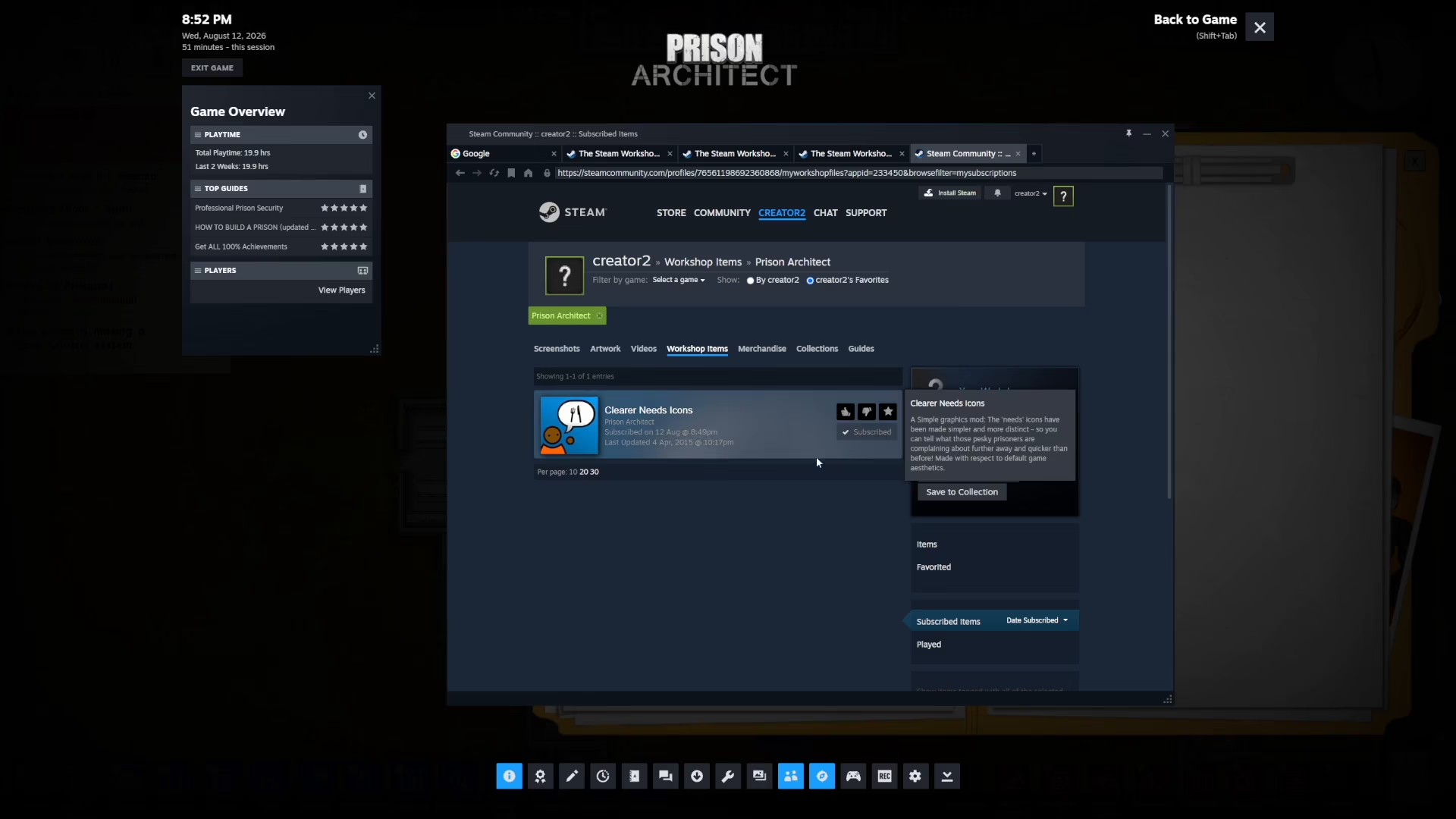
You’ll now see the Steam Workshop interface displaying available mods. Navigate to your Items section to view all your current subscriptions.
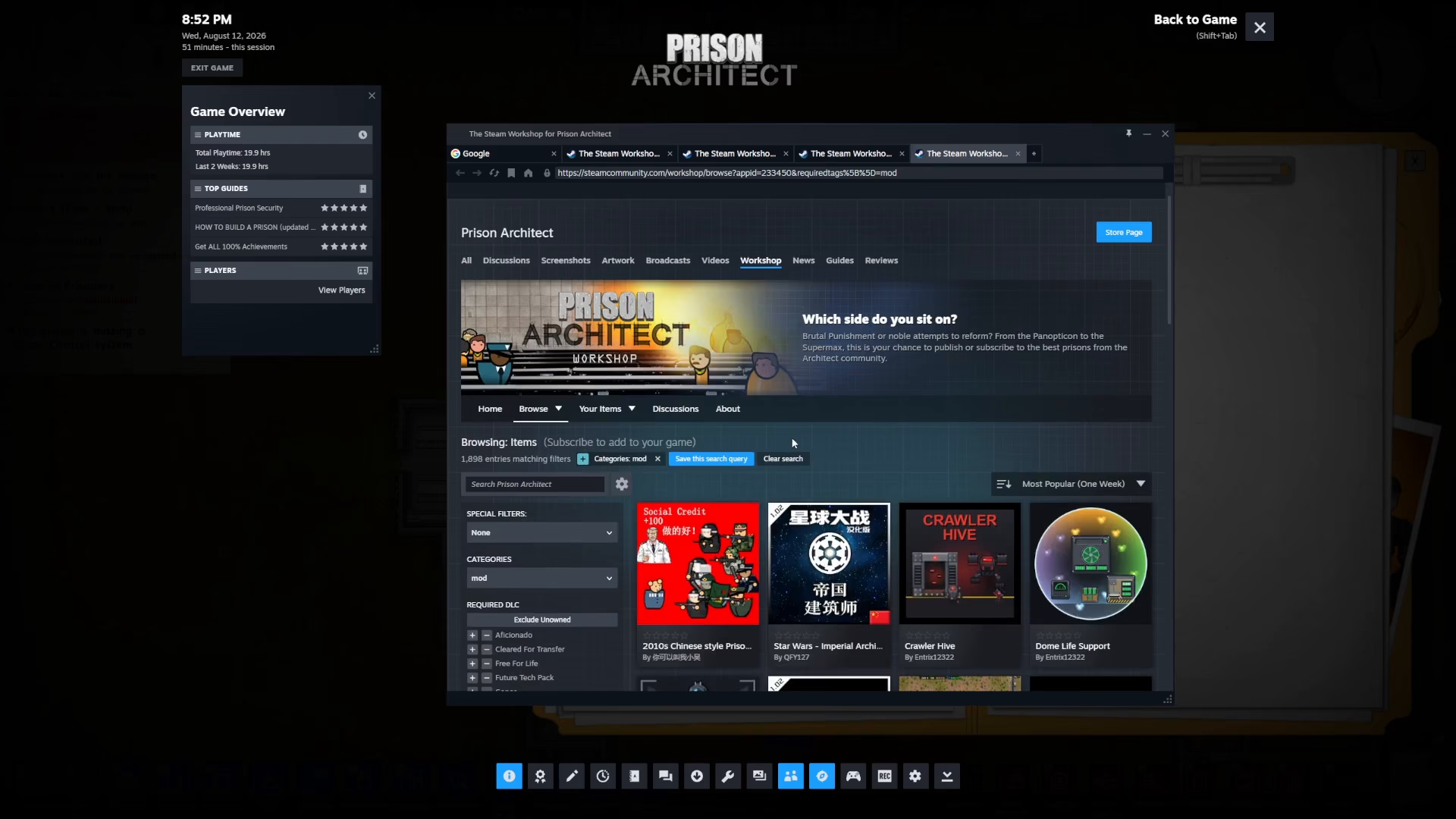
Under Subscribed Items, you’ll see a complete list of all the mods you currently have installed. Locate the mod you want to remove from this list.
Removing the Mod
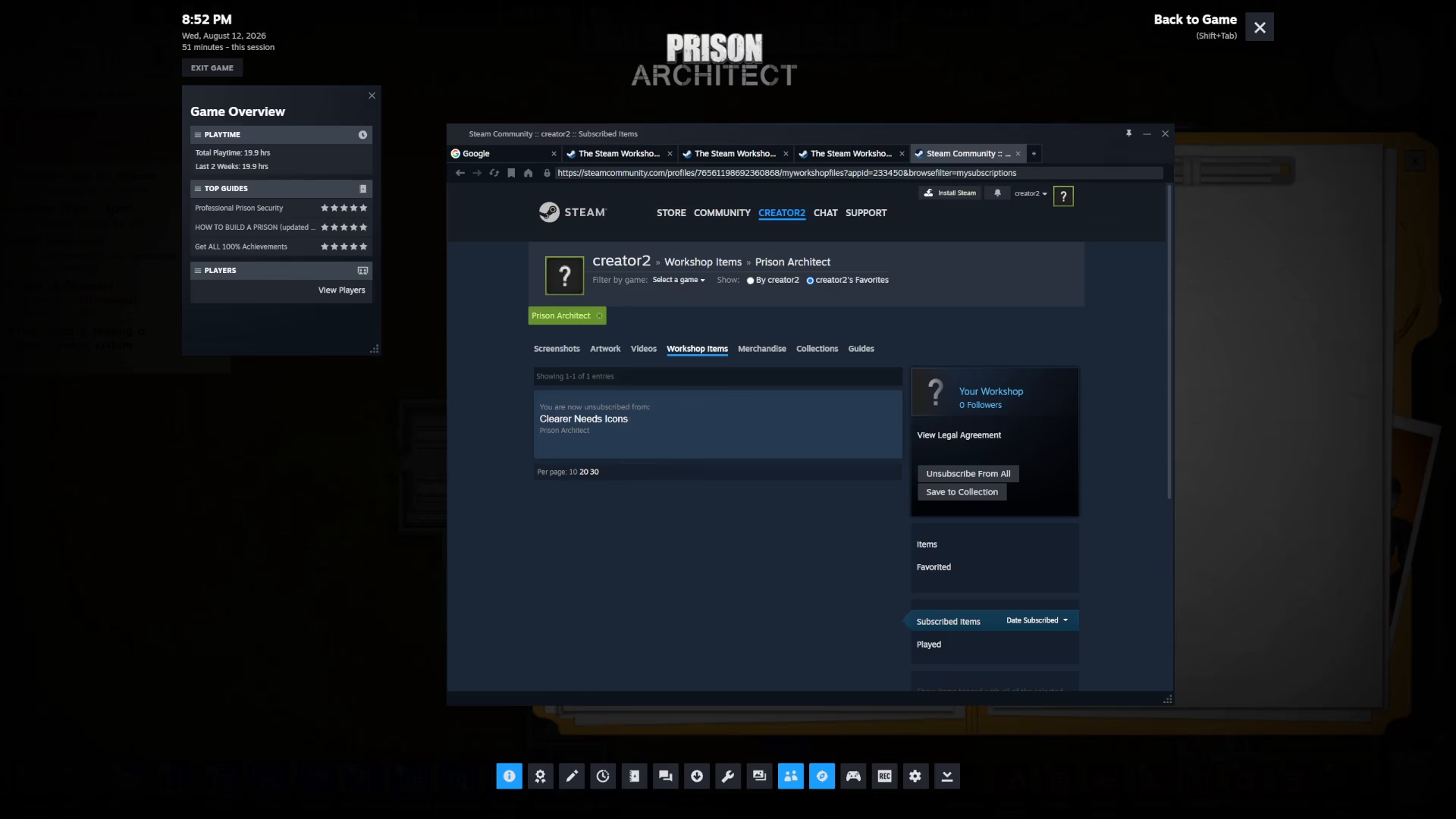
Once you’ve found the mod you wish to remove, click the Unsubscribe button. This will immediately remove the mod from your Prison Architect installation.
After unsubscribing, return to the game by closing the Steam Workshop window. The mod will no longer be active in your game.
Summary
Removing mods in Prison Architect is a simple three-step process: open the Escape menu, navigate to Extras → Mods → Find More Mods, browse to your Subscribed Items in Steam Workshop, and click Unsubscribe on the mod you want to remove. Once unsubscribed, the mod is completely removed from your game. This method gives you full control over your mod collection and allows you to customize your Prison Architect experience exactly as you want it.
— Want to Support? —
If you would like to help us continue making these guides – please consider joining our patreon here – https://www.patreon.com/c/JaviHeals
Alternatively – you can join our discord here – https://discord.gg/zD7Gjt6MHF



