





How to Remove Walls in Rust
How to Remove Walls in Rust
Wondering how to remove walls you’ve placed in Rust? The answer involves both good news and bad news. While you can demolish walls shortly after placing them, the process becomes much more complicated if you wait too long. This guide will walk you through the mechanics of wall removal and destruction in Rust, so you can manage your base building effectively.
The Quick Method: Demolishing Recently Placed Walls
The easiest way to remove walls in Rust is to demolish them immediately after placement. Here’s how:
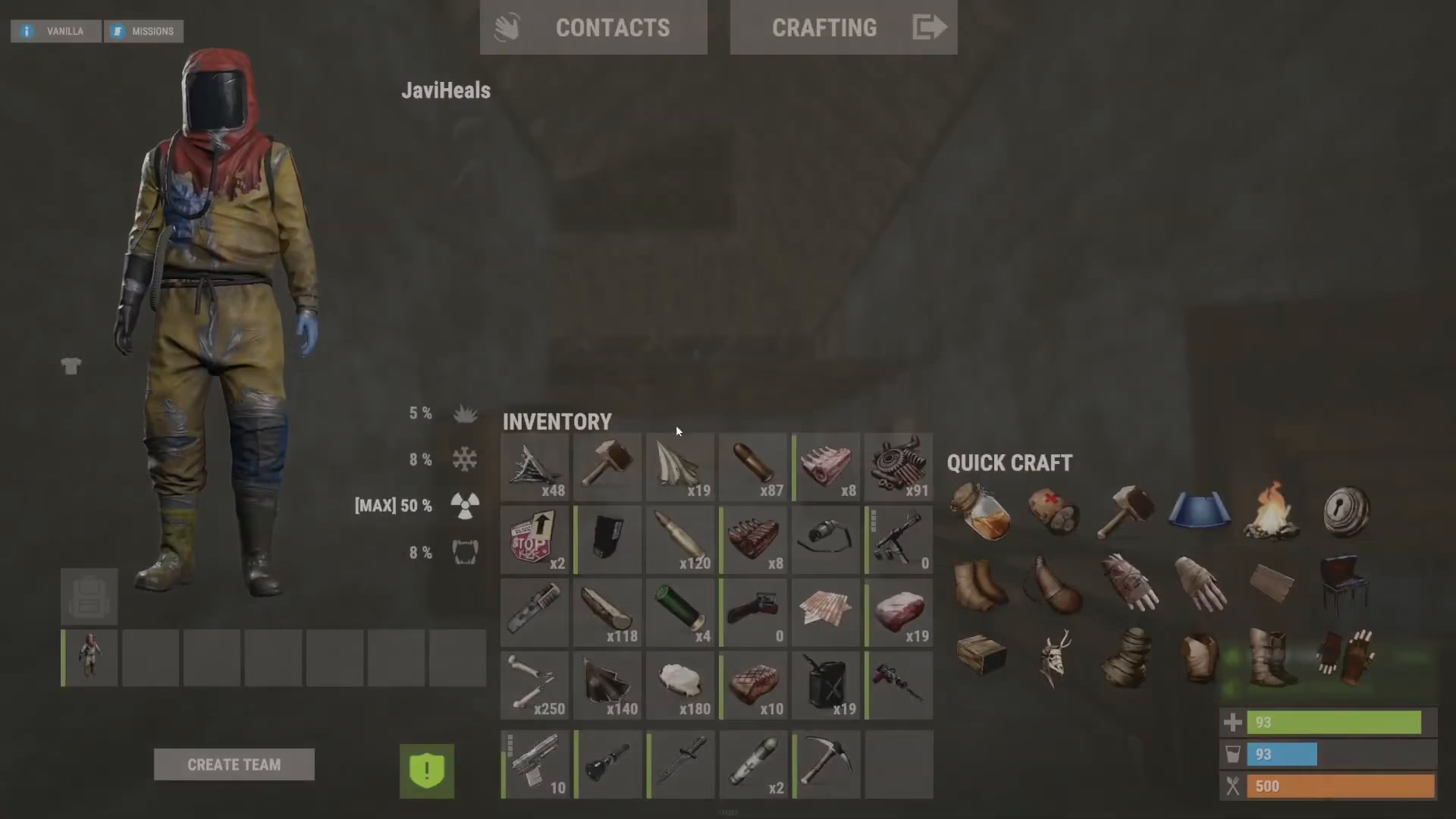
Step 1: Craft and Equip a Hammer
First, you’ll need to craft a hammer and drag it to your hot bar for quick access.
Step 2: Build Your Wall
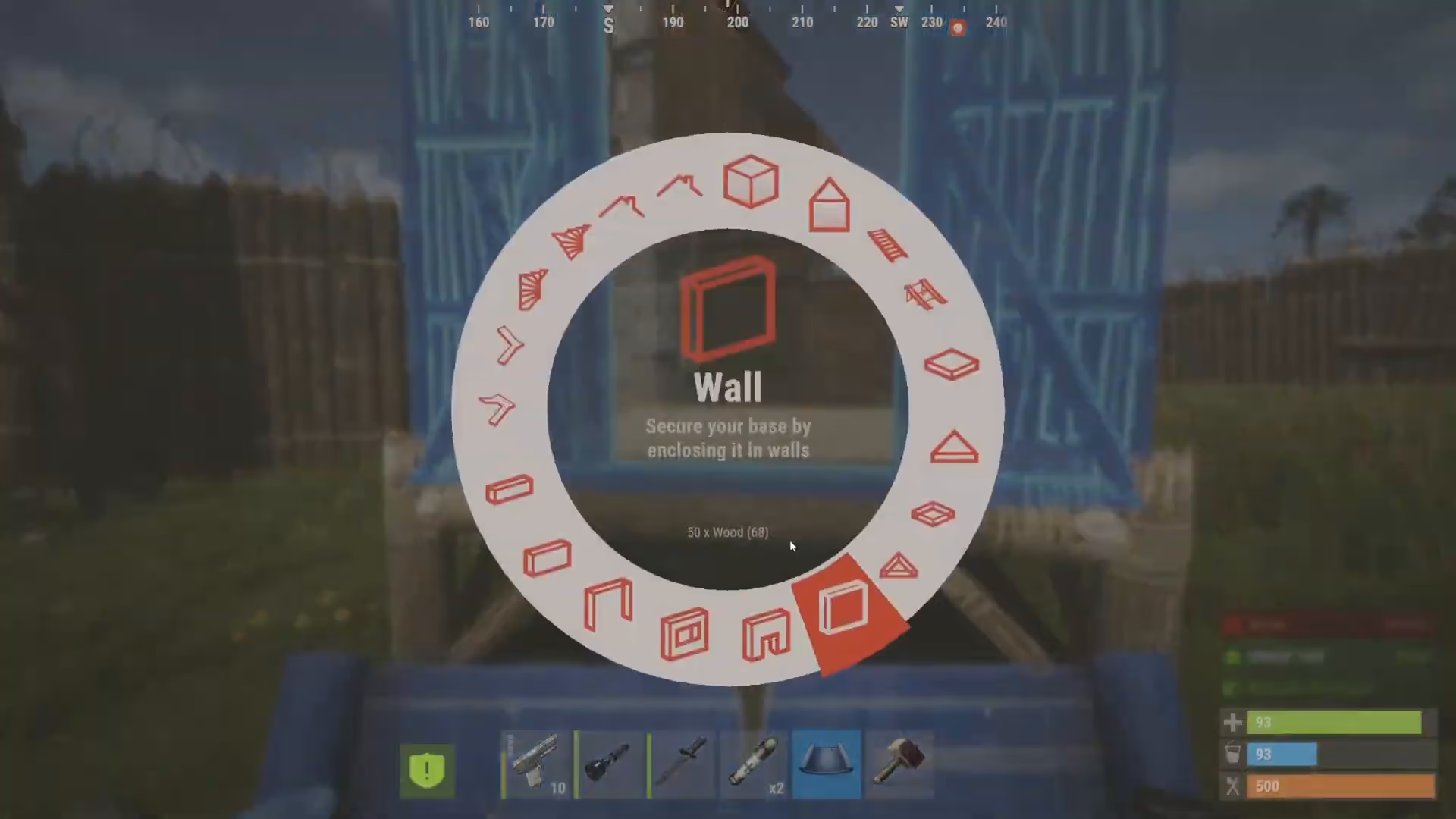
Using your building blueprint, construct the wall you want to place in your base.
Step 3: Demolish with Your Hammer
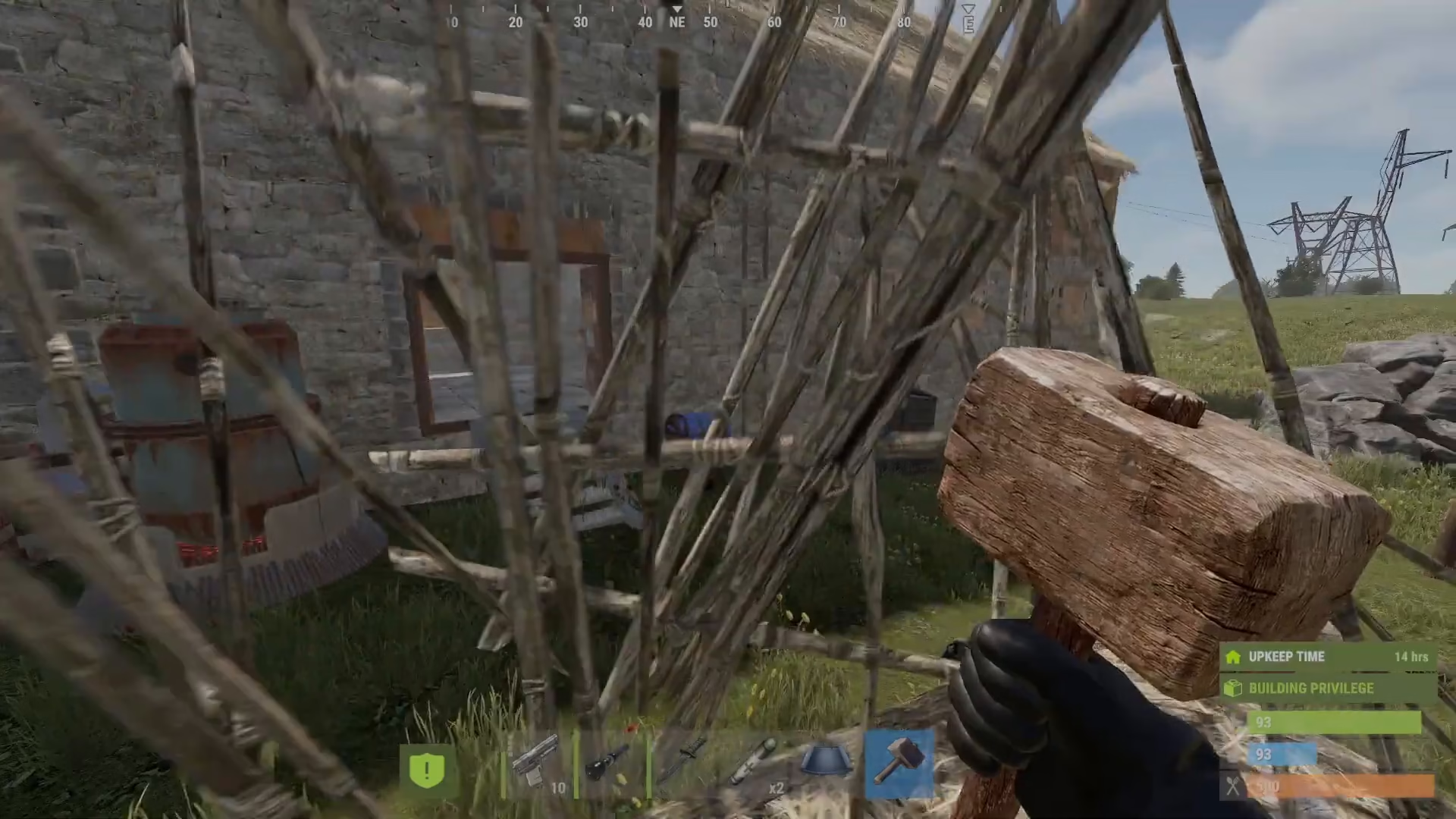
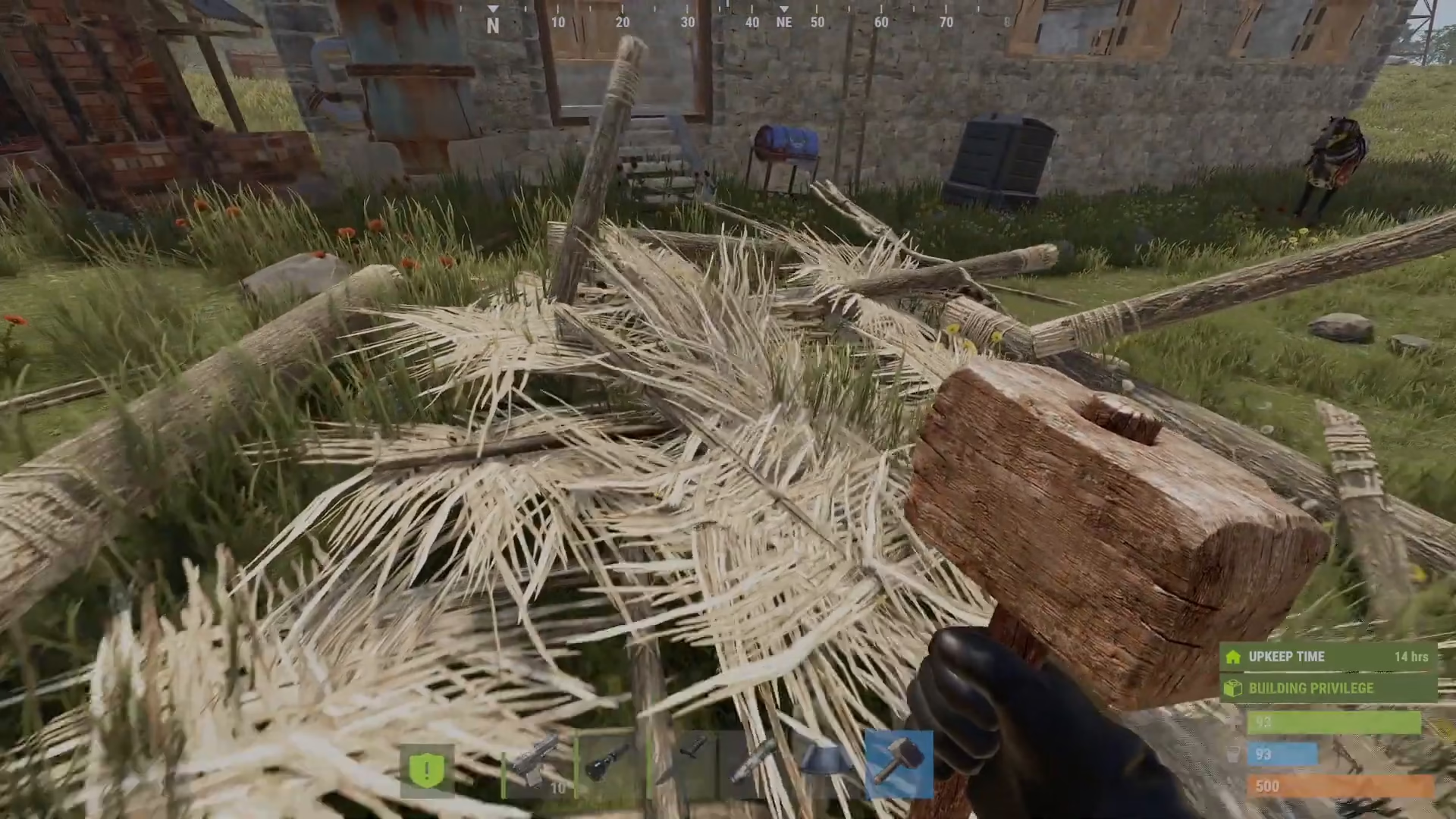
Approach the wall you just built with your hammer equipped. You’ll see a “demolish” option appear. Right-click and hold on the wall to demolish it. This is the easiest removal method available.
The Time Limit: Why You Can’t Always Demolish
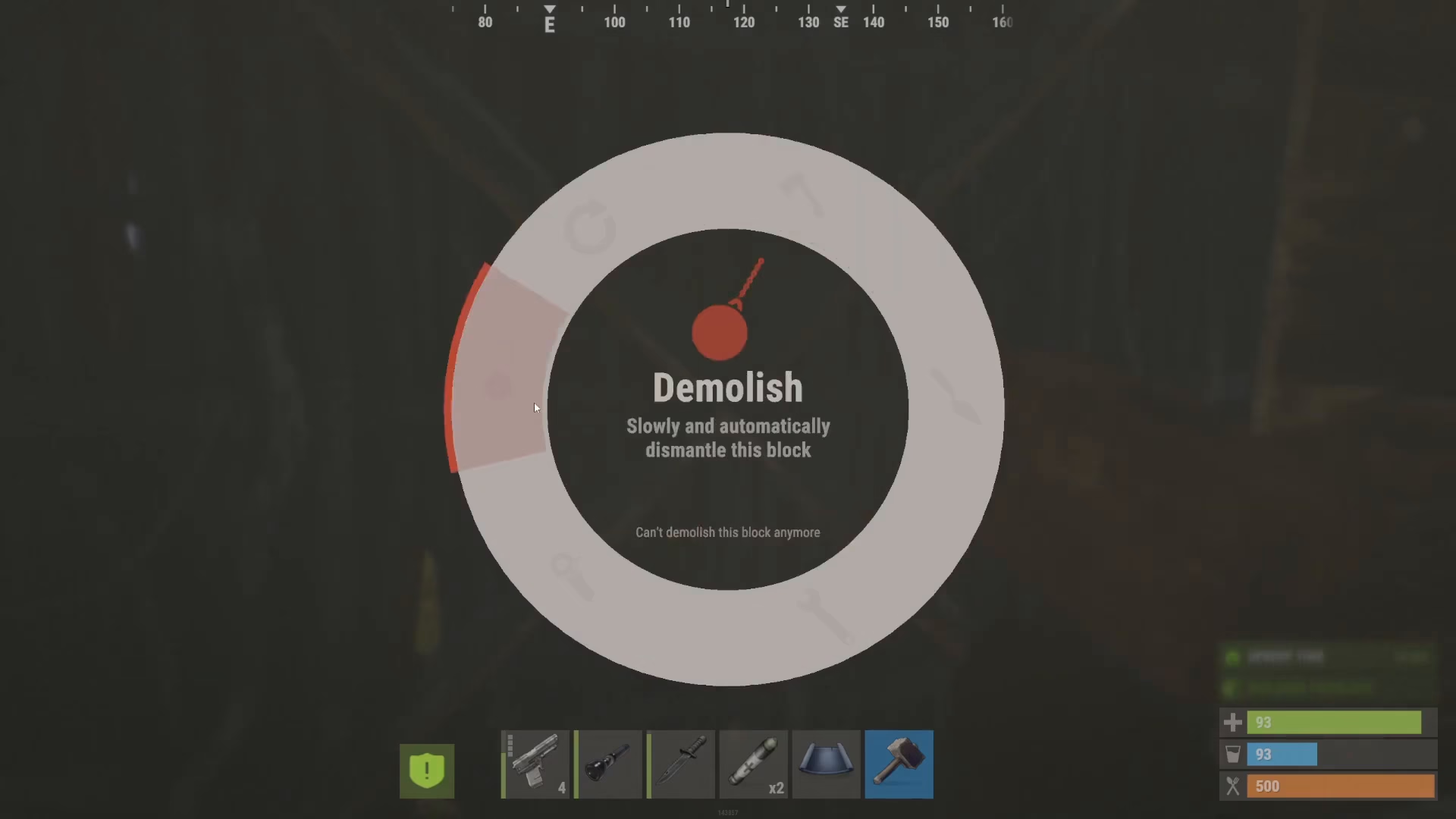
Here’s the catch: you can only demolish walls for approximately five minutes after placing them. Once this window closes, the game will display a message saying “can’t demolish this block any more,” and you’ll be unable to use the demolish feature.
Destroying Walls After the Time Limit
If you need to remove a wall that’s been standing for more than five minutes, you’ll have to physically destroy it using weapons. This method works on any building part that’s past the demolition window.
Using Weapons to Destroy Walls
Once the five-minute demolition window closes, you must use force to remove walls. For example, you can use a gun to shoot down walls that are no longer demolishable. However, be aware that weapon effectiveness varies depending on the wall type—a gun may easily destroy a standard wall but prove ineffective against reinforced structures like double reinforced walls.
Planning Your Base Layout
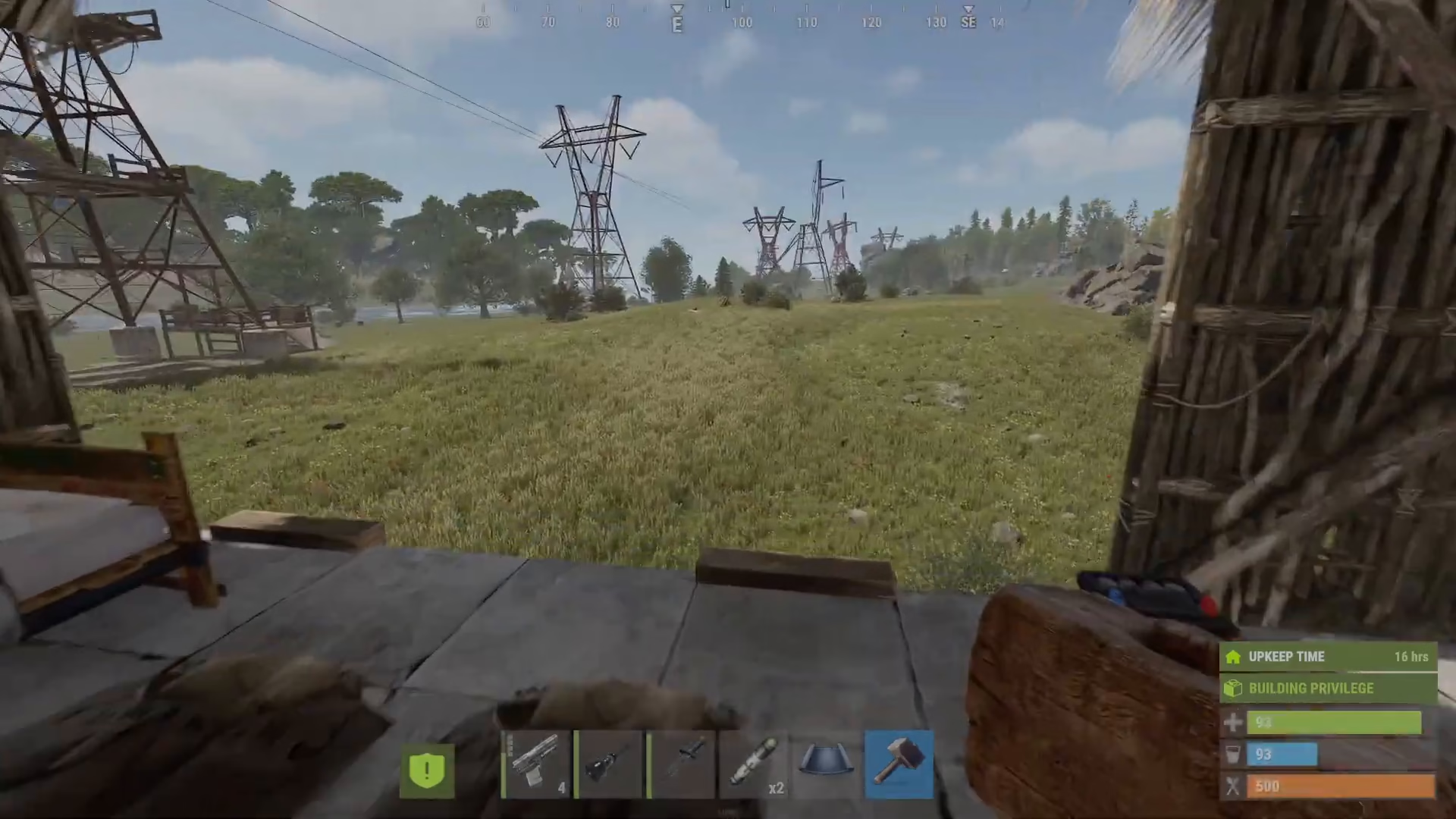
Given the limitations of wall removal in Rust, it’s crucial to plan your base design carefully before you start placing walls. Once walls have been down for more than five minutes, you’re committed to either living with the design or spending significant resources to destroy them with weapons. Take your time in the early stages to ensure your base layout is exactly how you want it.
Modded Alternatives
If you find the default wall removal mechanics frustrating, there are community-created mods available that modify how wall destruction works. These mods can make base redesigning more flexible, though they’re only available on custom servers that have them installed.
Summary
Removing walls in Rust is straightforward if you act quickly—simply use your hammer to demolish walls within five minutes of placement. After that window closes, your only option is to physically destroy walls using weapons, which can be time-consuming and resource-intensive. The key to avoiding frustration is to plan your base layout carefully before committing to your wall placements. Remember: design your base thoughtfully the first time, and you’ll save yourself a lot of trouble later.
Want to Support?
If you would like to help us continue making these guides – please consider joining our patreon here – https://www.patreon.com/c/JaviHeals
Alternatively – you can join our discord here – https://discord.gg/zD7Gjt6MHF

