How To Spawn Items In Rimworld
How To Spawn Items In Rimworld
Looking to quickly spawn items in Rimworld without grinding? This guide walks you through enabling development mode and using the debug menu to spawn any item you need. Whether you’re testing your colony setup or recovering from a tough situation, spawning items is a straightforward process once you know where to look.
Enable Development Mode
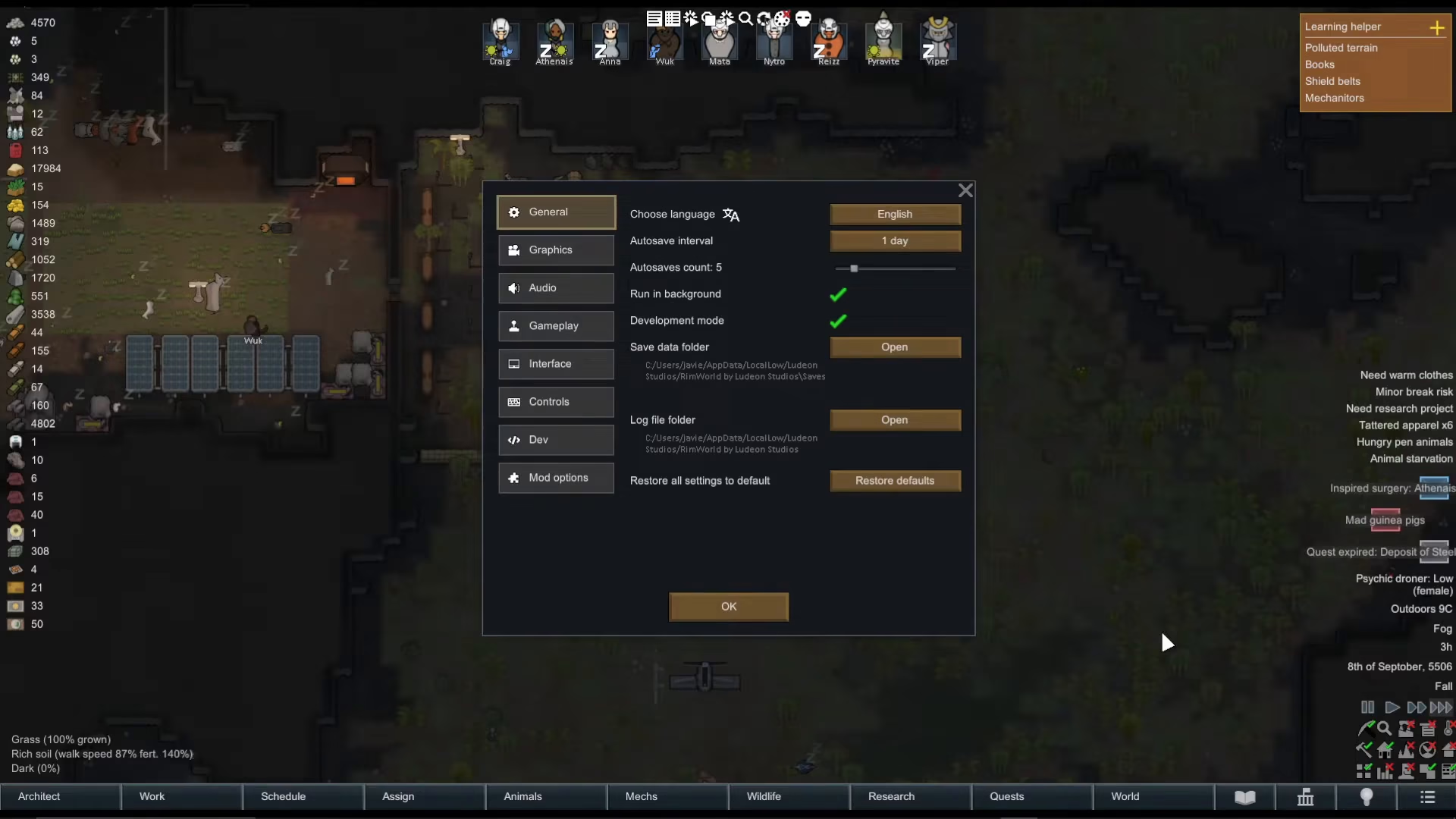
The first step is to access the game’s cheat system by enabling development mode. Press the Escape key on your keyboard to open the main menu and select options.
Once you’re in the options menu, locate the general settings section and tick the checkbox labeled “Development Mode.” This option opens up cheat mode in Rimworld and gives you access to powerful debugging tools.
Access the Debug Actions Menu
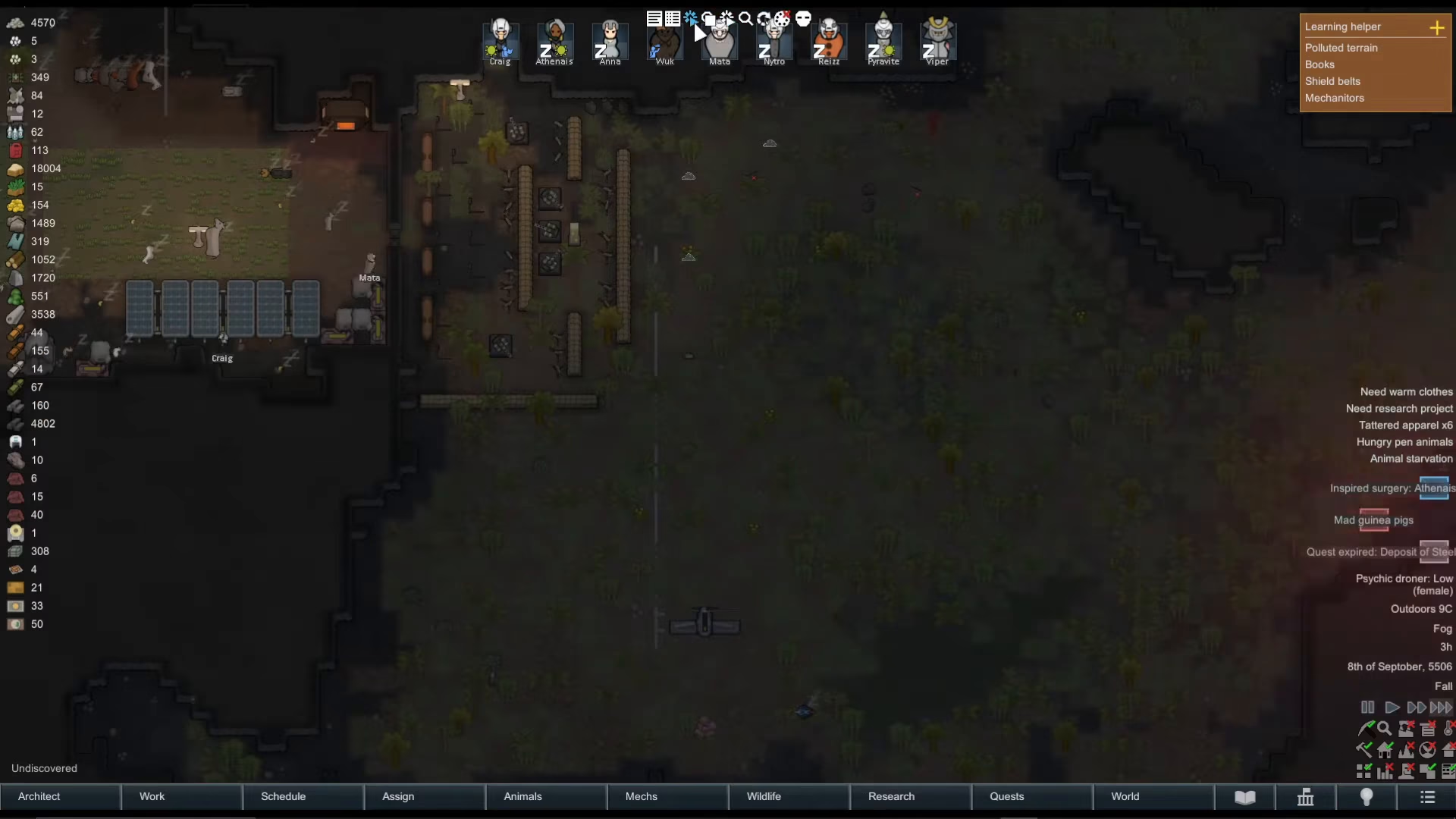
After enabling development mode, you’ll notice a new toolbar appears at the top of your screen. This toolbar contains several debug tools for managing your colony.
Click on the debug tool that shows a clicker icon with a circle next to it. This opens the debug actions menu, which allows you to spawn items and force various events in your game.
Spawning Items Using the Debug Menu
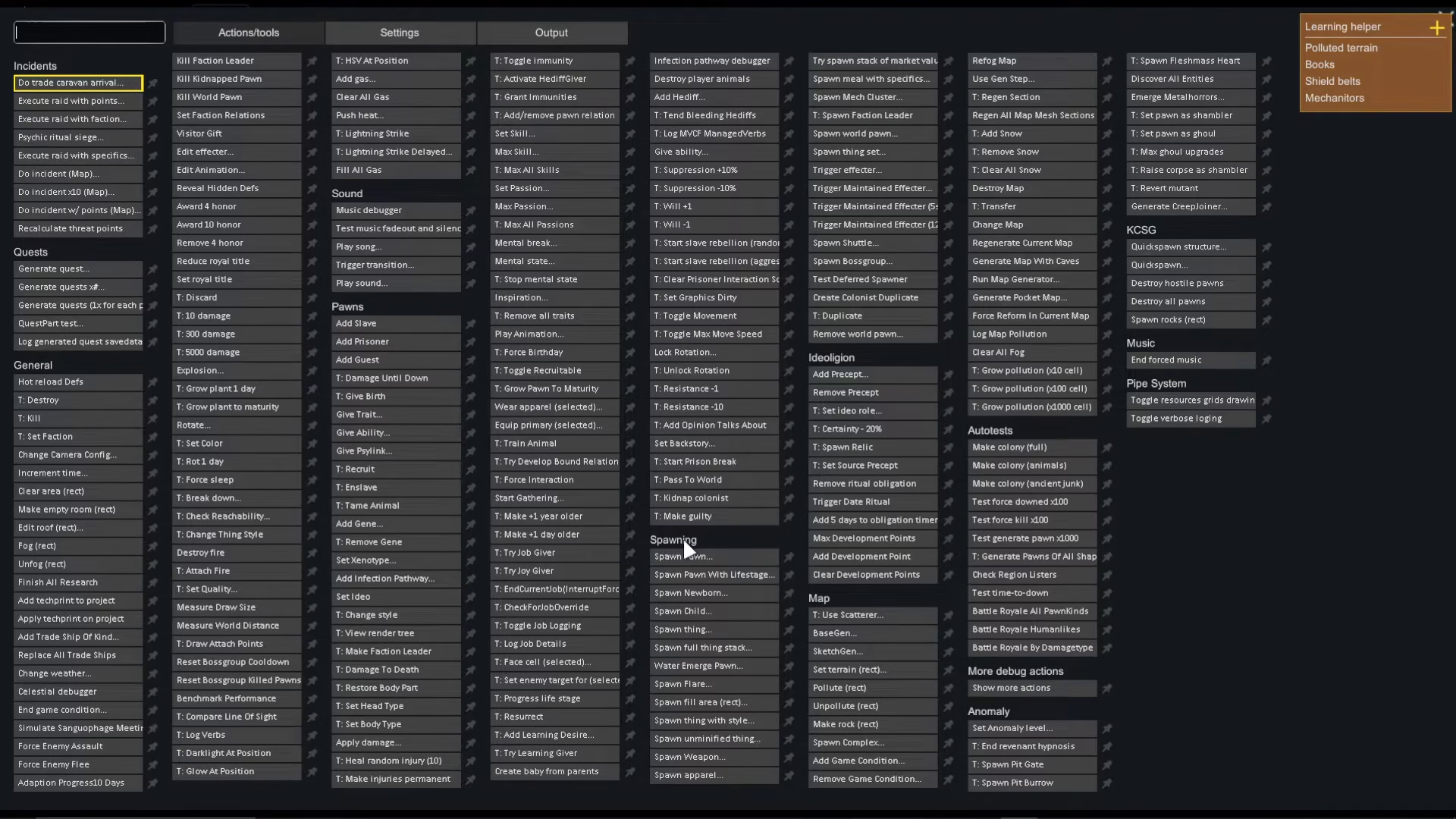
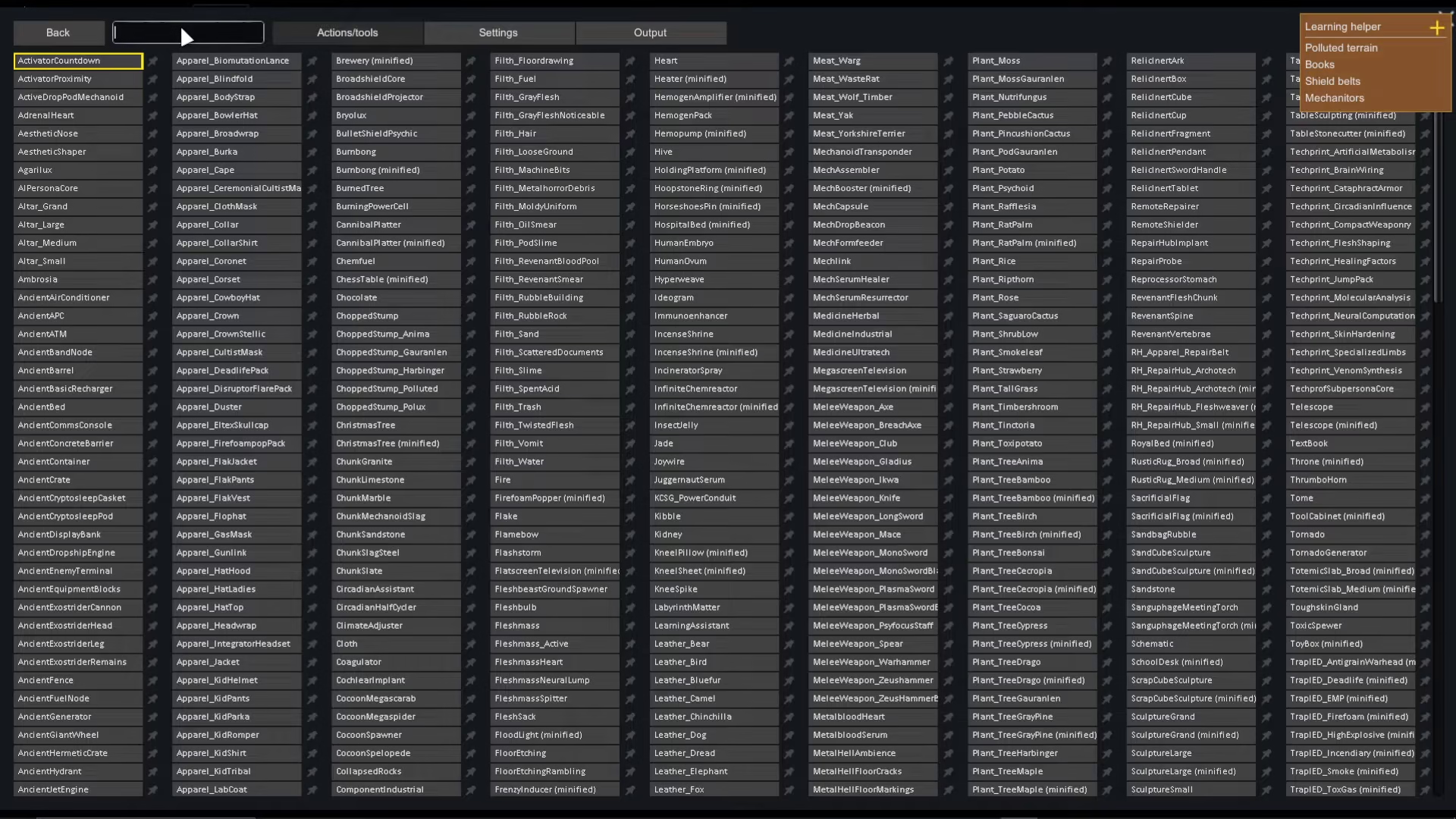
When you open the debug actions menu, you’ll see a comprehensive list of available commands. Look for the spawning section to access item spawning options.
Click on “Spawn Thing” to begin the item spawning process. This option displays all the different items and resources available for spawning in Rimworld.
Using the Search Function
The debug menu includes a search bar at the top, making it easy to find specific items. Simply type the name of the item you want to spawn.
For example, if you want to spawn meat, type “meat” in the search bar. The menu will filter results to show all meat variants available in the game, such as “meat_chicken.”
Placing Spawned Items
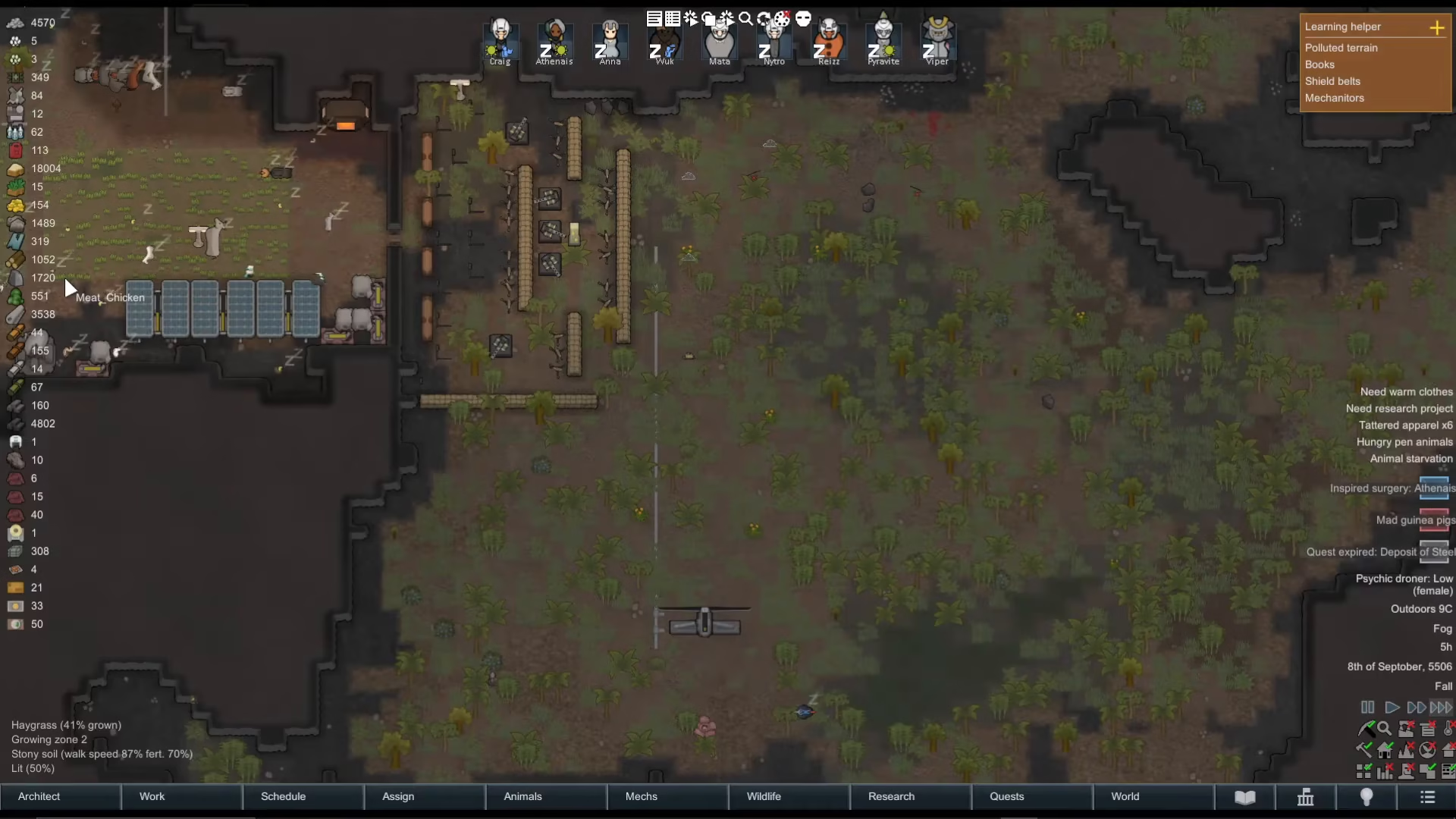
Once you’ve selected your desired item from the list, the item name will appear at your cursor. You can now click on your map to spawn the item at that location.
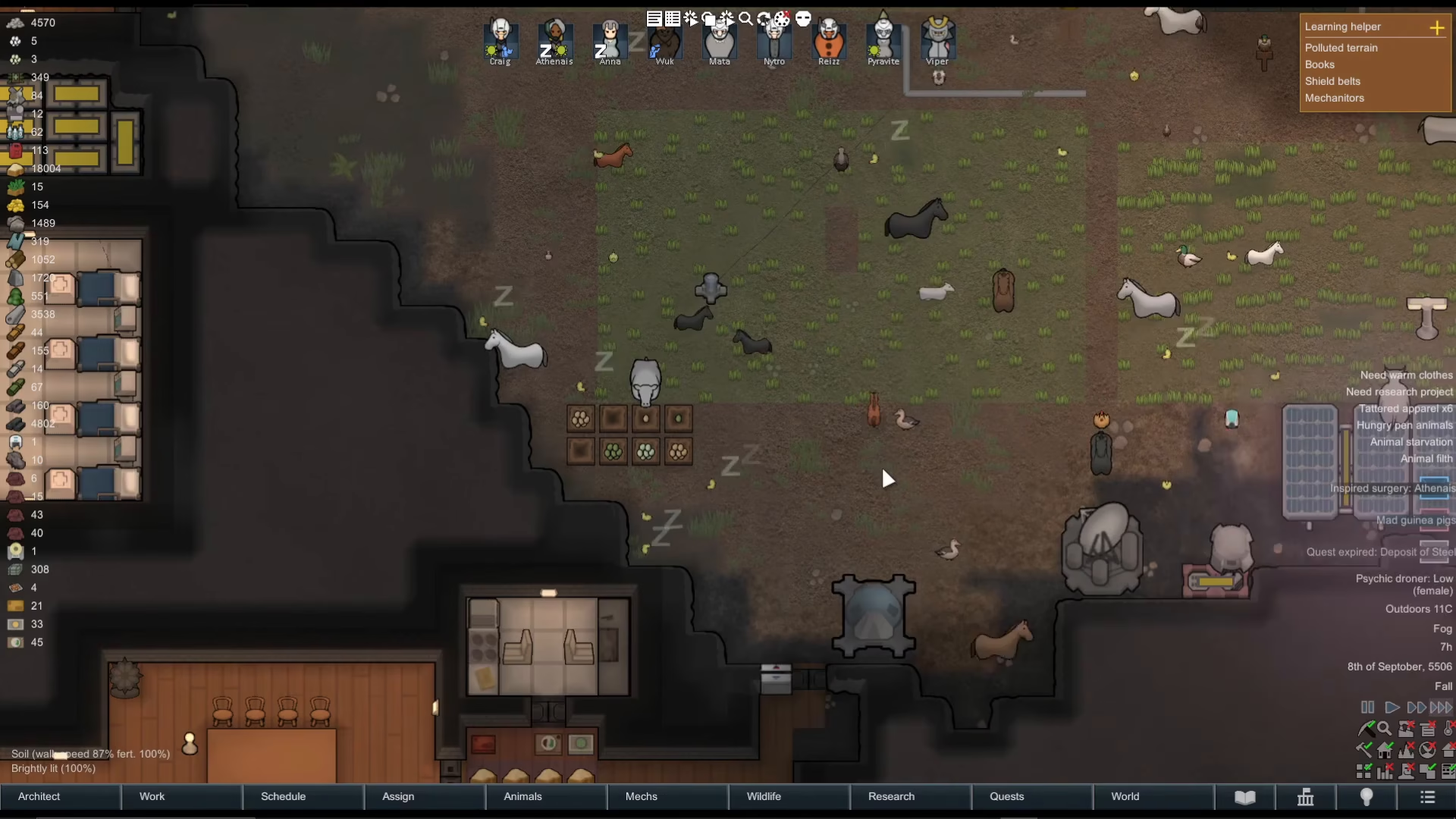
You can click repeatedly to spawn multiple copies of the same item as needed. Your colonists will automatically collect spawned items and transport them to your designated storage areas.
Deselecting the Spawn Tool
When you’re finished spawning items, right-click anywhere on your map to deselect the spawn tool. This stops the spawning process and returns you to normal gameplay.
Summary
Spawning items in Rimworld is simple once development mode is enabled. Just enable the development mode option in settings, access the debug actions menu from the top toolbar, select “Spawn Thing,” search for your desired item, and click on your map to place it. Your colonists will handle the rest automatically. Remember to right-click to deselect the spawning tool when you’re done.
— Want to Support? —
If you would like to help us continue making these guides – please consider joining our patreon here – https://www.patreon.com/c/JaviHeals
Alternatively – you can join our discord here – https://discord.gg/zD7Gjt6MHF