






How To Summon More Than One Car in CyberPunk 2077
How To Summon More Than One Car in Cyberpunk 2077
Want to have multiple vehicles at your disposal in Cyberpunk 2077? It’s easier than you might think. This guide walks you through the simple process of summoning more than one car at a time, allowing you to keep multiple vehicles ready on the streets of Night City.
The Basic Method
Getting multiple cars out simultaneously in Cyberpunk 2077 is actually straightforward. The process requires just a few button presses and a bit of patience as your vehicles arrive.
Summoning Your First Vehicle
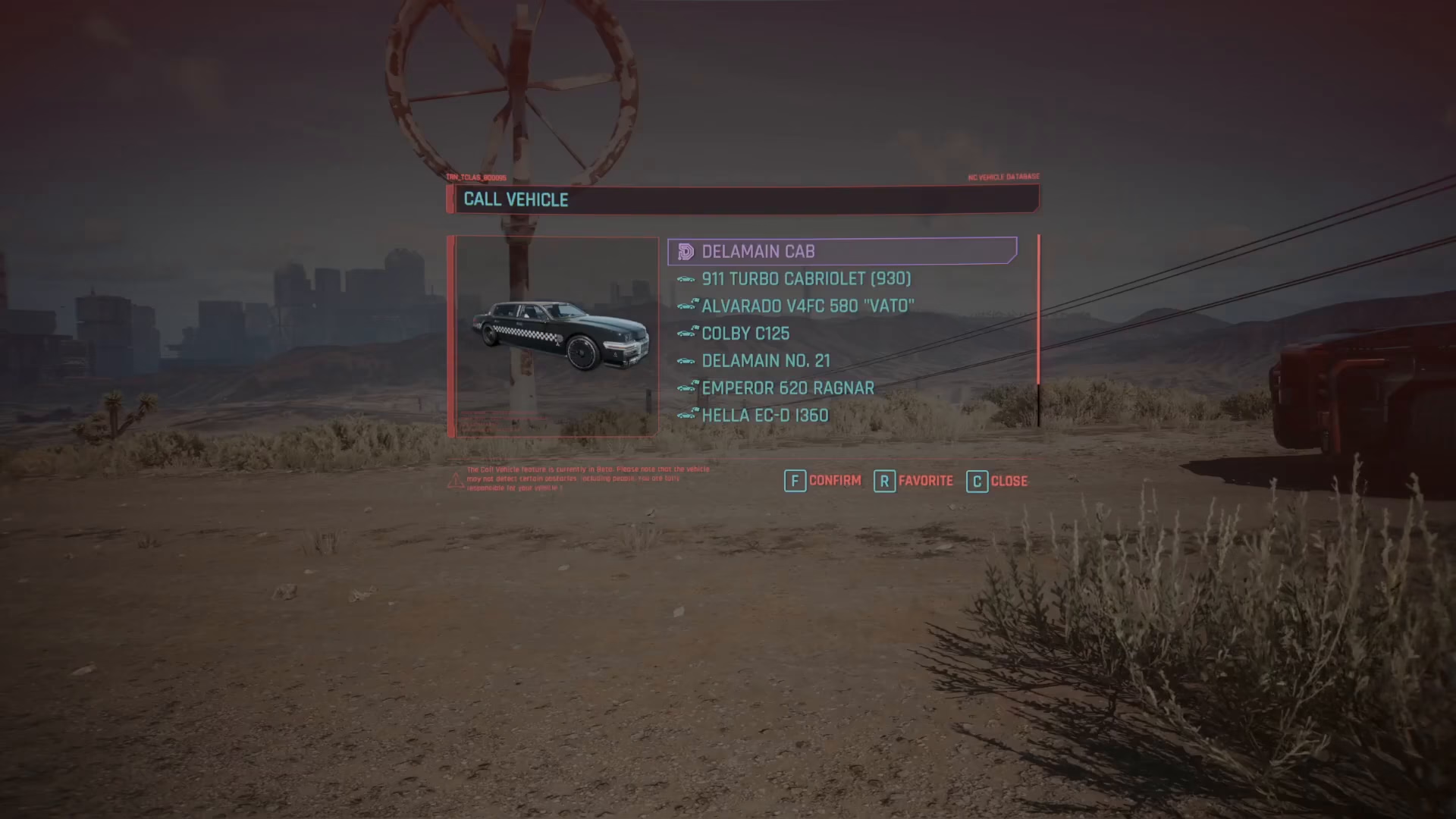
To begin, hold down the V key on PC to bring up your vehicle summon menu. Select the first car you want to call out—for example, the Alvardo. Your vehicle will drive up to your location and arrive within moments.
Calling Additional Vehicles
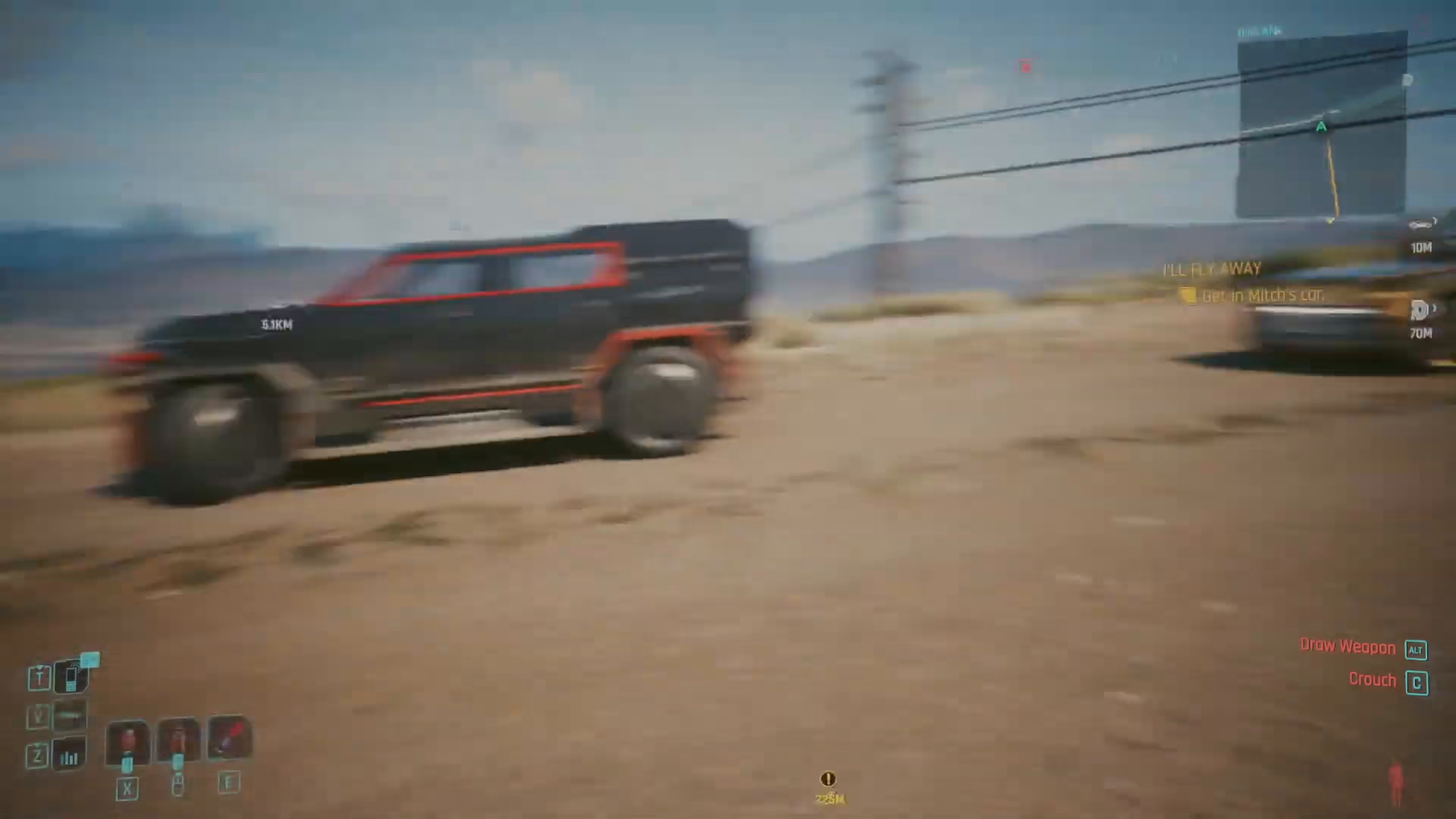
Once your first vehicle has arrived, you can immediately summon another one. Simply hold V again and select a different car from your garage. For instance, you can call for a Delamane cab, which will arrive and park right behind your first vehicle.
Multiple Cars at Once
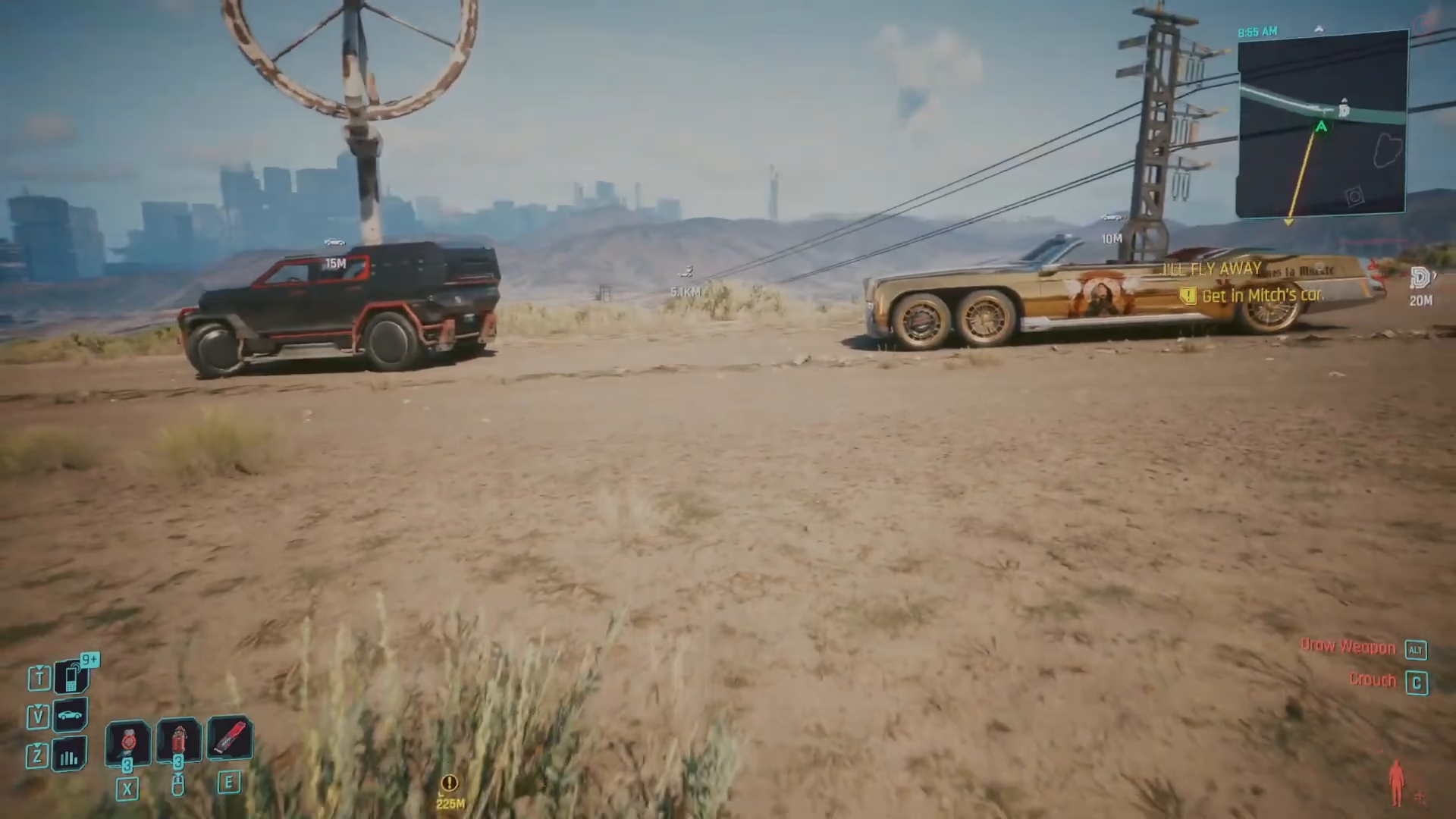
You can continue this process to have three or more cars out at the same time. Each vehicle you summon will remain in place without despawning, giving you multiple transportation options available simultaneously.
Summary
Summoning multiple cars in Cyberpunk 2077 is a simple but useful trick that gives you flexibility in how you navigate Night City. Just hold V on PC, select a vehicle, wait for it to arrive, and repeat the process with different cars from your garage. All your summoned vehicles will stay in place and won’t despawn, so you can maintain a small fleet of rides whenever you need them.
Want to Support?
If you would like to help us continue making these guides – please consider joining our patreon here – https://www.patreon.com/c/JaviHeals
Alternatively – you can join our discord here – https://discord.gg/zD7Gjt6MHF