





How to Summon your Horse In Crimson Desert
How to Summon Your Horse in Crimson Desert
Exploring the vast world of Crimson Desert can be exhilarating, but there will be moments when you find yourself separated from your trusty horse. If you’ve forgotten how to bring your mount back to your side, don’t worry — it’s a simple process. This guide will walk you through the quick and easy steps to summon your horse whenever you need it.
Summoning Your Horse on PC
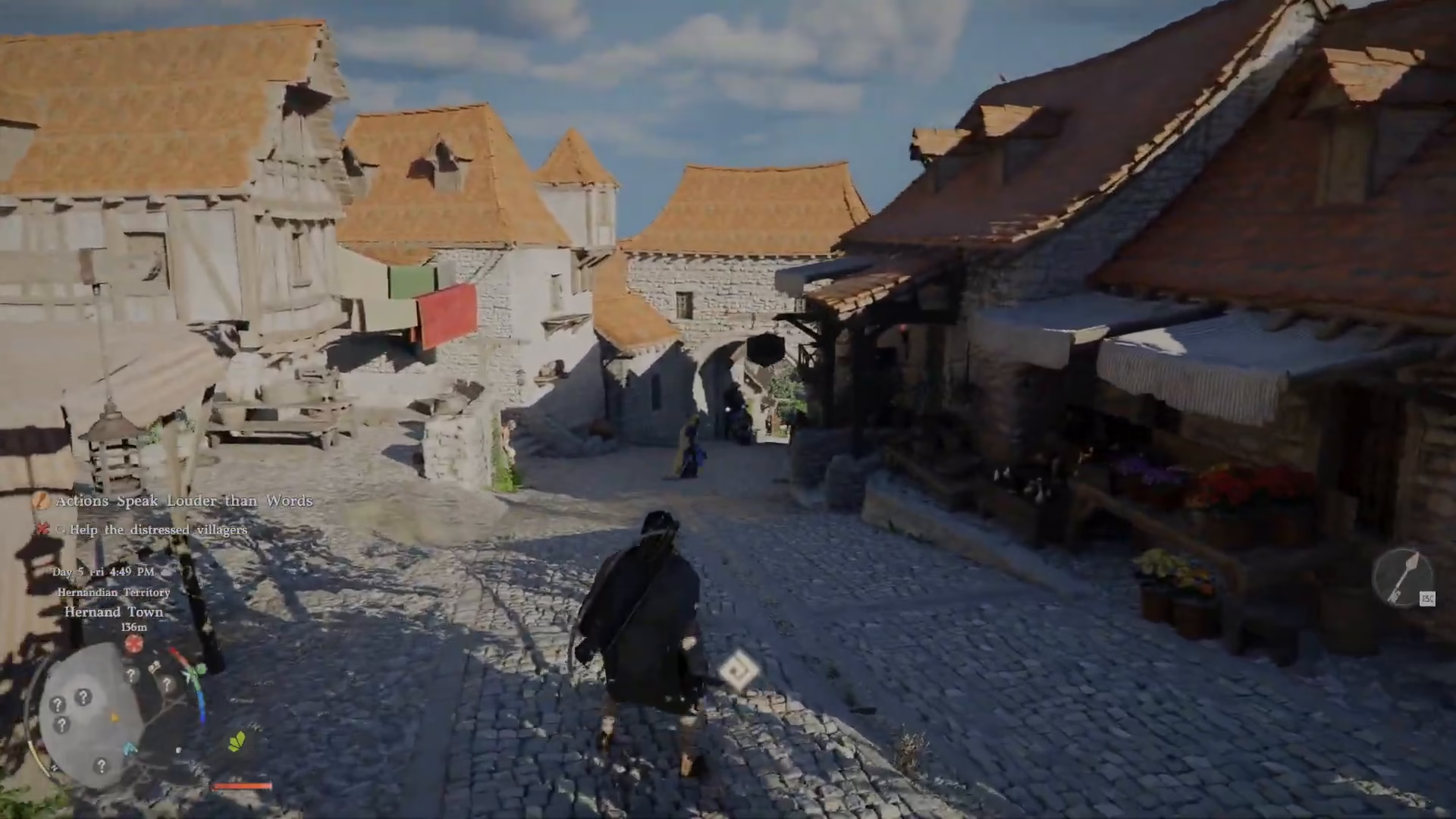
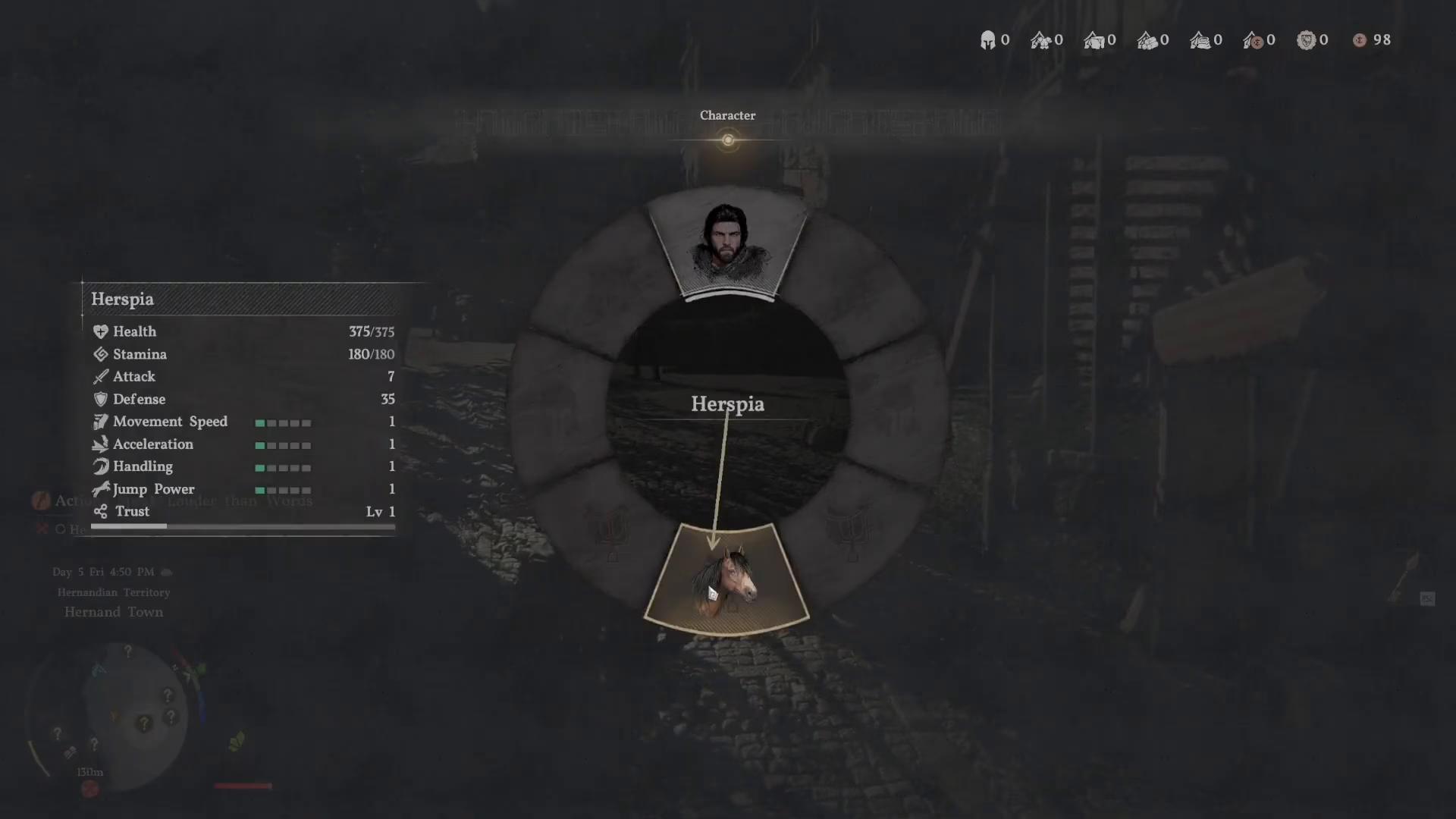
To summon your horse in Crimson Desert on PC, you’ll need to use a simple keyboard command. Press the F1 key to open a scroll wheel menu.
Once the scroll wheel appears, locate your horse option at the bottom of the menu. Click on it or release the key to trigger a whistle, and your horse will come running to you.
How Far Will Your Horse Travel?
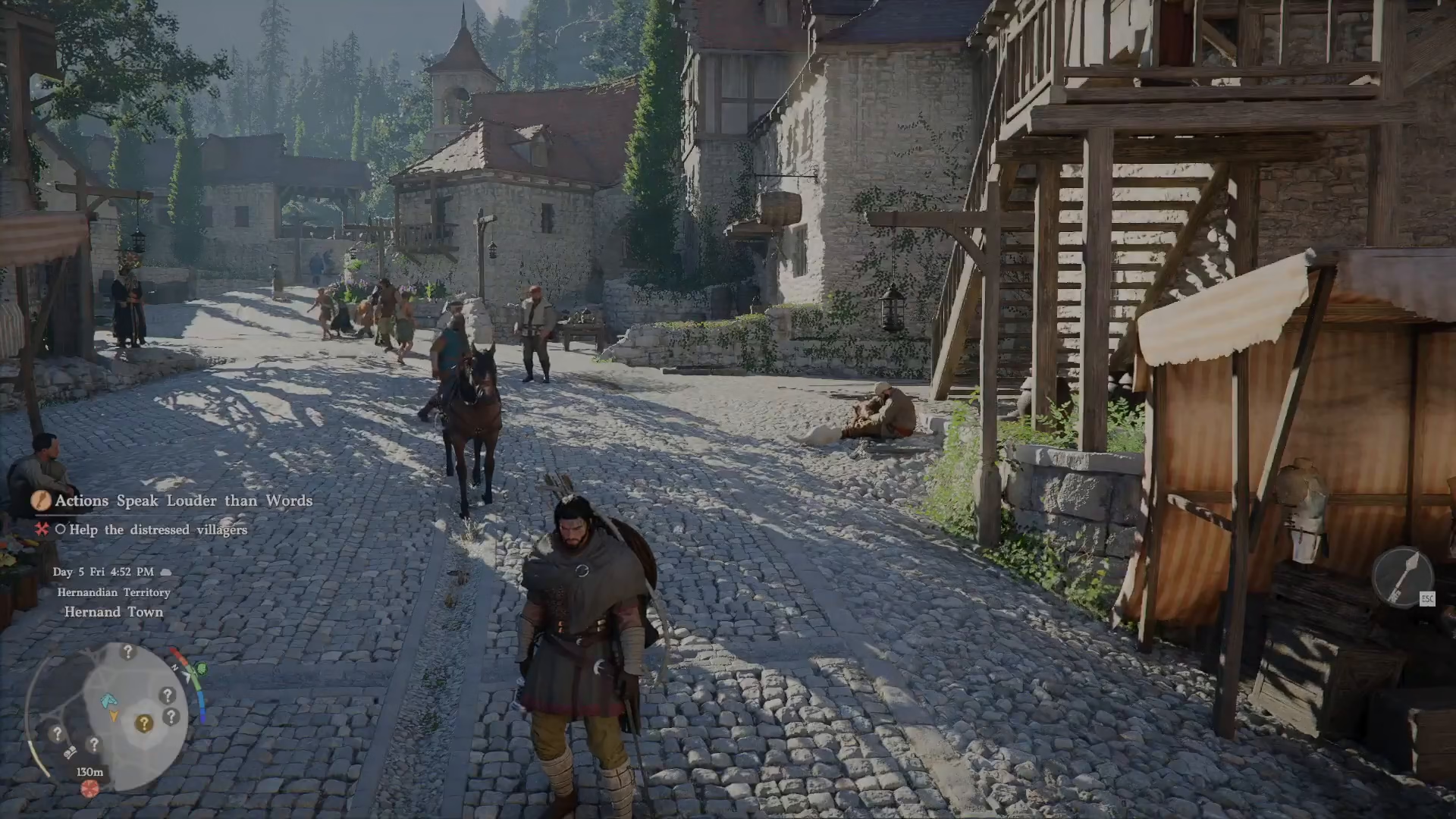
One of the great features of this summoning system is its impressive range. Even if your horse is extremely far away from your current location, it will suddenly reappear and gallop to you whenever you use the summon command. You don’t need to worry about your mount being stranded — no matter the distance, this mechanic works reliably.
Summary
Summoning your horse in Crimson Desert is straightforward: simply press F1 to open the scroll wheel menu, select your horse at the bottom, and your mount will be by your side in moments. This is an essential skill for any player exploring the game’s expansive world, ensuring you’re never stranded without your trusted companion.
— Want to Support? —
If you would like to help us continue making these guides – please consider joining our patreon here – https://www.patreon.com/c/JaviHeals
Alternatively – you can join our discord here – https://discord.gg/zD7Gjt6MHF



