





How To Turn On Lights In Phasmophobia
How To Turn On Lights In Phasmophobia
Turning on lights in Phasmophobia is a straightforward process once you understand where to find the breaker box. This guide will walk you through the simple steps needed to illuminate your investigation location, whether you’re playing on Amateur, Professional, or Custom difficulty settings.
Understanding Breaker Locations
The first step to turning on lights is locating the electrical breaker. In standard game modes like Amateur and Professional, the breaker is consistently placed in the same location, making it easy to access. However, if you’re playing on a custom setting, the breaker location may vary.
Common breaker locations include:
The basement
The garage
Other variable locations (depending on custom settings)
Activating the Lights
Once you’ve located the breaker box, the process is simple:
Navigate to the breaker box location inside the house
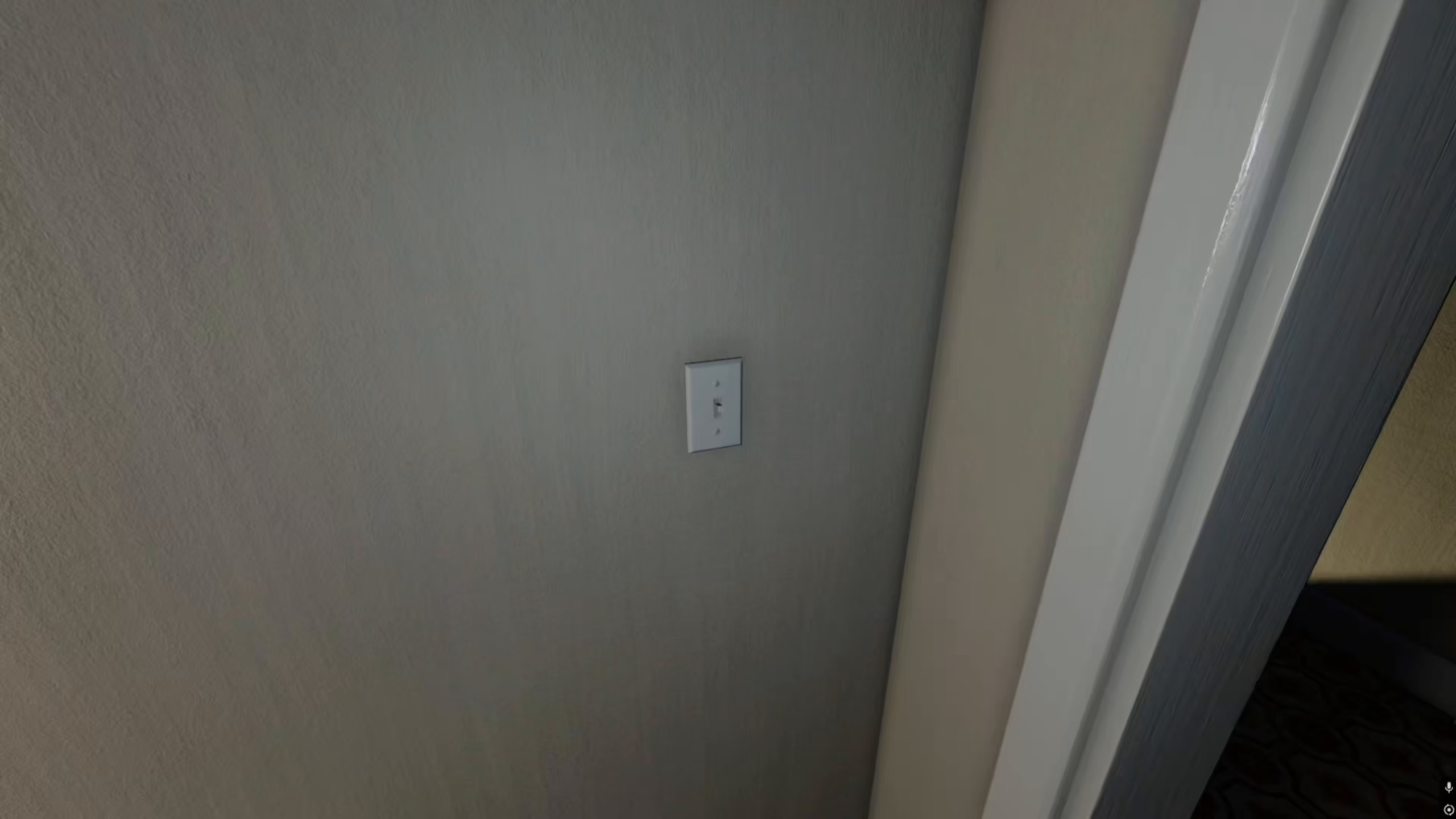
Click on the light buttons using your mouse
The lights will turn on immediately
Summary
Turning on lights in Phasmophobia is as easy as finding the breaker and clicking the light switches. Whether your breaker is in the basement, garage, or another location, the activation method remains the same. Now that you know the process, you’ll be able to illuminate any investigation location quickly and efficiently.
— Want to Support? —
If you would like to help us continue making these guides – please consider joining our patreon here – https://www.patreon.com/c/JaviHeals
Alternatively – you can join our discord here – https://discord.gg/zD7Gjt6MHF


