





How To use A Hornet Driver in Arc Raiders
How to Use a Hornet Driver in Arc Raiders
The Hornet Driver is a powerful quick-use weapon in Arc Raiders that can turn the tide of combat by briefly disabling enemies and dealing significant damage. In this guide, we’ll walk you through the mechanics of using the Hornet Driver effectively, including activation techniques and positioning tips to maximize your effectiveness in battle.
Accessing Your Hornet Driver
To begin using the Hornet Driver, access it from your Quick Use menu. Select the Hornet Driver from your available equipment slots to ready it for combat.
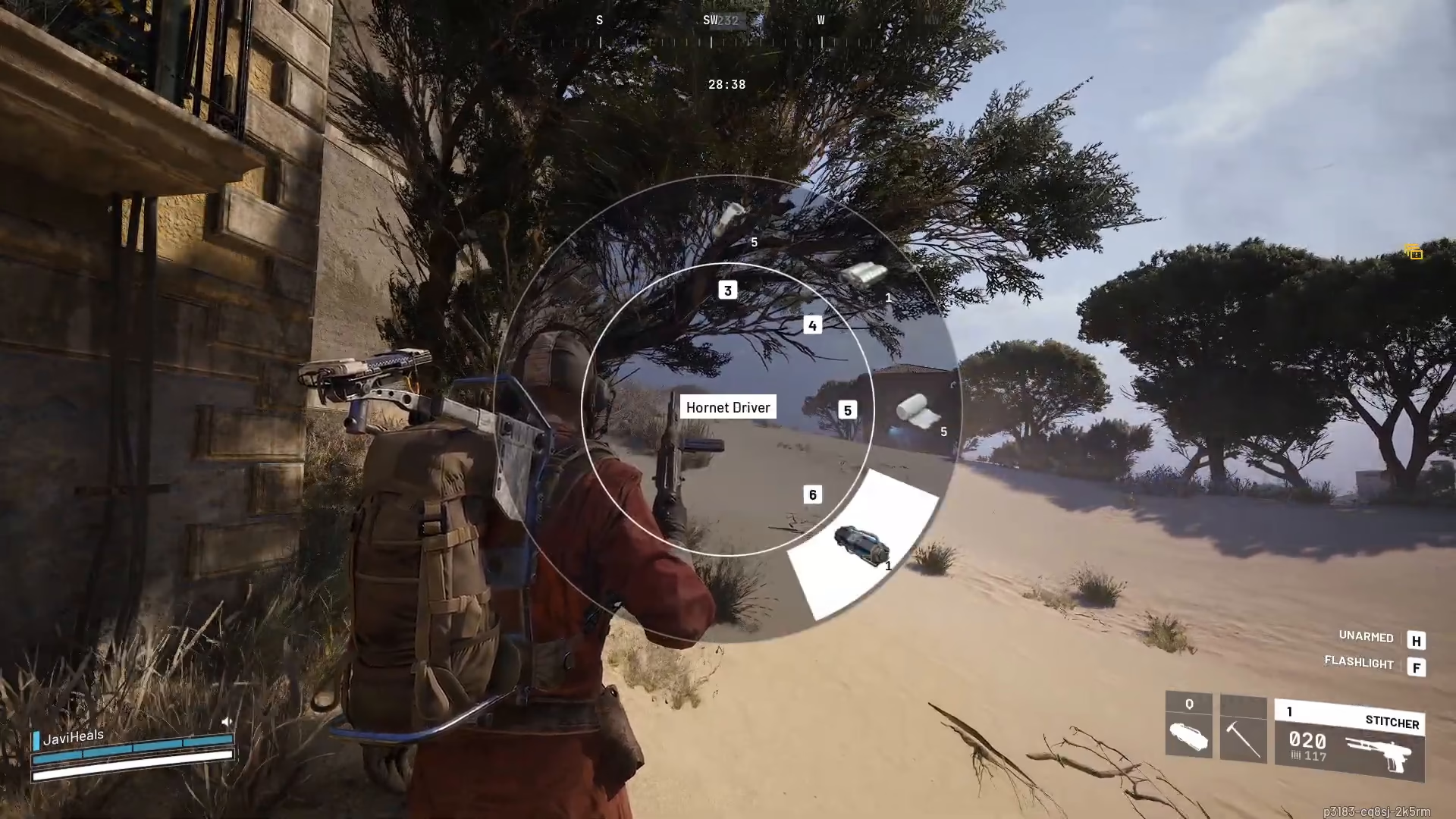
Understanding Hornet Driver Mechanics
The Hornet Driver functions as a crowd control and damage tool. When activated, it will briefly turn your enemies, disrupting their attacks and positioning. Note that the Hornet Driver had some bugs in earlier versions, but these have since been addressed and the weapon is now functioning as intended.
Activation Method
You can activate the Hornet Driver by clicking to fire it. Alternatively, you have the option to hold out the weapon for sustained aiming before releasing your attack.
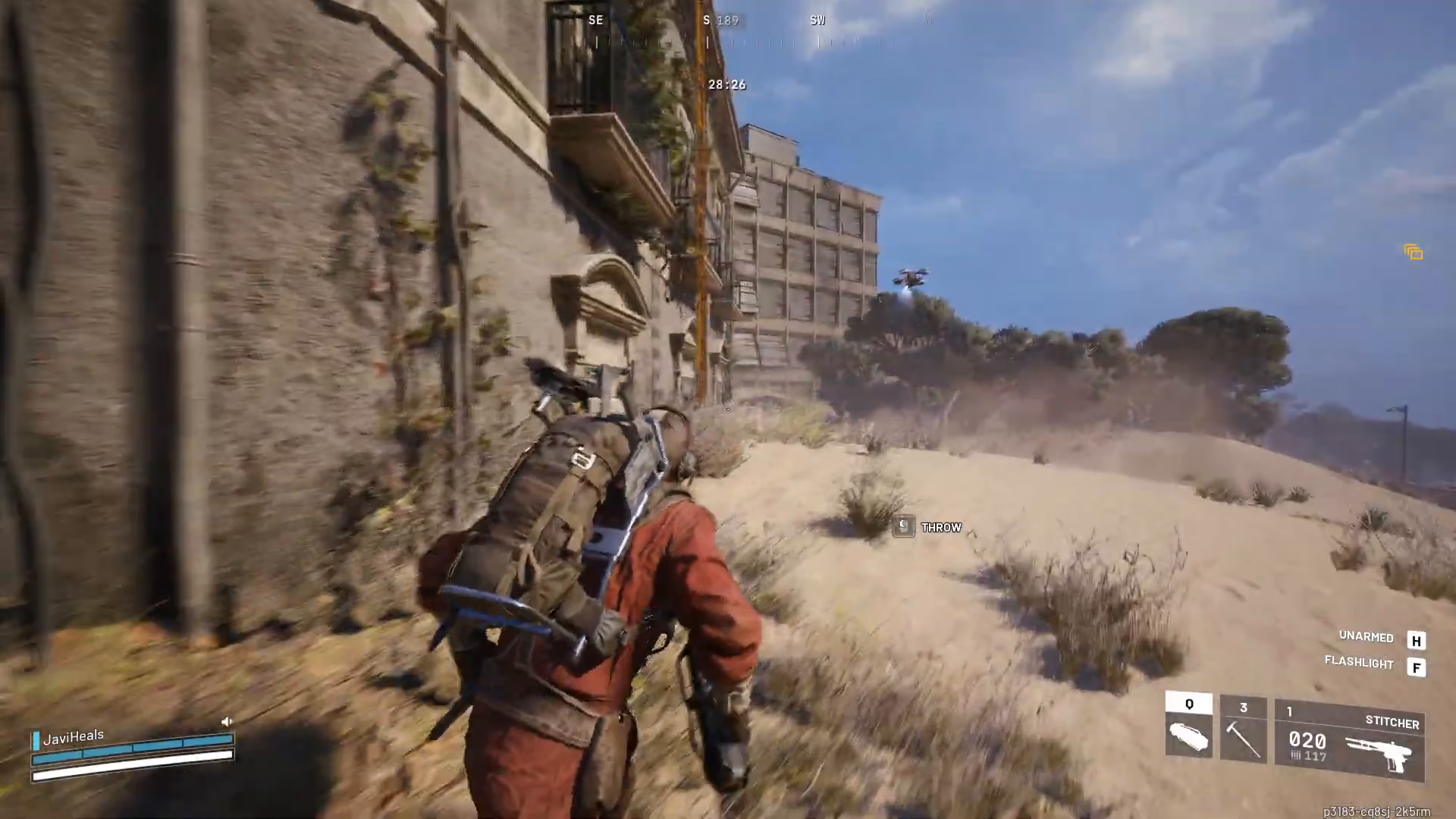
Visual Confirmation
Before firing, watch for a small circle indicator to appear on your target. This visual cue confirms that your shot will connect with the enemy. Seeing this circle is crucial—it tells you that your attack will actually hit.
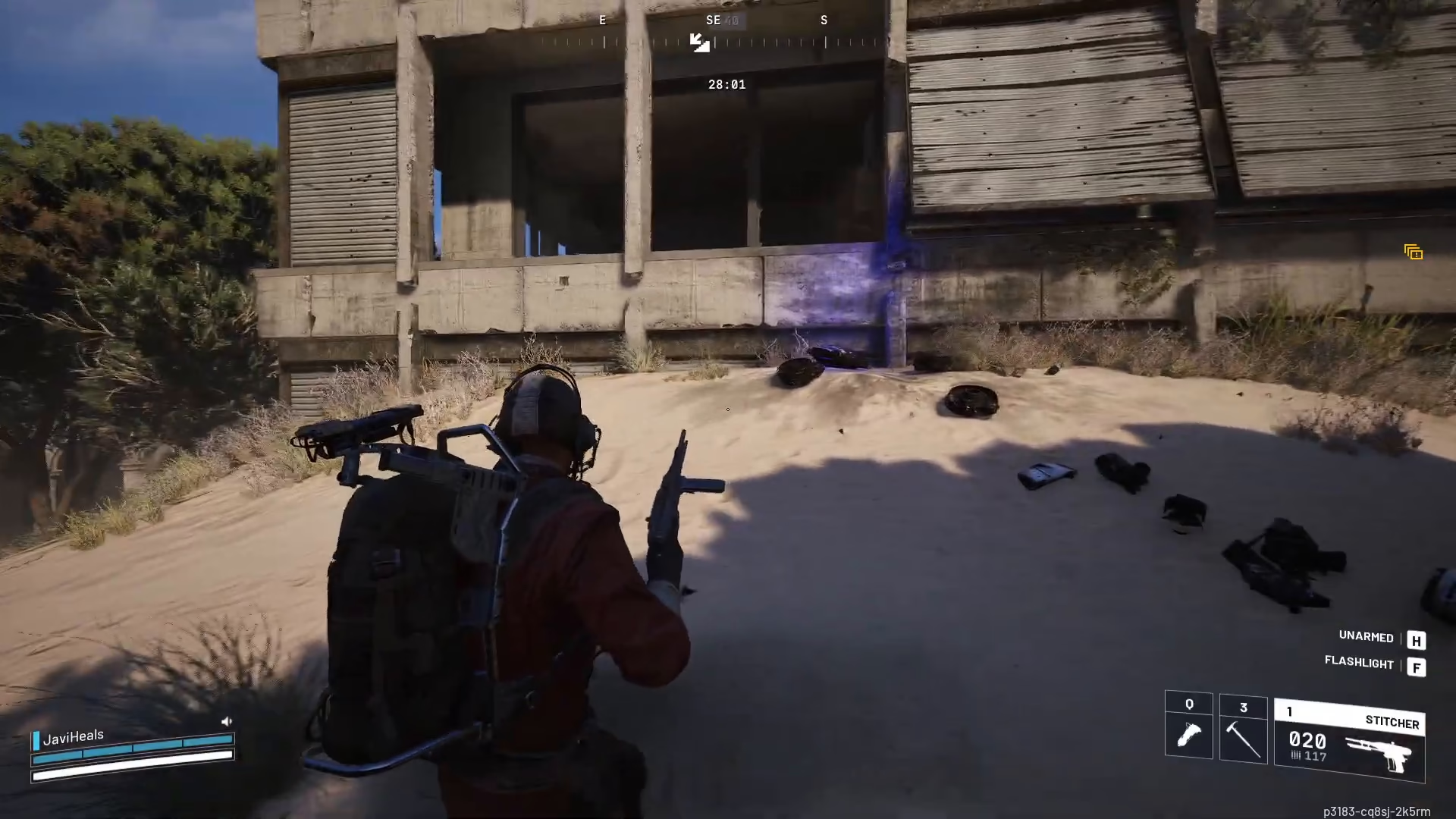
Distance and Positioning Requirements
The Hornet Driver requires you to be fairly close to your target for proper effectiveness. Ensure you maintain adequate proximity to enemies before attempting to use this weapon. Getting too far away will reduce your accuracy and effectiveness.
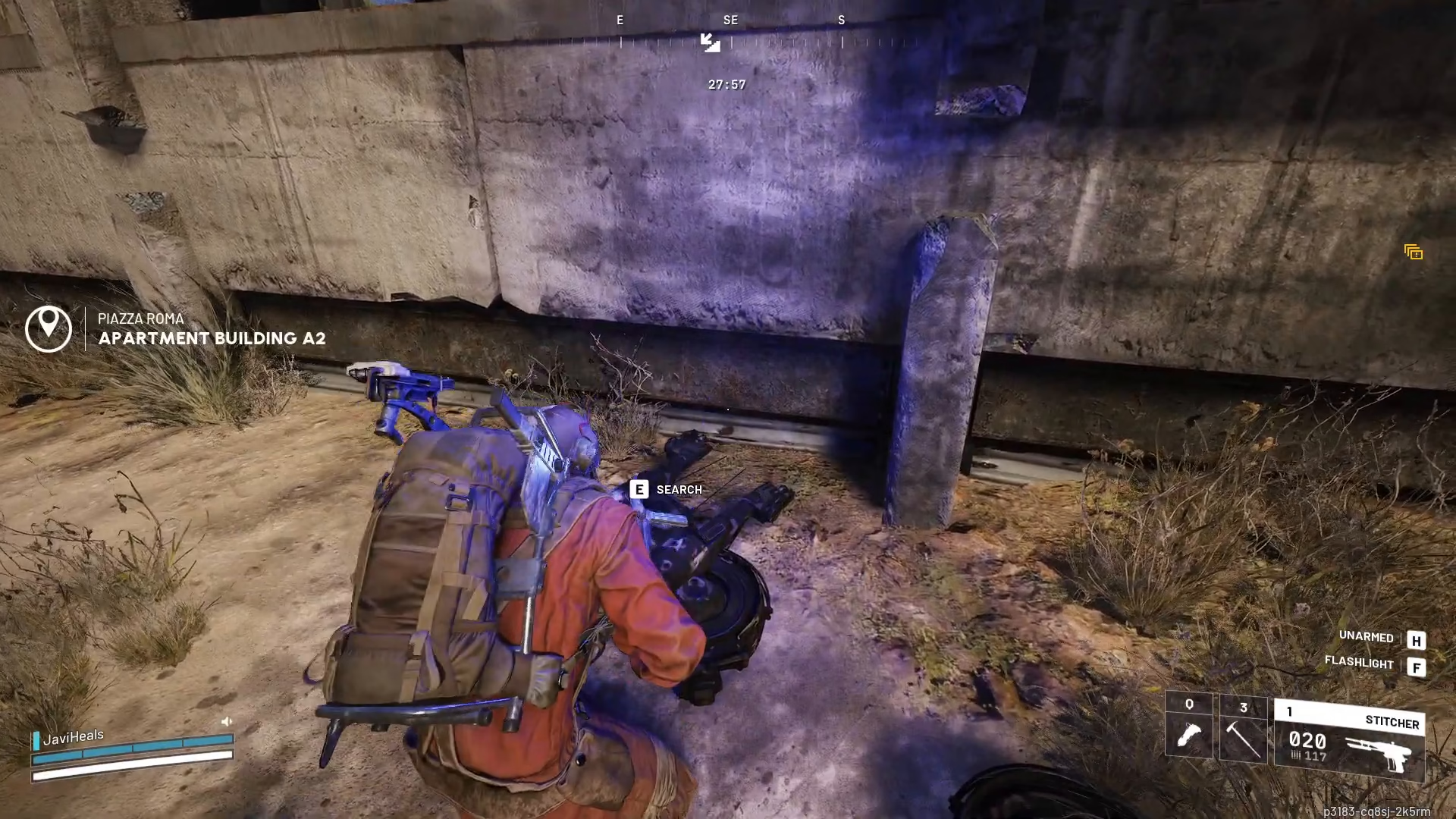
Combat Results
When used correctly, the Hornet Driver will briefly disable enemies and can even explode them on impact. This makes it an excellent tool for both crowd control and direct damage output in combat situations.
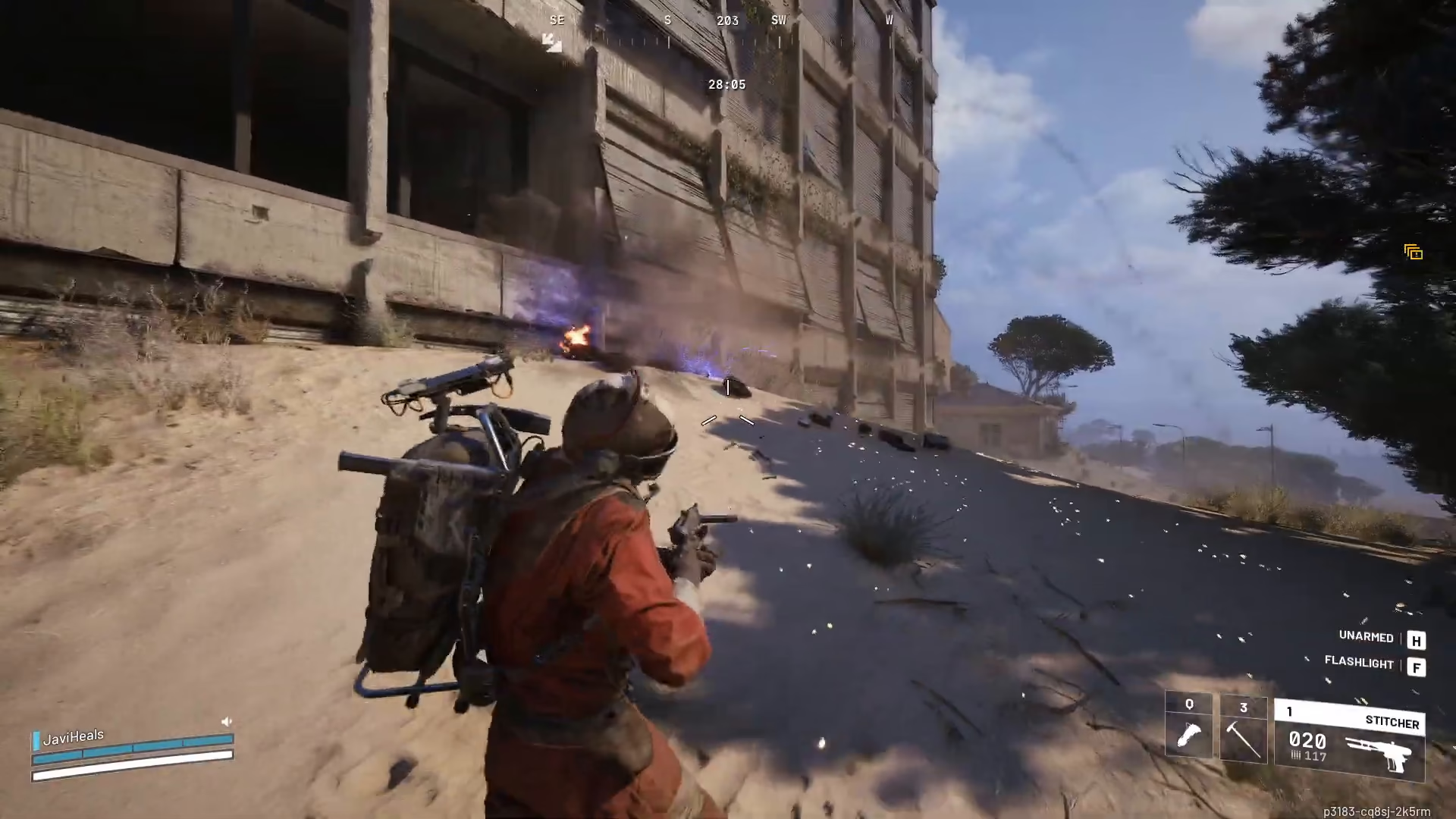
Summary
Mastering the Hornet Driver in Arc Raiders involves three key steps: accessing the weapon from your Quick Use menu, watching for the circle indicator to confirm your target, and maintaining close enough proximity for guaranteed hits. With these techniques in mind, you’ll be able to use the Hornet Driver effectively to control the battlefield and eliminate threats efficiently.
— Want to Support? —
If you would like to help us continue making these guides – please consider joining our patreon here – https://www.patreon.com/c/JaviHeals
Alternatively – you can join our discord here – https://discord.gg/zD7Gjt6MHF

