





How to Use a Snitch Scanner in ARC Raiders
How to Use a Snitch Scanner in ARC Raiders
Snitch Scanners are powerful tools in ARC Raiders that allow you to call in additional drones during combat. This guide will walk you through everything you need to know about obtaining and using Snitch Scanners effectively in your raids.
Understanding Snitch Scanners
Snitch Scanners are the devices that Snitchers use to call in other drones to assist them in battle. When activated, they emit a laser and summon additional drones to your location. If you’re using this item to eliminate an opposing player’s forces, be cautious—players may not appreciate this tactic if they’re attempting to win the raid. However, if your goal is to gather loot and manage threats, the Snitch Scanner is a valuable tool.
How to Use a Snitch Scanner
Positioning Yourself
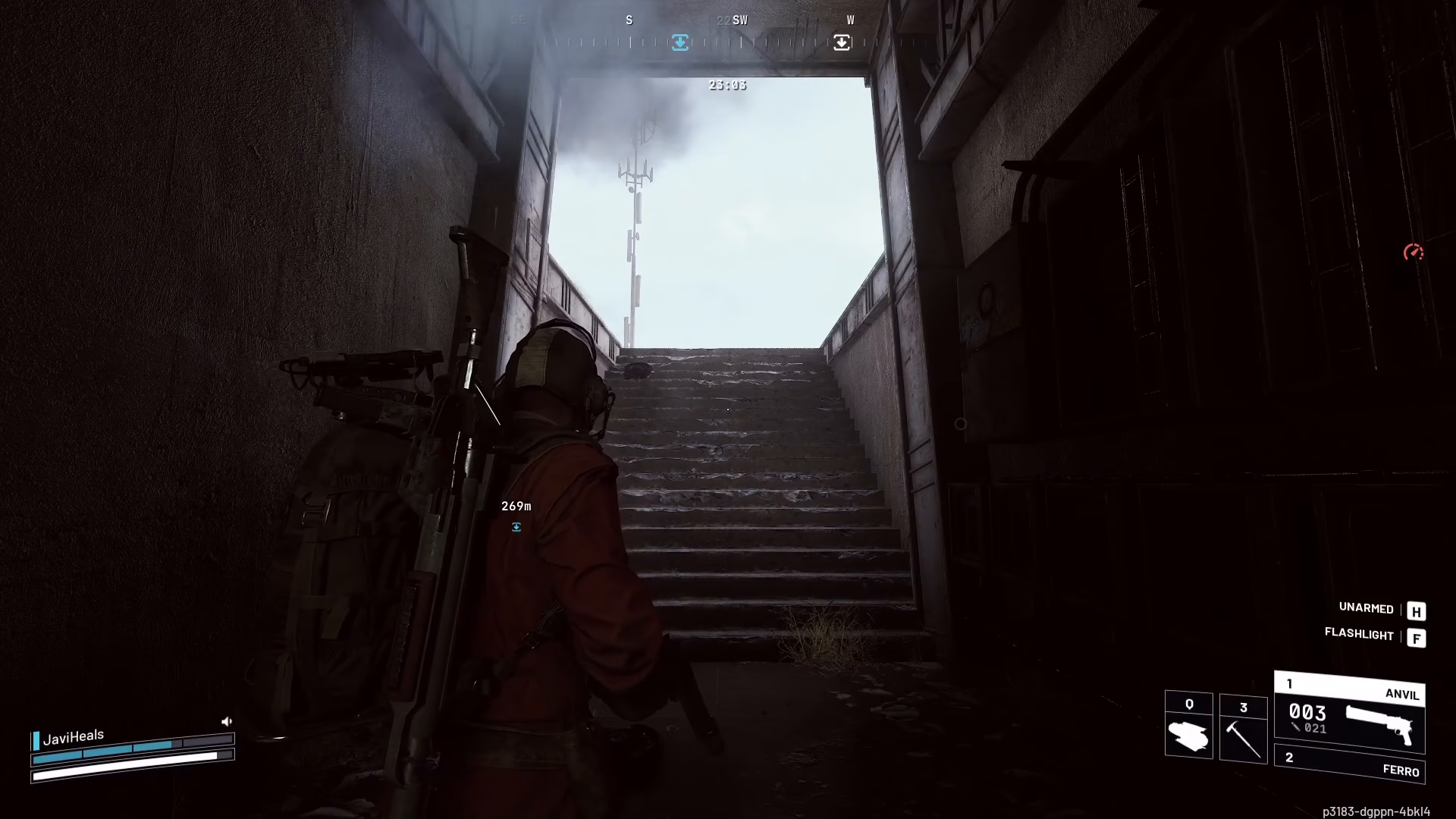
Before deploying a Snitch Scanner, position yourself strategically near cover such as a doorway or other protective structures. This gives you an advantage when drones arrive and helps you manage the incoming threat more effectively.
Deploying the Scanner
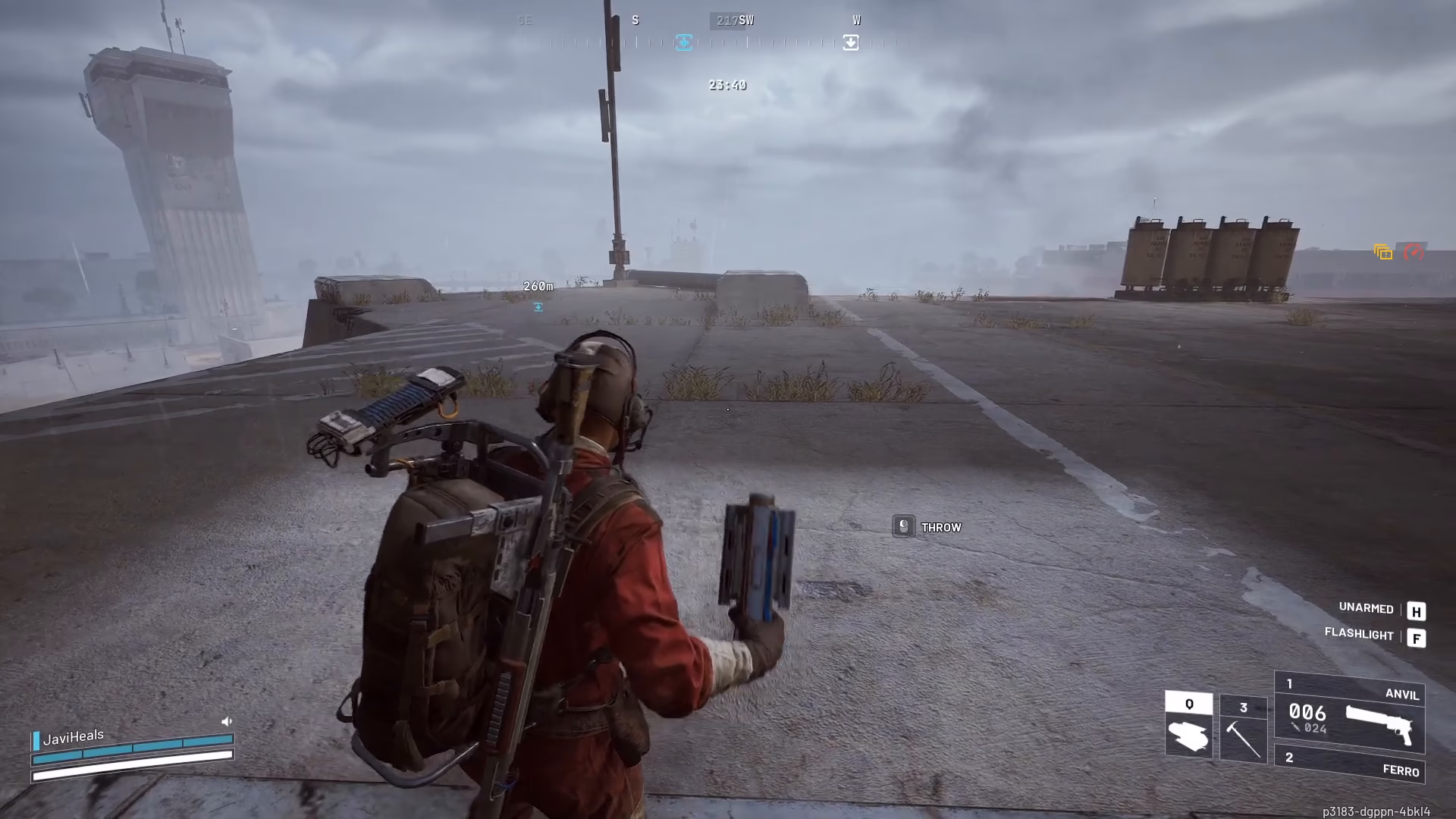
To use a Snitch Scanner, access your equipment menu by pressing Q and select “Snitch Scanner” from your available items.

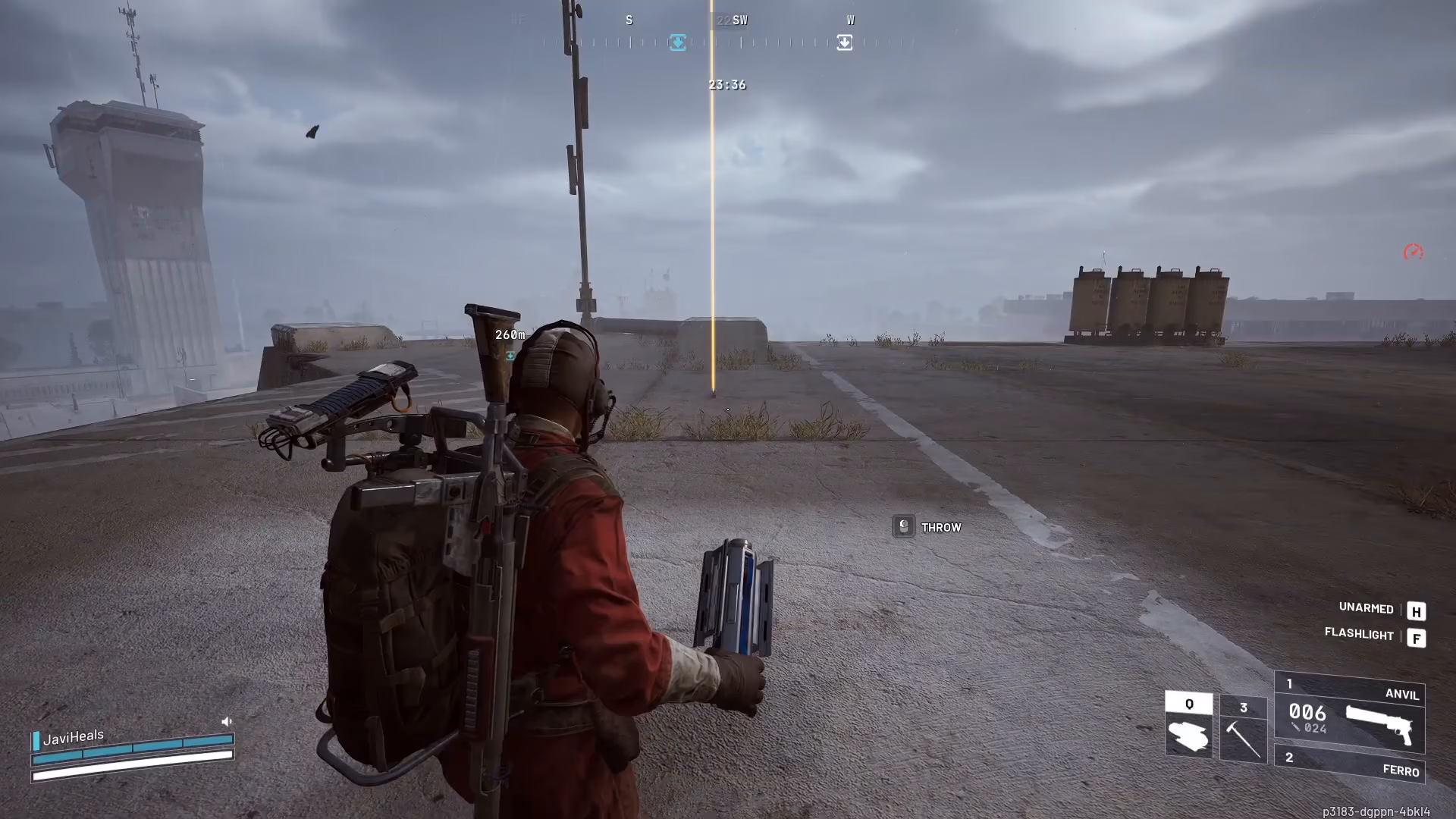
Simply throw the scanner down at your desired location. Once deployed, the device will emit a laser beam and immediately begin calling in drones to your position.
The drones will arrive quickly, so ensure you’re prepared for combat when they spawn in.
How to Obtain Snitch Scanners
To get Snitch Scanners, you’ll need to hunt down and eliminate Snitches. Snitches are the UFO-shaped drones that emit a large beam of light used to search for targets. Do not confuse them with the smaller drone variants—focus on destroying the larger UFO-shaped Snitches to obtain Snitch Scanners as loot drops.
Strategic Tips
Use Snitch Scanners to your advantage by calling in drones to either assist you in combat or to create distractions while you loot objectives. The key is understanding when summoning additional forces will benefit your raid outcome rather than complicate it.
Summary
Snitch Scanners are straightforward to use: position yourself defensively, press Q to access your equipment, select Snitch Scanner, and throw it down. Drones will immediately spawn, ready for combat. Remember to farm Snitches—the larger UFO-shaped drones with search beams—to collect these useful items for your future raids.
Want to Support?
If you would like to help us continue making these guides – please consider joining our patreon here – https://www.patreon.com/c/JaviHeals
Alternatively – you can join our discord here – https://discord.gg/zD7Gjt6MHF

