





How to Use Items In Onimusha Way of the Sword
How to Use Items in Onimusha: Way of the Sword
In Onimusha: Way of the Sword, using items during gameplay is a straightforward process that you’ll need to master to survive encounters and progress through the game. This quick guide will walk you through the simple button inputs required to access and use your items whenever you need them.
Item Usage Controls
Accessing Your Item Menu
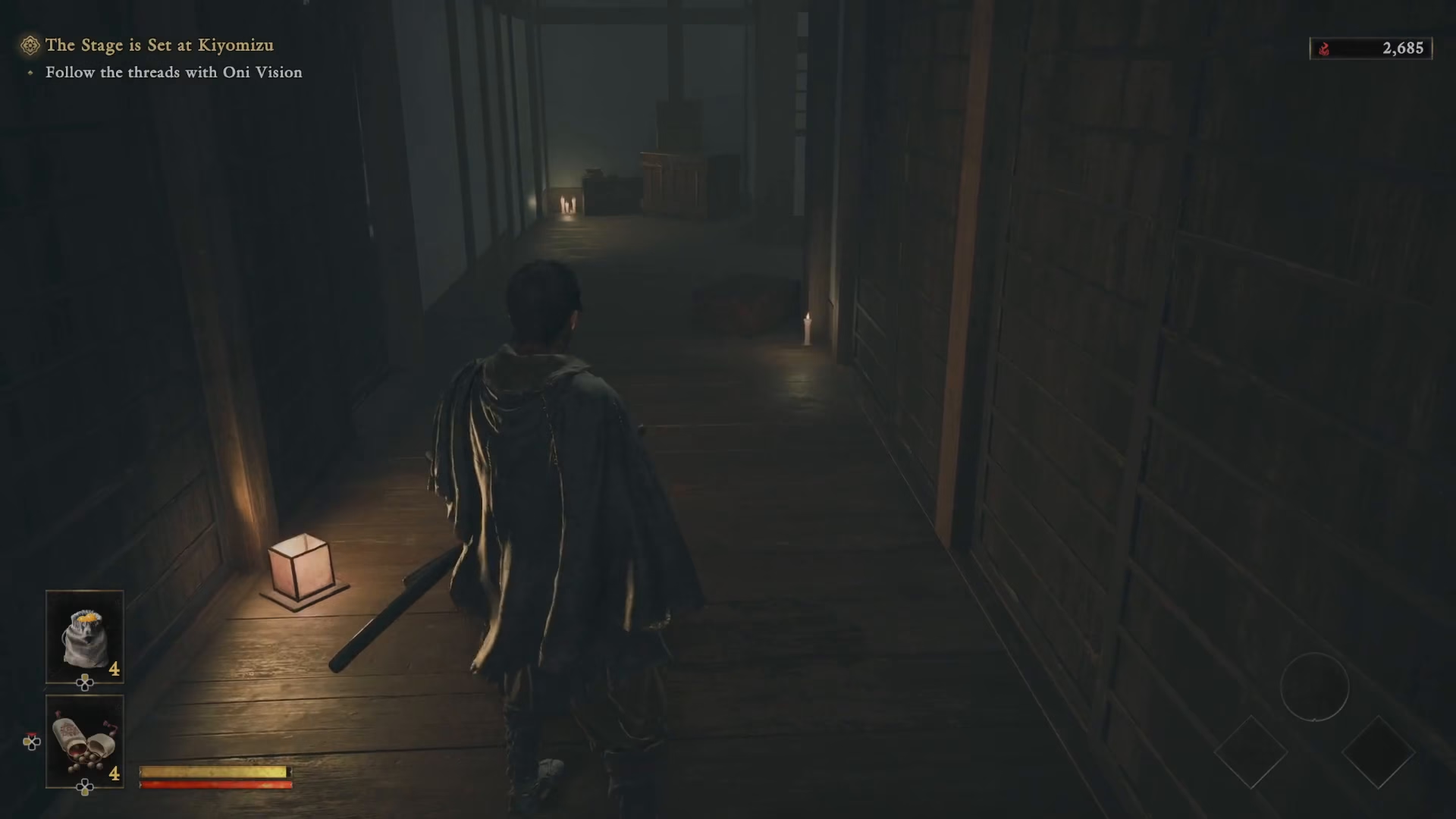
To use items in Onimusha: Way of the Sword, start by pressing the left directional button on your controller. This will bring up your item menu and allow you to navigate your available items.
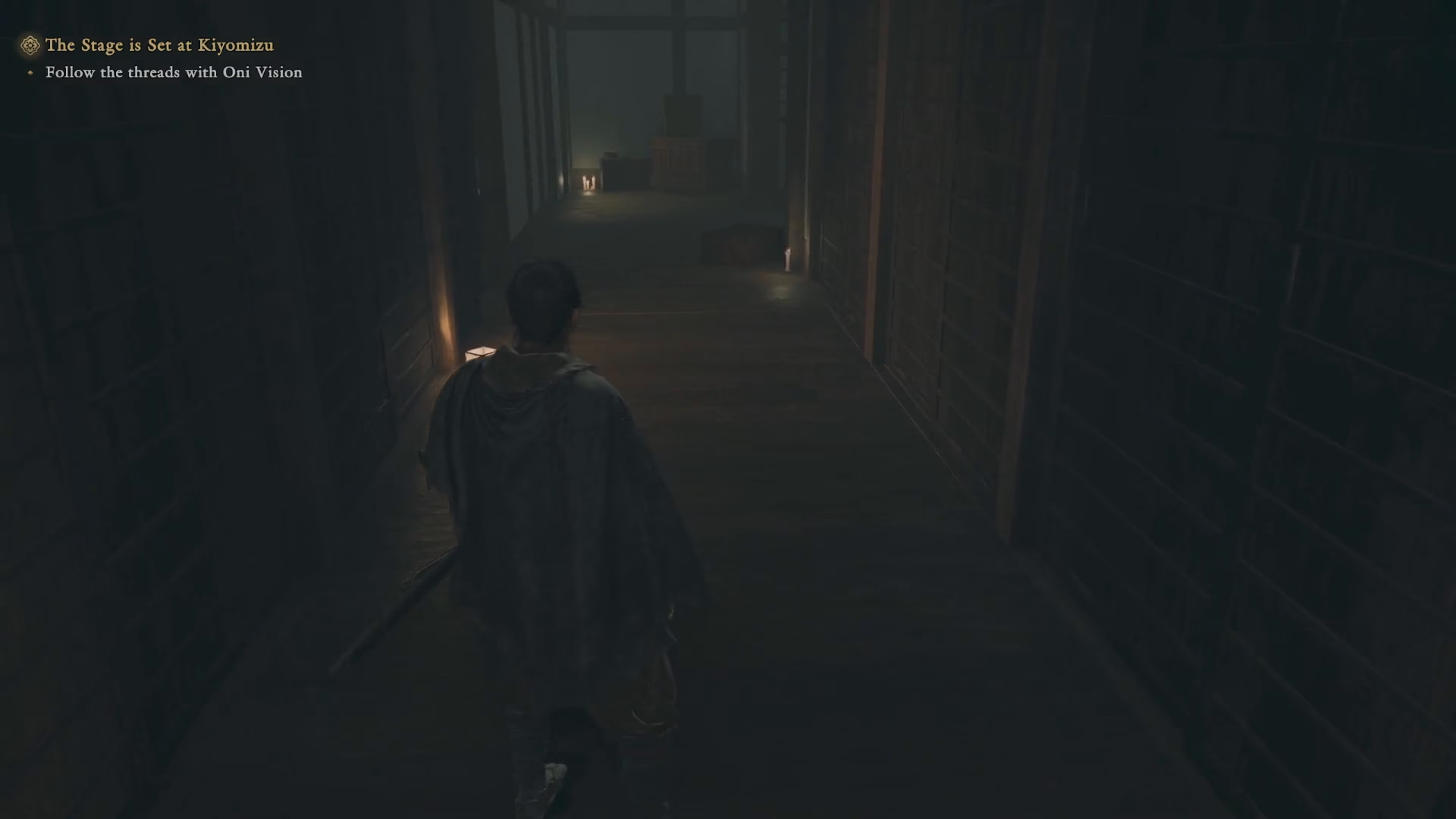
Selecting and Using Your Item
Once you’ve opened the item menu with the left directional button, choose the item you want to use. After selecting your desired item, press the down directional button to use it immediately.
Summary
Using items in Onimusha: Way of the Sword is simple and intuitive. Just remember: press left on the directional pad to open your item menu, select your item, and then press down to use it. With this basic control scheme mastered, you’ll be able to manage your resources effectively throughout your adventure.
— Want to Support? —
If you would like to help us continue making these guides – please consider joining our patreon here – https://www.patreon.com/c/JaviHeals
Alternatively – you can join our discord here – https://discord.gg/zD7Gjt6MHF



