





How To Use Music Box In Phasmophobia
How To Use Music Box In Phasmophobia
The music box is a useful tool in Phasmophobia that can help you during ghost encounters. In this guide, we’ll walk you through the simple steps to locate and use the music box effectively, plus important safety tips to keep in mind while using it.
Locating the Music Box
The first step is to find the music box in your current location. Search the room carefully until you spot it.
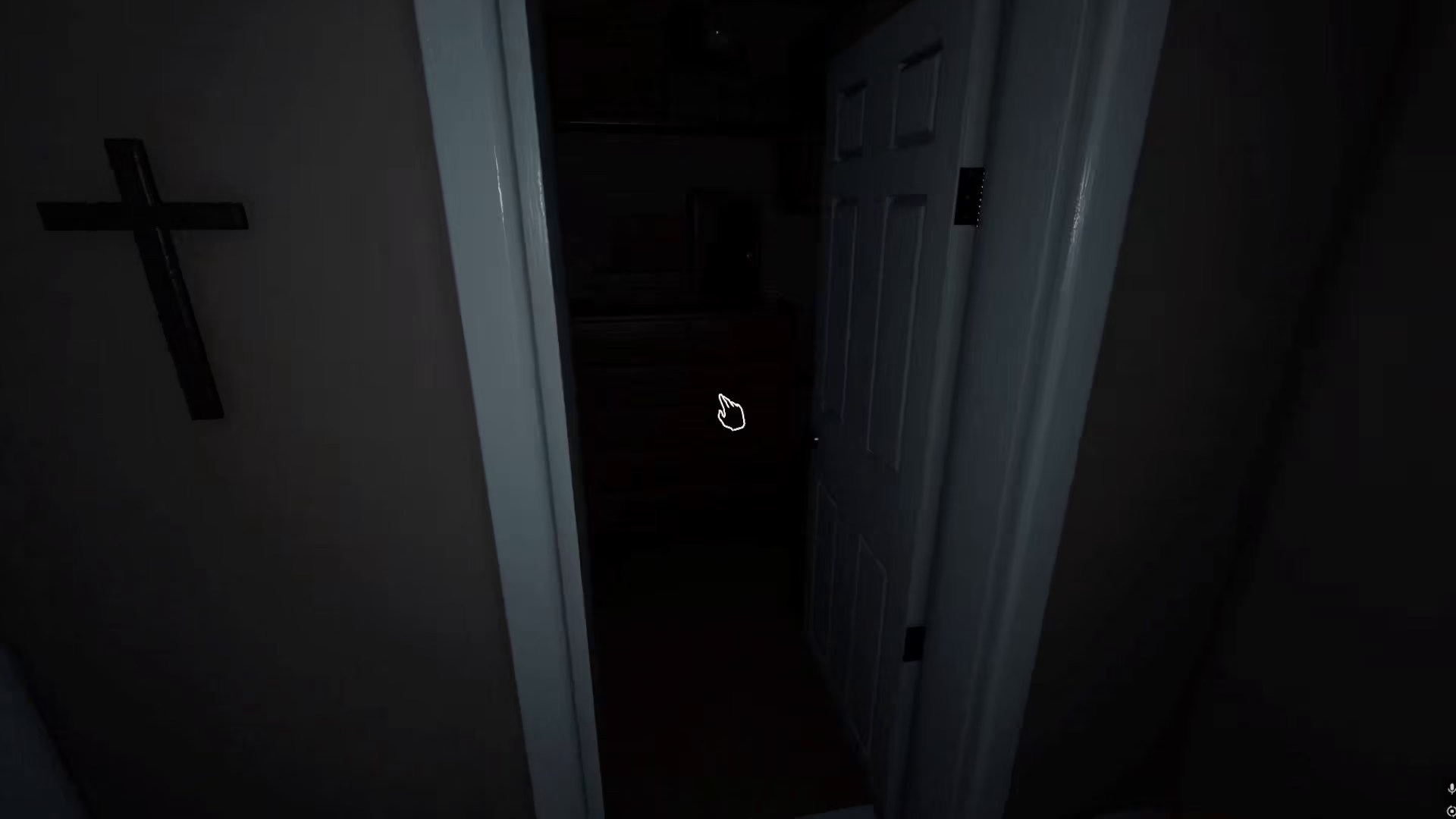
Activating the Music Box
Once you’ve located the music box, activation is straightforward. Simply right-click on it with your mouse to start playing the music.
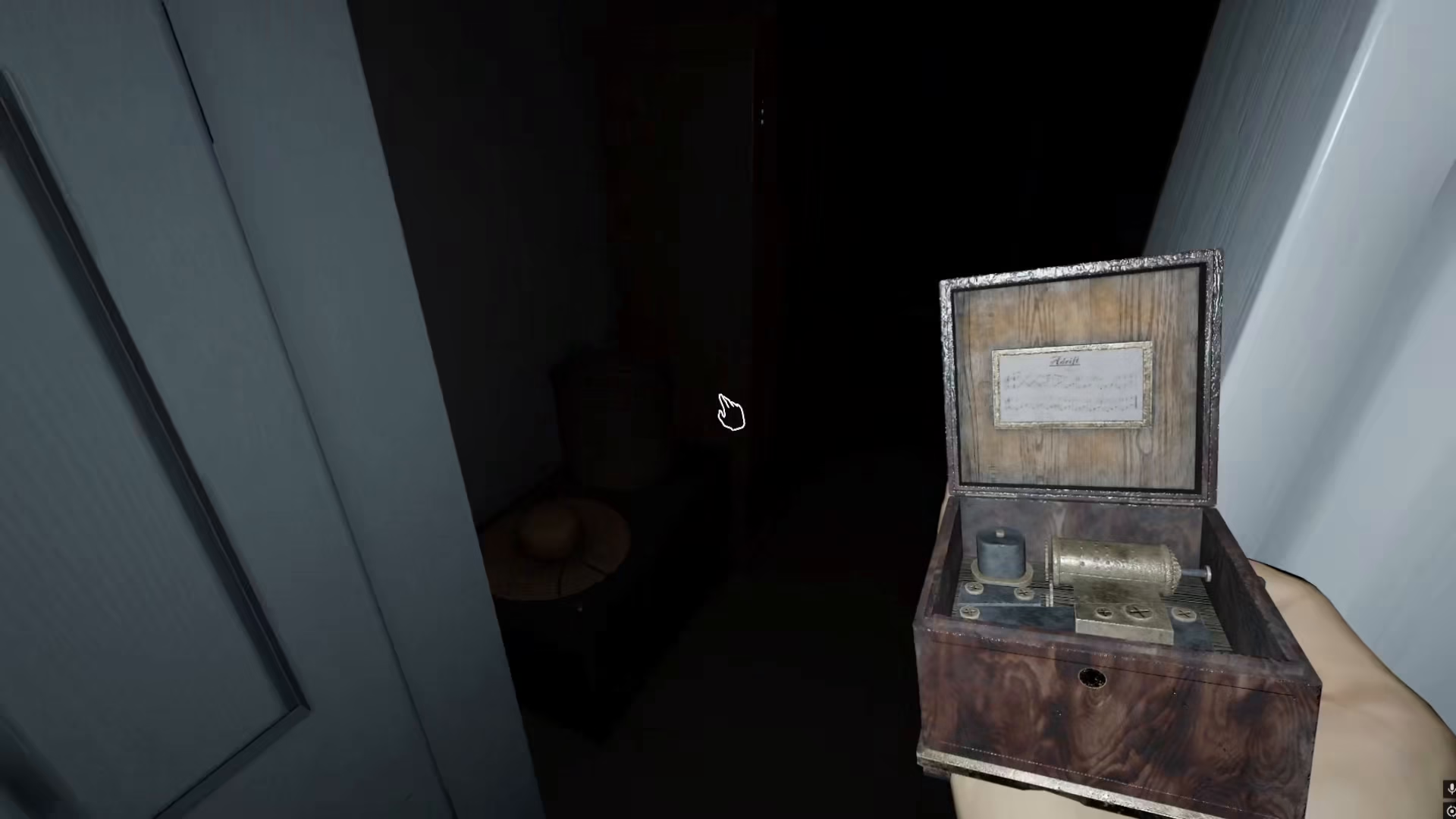
After you right-click, the music box will begin playing its tune.
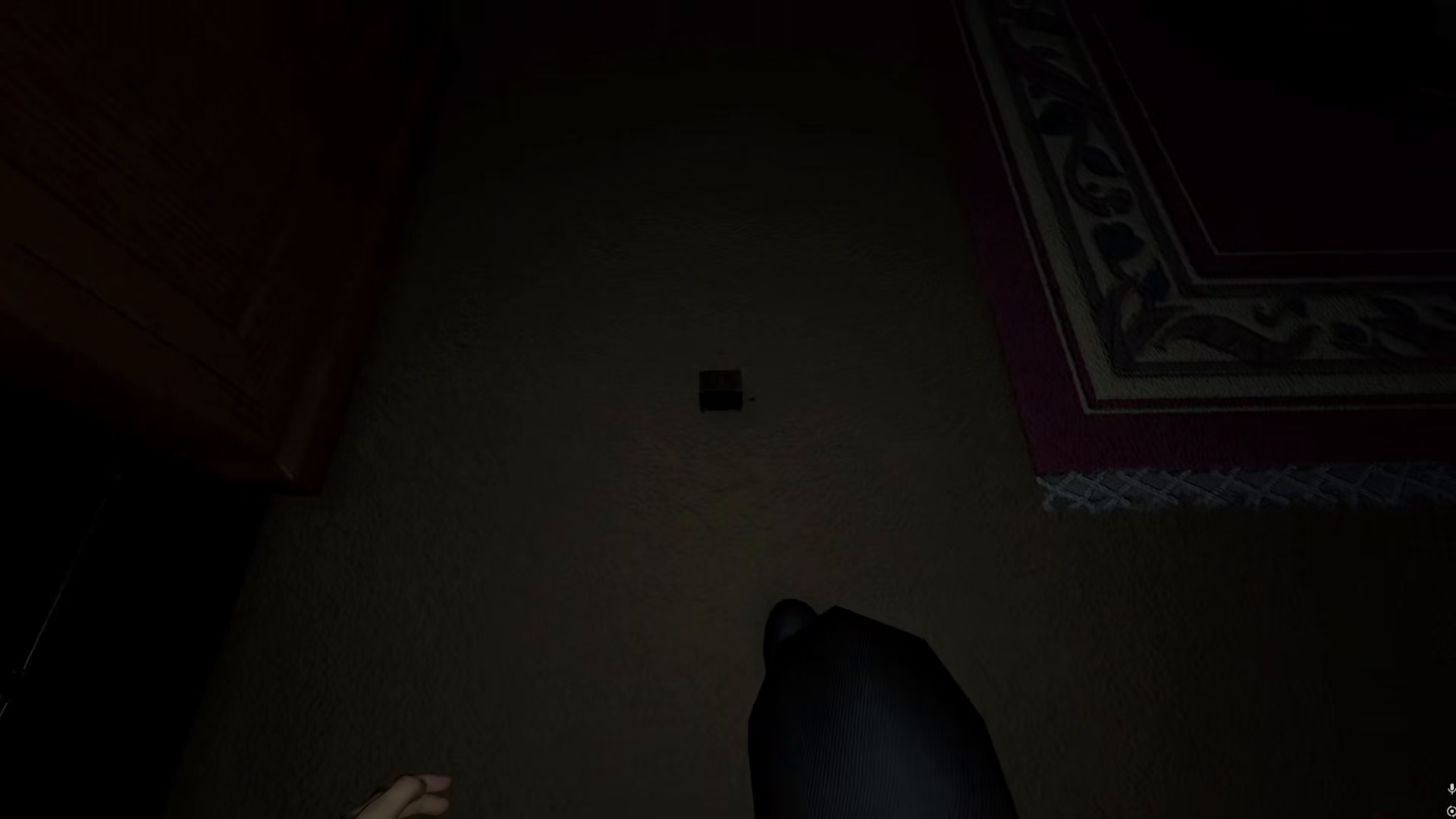
Finding Cover and Hiding
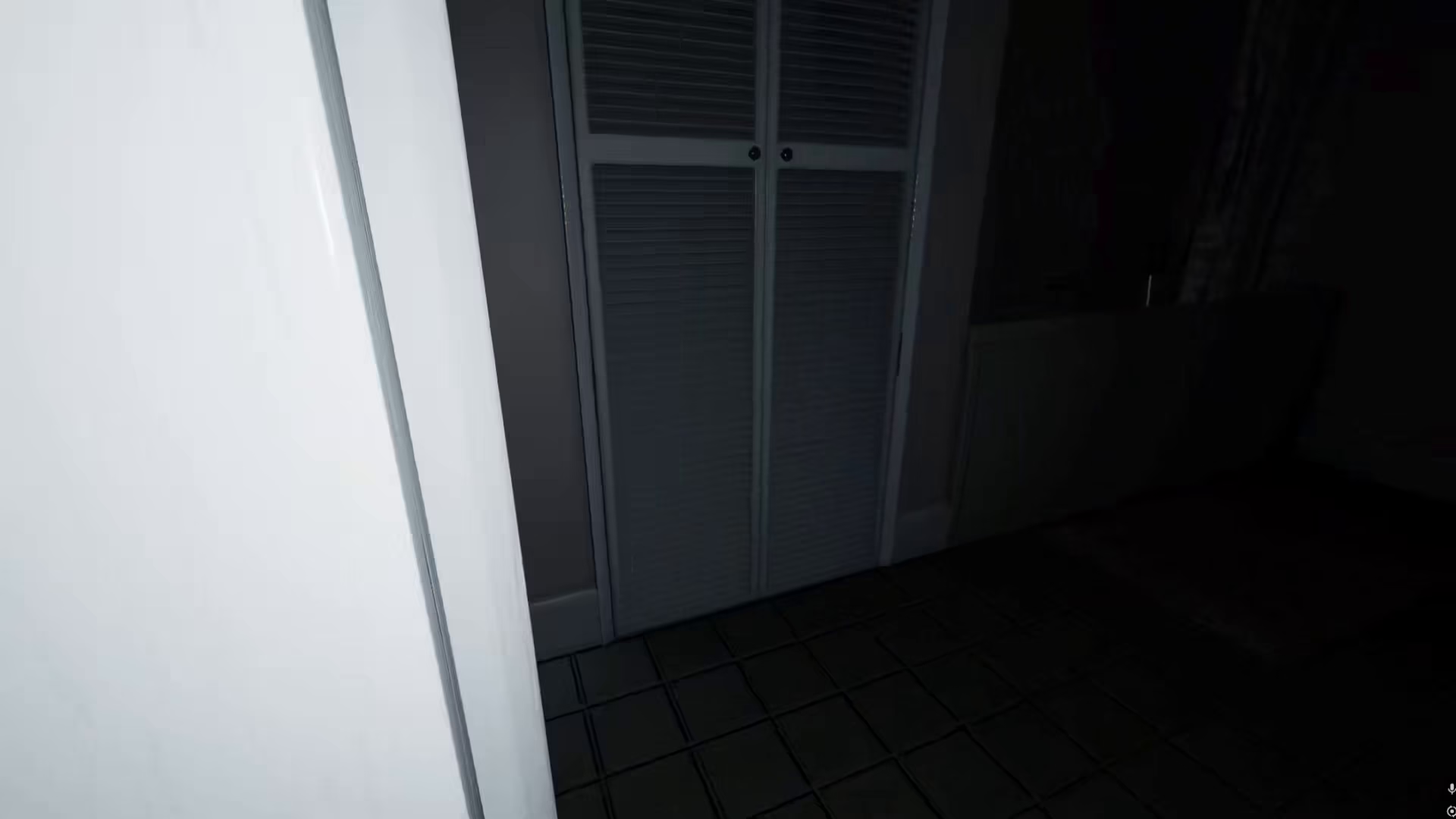
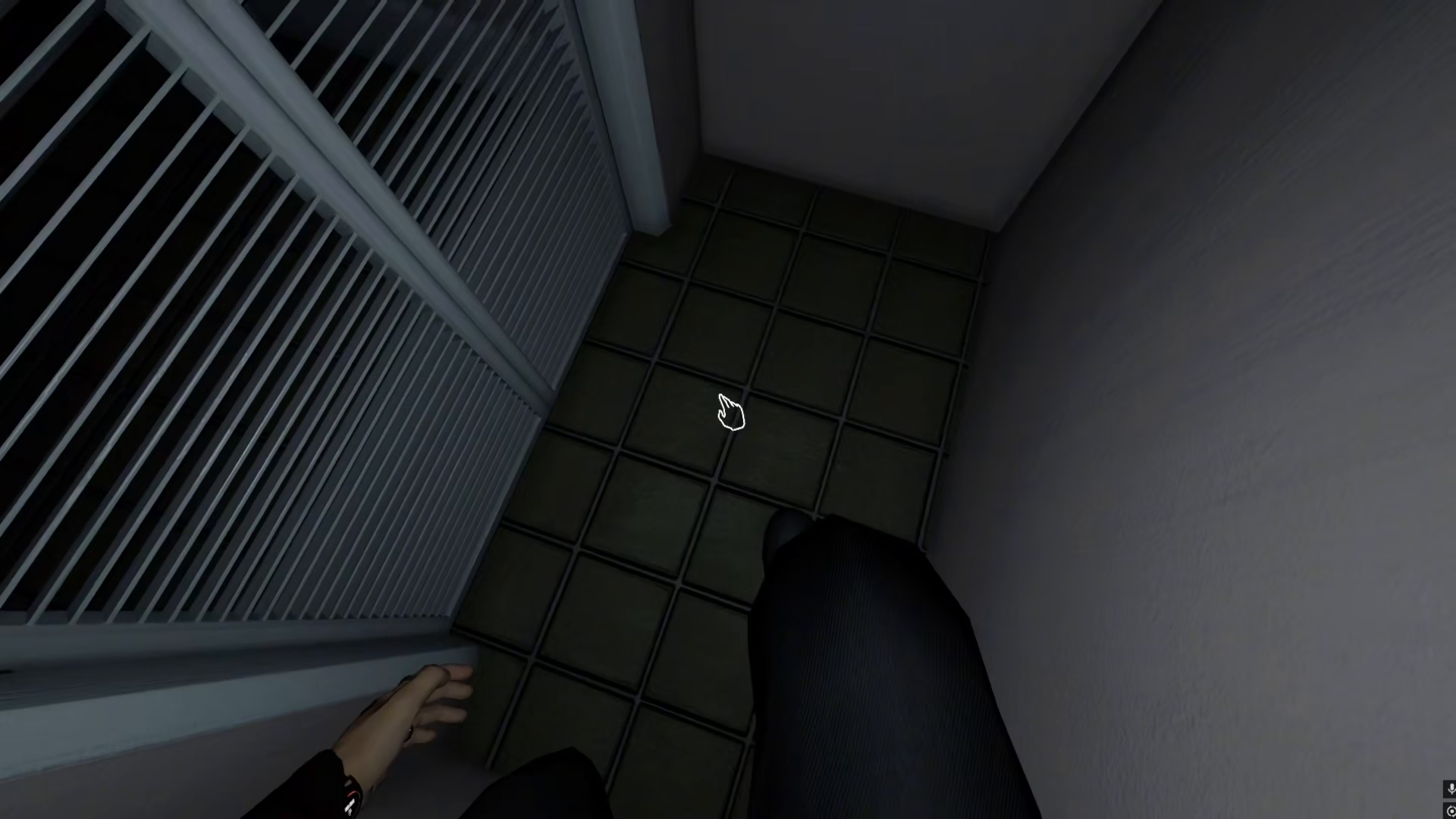
The critical next step is to immediately find a hiding place. After activating the music box, go hide in one of the nearby cover spots or hiding places in the area.
Important Safety Considerations
While using the music box in Phasmophobia, keep in mind that it can be quite scary. The ghost can literally spawn on you, so make sure you have identified a safe hiding place nearby before you activate the music box. Don’t use it in an area without adequate cover options, as this could put you in a dangerous situation.
Summary
Using the music box in Phasmophobia is simple: find it, right-click to activate it, and immediately take cover in a nearby hiding spot. While the mechanic itself isn’t complicated, always prioritize your safety by ensuring you have a hiding place ready before you use it. This will help you avoid being caught off guard by unexpected ghost activity.
— Want to Support? —
If you would like to help us continue making these guides – please consider joining our patreon here – https://www.patreon.com/c/JaviHeals
Alternatively – you can join our discord here – https://discord.gg/zD7Gjt6MHF


