






How To Wait Without Sitting In Fallout 4
How To Wait Without Sitting In Fallout 4
Waiting is an essential mechanic in Fallout 4, but did you know you don’t actually need to sit down to do it? This guide will show you how to access the wait menu without interacting with a chair or bed, giving you more flexibility during your gameplay. Whether you prefer using console commands on PC or installing mods, we’ll cover the easiest methods to get this working.
Overview: Two Solutions for Waiting
In vanilla Fallout 4, waiting typically requires you to sit in a chair or sleep in a bed. However, there are two straightforward solutions to bypass this limitation:
Install a mod from the Creation Club or Nexus Mods
Use a PC console command
For this guide, we’ll focus on the console command method, as there are already plenty of mods available that restore this functionality if you prefer that approach.
Using the Console Command Method
Step 1: Open the Console Menu
To begin, open the console menu by pressing the tilde key (~), which is located directly below the Escape key on your keyboard.
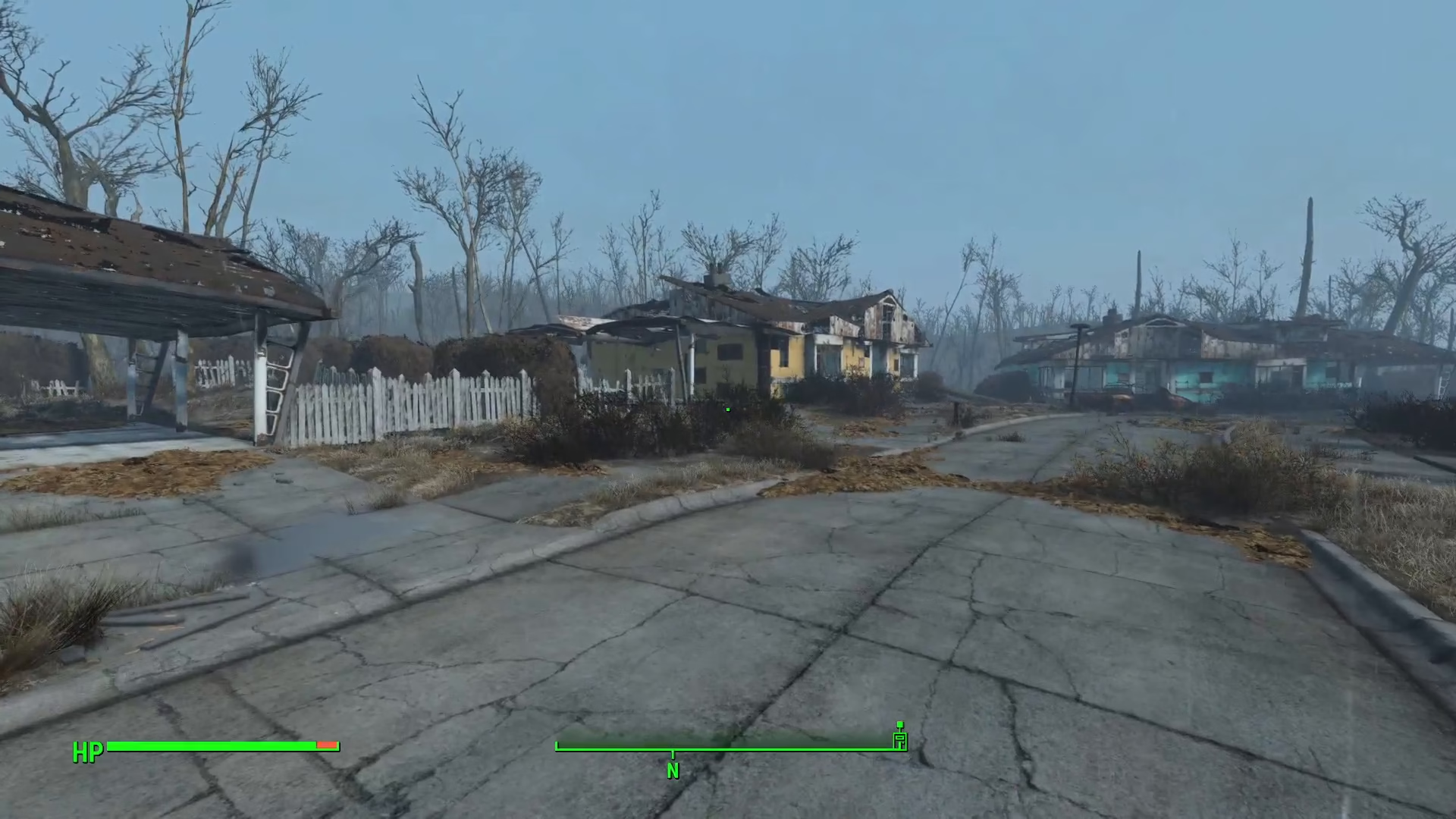
Step 2: Enter the Wait Menu Command
With the console open, type the following command exactly as shown (with no spaces):
show menu iwSleepWaitMenu
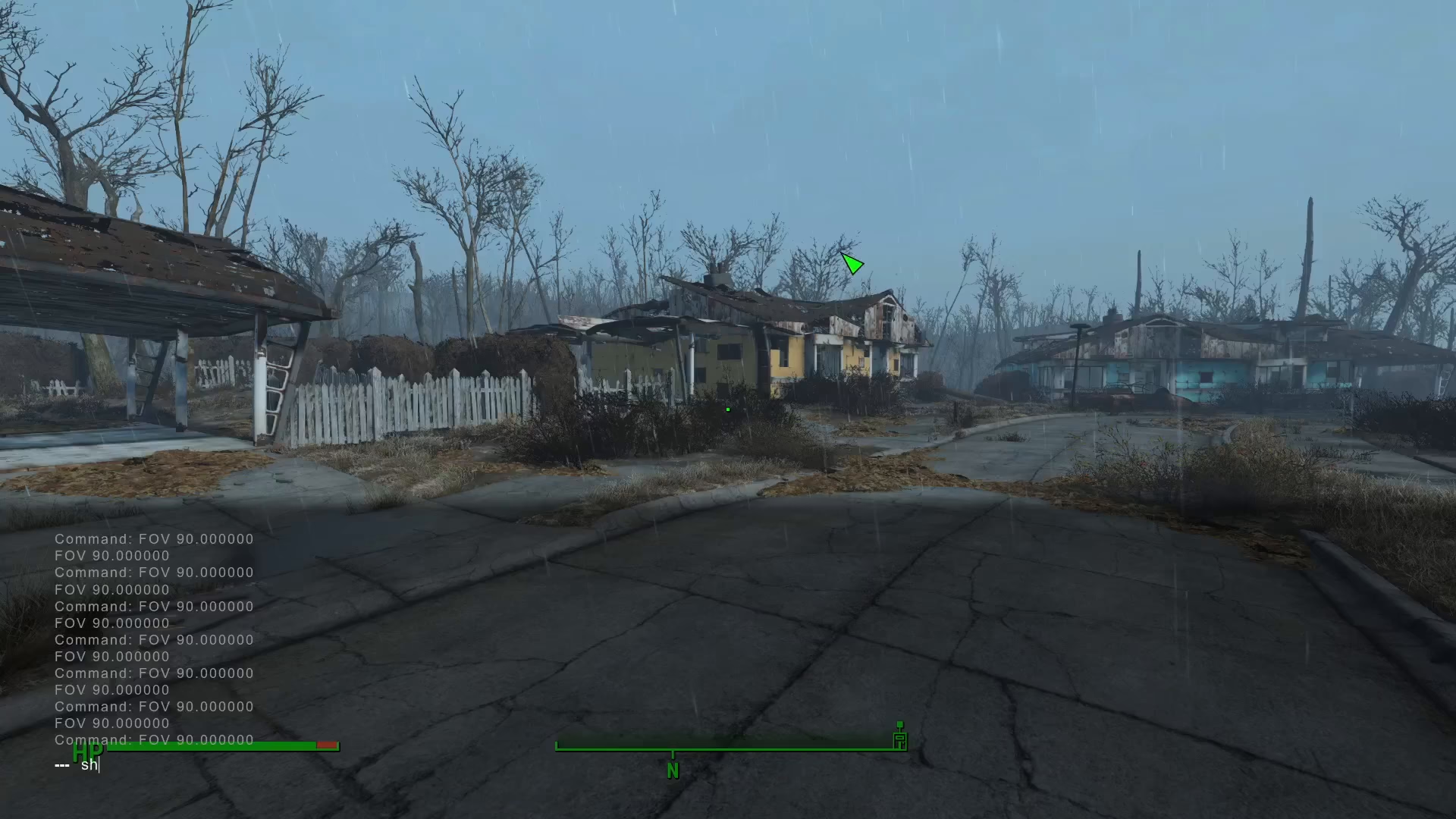
Step 3: Access the Wait Menu
After entering this command, the wait menu will appear on your screen. You can now wait for as long as you want without needing to sit in a chair or interact with any furniture. Simply select your desired wait duration and proceed.
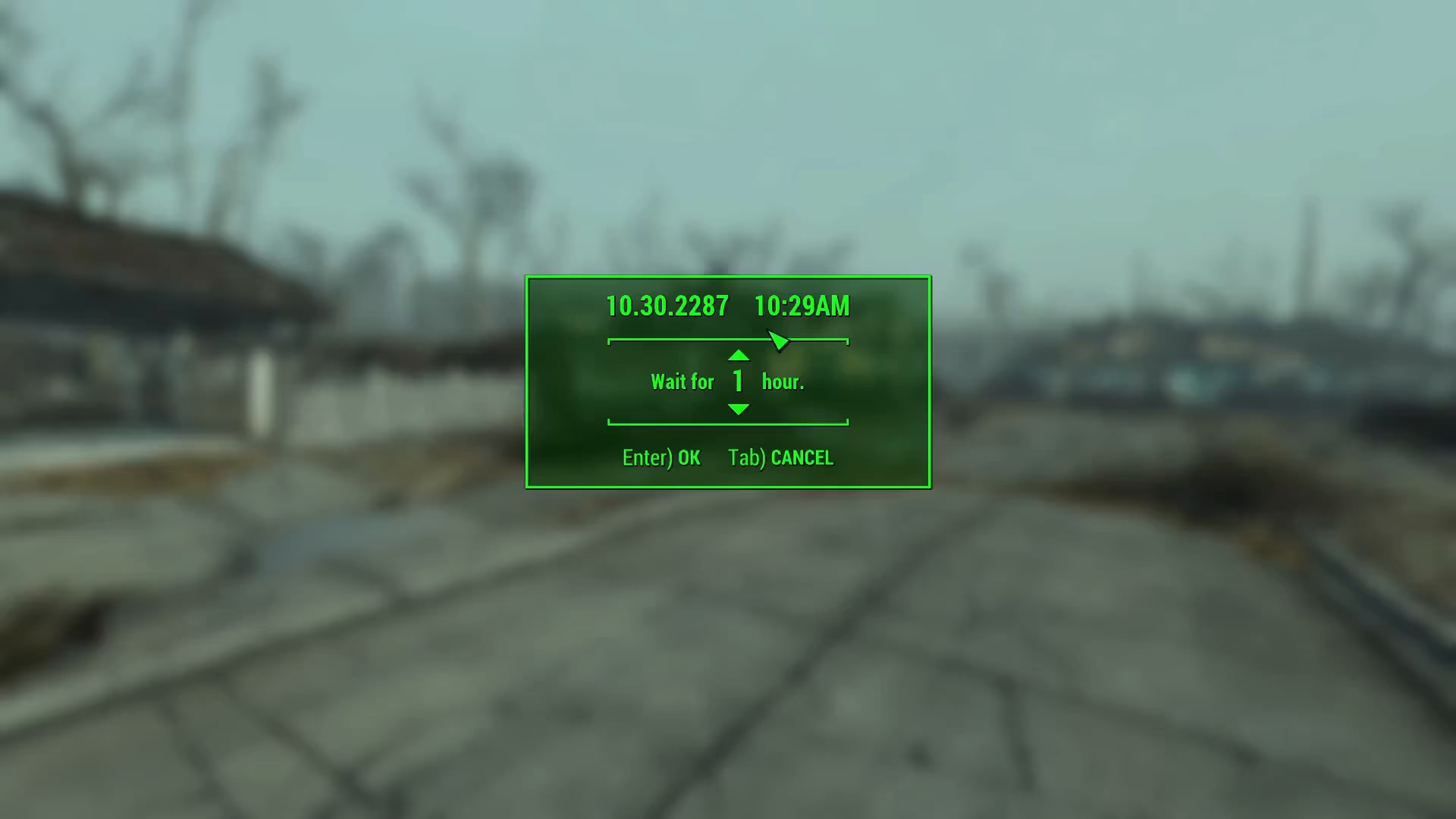
Summary
Waiting in Fallout 4 without sitting is simple and hassle-free once you know the console command. Just press the tilde key, type show menu iwSleepWaitMenu, and you’re ready to advance time on your own terms. This method is exclusive to PC players with console access, but mod alternatives are available on the Creation Club and Nexus Mods for those who prefer other platforms or mod-based solutions.
— Want to Support? —
If you would like to help us continue making these guides – please consider joining our patreon here – https://www.patreon.com/c/JaviHeals
Alternatively – you can join our discord here – https://discord.gg/zD7Gjt6MHF