






How To Unequip Weapon In Fallout 4
How To Unequip Weapon In Fallout 4
Learning how to properly unequip your weapon in Fallout 4 is essential for managing your inventory and combat strategies. Whether you want to holster your weapon temporarily or fully unequip it to go unarmed, this guide will walk you through both methods step by step.
Holstering Your Weapon
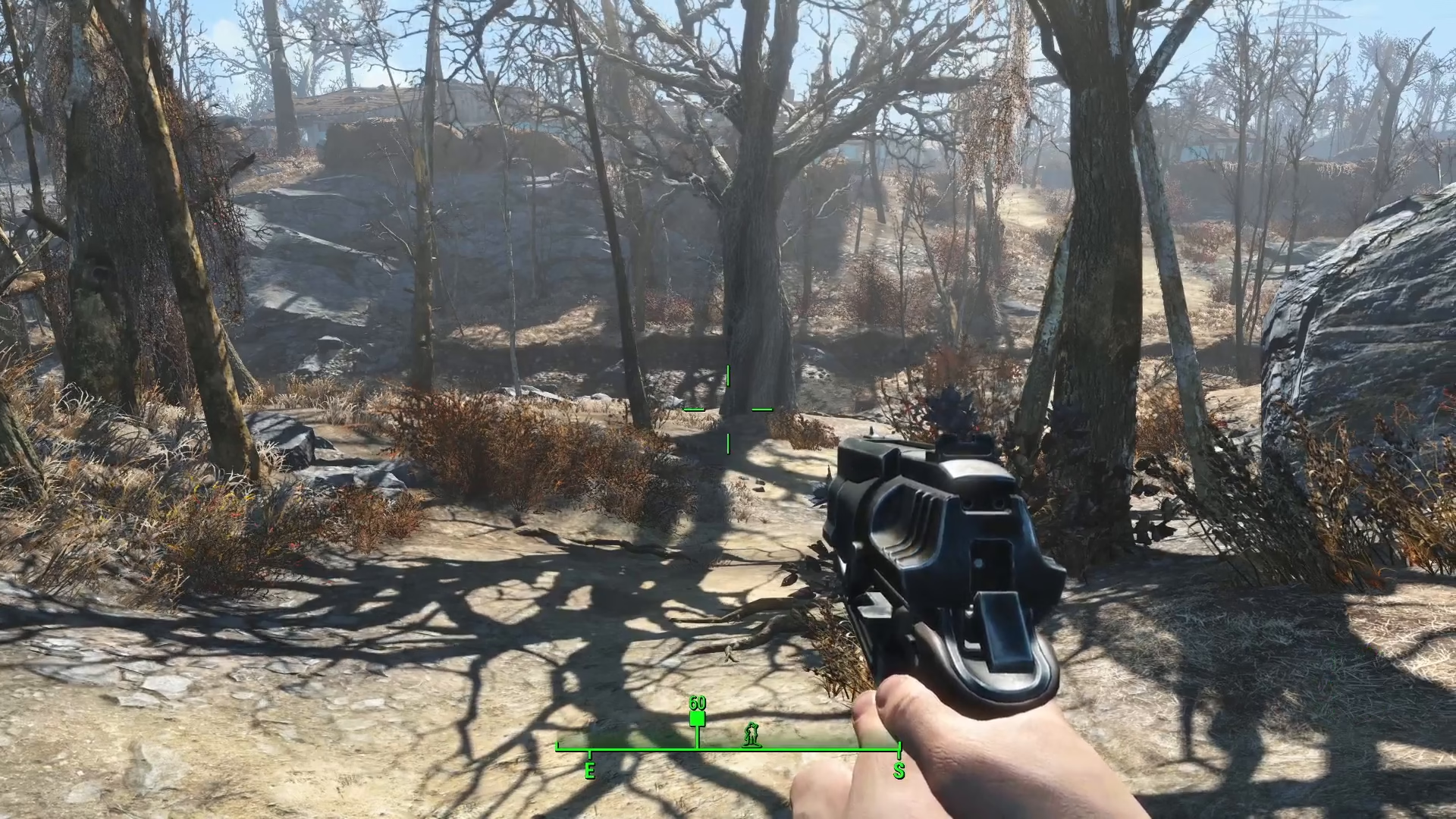
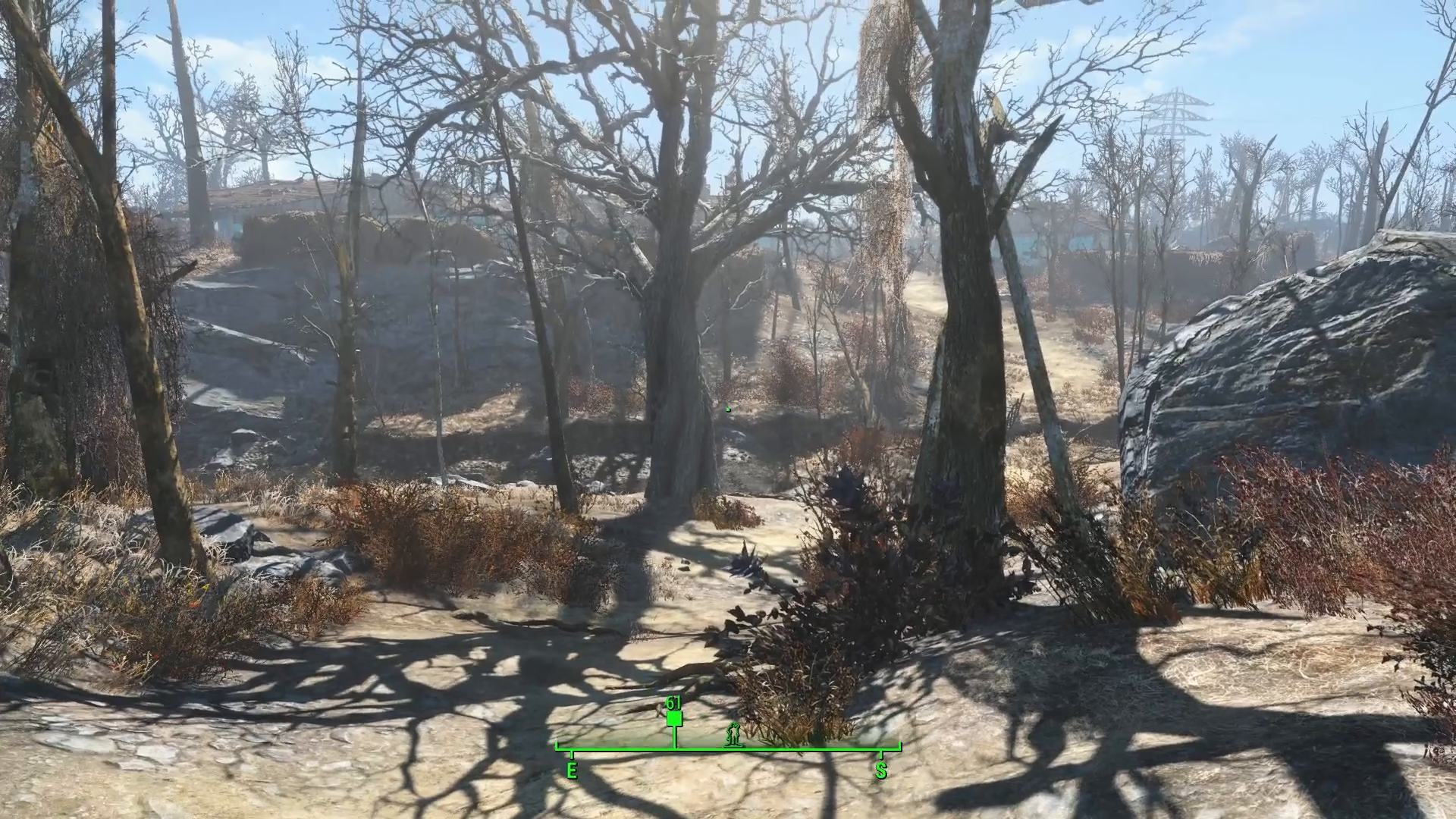
The quickest way to put down your weapon temporarily is by holstering it. If you simply want to holster your weapon without fully unequipping it, you can hold down the reload key. This action will holster your weapon, allowing you to move around without actively holding it in your hands.
Fully Unequipping Your Weapon
If you want to completely unequip your weapon and go unarmed, you’ll need to open up your Pip-Boy. Once your Pip-Boy is open, you’ll see your currently equipped items. In this example, you can see the 10mm pistol is equipped. Simply click on the equipped weapon to unequip it. After clicking, the weapon will be removed from your active equipment, and you’ll now be unarmed.
Summary
You now know two effective methods for managing your weapons in Fallout 4. Use the reload key to quickly holster your weapon when you need a temporary break from combat, or access your Pip-Boy to fully unequip any weapon and switch to an unarmed playstyle. Both techniques are essential tools for any Fallout 4 player.
Want to Support?
If you would like to help us continue making these guides – please consider joining our patreon here – https://www.patreon.com/c/JaviHeals
Alternatively – you can join our discord here – https://discord.gg/zD7Gjt6MHF