





How To Wish For Life In Phasmophobia
How To Wish For Life In Phasmophobia
In Phasmophobia, there’s a hidden mechanic that allows you to wish for life using voice commands. This guide will walk you through the exact steps needed to perform this action in your multiplayer games.
Wishing for Life: Step-by-Step Guide
Pick Up the Monkey Paw
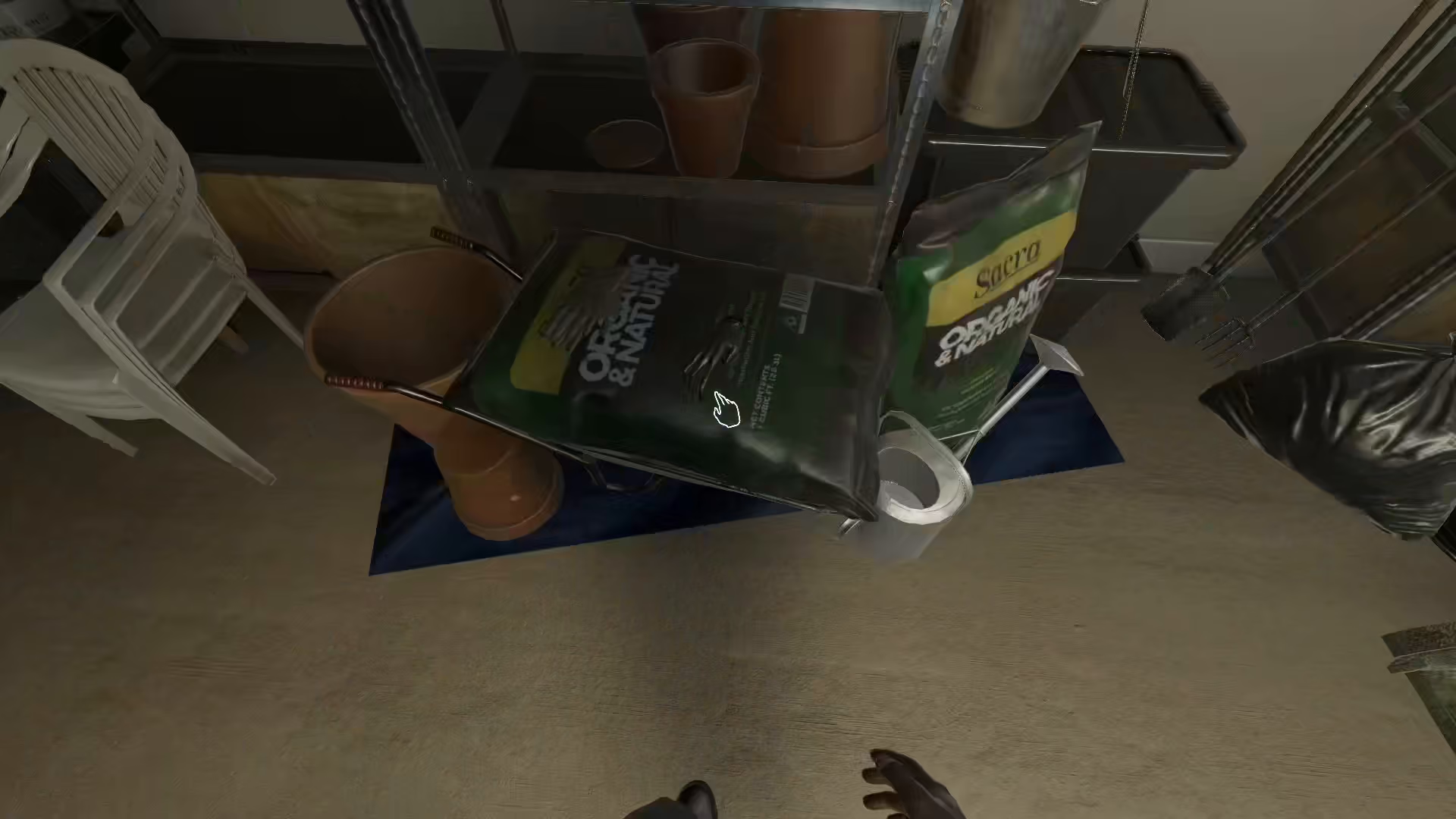
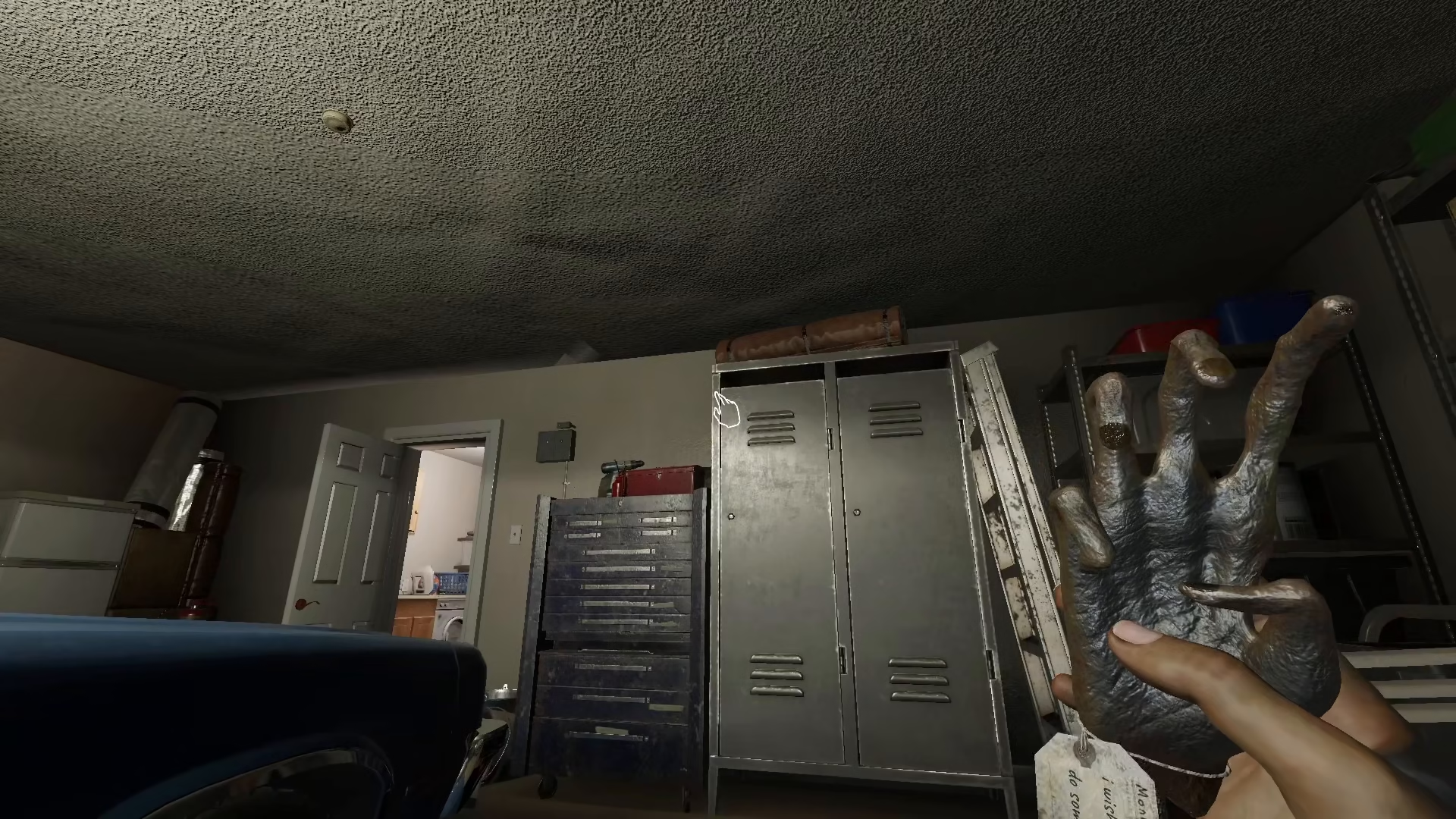
The first step is to locate and pick up the monkey paw item in your game.
Use Voice Recognition to Make Your Wish
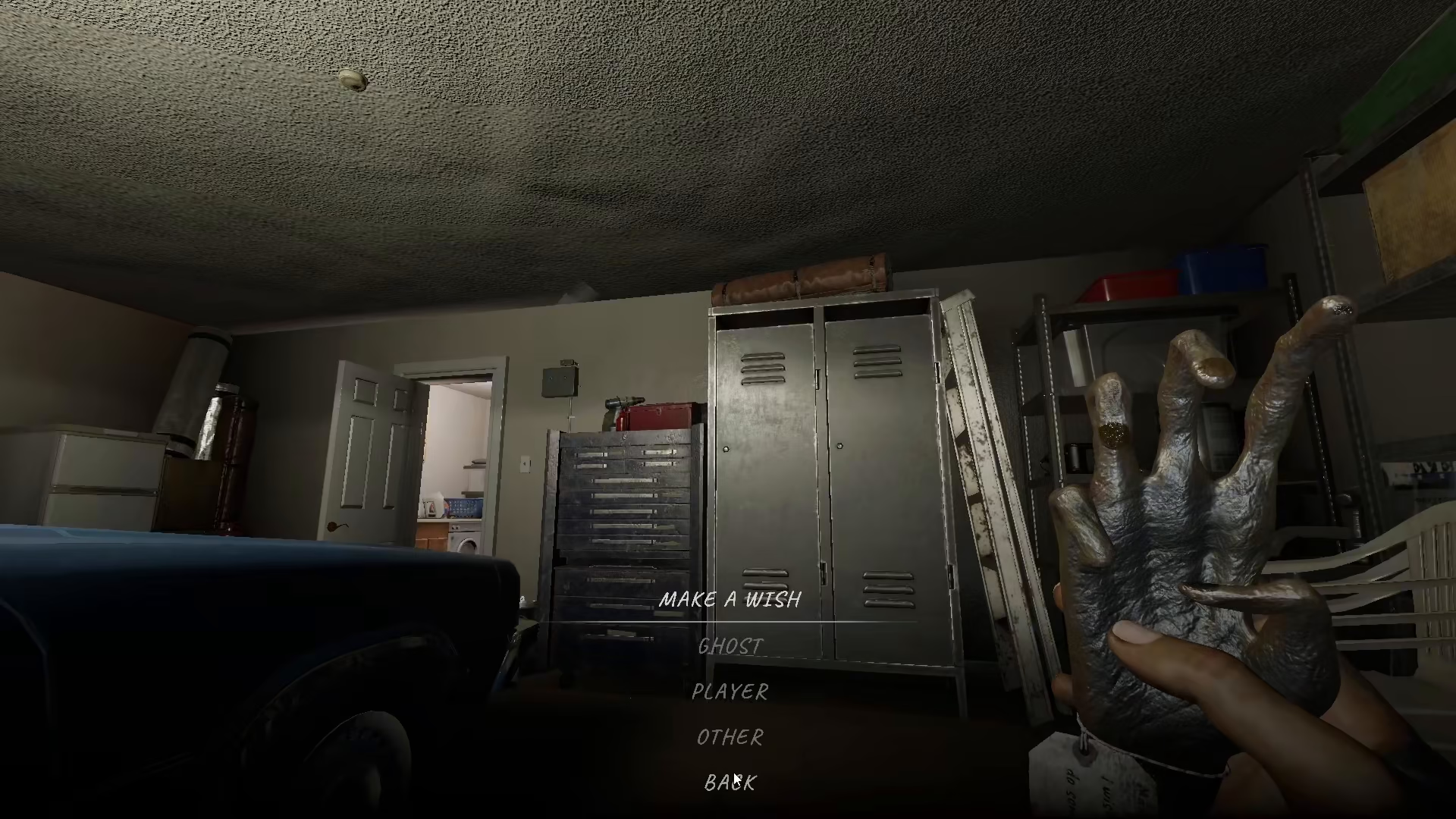
Once you have the monkey paw, you need to use the in-game voice chat (VC) feature. Simply ask the game that you wish for life. You must speak this command aloud through your microphone—this feature is not available through the text menu.
Enable Voice Recognition Mode
Make sure voice recognition mode is enabled in your game settings. This allows Phasmophobia to detect and respond to your spoken wishes. Once activated, your voice command to wish for life will be processed by the game.
Important Note: Multiplayer Requirement
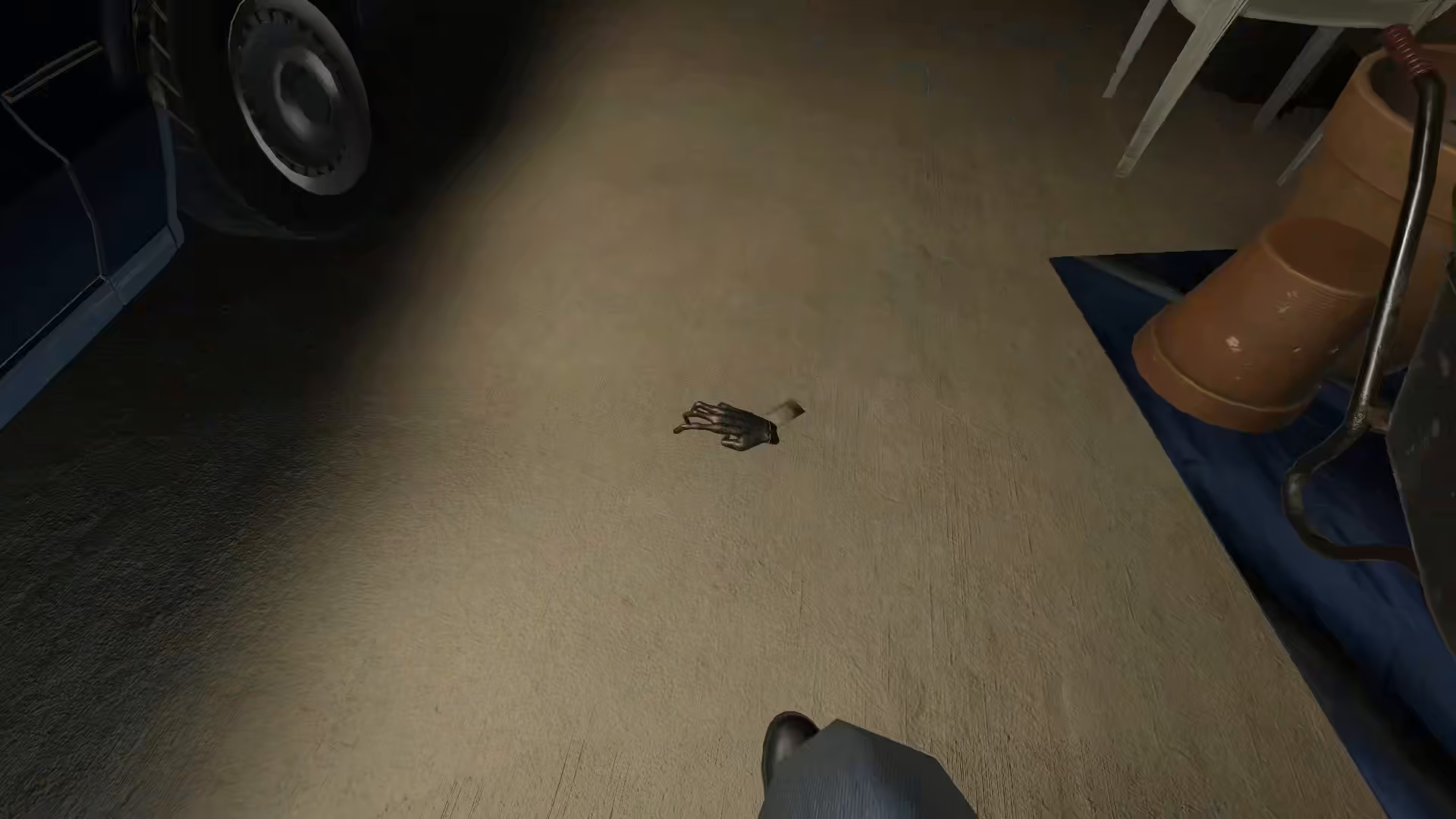
This mechanic only works in multiplayer games. If you’re playing in single-player mode, the wish for life command will not function, as the monkey paw’s effect requires multiple players in your session to take effect.
Summary
Wishing for life in Phasmophobia is a straightforward process: acquire the monkey paw, enable voice recognition, and clearly state your wish in the game’s voice chat. Remember that this only works in multiplayer sessions, so gather your team and give it a try!
— Want to Support? —
If you would like to help us continue making these guides – please consider joining our patreon here – https://www.patreon.com/c/JaviHeals
Alternatively – you can join our discord here – https://discord.gg/zD7Gjt6MHF


