





Tech Tree Explained in Rust
Tech Tree Explained in Rust
Rust is known for its fairly complex tech tree system, but understanding how it works is essential for progression. In this guide, we’ll break down exactly how the tech tree functions and walk you through each tier so you can efficiently unlock the items and crafting stations you need to survive and thrive in Rust.
Getting Started: Scraps and the Level 1 Workbench
To begin unlocking items in the tech tree, you’ll need scraps. These are the primary currency for tech tree progression and can be obtained in several ways:
Recycling items at recyclers
Finding them at outposts and monuments
Looting from barrels throughout the game
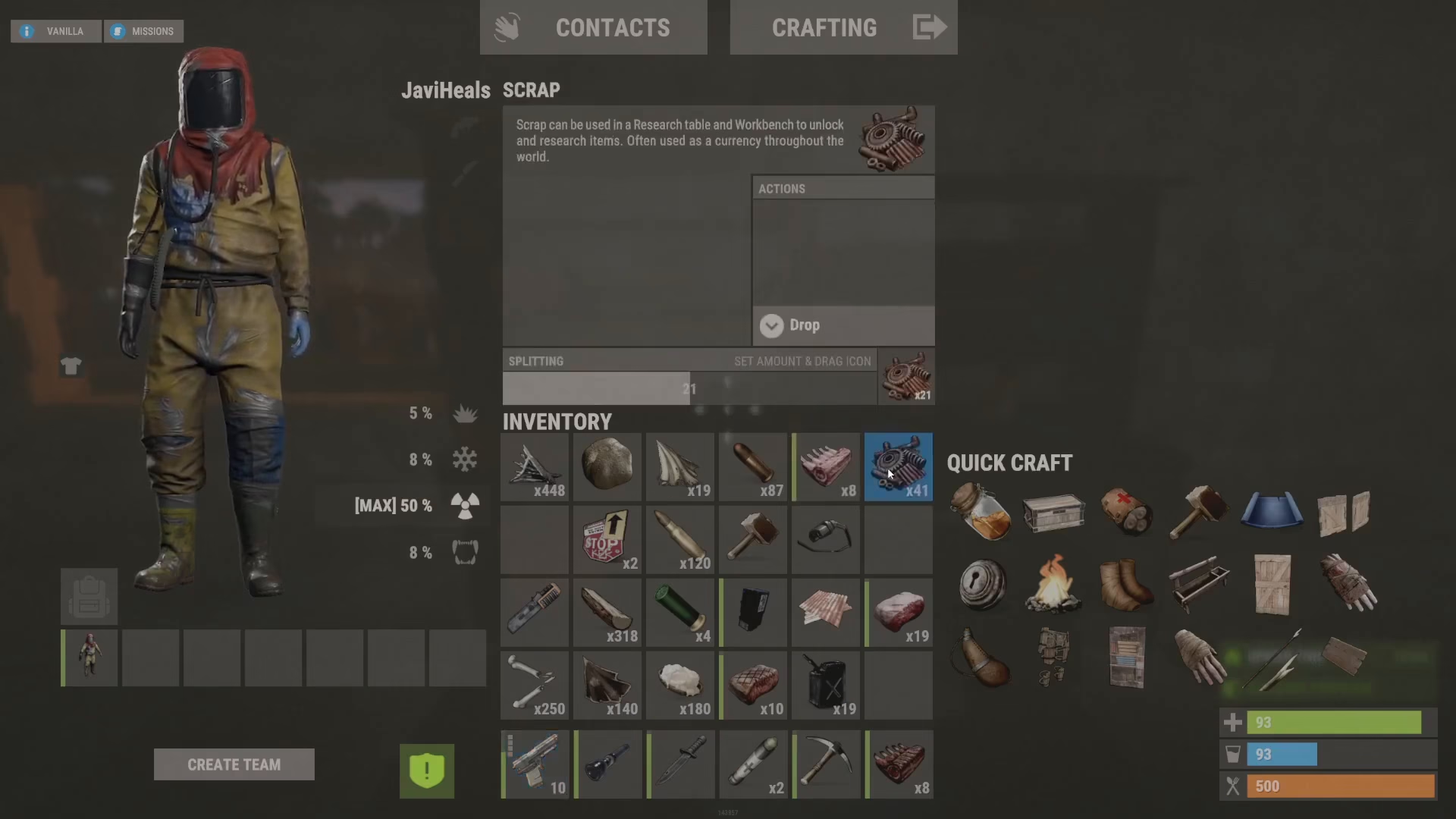
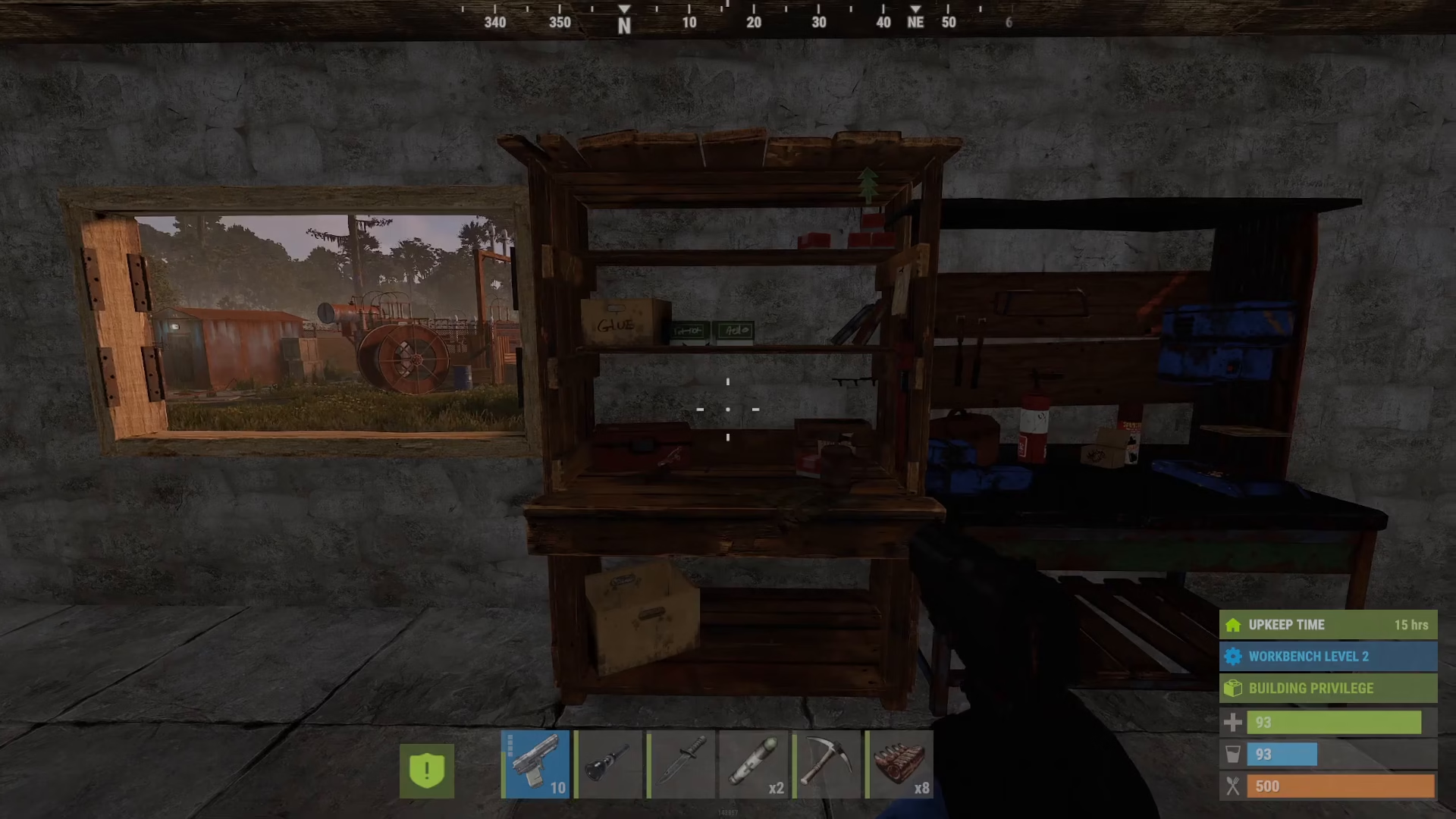
Once you have scraps, your first step is to craft a Level 1 Workbench. You can make this from the very beginning of the game. When you interact with it, the tech tree interface opens, displaying all available unlocks for that workbench tier.
Understanding the Tech Tree Interface
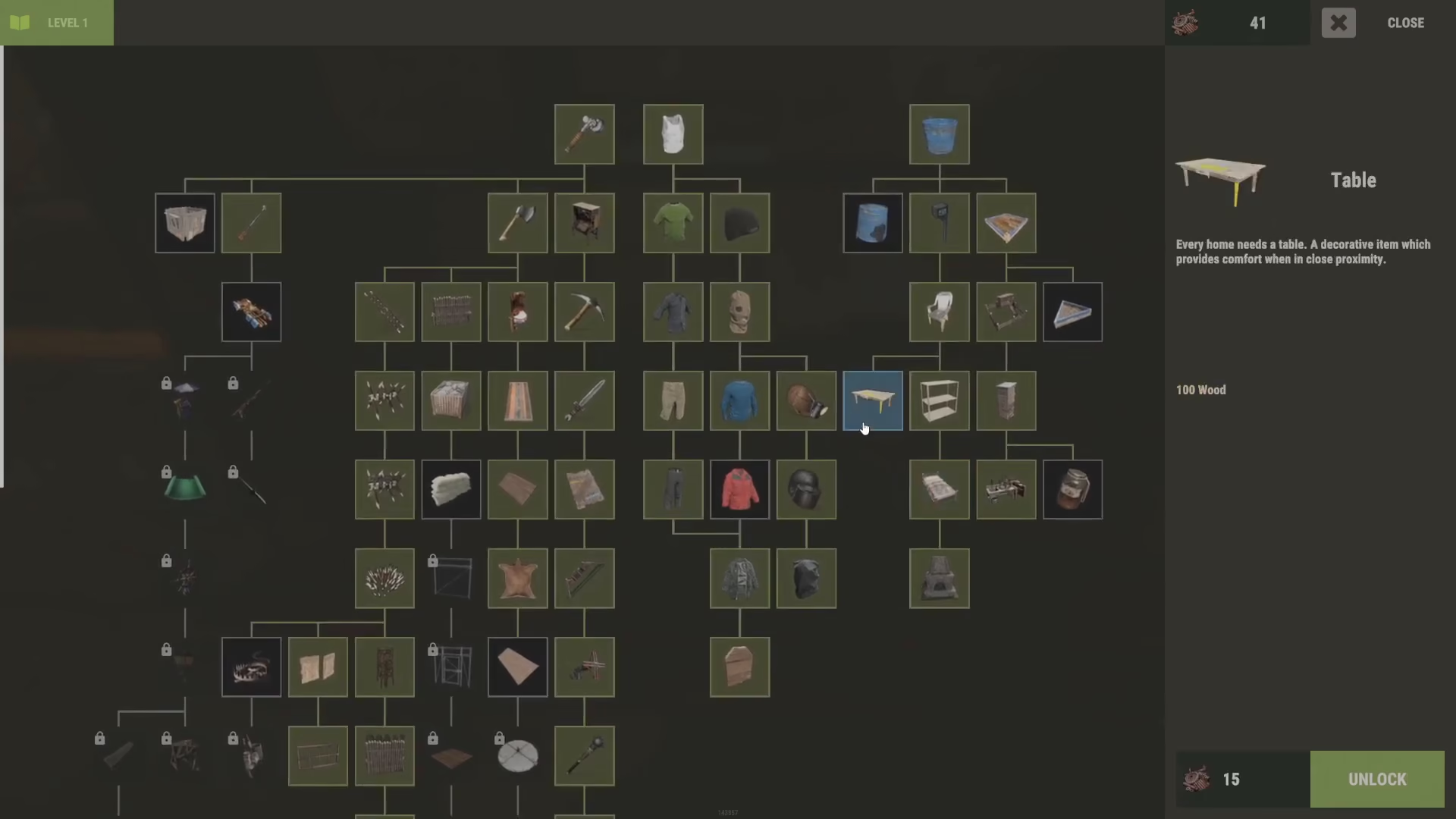
When you open the Level 1 Workbench tech tree, you’ll see a list of available items on the right-hand side, such as buckets, farming supplies, and beds. Items marked as “unlocked” are free to craft. However, for locked items like the table example, you’ll need to spend scrap to unlock them.
In the interface, the scrap cost displays at the bottom of each item entry. For example, unlocking a table costs 15 scrap. Your current scrap balance appears at the top of the screen, allowing you to quickly check if you have enough resources to unlock your desired items.
The Engineering Workbench Unlock
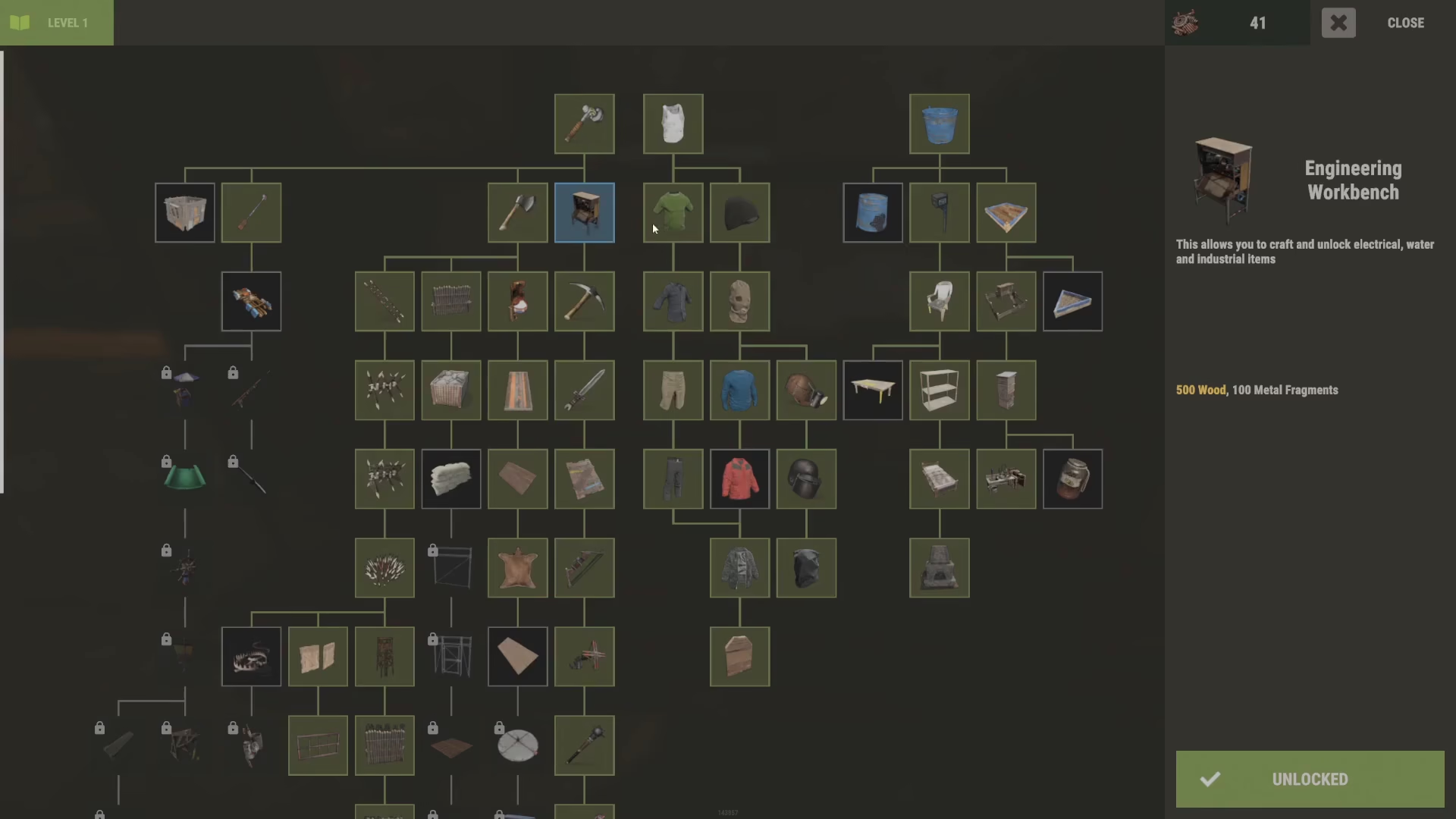
One of the most important unlocks available at the Level 1 Workbench is the Engineering Workbench blueprint. This specialized workbench is essential for crafting all electrical items and components.
When you unlock the Engineering Workbench at the Tier 1 Workbench, you gain access to a completely separate crafting menu containing:
Electrical items and circuits
Vehicle components
Advanced mechanical parts
Why Use the Engineering Workbench?
All electrical and vehicle-related recipes must be unlocked through the Engineering Workbench tier system. This separation keeps electrical recipes organized and distinct from general crafting.
Tier 2 Workbench: Blueprints and Key Cards
Progressing beyond Tier 1 requires a different approach. To unlock and craft the Tier 2 Workbench, you cannot simply spend scrap—you need actual blueprints.
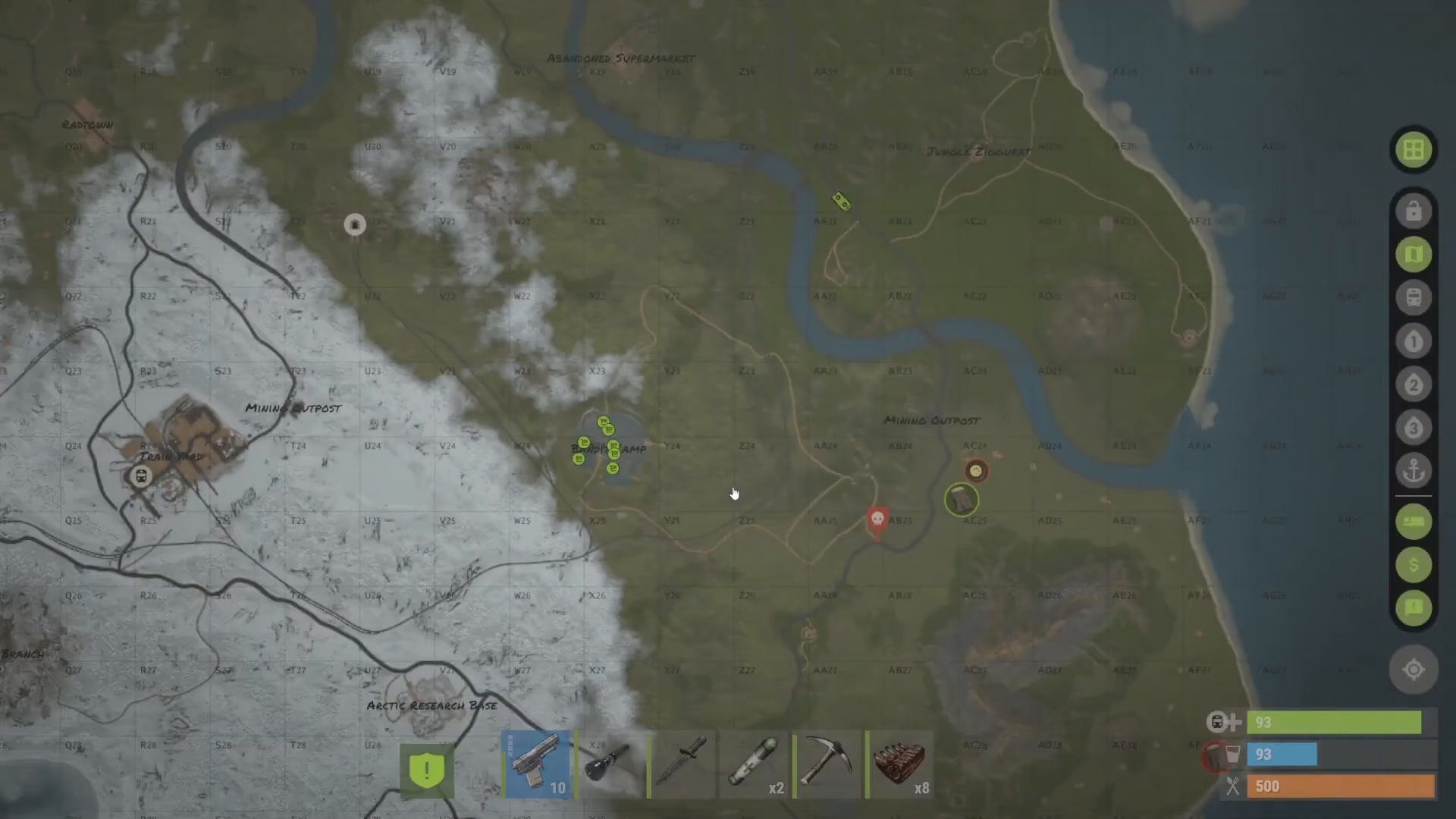
Blueprints for Tier 2 are obtained through raiding locked crates at specific locations using a Green Key Card. Key card locations include:
Military tunnels
Arctic research bases
Various other monuments
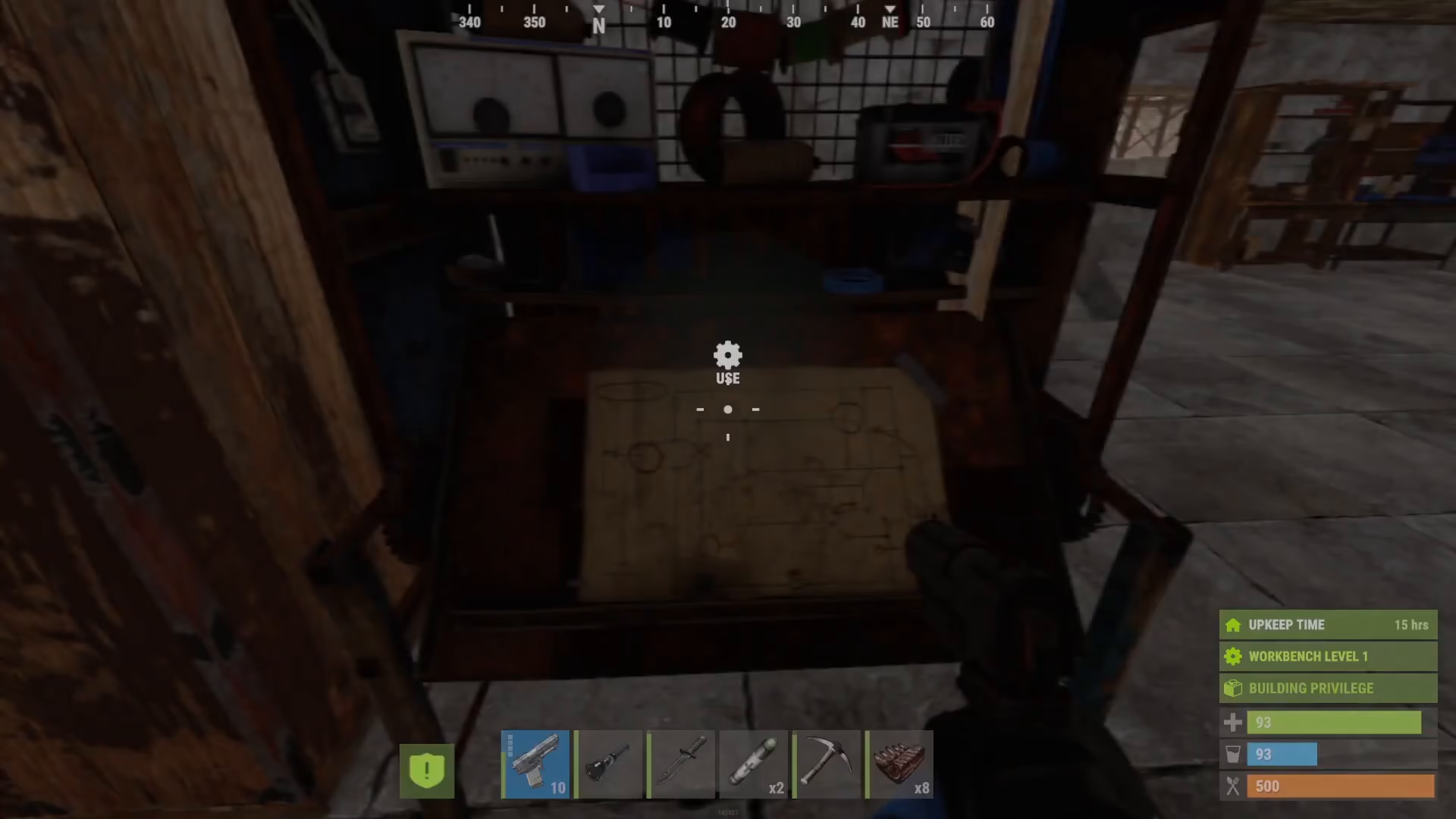
The process works like this: find a Green Key Card at a monument’s keycard terminal, use it to unlock locked crates, and loot the blueprints from inside. Once you have the blueprint, you can craft the Tier 2 Workbench and access more complex recipes.
Tier 3 Workbench and Advanced Blueprints
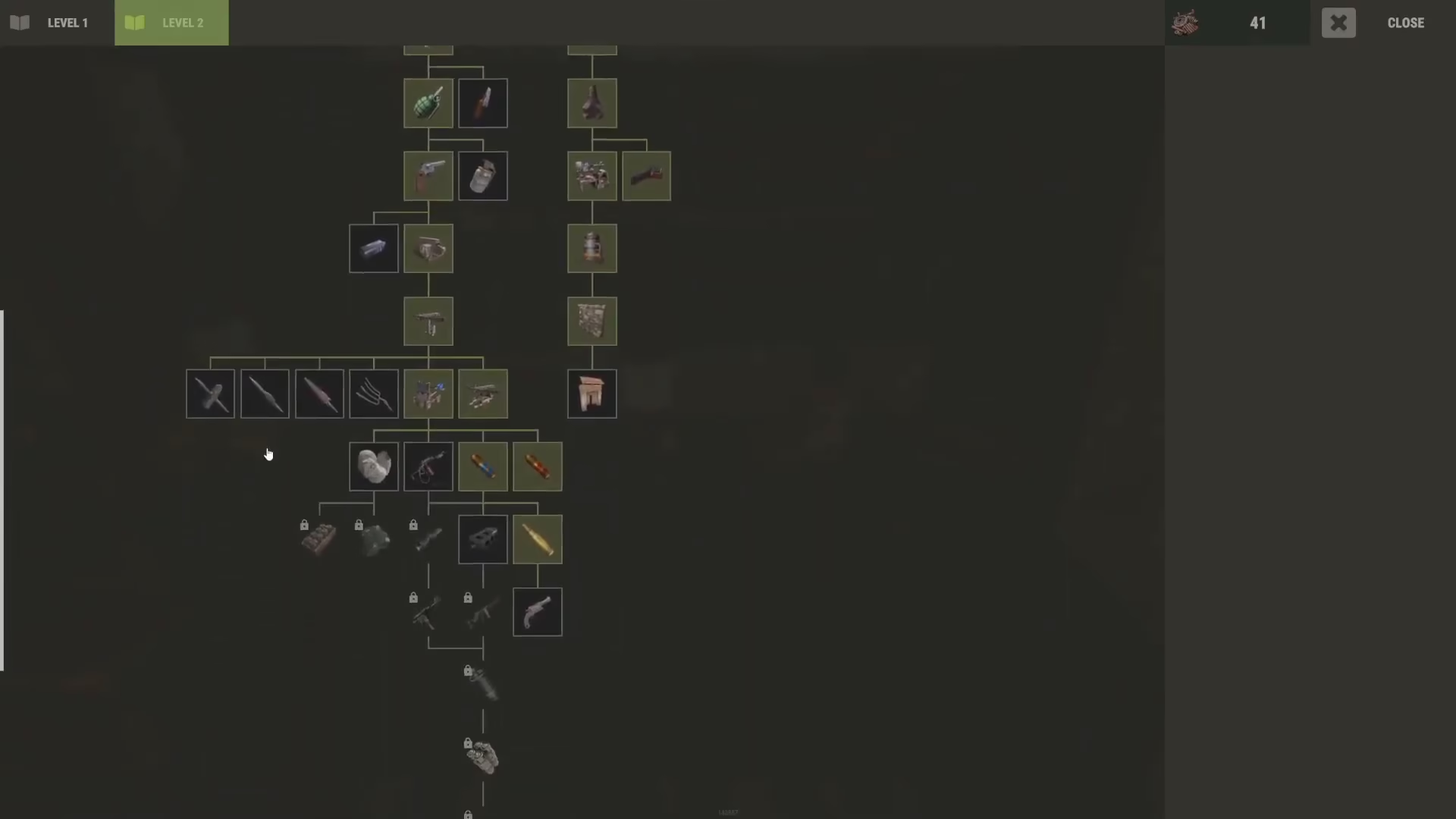
At the highest tier, the Tier 3 Workbench requires Advanced Blueprints to unlock and craft. These are even more rare than Green Key Card blueprints and typically found in higher-tier monument locations requiring more dangerous raids.
The Tier 3 Workbench grants access to the most advanced crafting recipes in the game, making it essential for late-game progression and PvP competitiveness.
Summary
The Rust tech tree progression follows a clear path:
Tier 1 Workbench: Unlocked with scrap; provides basic items and the Engineering Workbench blueprint
Engineering Workbench: Specialized station for electrical and vehicle recipes
Tier 2 Workbench: Requires Green Key Card blueprints from monuments
Tier 3 Workbench: Requires Advanced Blueprints for end-game recipes
Understanding this progression system is crucial for planning your gameplay and knowing which monuments to raid and when. Start by gathering scraps and unlocking the essentials at Tier 1, then work your way up through raiding and exploration to access higher-tier crafting recipes.
Want to Support?
If you would like to help us continue making these guides – please consider joining our patreon here – https://www.patreon.com/c/JaviHeals
Alternatively – you can join our discord here – https://discord.gg/zD7Gjt6MHF

