





With a Trace Quest Guide in ARC Raiders
With a Trace Quest Guide in ARC Raiders
This guide will walk you through the “With a Trace” quest in ARC Raiders. Follow these step-by-step instructions to complete this quest efficiently and progress in your game.
Starting the Quest
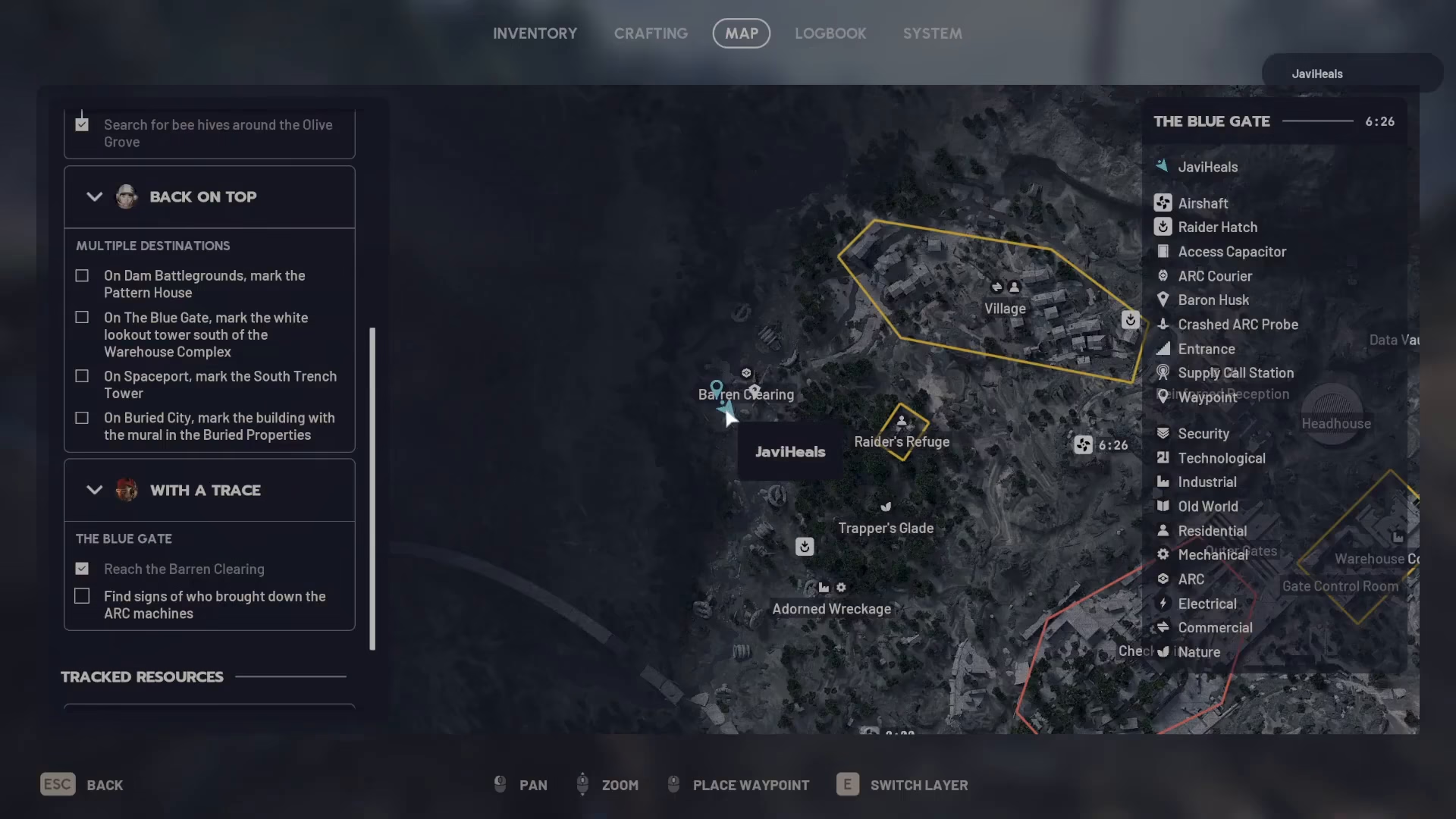
To begin the “With a Trace” quest, you’ll need to head to Baron clearing. This location is found just under the second R on your map, making it relatively easy to locate once you know where to look.
Investigating the Yellow Ball
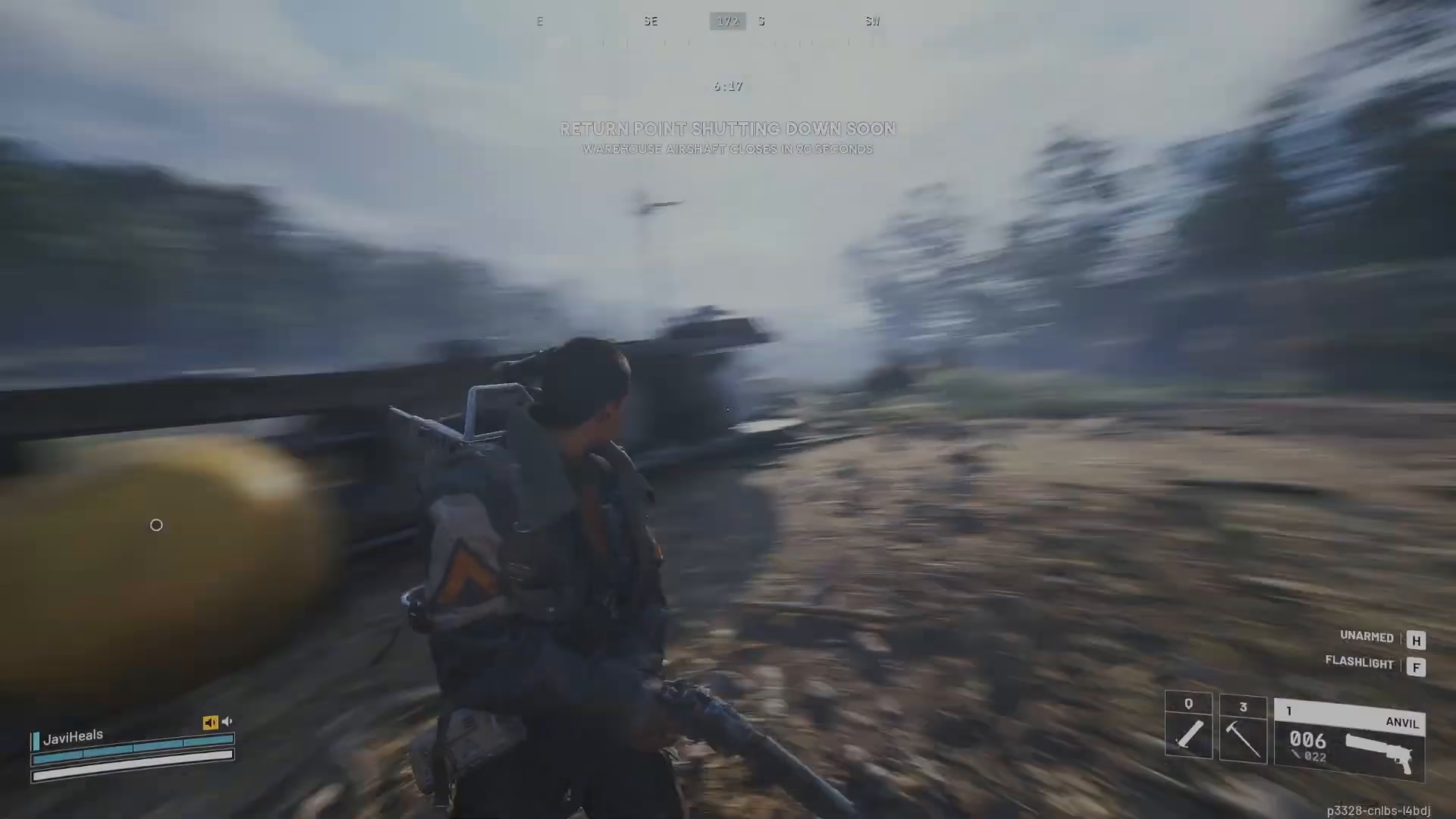
Once you arrive at Baron clearing, you’ll spot a large yellow ball. Approach this object and investigate it to gather initial clues about the quest objective.
Locating the Adorned Wreckage
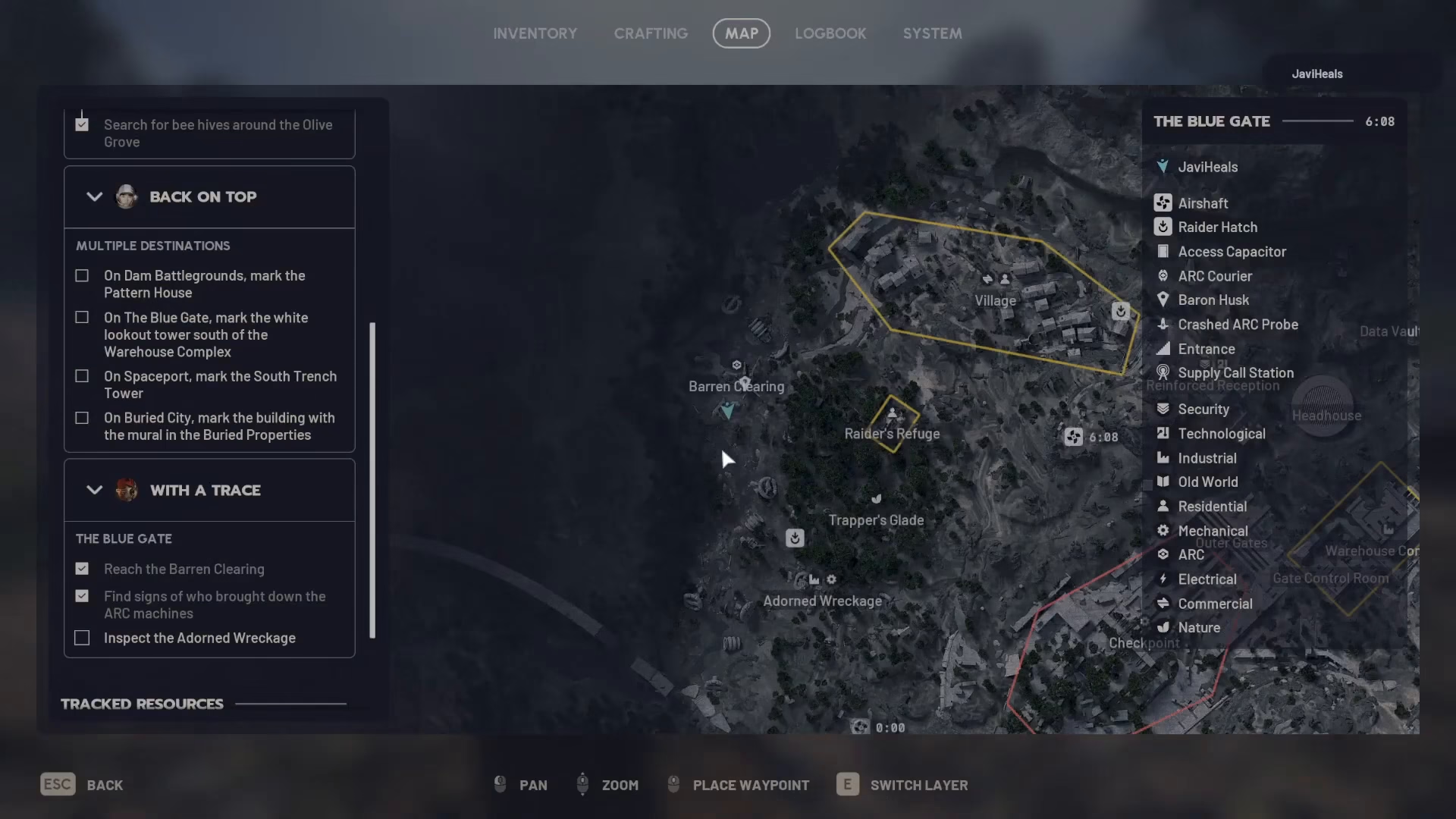
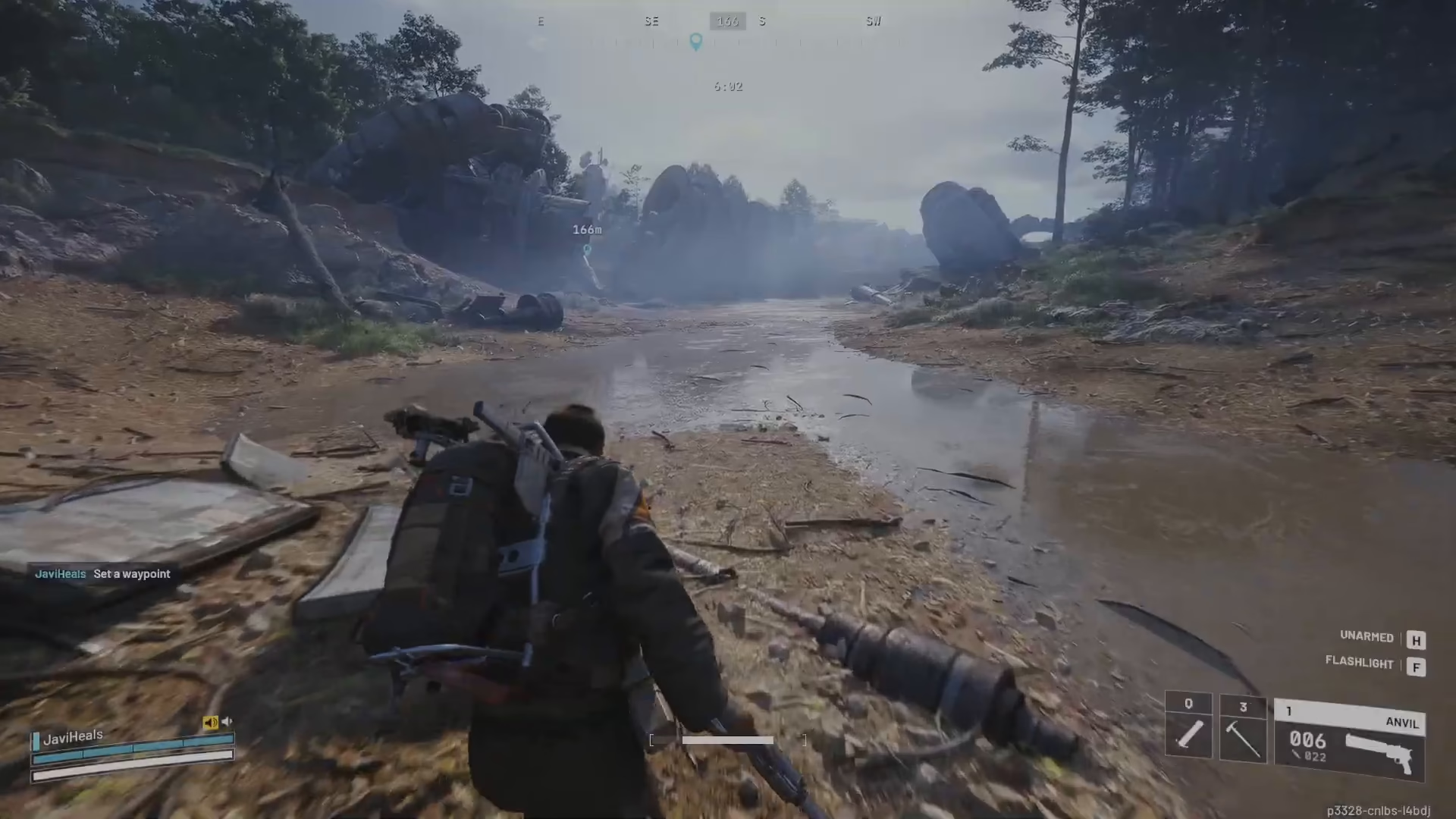
After investigating the yellow ball, the quest will direct you to inspect the abandoned adorned wreckage. This location is marked on your map as “adorned wreckage” and is only approximately 100 meters away from your current position, making it a short journey.
Inspecting the Wreckage
When you reach the adorned wreckage, you’ll find the main wreckage structure. Look just behind the main section to locate a computer. Turn on this computer to complete the inspection phase of the quest.
Quest Completion
Once you’ve inspected the wreckage and activated the computer, you’ll have successfully completed the “With a Trace” quest. You’re now ready to move forward with your ARC Raiders progression.
— Want to Support? —
If you would like to help us continue making these guides – please consider joining our patreon here – https://www.patreon.com/c/JaviHeals
Alternatively – you can join our discord here – https://discord.gg/zD7Gjt6MHF

