Red Beets Complete Guide How To Grow, Harvest & Sell Red Beets In Farming Simulator 25
Red Beets Complete Guide: How To Grow, Harvest & Sell Red Beets In Farming Simulator 25
This comprehensive tutorial will walk you through every step of growing, harvesting, and selling red beetroot in Farming Simulator 25. Red beets (as they’re called in the USA) are distinctly different from white sugar beets, so understanding the correct process is essential. Whether you’re a beginner or looking to optimize your beet farming operation, this guide covers everything you need to know about equipment, soil preparation, planting, maintenance, and selling your crop.
Understanding Red Beets vs Sugar Beets
It’s crucial to clarify that we’re focusing on red beets in this guide, not white sugar beets. These are completely different crops with different harvesting methods. Red beets will be handled through vegetable harvesters, while sugar beets use entirely different equipment. This distinction is important when purchasing machinery from the shop.
Core Farming Concepts
Before diving into specific equipment, understand the basic workflow: you’ll buy a tractor, reverse it to hook onto various machines, lower them to the ground (when necessary), turn them on, and drive over your field. Different machines have different requirements, but most follow this simple attach-and-drive process. If you’re new to field lining and general farm mechanics, consider reviewing beginner tutorials first, as this guide assumes basic game knowledge.
Finding the Store and Getting Started
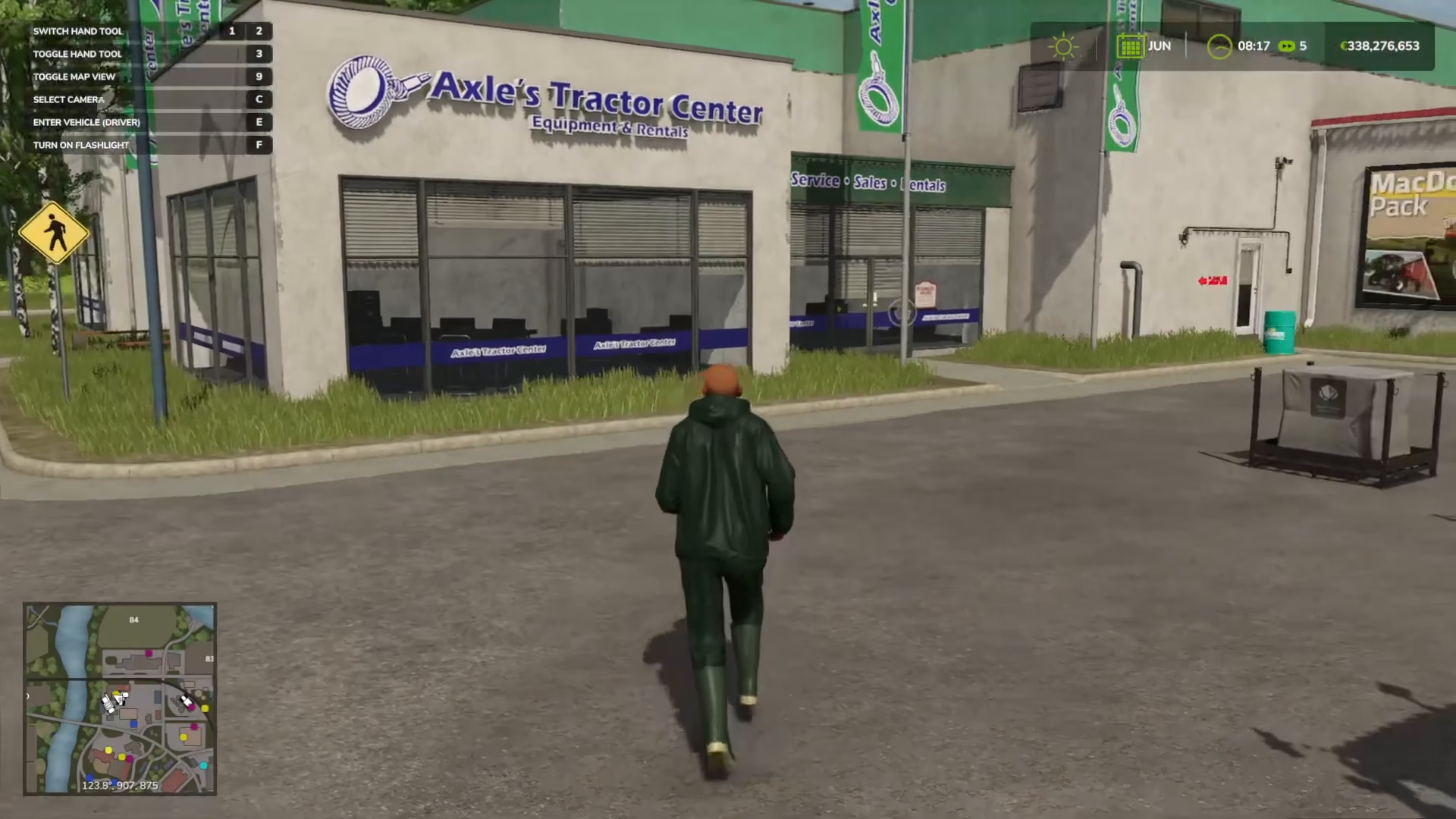
Locate the store by finding the yellow shopping basket icon on your map. This is where you’ll purchase all equipment needed for your beet operation. Let’s break down what you’ll need to buy.
Tractor Selection and Weights
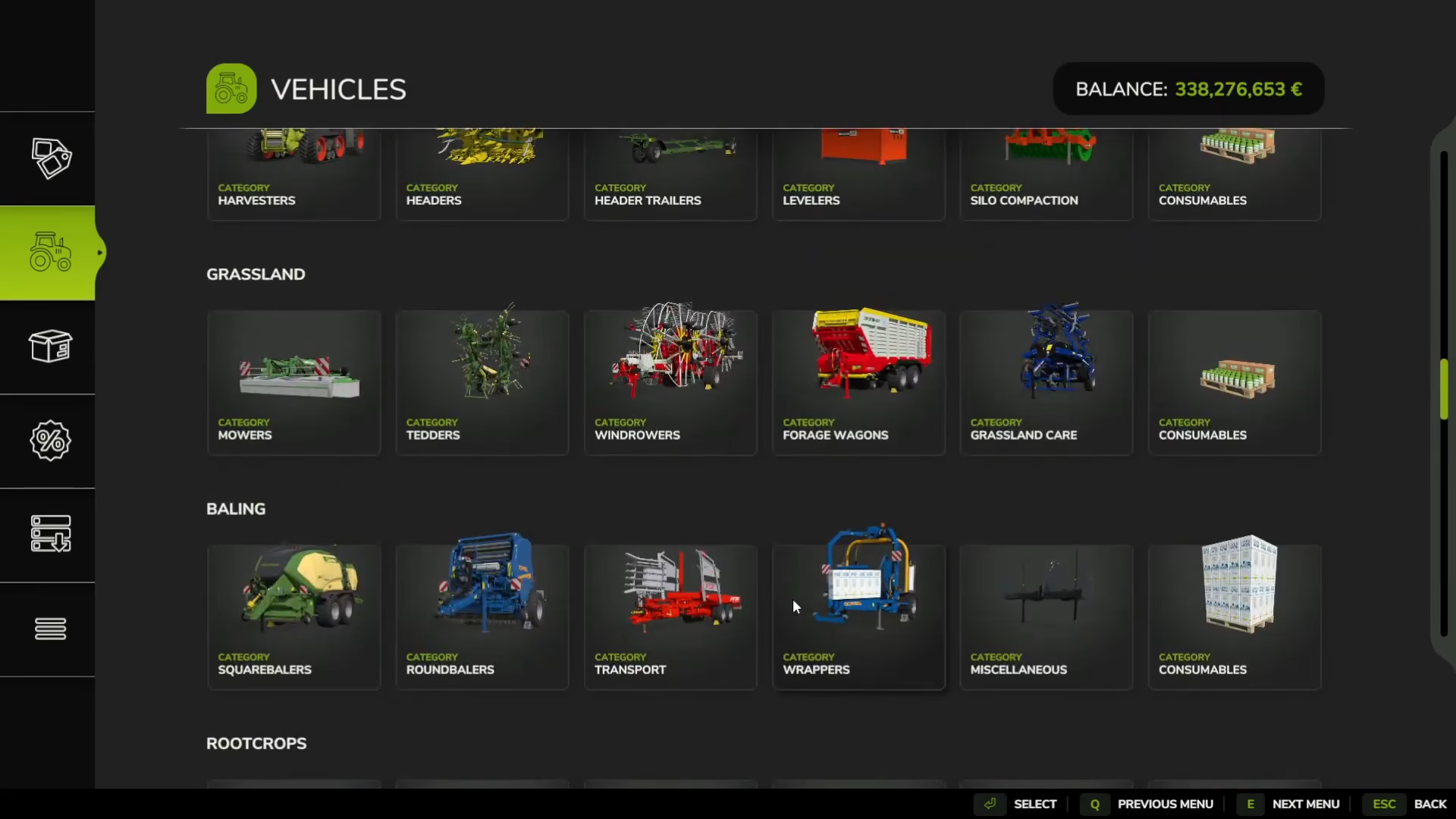
Start by purchasing a tractor. Higher horsepower allows you to operate heavier machinery, though standard beet equipment isn’t overly demanding. However, to balance the weight of our beet machinery, you’ll need to purchase miscellaneous weights and attach them to the front of your tractor. You can choose any weights that suit your needs—the specific type doesn’t matter too much.
Soil Preparation
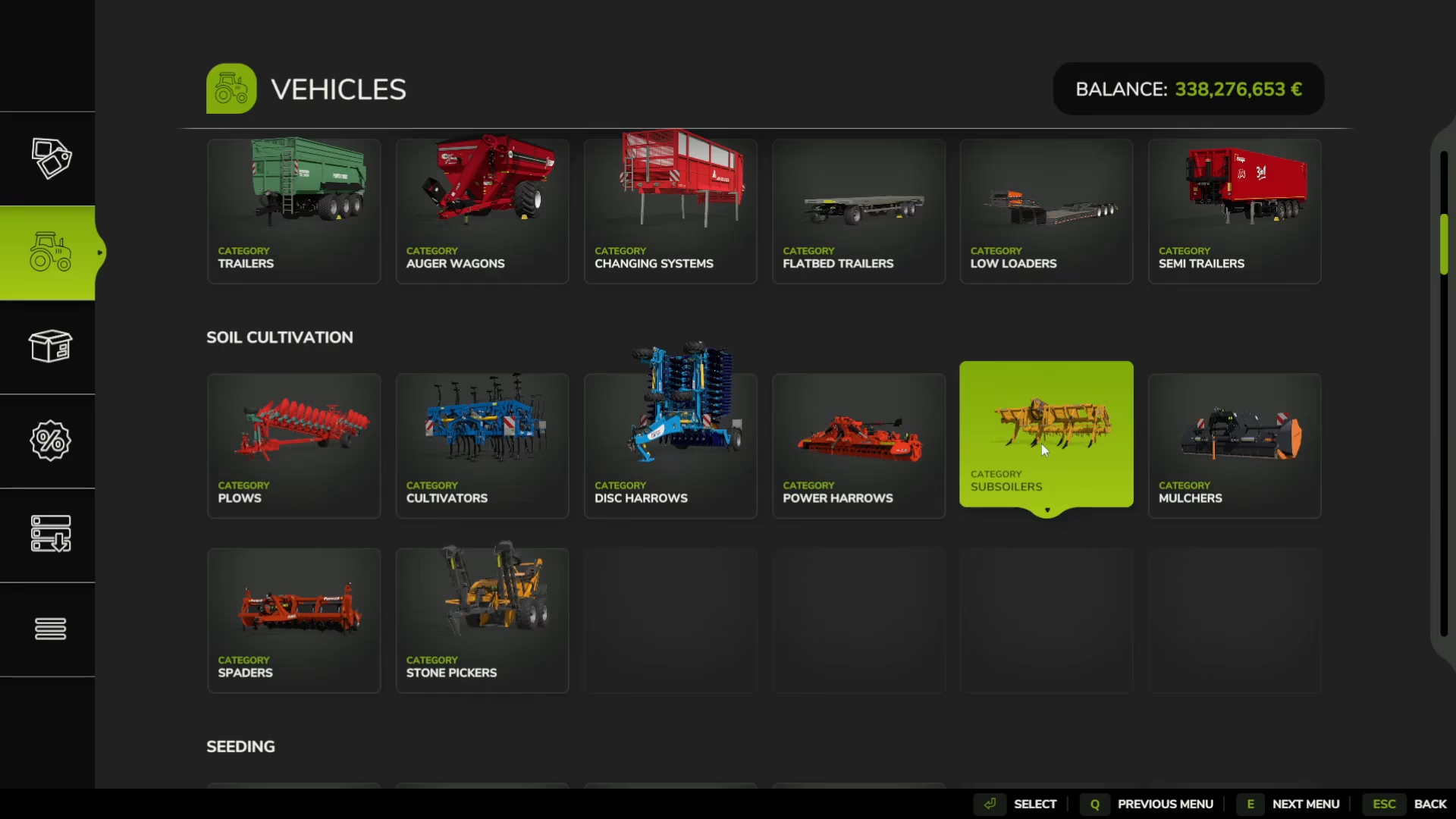
Preparing your soil is the first critical step in the growing process. For beetroot, a root vegetable, using a subsoiler is highly recommended. Subsoilers are specifically good for root vegetables and provide better results than plows. However, if you’re on a tight budget, a plow will work as an alternative. Simply attach the subsoiler or plow to your tractor, lower it, turn it on, and drive over your field.
Liming Your Fields
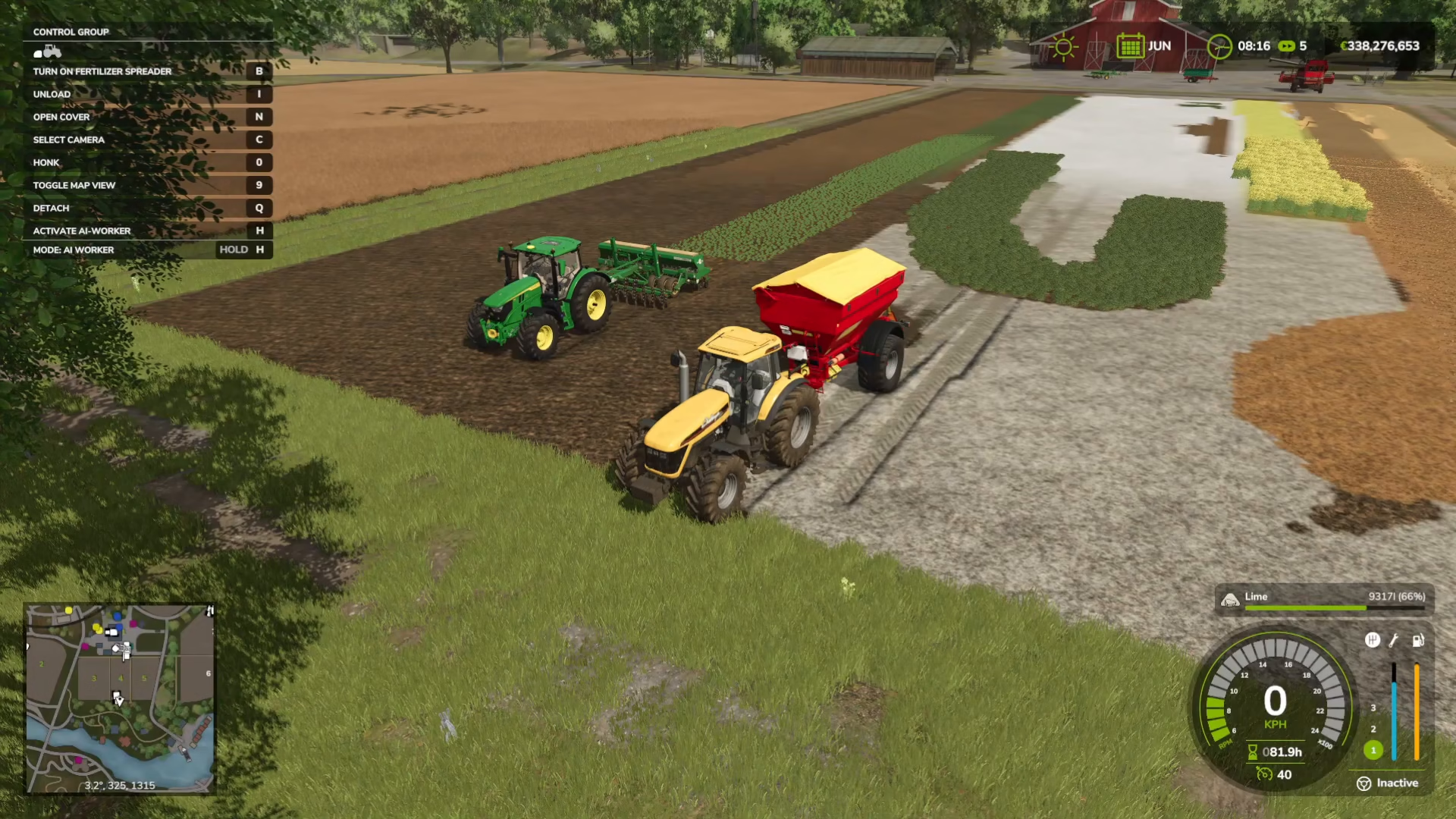
Liming is optional but will improve your crop yield significantly. To check if your fields need lime, open your map and navigate to soil composition. Toggle “needs lime” on to see which fields require treatment. You’ll see that already-limed fields display as brown, while fields needing lime are highlighted.
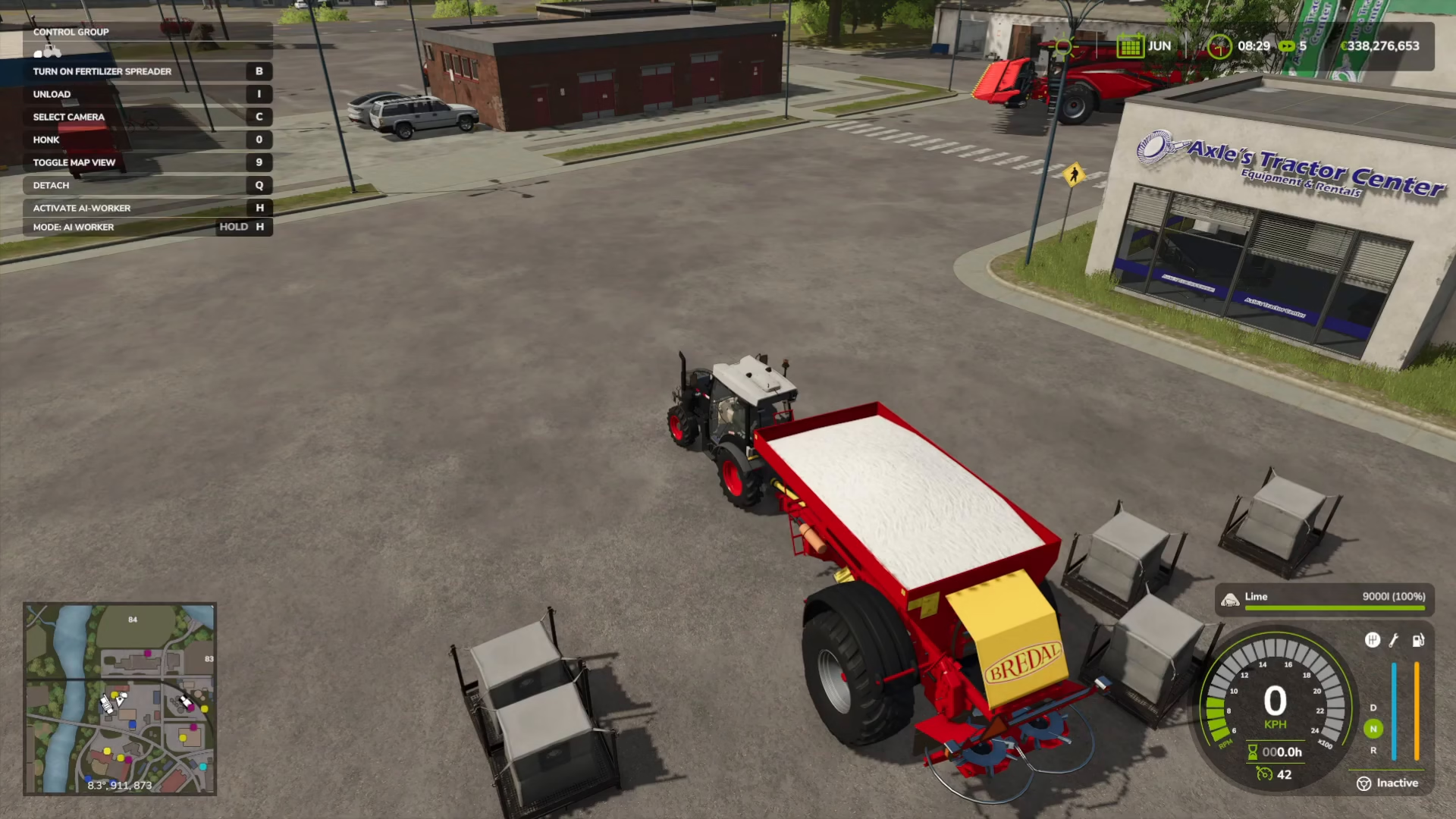
To apply lime, go to the store and navigate to Yield Improvements > Fertiliser Spreaders. Look for the white lime icon and purchase the lime spreader machine. Next, go to Consumables in the same section and buy either liquid lime or bags of lime (your choice). Attach the spreader to your tractor and position it near the lime bags.
When inside the spreader machine, check your key binds—the top binding should say “Refill Fertiliser Spreader.” Press this key to automatically fill the spreader from the nearby bags. Then drive the spreader over your fields with it lowered and activated to apply the lime.
Creating Ridges (Optional)
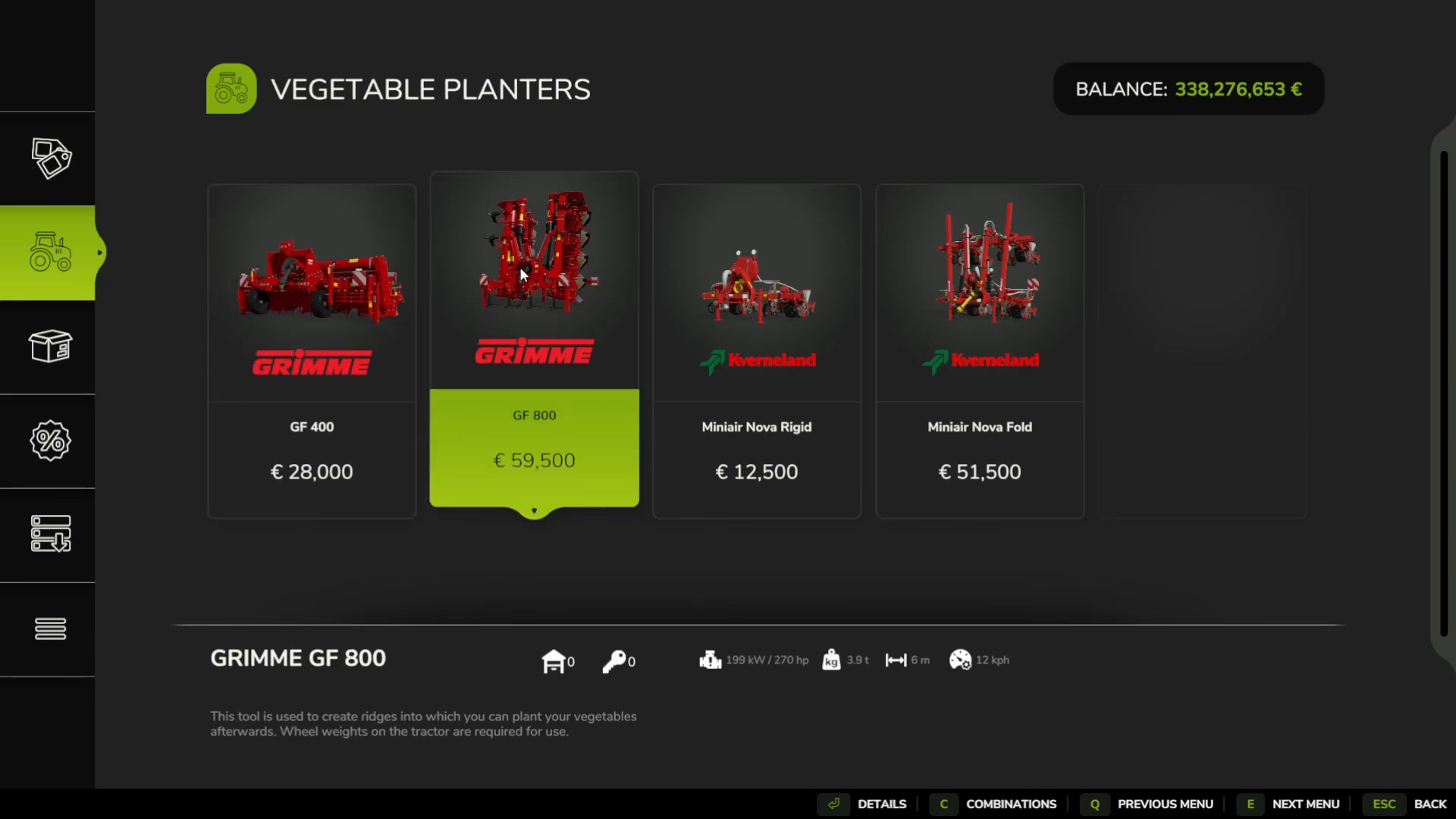
For additional yield improvement, you can purchase vegetable planters from the Vegetables section of the store. These machines create ridges in your soil specifically designed for planting beets. Note that these particular machines don’t require wheel weights on your tractor. This step is optional, but it does increase your final yield.
Planting Your Beets
To plant your red beets, you must use a vegetable planter. Do not purchase the “beet harvesters” or “beet loading” equipment you see in the Root Crops section—those are exclusively for white sugar beets, not red beets. Look for the red beetroot icon to confirm the machine is compatible with your crop.
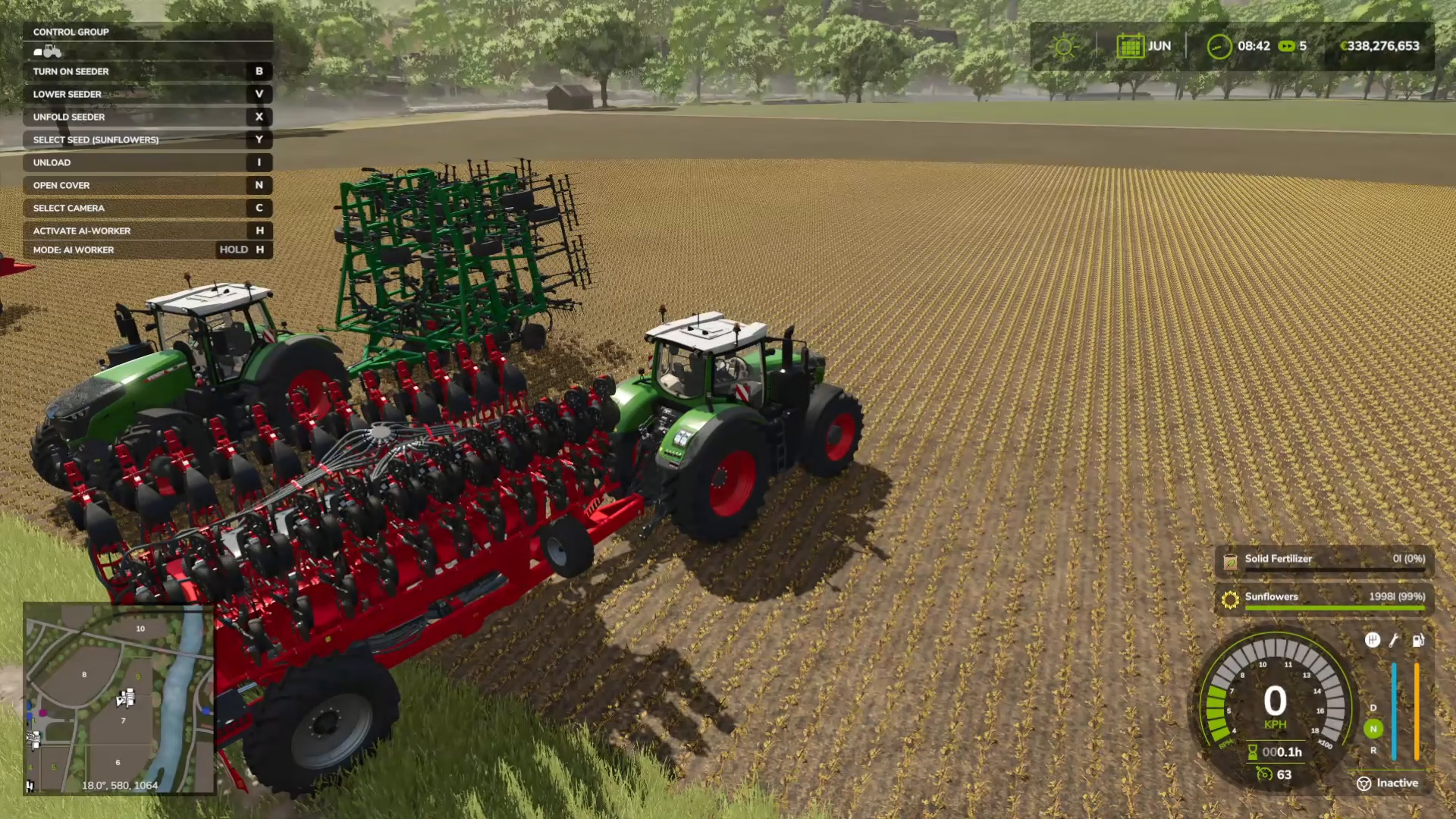
Purchase beet seeds from Objects > Big Bags in the store. Attach your tractor to the vegetable planter and position it near your seed bags. Use the refill key bind to load the seeds into the planter, just as you did with lime and fertilizer.
When you’re inside the planter, look at the right side above the speedometer. You’ll see a crop name displayed. Press Y (default PC key bind) to cycle through different seed types until you see beets. This allows you to plant the specific crop you need.
Fertilizing Your Crop
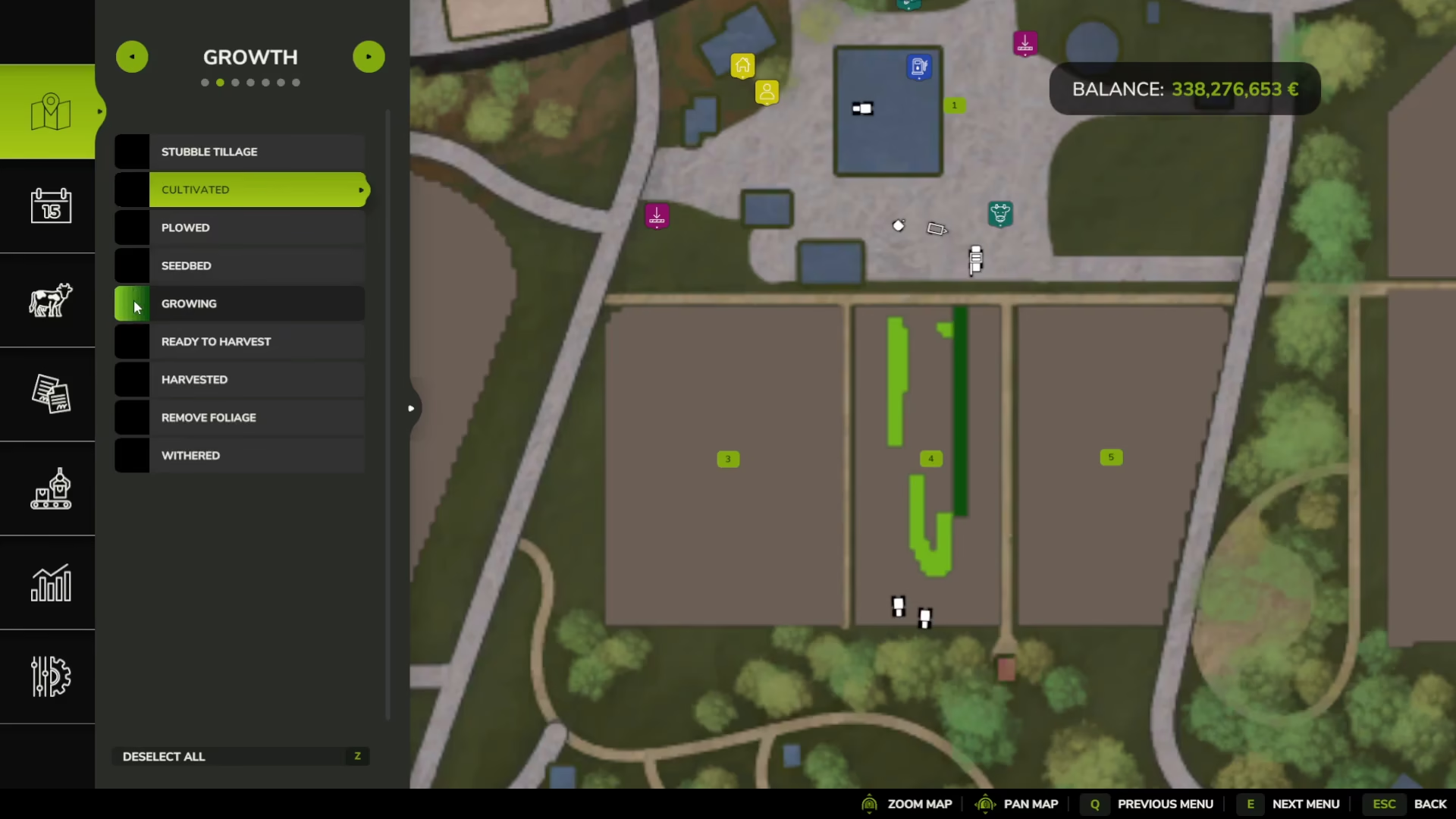
Fertilizing is optional but boosts yield. Open the Growth view to see the different growth stages of your beetroot, displayed as different shades of green. You can apply fertilizer at two different growth stages—not at every stage, just twice at strategic intervals.
Fertilizing works identically to liming: purchase a fertilizer spreader, buy solid fertilizer, attach to your tractor, refill using the appropriate key bind, and drive over your fields with the machine lowered and activated.
Harvesting Red Beets
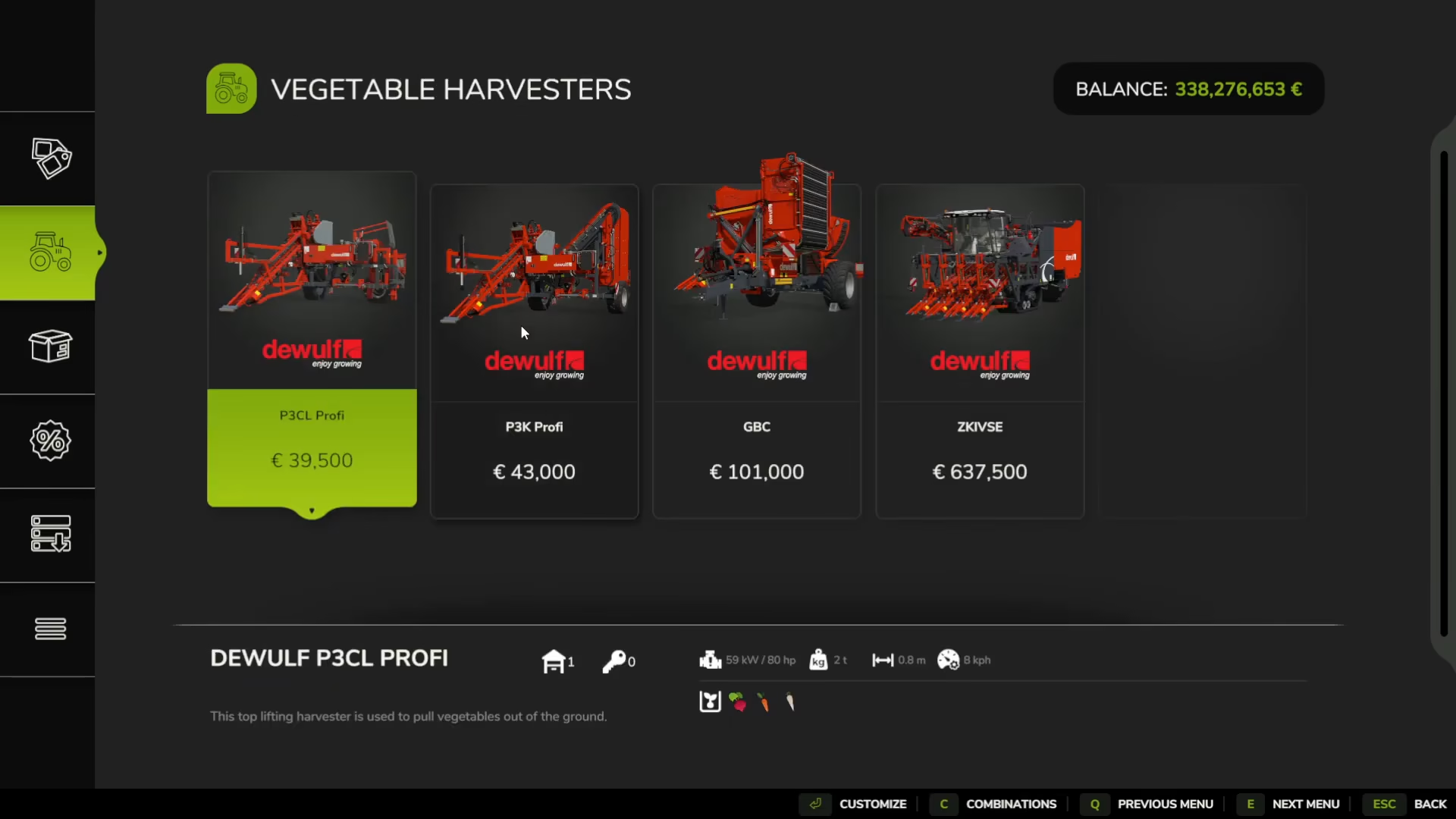
Once your beets reach maturity, it’s time to harvest. Purchase a vegetable harvester from the store—any of the vegetable harvesters with a red beetroot icon will work. Simply attach it to your tractor and drive it over your planted field with the harvester lowered and activated. The machine will pull the beetroot from the ground automatically.
Transporting Your Harvest
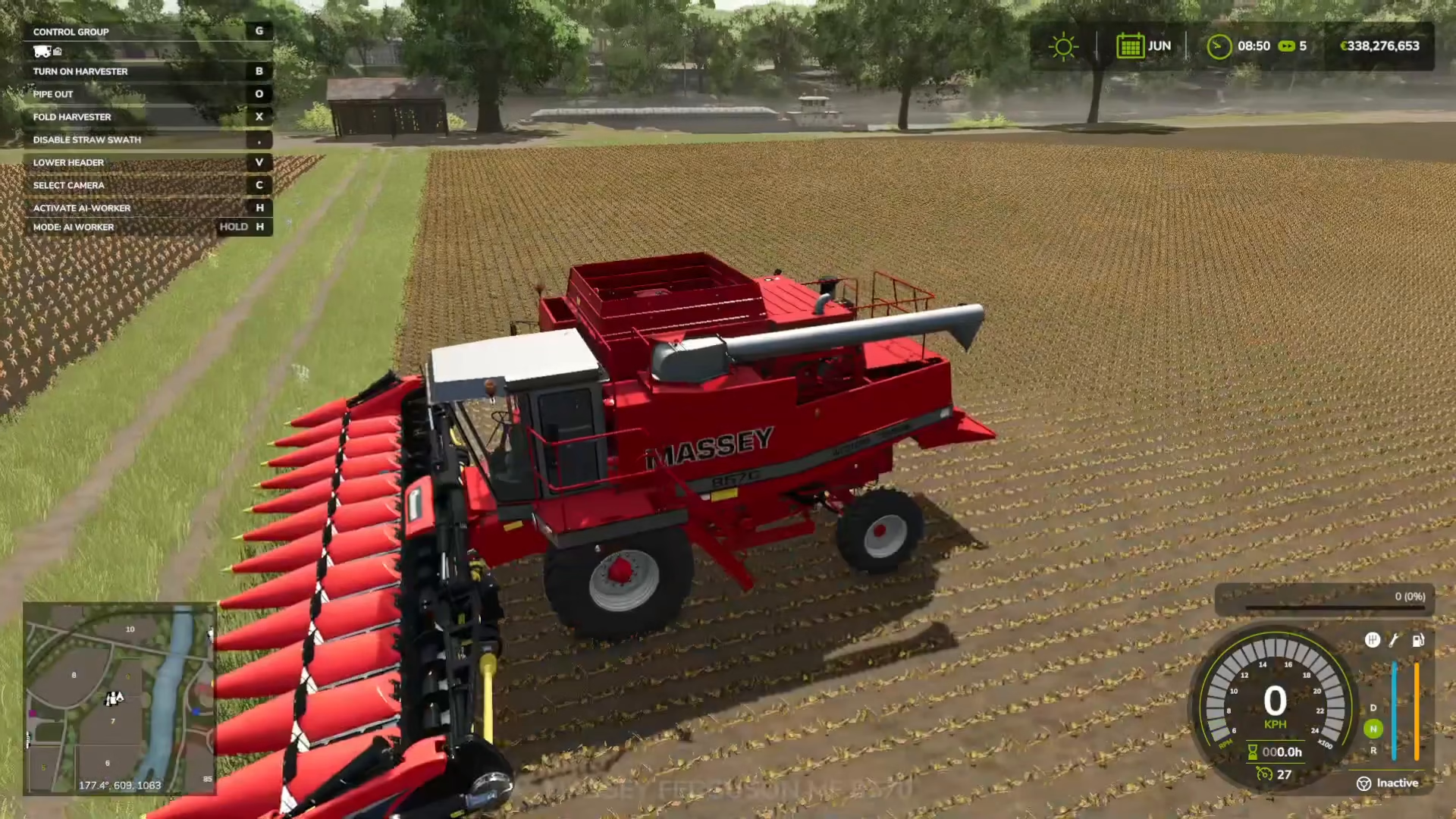
After harvesting, you’ll need to transport your beets to sell them. You can use a standard trailer or an auger wagon. An auger wagon is useful for temporarily storing different crop types in the field and directly unloading into other trailers before final transport.
To transfer beets from your harvester to a trailer or auger wagon, position the equipment close together. You can tab between your vehicles using the tab key to manage transfers more easily.
Selling Your Beets
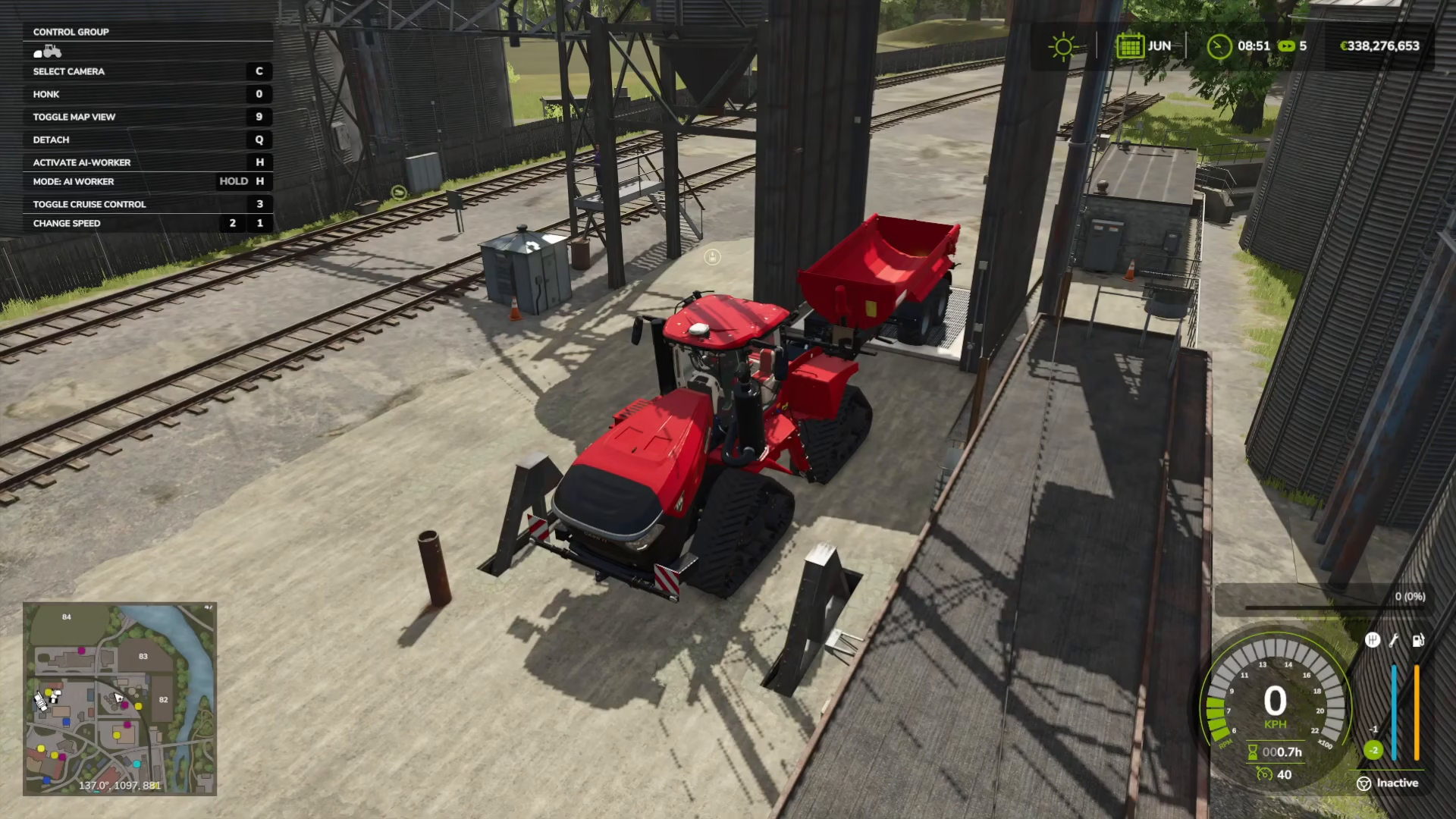
Once your beets are loaded into a trailer, transport them to a tip station—these appear as grate areas on the ground. Align your trailer with the grate and press the dump key bind to sell your crop and receive payment.
Alternatively, you can store beets in a silo for later sale, which also has a grate for unloading. This is useful if you want to wait for better market prices.
Checking Market Prices
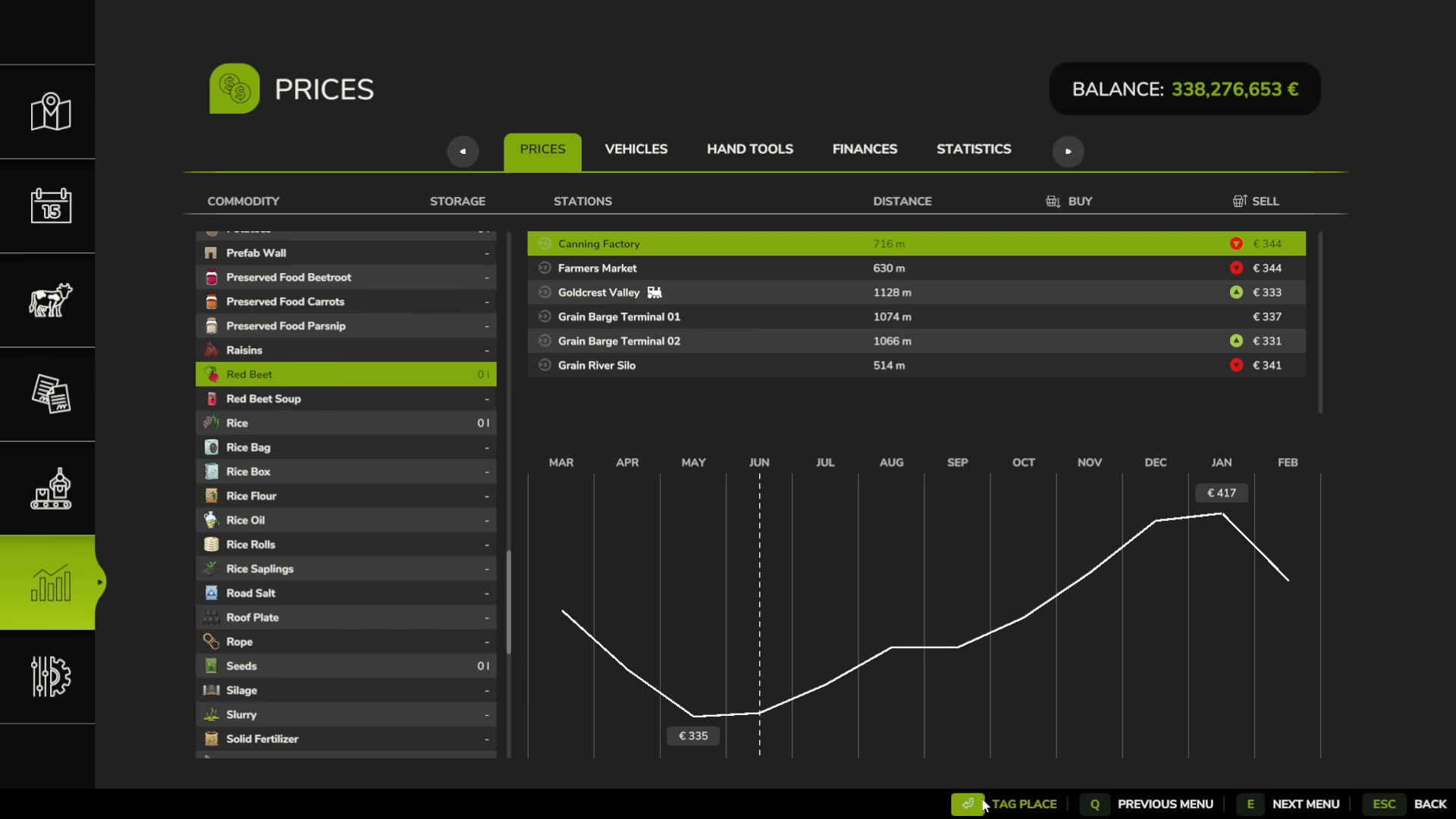
Market prices for beets vary significantly by location and season. Check the Statistics menu to see current red beet prices. You’ll notice that January offers much better prices than June, for example. The statistics page also shows different tip sites and their individual prices.
You can click on a tip site and tag it to display a red circle marker on your map, acting as a GPS guide to that location. This helps you identify which selling locations offer the best prices for your beets.
Complete Equipment Checklist
Here’s a comprehensive list of everything you need to purchase from the shop to complete a full red beet farming operation in Farming Simulator 25:
Tractor: Your primary vehicle for operating all machinery
Weights: Front-mounted miscellaneous weights to balance machinery
Soil Cultivation: Either a plow or subsoiler (subsoiler recommended for beets)
Lime Spreader: For field liming (optional but recommended)
Lime: Either liquid or bagged lime from consumables
Vegetable Planter: For creating ridges and planting (optional ridge creation)
Beet Seeds: Purchased from big bags section
Fertilizer Spreader: For applying fertilizer (optional but improves yield)
Fertilizer: Solid fertilizer for crop maintenance
Vegetable Harvester: Must have red beetroot icon compatibility
Trailer: For transporting harvested beets to market
Auger Wagon (Optional): For temporary storage and transfer operations
Weed Control Equipment (Optional): If weeding is enabled in your game settings
Summary
Growing and selling red beets in Farming Simulator 25 requires careful attention to the correct equipment choices and sequential workflow. Remember to distinguish red beets from white sugar beets—they use completely different harvesting systems. Start by preparing your soil with a subsoiler, optionally add lime and create ridges, plant your seeds with a vegetable planter, fertilize at appropriate growth stages, harvest with a vegetable harvester, and finally transport your crop to a tip station for sale. Monitor market prices to maximize profits, and consider storing beets in a silo during low-price periods. With this comprehensive guide, you’ll be harvesting and selling red beets efficiently in no time.
— Want to Support? —
If you would like to help us continue making these guides – please consider joining our patreon here – https://www.patreon.com/c/JaviHeals
Alternatively – you can join our discord here – https://discord.gg/zD7Gjt6MHF