Rice Complete Guide How To Grow, Harvest & Sell Rice In Farming Simulator 25
Rice Complete Guide: How To Grow, Harvest & Sell Rice In Farming Simulator 25
Rice farming in Farming Simulator 25 is a unique experience that differs significantly from growing other crops. This comprehensive guide will walk you through every step of the rice farming process, from creating your rice paddy and preparing the soil to planting, managing water levels, harvesting, and selling your rice. Whether you’re a beginner or an experienced farmer, this tutorial will help you master rice cultivation.
Creating Your Rice Paddy
The first step in rice farming is building a rice paddy. Before you begin, it’s important to understand a critical warning: creating a rice paddy can distort your landscape depending on where you place it. Even if you delete the paddy later, the landscape changes will remain and you’ll need to fix them manually using landscaping tools. Choose your location carefully.
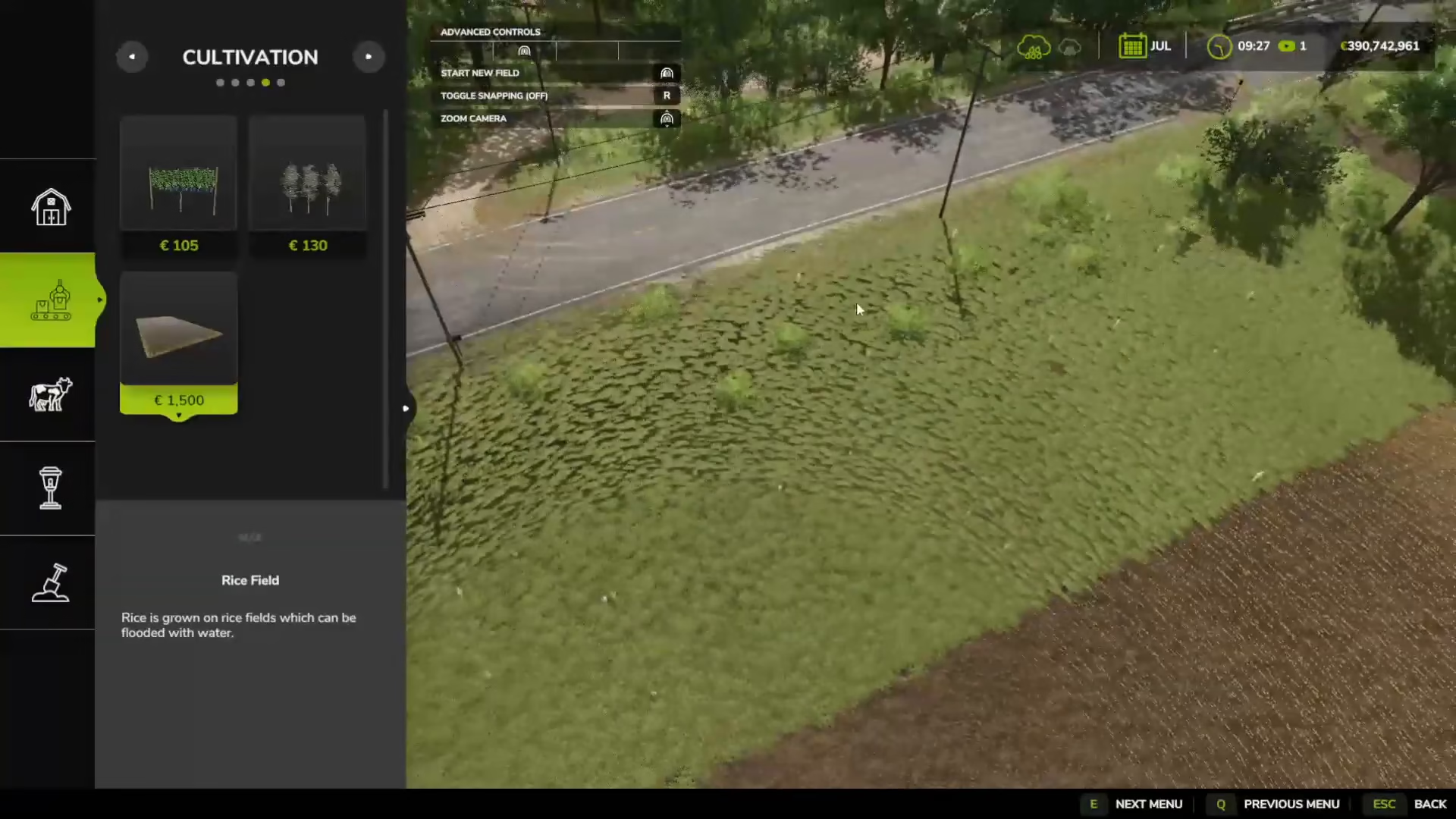
To create a rice paddy, enter build mode by pressing Shift and P (for PC players; console controls will vary). Look for the rice field option in the cultivation section on the left menu.
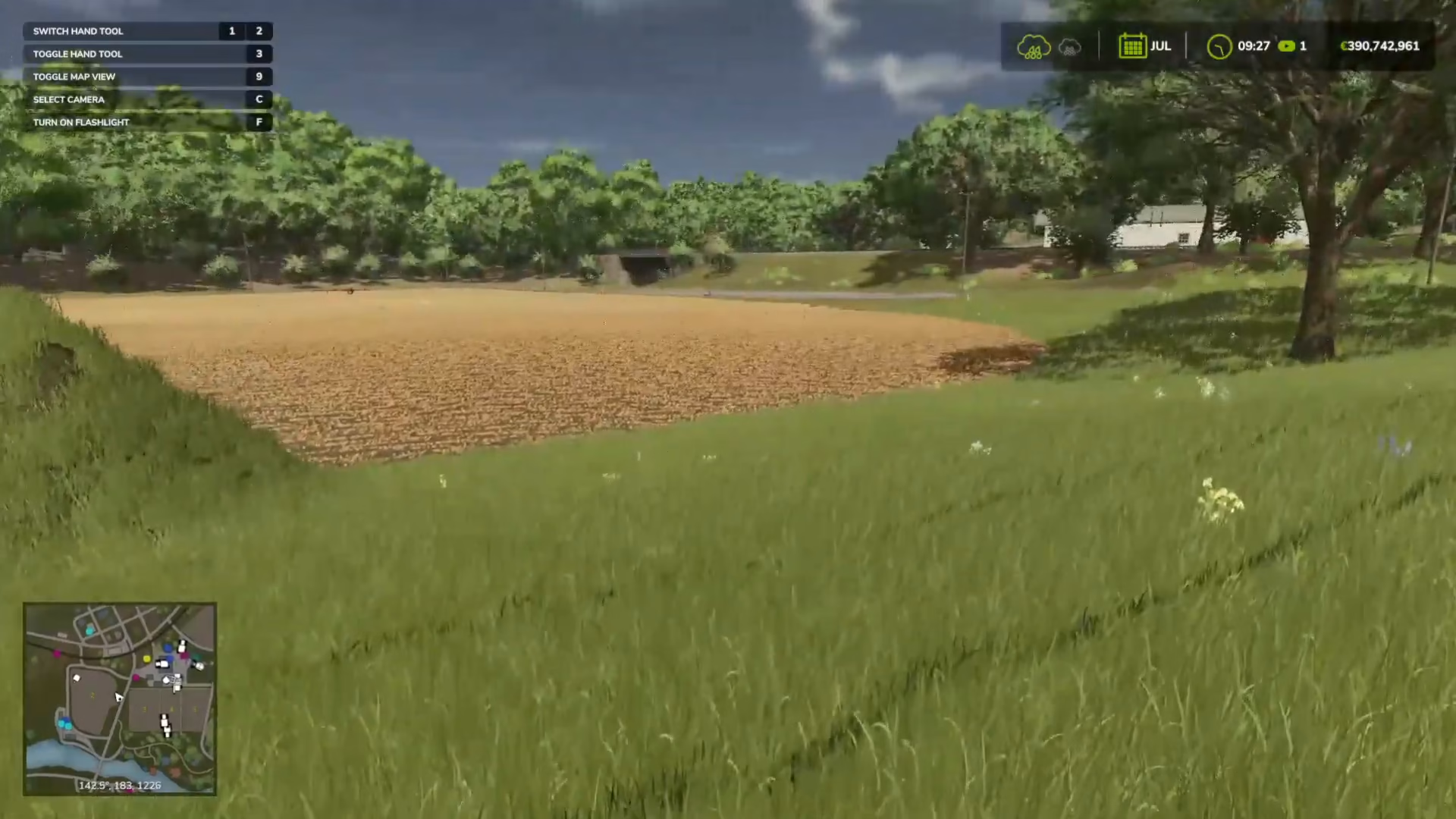
How to Place Your Rice Paddy
Once you’ve selected the rice field option, you’ll see a small temperature gauge appear. Click where you want to place the first corner of your paddy. You’ll notice a yellow line indicating the paddy boundary. Click again to add another corner. You can continue clicking to create multiple corners and customize the shape of your paddy to fit your needs.
To complete the paddy, either click on the green line to finish immediately, or right-click to bring up the finish option. You can also adjust placement height, toggle snapping, and make other adjustments before finalizing.
Water Pump Placement
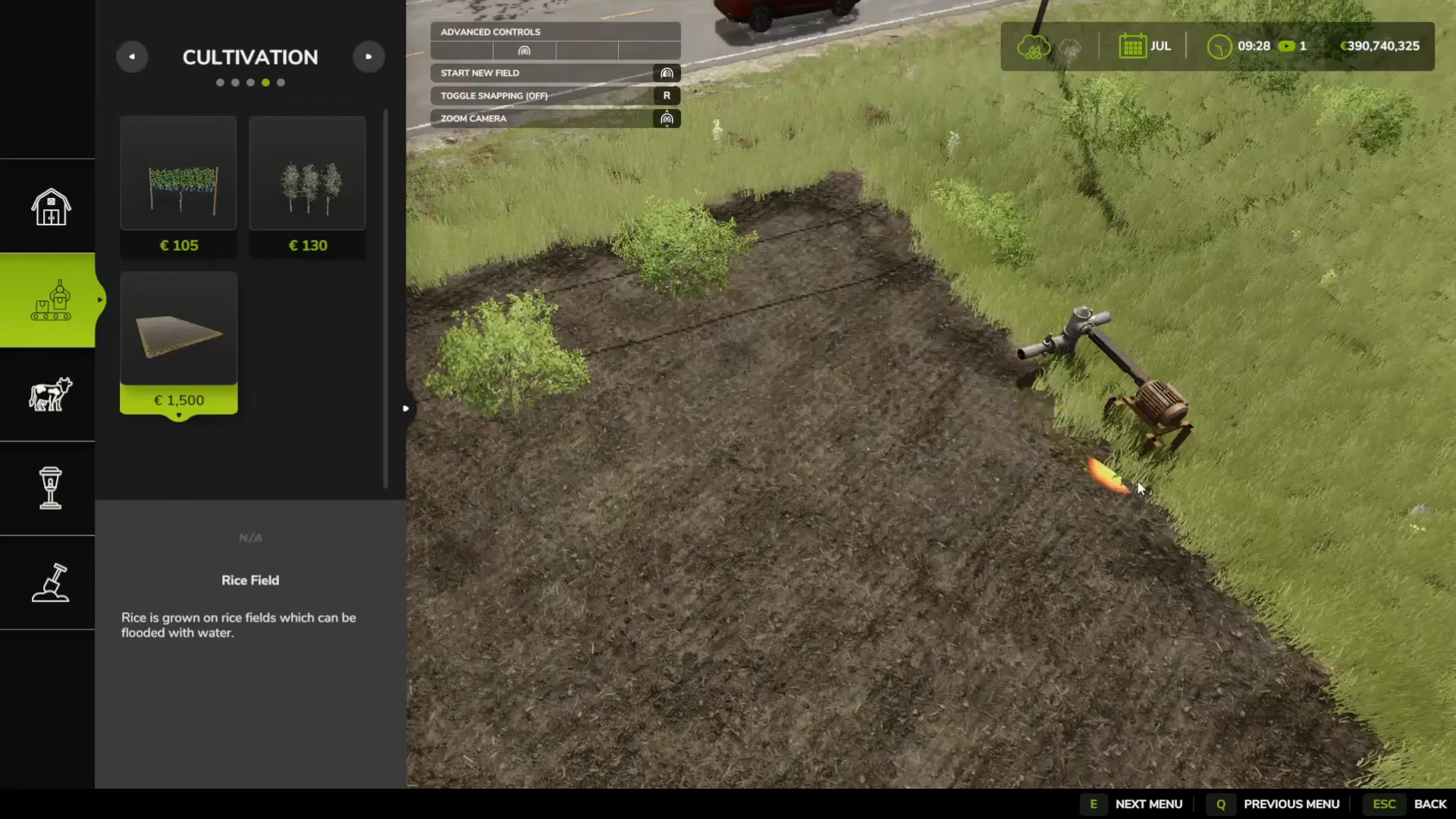
The water pump will automatically appear on the first side you placed. This is important to remember when planning your paddy layout, as the pump’s location determines where water enters your field.
Flooding Your Rice Paddy
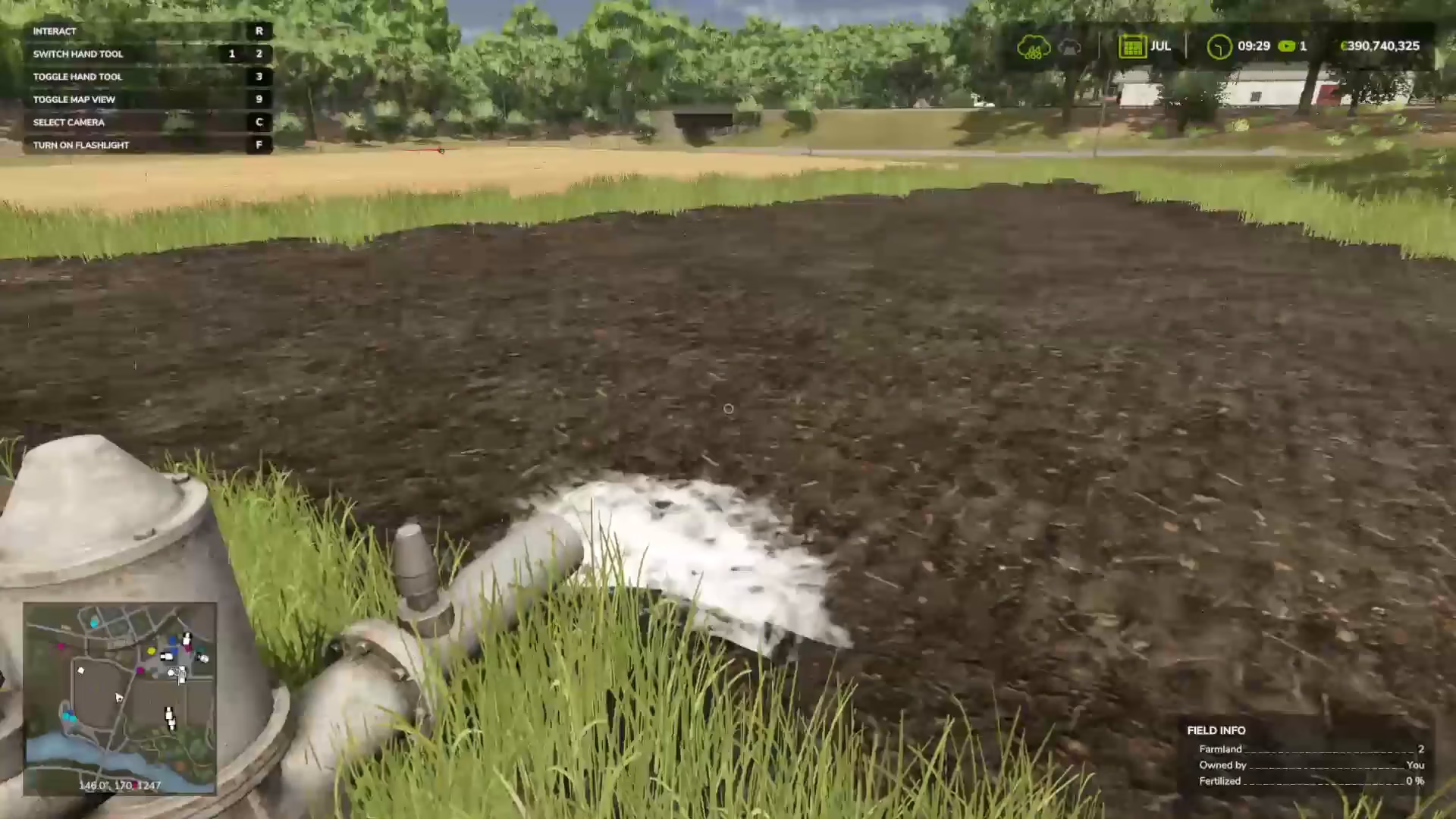
After creating your paddy, you need to flood it with water before planting. Stand over the field and you’ll see information displaying fertilizer percentage and other details. Navigate to the water pump and interact with it by pressing R.
The water level indicator will show zero initially. Press the flood button to begin flooding your paddy. The critical threshold for planting rice is a water level of 60%. Wait for the water level to reach 60% before turning off the flood, then you’re ready to plant.
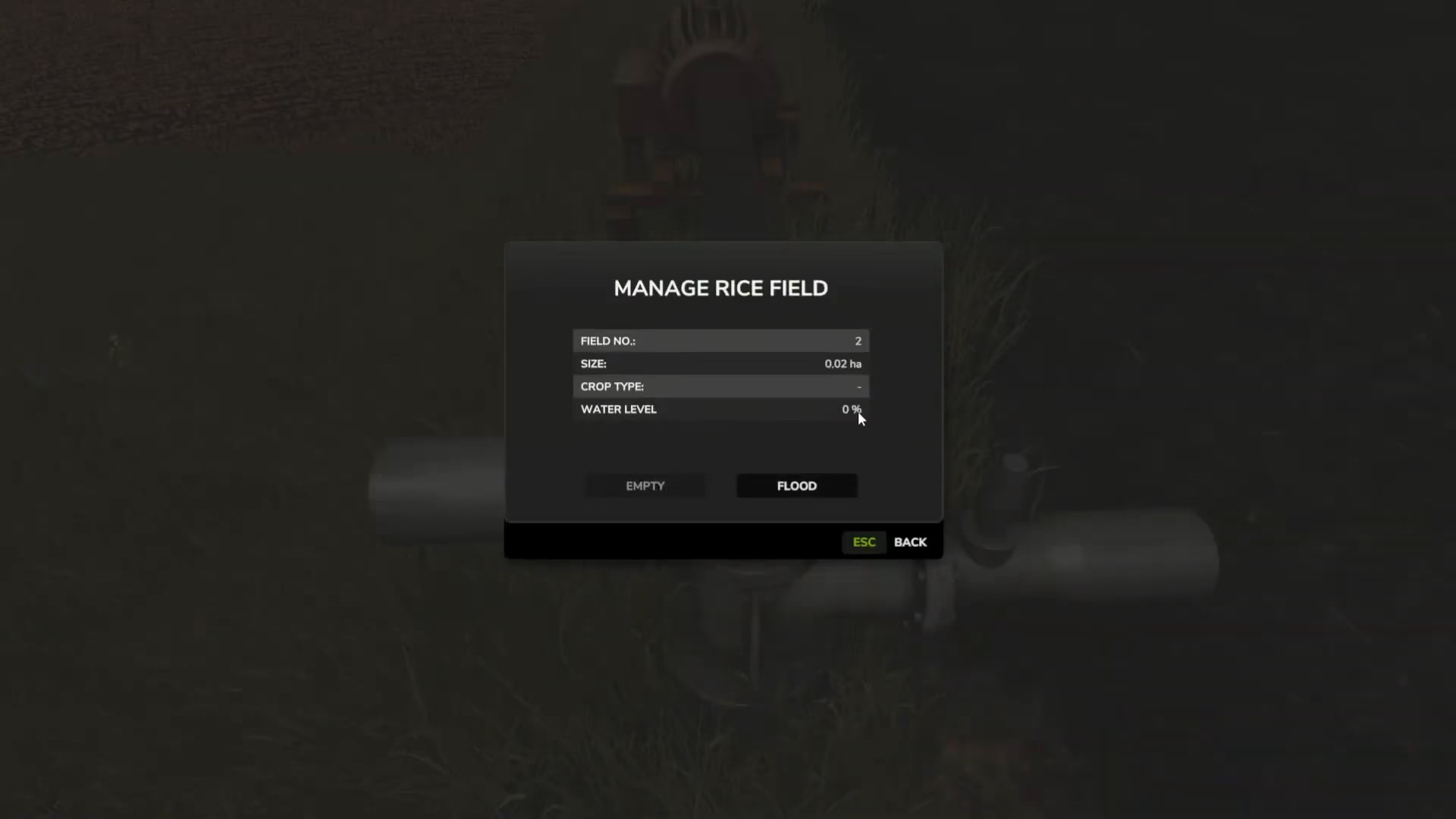
Be patient during this process—flooding can take approximately five minutes or longer depending on your paddy size. Once you reach 60%, you can proceed to the next step.
Essential Machinery for Rice Farming
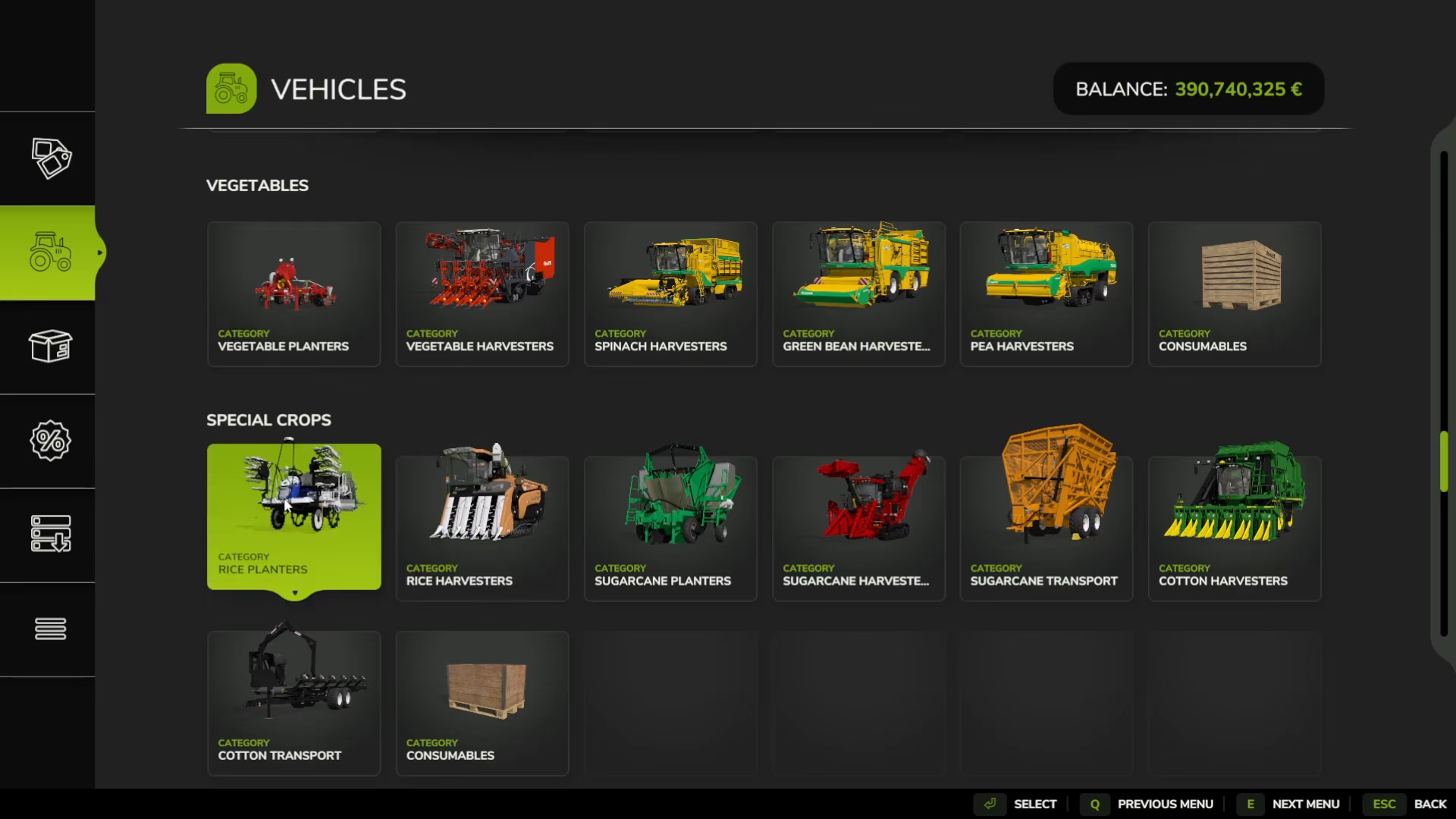
To successfully grow and harvest rice, you’ll need specific equipment available in the game store. Look for the Special Crops section in the store menu.
Rice Planter
The rice planter is a specialized piece of equipment designed specifically for planting rice saplings into flooded rice fields. It features a rice icon in the store menu and can also apply fertilizer while planting. This is the only rice-specific planter available in Farming Simulator 25.

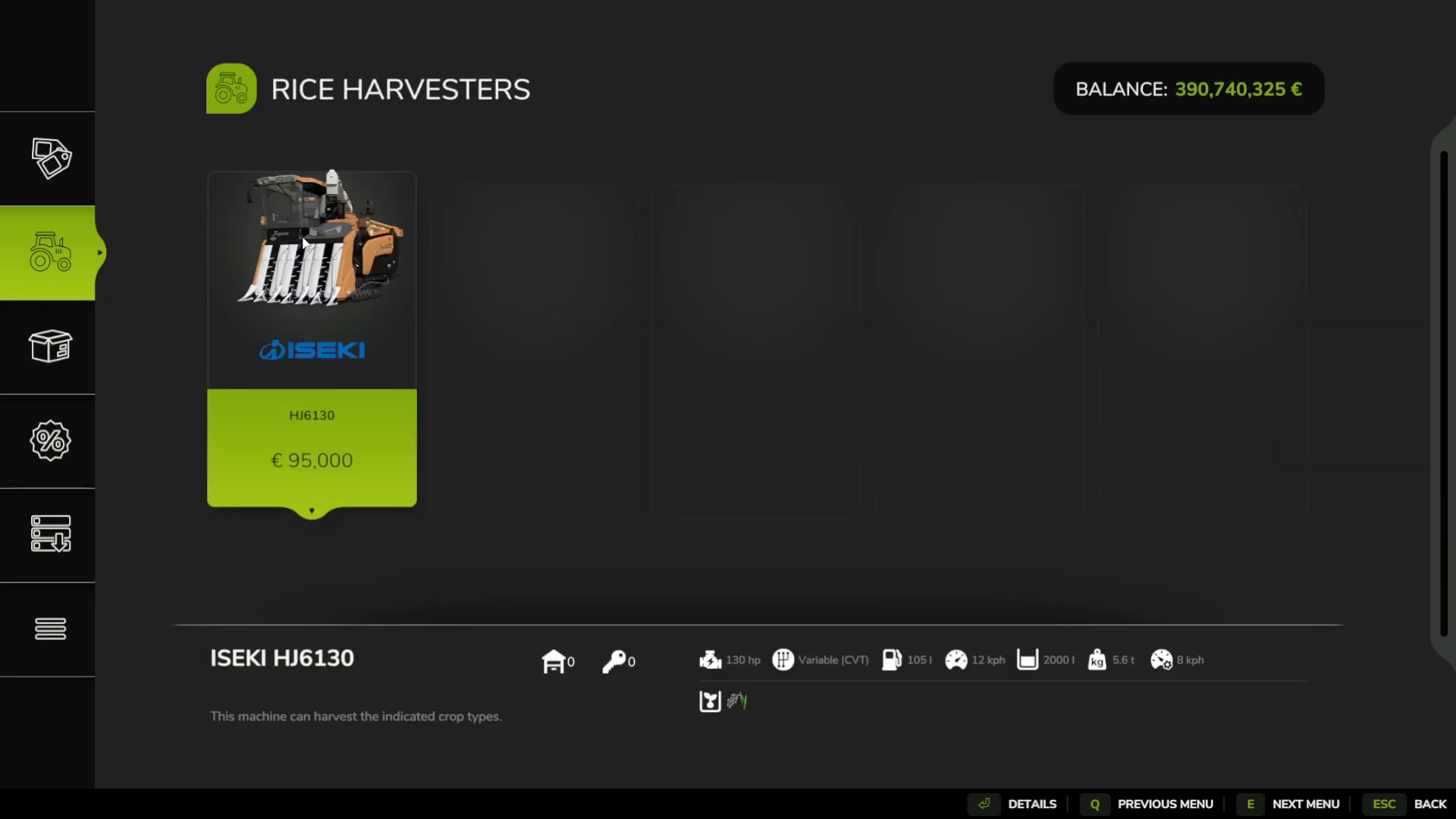
Rice Harvester
The rice harvester is used to collect ripe rice from your flooded paddies. Like other harvesters in the game, you’ll drive it over your rice fields to gather the crop.
Planting Your Rice
Using the rice planter is straightforward. Simply drive it over your flooded rice field, making sure it’s filled with rice seeds. The planter will automatically apply seeds as you drive, similar to using any other planter in Farming Simulator 25. Make sure your paddy has reached the 60% water level before beginning this process.
Managing Water Levels Throughout Growth
One aspect of rice farming that differs from traditional crops is the need to manage water levels as your rice grows. Different growth stages require different water levels, and you’ll need to adjust these regularly.
How Water Management Works
Each month (or growth cycle), the water level in your paddy will need to be adjusted. After you’ve initially set the water level to 60% for planting, return to your pump each month as your rice progresses through growth stages.
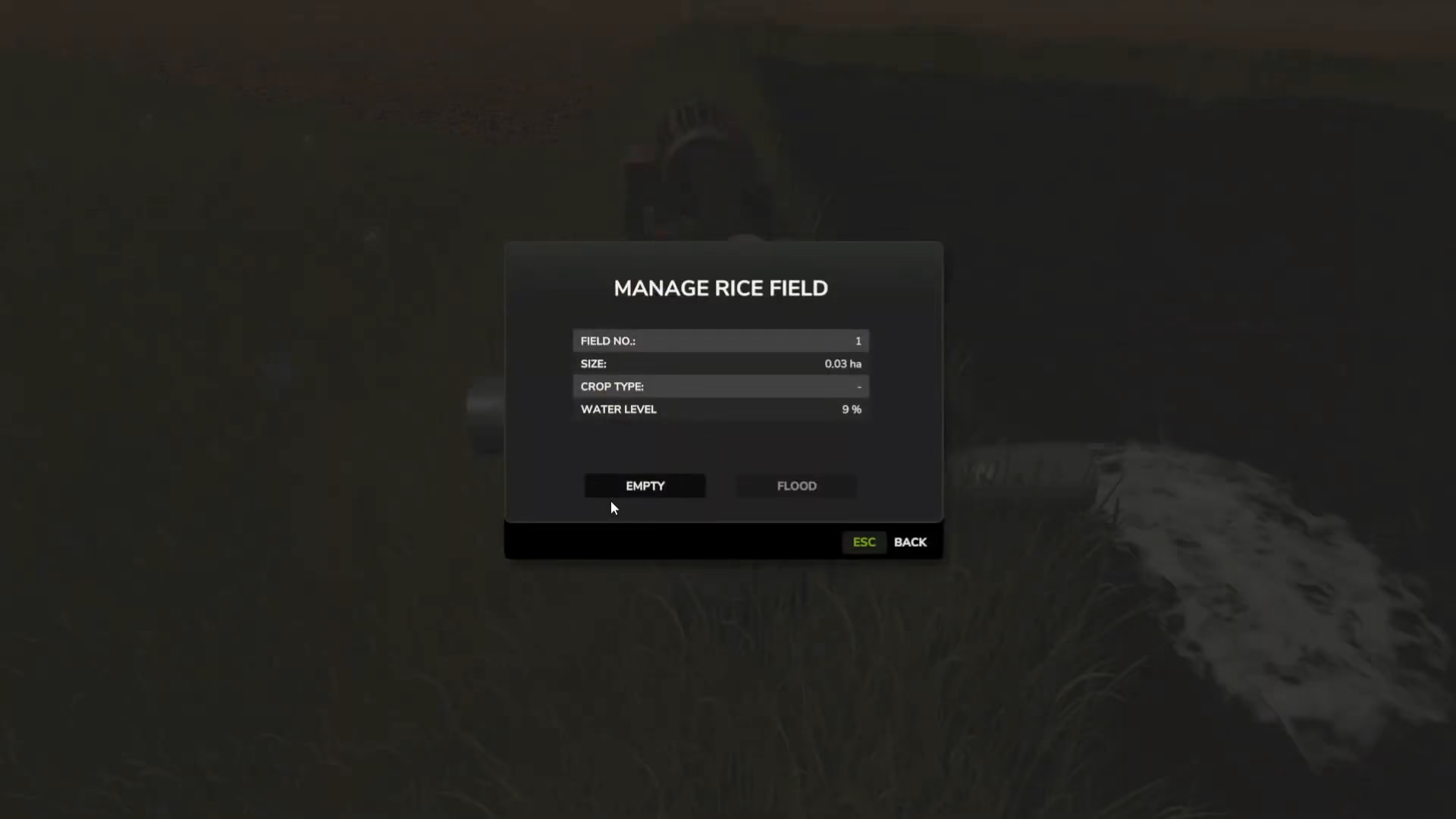
Don’t worry about calculating the exact water level needed—the game makes this simple. When you interact with your pump, the flood or empty options will only allow you to adjust the water to the correct level for the current growth stage. The pump essentially guides you to the proper water level automatically.
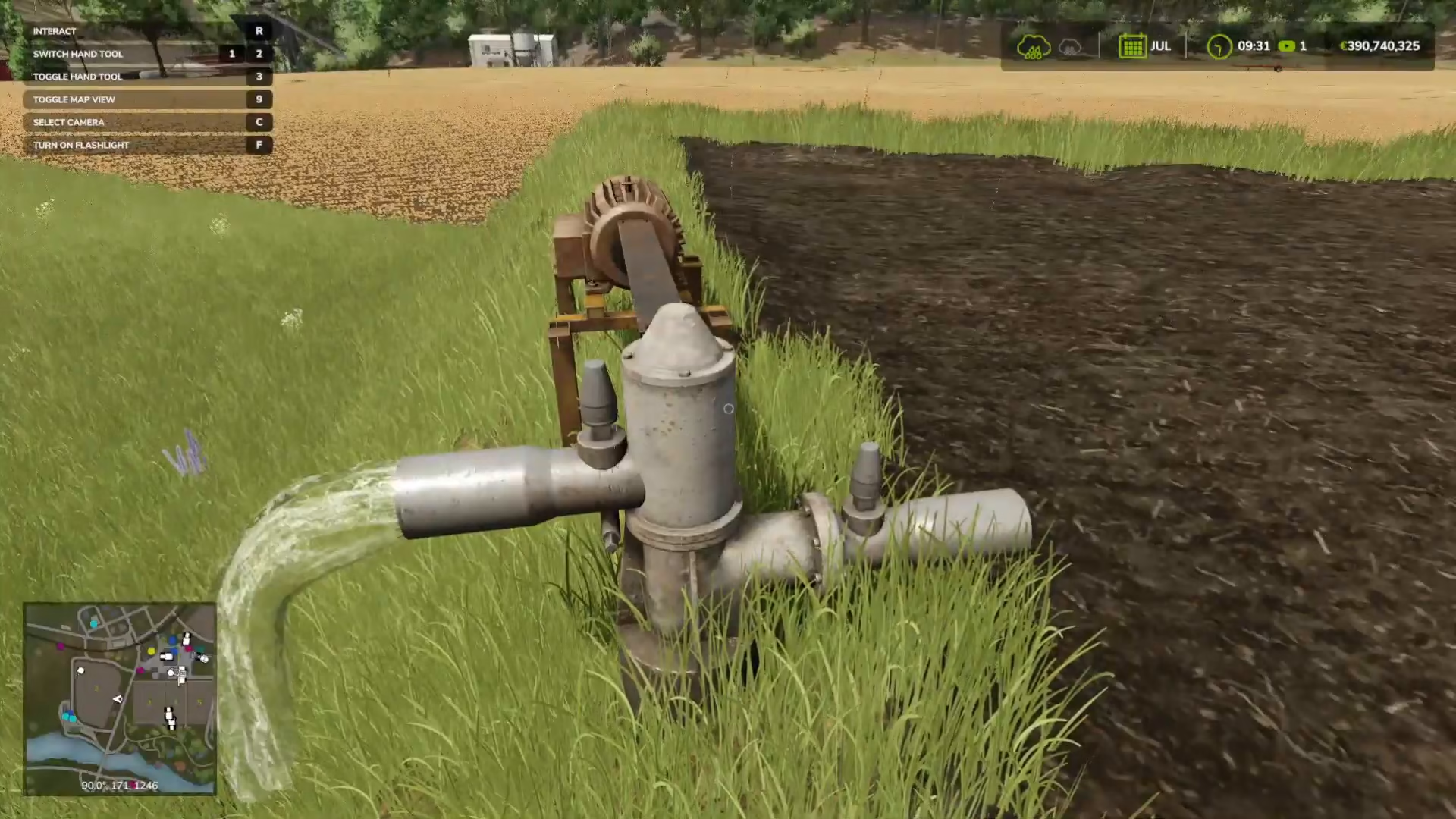
This system continues throughout the entire growing season, including up to the point when your rice is ready to harvest. Simply remember to visit your pump regularly and follow the available options—the game will ensure you’re doing the right thing at each growth stage.
Harvesting Your Rice
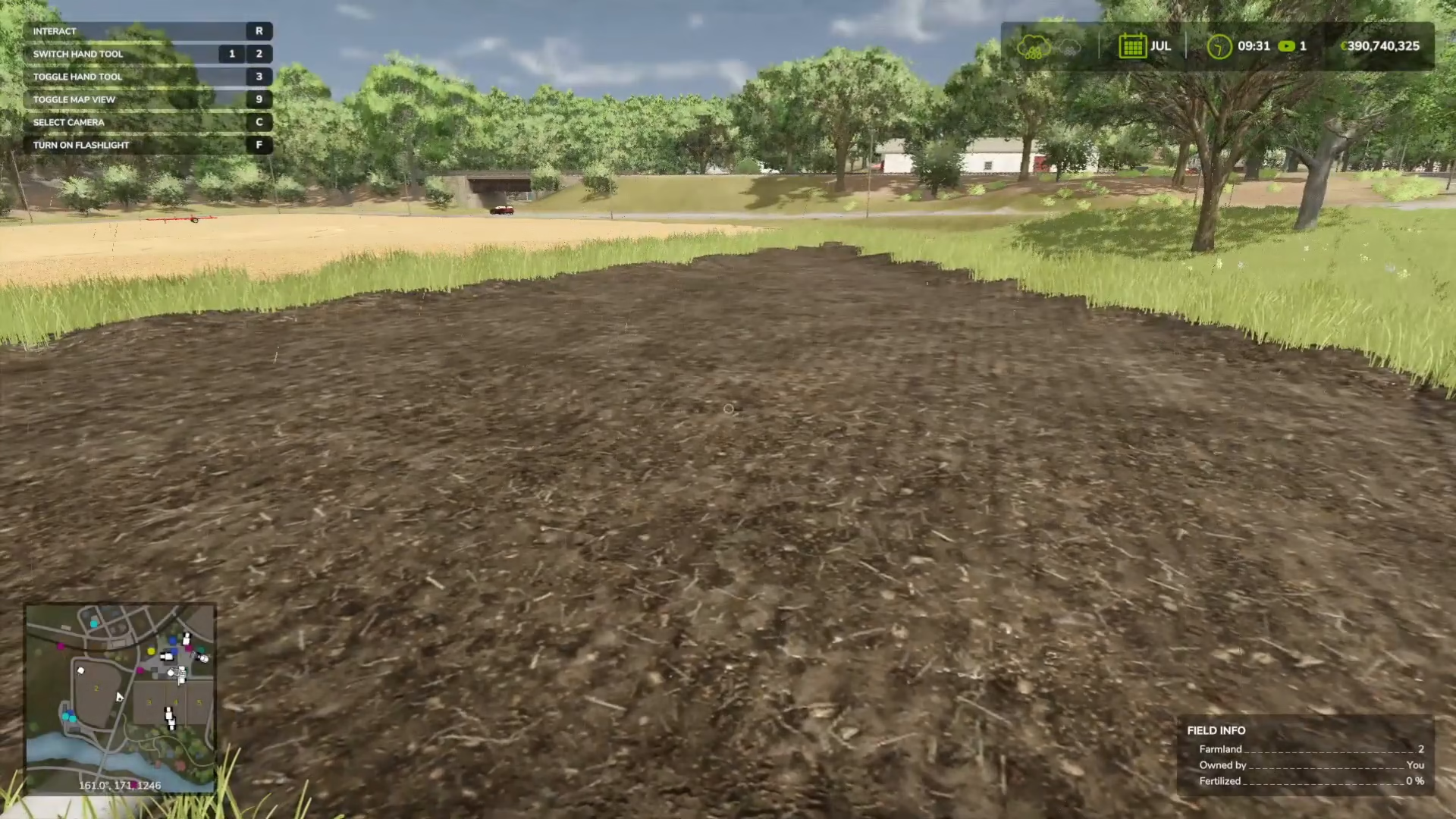
Once your rice reaches maturity, it’s time to harvest. Use your rice harvester and drive it over the rice fields just as you would with any other crop. The harvester will collect the rice and store it in its tank.
Selling Your Rice
After harvesting, you’ll have rice stored in your harvester. Transfer the rice from the harvester’s tank into a silo or truck for transport to a selling point. From there, you can sell your rice just like any other crop in Farming Simulator 25. The sale price and available buyers will depend on your game’s economy settings and map.
Summary
Rice farming in Farming Simulator 25 follows the same basic cycle as other crops—prepare, plant, manage, harvest, and sell—but with the unique addition of water level management throughout the growing season. The key points to remember are: create your paddy carefully (landscape changes are permanent), flood to 60% before planting, adjust water levels at each growth stage using your pump, use the rice planter and harvester for cultivation and collection, and finally, transfer your harvest to a storage or transport vehicle for sale. While it may seem complex at first, the game’s intuitive pump system makes water management straightforward once you understand the process.
Want to Support?
If you would like to help us continue making these guides – please consider joining our patreon here – https://www.patreon.com/c/JaviHeals
Alternatively – you can join our discord here – https://discord.gg/zD7Gjt6MHF