






How to Enable or Disable Crossplay in ARC Raiders
How to Enable or Disable Crossplay in ARC Raiders
Crossplay is a useful feature in ARC Raiders that allows you to play with friends across different platforms. In this quick guide, we’ll walk you through the simple steps to enable or disable crossplay in ARC Raiders from the main menu.
Accessing Crossplay Settings
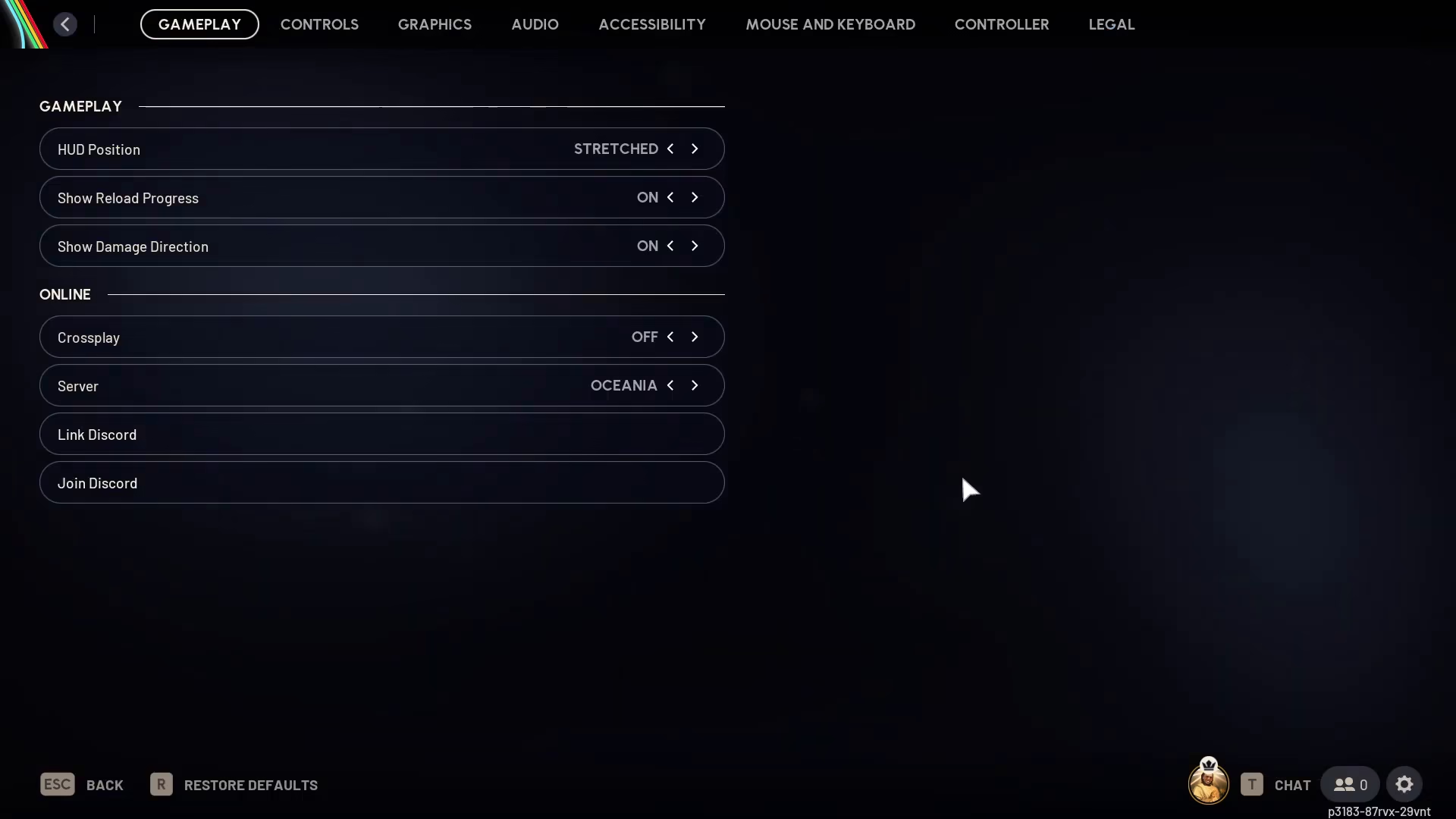
From the main menu of ARC Raiders, locate the settings icon (cog) on the bottom right-hand side of your screen.
Navigating to Gameplay Settings
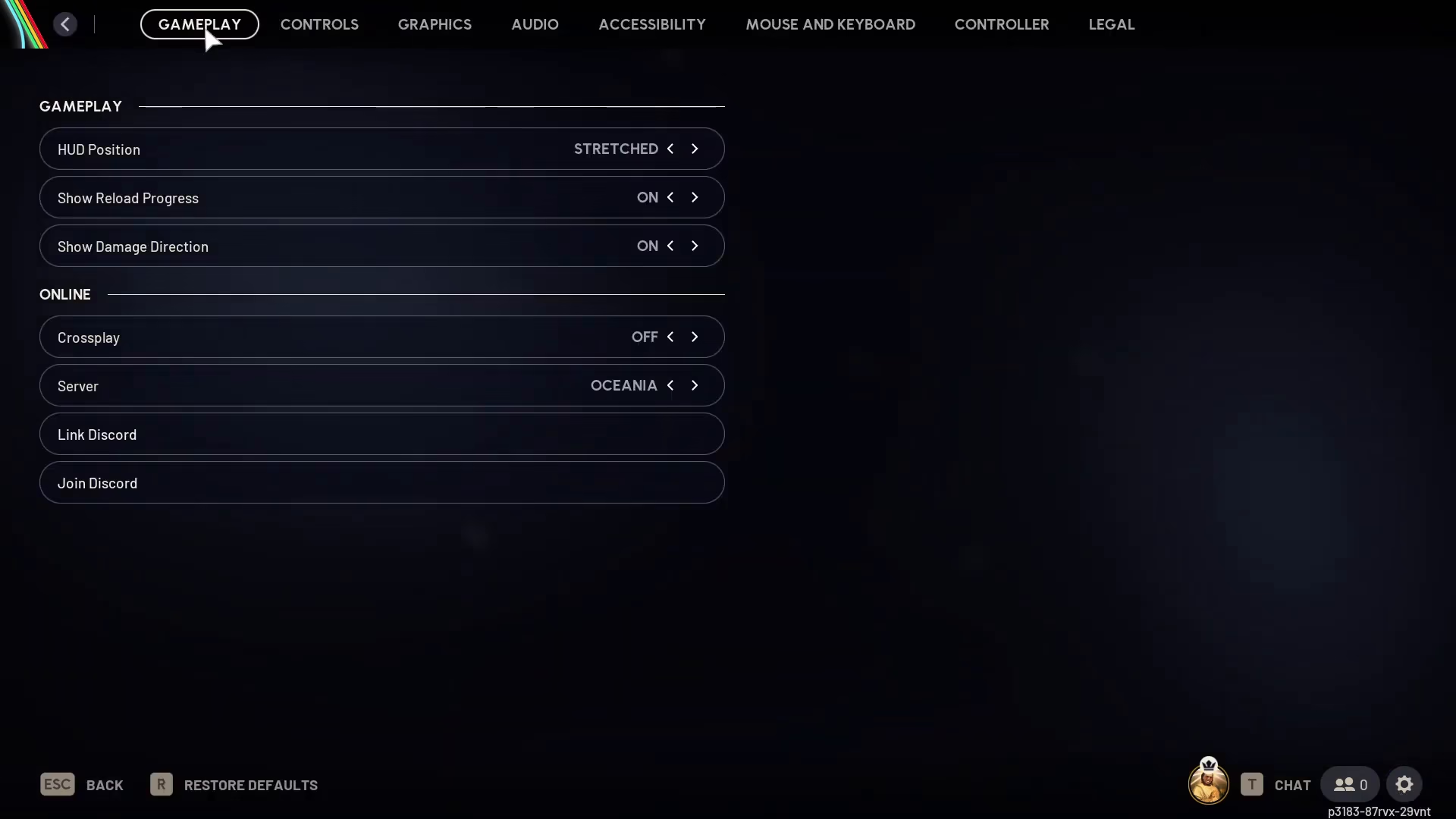
Once you’ve clicked on the settings cog, navigate to the Gameplay section.
Toggling Crossplay On or Off
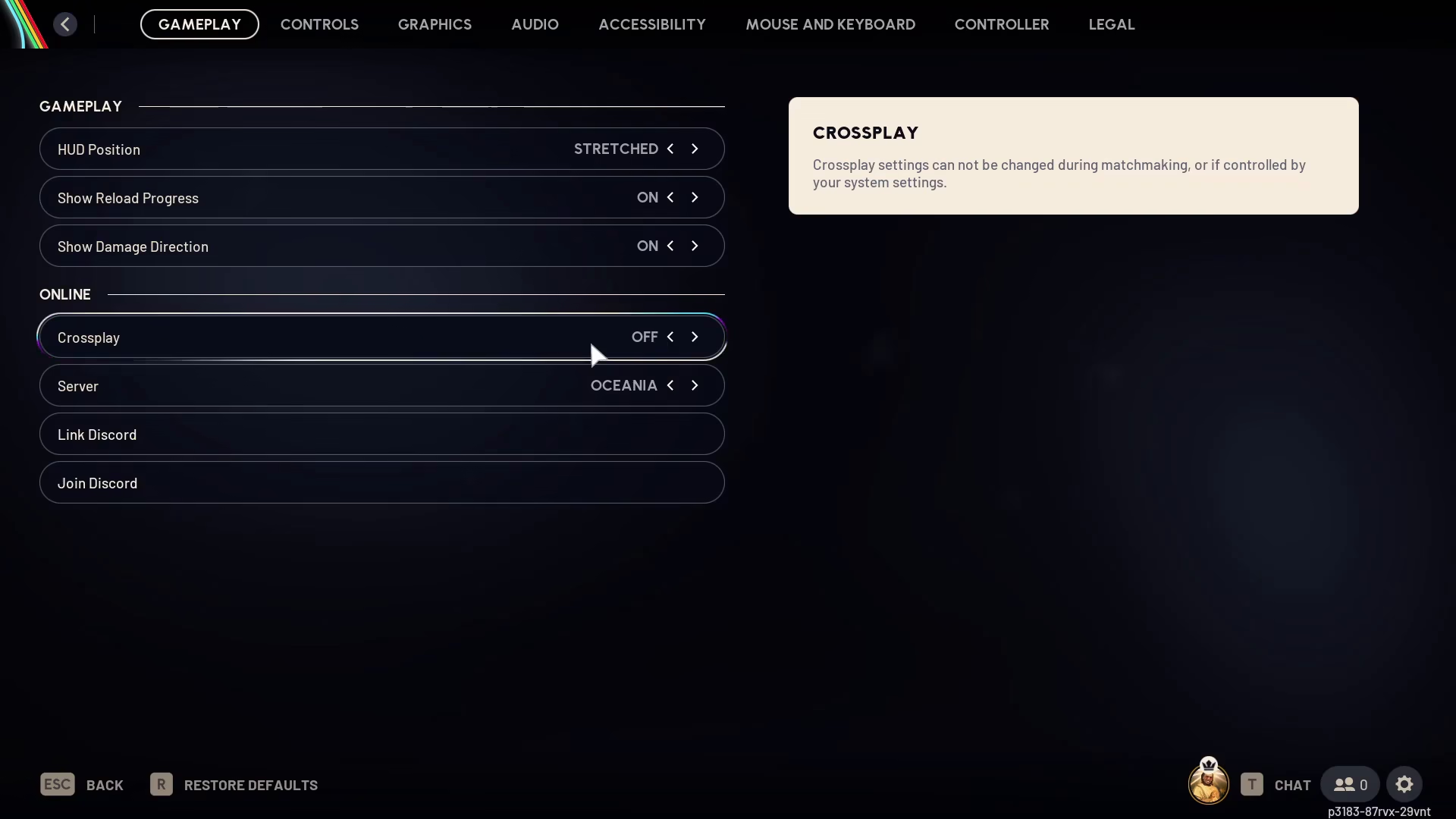
In the Gameplay settings, you’ll find the crossplay option. Simply toggle it on or off depending on your preference.
Important Considerations
Keep these important points in mind when using crossplay:
Timing Restrictions
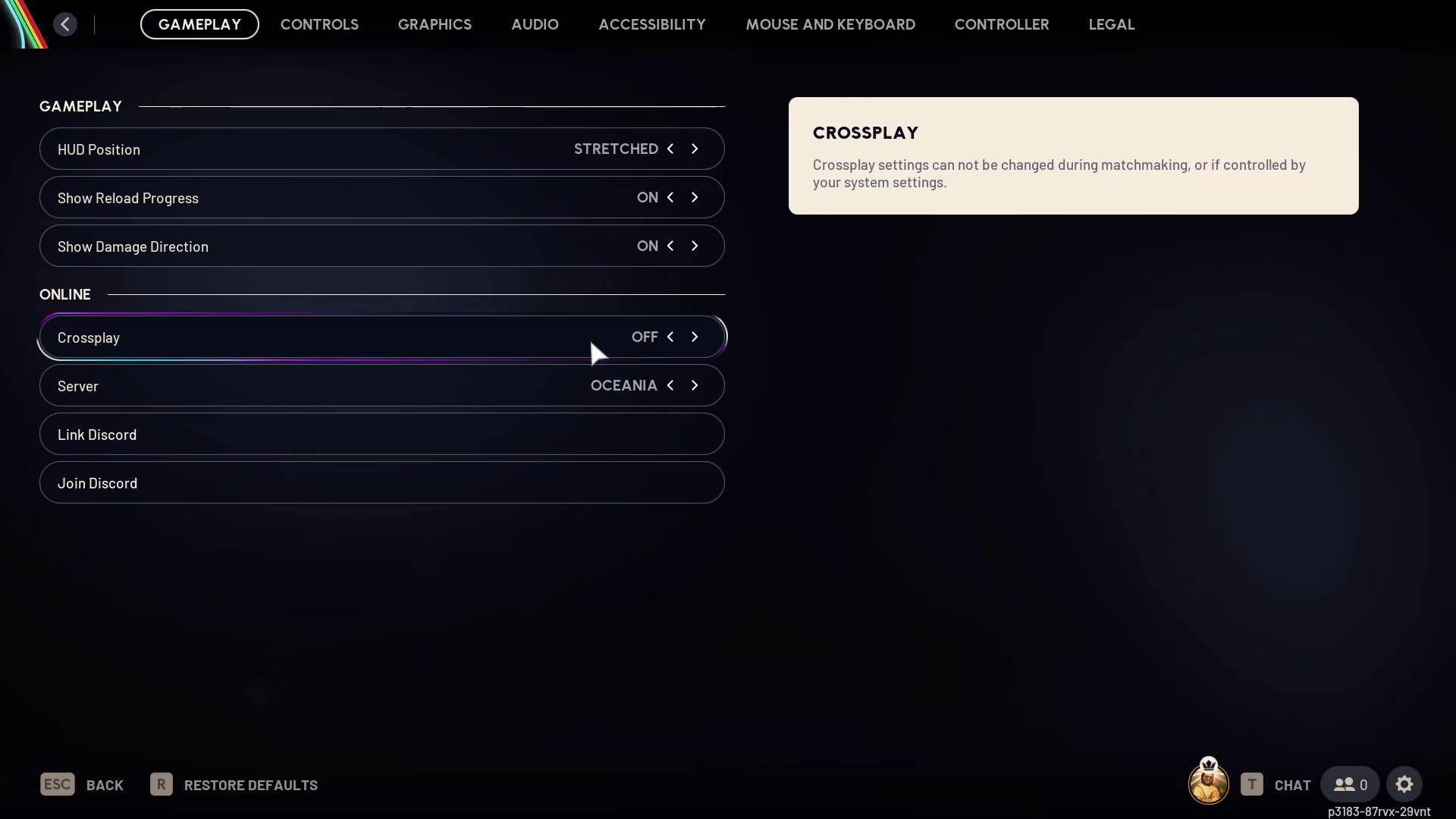
You cannot change your crossplay settings while matchmaking is in progress. Make sure to adjust this setting before you start searching for a match.
Platform Recommendations
If you’re playing on PC, we recommend turning crossplay off. Console players tend to be more competitive and occasionally more toxic compared to the PC player base, so disabling crossplay may provide a more enjoyable experience.
Conclusion
Enabling or disabling crossplay in ARC Raiders is straightforward—just access your settings, go to Gameplay, and toggle the crossplay option to your preference. Remember that you’ll need to make this change before matchmaking begins. Whether you choose to play cross-platform or stick to your own platform, the choice is entirely yours!
— Want to Support? —
If you would like to help us continue making these guides – please consider joining our patreon here – https://www.patreon.com/c/JaviHeals
Alternatively – you can join our discord here – https://discord.gg/zD7Gjt6MHF

