





How to Expand Storage in ARC Raiders
How to Expand Storage in ARC Raiders
Inventory management is crucial in ARC Raiders, and expanding your storage capacity is one of the first steps to improving your gameplay. This guide will walk you through the simple process of increasing both your stash space and in-game inventory slots using the Looting gear system.
Accessing Your Inventory
To begin expanding your storage, open your Inventory by pressing the Tab key on your keyboard. This is where you’ll find all your storage management options and be able to make upgrades to your stash capacity.

Expanding Your Stash
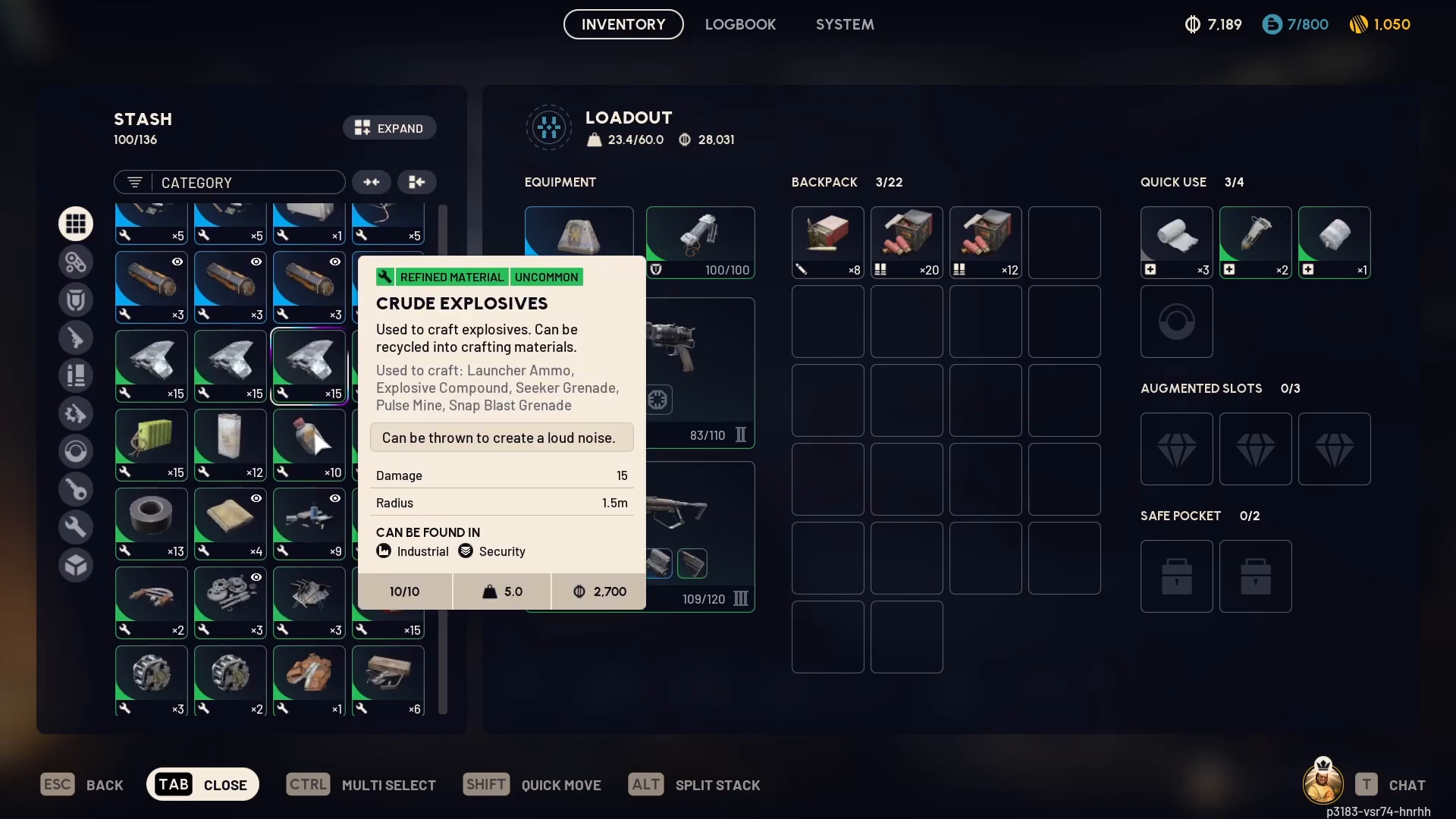
Once you’re in your Inventory, navigate to the “All” tab to view your current stash status. You’ll see a display showing how many slots you’re currently using out of your total available slots. For example, you might see “100 out of 136 slots filled.”
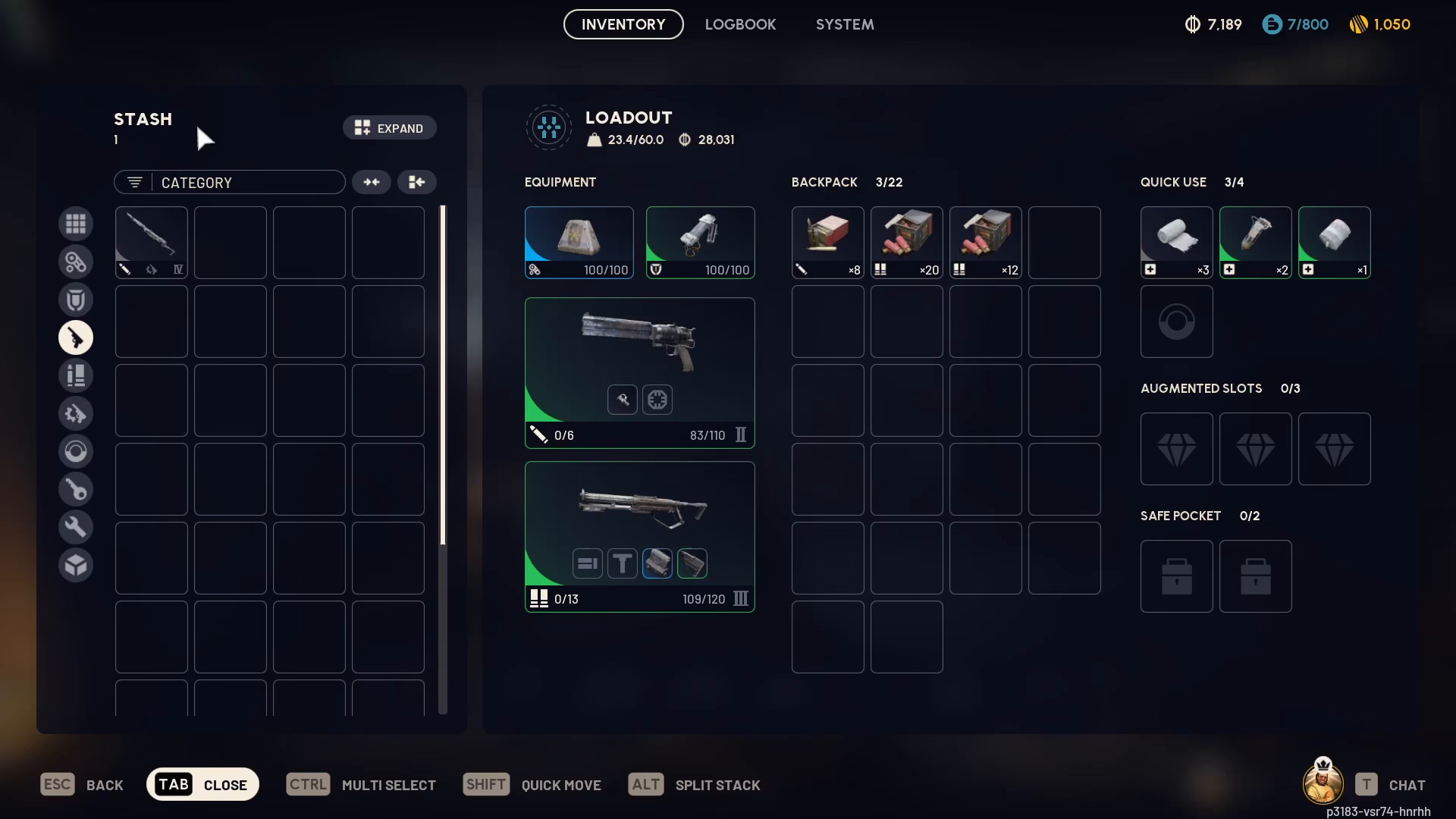
To expand your stash size, simply press the “Expand Stash Size” button located at the top of your stash menu. This will increase your total storage capacity.
Expanding In-Game Storage with Looting Gear
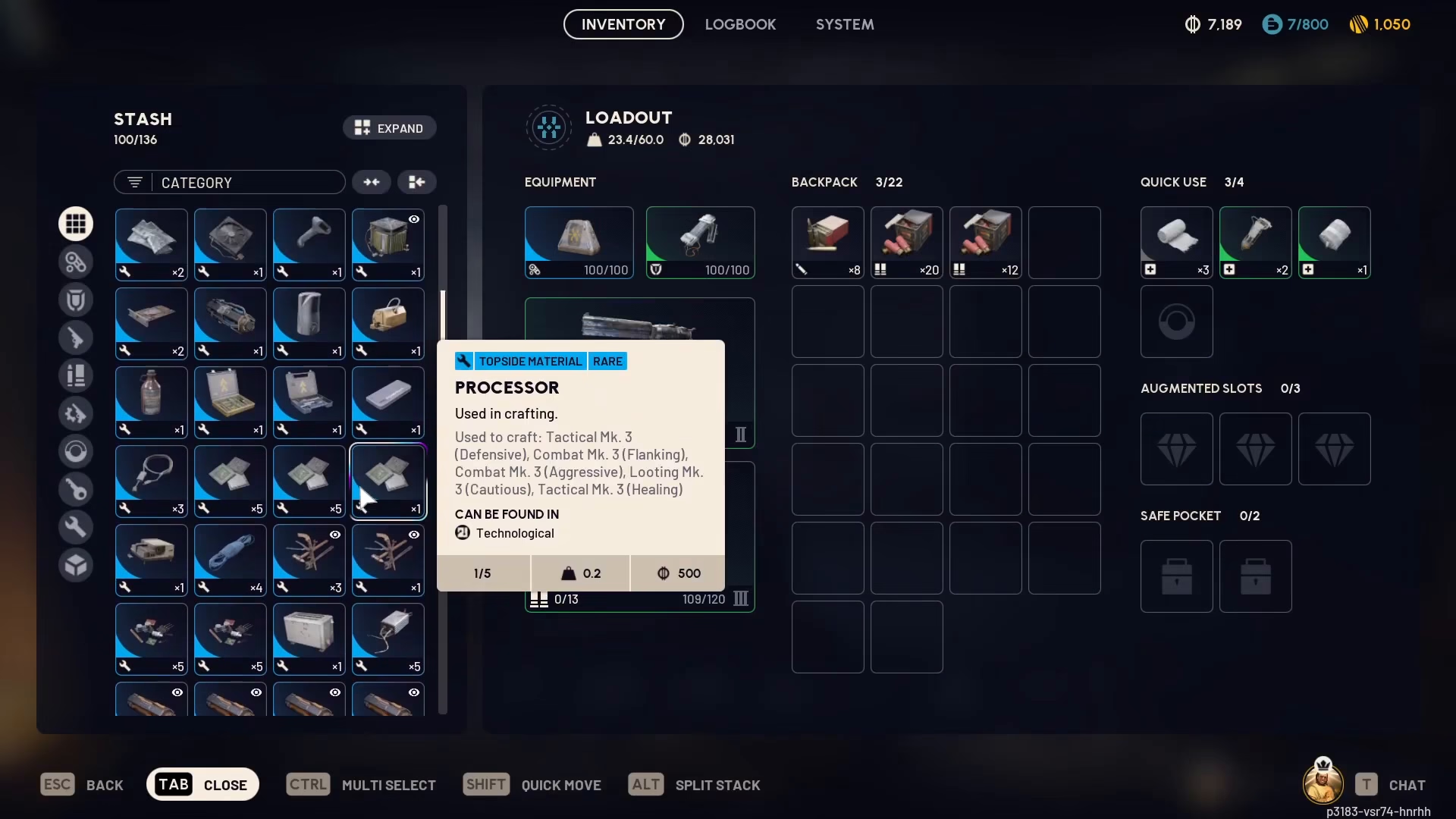
For expanding your actual in-game inventory slots, you’ll want to focus on equipping Looting gear. This is the primary method for increasing your carrying capacity during raids and missions.
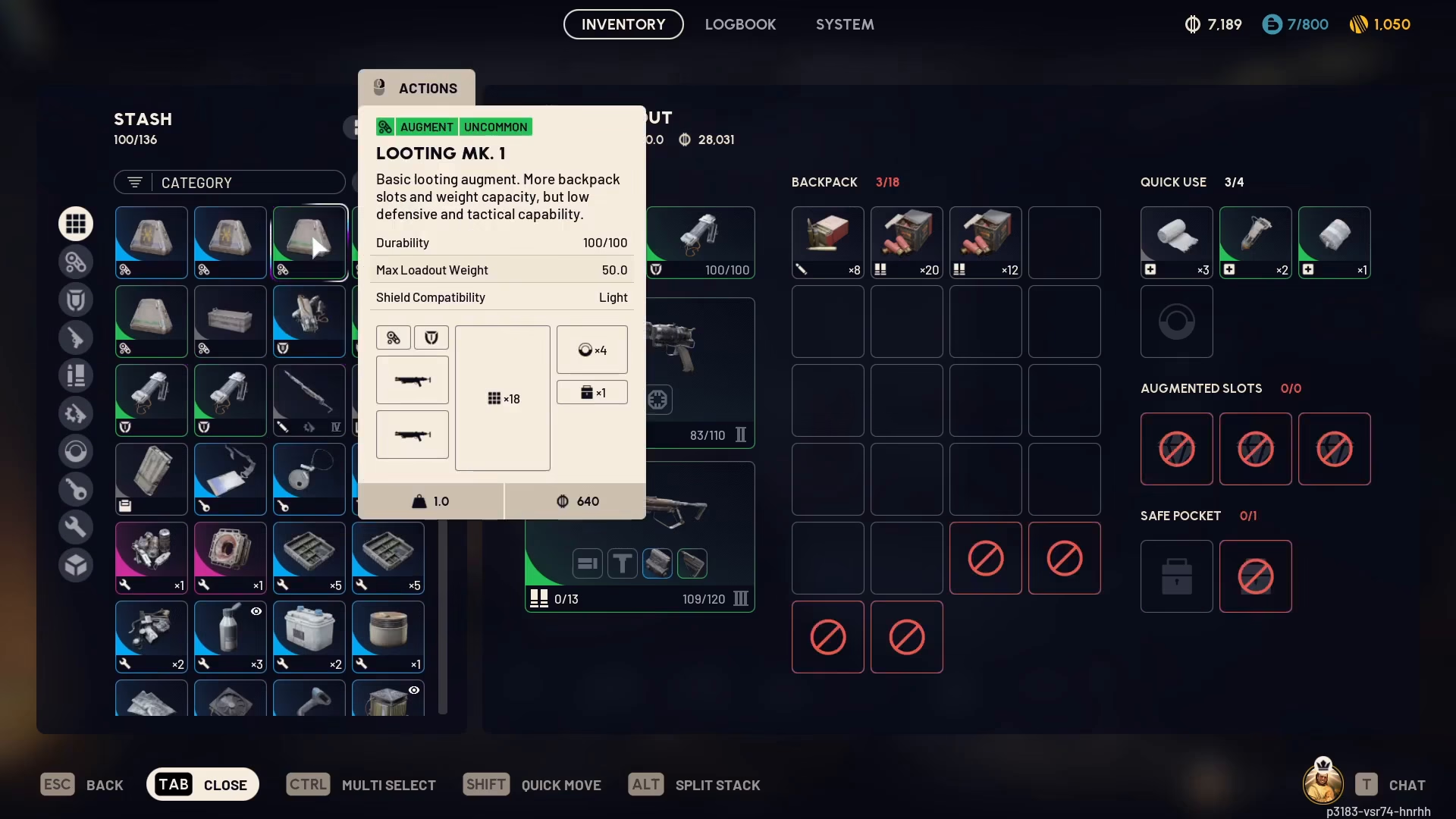
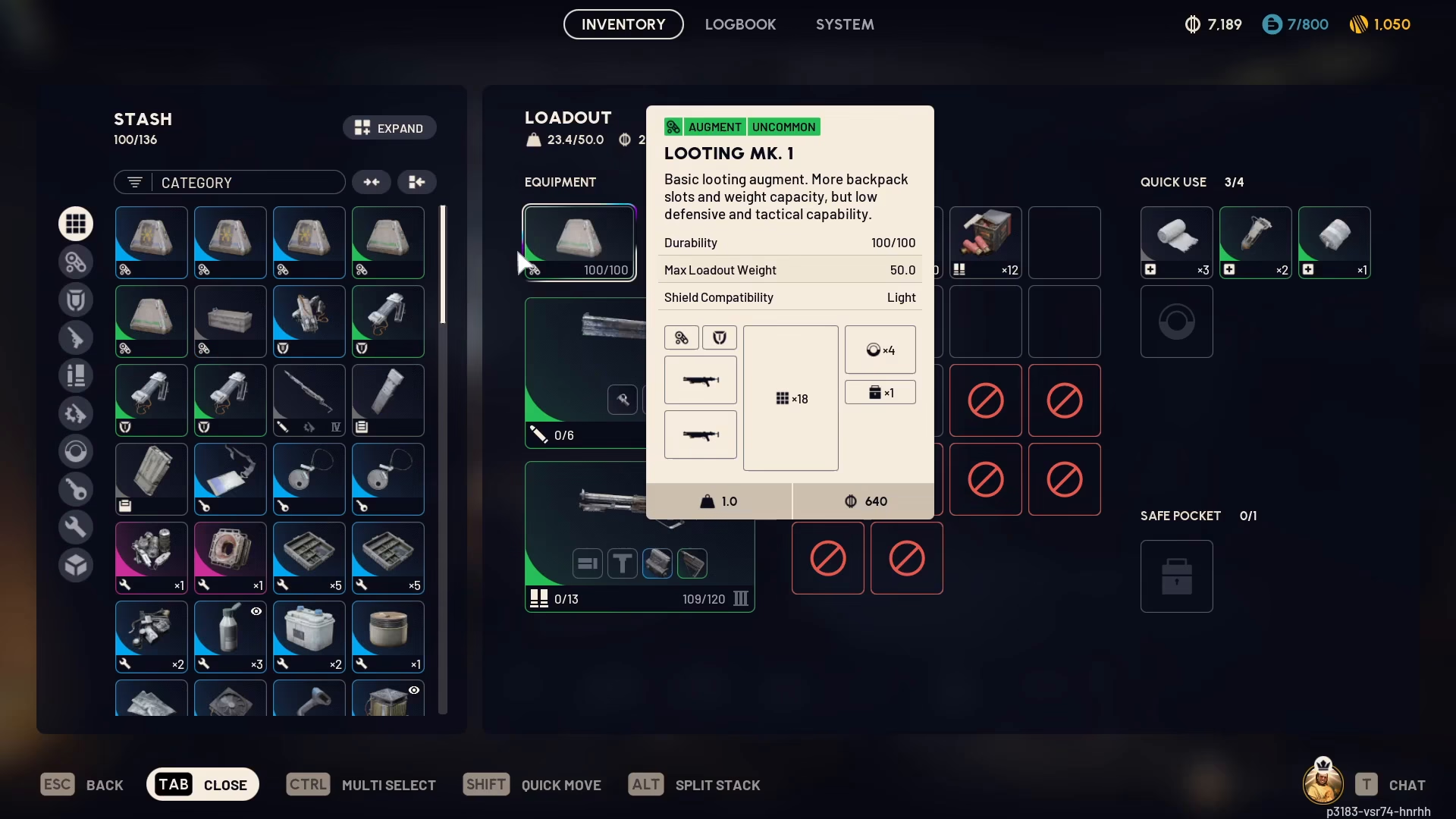
Looting Mark 1
Looting Mark 1 is the base tier of looting gear and provides a standard number of inventory slots. It also includes augmented slots specifically designed for storing valuable items.
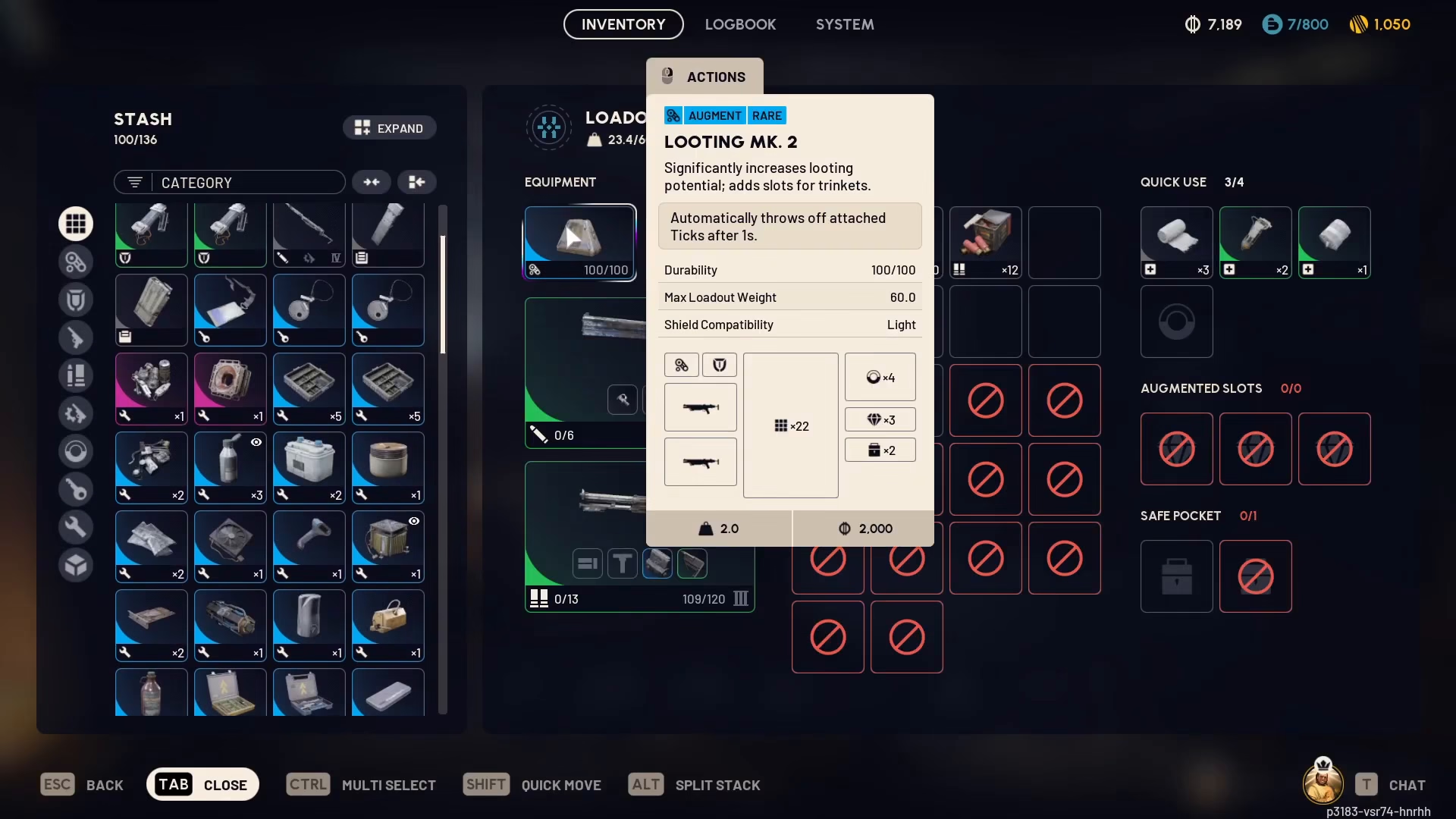
Looting Mark 2
Looting Mark 2 offers a significant upgrade over Mark 1. You’ll receive notably more inventory slots compared to the first tier. Additionally, this gear includes two safe pockets for secure item storage.
A key feature of Looting Mark 2 is its anti-tick field, which automatically removes any attached ticks from you. This eliminates the need to manually manage tick removal, giving you one less thing to worry about during combat and exploration.
Looting Mark 3
Looting Mark 3 represents the highest tier and provides even better storage capacity than Mark 2. This is the premium option for maximizing your inventory space.
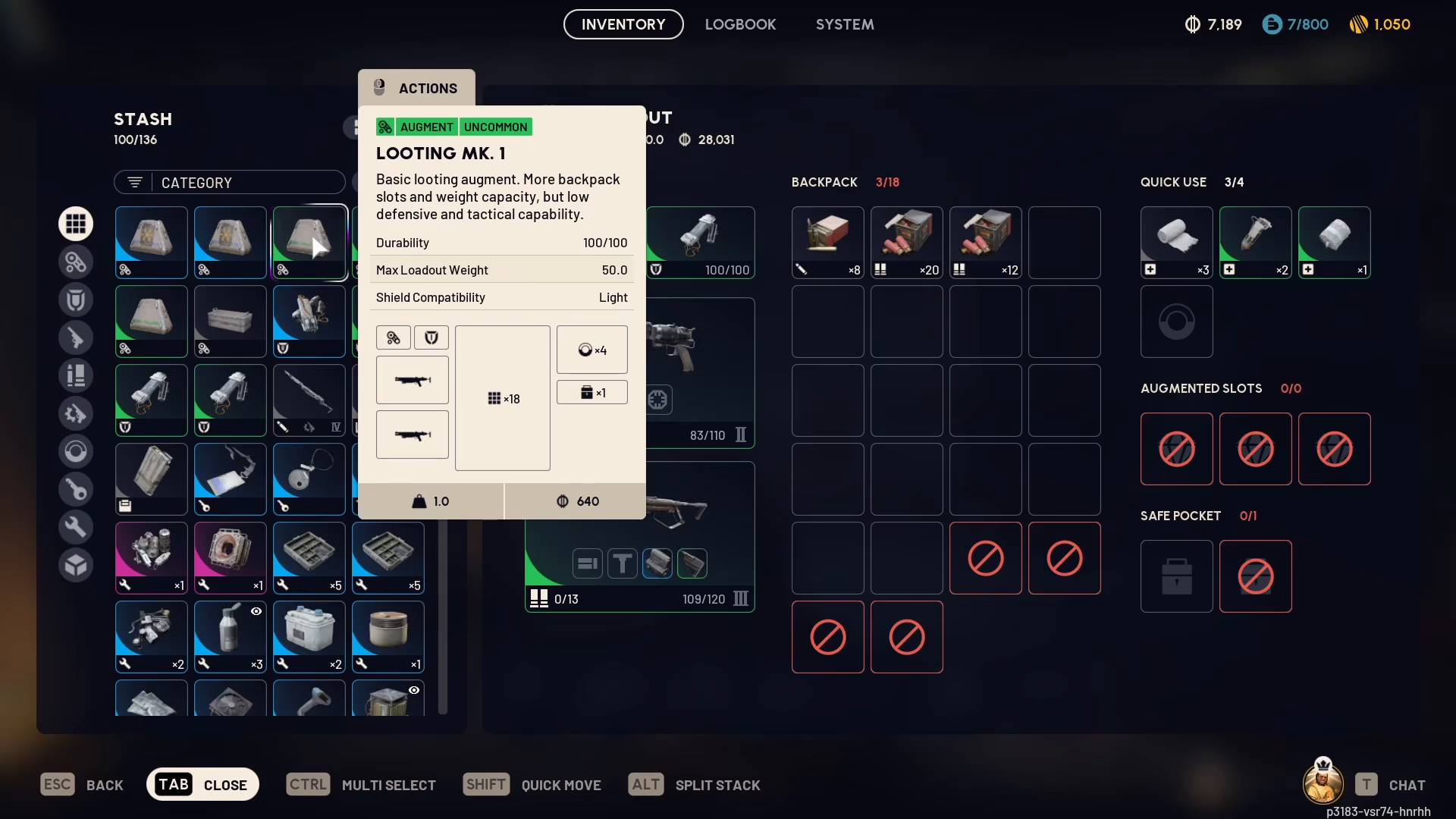
Equipping Your Looting Gear
To use any of these Looting gear tiers, simply equip them in your inventory slots. You can switch between Looting Mark 1, Looting Mark 2, or Looting Mark 3 depending on your needs and what you have available.
Summary
Expanding your storage in ARC Raiders is straightforward. Use the “Expand Stash Size” button in your Inventory menu to increase your stash capacity, and equip progressively higher tiers of Looting gear to expand your in-game carrying capacity. Start with Looting Mark 1 and work your way up to Looting Mark 3 for the best results. The anti-tick field on Looting Mark 2 and higher tiers provides additional quality-of-life benefits as well.
Want to Support?
If you would like to help us continue making these guides – please consider joining our patreon here – https://www.patreon.com/c/JaviHeals
Alternatively – you can join our discord here – https://discord.gg/zD7Gjt6MHF

