





How to Turn Up Brightness In Dead by Daylight
How to Turn Up Brightness In Dead by Daylight
Dead by Daylight can be quite dark, making it difficult to see important details during gameplay. If you’re struggling with visibility, adjusting the brightness settings is a quick and easy solution. This guide will walk you through the process of increasing brightness in the Graphics settings menu so you can enjoy a clearer, more visible gaming experience.
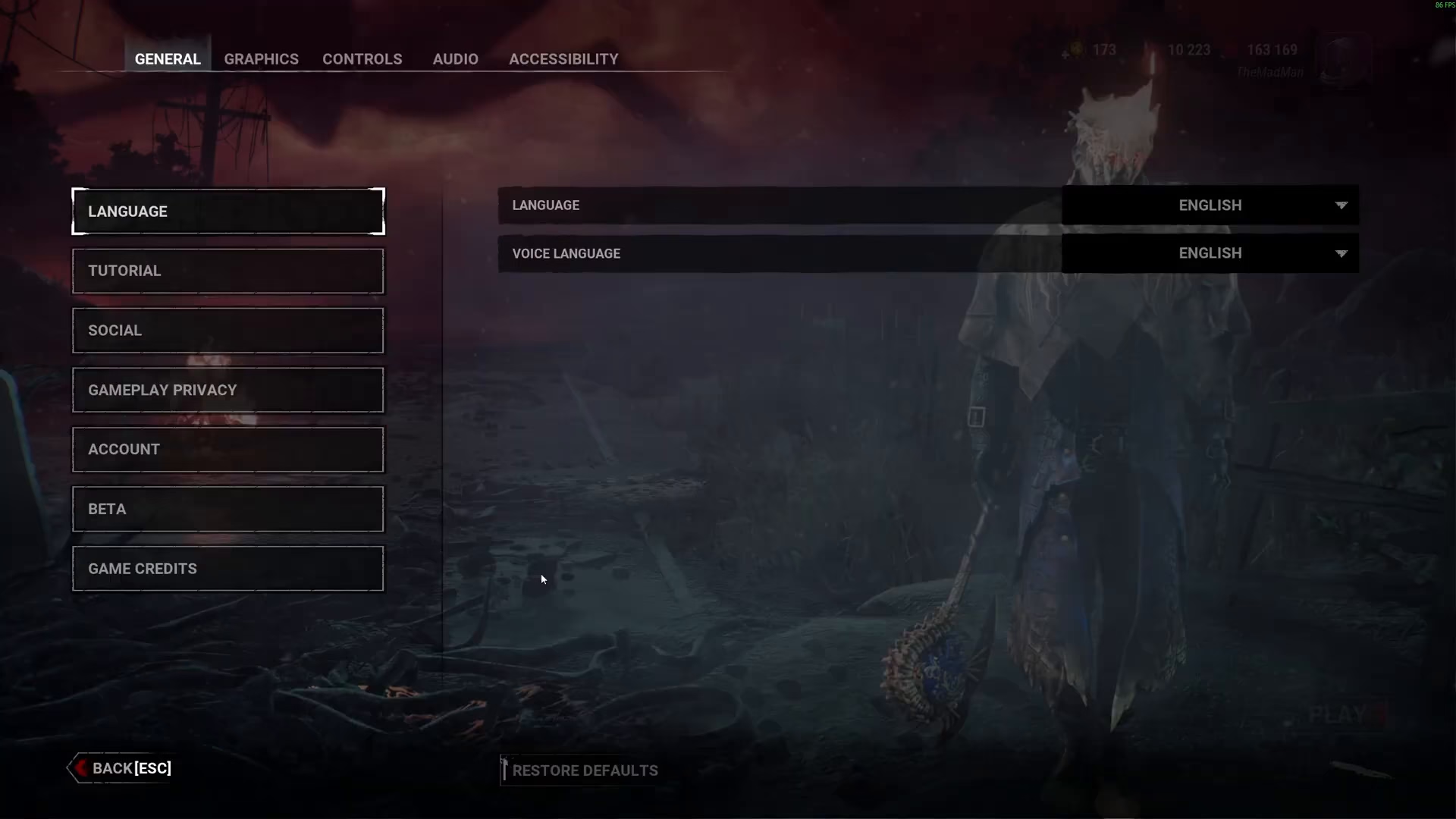
Accessing the Graphics Settings
To begin, you’ll need to navigate to the Graphics settings in Dead by Daylight. This is where you’ll find the brightness adjustment slider.
Adjusting the Brightness Slider
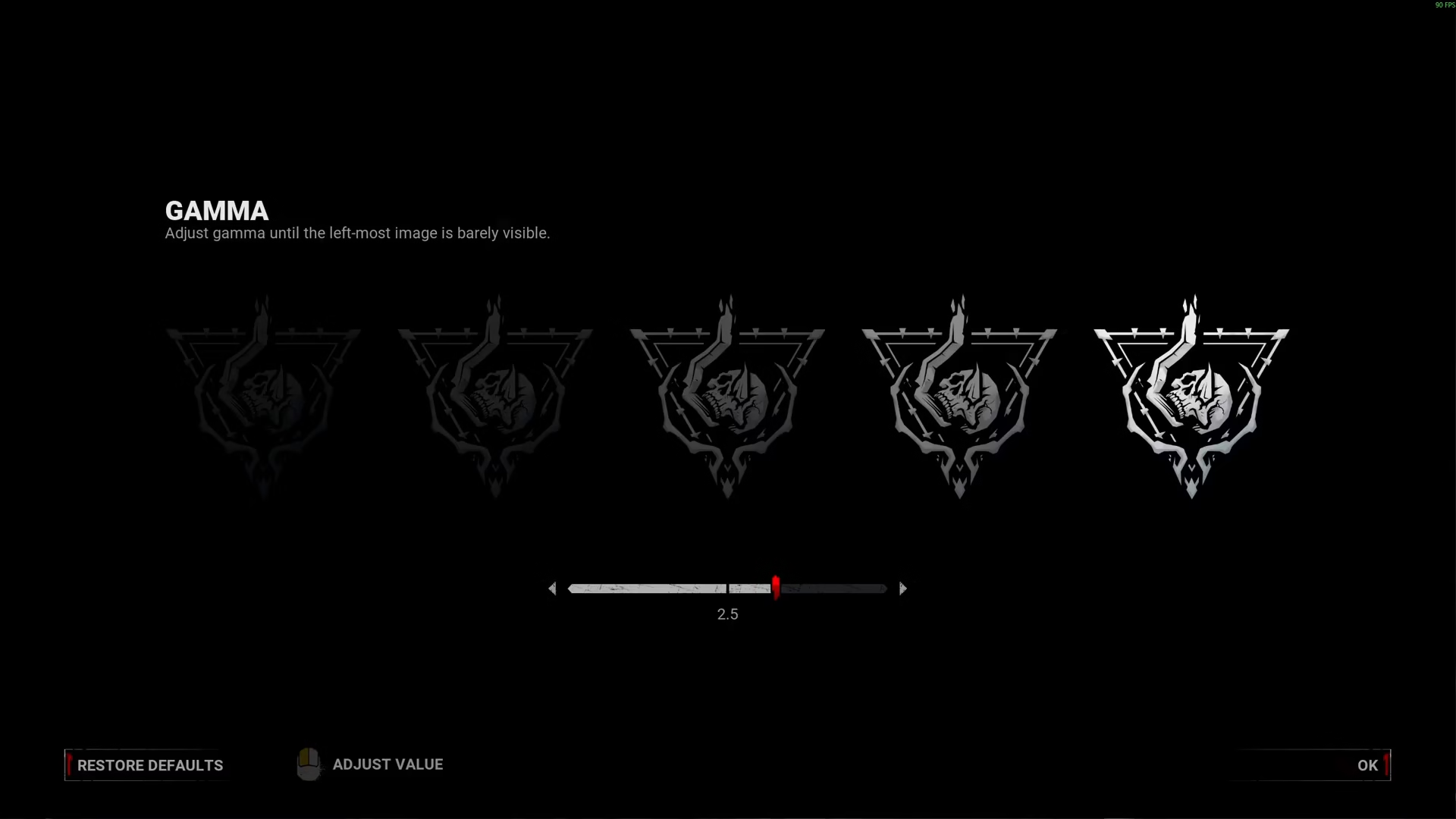
Once you’re in the Graphics menu, locate the brightness slider. By default, many players keep it at a moderate level, but the left side of the slider is barely visible — this is intentionally dark. Simply adjust the brightness slider to your personal preference. There’s no “correct” setting here; it depends entirely on your monitor and gaming environment.
Fine-Tuning Your Preference
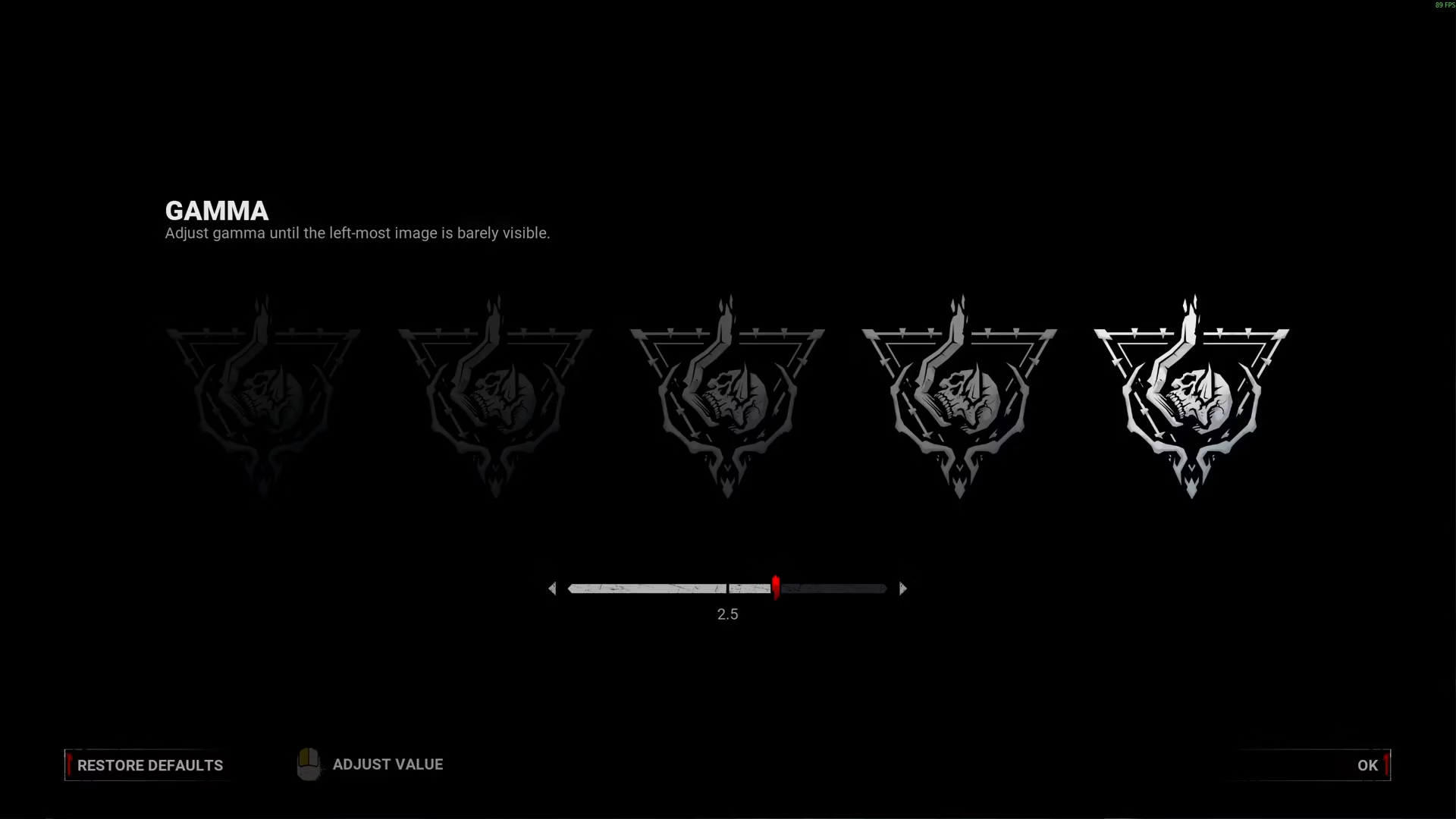
Take your time sliding the brightness control to a level that feels comfortable for you. You should aim for a balance where you can clearly see the game environment without it feeling washed out or overly bright. Once you’ve found your ideal brightness level, you should be good to go.
Saving Your Settings
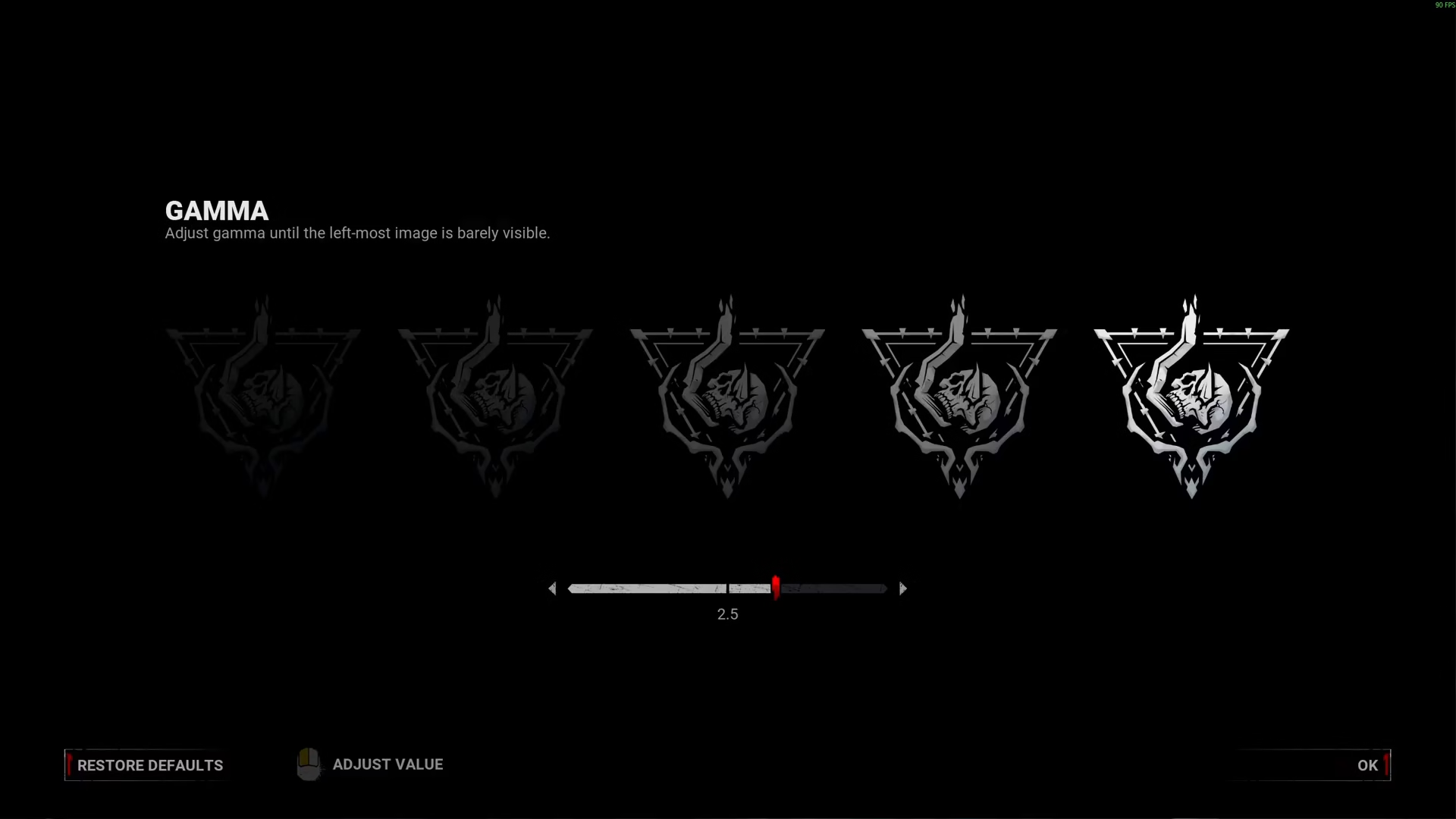
After you’ve adjusted the brightness to your preference, make sure to confirm and save your changes. Your new brightness setting will then be applied to all your future Dead by Daylight sessions.
Summary
Adjusting brightness in Dead by Daylight is straightforward — simply navigate to the Graphics settings, find the brightness slider, and adjust it to your liking. This simple tweak can significantly improve your visibility during matches, giving you a better gaming experience overall.
Want to Support?
If you would like to help us continue making these guides – please consider joining our patreon here – https://www.patreon.com/c/JaviHeals
Alternatively – you can join our discord here – https://discord.gg/zD7Gjt6MHF

