





How To Turn Off Auto Lights In Prison Architect
How to Turn Off Auto Lights in Prison Architect
Managing lighting in your prison is an important part of creating an efficient facility in Prison Architect. If you want to take manual control of your lighting system instead of relying on the game’s automatic settings, this guide will walk you through the simple process of disabling auto lights.
Accessing the Foundations Menu
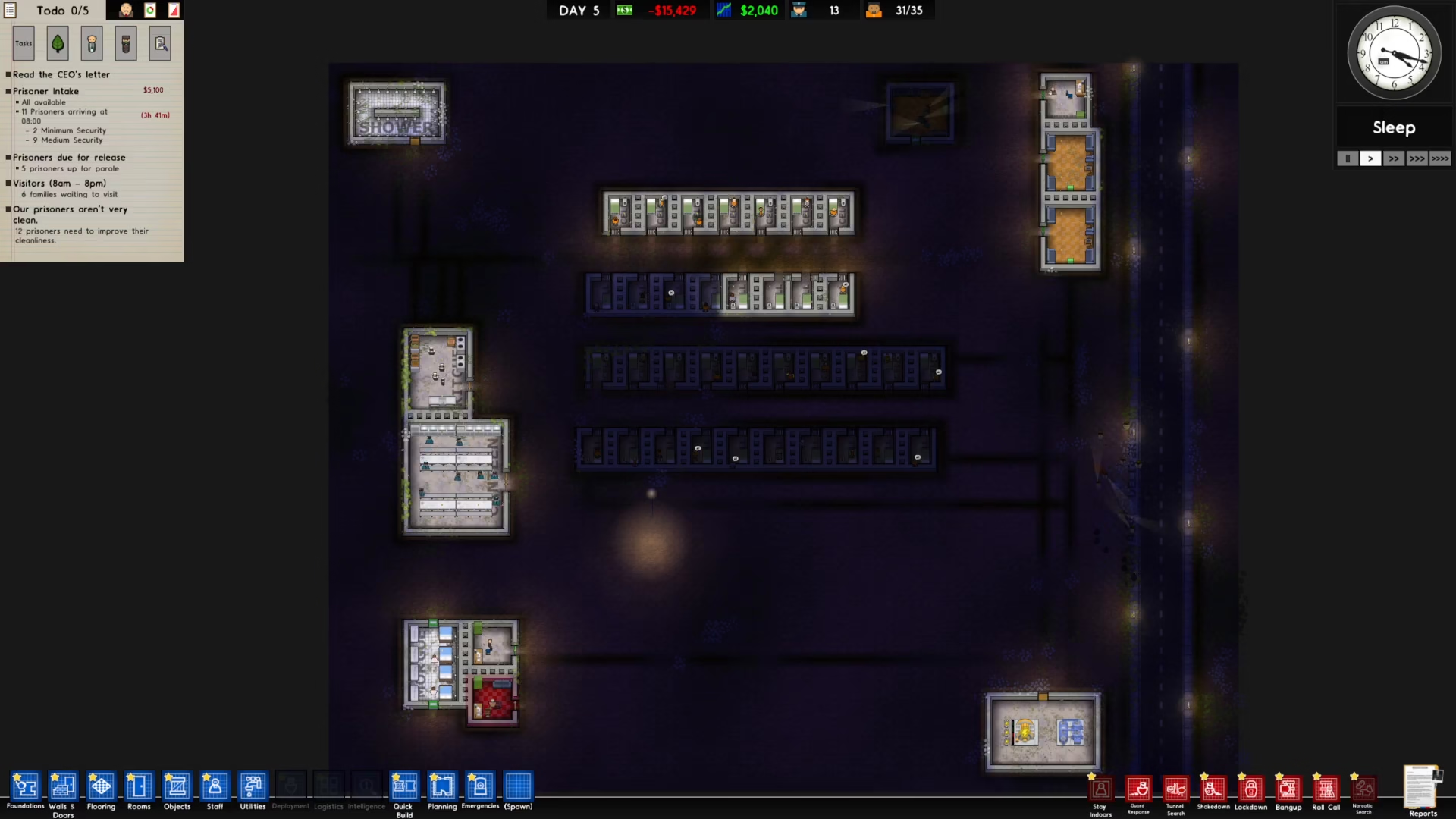
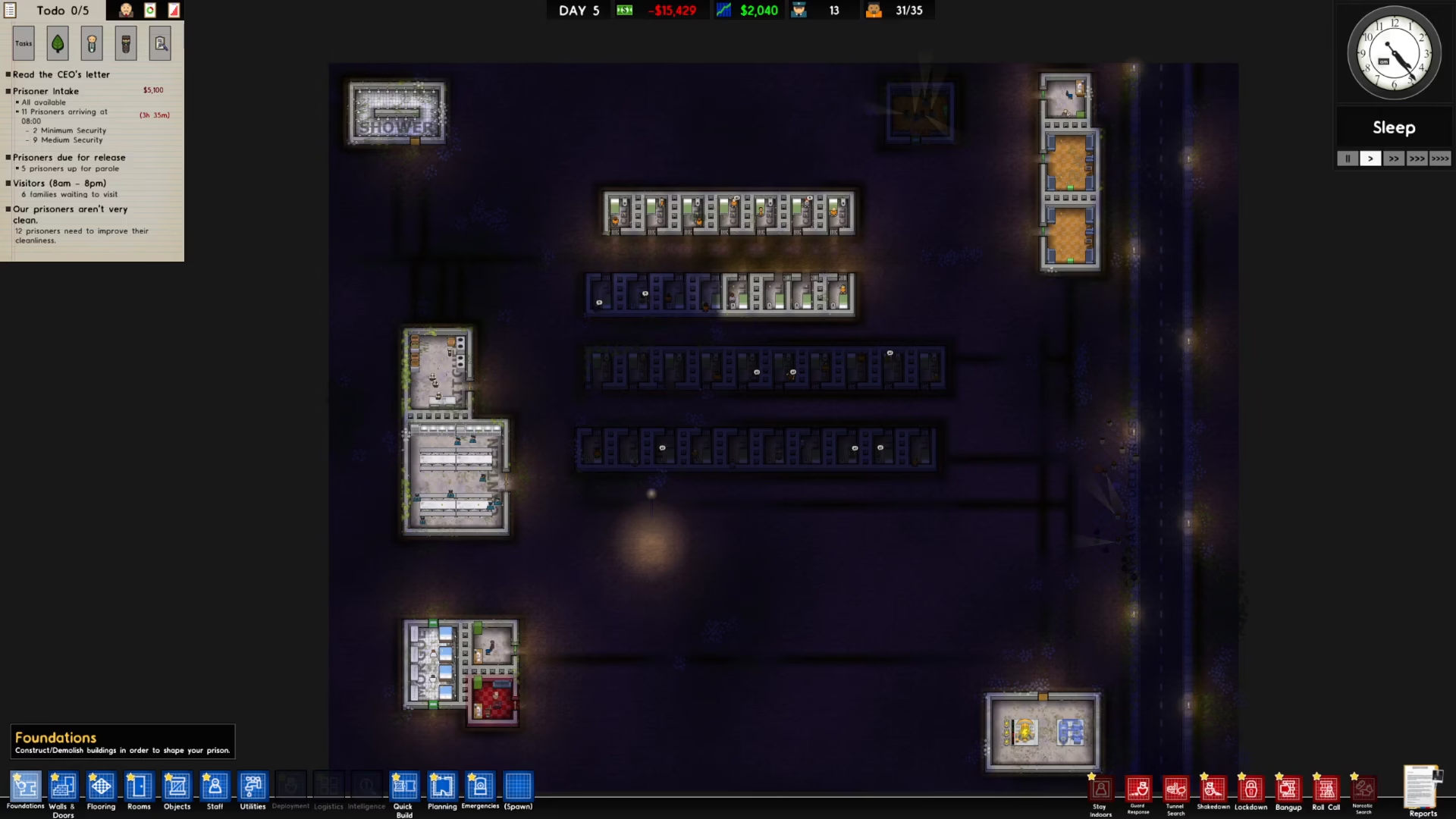
Start by locating the Foundations button in the bottom left corner of your screen. This is your gateway to managing the building and infrastructure settings of your prison.
Click on the Foundations button to open the menu.
Turning Off Auto Lights
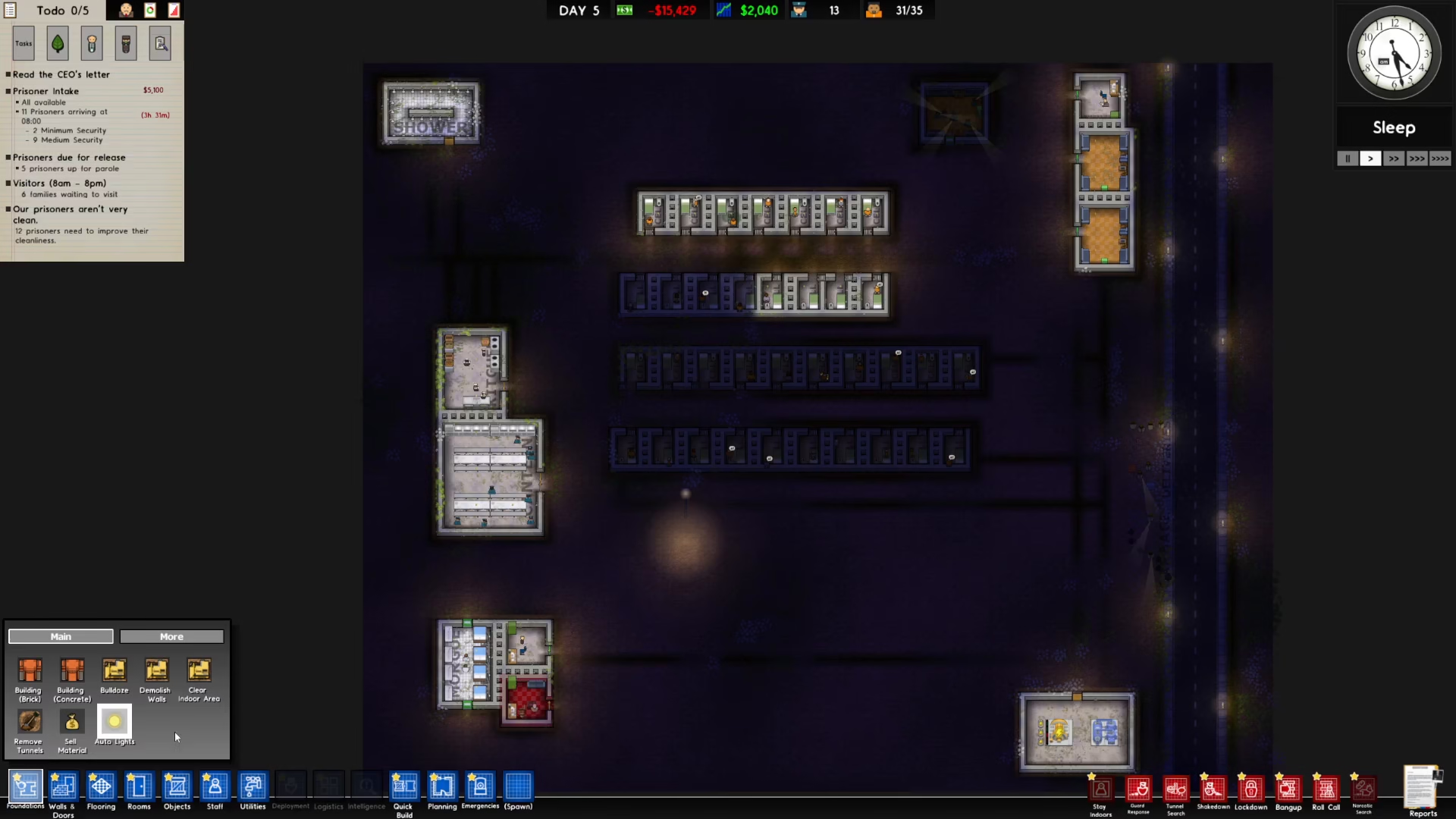
Once you’ve opened the Foundations menu, you’ll see the auto lights option displayed. Simply click on it to toggle off the automatic lighting system.
That’s all there is to it! Your auto lights are now disabled, and you have full manual control over your prison’s lighting system.
Summary
Turning off auto lights in Prison Architect is a quick and straightforward process. Simply navigate to the Foundations button in the bottom left corner of your screen, click it, and then click on the auto lights option to disable it. With this setting changed, you’ll have complete control over when and where lights are active in your facility, allowing for more customized prison management.
— Want to Support? —
If you would like to help us continue making these guides – please consider joining our patreon here – https://www.patreon.com/c/JaviHeals
Alternatively – you can join our discord here – https://discord.gg/zD7Gjt6MHF



