





How To Set Up Camera Without Tripod In Phasmophobia
How To Set Up Camera Without Tripod In Phasmophobia
Setting up cameras in Phasmophobia doesn’t require a tripod. In this guide, we’ll walk you through the simple process of placing video cameras around your investigation location to capture evidence of paranormal activity.
Picking Up and Placing Your Camera
Start by picking up your video camera from your equipment. Once you have it in your hands, head inside the house where you want to set up your surveillance.
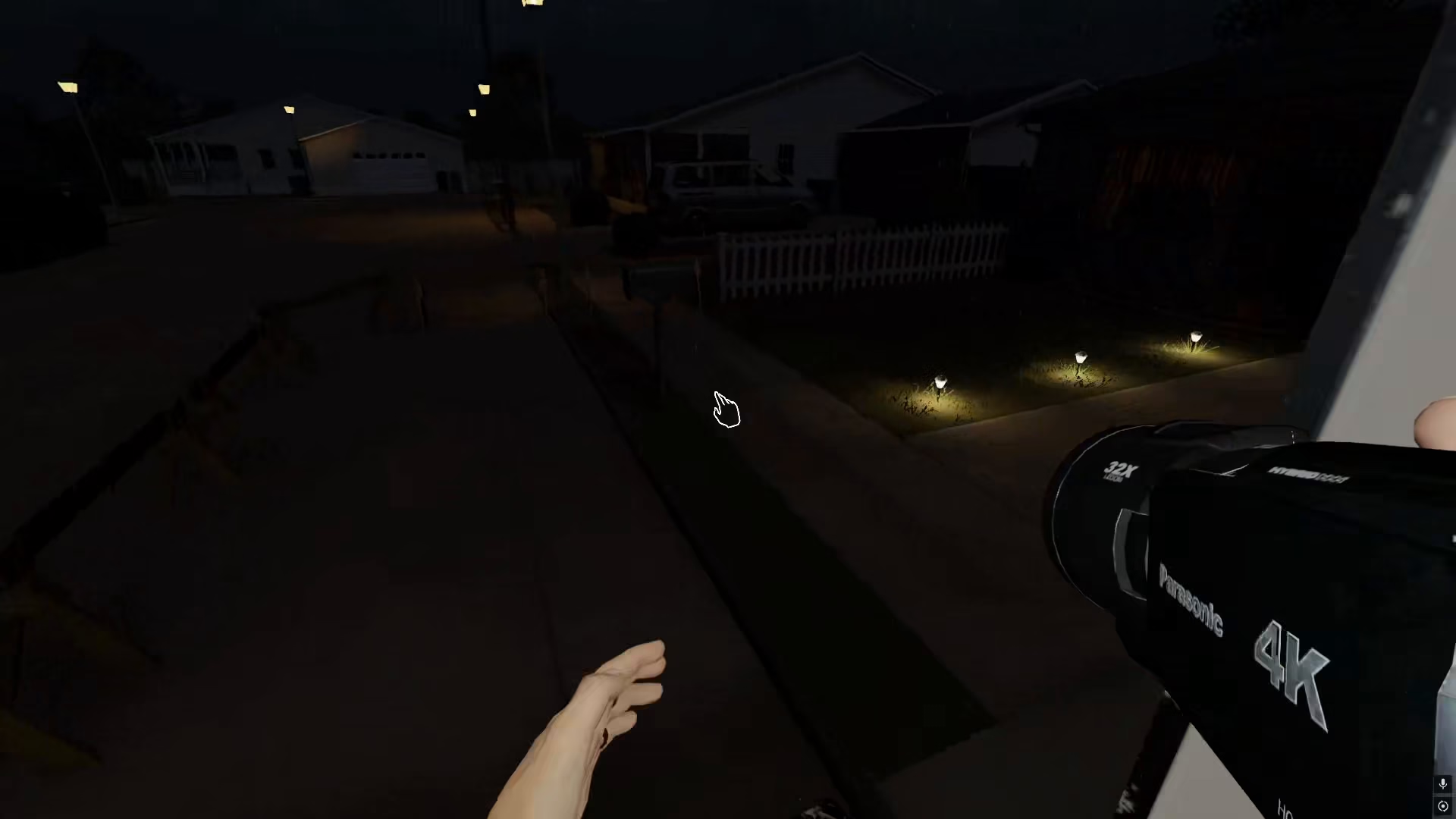
To place the camera anywhere you want, simply press F. This action allows you to position the camera at your desired location without needing a tripod or other support equipment.
Checking Camera Range and Reach
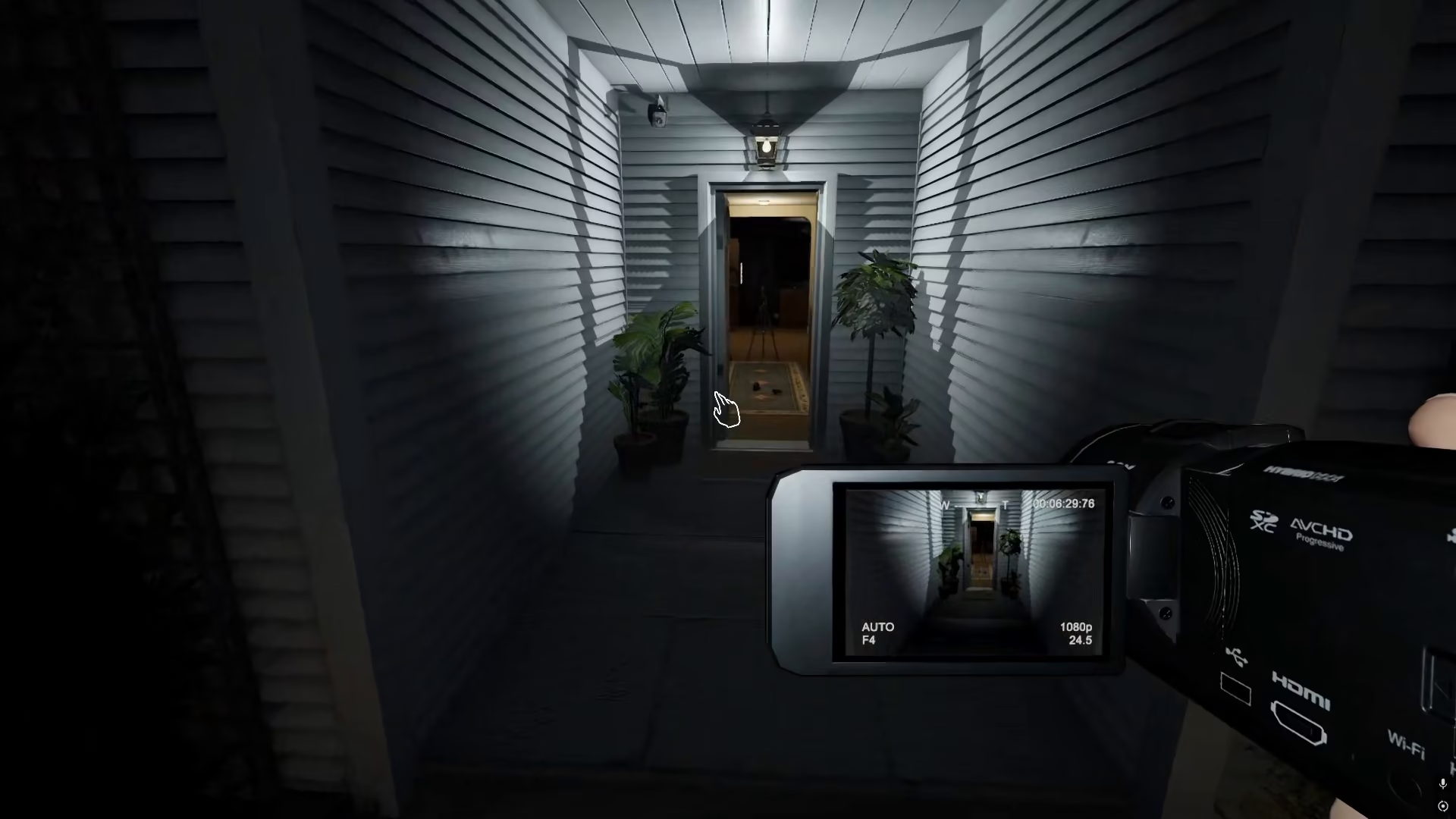
Before finalizing your camera placement, you can preview the coverage area. Hold down the F key to display the area around the camera and see how far the recording range will extend. This helps you ensure optimal coverage of the location you want to monitor.
Setting Up Multiple Cameras
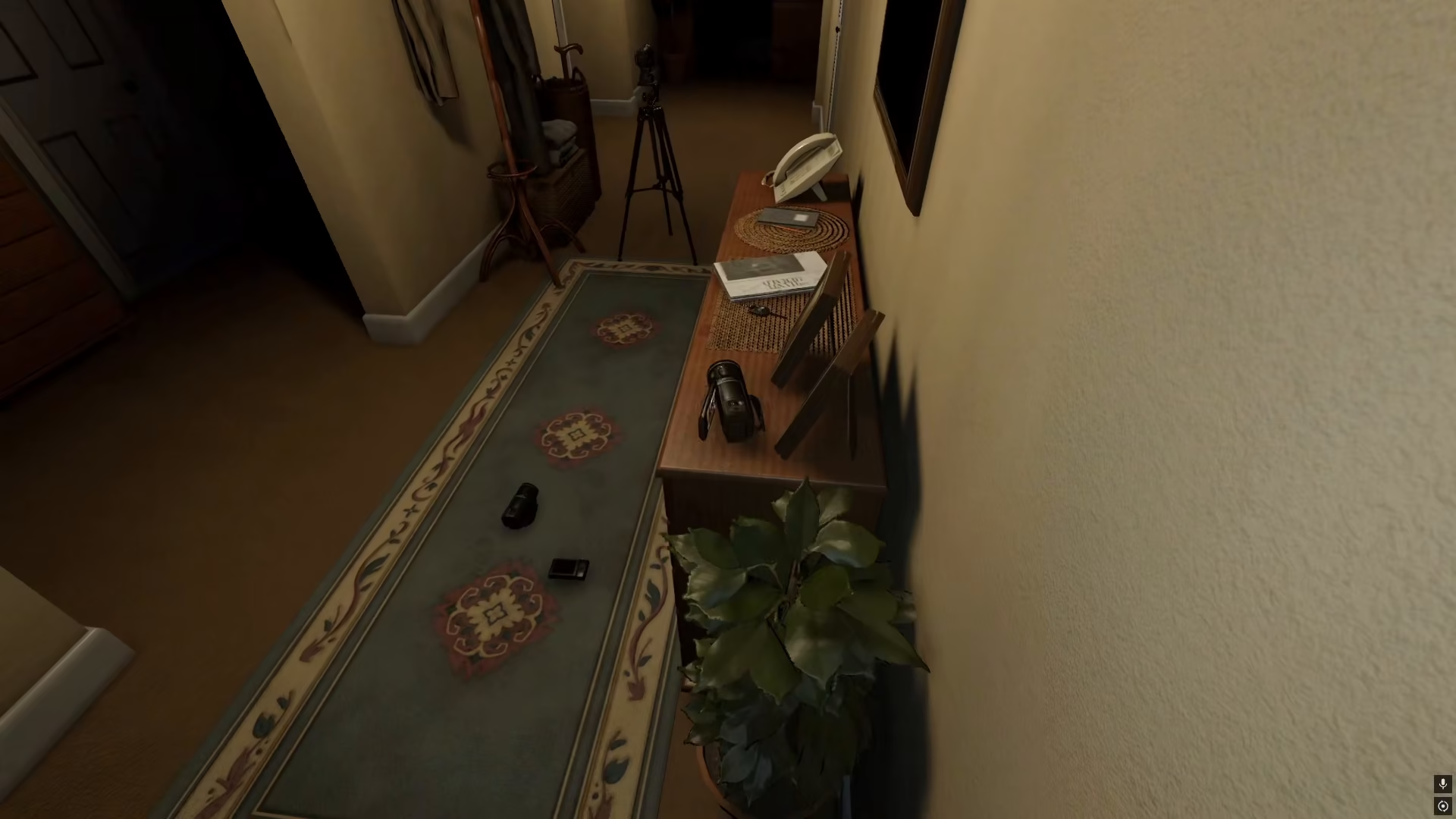
You can place multiple video cameras throughout the house for comprehensive surveillance. Once you’ve positioned your cameras, enter the van or main hub to monitor the feeds.
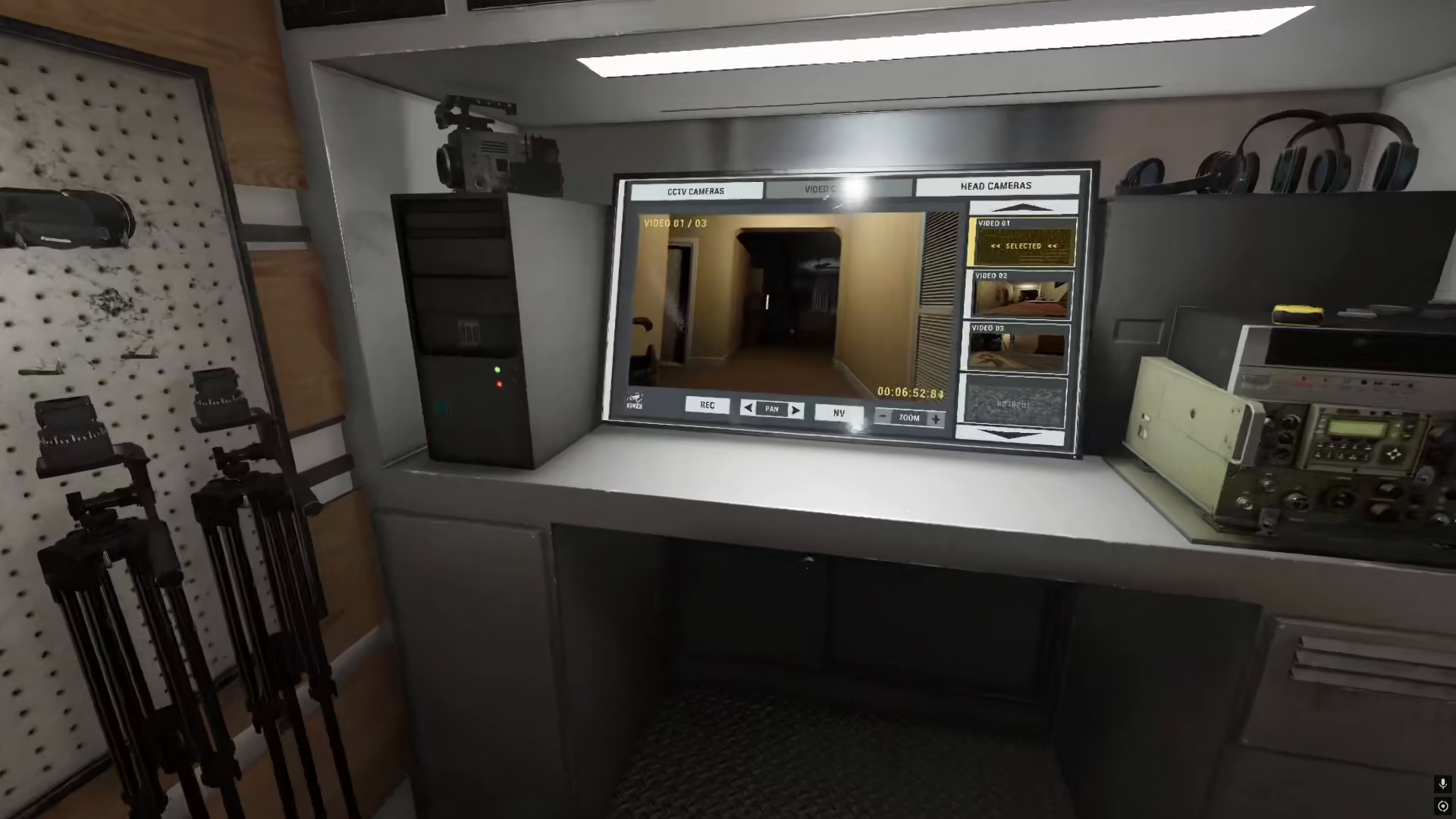
From the monitoring station, you’ll be able to see both of your video cameras set up and ready to record. You can switch between different camera feeds to capture evidence from multiple angles simultaneously.
Summary
Setting up cameras in Phasmophobia is straightforward: pick up your video camera, navigate into the house, and press F to place it wherever you need. Use the hold function to preview the camera’s range before confirming placement. This simple method allows you to set up multiple cameras around your investigation location to record paranormal evidence effectively—no tripod required.
— Want to Support? —
If you would like to help us continue making these guides – please consider joining our patreon here – https://www.patreon.com/c/JaviHeals
Alternatively – you can join our discord here – https://discord.gg/zD7Gjt6MHF


