





How To Set Up Camera In Phasmophobia
How To Set Up Camera In Phasmophobia
Learn how to effectively set up video cameras in Phasmophobia to capture ghost activity and monitor multiple areas of a haunted location. This guide covers both basic camera placement and advanced tripod setup using different camera types.
Basic Video Camera Setup
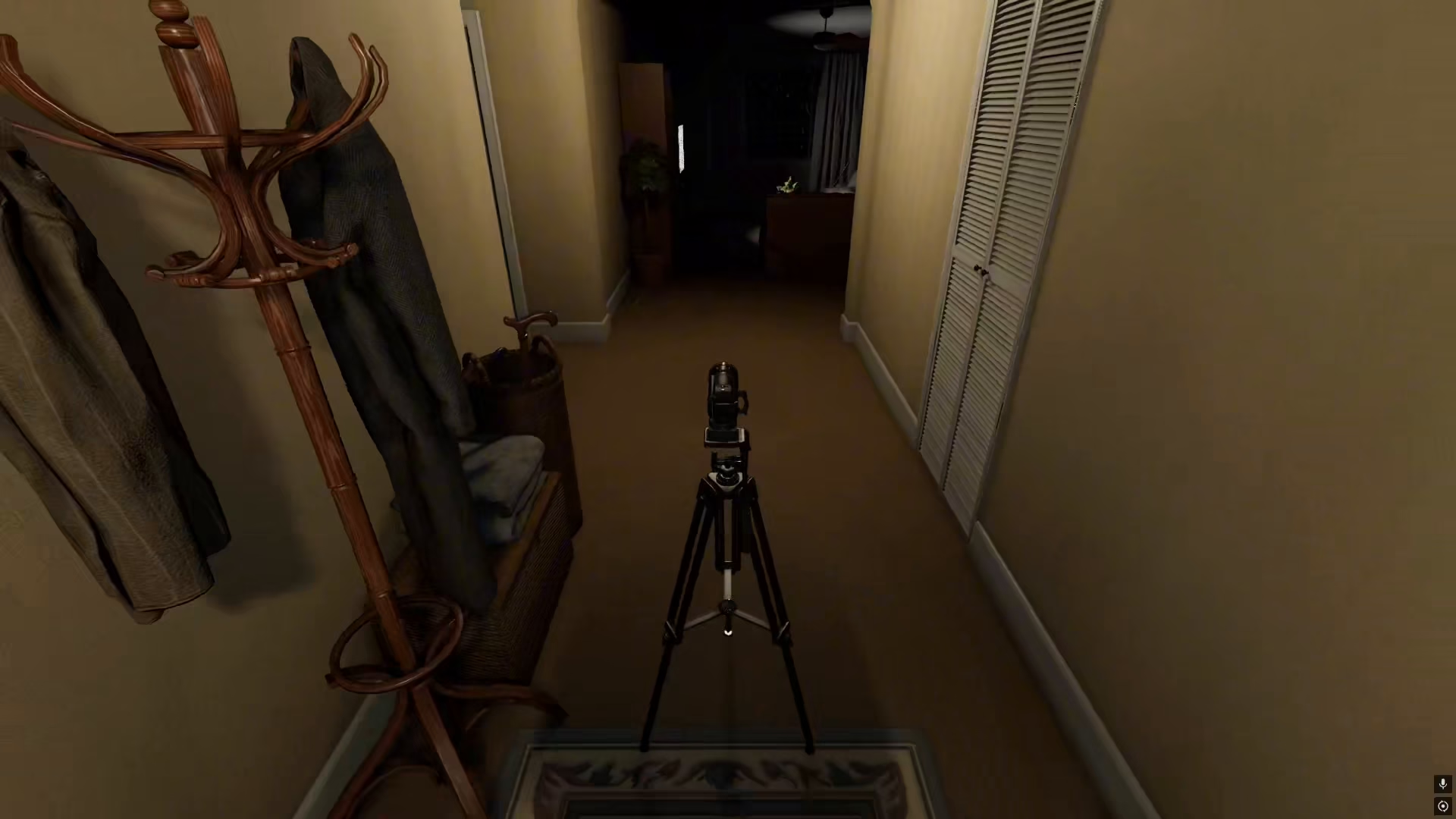
Setting up a basic video camera in Phasmophobia is straightforward. Start by dropping a tripod in your desired location inside the house. The tripod will provide a stable base for your equipment.
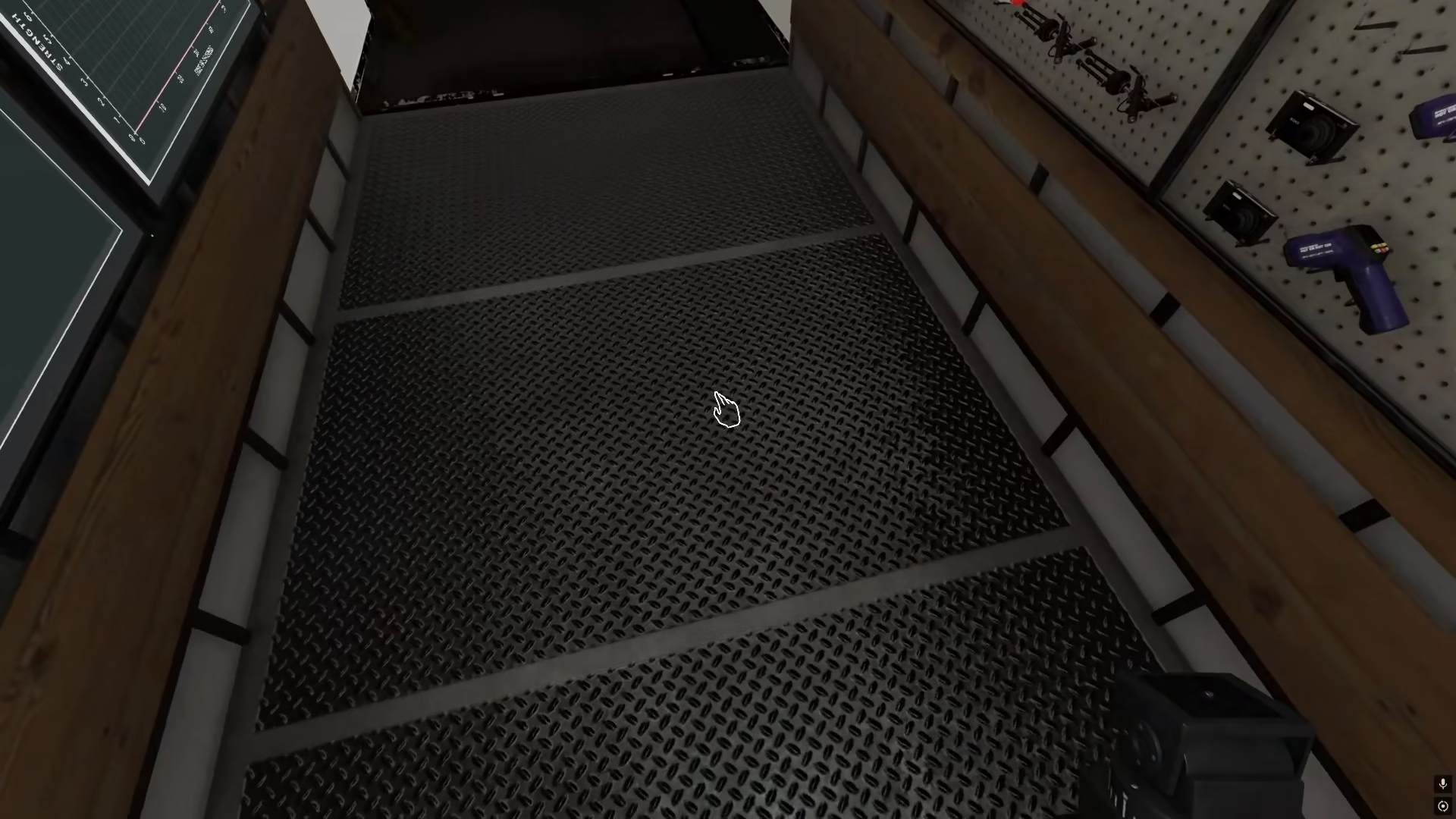
Next, pick up a video camera from your equipment. To place the camera, press the F key. Once placed, you can pick it up and reposition it anywhere inside the house as needed.
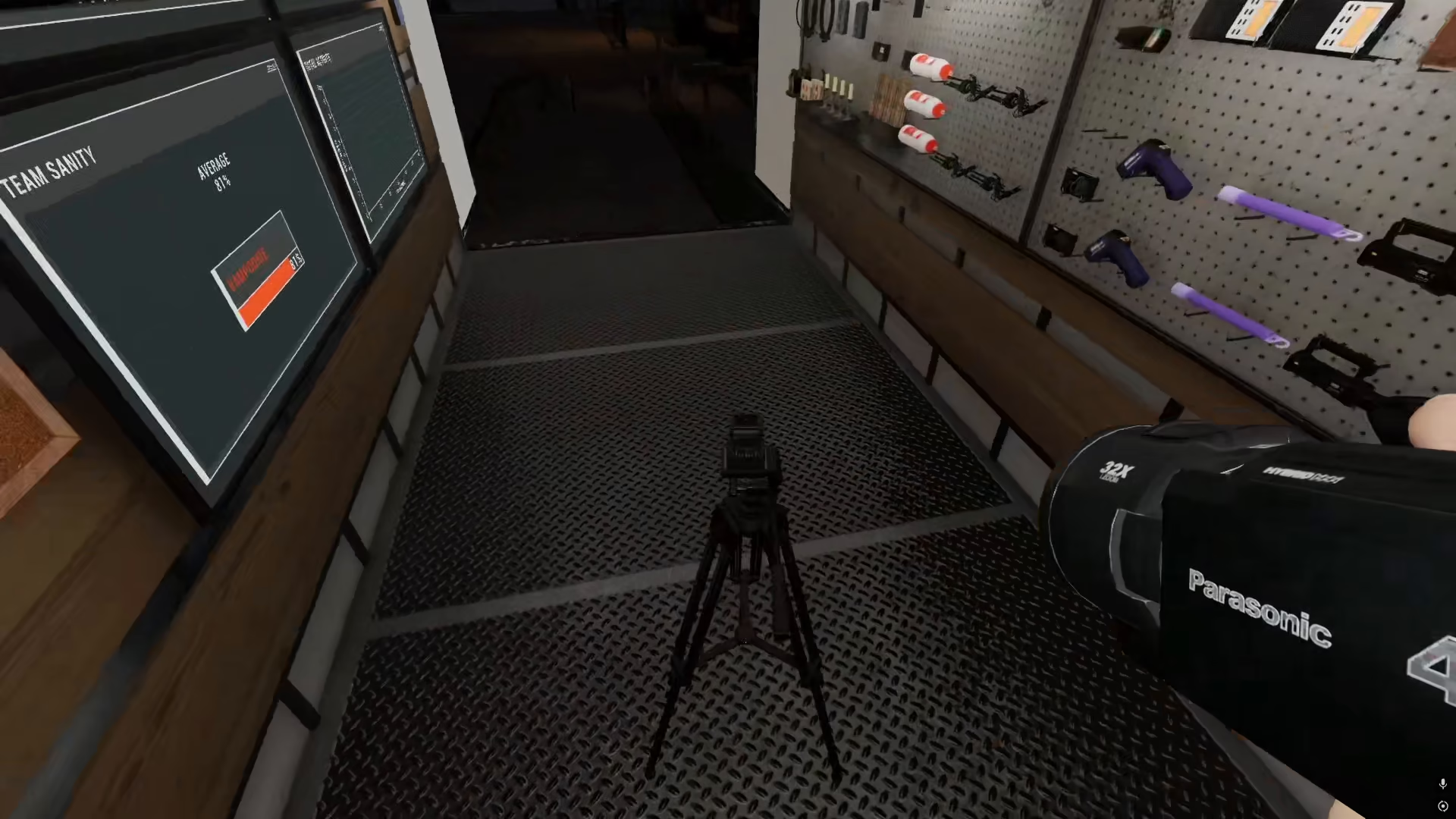
Advanced Camera Placement on Tripod
If you want to mount a camera directly on the tripod, the process is slightly different and requires a specific piece of equipment.
Equipment Requirements
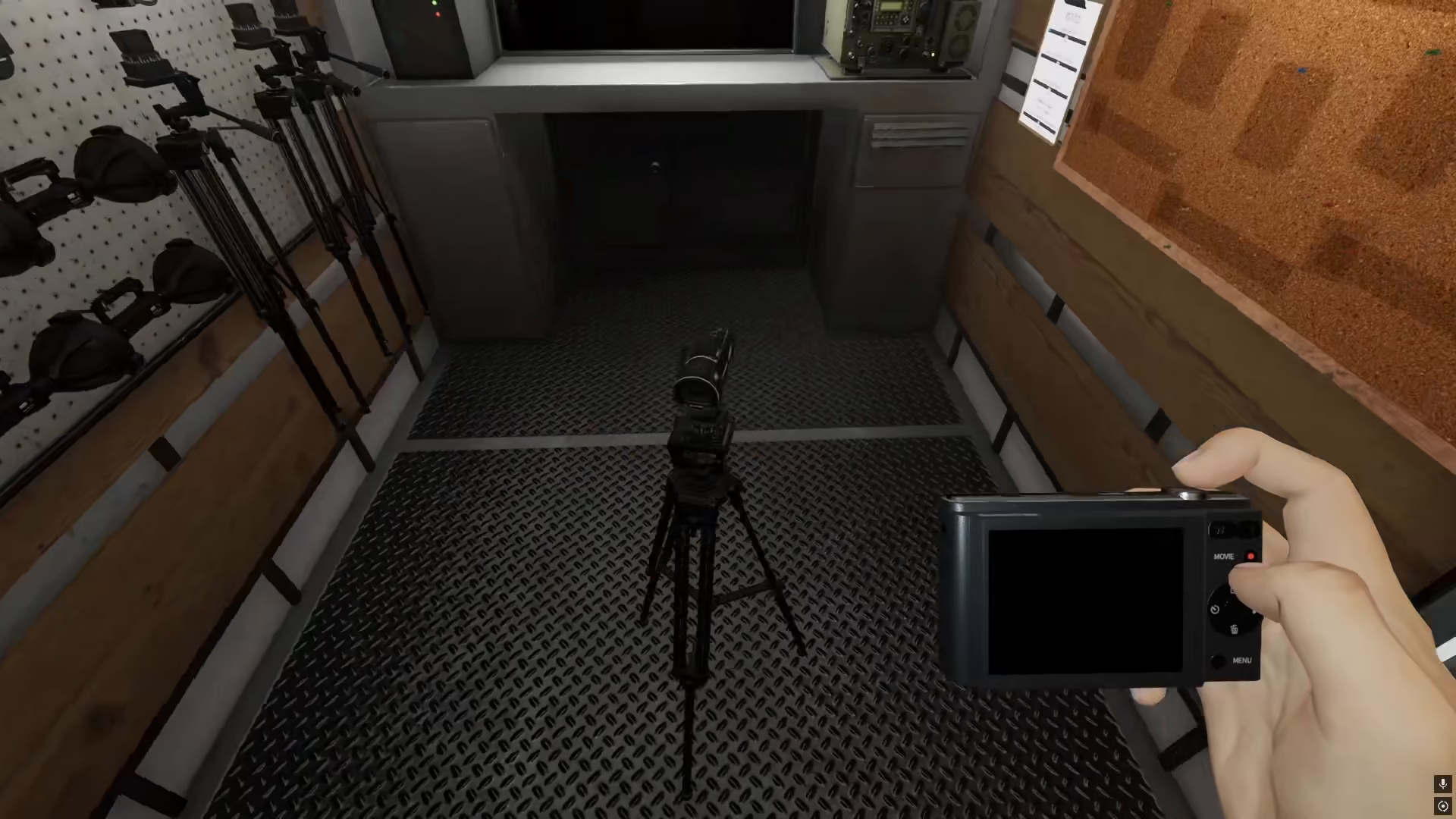
To place a camera on a tripod, you’ll need a G-EL Level 3 camera. This upgraded camera model is necessary for proper tripod mounting functionality.
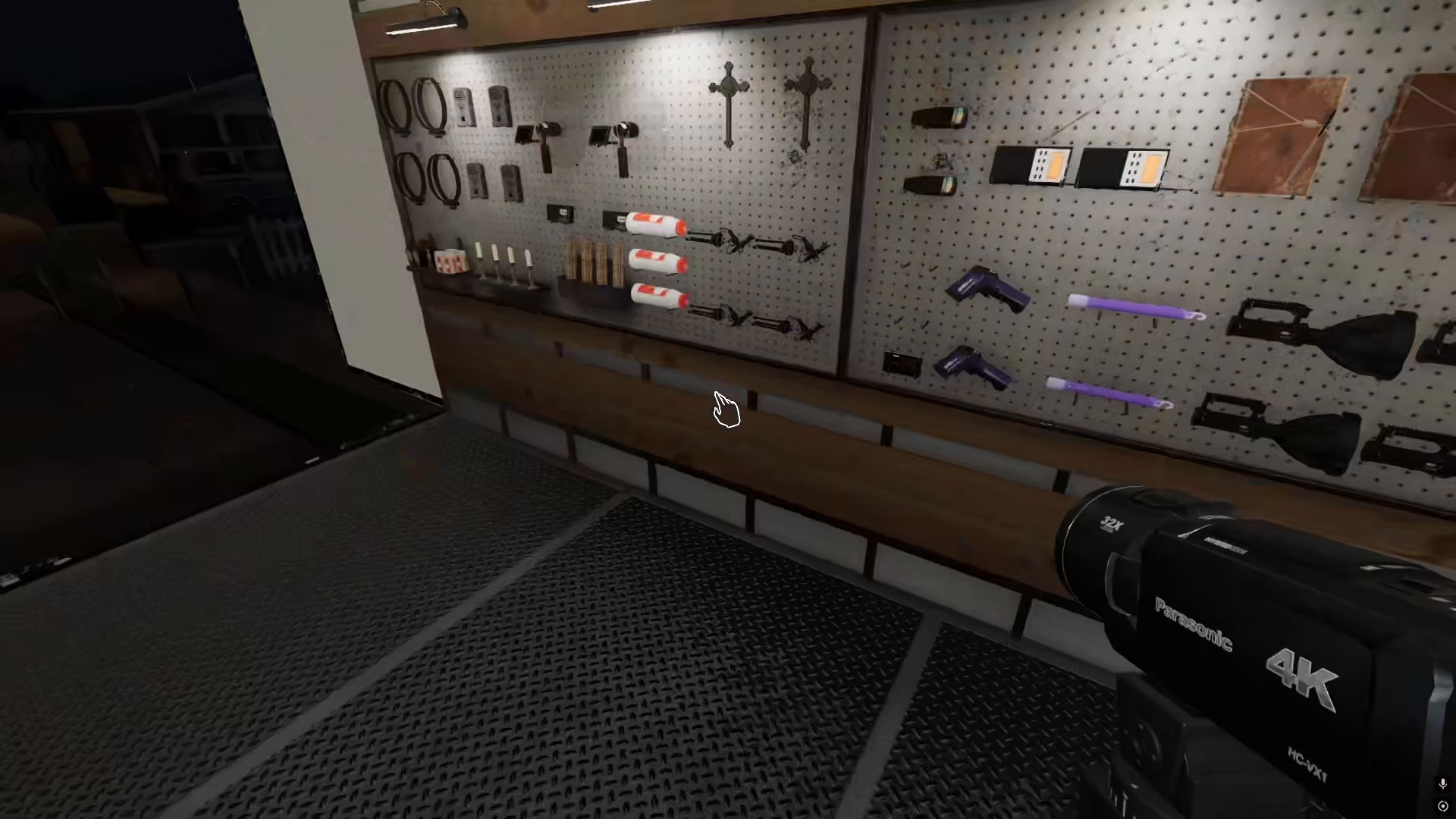
Mounting Process
Once you have the G-EL Level 3 camera, you can set it up on the tripod in the same manner as the standard video camera. The tripod allows you to position the camera at optimal angles for surveillance throughout the house.
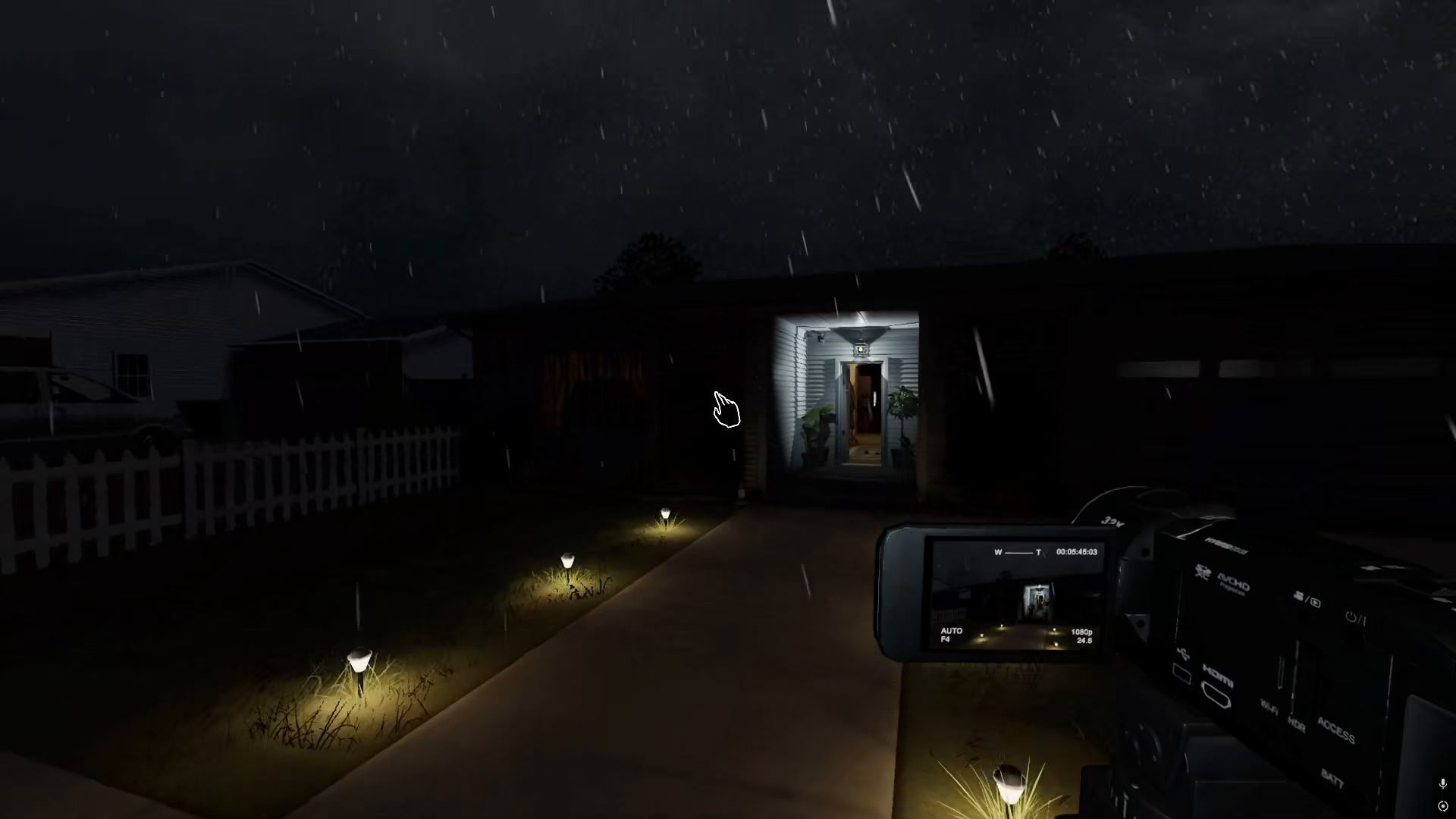
Remote Monitoring from the Van
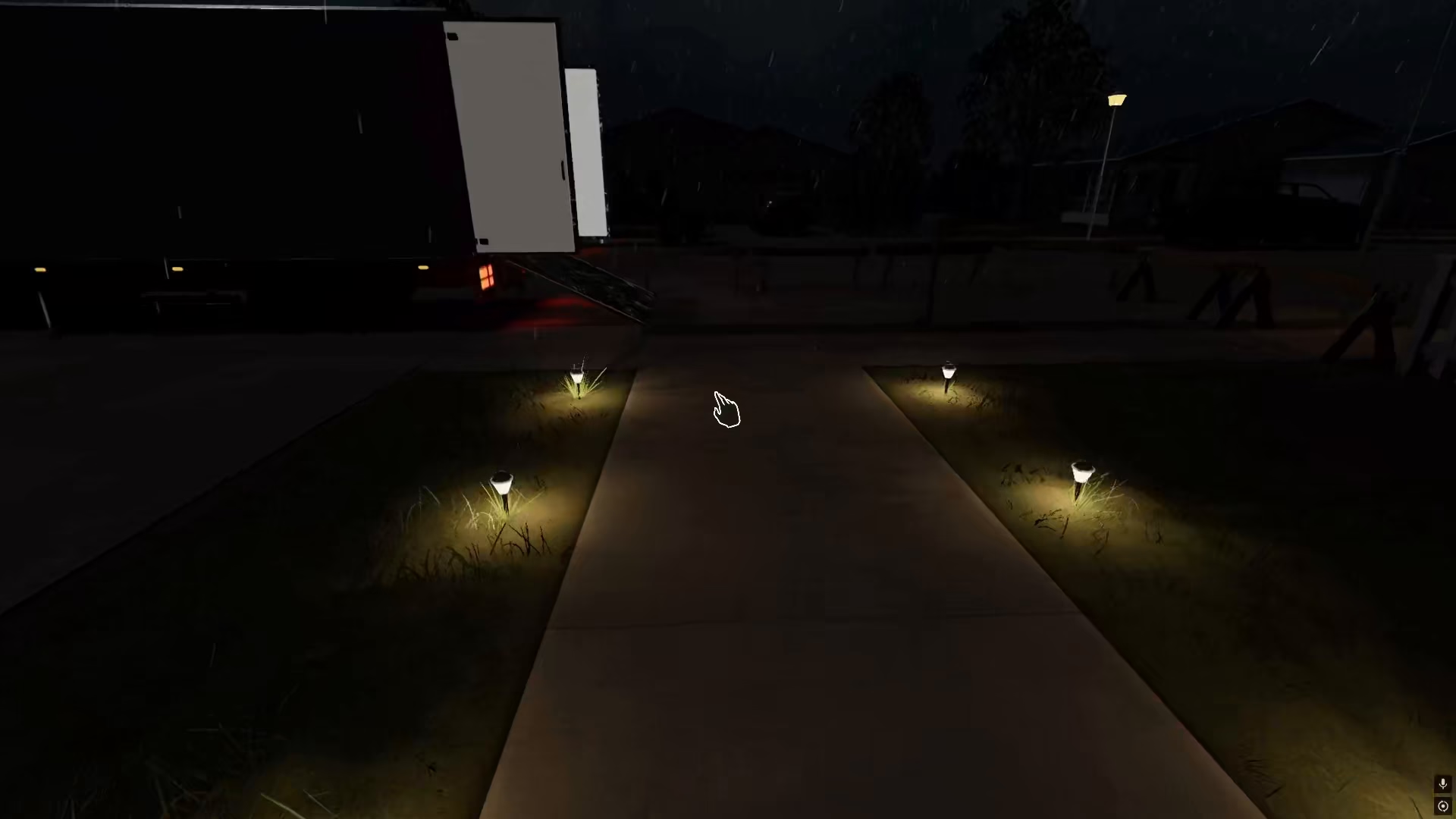
One of the advantages of setting up cameras on tripods is the ability to access the video feed remotely. You can monitor your cameras from the safety of the van while investigating other areas.
From the van, you can record videos from all your placed cameras and review footage in real-time. This remote access feature makes tripod camera setups invaluable for comprehensive ghost hunting operations.
Summary
Camera setup in Phasmophobia is essential for documenting paranormal activity and gathering evidence. Whether you’re using a standard video camera or a G-EL Level 3 camera on a tripod, proper placement allows you to monitor multiple areas simultaneously and review footage from the van. This setup strategy will significantly improve your ghost-hunting effectiveness and evidence collection.
— Want to Support? —
If you would like to help us continue making these guides – please consider joining our patreon here – https://www.patreon.com/c/JaviHeals
Alternatively – you can join our discord here – https://discord.gg/zD7Gjt6MHF


