





How To Drag Bodies In Fallout 4
How To Drag Bodies In Fallout 4
Dragging bodies in Fallout 4 is a simple but useful mechanic that allows you to move defeated enemies or corpses to different locations. Whether you’re organizing your settlement or simply tidying up after combat, this quick tutorial will show you exactly how to pick up and drop bodies in the game.
The Basic Mechanic
To drag a body in Fallout 4, locate the corpse you want to move. In this example, we’re using the body of a bloat fly. The process is straightforward: hold down the take button to pick up the body. For most players using the default keyboard controls, this is the E key. When you hold it down, you will immediately pick up the body and be able to drag it.
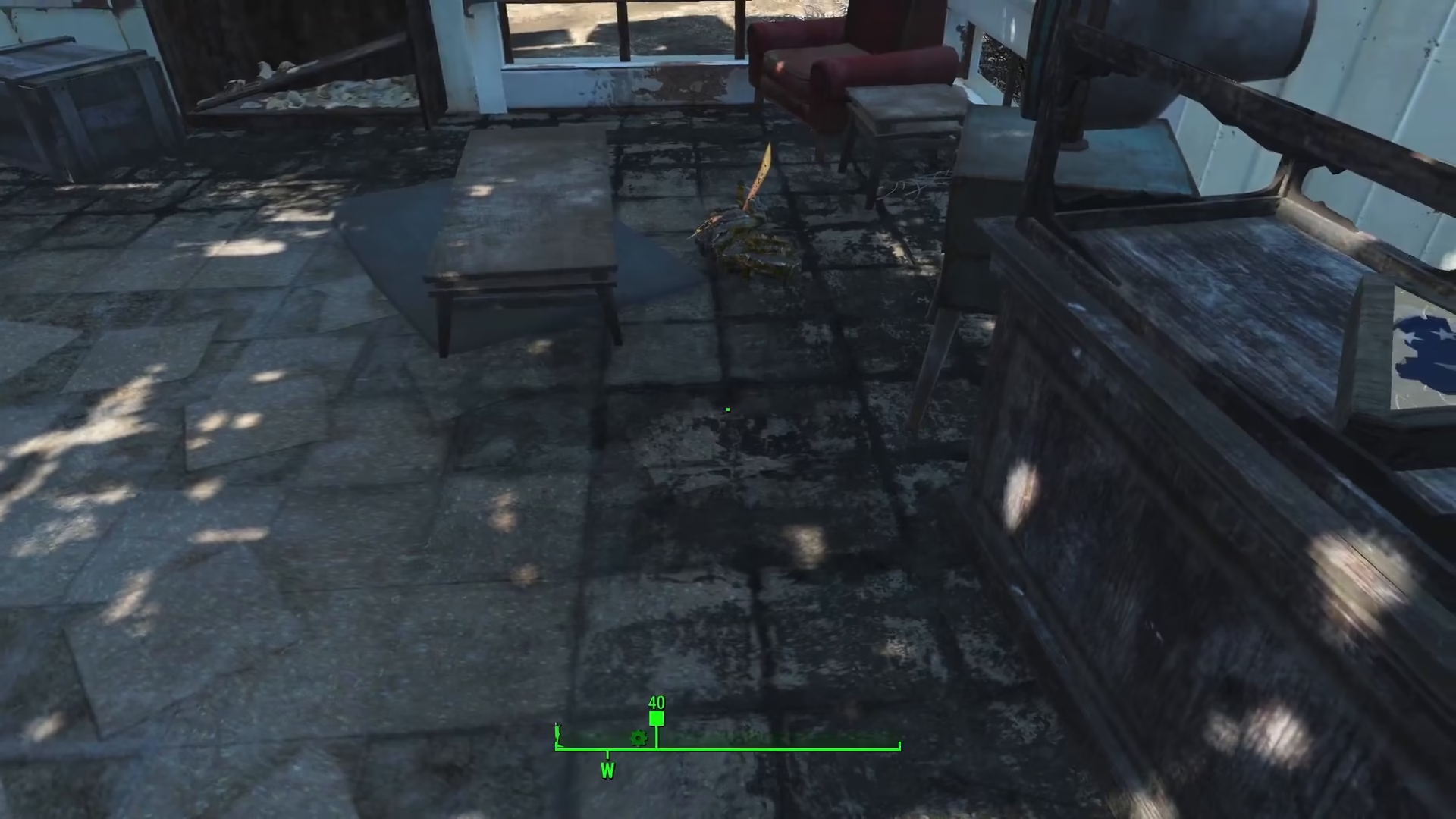
Dropping the Body
Once you’ve picked up a body and no longer want to carry it, simply press the take button again. For keyboard users, press E once more, and the body will drop to the ground at your current location.
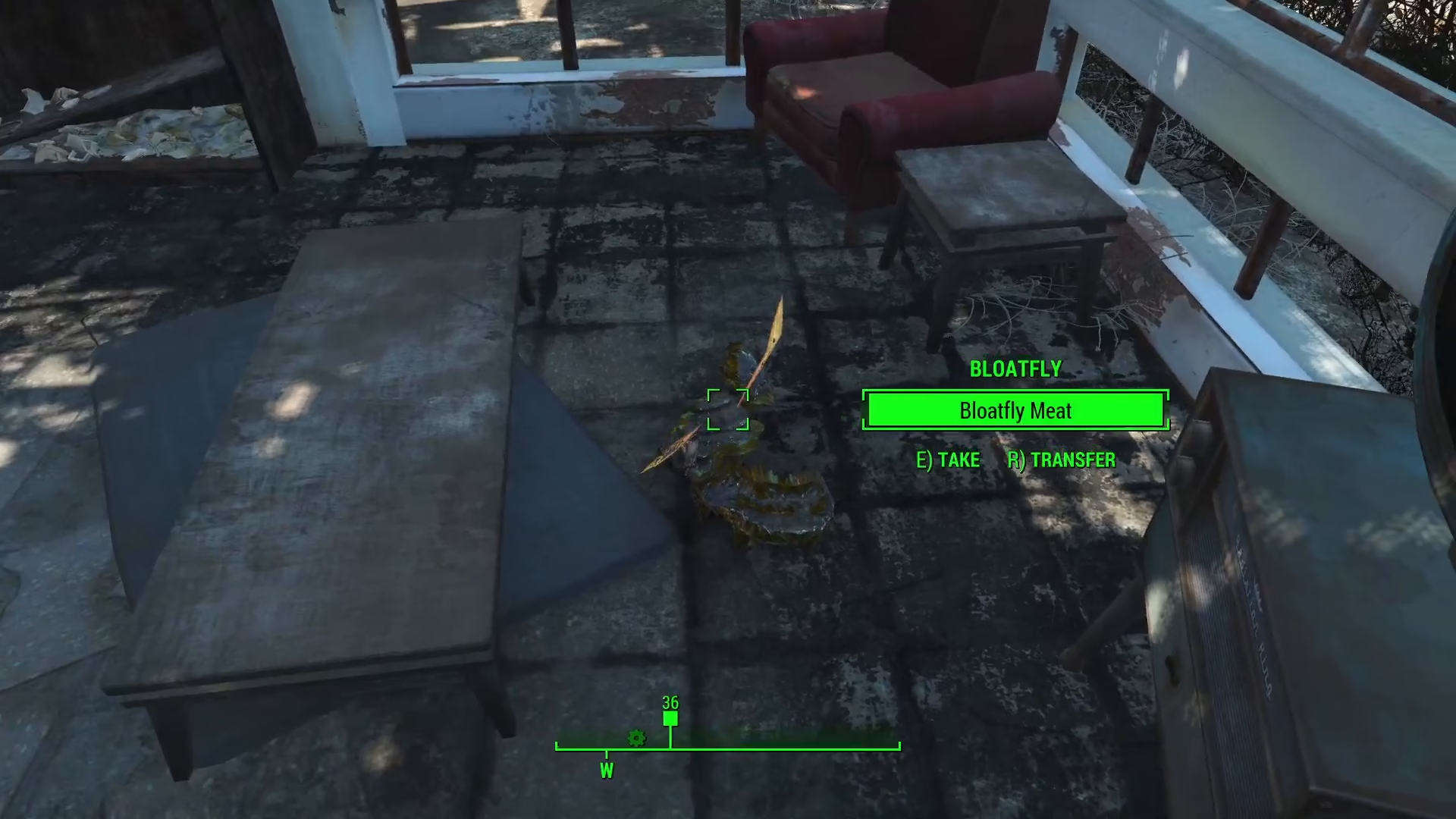
Summary
Dragging bodies in Fallout 4 is an easy two-step process: hold down your take button (E on keyboard) to pick up a corpse, and press it again to drop it. This mechanic is useful for organizing your settlement, moving fallen enemies, or clearing out areas after combat encounters.
— Want to Support? —
If you would like to help us continue making these guides – please consider joining our patreon here – https://www.patreon.com/c/JaviHeals
Alternatively – you can join our discord here – https://discord.gg/zD7Gjt6MHF