







How to Place The Frame For Your Room Expansion In Palia
How to Place The Frame For Your Room Expansion In Palia
Ready to expand your living space in Palia? This guide walks you through the simple process of placing room expansion frames in your ideal location. Whether you’re building a new room or relocating an existing expansion, follow these straightforward steps to get started.
Accessing Your Room Expansions
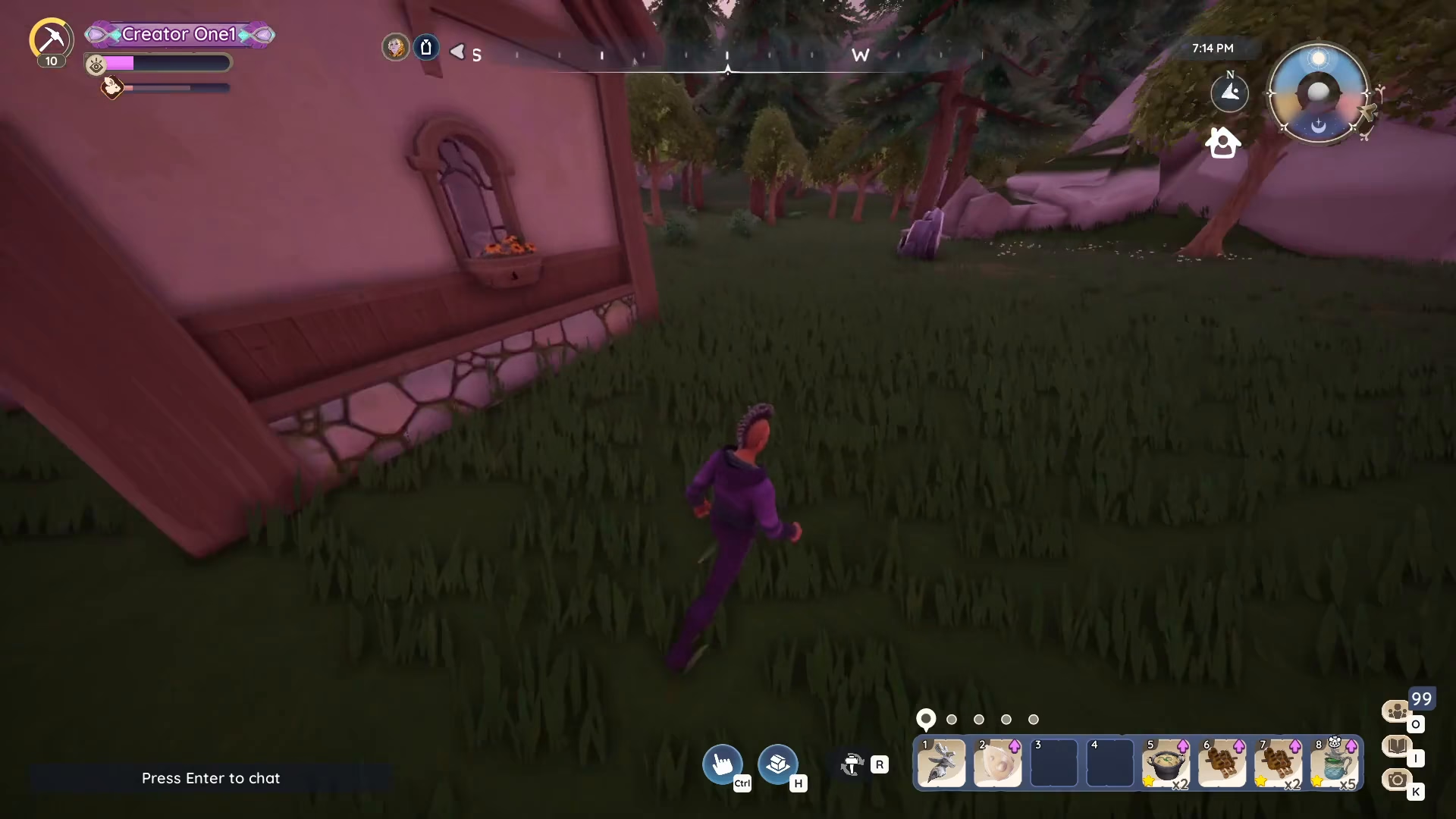
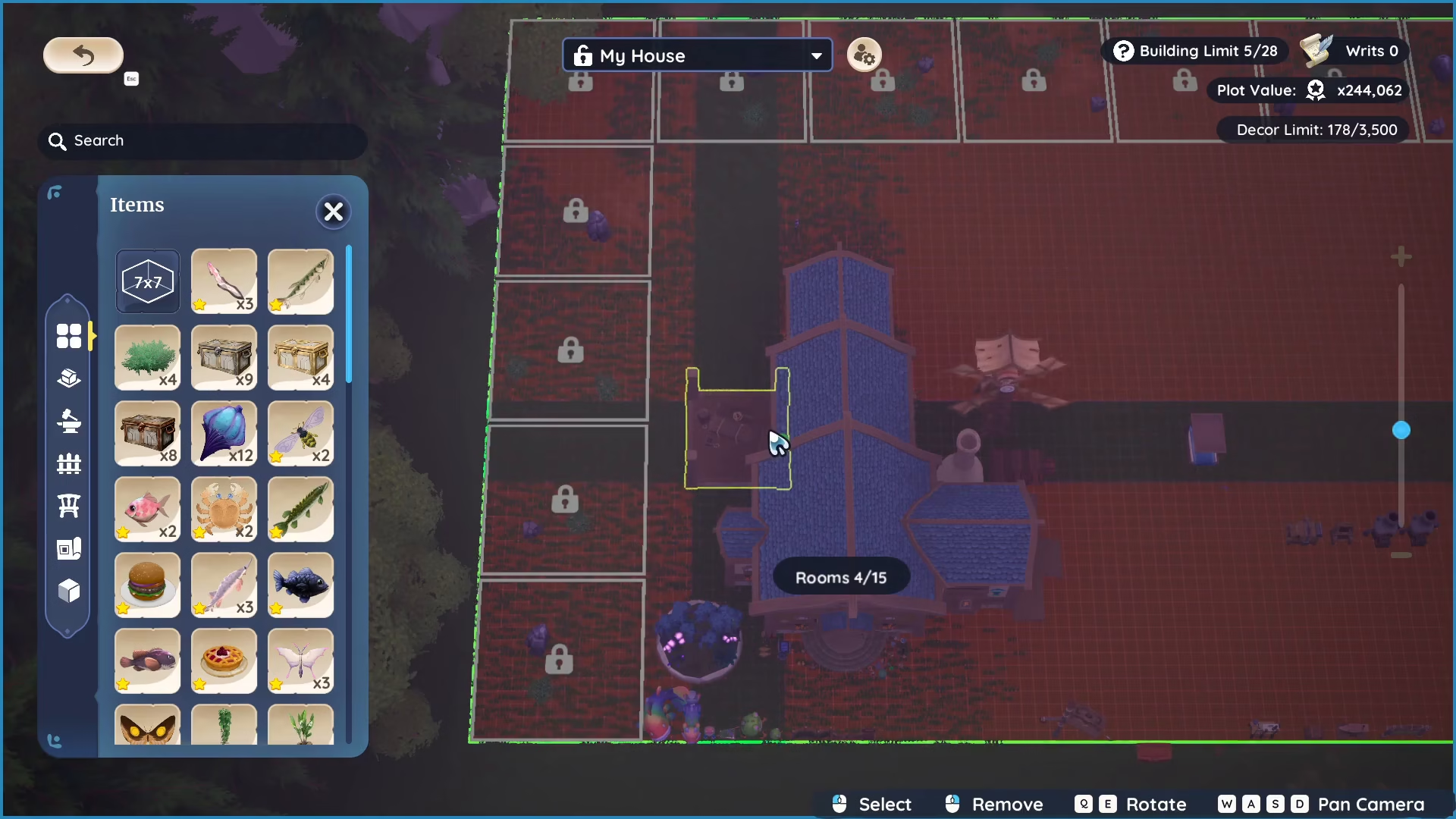
To begin placing your room expansion frame, open the room expansion menu on your PC by pressing H. This will display all your available room expansions that you can build or move.
Choosing Where to Place Your Room Expansion
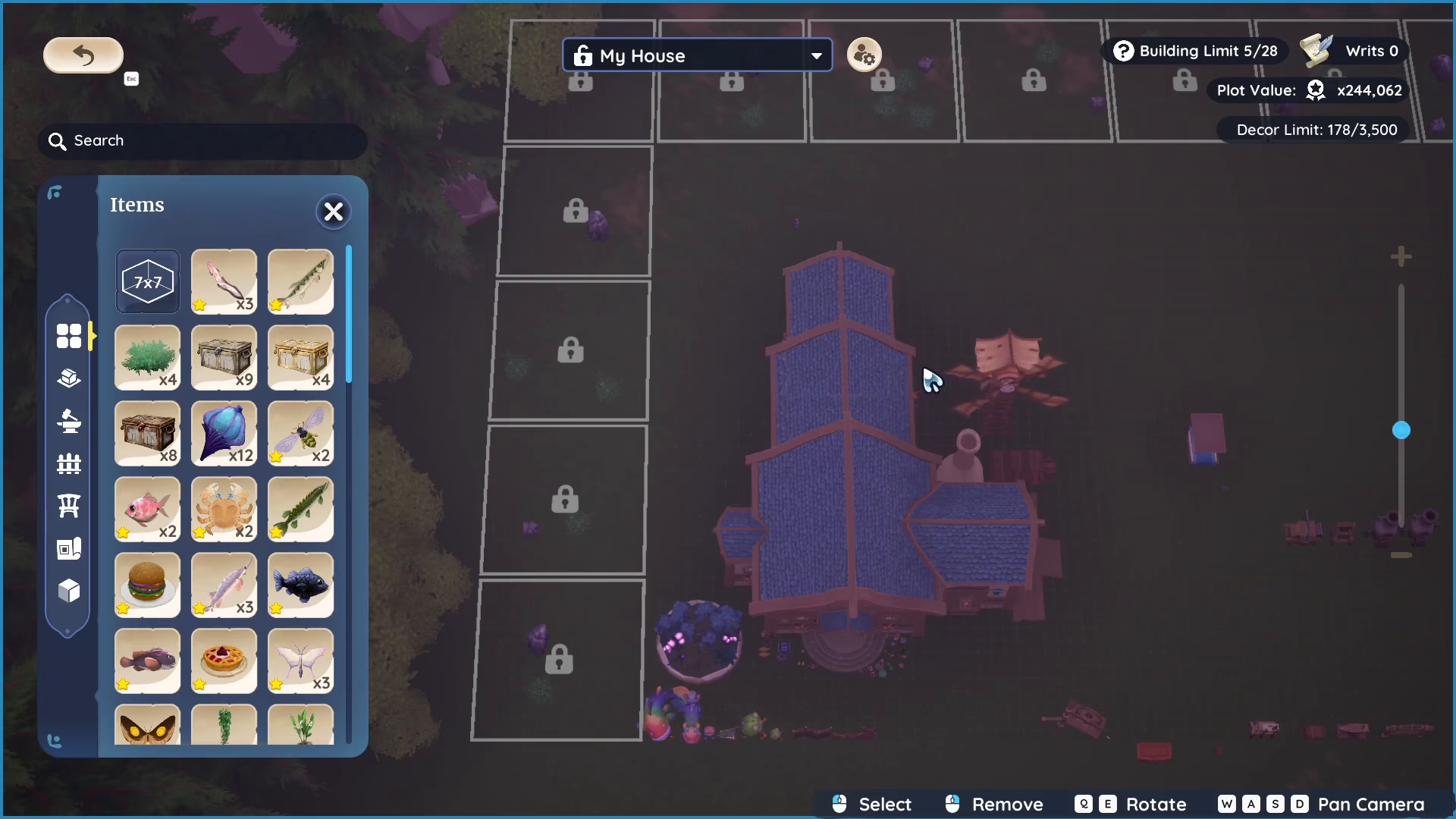
Once the menu is open, you have several placement options. You can position your room expansion:
On the side of your current room
At the back of your current room
On the other side of your current room
Simply click on the room expansion you want to place, and then select your desired location from the available options.
Building vs. Transferring Expansions
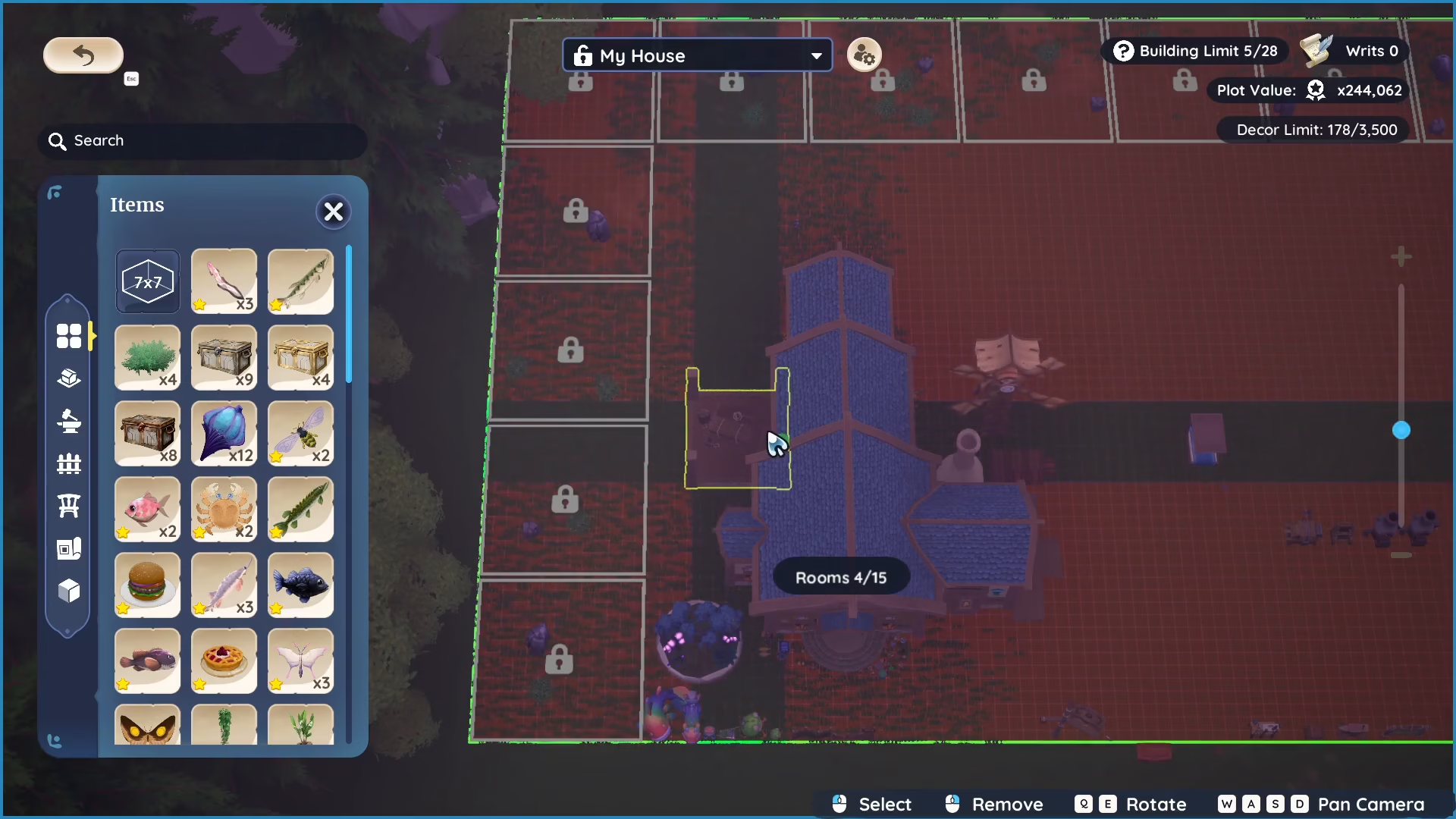
Building a New Room Expansion
If you’re constructing a new room expansion, click on the expansion option and place it in your chosen location—whether that’s to the left, right side, or at the back of your current room.
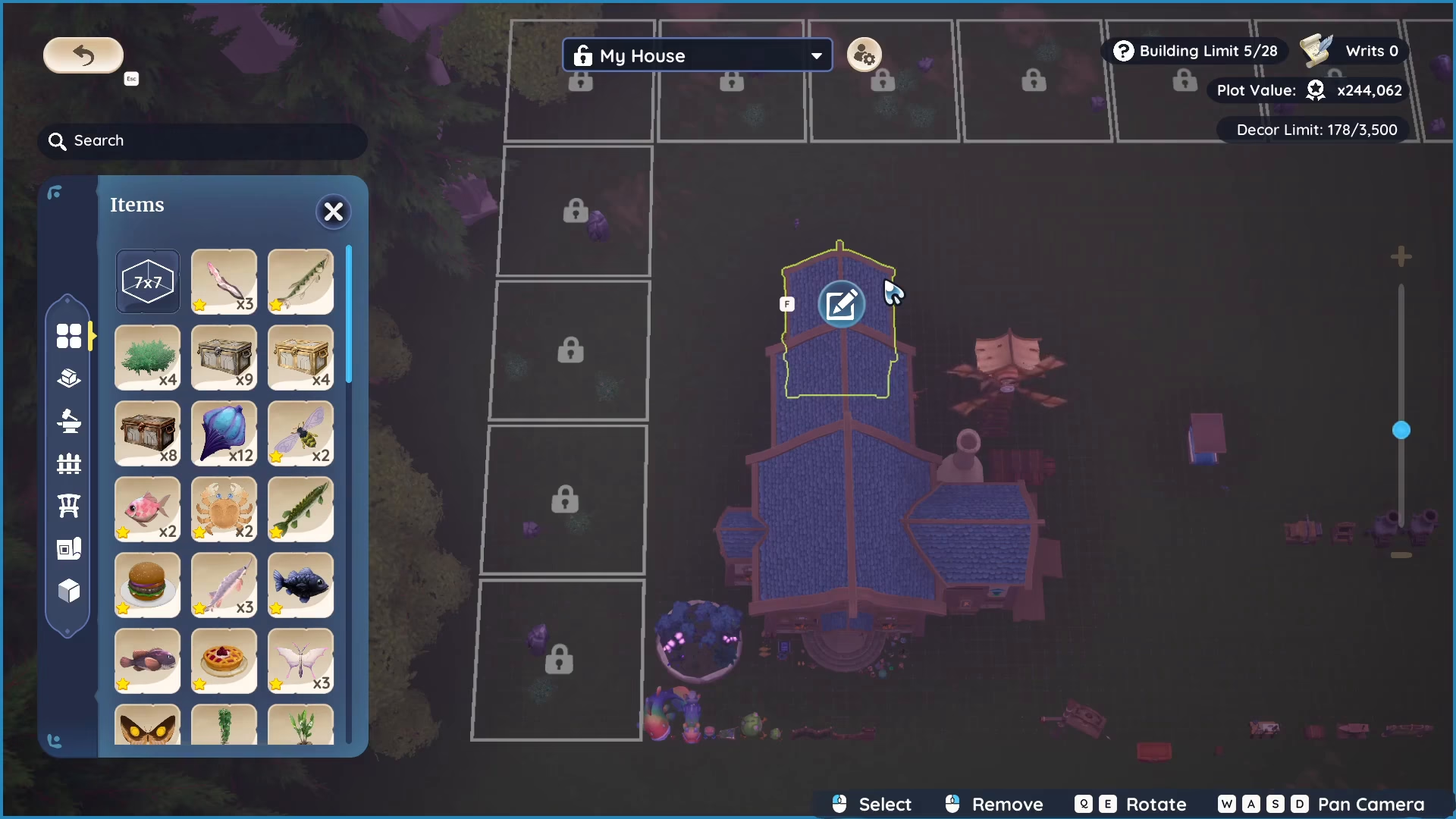
Transferring an Existing Expansion
If you’ve already built a room expansion and want to move it to a different location, you can click on it and transfer it to the side, back, or any other available position in your housing area.
Preparing Your Building Space
Before placing your room expansion frame, ensure your chosen location is properly prepared:
Clear any debris from the area
Remove any mining nodes in the space
Cut off any trees blocking the location
Unlock any plants using your roots
This preparation step is crucial to ensure your room expansion frame can be placed successfully.
Confirming Your Placement
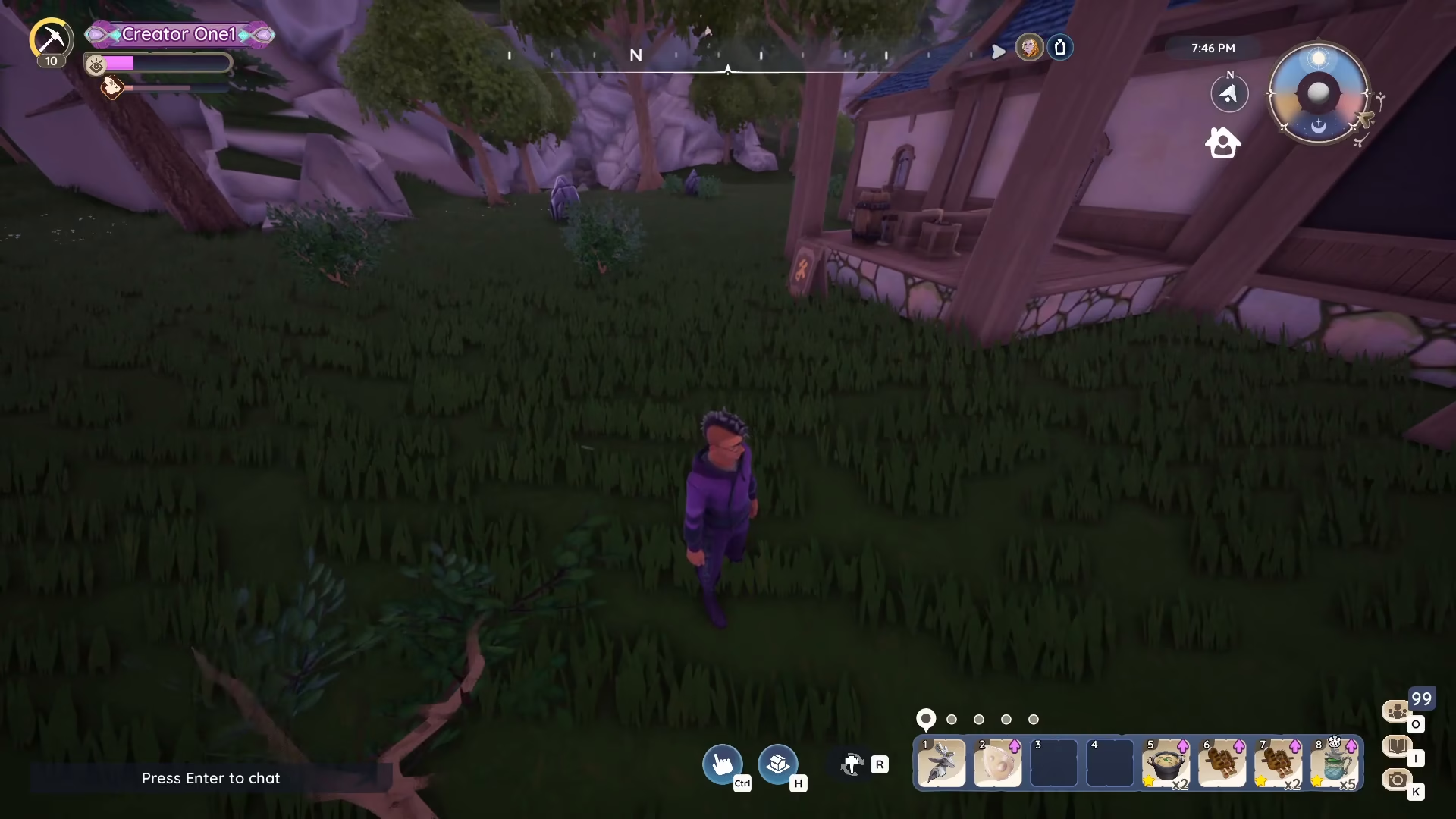
Once you’ve selected your location and placed the room expansion frame, you’ll see a notification indicating that you need to build this expansion. At this point, press H again to view your rooms and confirm the frame has been properly placed in your housing area.
Summary
Placing a room expansion frame in Palia is straightforward: press H to open the menu, select your expansion, choose your placement location, ensure the space is cleared, and confirm. With these simple steps, you’ll be able to expand your room and customize your housing exactly how you want it. Happy building!
Want to Support?
If you would like to help us continue making these guides – please consider joining our patreon here – https://www.patreon.com/c/JaviHeals
Alternatively – you can join our discord here – https://discord.gg/zD7Gjt6MHF