







How To Create Room For In Among Us
How To Create a Room in Among Us
Want to host your own game in Among Us? Creating a custom room is quick and easy! This guide walks you through every step of the process, from accessing the menu to configuring your game settings. Whether you want to play with friends or customize difficulty levels, you’ll have your room up and running in no time.
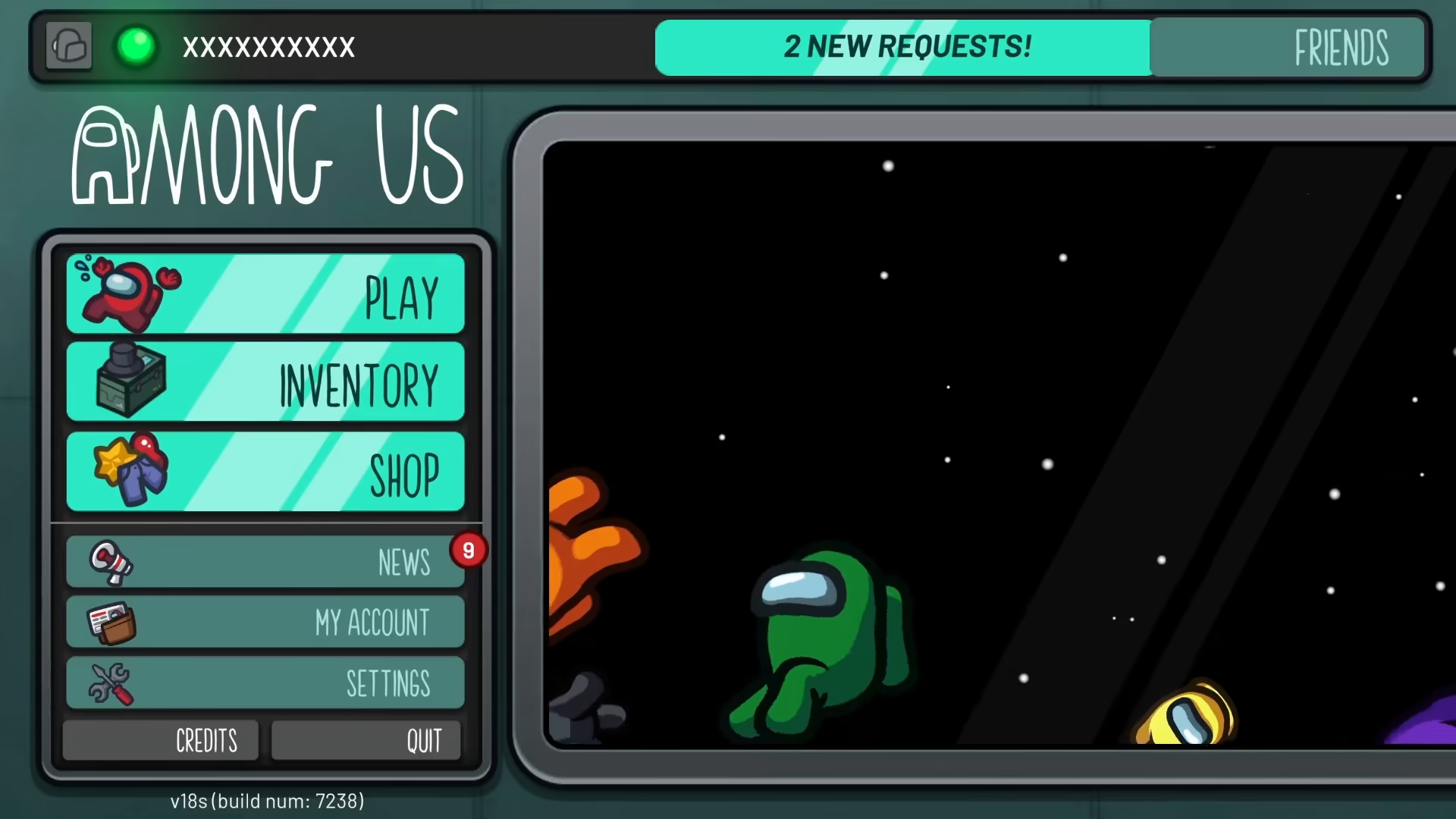
Accessing the Play Menu
To begin creating your own room, start by navigating to the main Play menu. This is your gateway to all multiplayer options in Among Us.
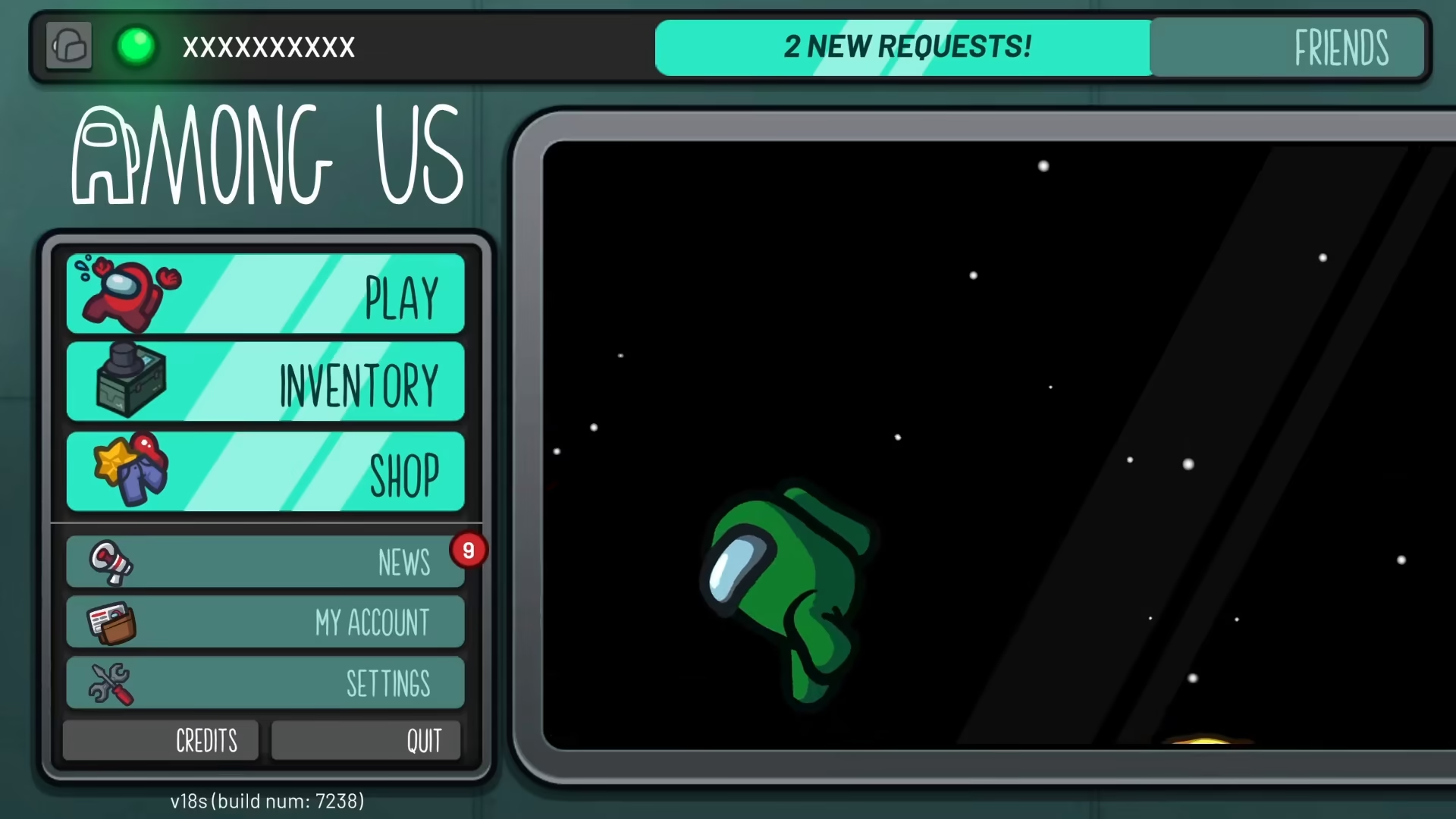
Selecting the Online Option
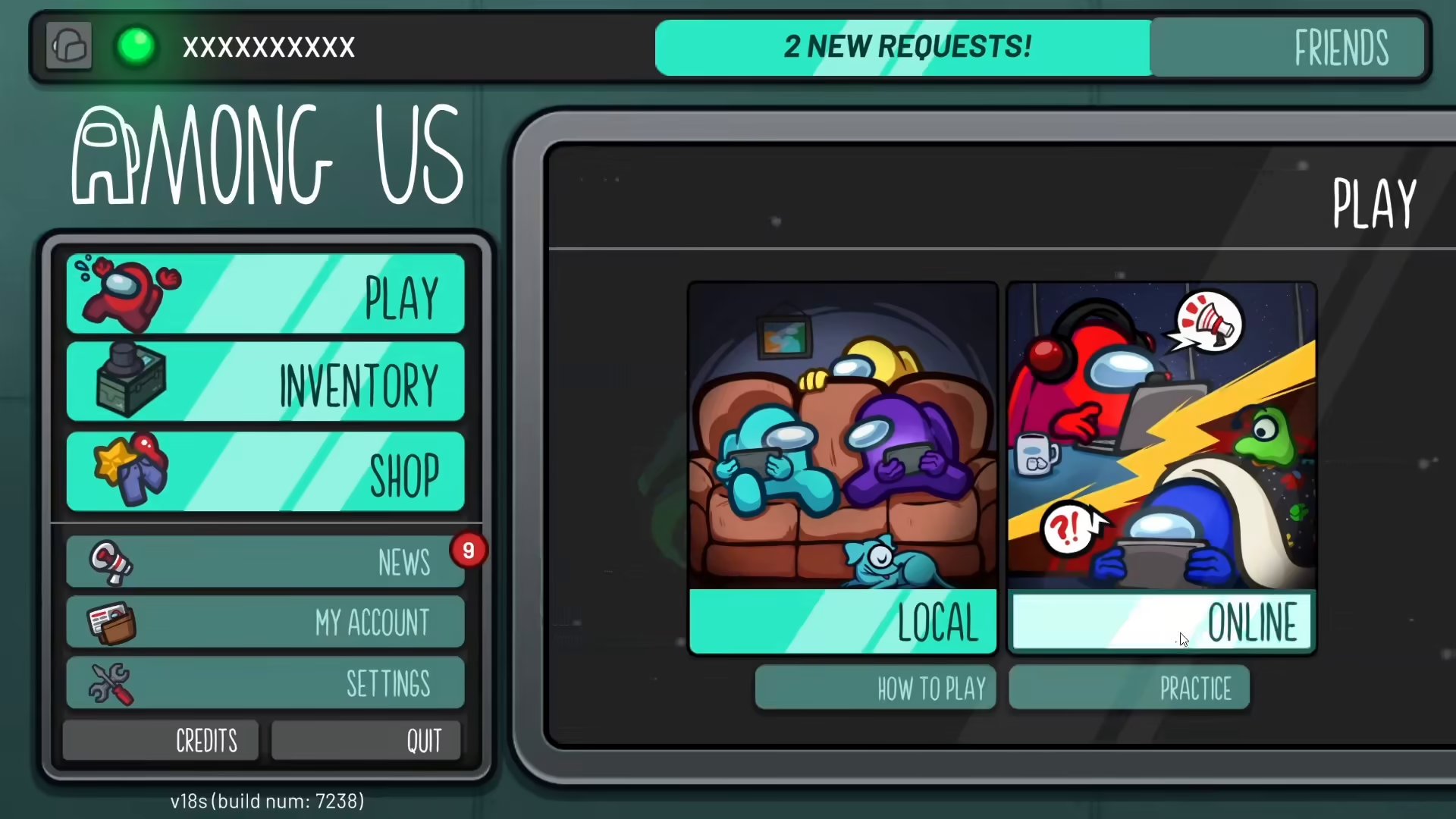
Once you’re in the Play menu, locate and select the Online option. This will take you to the multiplayer lobby where you can create and join games.
Creating Your Game
In the Online menu, you’ll see a button labeled “Create Game.” Click on this button to begin setting up your custom room.
Customizing Your Room Settings
After clicking Create Game, you’ll access the settings screen where you can customize your room to your preferences. Here are the main options you can adjust:
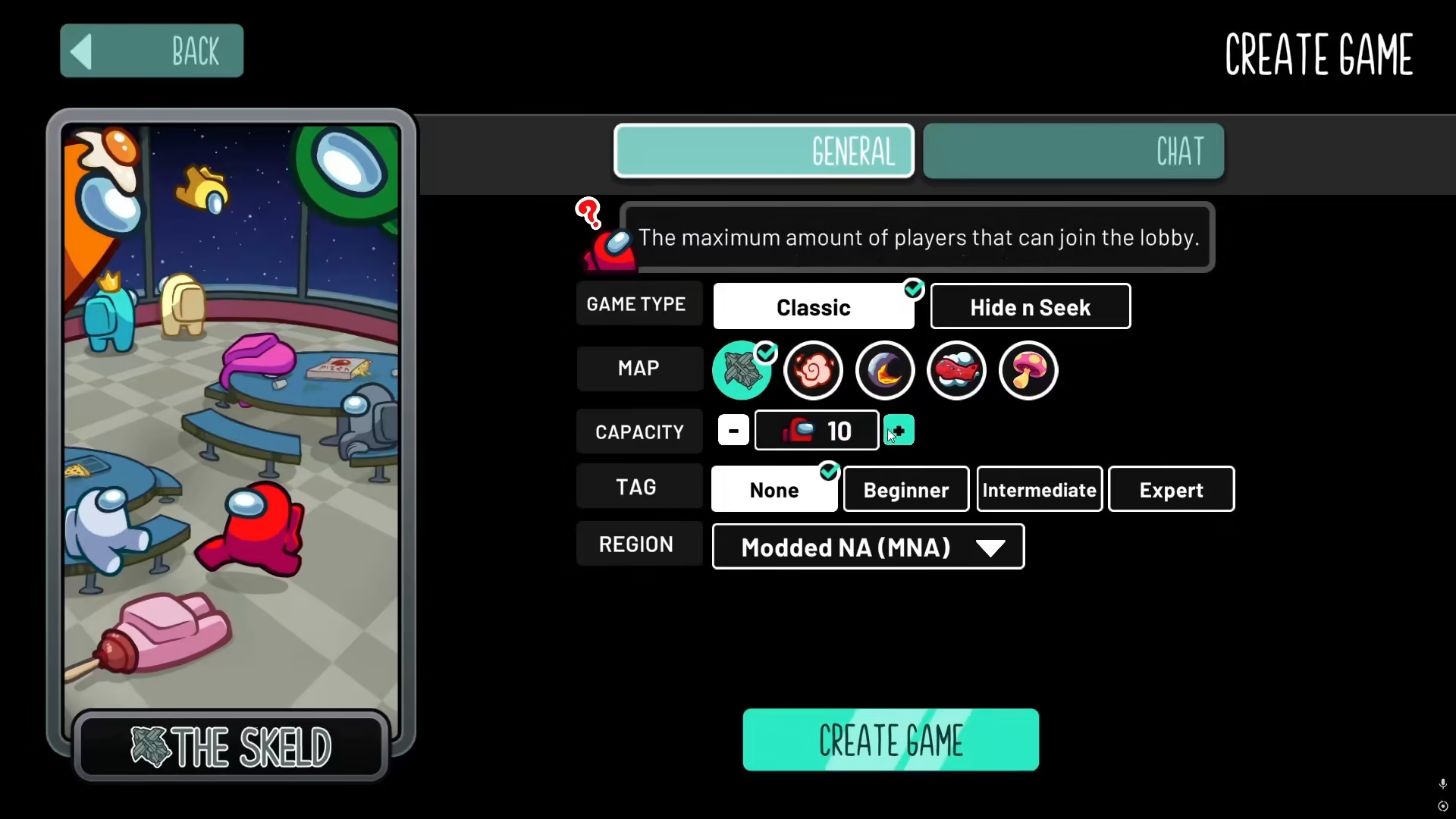
Player Capacity
You can set the maximum number of players in your room. Among Us allows you to increase the capacity to 15 players, giving you flexibility for larger groups.
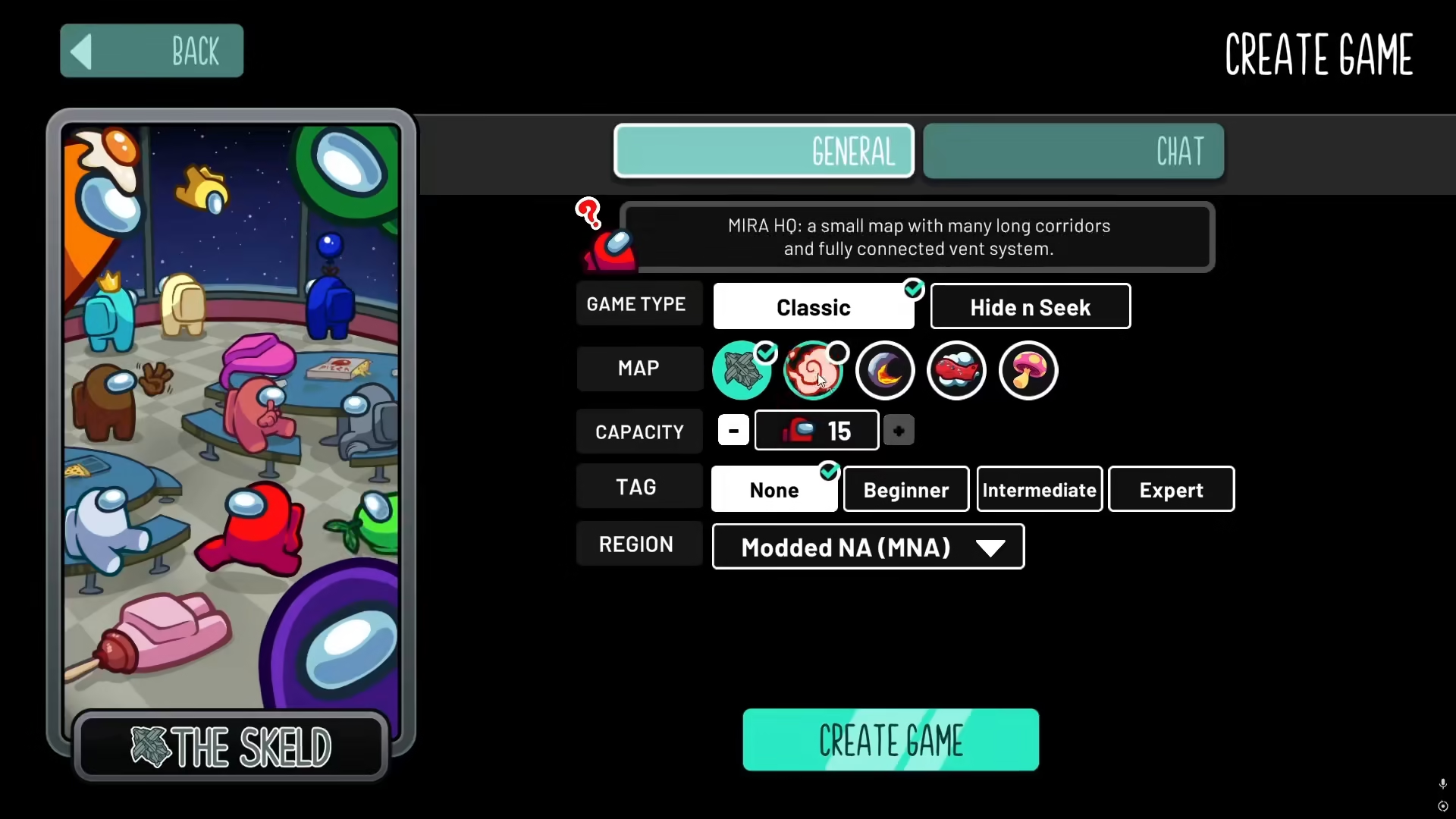
Map Selection
Choose from the available maps in Among Us. This lets you decide the layout and environment where your game will take place.
Difficulty Levels
You can tag your room with difficulty settings by selecting from three options: Beginner, Intermediate, or Expert. This helps other players find a game matching their skill level.
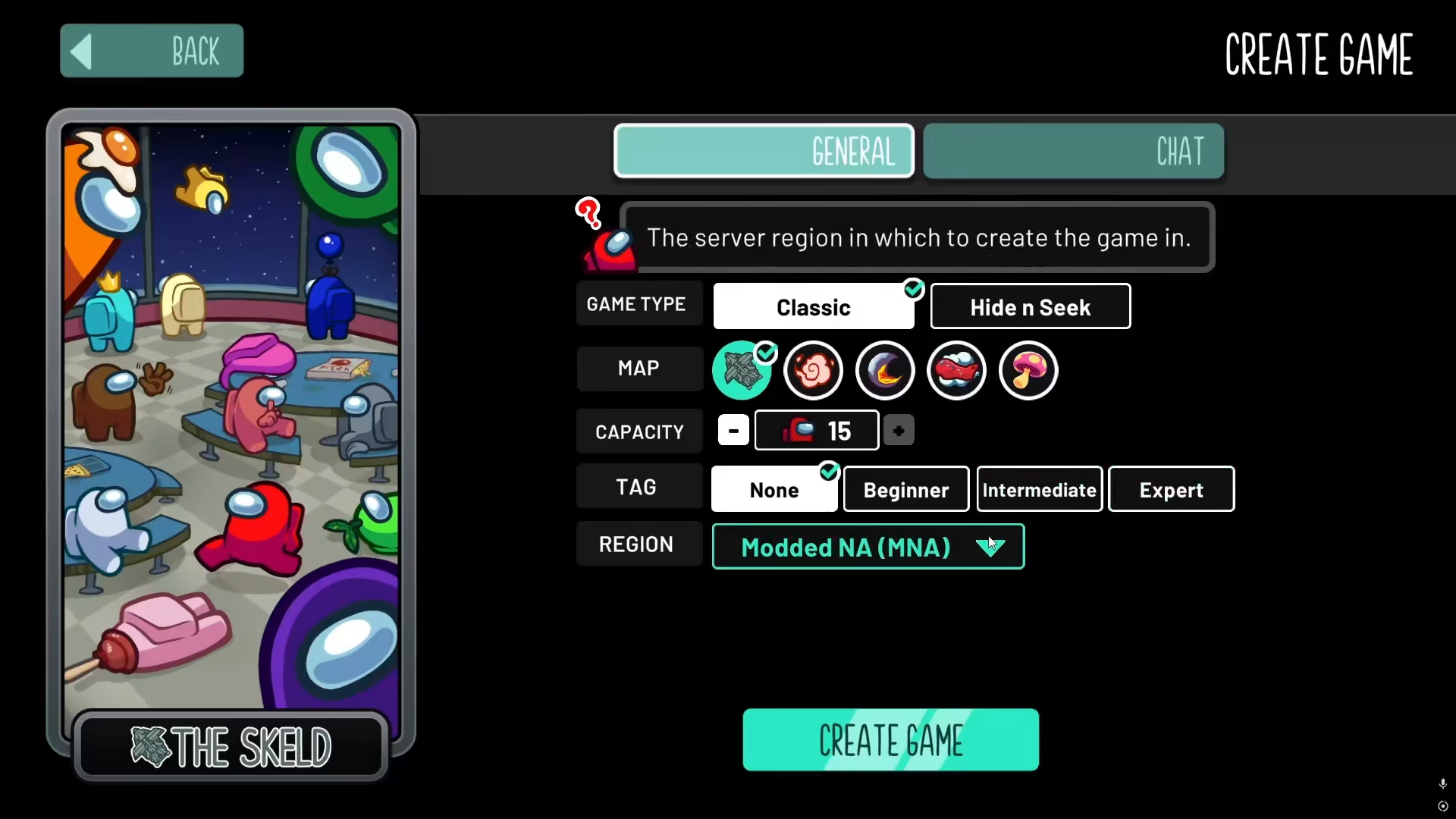
Server Selection
Among Us offers different servers you can choose from. Select the server that works best for your location and connection.
Finalizing and Creating Your Room
Once you’ve configured all your settings to your liking, simply click the button to create the game. A confirmation screen will appear to verify your choices.
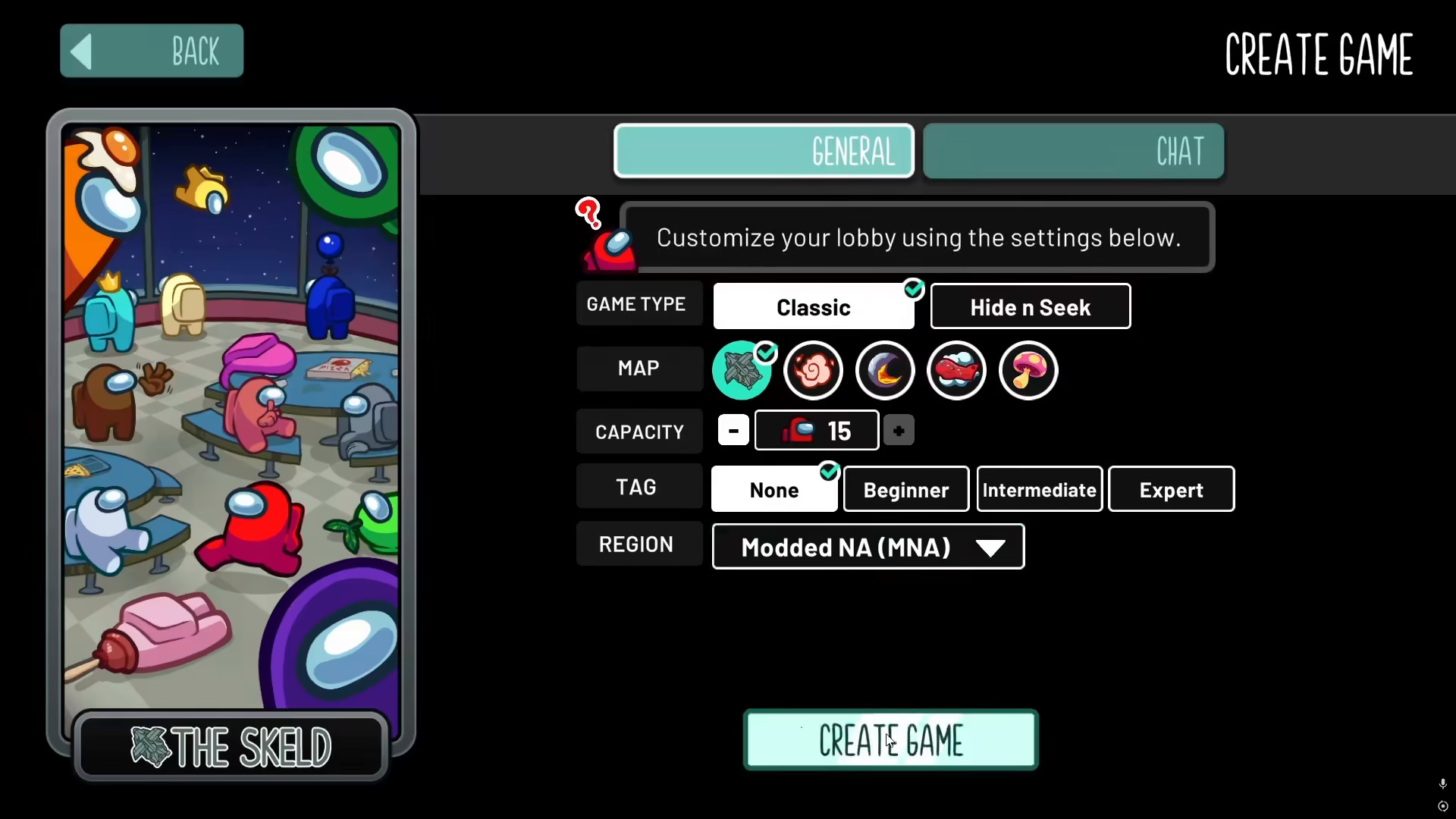
After confirming your selections, your custom room will be created and you’ll be ready to invite players and start your game!

Summary
Creating your own room in Among Us is a straightforward process. Simply access the Play menu, select Online, click Create Game, customize your settings (player capacity, map, difficulty level, and server), and confirm your choices. In just a few clicks, you’ll have a personalized gaming space ready for you and your friends. Enjoy hosting your Among Us games!
— Want to Support? —
If you would like to help us continue making these guides – please consider joining our patreon here – https://www.patreon.com/c/JaviHeals
Alternatively – you can join our discord here – https://discord.gg/zD7Gjt6MHF



