








How To Copy And Paste In Among Us
How To Copy And Paste In Among Us
Among Us makes it easy to share game rooms with friends by copying and pasting room codes. In this quick tutorial, we’ll walk you through the simple steps to copy your Among Us room code so you can invite other players to join your game.
Copying Your Room Code
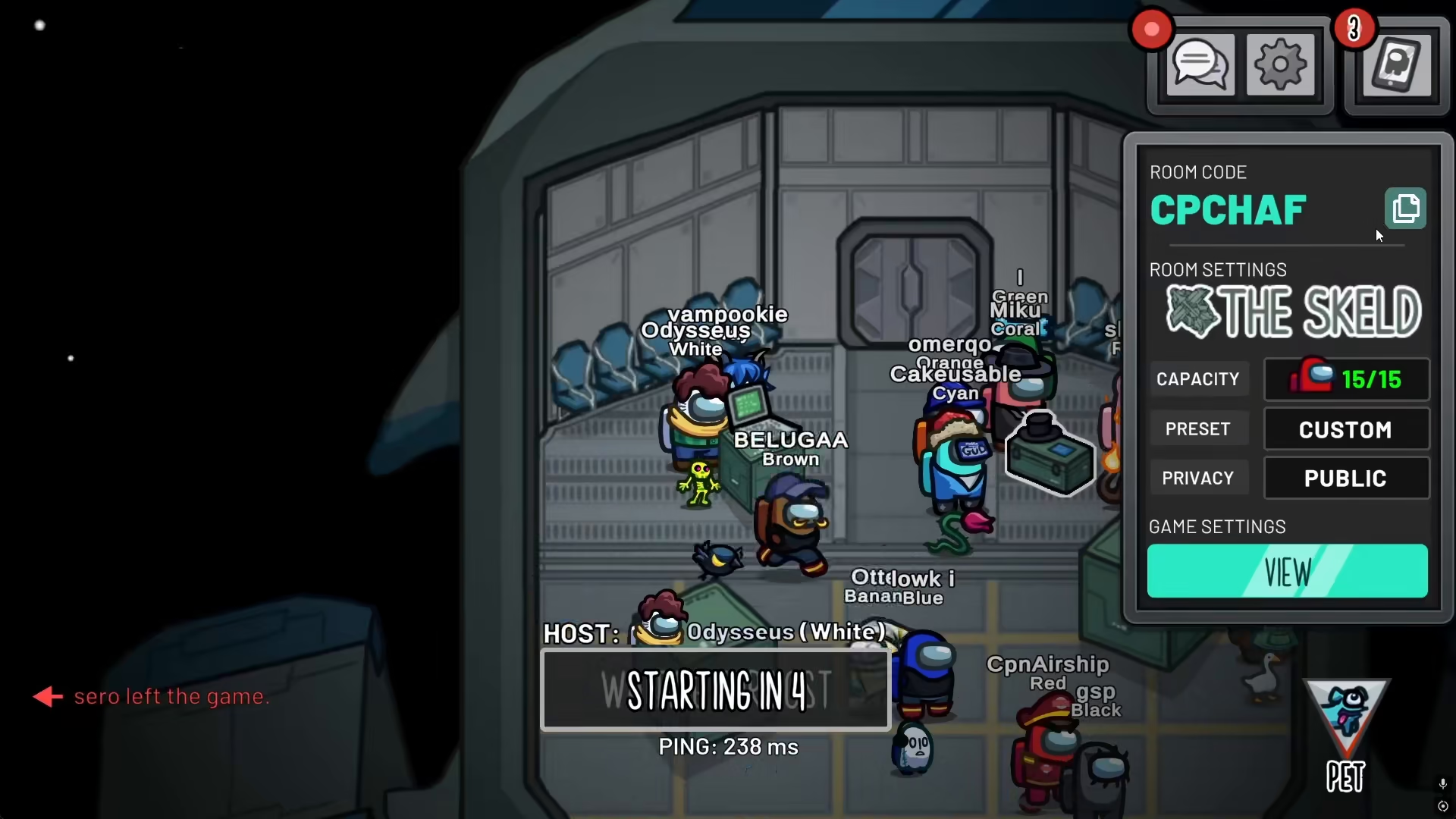
To copy the room code in Among Us, look for the copy icon displayed on your screen. Simply click on this icon to copy your current room code.
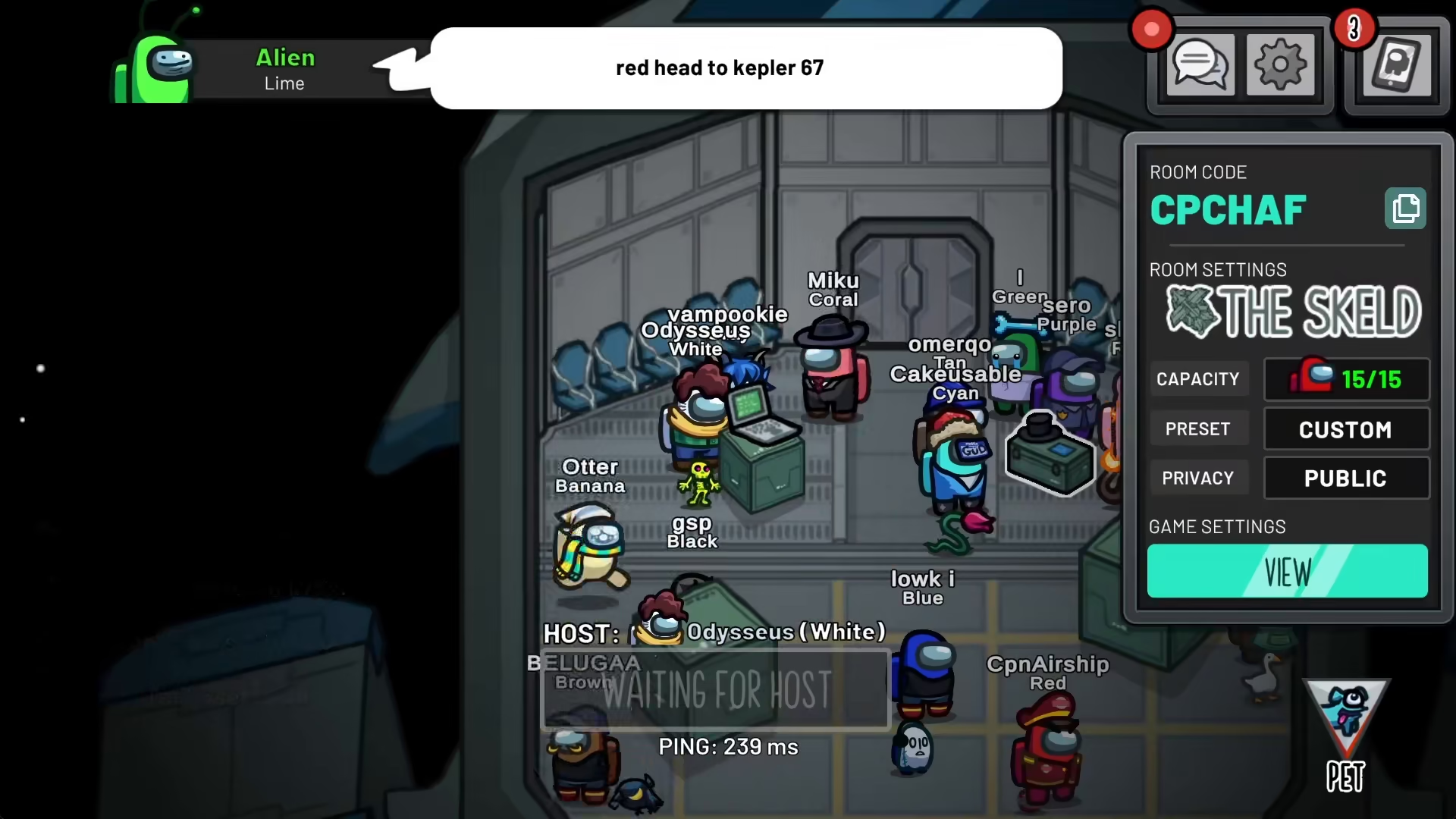
Once you click the icon, a confirmation message will appear on your screen that says “room code copied.” This notification confirms that your room code has been successfully copied to your clipboard.
Summary
That’s all there is to copying and pasting your room code in Among Us! The process is straightforward—locate the copy icon, click it, and your room code will be ready to share with friends. You can now paste this code anywhere to invite other players to join your game.
— Want to Support? —
If you would like to help us continue making these guides – please consider joining our patreon here – https://www.patreon.com/c/JaviHeals
Alternatively – you can join our discord here – https://discord.gg/zD7Gjt6MHF



