How To Delete Buildings In Age of Mythology Retold
How To Delete Buildings In Age of Mythology Retold
Deleting buildings is a fundamental skill in Age of Mythology Retold that every player should master. Whether you’re restructuring your base or removing misplaced structures, this guide will walk you through the quick and easy methods to delete your buildings efficiently.
Selecting a Single Building
To delete a building, you first need to select it. You can do this in two simple ways: drag your cursor over the building or click directly on it to select it.
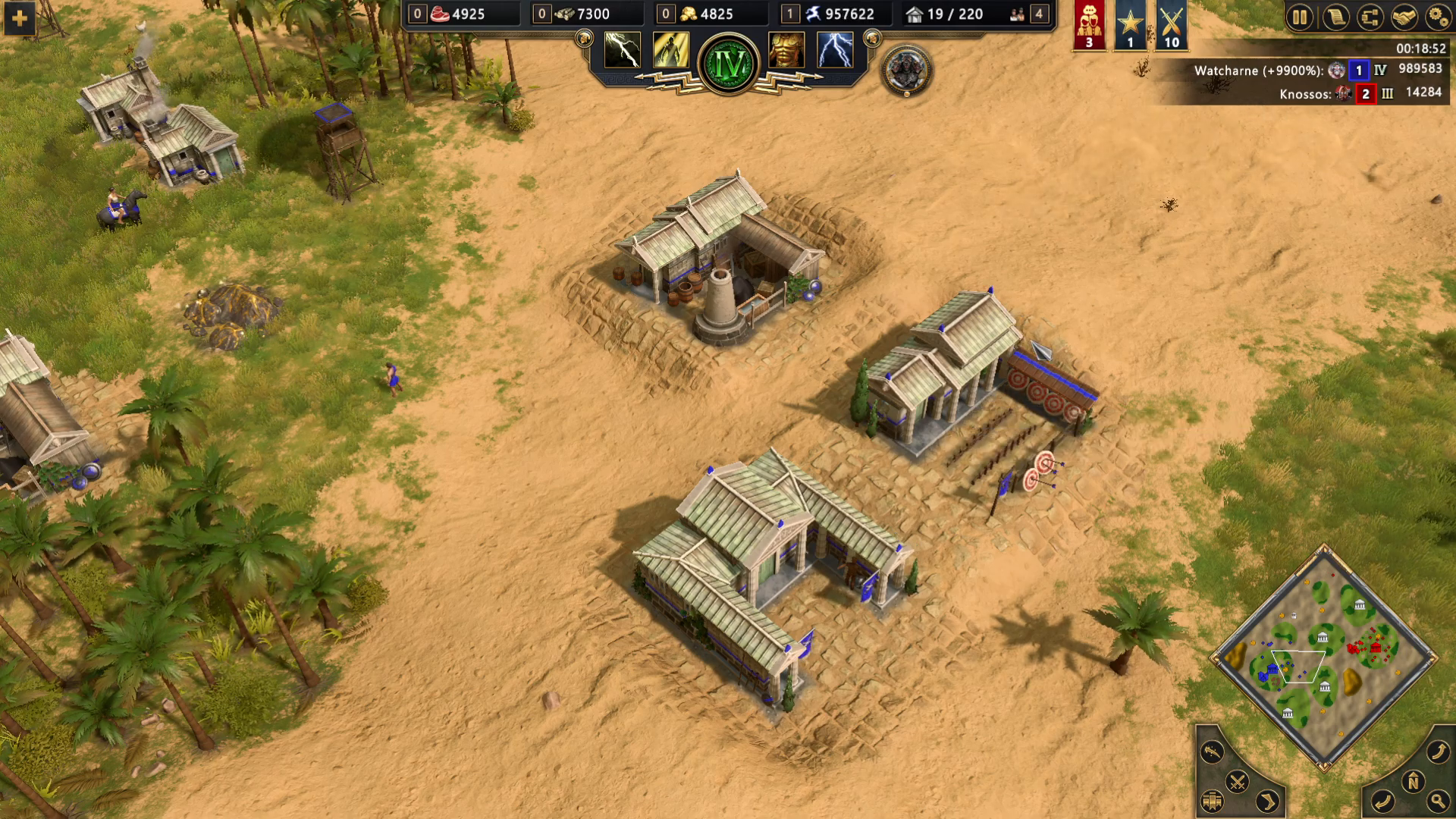
Deleting Your Building
Once you have selected your building, you have two options to delete it:
Using the Delete Hotkey
On PC, the default hotkey is the Delete button on your keyboard. Simply press it to instantly delete your selected building. This is the quickest method for experienced players.
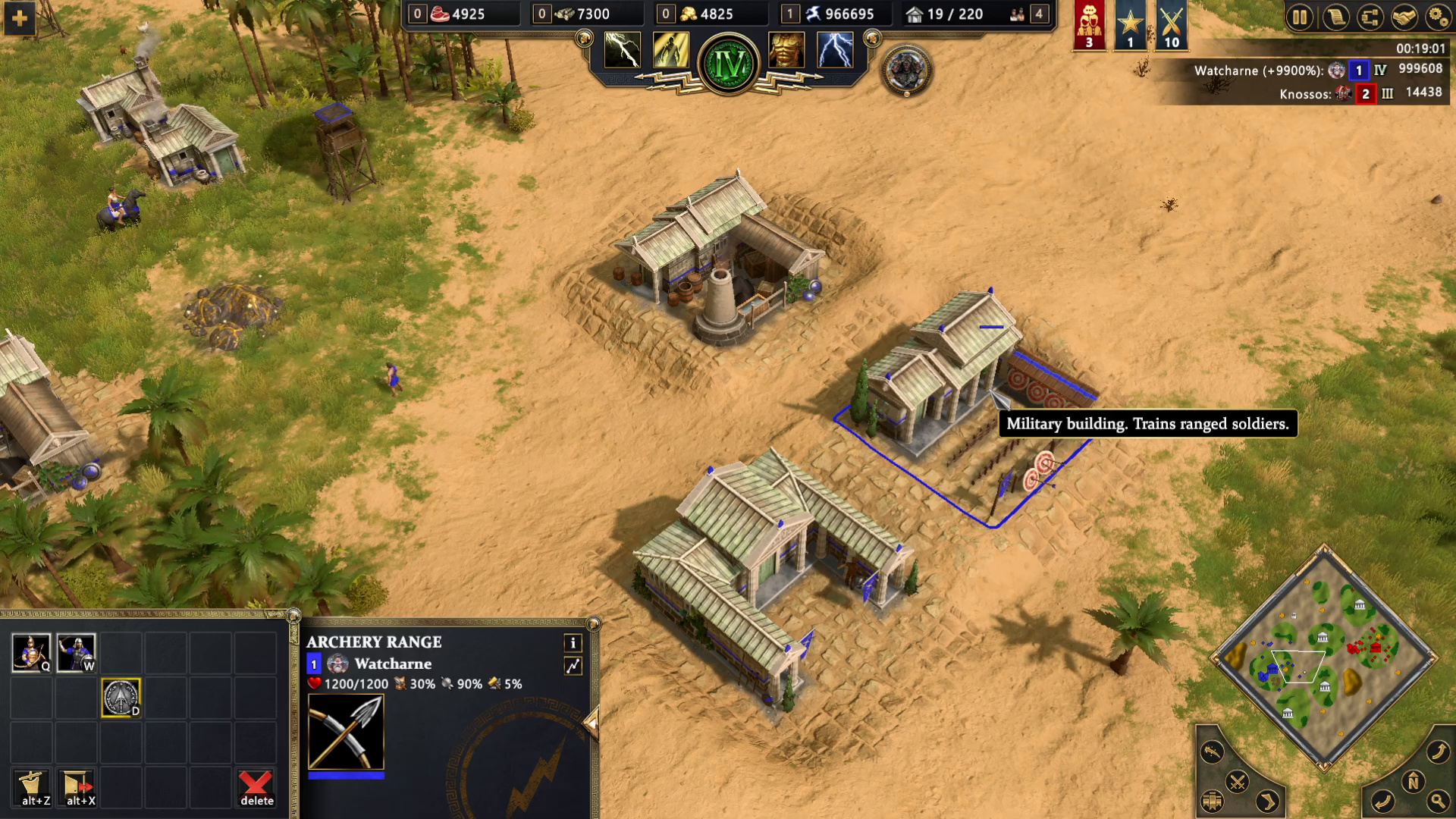
Using the UI Button
On the left-hand side at the bottom of your screen, you will see a button that says “delete this unit.” Click this button to delete your selected building. This is a reliable alternative if you prefer using the interface.
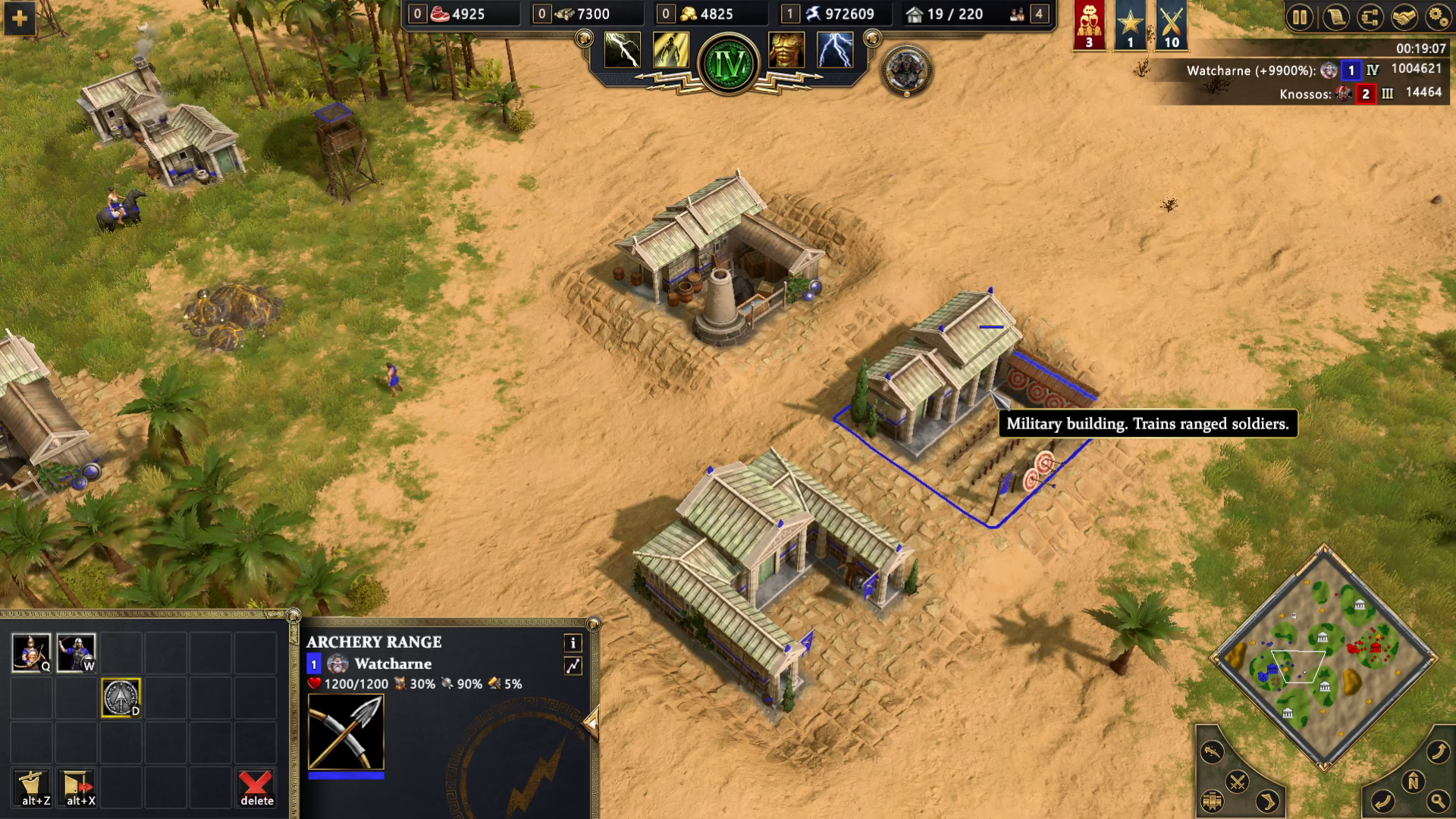
Deleting Multiple Buildings at Once
You don’t have to delete buildings one at a time. Age of Mythology Retold allows you to select and delete multiple buildings simultaneously.
Method 1: Drag Selection
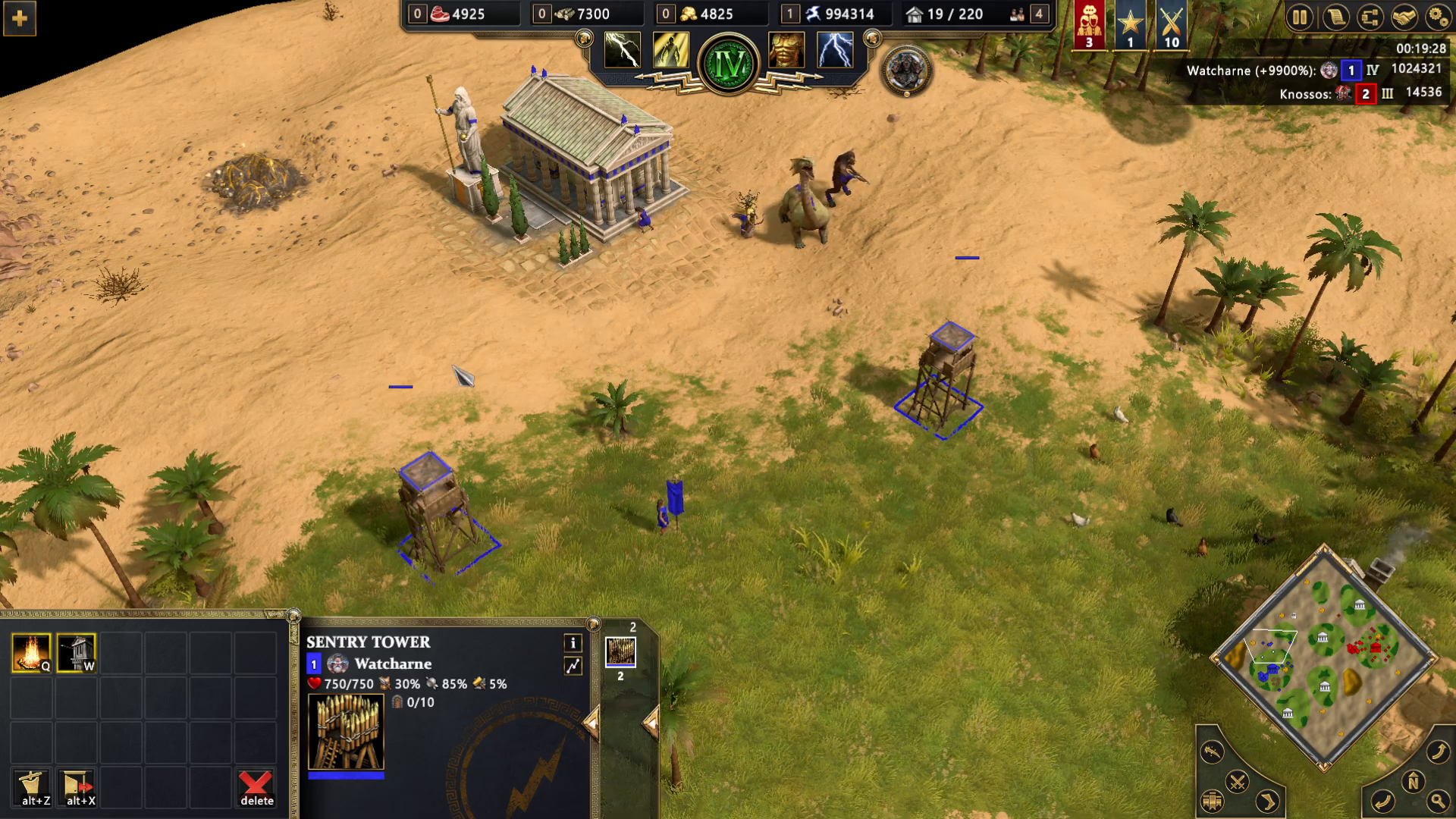
Drag your cursor over multiple buildings to select them all at once. This is useful when buildings are clustered together.
Method 2: Control Click Selection
Select the first building, then hold Control and click on additional buildings to add them to your selection. Once all desired buildings are selected, press Delete to remove them all.
Important Warning: Units vs Buildings
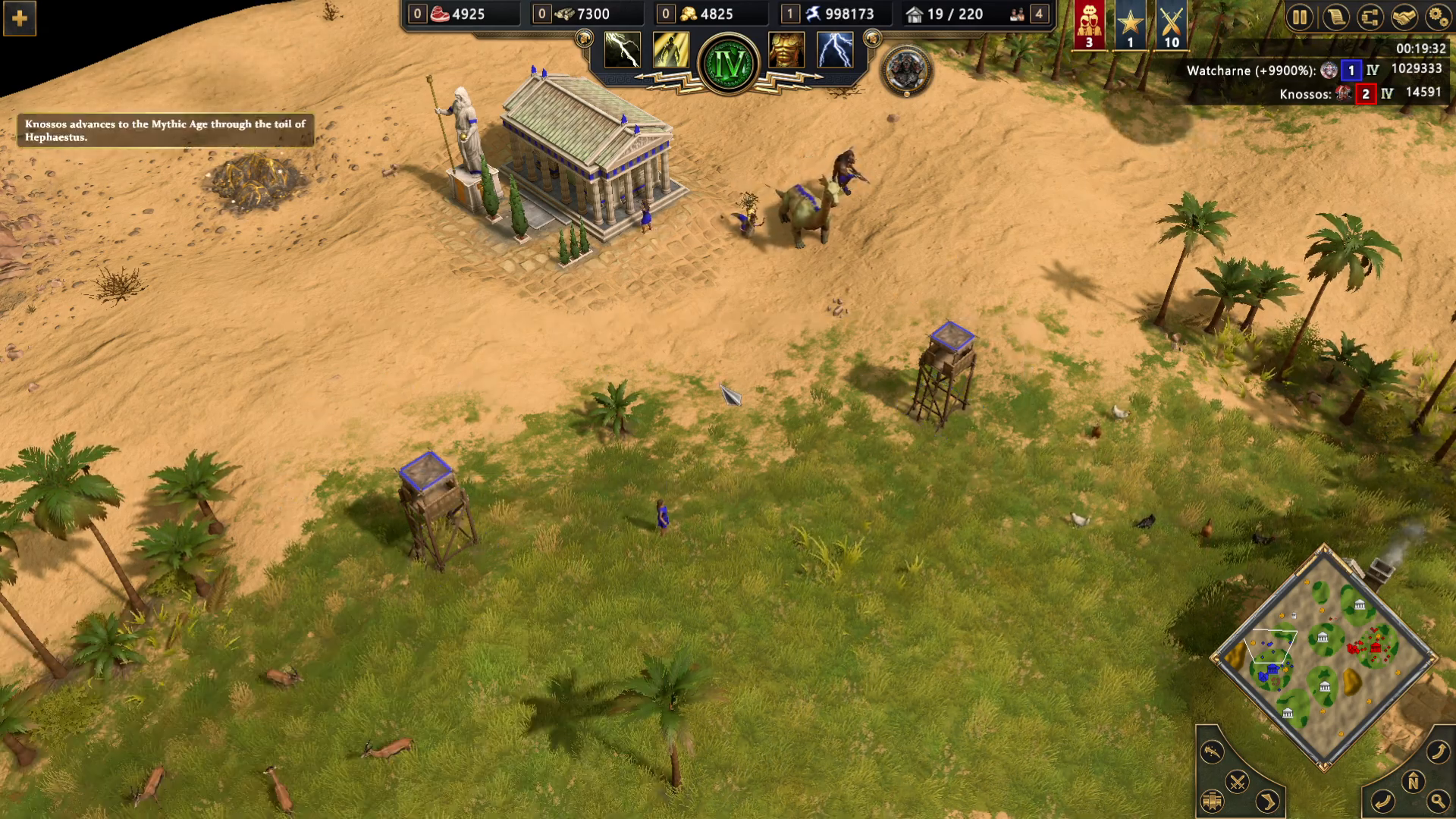
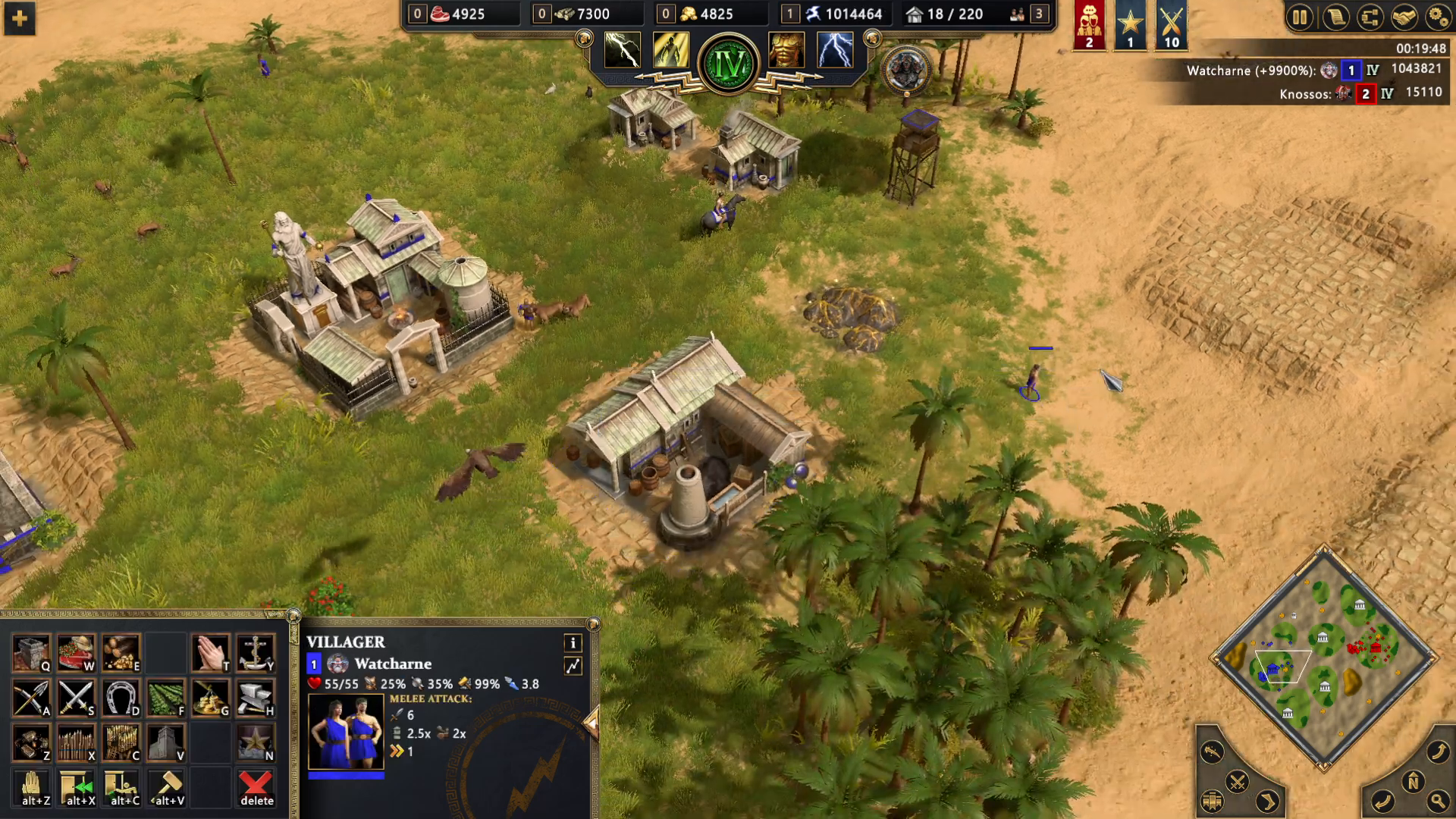
Be careful when selecting buildings near units. If you select both a building and a unit together, the game will automatically prioritize the unit as default. This means if you press Delete, you may accidentally delete your unit instead of the building you intended to remove. Always verify that you have only buildings selected before confirming deletion.
Summary
Deleting buildings in Age of Mythology Retold is straightforward. Select your building by clicking or dragging, then press Delete or use the UI button. You can select multiple buildings at once using drag selection or Control+Click, but always be cautious to avoid accidentally deleting units instead of buildings. Master these techniques and you’ll manage your base efficiently.
Want to Support?
If you would like to help us continue making these guides – please consider joining our patreon here – https://www.patreon.com/c/JaviHeals
Alternatively – you can join our discord here – https://discord.gg/zD7Gjt6MHF