How to Connect Electricity in 7 Days to Die
How to Connect Electricity in 7 Days to Die
Learning how to set up electricity in 7 Days to Die is essential for powering various devices and improving your base functionality. This guide walks you through the simple steps needed to connect a power source to electrical devices like spotlights. Whether you’re a new player or looking for a quick refresher, you’ll have your electricity running in no time.
What You’ll Need
Before you can connect electricity, you’ll need to gather a few key items:
A Power Source: Typically a battery bank loaded with batteries
A Device to Power: This can be a spotlight, crafting station, or other electrical device
Batteries: Stock your battery bank with batteries (these can be salvaged from cars)
A Wire Tool: Essential for connecting your power source to devices
Step-by-Step Connection Process
Step 1: Prepare Your Battery Bank
First, make sure your battery bank is fully loaded with batteries. You can obtain batteries by salvaging abandoned vehicles throughout the game world. Once you have enough batteries, place them into your battery bank to ensure it has adequate power.
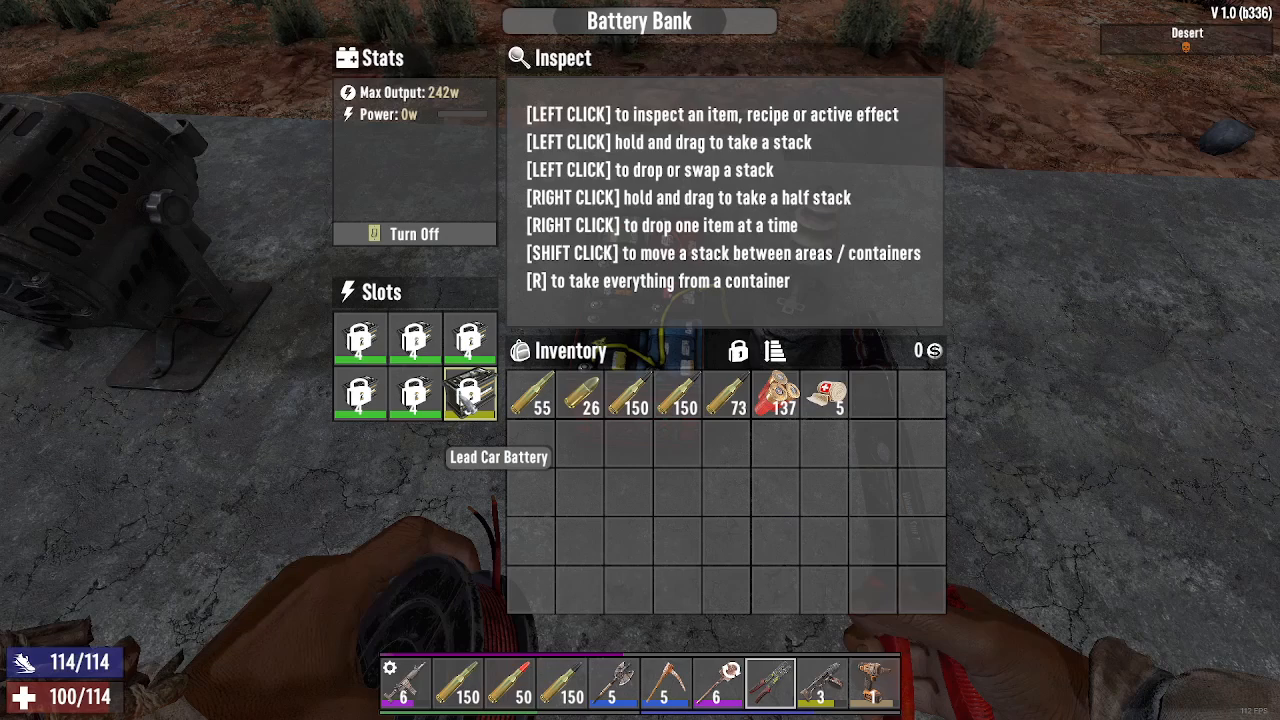
Step 2: Equip Your Wire Tool
Select your wire tool from your inventory. This is the primary tool you’ll use to establish electrical connections between your power source and devices.
Step 3: Connect Power Source to Device
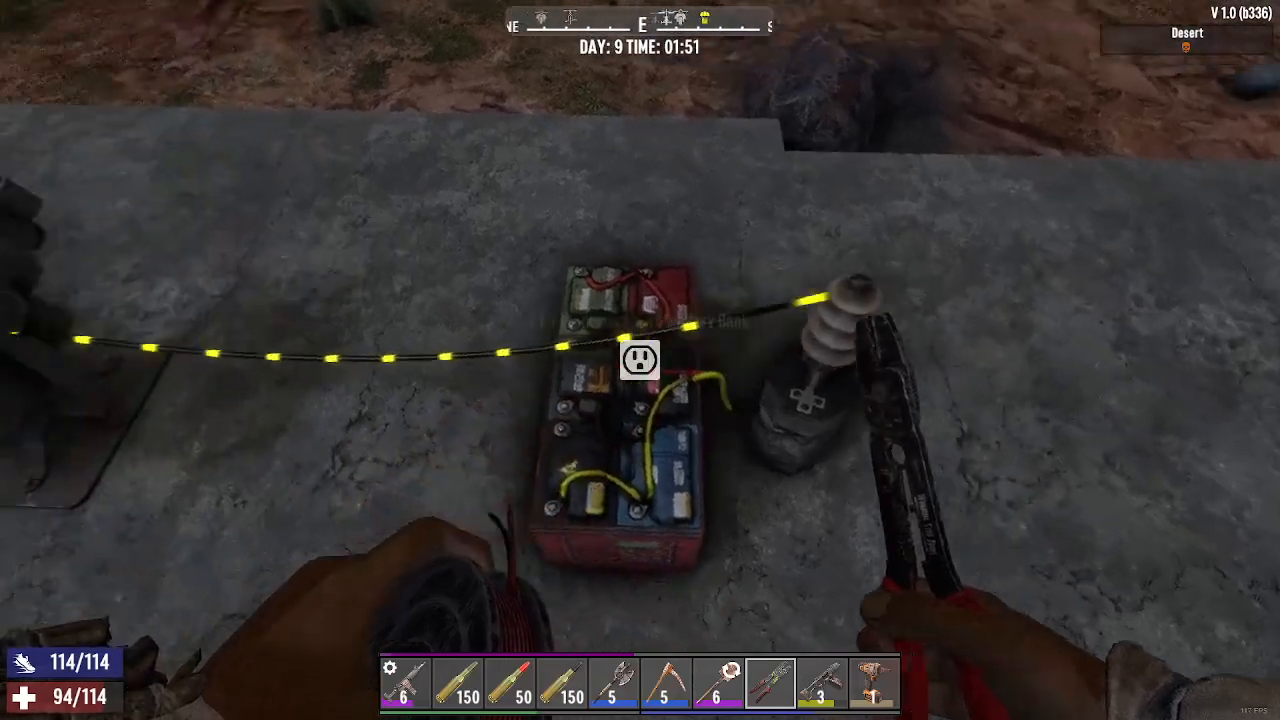
Right-click with your wire tool on the battery bank (your power source), then right-click on the device you want to power—in this example, a spotlight.
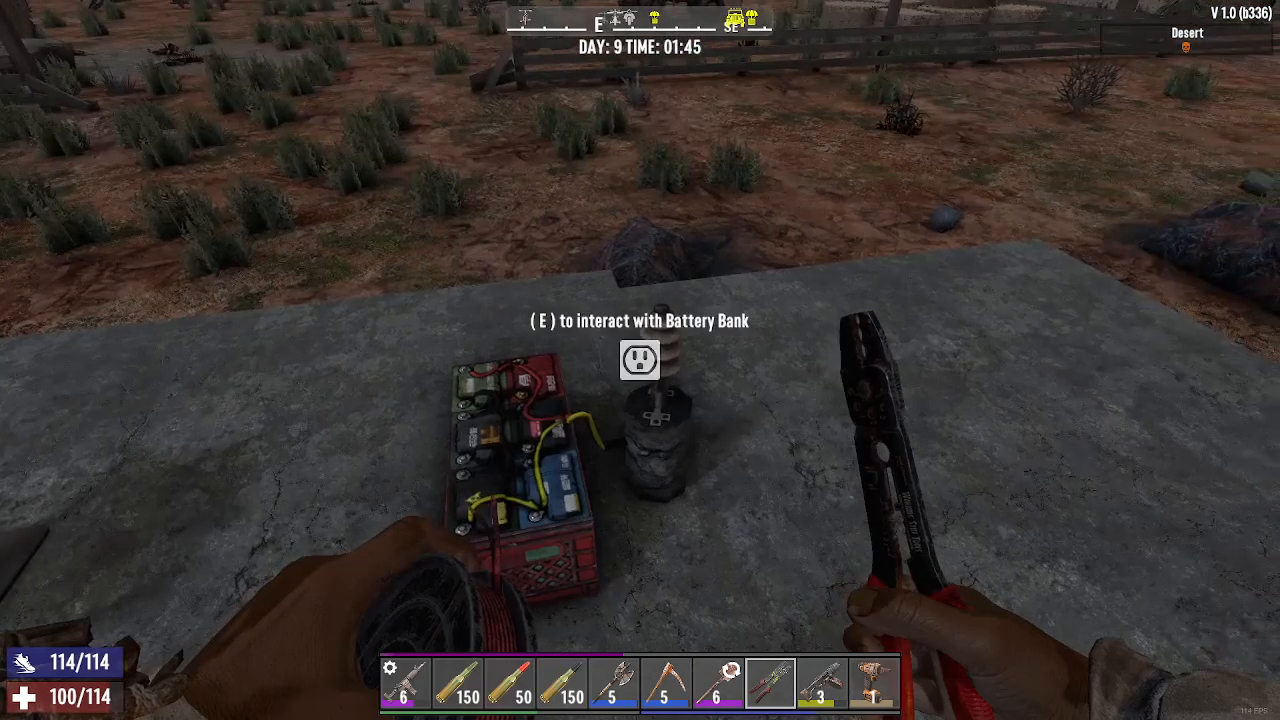
Step 4: Verify the Connection
Once connected correctly, you’ll see yellow dots forming a visual line running from your battery bank to the spotlight. These dots confirm that the electrical connection has been successfully established.
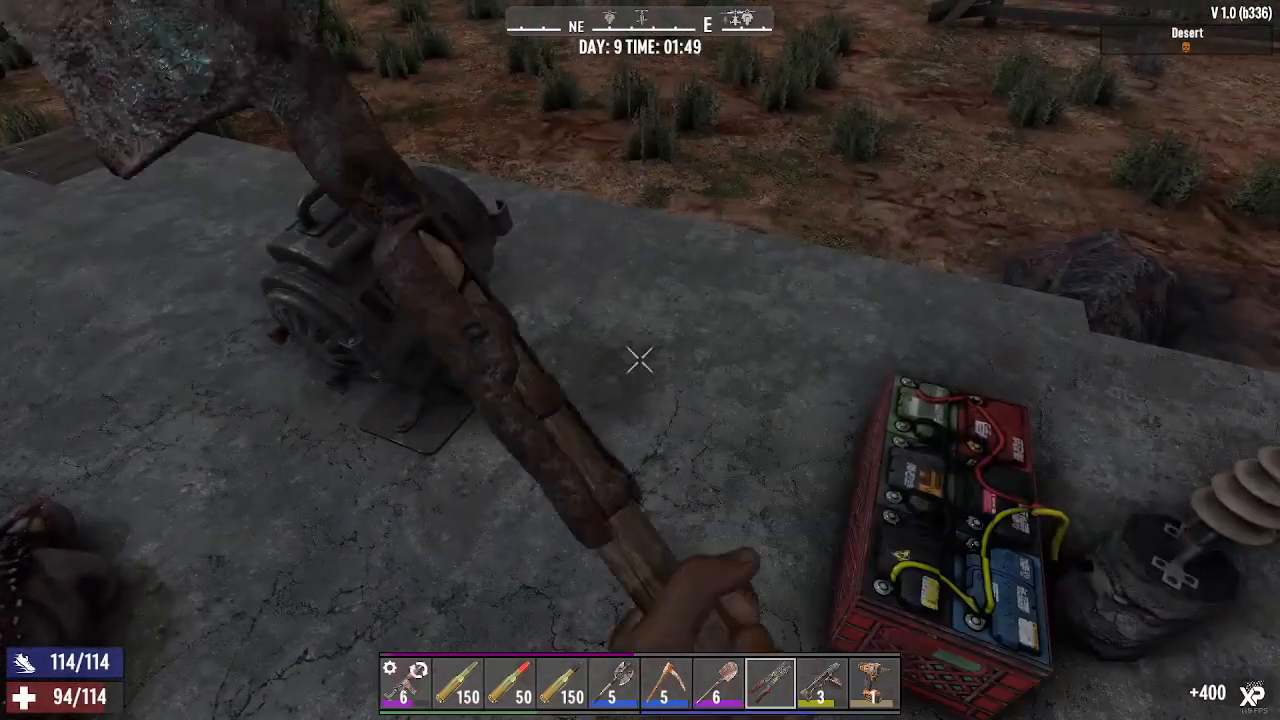
Step 5: Activate Your Device
Press the E key to turn on the connected device. The spotlight (or whatever device you’ve connected) should now power on, drawing electricity from your battery bank.
Summary
Connecting electricity in 7 Days to Die is straightforward once you understand the basic process. Load your battery bank with batteries, use your wire tool to connect the power source to your desired device, watch for the yellow connection indicator, and press E to activate. With these steps, you’ll be powering spotlights, crafting stations, and other electrical devices throughout your base in no time.
— Want to Support? —
If you would like to help us continue making these guides – please consider joining our patreon here – https://www.patreon.com/c/JaviHeals
Alternatively – you can join our discord here – https://discord.gg/zD7Gjt6MHF