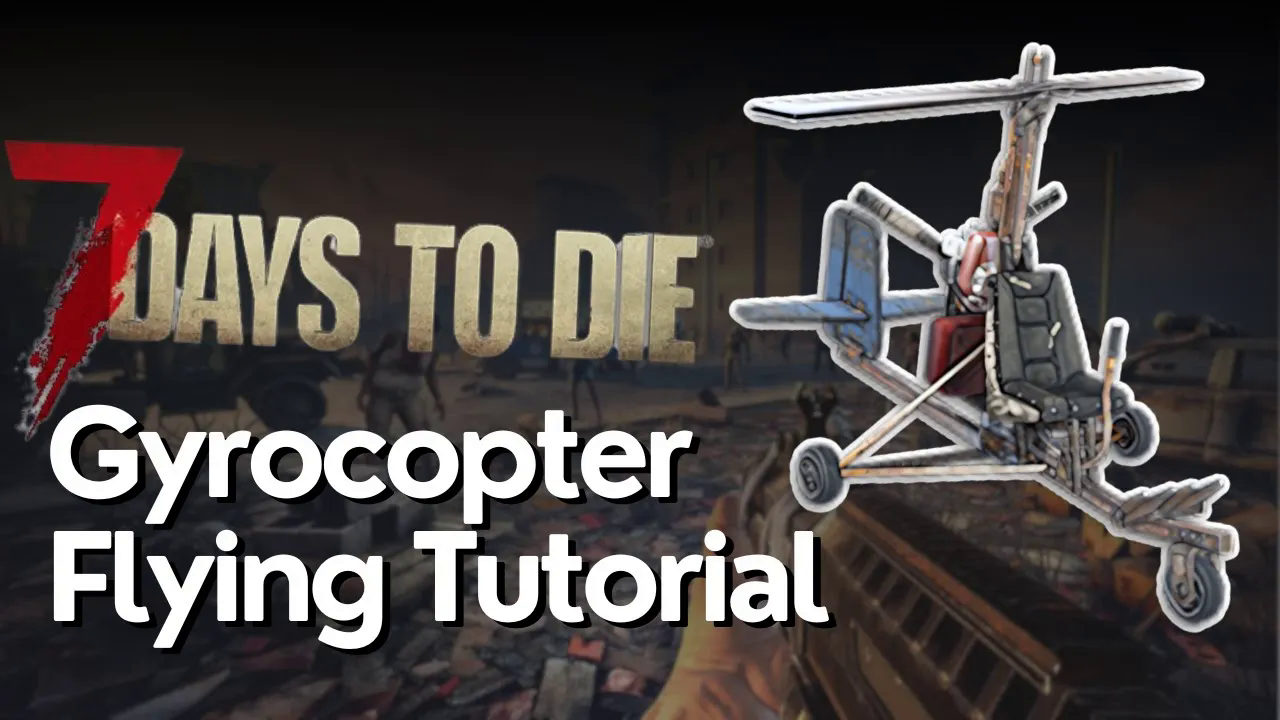
How to Fly The Gyrocopter in 7 Days to Die
How to Fly The Gyrocopter in 7 Days to Die
Learning to pilot the gyrocopter in 7 Days to Die opens up new exploration possibilities and faster travel across the map. Unlike traditional helicopters, the gyrocopter operates more like a plane, requiring specific control inputs to take off, maintain altitude, and land safely. This guide walks you through every step of the process, from fuel preparation to touchdown.
Pre-Flight Preparation
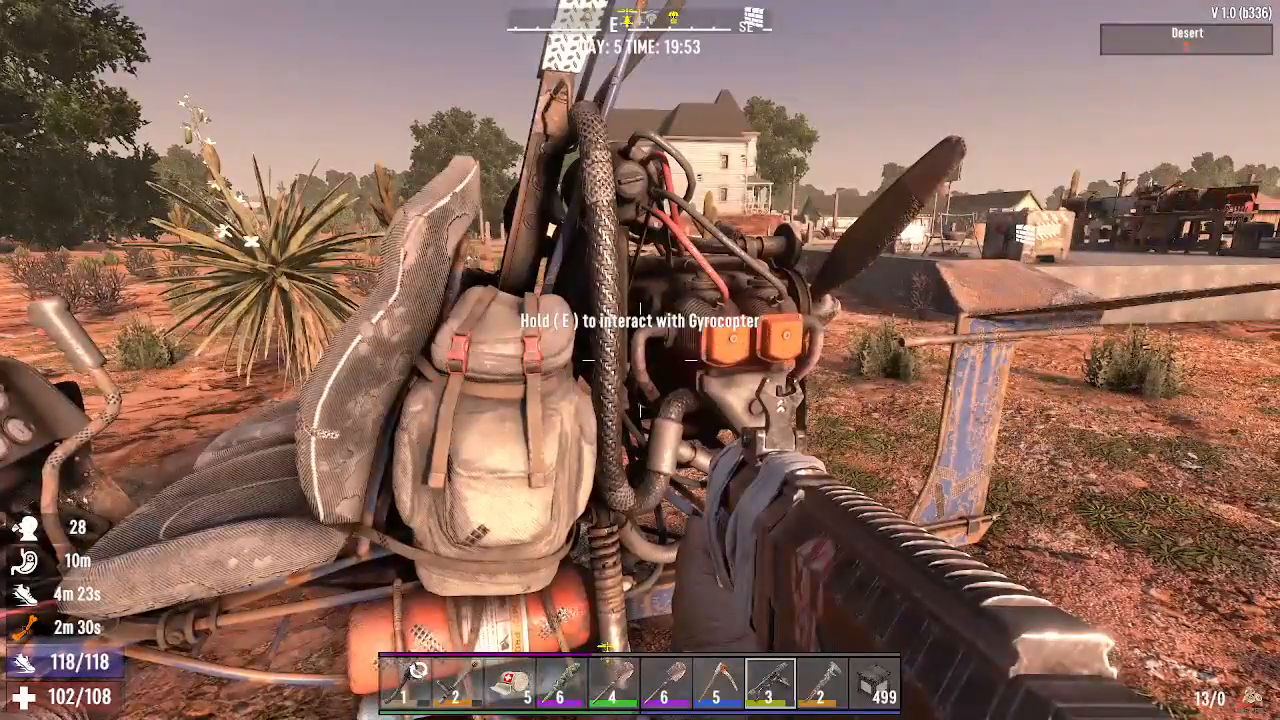
Before attempting to fly your gyrocopter, ensure you have adequate fuel in the tank. We recommend carrying more fuel than you think you’ll need to avoid running out mid-air and crashing. Once your fuel is loaded, press E to hop into the gyrocopter.
Understanding Gyrocopter Controls
The gyrocopter is fundamentally different from a traditional helicopter—it behaves more like a plane. Understanding its control scheme is crucial for successful flight.
Basic Flight Controls
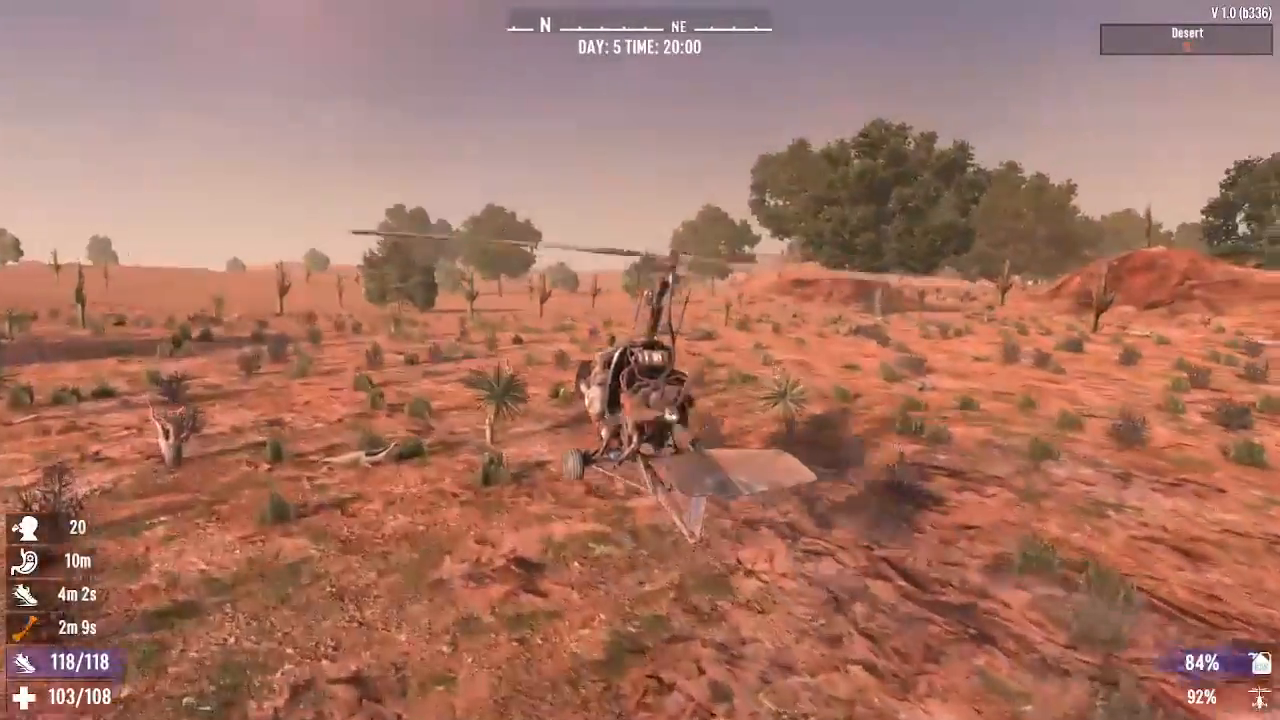
To initiate takeoff, press W to move forward. As you gain speed, begin tapping the Space Bar to lift off the ground. You’ll notice the gyrocopter starting to ascend as your forward momentum builds.
Altitude Adjustment
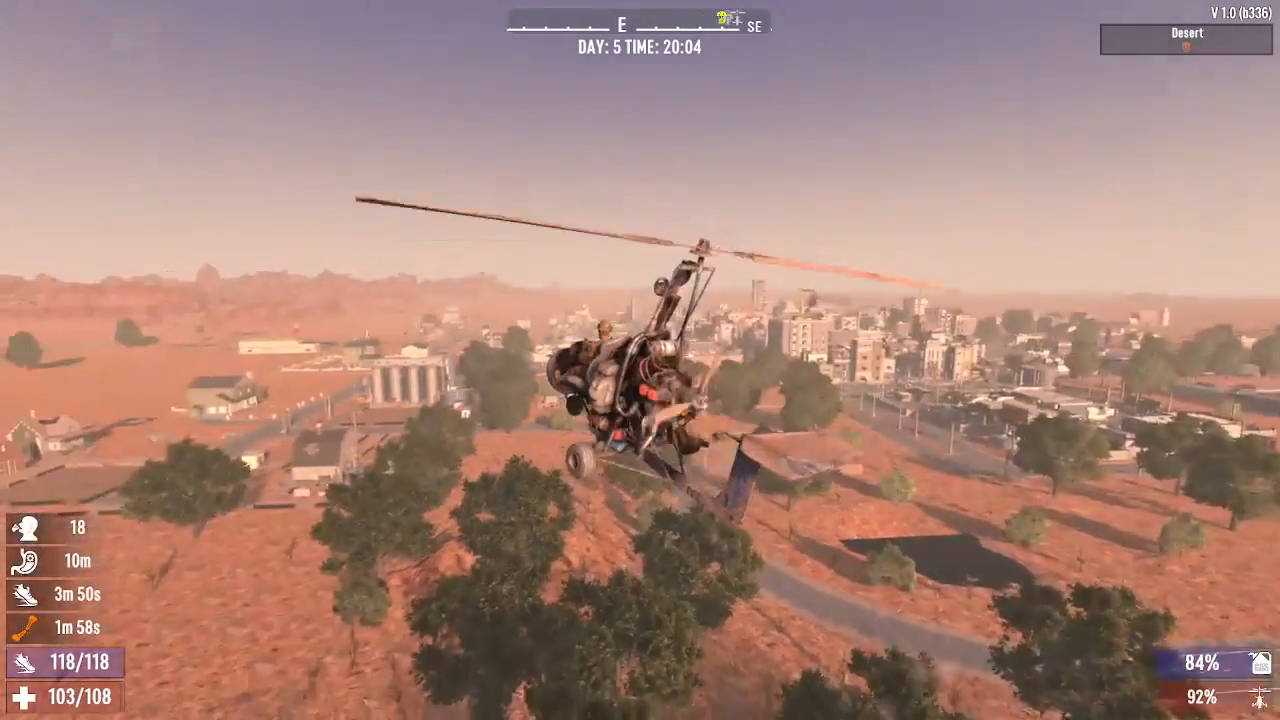
Once airborne, use the Space Bar to tilt up and gain altitude. Conversely, press C to tilt forward and descend. These two controls work in opposition—Space Bar raises the nose while C lowers it. Tap either key gently to fine-tune your pitch and maintain stable flight.
Maintaining Speed and Stability
Press Shift to increase speed and keep your propeller spinning faster. Maintaining adequate speed is essential—if you fly too slowly, you risk stalling and crashing to the ground. When drifting slightly off your desired altitude, gently tap Space Bar or C to level out and correct your trajectory.
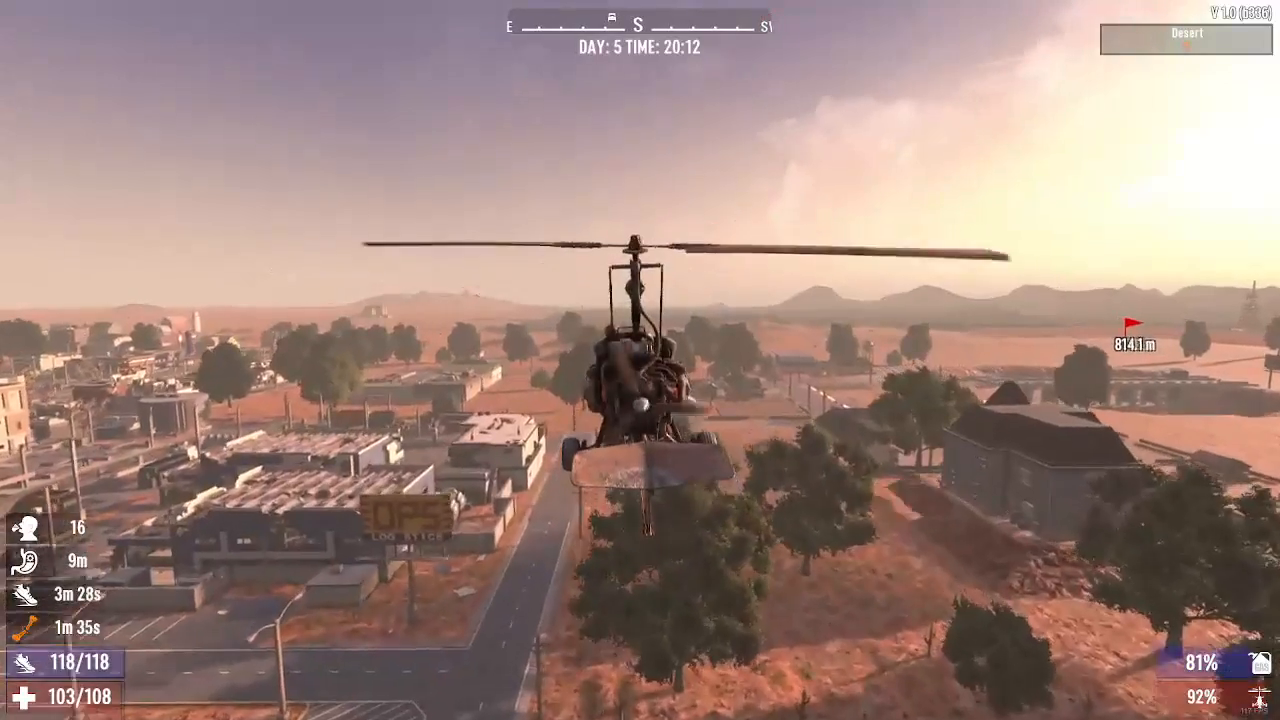
In-Flight Navigation
Once you’re comfortable with the basic controls, flying becomes a matter of smooth, deliberate adjustments. Use Space Bar and C in moderation to maintain level flight. If you tilt too far in one direction, counter-balance with the opposite key. Maintain steady forward pressure on W and boost with Shift to keep altitude stable.
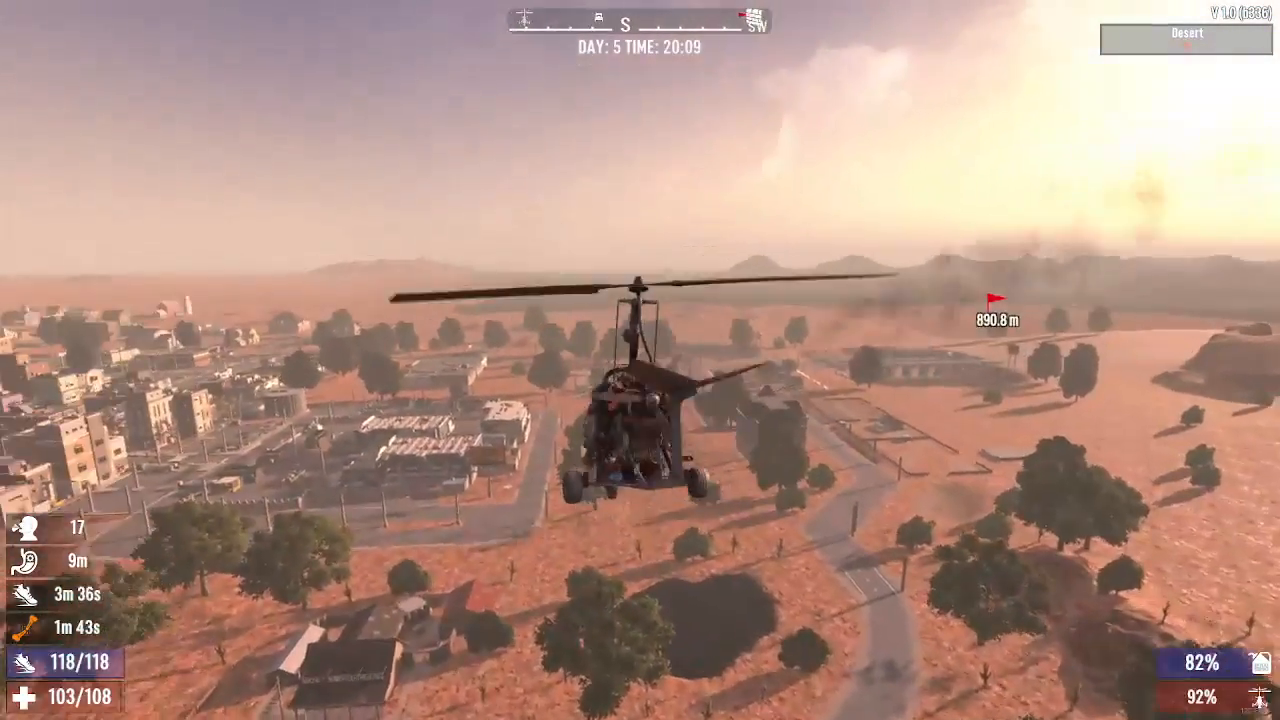
Landing Your Gyrocopter
Landing requires patience and gradual control inputs. Begin by slowly tilting the gyrocopter forward using C. Gently reduce throttle by releasing W and Shift, allowing the craft to descend gradually. Avoid sudden movements—smooth, incremental tilts ensure a safe landing.
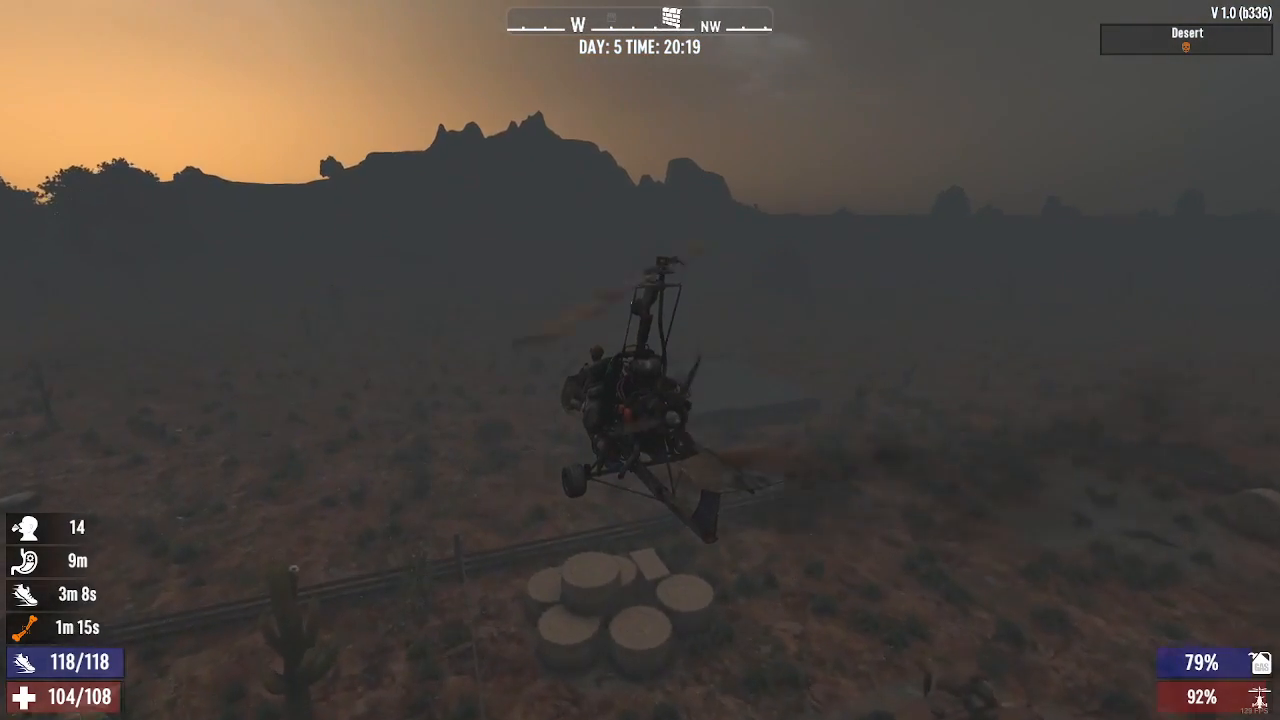
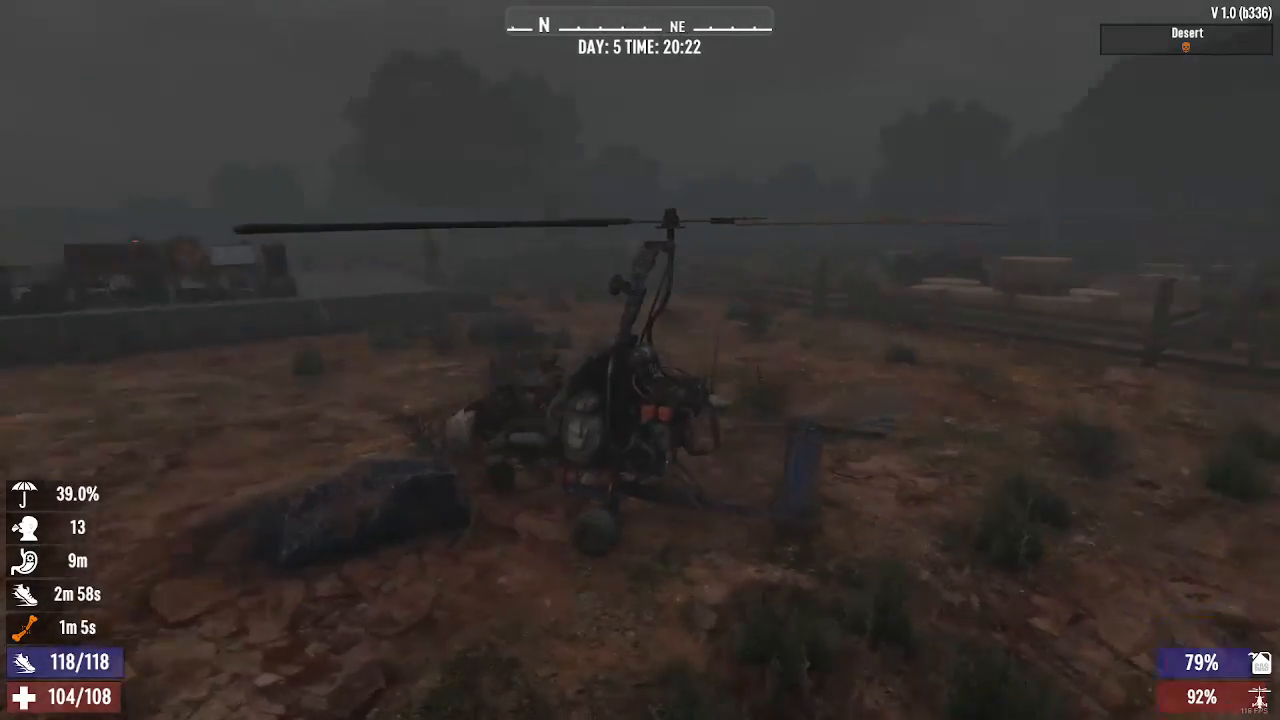
Once you’ve touched down, press E again to exit the gyrocopter. The aircraft will automatically stop moving once you’ve disembarked.
Summary
Flying a gyrocopter in 7 Days to Die requires practice but becomes intuitive once you master the plane-like flight model. Remember: use W for forward thrust, Space Bar to tilt up, C to tilt forward, and Shift to boost speed. For landing, slowly tilt forward with C while reducing throttle, then press E to exit. With these fundamentals mastered, you’ll be soaring across the map in no time.
— Want to Support? —
If you would like to help us continue making these guides – please consider joining our patreon here – https://www.patreon.com/c/JaviHeals
Alternatively – you can join our discord here – https://discord.gg/zD7Gjt6MHF