How to Get & Use Concrete in 7 Days to Die
How to Get & Use Concrete in 7 Days to Die
Learning how to obtain and use concrete is essential for building and upgrading structures in 7 Days to Die. Whether you’re fortifying your base or constructing new shelters, concrete provides a crucial middle tier of building materials. This guide will walk you through the fastest methods to get concrete and show you exactly how to apply it to your construction projects.
Where to Find Concrete Bags
The easiest way to get concrete is to find it already prepared in concrete bags scattered throughout Points of Interest (POIs). Look for construction buildings—these typically feature distinctive yellow scaffolding on the exterior and are most commonly found in larger cities. You can also discover concrete bags in the basins of other normal POIs, though construction buildings remain your best bet.
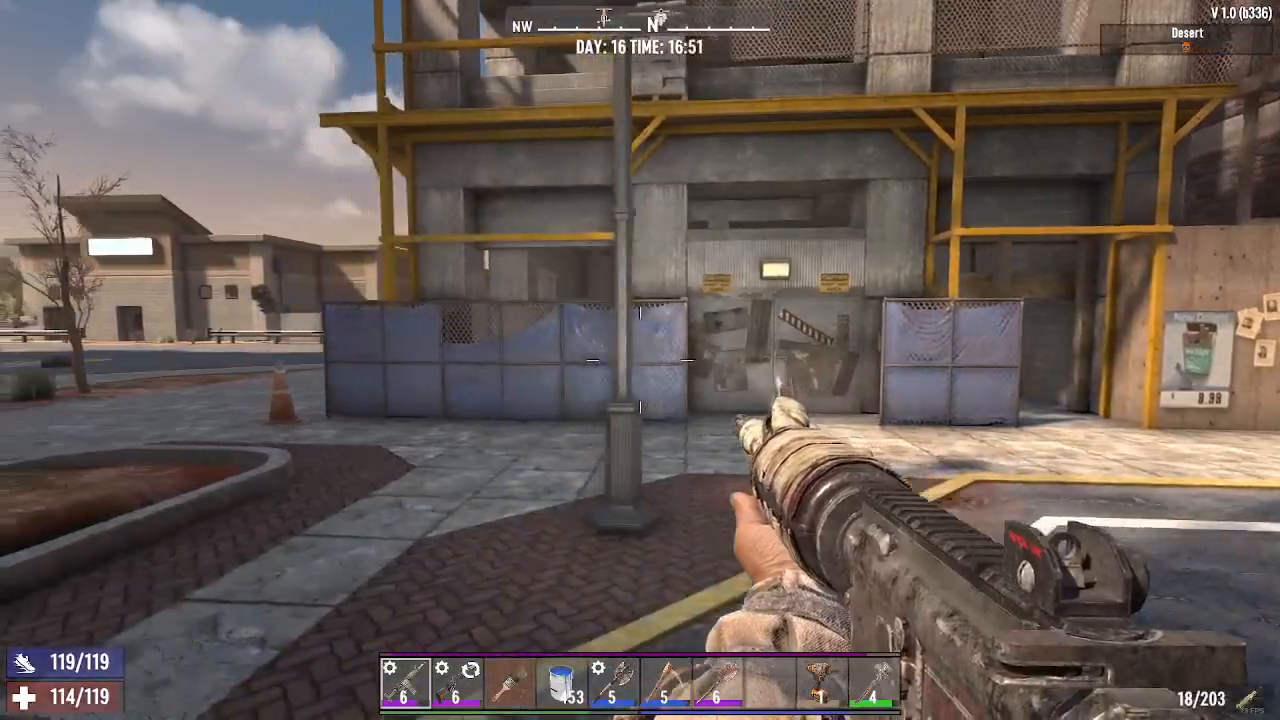
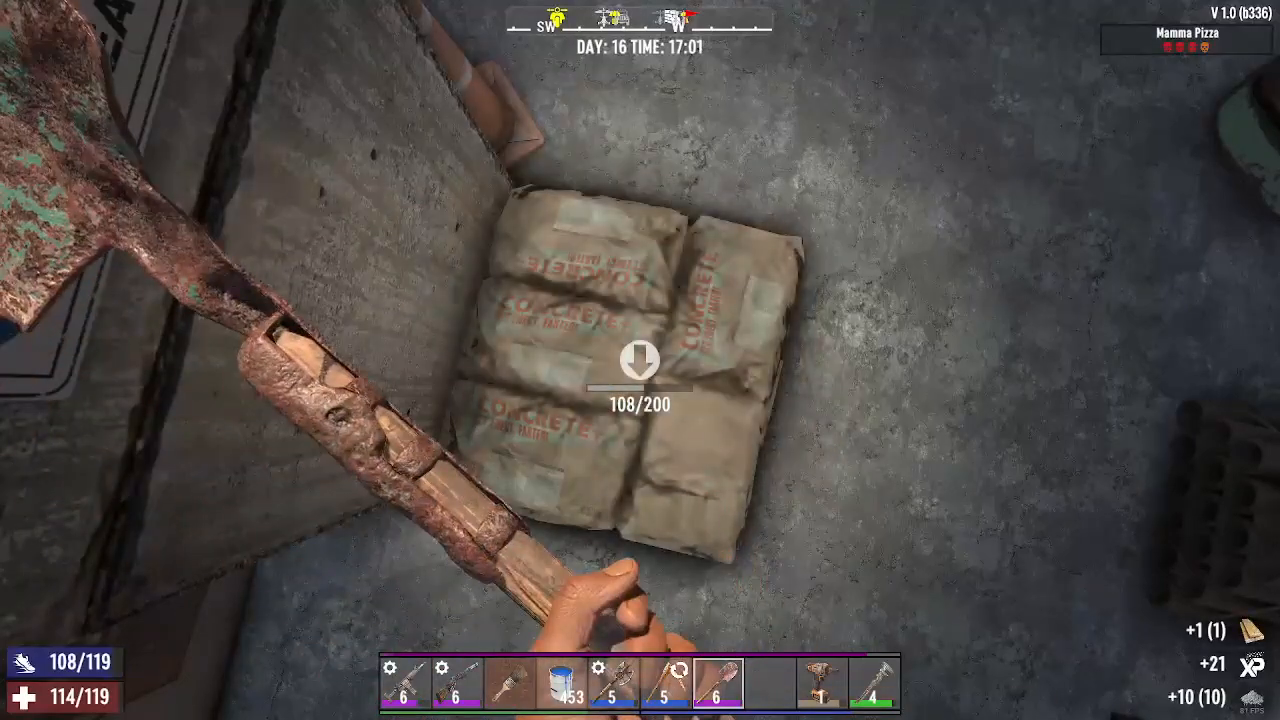
When you locate a concrete POI, you’ll see large bags clearly labeled “concrete.” To harvest the concrete, simply equip a shovel and strike the bags. The concrete will be added to your inventory automatically—it’s that straightforward.
Crafting Concrete at the Cement Mixer
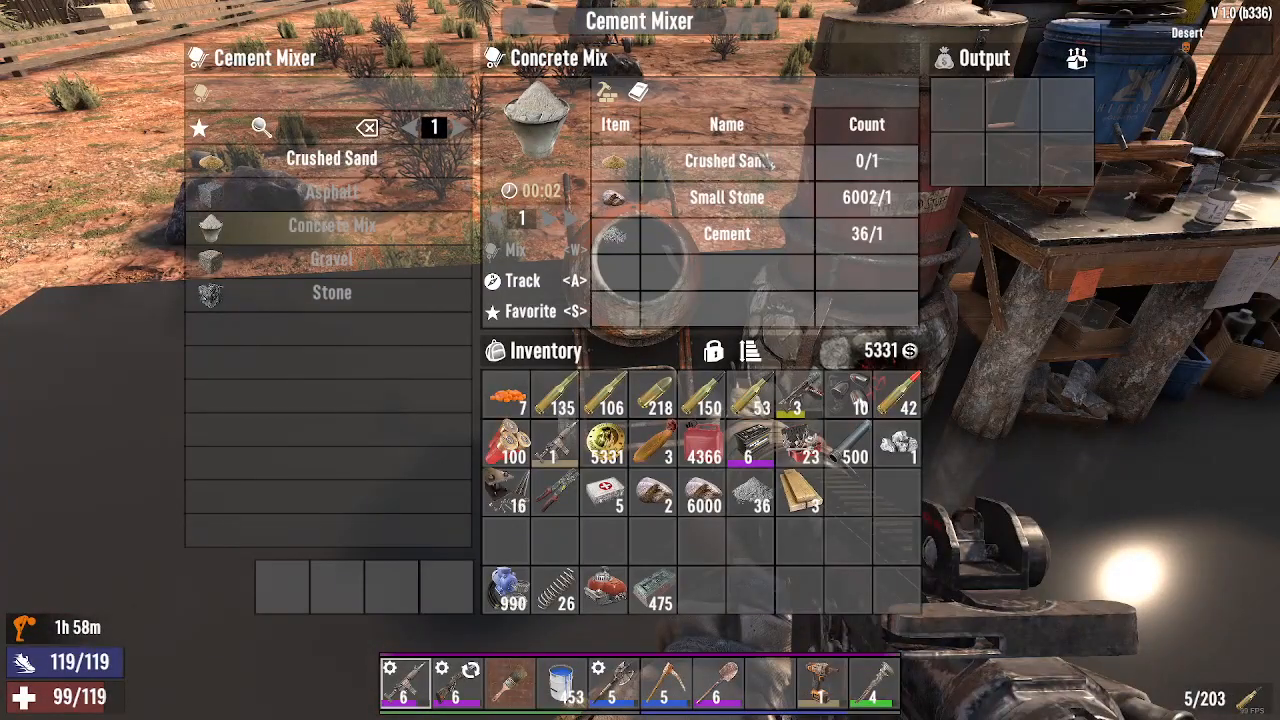
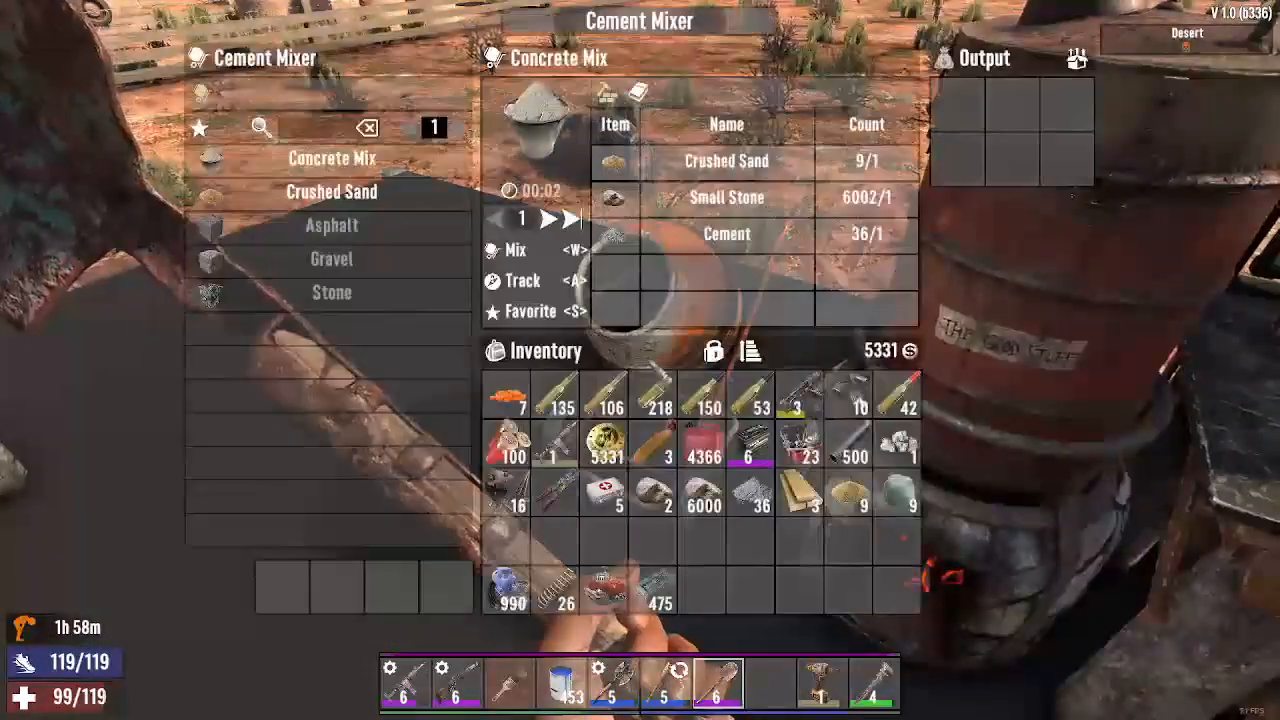
If you don’t have access to pre-made concrete bags or need additional supplies, you can craft concrete using a Cement Mixer. To make concrete, you’ll need two primary ingredients: crushed sand and small stones.
Gathering Crushed Sand
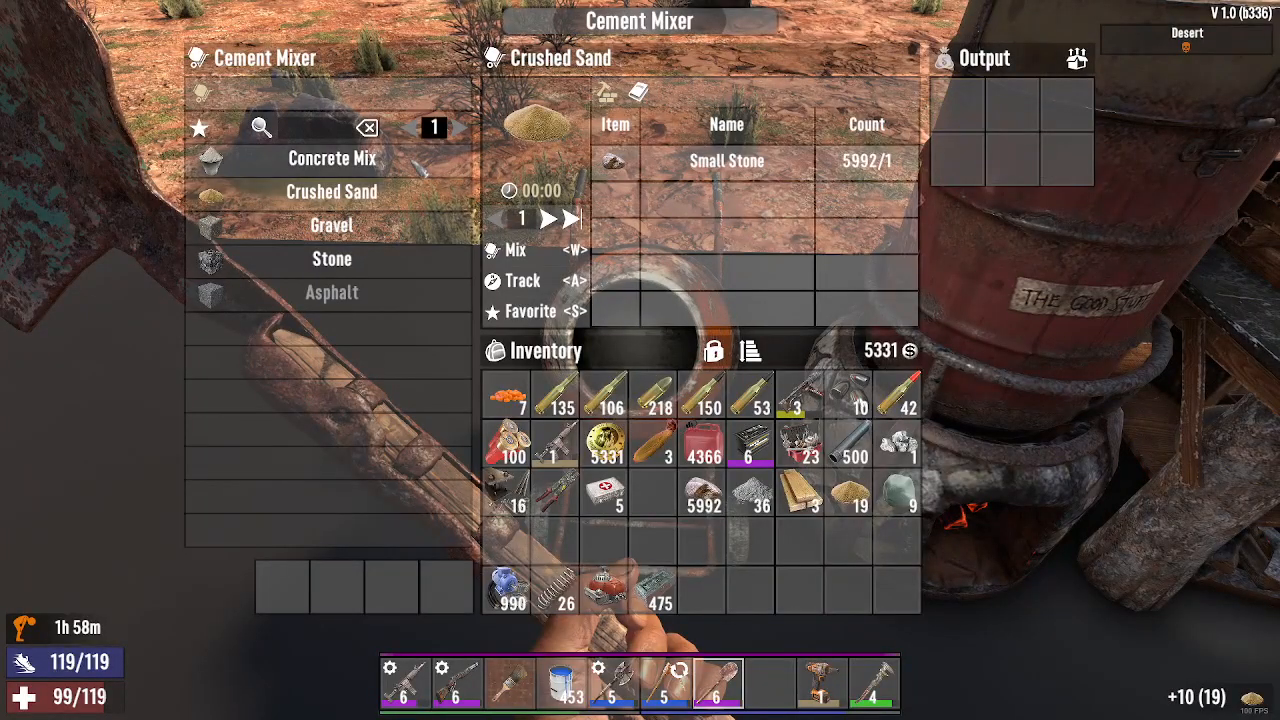
Crushed sand can be obtained by harvesting regular sand with a shovel. Once you have sand, you can convert it into crushed sand at the Cement Mixer (the exact crafting recipe for sand conversion is covered in our channel’s sand collection video).
Gathering Small Stones
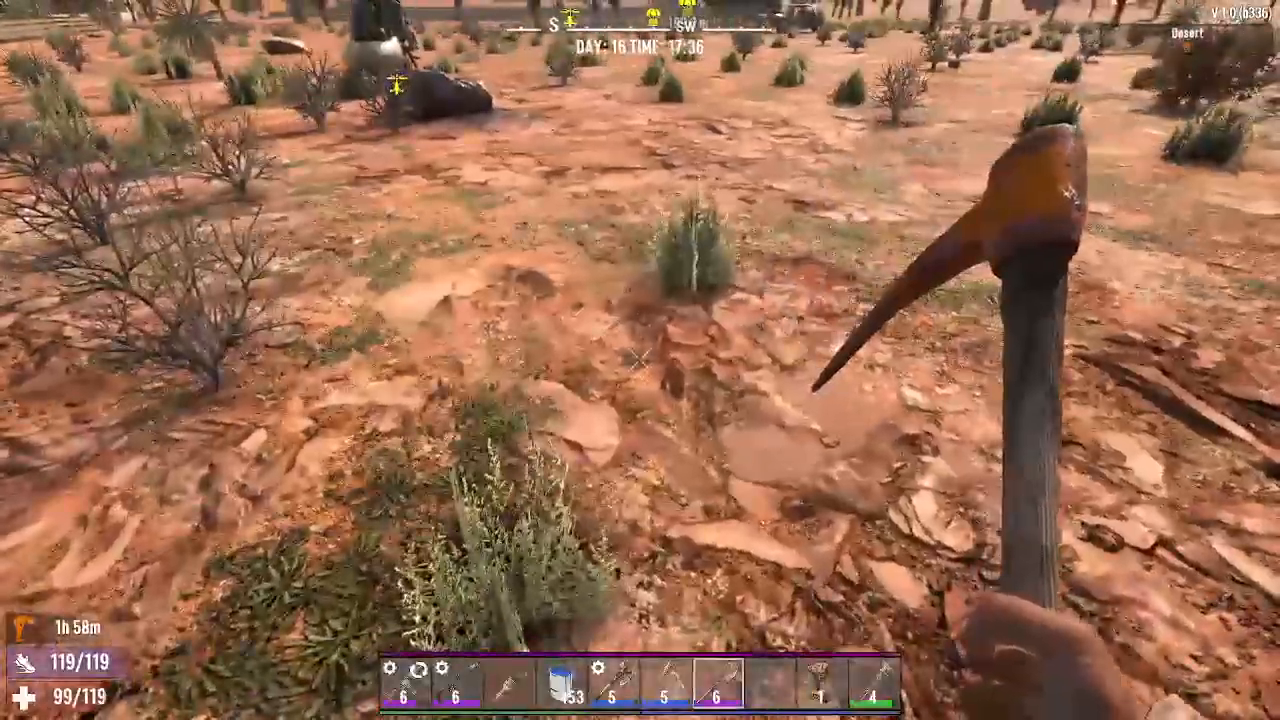
Small stones are created by breaking down regular rocks with a tool. You can gather enough small stones by striking rocks found throughout the map, or craft additional quantities as needed at your workbench.
Mixing Concrete
Once you have your crushed sand and small stones, place them into the Cement Mixer. The mixer will combine these materials and output finished concrete. You can craft as much as you need in batches—simply add more materials and activate the mixer again.
How to Use Concrete for Building Upgrades
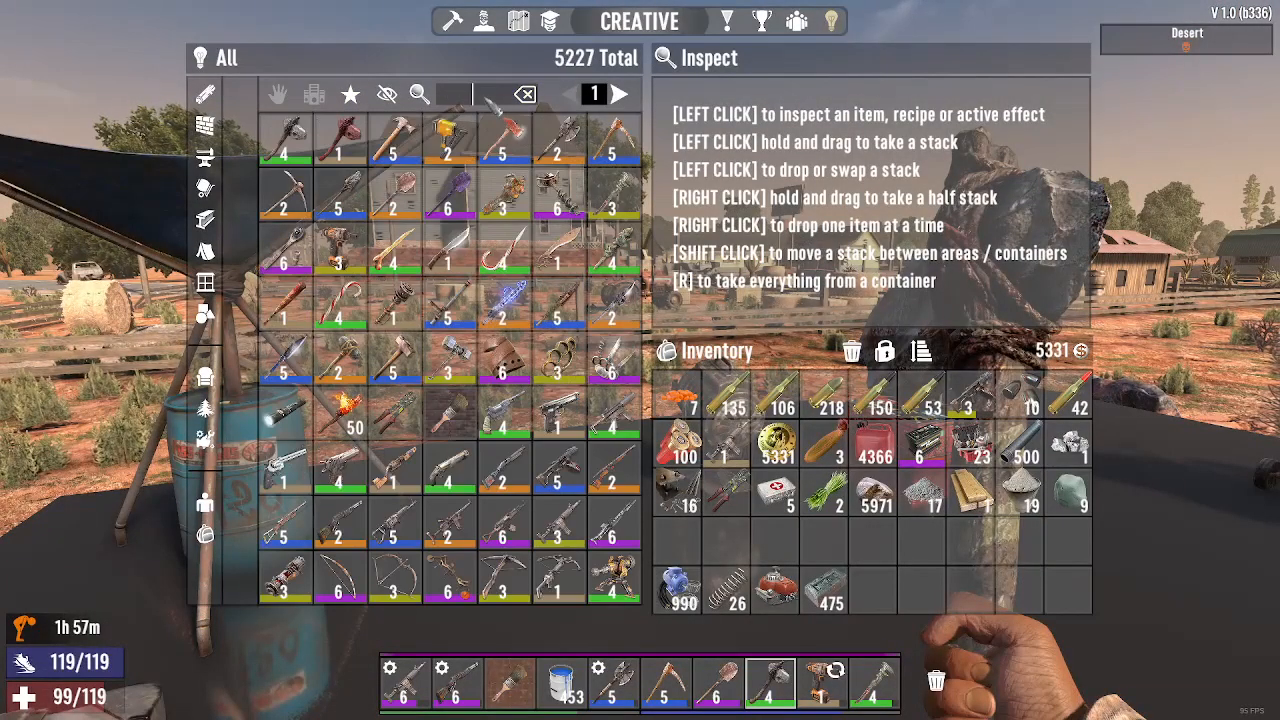
Concrete serves as an upgrade material for wooden blocks, allowing you to progress your structures to more durable forms. The upgrade path follows this sequence: wood → cobblestone → concrete.
Upgrading Wood to Cobblestone
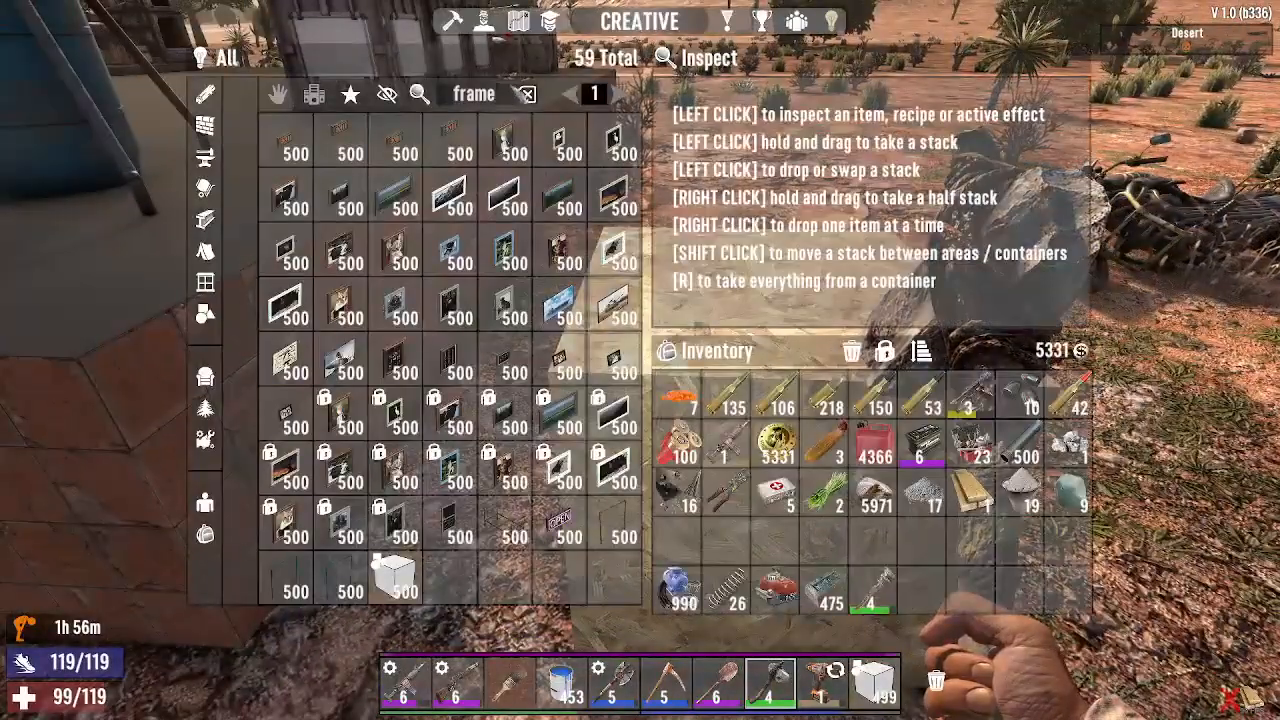
To begin the upgrade process, equip a wooden building block (such as a frame building cube) and place it as needed. Right-click on the wooden block to open the upgrade menu. Select cobblestone as your upgrade material. However, you cannot upgrade directly to cobblestone without first obtaining the material.
Crafting Cobblestone
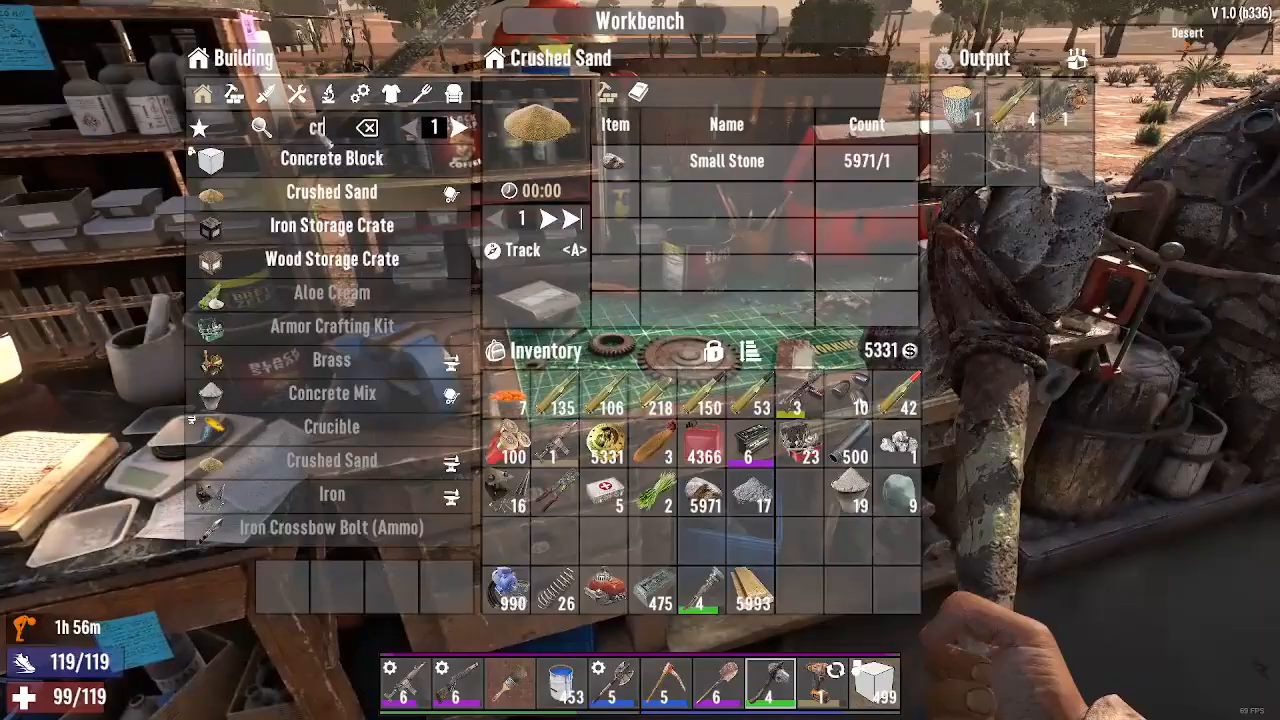
Cobblestone is created at your workbench using small stones and clay. To gather clay, simply dig into the ground almost anywhere on the map—clay is readily available throughout the terrain. Once you have both small stones and clay, combine them at the workbench to produce cobblestone.
Upgrading Cobblestone to Concrete
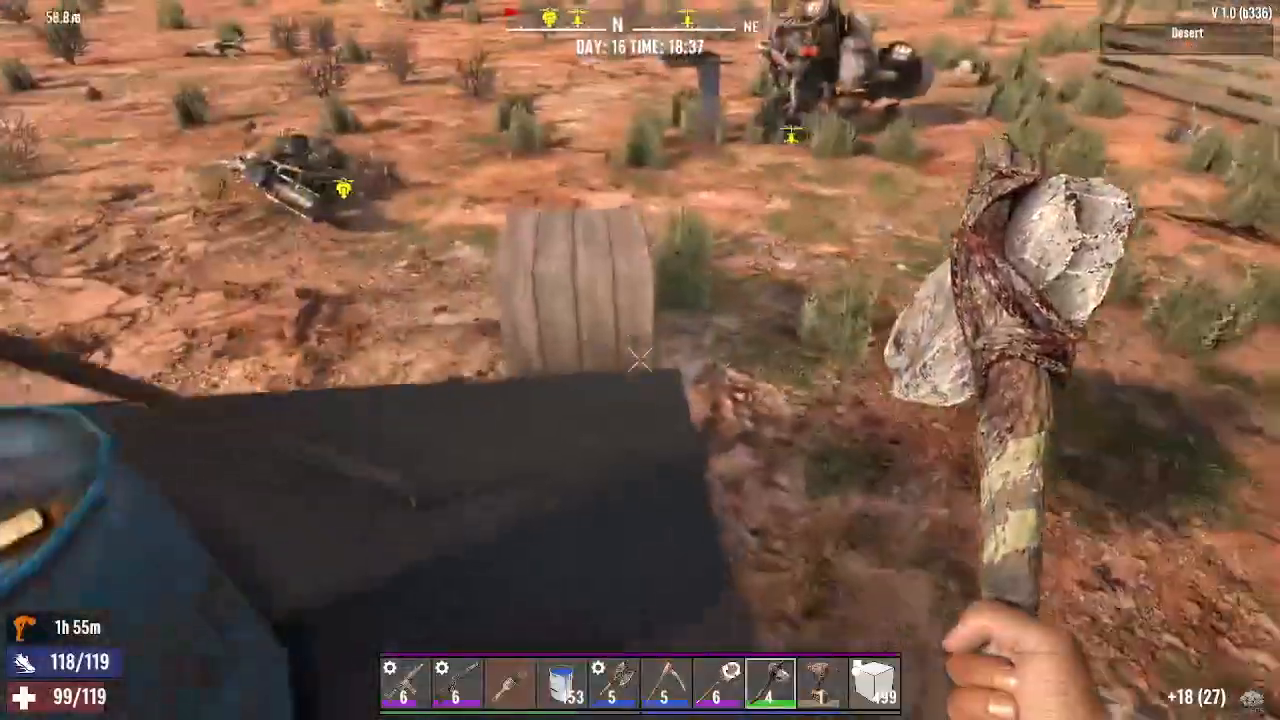
With cobblestone blocks in place and concrete in your inventory, right-click on your cobblestone blocks to upgrade them. Select concrete from the upgrade menu. Your cobblestone blocks will transform into concrete blocks, creating a much more durable foundation for your base.
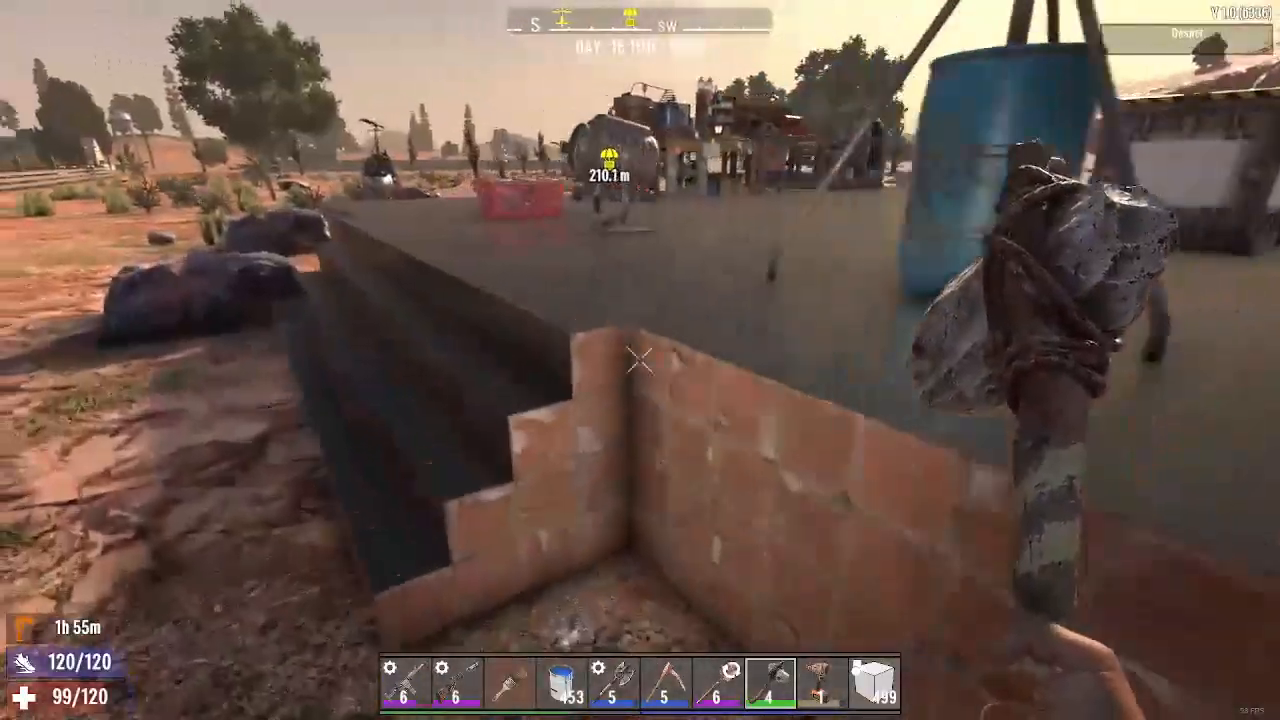
Concrete blocks represent a significant upgrade in durability and serve as the primary reinforced material for establishing a secure base foundation in 7 Days to Die.
Summary
Obtaining and using concrete in 7 Days to Die is straightforward once you know the methods. The fastest approach is looting concrete bags from construction POIs with yellow scaffolding. If you need to craft concrete, gather crushed sand and small stones, then combine them at a Cement Mixer. Finally, use your concrete to upgrade cobblestone blocks in your structures, creating a durable base capable of withstanding horde attacks. With these techniques, you’ll have everything you need to build fortified shelters and secure your survival.
Want to Support?
If you would like to help us continue making these guides – please consider joining our patreon here – https://www.patreon.com/c/JaviHeals
Alternatively – you can join our discord here – https://discord.gg/zD7Gjt6MHF