How to Remove Quick Waypoints in 7 Days to Die
How to Remove Quick Waypoints in 7 Days to Die
Quick waypoints in 7 Days to Die can sometimes clutter your map and distract you from your current objectives. Whether you’ve accidentally placed a waypoint or simply changed your mind about a destination, removing it is a quick and easy process. This guide will walk you through the simple steps to clear those red flag markers from your map.
Understanding Quick Waypoints
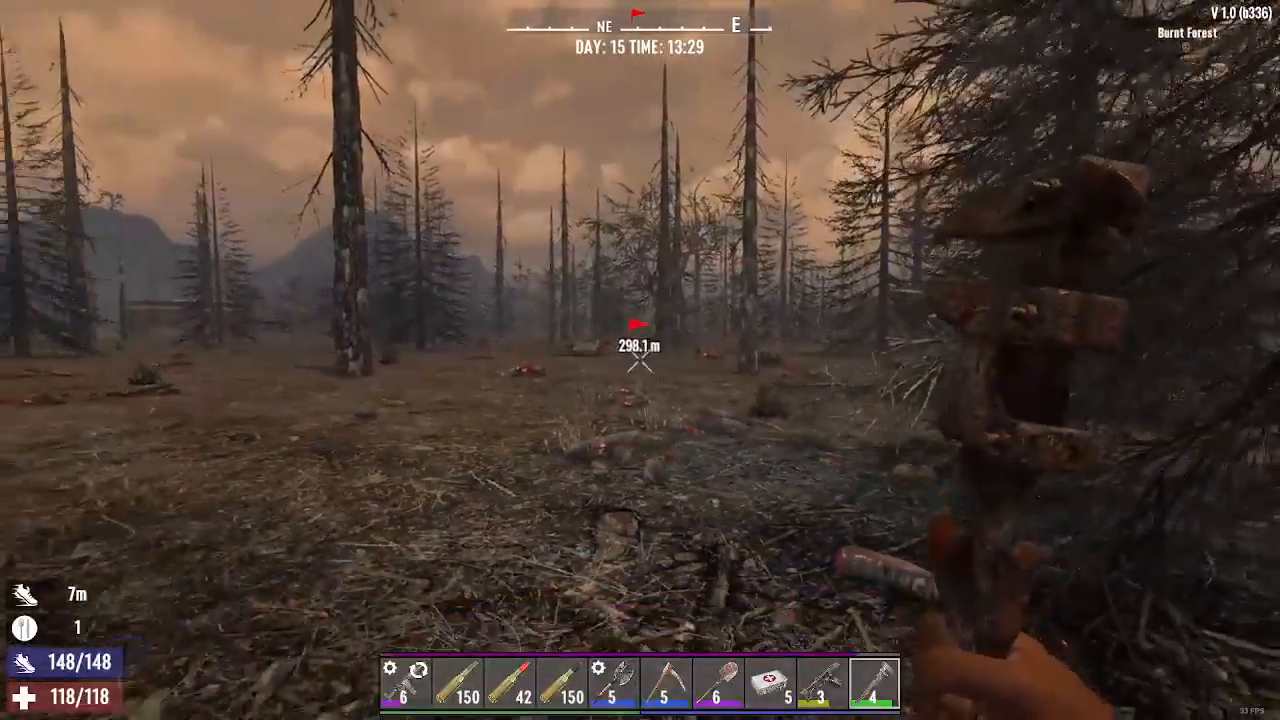
Quick waypoints appear as red flags on your map in 7 Days to Die. They can be placed anywhere in your game world, but if you no longer need them, they’re simple to remove.
How to Remove Quick Waypoints
Step 1: Place a Test Waypoint
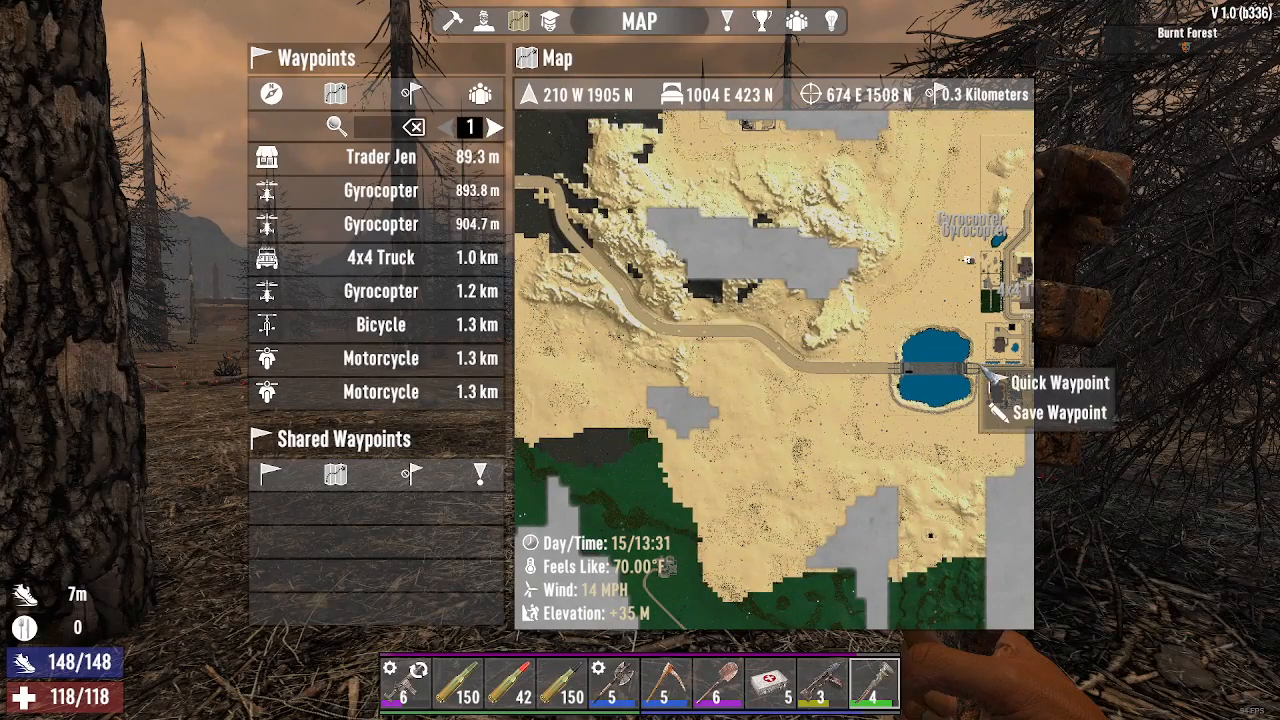
To demonstrate the removal process, start by placing a quick waypoint in any location on your map. For example, you can place one in the desert area or any other location you choose.
Step 2: Open Your Map
Open your map menu to view your placed waypoints. You’ll see the red flag marker displayed on your map.
Step 3: Locate the Remove Waypoint Icon
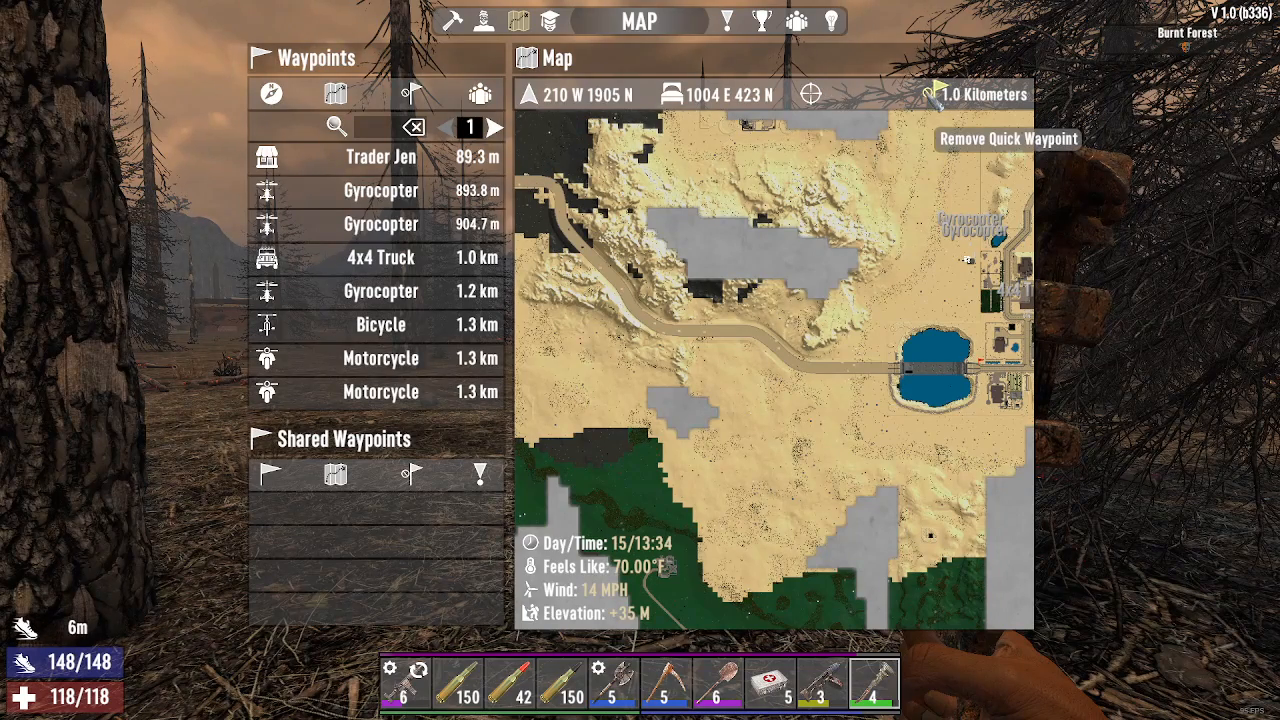
Look at the top right corner of your map interface. You’ll find a specific icon designed for removing quick waypoints. The icon features a circle with a slash through it and a flag symbol. When you hover your cursor over this icon, a tooltip will appear that says “remove quick waypoint.”
Step 4: Click to Remove
Simply click on the remove quick waypoint icon. The red flag marker will immediately disappear from your map, and your waypoint will be deleted.
Summary
Removing quick waypoints in 7 Days to Die is straightforward and takes just a few seconds. By accessing the remove quick waypoint icon in the top right corner of your map menu, you can keep your map clean and free from distracting markers. This simple feature helps you maintain focus on your current goals without unnecessary waypoint clutter.
Want to Support?
If you would like to help us continue making these guides – please consider joining our patreon here – https://www.patreon.com/c/JaviHeals
Alternatively – you can join our discord here – https://discord.gg/zD7Gjt6MHF