




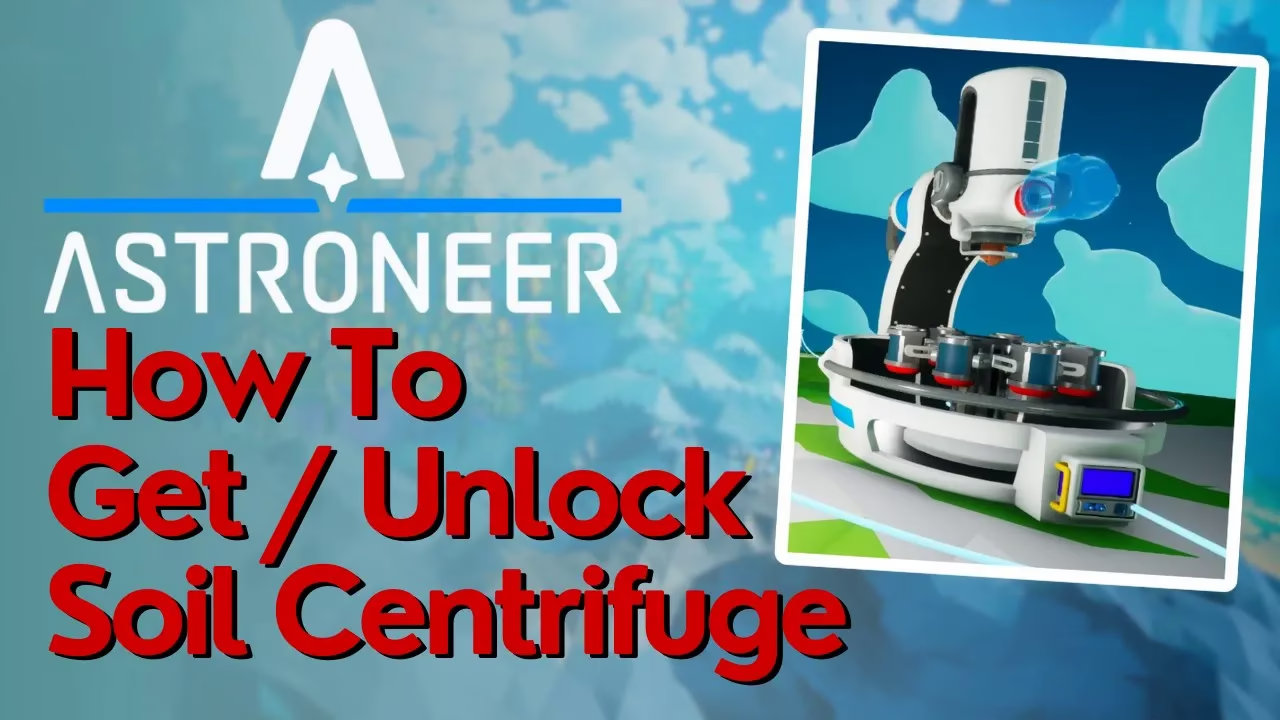
How To Get The Soil Centrifuge In Astroneer
How To Get The Soil Centrifuge In Astroneer
The Soil Centrifuge is a valuable piece of equipment in Astroneer, and obtaining it requires completing specific tasks through the retooling quest. In this guide, we’ll walk you through the exact steps needed to unlock, print, and attach the necessary mods to claim your Soil Centrifuge from the landing pad. Follow along as we gather resources, craft components, and complete the required modifications.
Understanding the Requirements
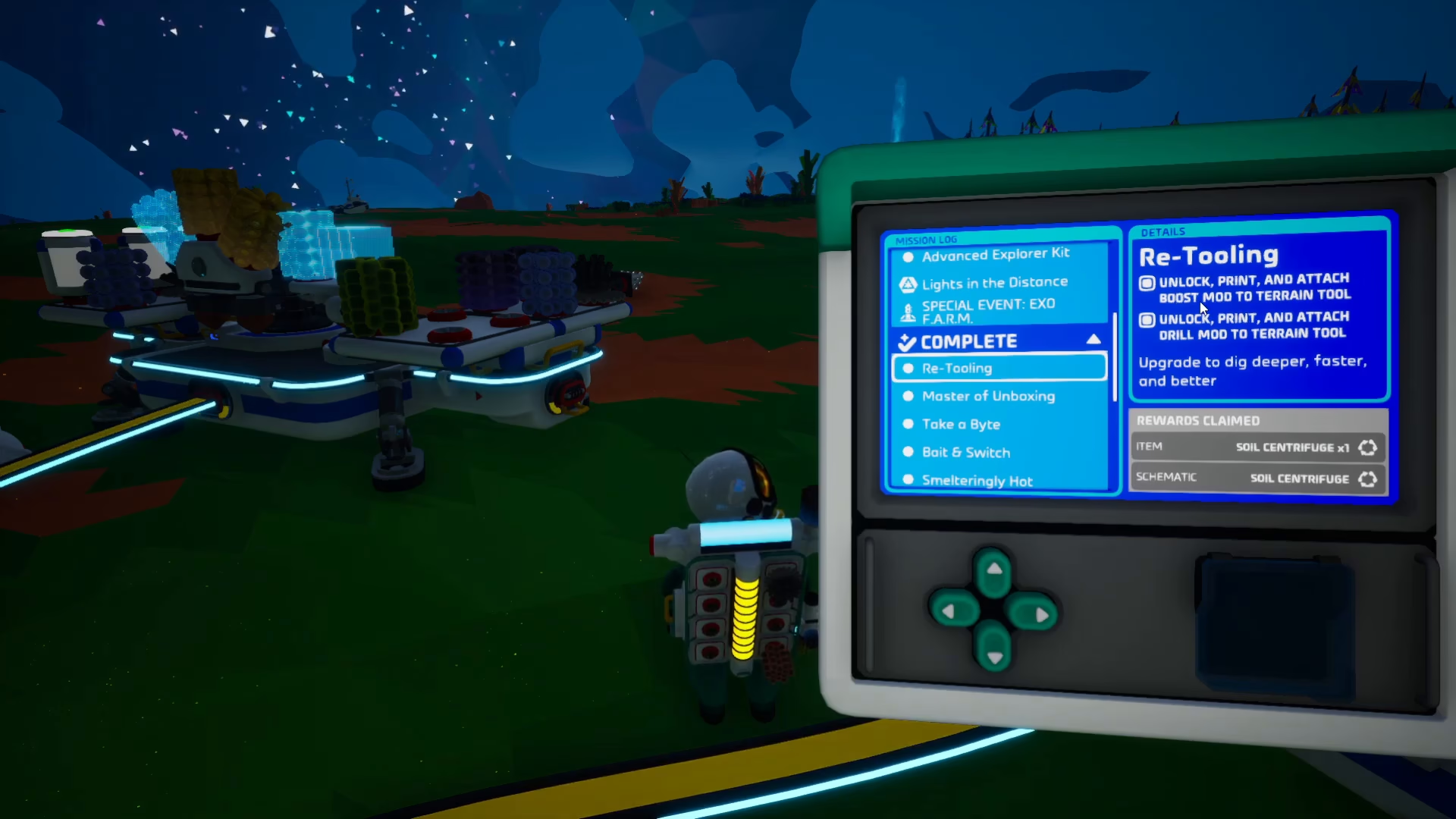
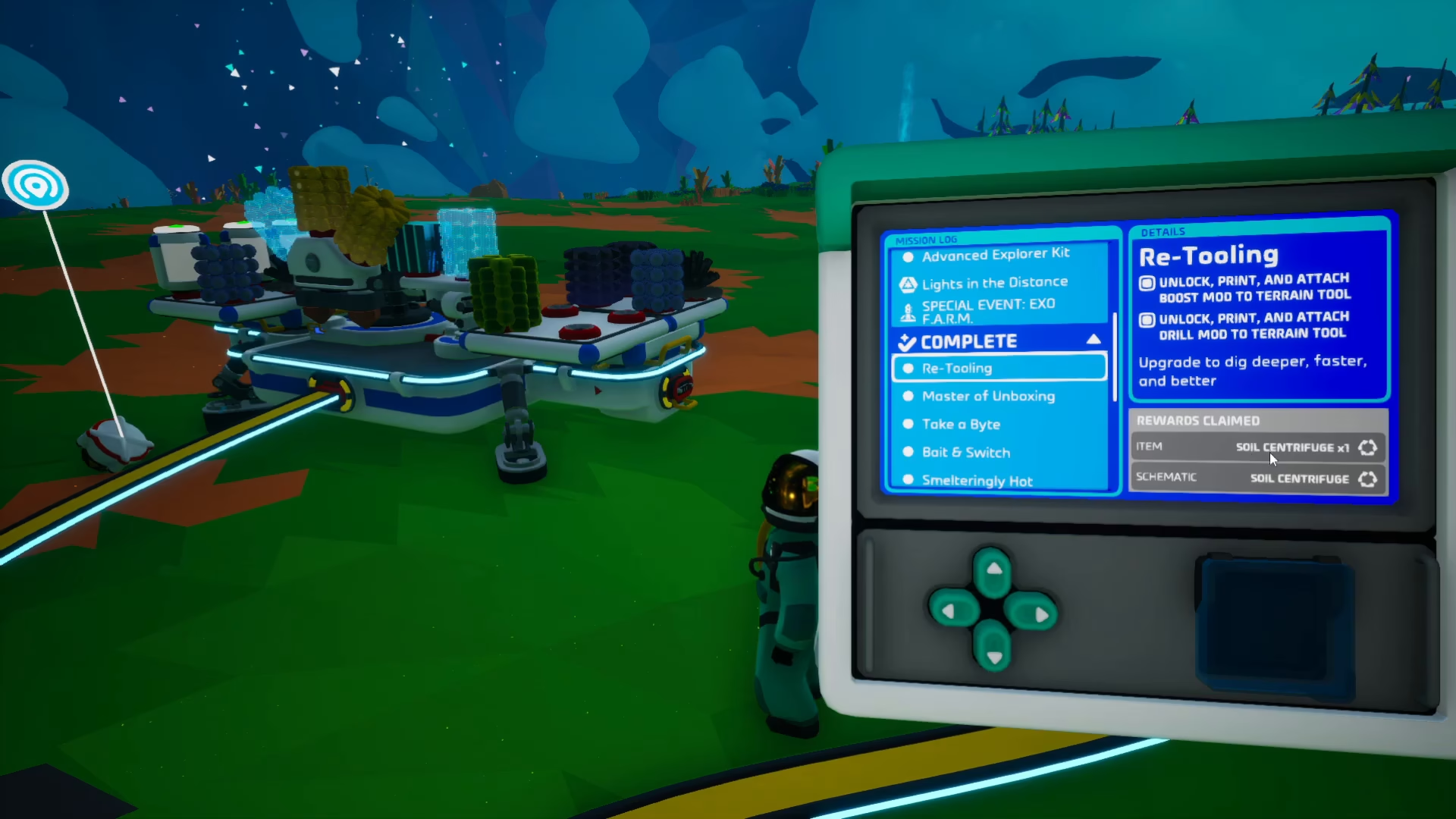
To get the Soil Centrifuge in Astroneer, you need to accomplish two main objectives. The retooling quest provides you with a Soil Centrifuge and its schematics, allowing you to craft additional units if needed. The key requirement is to unlock, print, and attach both the Boost Mod and the Drill Mod to your equipment.
Accessing the Research Catalog
Start by pressing R to open the Research Catalog. Navigate to the Small Printer section and scroll down to locate the mods you need to unlock.
Unlocking the Boost Mod
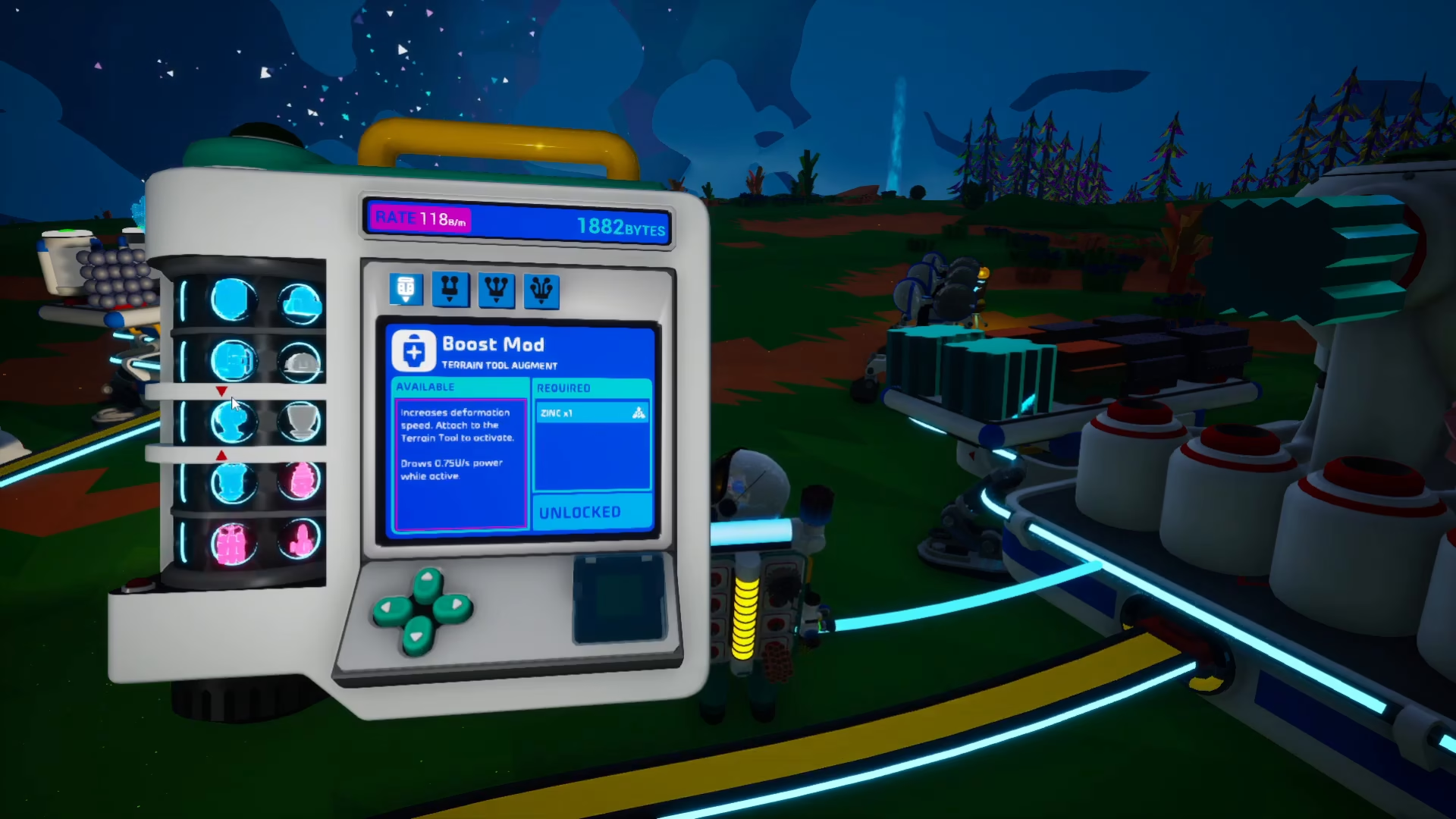
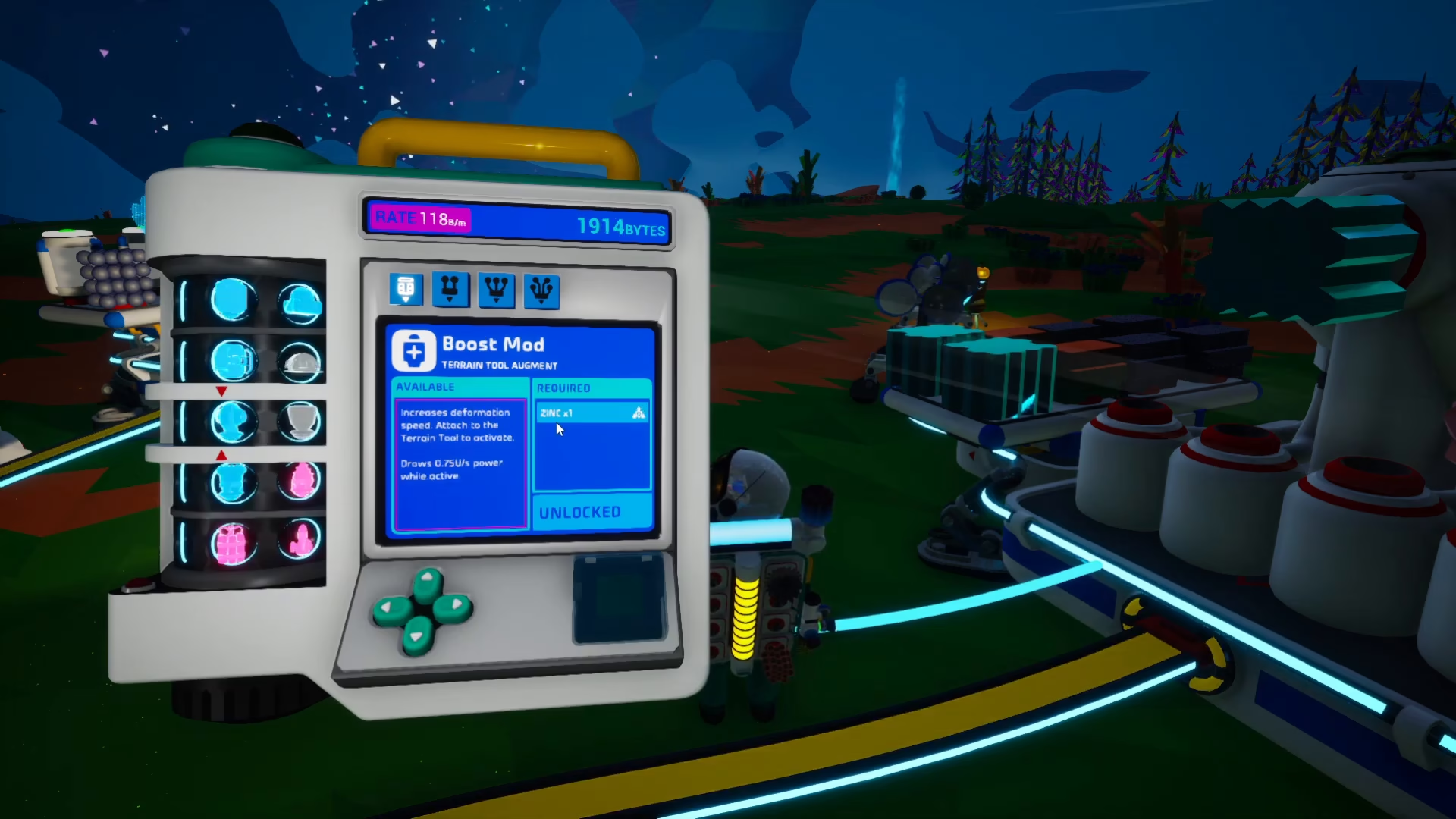
In the Research Catalog, scroll down five positions to find the Boost Mod. This mod requires one Zinc to craft. Unlock it using your accumulated research bytes.
Unlocking the Drill Mod
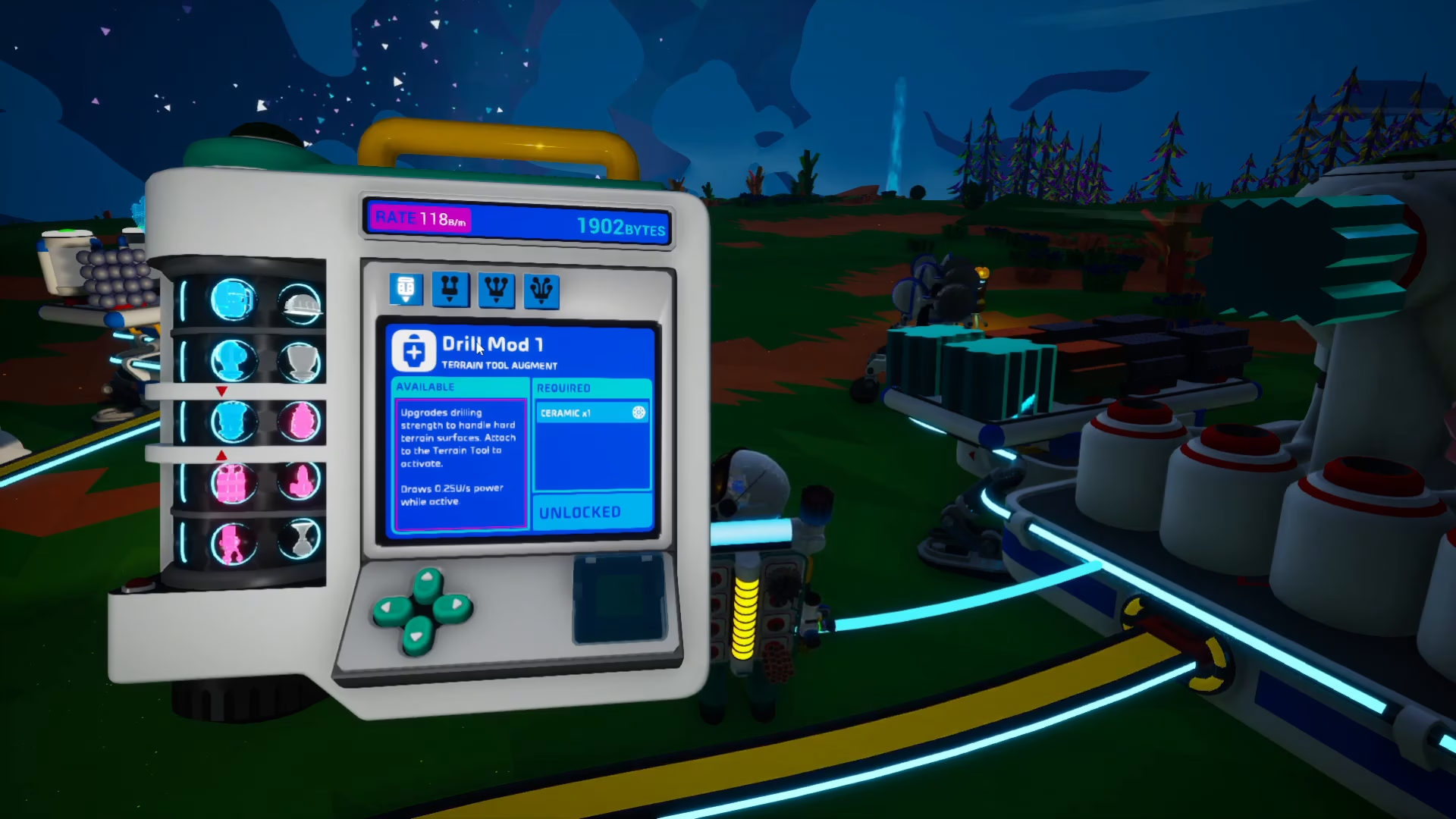
Continue scrolling down one more position to find Drill Mod One. This mod requires one Ceramic to craft. Unlock this mod as well using your research bytes.
Gathering Materials
Obtaining Zinc
Zinc is crafted from Svallorite, which you can find in caves throughout Astroneer. Once you’ve collected Svallorite, bring it home and place it into a Smelting Furnace. The furnace will convert it into Zinc.
Obtaining Ceramic
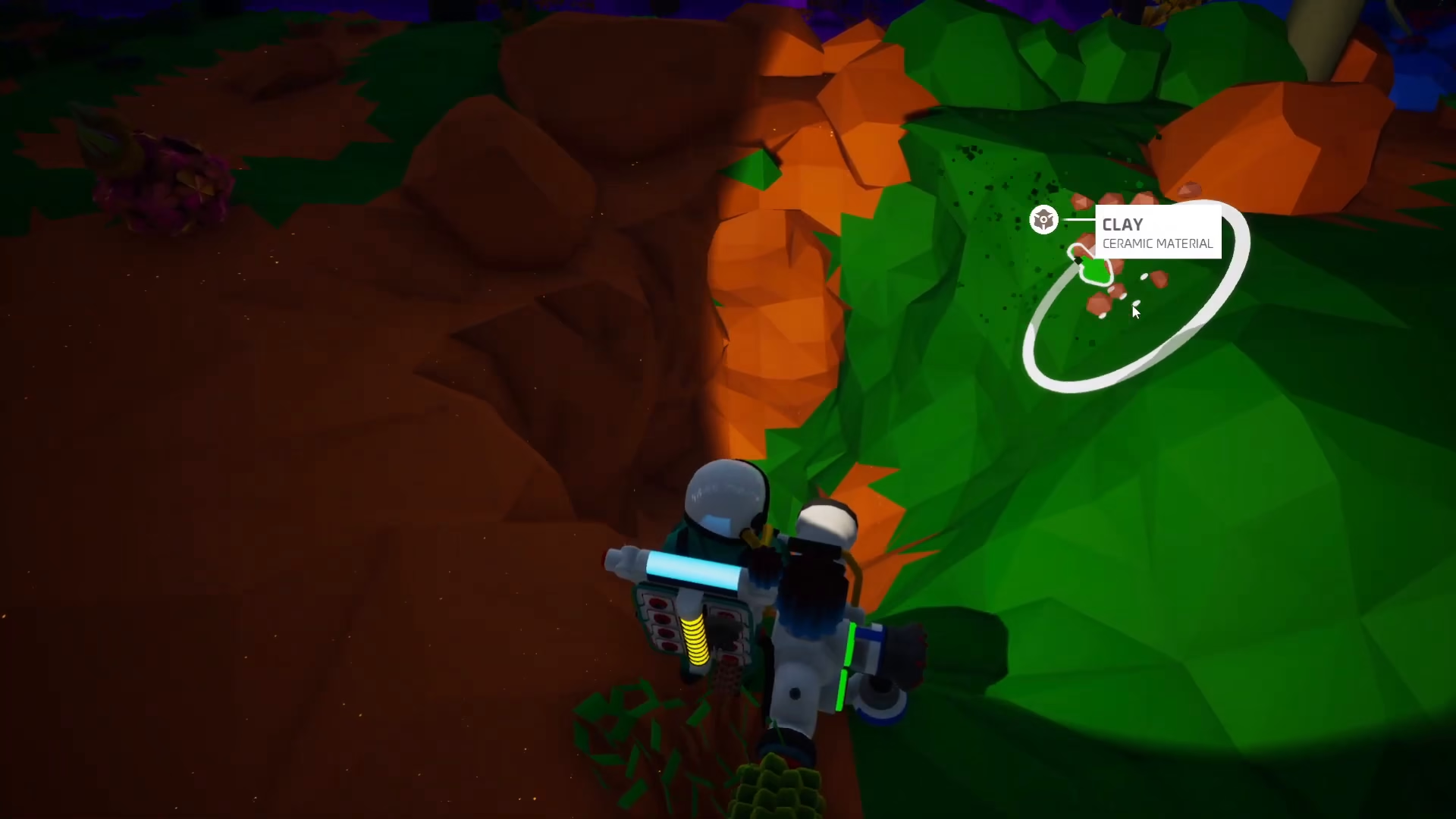
Ceramic is made from Clay, which appears as brown nodules scattered around your environment. Look for clusters of clay — you’ll often find large nodes beneath the surface. Once collected, place the clay into a Smelting Furnace to produce Ceramic, just as you did with the Zinc.
Crafting and Attaching the Mods
Creating the Boost Mod
With your Zinc ready, place it in your backpack inventory. Use the blue arrow buttons in the Smelting Furnace interface to select the Boost Mod. Click the green button to craft it. Once created, the Boost Mod will appear in your inventory.
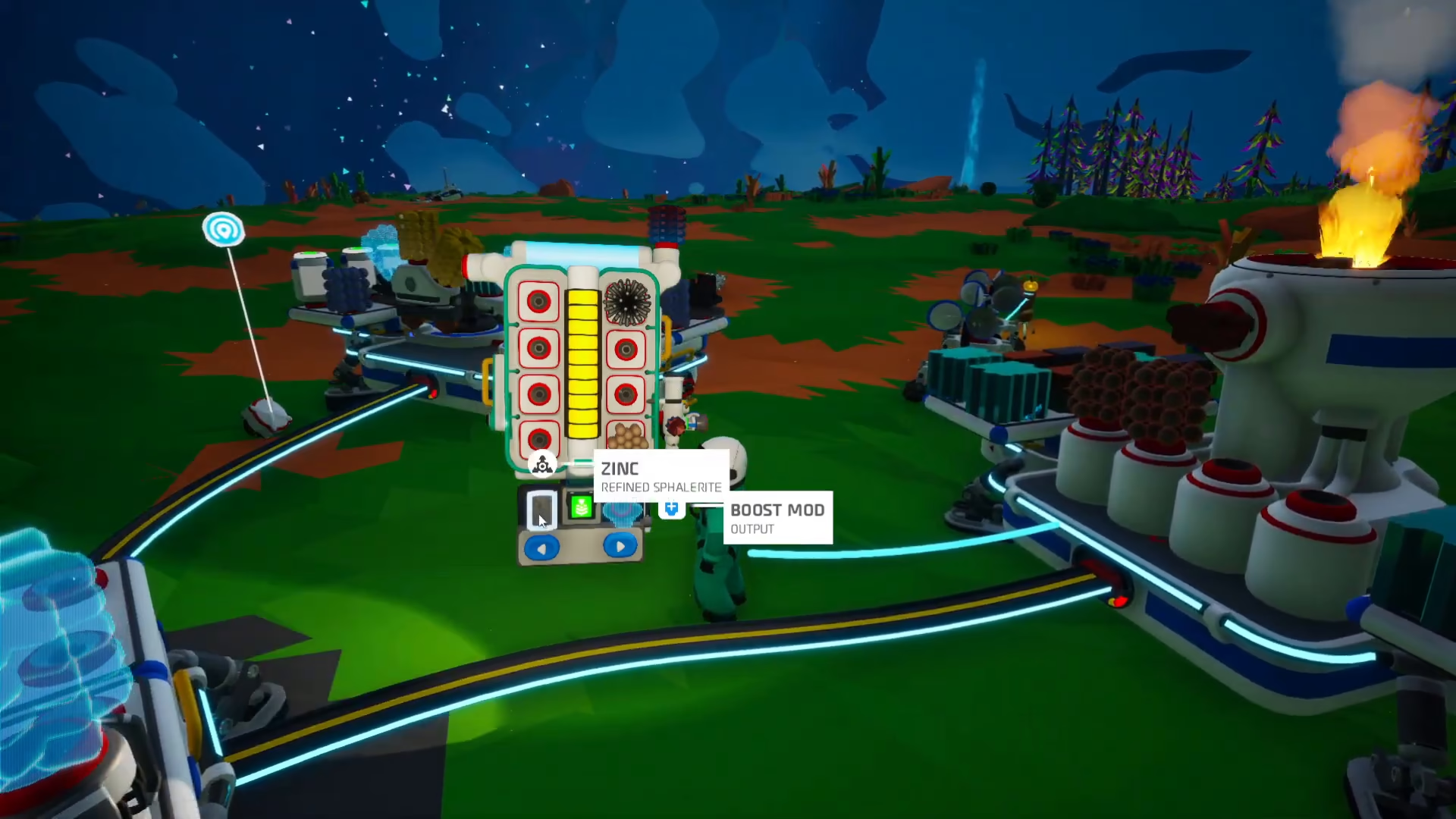
Now drag the Boost Mod from your inventory onto one of the red nodules on your terrain extractor or excavator to attach it.

Creating the Drill Mod
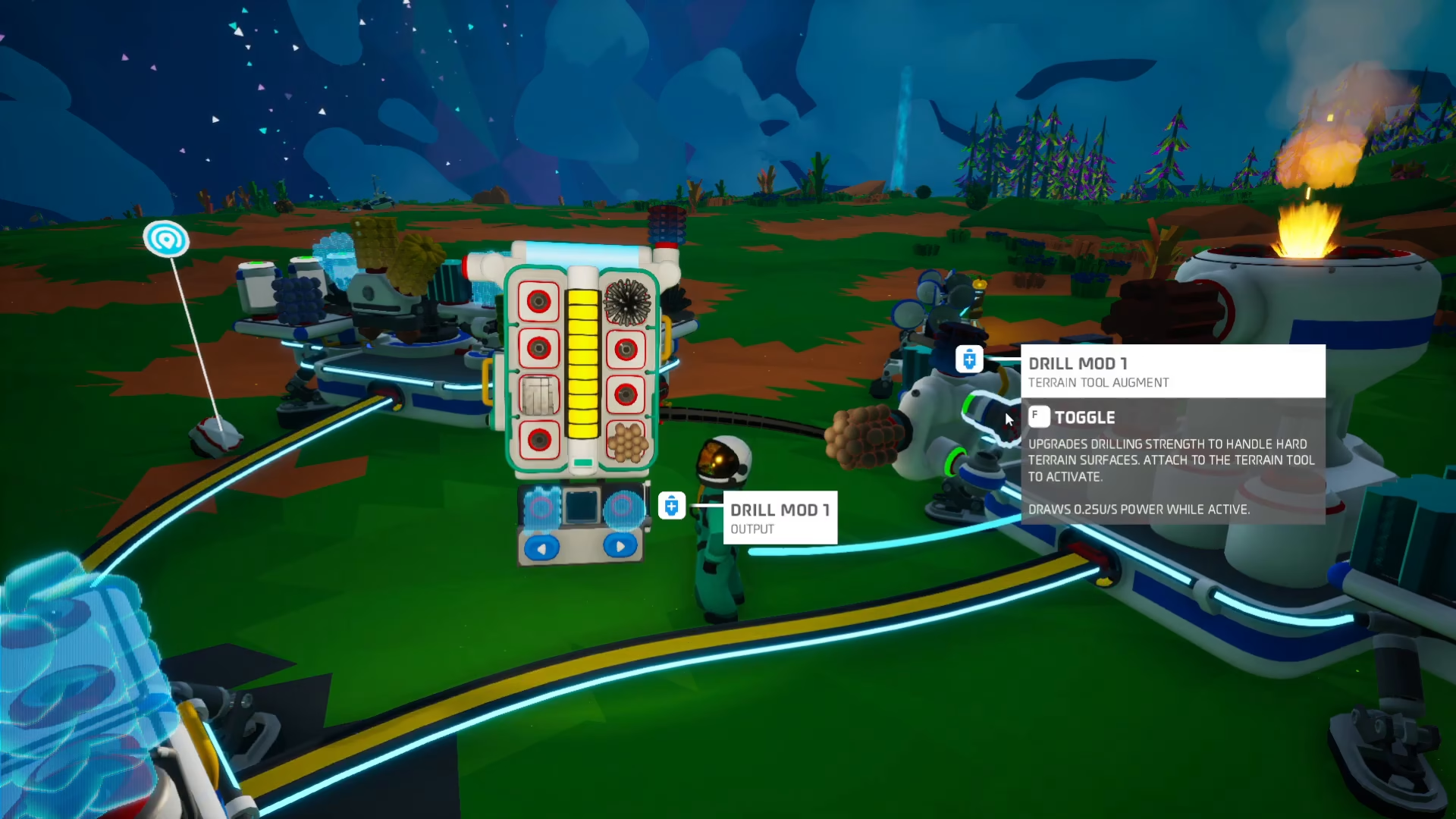
Once your Ceramic is finished smelting, place it in your backpack. Use the blue arrows to select Drill Mod One and press the green button to craft it.

Drag the Drill Mod onto your terrain extractor or excavator (or other compatible equipment) to attach it, just as you did with the Boost Mod.
Claiming Your Soil Centrifuge
Once you have successfully unlocked, printed, and attached both the Boost Mod and Drill Mod, you’re ready to claim your reward. Navigate to the landing pad and check your mission log. You will automatically be able to claim the Soil Centrifuge from the mission interface.
Summary
Obtaining the Soil Centrifuge in Astroneer is a straightforward process once you know the steps. Unlock both the Boost Mod and Drill Mod through the Research Catalog, gather Svallorite and Clay from your environment, smelt them into Zinc and Ceramic respectively, craft both mods using your materials, attach them to your equipment, and finally claim your Soil Centrifuge from the landing pad. With these mods attached and the quest completed, you’ll have everything you need to work with soil in Astroneer effectively.
Want to Support?
If you would like to help us continue making these guides – please consider joining our patreon here – https://www.patreon.com/c/JaviHeals
Alternatively – you can join our discord here – https://discord.gg/zD7Gjt6MHF



