





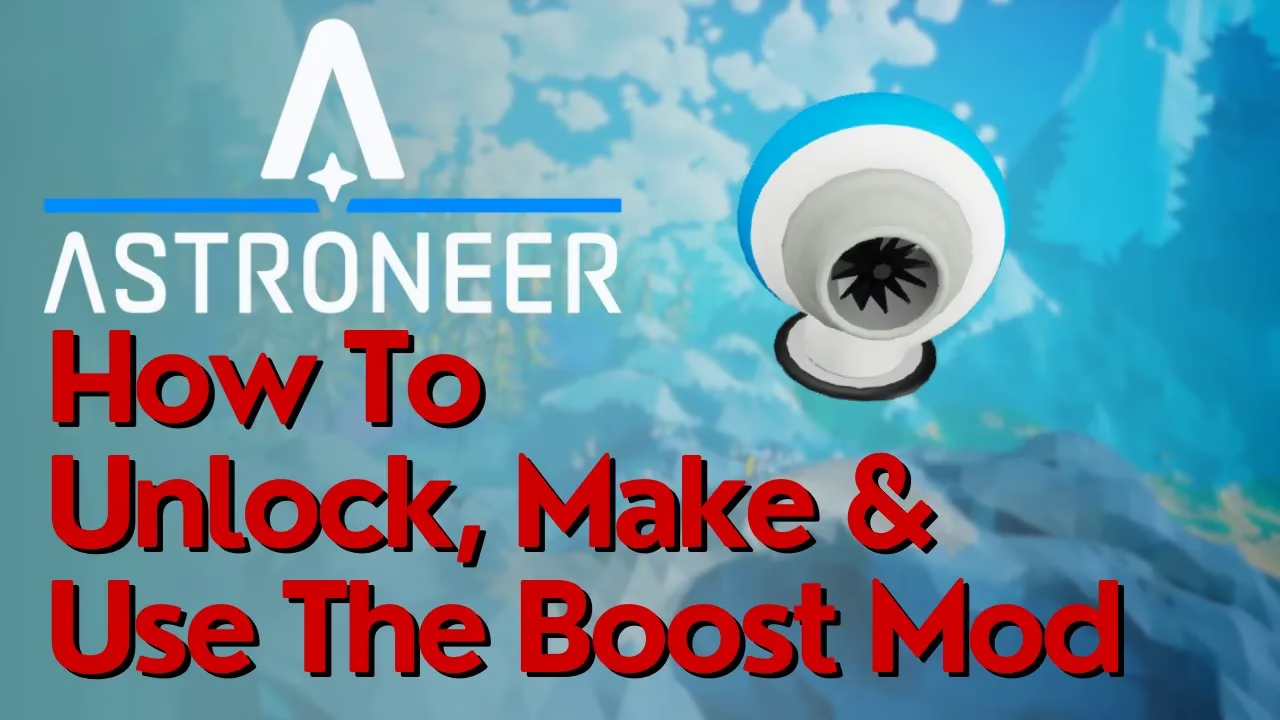
How To Make & Use The Boost Mod In Astroneer
How To Make & Use The Boost Mod In Astroneer
The Boost Mod is a useful upgrade in Astroneer that enhances your terrain tool’s performance. In this guide, we’ll walk you through the complete process of unlocking, crafting, and equipping the Boost Mod so you can start using it in your game right away.
Step 1: Unlock the Boost Mod in Research
To begin, you need to access your research catalog. Hold down R on your keyboard to open the circle menu, then navigate into the research catalog. Look for the Boost Mod in your list—it’s located 4 positions down from the top. Make sure the mod is unlocked before proceeding.
The Boost Mod requires one zinc to unlock.
Step 2: Obtain Zinc
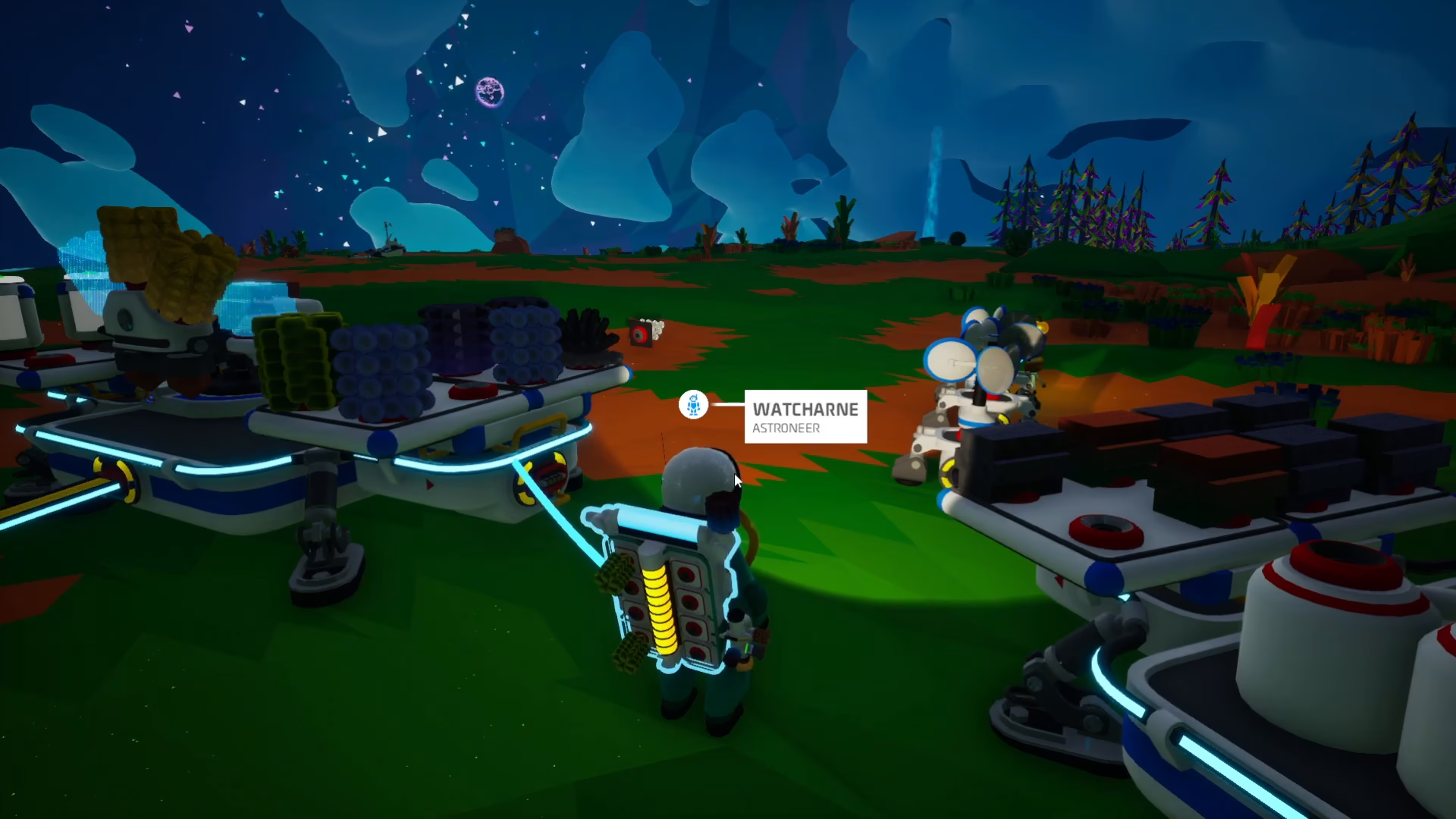
Zinc must be refined using a smelting furnace. You’ll need to find Sylvanite, which is commonly found in caves throughout your world. Once you have Sylvanite, place it in your smelting furnace to refine it into zinc.

Step 3: Craft the Boost Mod
After you’ve obtained your zinc, take it and place it in your backpack. Open your backpack menu and use the blue arrows to navigate until you find the Boost Mod. Once you’ve located it, press the green button with the zinc symbol next to it. This will craft the Boost Mod directly in your backpack.

Step 4: Equip the Boost Mod to Your Terrain Tool
Now that you have the Boost Mod crafted, you need to attach it to your terrain gun (also called your terrain tool). Click on your terrain gun to select it, then click the Boost Mod to attach it to one of the available slots on your terrain tool.

Step 5: Toggle the Boost Mod On and Off
Once the Boost Mod is equipped, you’ll notice a small green light on your terrain tool. This light indicates the toggle for the Boost Mod. You can click this green light to turn the mod on or off whenever you wish. This same toggle method applies to other mods as well, such as the drill mod.

Summary
You now know how to successfully research, unlock, craft, and use the Boost Mod in Astroneer. By following these steps, you’ll have the Boost Mod ready to enhance your terrain tool and improve your gameplay experience. Remember that the process starts with unlocking in the research catalog, gathering zinc through smelting Sylvanite, crafting the mod in your backpack, equipping it to your terrain tool, and finally toggling it on using the green light indicator.
Want to Support?
If you would like to help us continue making these guides – please consider joining our patreon here – https://www.patreon.com/c/JaviHeals
Alternatively – you can join our discord here – https://discord.gg/zD7Gjt6MHF



