How to Repair & Repaint Vehicles In Farming Simulator 25
How to Repair & Repaint Vehicles In Farming Simulator 25
In Farming Simulator 25, keeping your vehicles in top condition is essential for smooth gameplay. Whether your equipment has taken damage during work or you simply want a fresh coat of paint, this guide will walk you through the entire repair and repaint process. We’ll cover everything from locating the shop to customizing your vehicle’s appearance and performance.
Getting Started at the Shop
The first step in repairing and repainting your vehicles is to visit your local shop. Any shop in Farming Simulator 25 will have the repair and repaint facilities available.
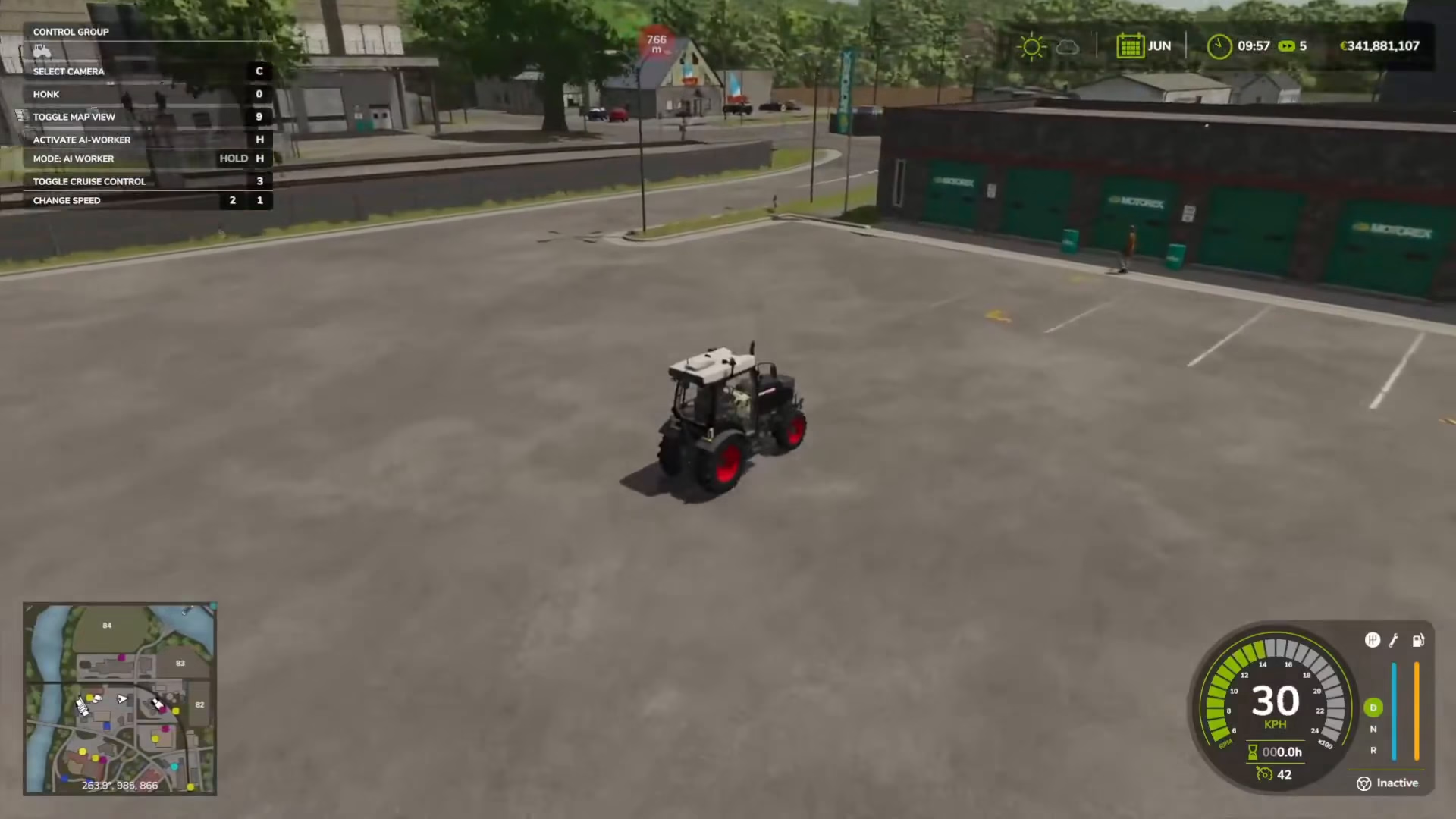
Drive your vehicle to the shop and look for the yellow icon marking the service area. Once you’ve located it, position your vehicle over the yellow icon and exit the vehicle.
Opening the Vehicle Options Menu
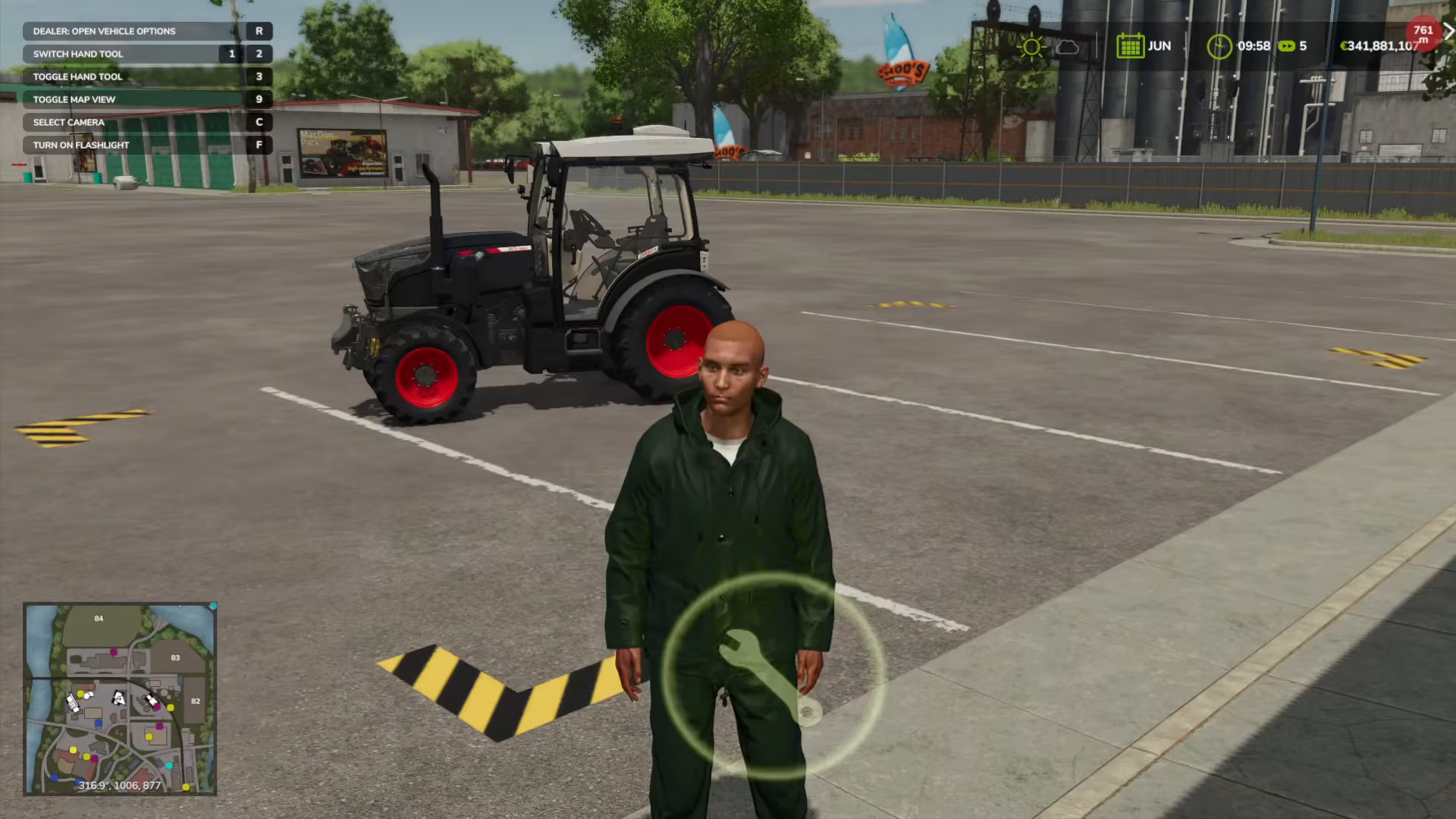
After exiting your vehicle, move near the repair icon. You’ll see a key bind prompt appear on your screen indicating “Open vehicle options with R”. Press the R key to open the vehicle options menu.
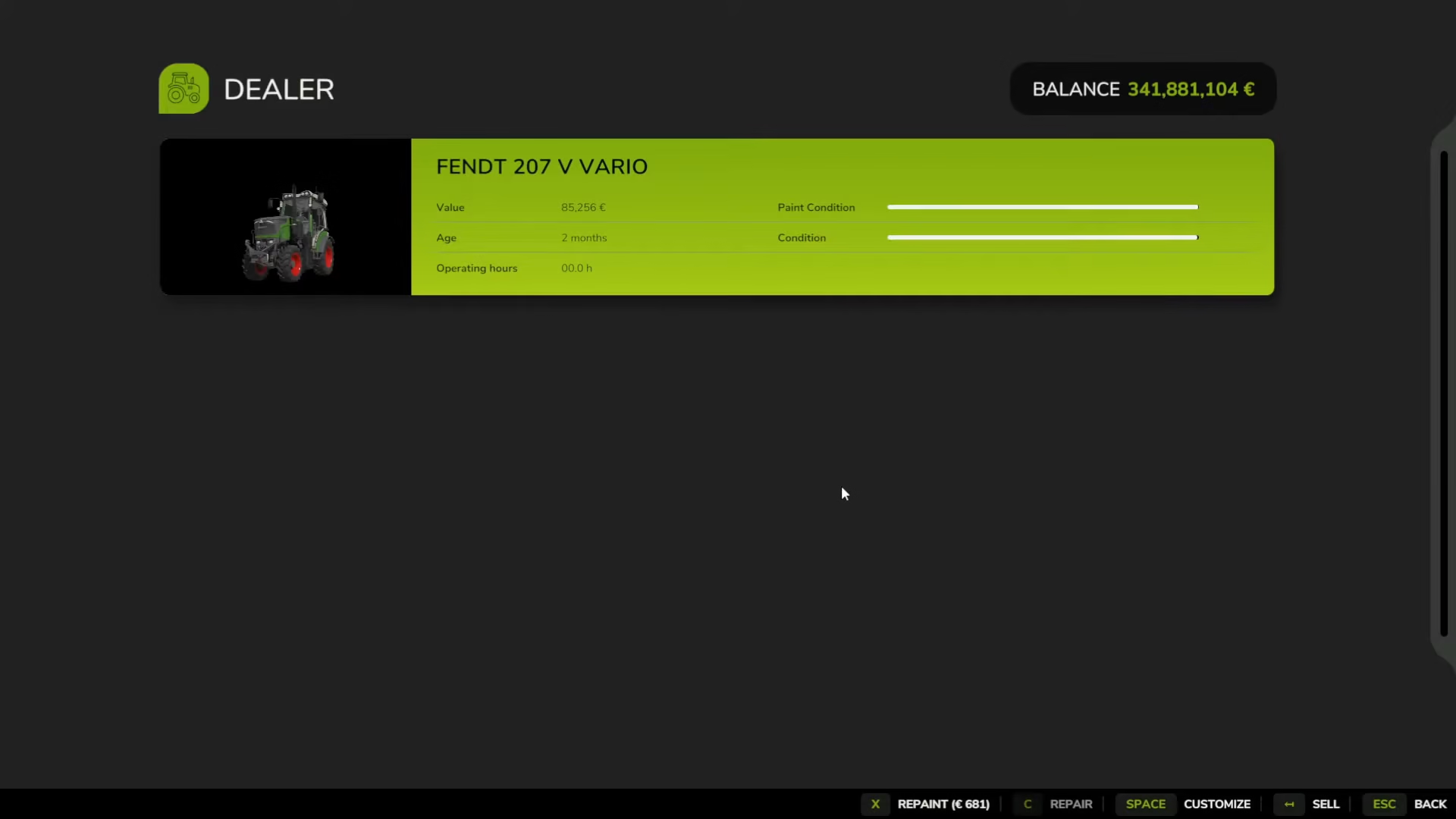
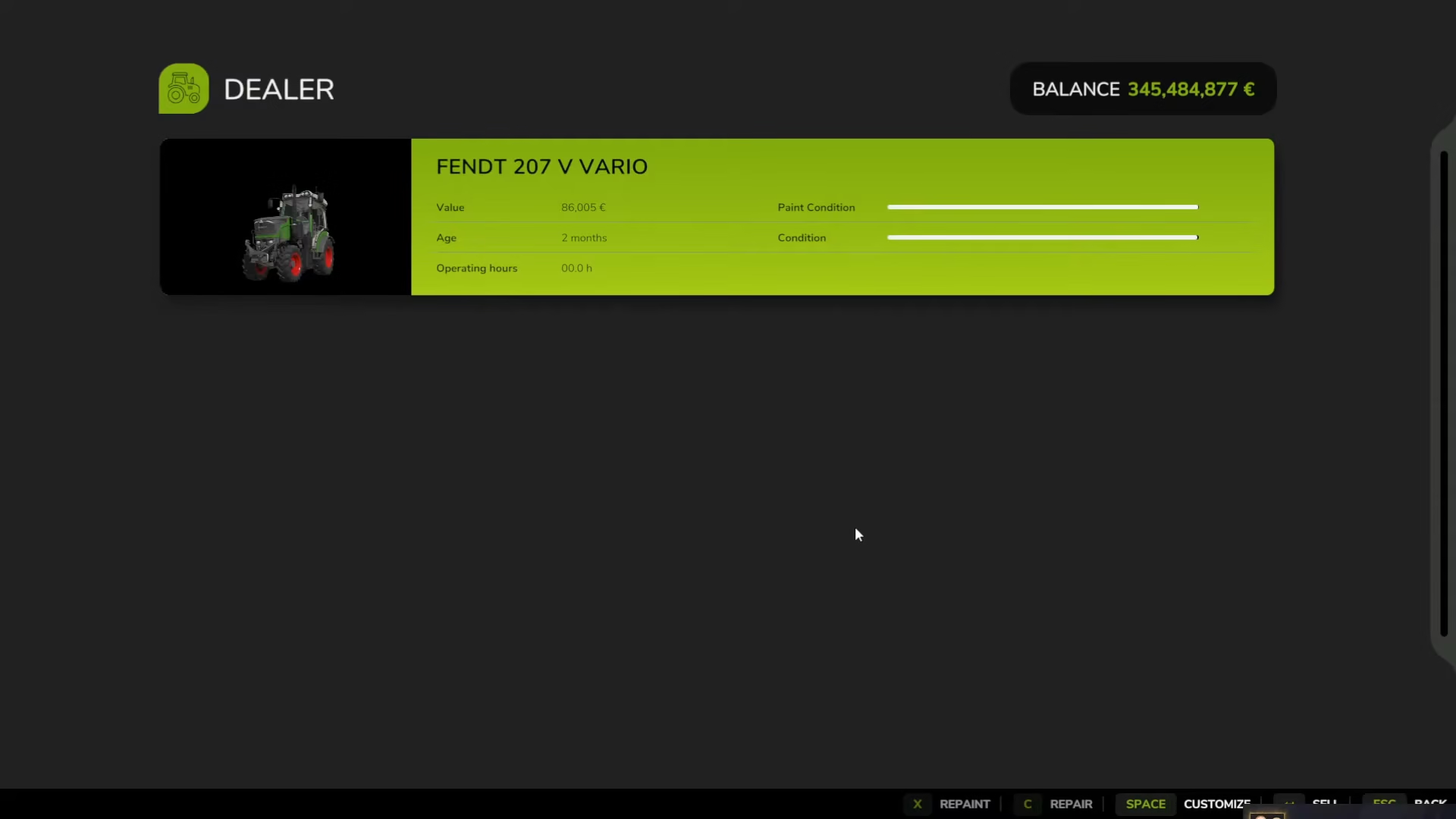
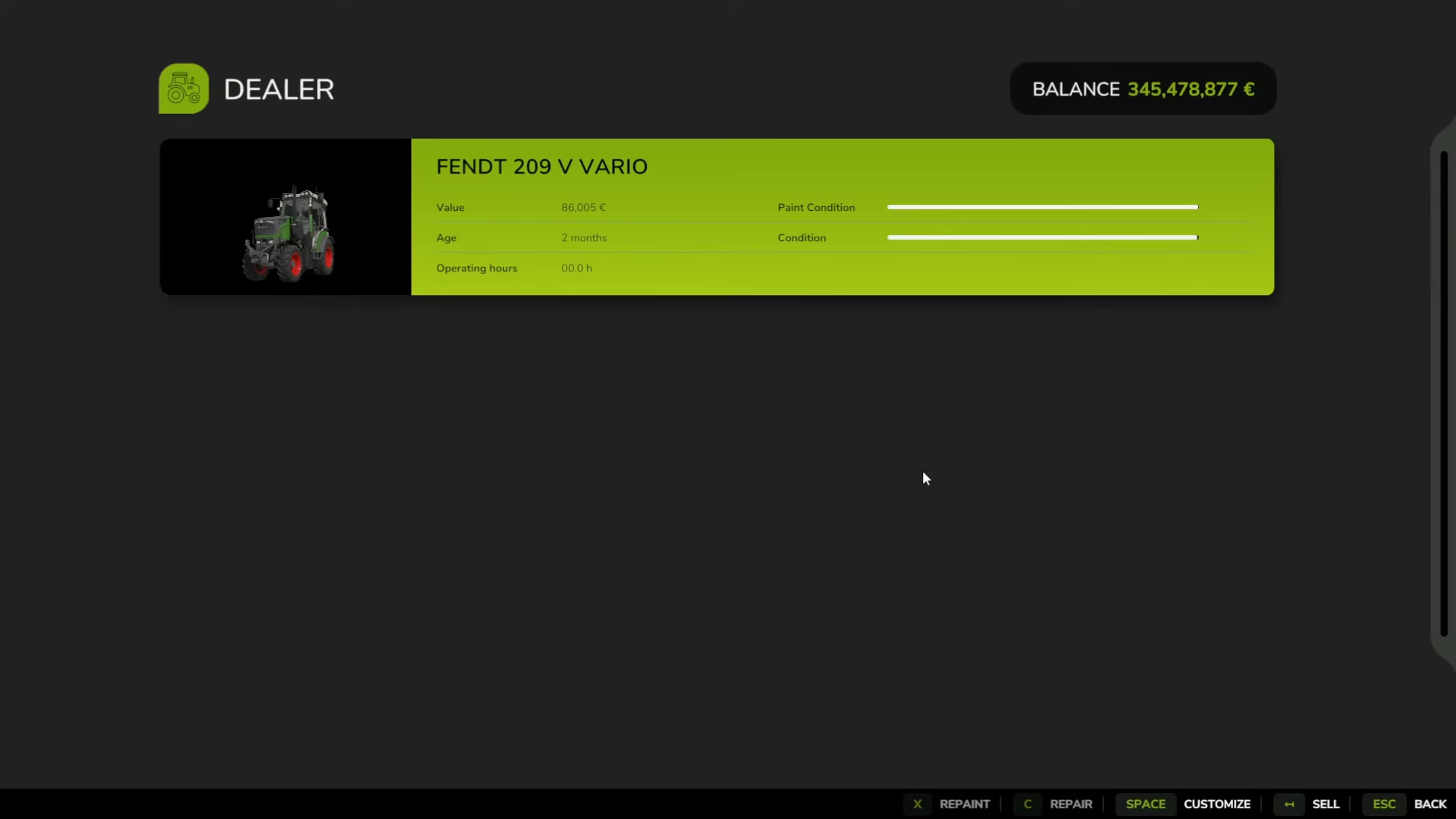
The menu will now display your vehicle along with important information including the paint condition and overall condition status. This is where you can manage all repair and customization options.
Repairing Your Vehicle
In the vehicle options menu, you’ll see the repair option displayed at the bottom of the screen. The cost for repairs will be shown—in this case, three euros. Select the repair option to restore your vehicle to its original condition.
Repainting Your Vehicle
Once your vehicle is repaired, you can proceed to repaint it. Press the X key to access the repaint function. This will apply a fresh paint job to your vehicle, giving it a clean, restored appearance.
Customizing Your Vehicle
Beyond basic repairs and repainting, Farming Simulator 25 allows you to fully customize your vehicles. Press the space bar to open the customization menu. This powerful feature lets you:
Change your vehicle’s paint color if you’ve chosen a different one previously
Modify the engine to upgrade performance
Increase brake horsepower for better towing capacity of larger machinery
Rotate and inspect your vehicle from all angles before confirming changes
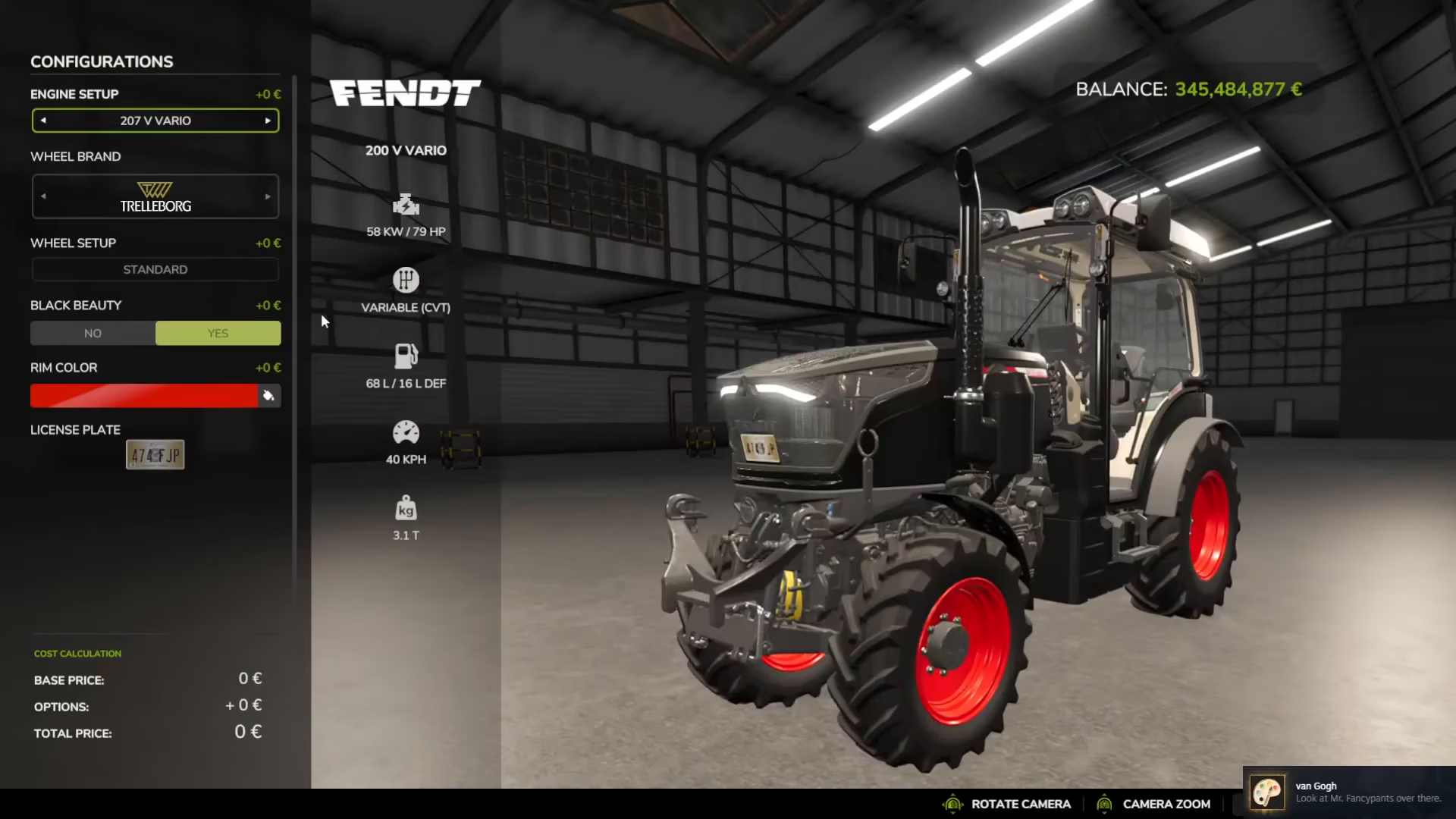
Once you’re satisfied with your customization choices, press Enter to confirm and apply all changes to your vehicle.
Summary
Repairing and repainting your vehicles in Farming Simulator 25 is a straightforward process. Simply visit any shop, position your vehicle over the yellow service icon, exit the vehicle, and press R to open the options menu. From there, you can repair for a small fee, repaint your vehicle, and customize everything from paint color to engine performance. With these tools at your disposal, you can keep your farming equipment looking great and running at peak performance throughout your gameplay.
Want to Support?
If you would like to help us continue making these guides – please consider joining our patreon here – https://www.patreon.com/c/JaviHeals
Alternatively – you can join our discord here – https://discord.gg/zD7Gjt6MHF