
How To Rename Buildings in Farming Simulator 25
How To Rename Buildings in Farming Simulator 25
Learn how to quickly and easily rename your buildings in Farming Simulator 25. This straightforward guide will walk you through the process step-by-step, from accessing Build Mode to renaming your silos, grain bins, and other structures.
Accessing Build Mode
The first step to renaming your buildings is entering Build Mode. The Build Mode keybind isn’t immediately obvious, so it’s worth checking your controls settings to find it.
Navigate to your menu and select Controls. Then look for the Construction Build Mode section. On PC, the default keybind is Left Shift + P. Once you’ve located your keybind, press it to enter Build Mode.

Renaming Your Buildings
Renaming Silos
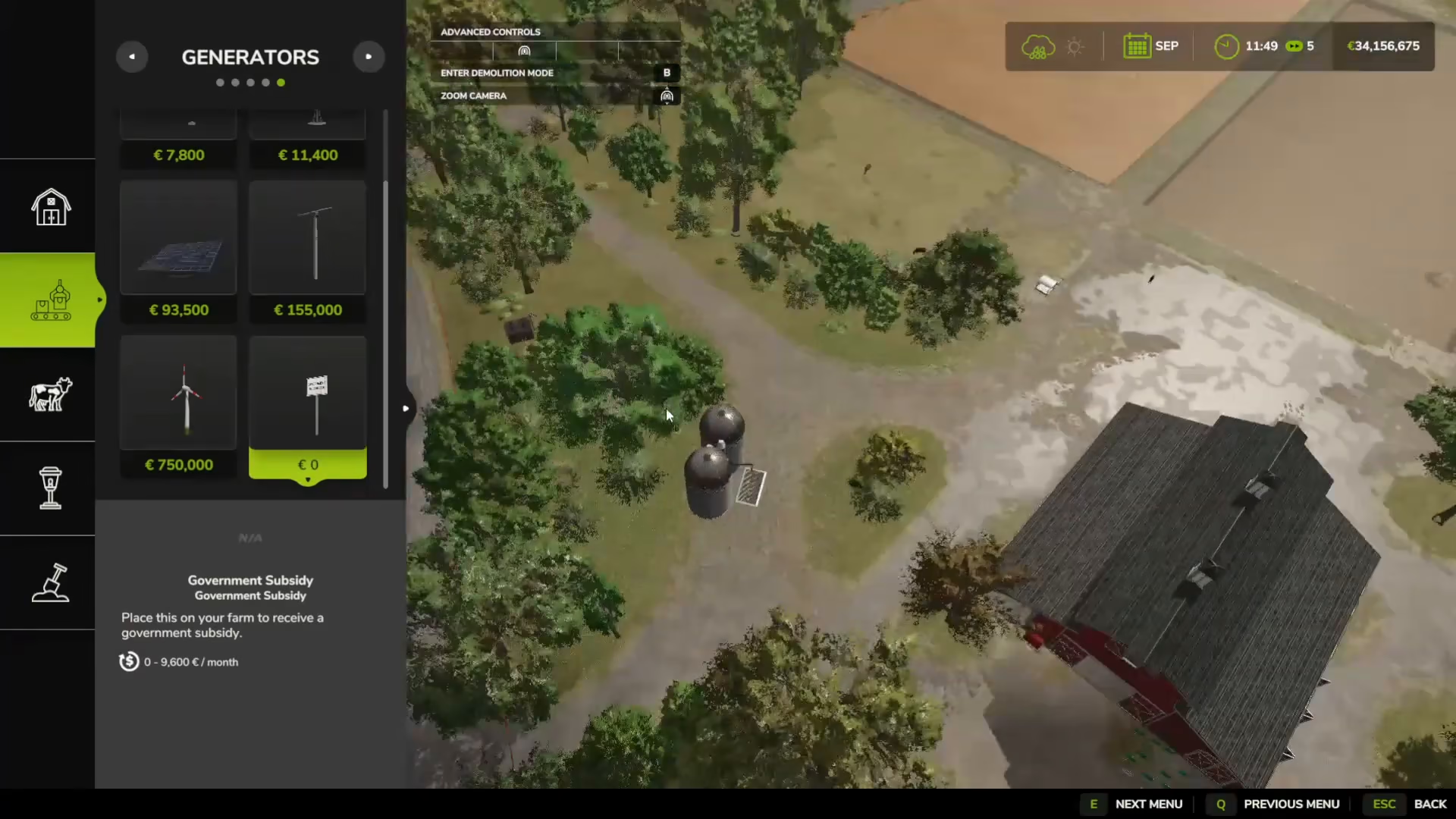
Once you’re in Build Mode, renaming buildings is incredibly simple. Click on the building you wish to rename—for example, your silos. A menu will appear with a Rename option. Select it and enter your desired name. You can customize it to anything you like, such as “Please Subscribe” or any other name that suits your farm.
Renaming Other Structures
The process is identical for other buildings like grain bins. Simply click on the structure while in Build Mode, select the Rename option, and enter your new name. That’s all there is to it.

Summary
Renaming buildings in Farming Simulator 25 is one of the simplest customization features in the game. Just enter Build Mode using your keybind (Left Shift + P by default on PC), click on any building, select Rename, and type your new name. This allows you to personalize your farm and keep track of your structures with custom names that make sense for your operation.
Want to Support?
If you would like to help us continue making these guides – please consider joining our patreon here – https://www.patreon.com/c/JaviHeals
Alternatively – you can join our discord here – https://discord.gg/zD7Gjt6MHF